
If you belong to businessmen or simply people who have a lot of payment cards, then be smart. You may have already heard of the Curve payment card.
Curve has already appeared in several Czech videos and with more than one influencer. That's how the influence got to me too, and that's why I decided to try Curve. So let's take a look together at how to set up Curve, how it is used and what it is actually used for.
You might be interested in
Cur.. cur.. Curve!
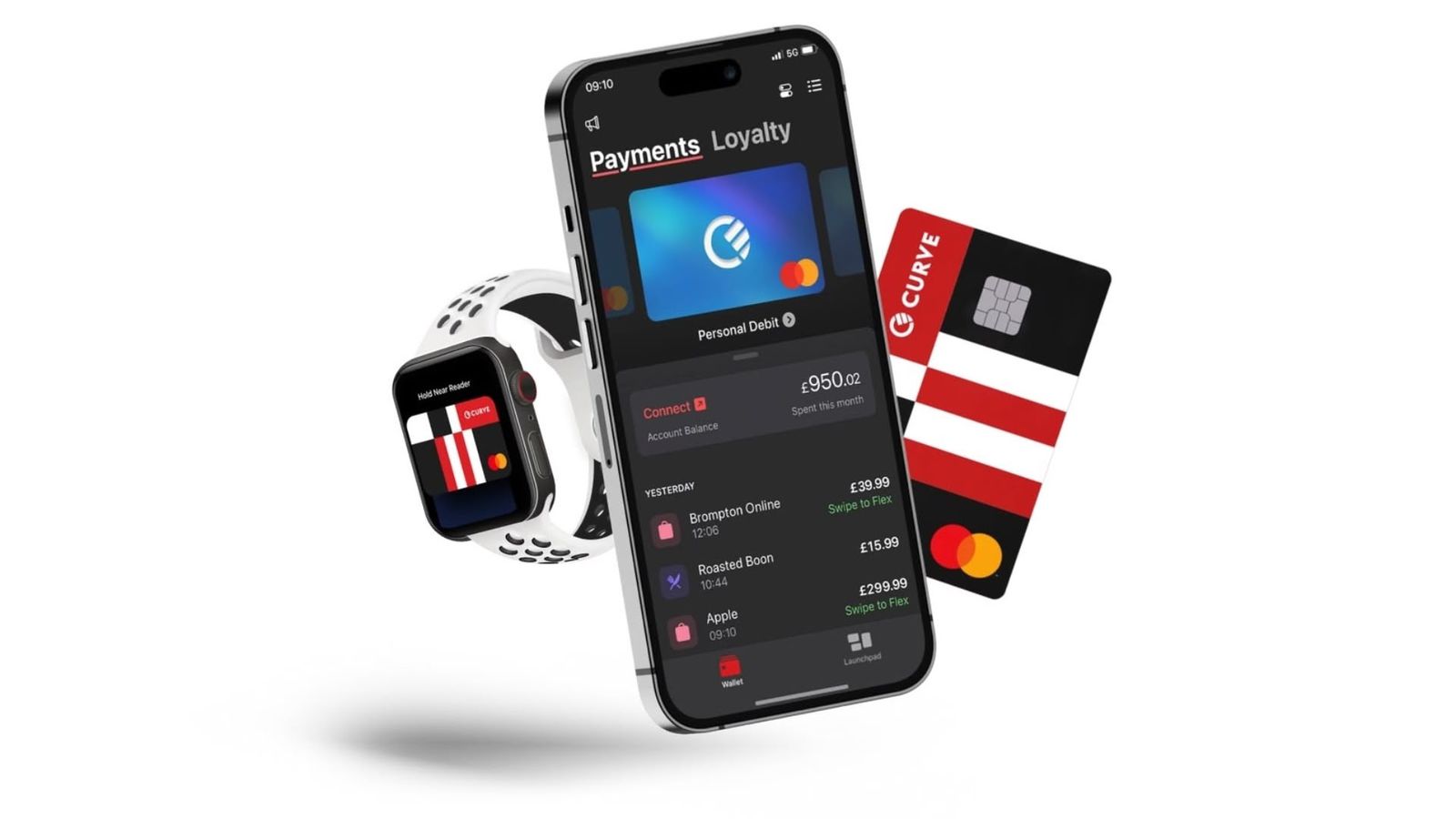
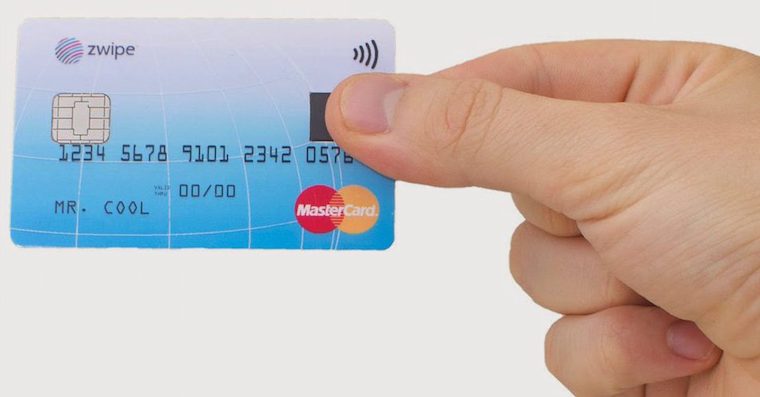
Corners Simply put, it's multiple payment cards in one. If you have one account with one bank and another with another, then logically you own two payment cards. Wouldn't it be easier if you only carried one payment card? Absolutely yes. ProCurve came up with an interesting idea, thanks to which you can upload all your cards to the application and use it to switch which card you want to pay with.
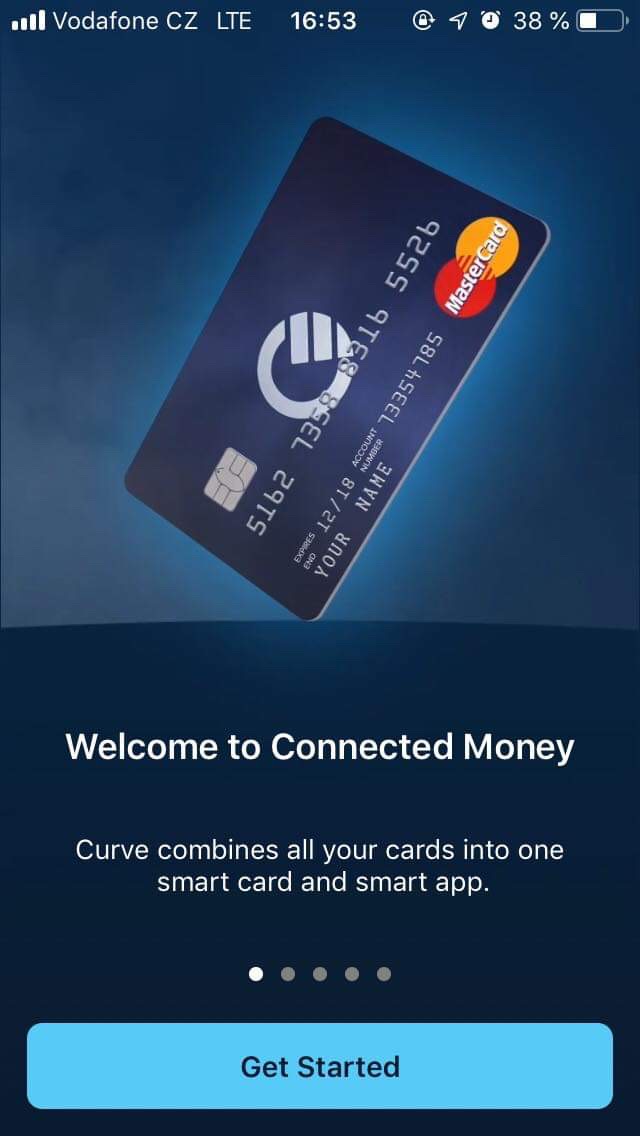
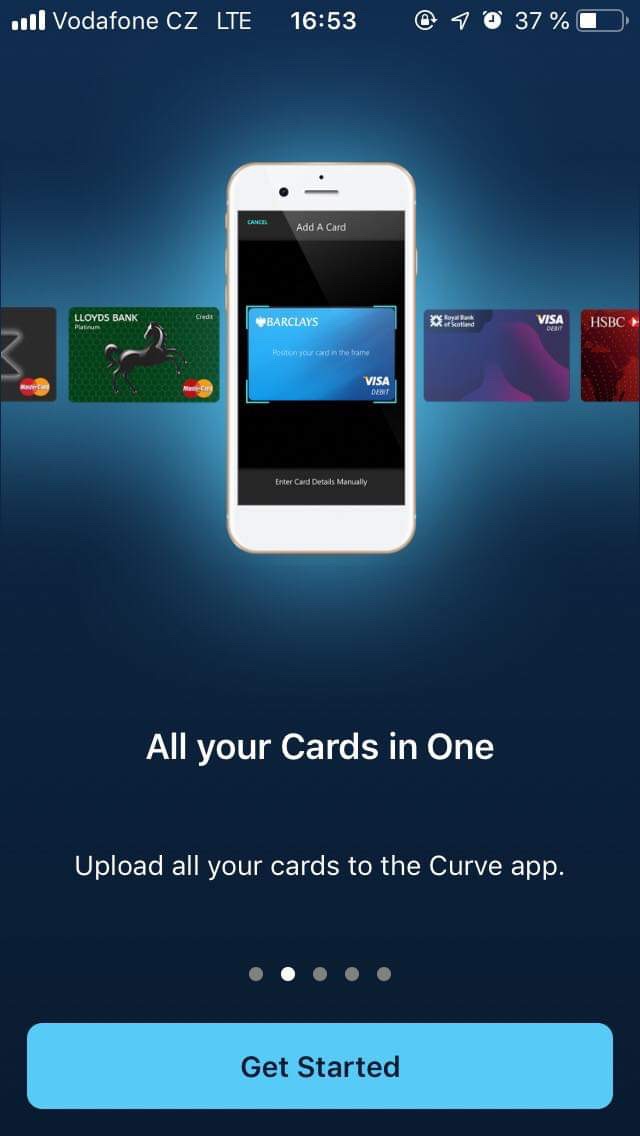
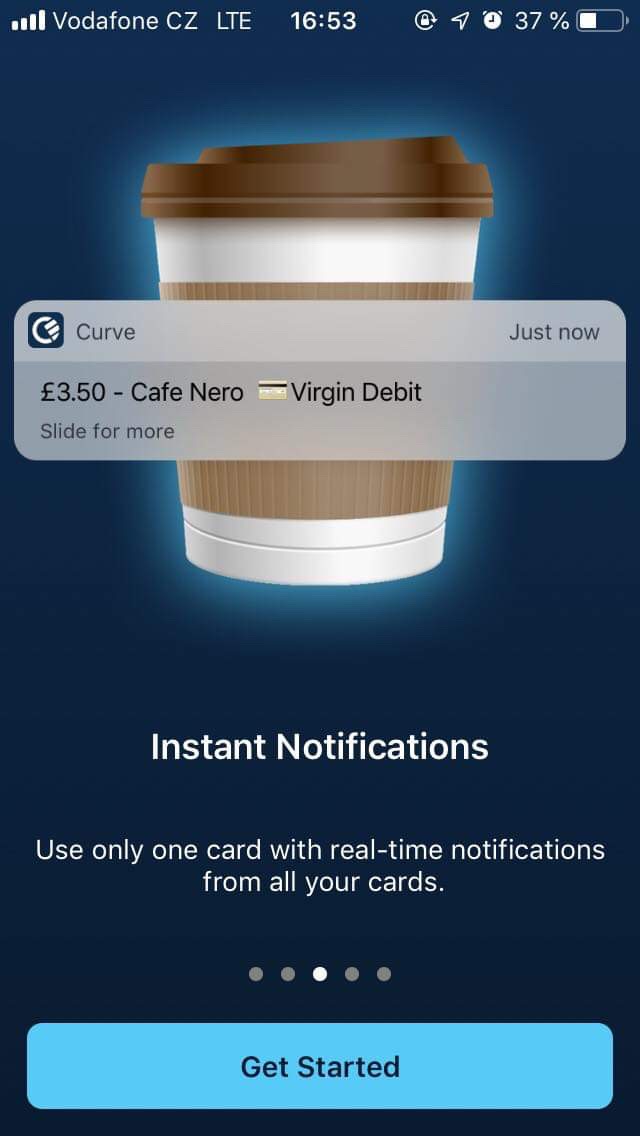
I've only been using Curve for a few days and I have to say it's really great. Personally, I only switch between two cards, but this method of payment is still very useful. If I want to pay with one card, I simply attach it, and if I want to pay with another card, I quickly switch to the application and attach it again.
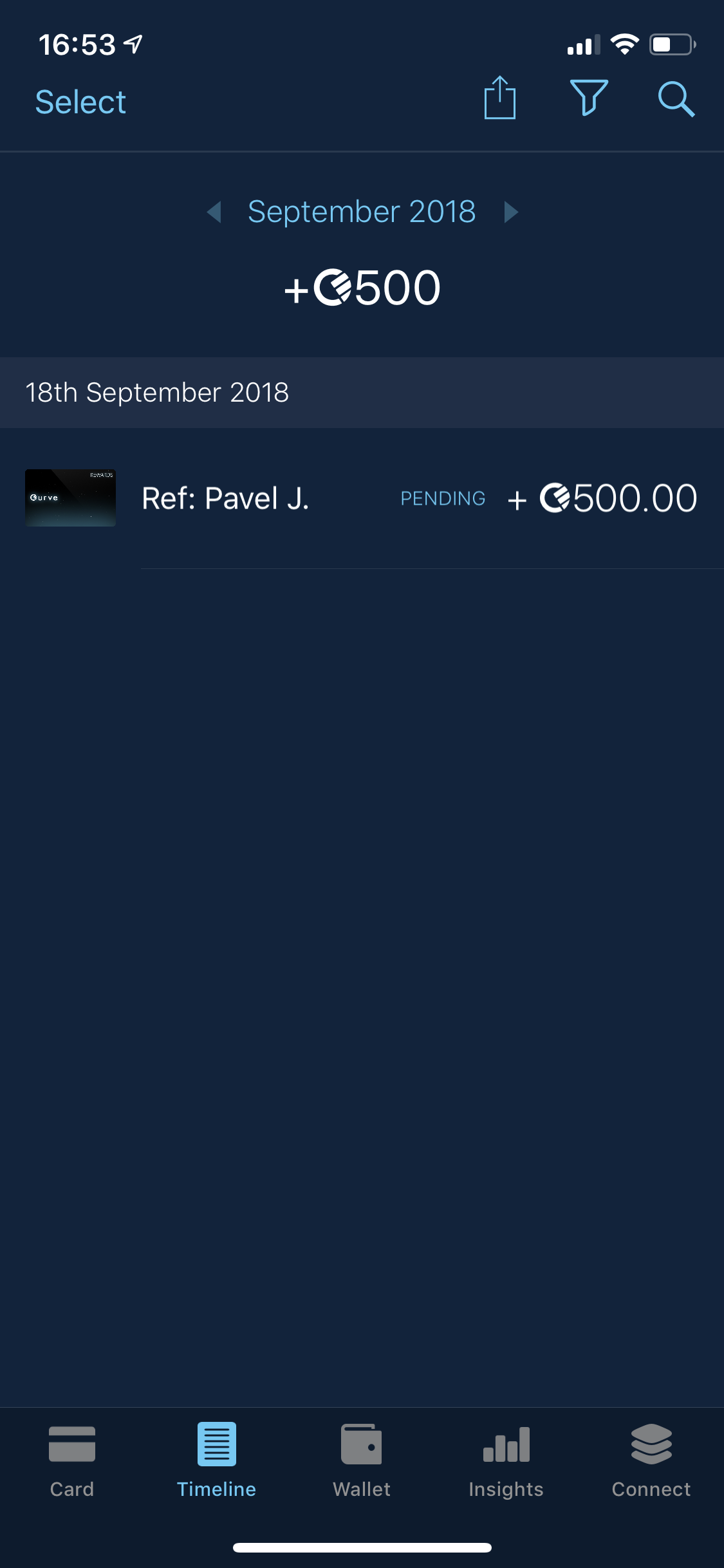
There are also various benefits and cashback available in the Curve app. If you are a new customer, set up a card and activate one of yours in the app, and you can use 1% cashback on all purchases in selected stores for 90 days. You can choose three of the many companies where you can use cashback - the list includes, for example, TESCO, Lidl, or AmazonIf you would like to choose up to six companies, you must again choose Curve Black.
Minimunicipal fees (updated)
The classic question of every Czech is: "What about the fees?" Very simple. If you are a regular mortal, you pay practically nothing. The 2% fee is only paid when you spend more than 500 pounds with conversion to another currency. So if you pay in the Czech Republic in the currency CZK and the card you are paying with has a currency set CZK, you pay no fee. If you exceed the £500 limit by converting to another currency, you will pay Curve a 500% fee for every additional £2 purchase.
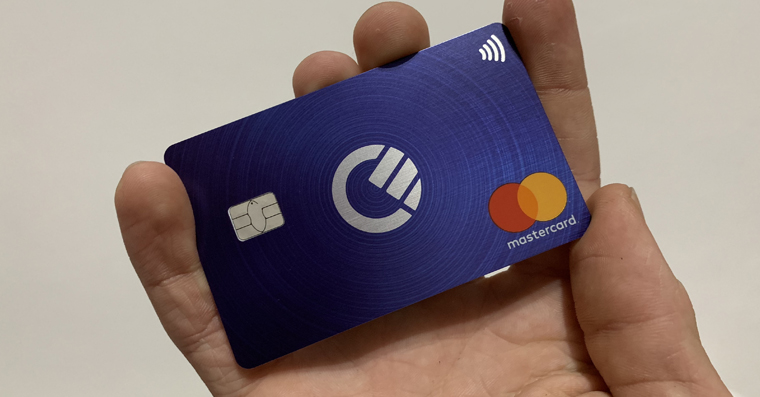
How to order Curve?
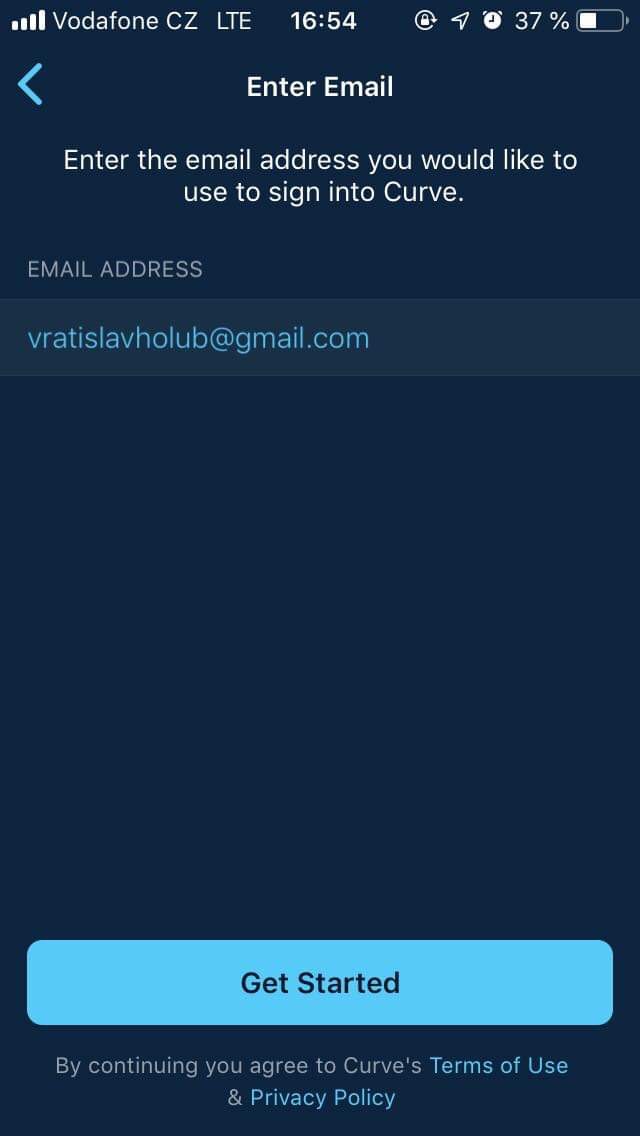
Thanks to the paragraphs above, you have already learned a little about Curve. If this payment card interests you, there is nothing left to do but to apply for it. Pro To complete the process, download the Curve app on your device – you can use this link – and install it. After the first launch, just click through the initial provisions and information. Then choose that you are interested in a Curve card, fill in your personal information (name, surname, address, etc.) until you get to the checkout of your payment card. After scanning, all you have to do is enter the three-digit code from the back of the card and confirm. This will take you to the application, where you can now request the creation of your Curve card. The Curve card should arrive within 14 days, I personally received it in 6 days. Once you unwrap your card, you will need to validate your classic payment card for a fee of £1. After successful validation, all you have to do is import Curve into the application by entering the last four digits. Then you will see the PIN and that's it, you can start using the Curve.
Gallery
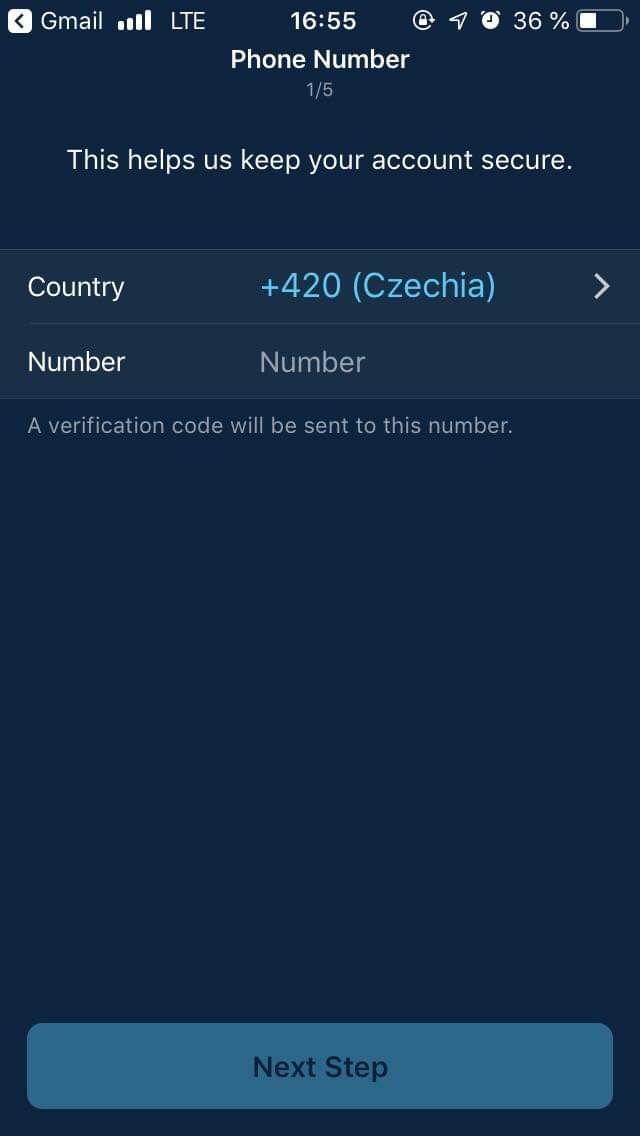
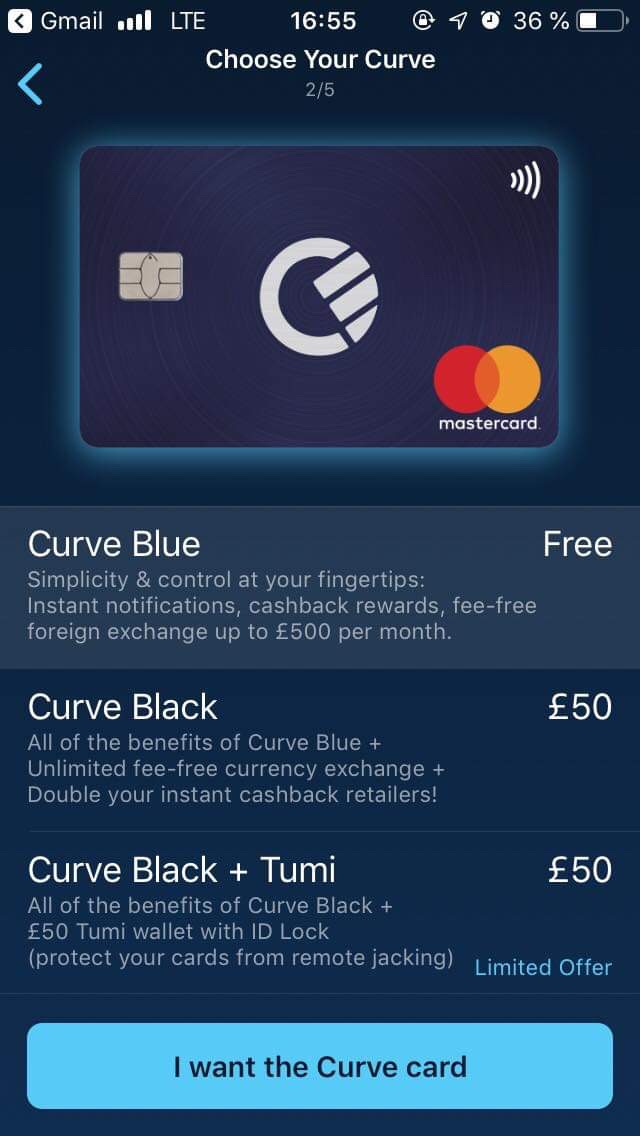
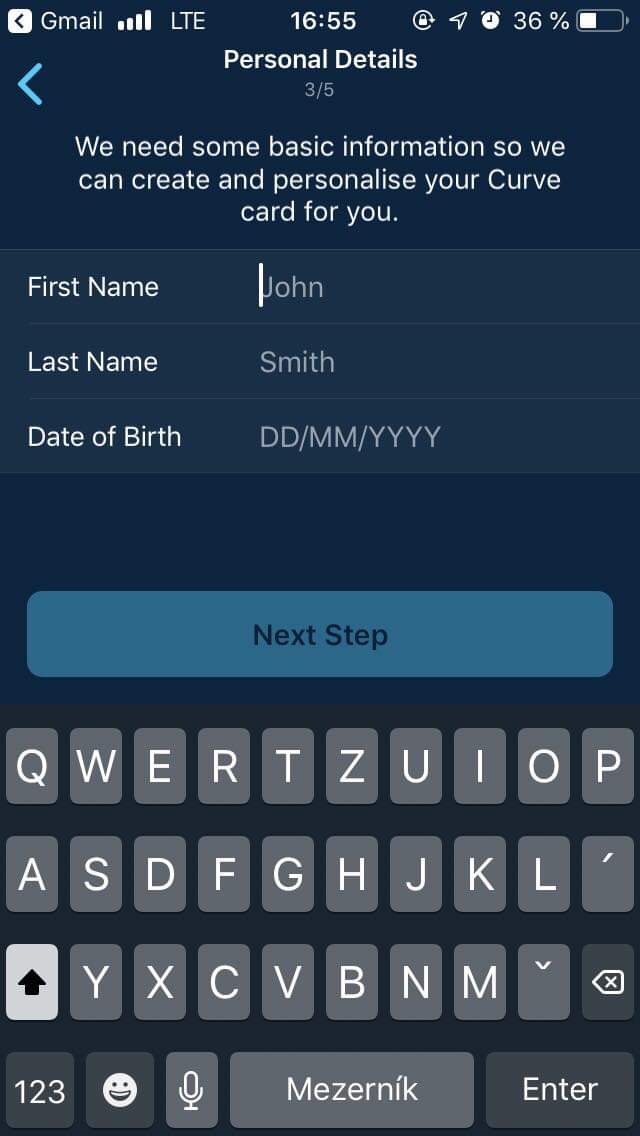
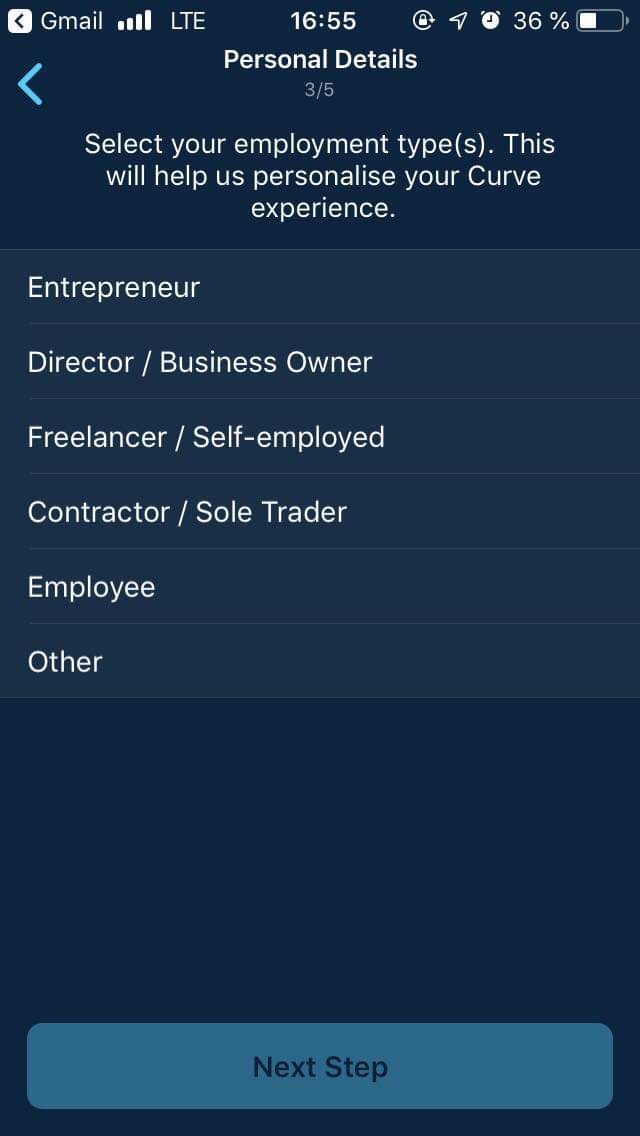
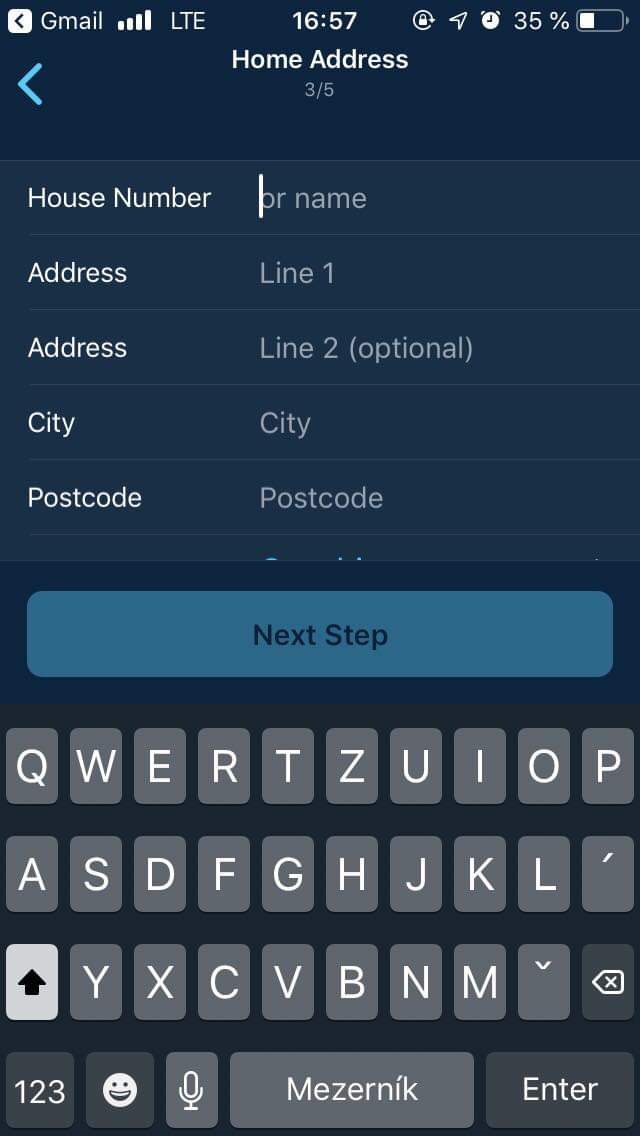
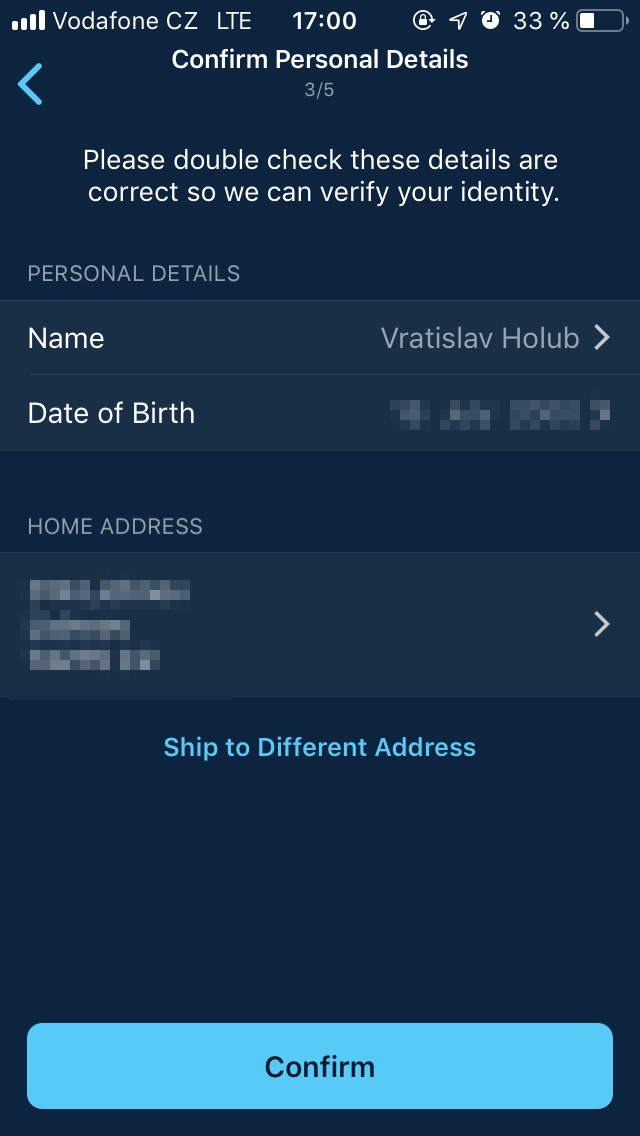
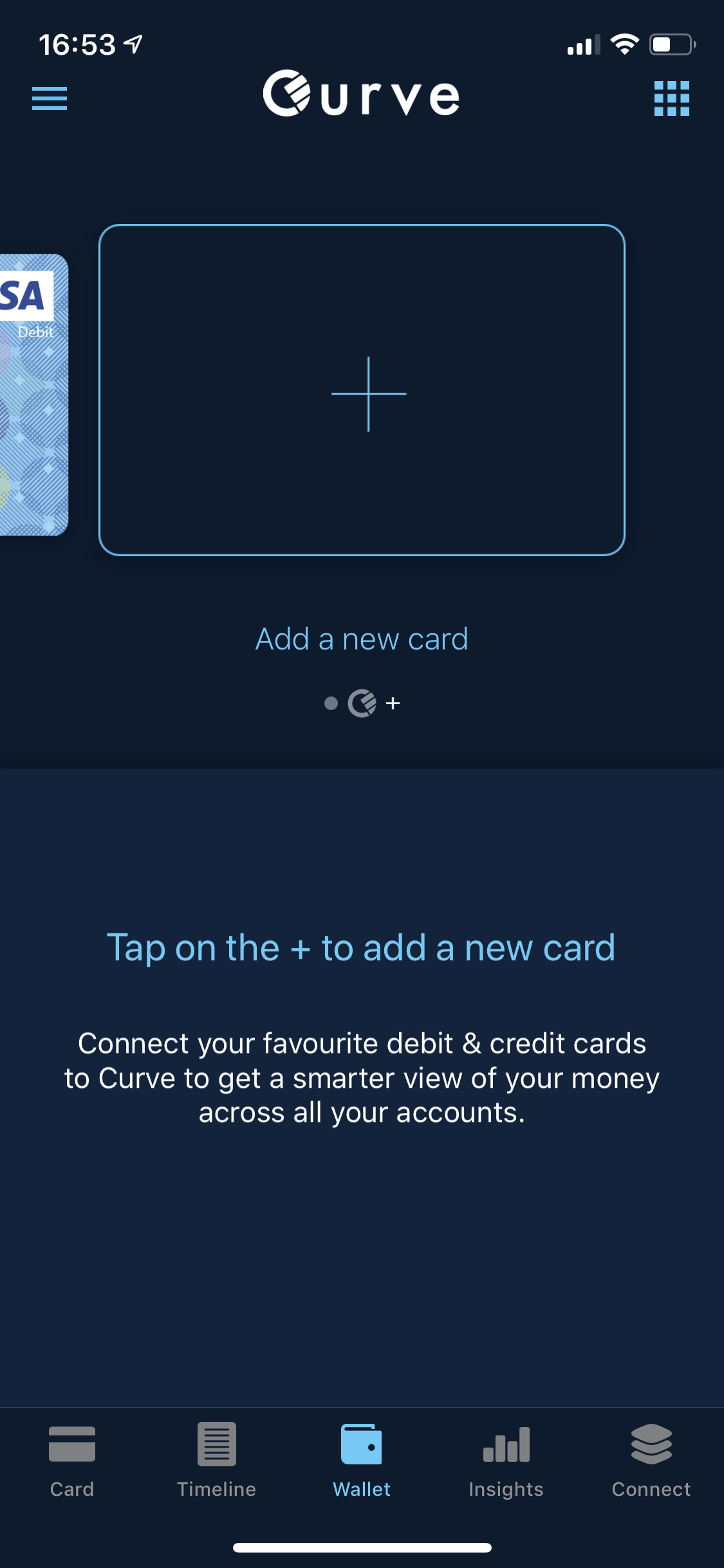
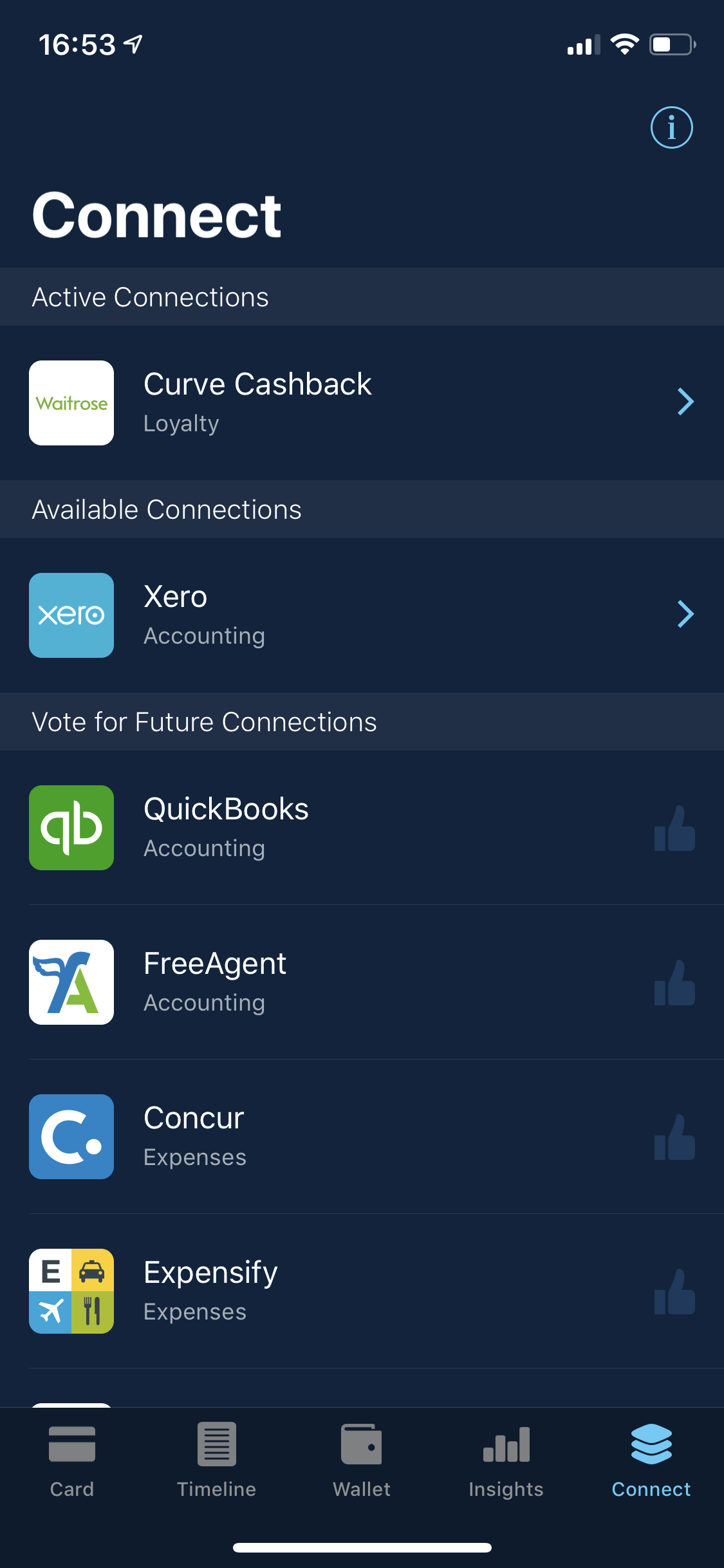
You can simply add another card to the application from the bookmark. Wallet by pressing the Add a new button card. The Curve app can also easily show you an overview of your income and expenses. Using the app, you can also set the limit of your Curve card and, as I mentioned above, benefits in the form of cashback, etc.
záver
If you own more cards than just one, then using the Curve will definitely pay off, and most importantly you will have a lighter and thinner wallet, which may not be a complete win, but at least your pants won't fall down (joke). Using Curve is very convenient and although it would definitely be better if we had it in the Czech Republic Apple Pay, then Curve is still a great alternative. You won't pay anything for a trial and I think you'll like Curve very quickly.


And cuuurva, quite interesting….
That makes sense to me
nice ad. did Petr Mara advise you?
This is not an advertisement.
I wouldn't mention it too much, his recommendations are pointless and sometimes even misleading, at least for a fintech product.
Hello, I greet you, Petr Mára, new video. That makes sense to me. Hello
Has anyone tried the REVOLUT card added in CURVE?
Yes, it works. The reverse process even works – I transferred about 11 gbp that I collected in 3 months (1% bonus Lidl, Tesco…) to Revolut, and there I transferred it to czk a czk sent to account 😂
Maybe the revolution will not change. czk, but usd?
Yes, I use it regularly and it's great. Just be careful, you have to set the Revolut card to the correct currency in Curve, so when you pay in the Czech Republic, have crowns there, when abroad, in EUR or USD, etc...
I use Revolut for half a year and curve for about 4 months and I have it uploaded there and I only pay for curve and no problem! I already have about 9 bp for cashback from Lidl ;) it's a great thing
And with Revolut I only use the split function. bill with friends and when I go somewhere I pay in local currency
Well, I'll wait apple pay, there you can also choose which card to pay from :-)
Apple but there is no time machine and reward stuff :), besides, you don't have a card that you can insert into an ATM, when today it is also possible contactless. In addition, you can withdraw from your credit card free of charge here. You can do it Apple ? NO and it won't.
Are you confusing a credit card with a debit card? ProThe thing is that paying with a "credit card" is subject to a fee on the bank's side, which is hard to do anything about. Even if it was free at the bank, there will always be an interest-free period when withdrawing money, and that immediately, unlike when you pay with a "credit card" in a store or on the Internet.
I've had it for about 2 months.
ProProblem paying at Lidl and Albert. Unable to pay, the saleswoman reports it as not covered. Tried several times.
In fast food places like BurgerKing, KFC, etc. - it works.
Small business owners - it works.
It works everywhere for me. Just be careful, some terminals on Shell are hard-wired to convert (unfavorably, of course) to GBP, it happened to me about 2 times, I wrote on Shell, the faxes answer. And it's always good to check the terminal if it doesn't want to convert to pounds.
In Lidl? I've paid with Curve there a few times and never had a problem. Didn't you have a card with no balance set up there (or a card where everything is on the stove and nothing on the checking account)?
I've been paying at Lidl and Albert for half a year without any problems. You sometimes have to switch back to crowns because sometimes it looks for which currency to choose and it's an issue especially for transactions under 500. Lidl even gave me cashback
I've had it for 1,5 years and I've never had a problem in Lidl or Albert. You are probably doing something wrong, an exposed base card, etc...
Well, they're all debits, and there aren't exactly a few, so the cashier always says "uncovered amount" :D. Mostly I pulled out THE card it's linked to in Curve and paid with it without a problem. So that's a problem on the Curve side.
I would add that they do not accept Raiffeisenbank cards!
Wenca knows them, but the rifle blocks them, so you have to shout a lot.
Raiffeisen card pleaseonec managed to add.
Raifka blocks it, you have to threaten them to leave.
That's exactly what I did and stopped using it for a while and it got stuck
Somehow I can't find how to transfer the cashback to another card.
That's not possible, you just have to spend it
The Curve card has an advantage even if you lose your wallet (cards). You only replace one (curve) and you still have the originals available.
It reports that it does not work in Slovakia.
Coinbase and CZC do not go through masterpass. Otherwise I had no problem with anything.
and what is this good for, but how good is it? I usually pay for electricity with several different cards and it doesn't seem like such a problem to me, to pull out the appropriate card from my wallet, instead of switching to the active card on my mobile phone. I don't see the only real positive in this.
For example, if you lose – you lose your wallet and you don't lose all your cards, but only the Curve. So you don't have to deal with all the cards again and at the same time he can continue to use them, you just have to wait for a new one from Curve.
Super appOkay, I don't know about any fees on weekends.. It's only paid when transferring money, but that's a classic for everyone..
I don't know about any limit, that limit can be withdrawn from an ATM, the fees on the weekend are only when transferring different currencies and I have 6 cards, so I don't have a back limit of 5 cards anywhere... it seems to me that the author sucks a lot, that better play the video by Peter Mary :)
I was also surprised by the information about the weekend fees.
Unfortunately, Revolut also has this, but if a person knows what he will buy or travel, he will exchange in advance.
There are inaccuracies in your article:
The 2% fee for monthly spending over £500.00 only applies to payments with conversion to another currency. That is, if I have an active card in the Curve application in the currency CZK and I will pay in the Czech Republic in the currency CZK, such a payment does not count towards the limit. It is therefore not a monthly spend but a sum of monthly payments with a conversion over £500.00.
I would also like to point out that I currently have 8 cards active on my blue Curve card. About no fee for more than 5 cards, or I don't know the limit of their number to 5 within the blue (free) Curve card.
Thank you all for the heads up, I have updated the article. Unfortunately, I don't have that many cards available. Somehow I thought there was a 5 card limit and you had to use Curve for more. I've also updated the fees, they're really only there if you go over the £500 currency conversion limit.
So is it true that it doesn't work on SK?
If it works, are TatraBank cards supported?
There is also support for Diners cards or Discover?
Can you pay contactless with the Curve card?
What do they withdraw from an ATM?
I tried to install it - no problem, but after starting it says that it is not supported... I tried it again for at least a year, and a few minutes of sleep, and still the same...
it won't be better to wait for apple pay?
I ordered the Kurve card last year and the stupid card still hasn't arrived. It will be 3 months already.
My Curve arrived SK today.
If you use the code 7D5RRY3E when registering Curve, you will receive €5 credit from Curve for free.
Curve already can apple pay!
I've been using Curve for some time now and it's great! You only need to have 1 card in your wallet. With the arrival apple pay became redundant, because all the banks I already have apple pay I can do it, so I have everything on my phone and I don't even have to carry a curve anymore. card, however, there are still banks in the Czech Republic that apple pay (or google pay, which curve can also do) do not support! This way (via curve card) it can be avoided. So I'll warm up some soup and give you a code for £5 entry credit, just buy the card using the promo code:
DUKJM
If it bothers me to share the code here, please delete the post.