
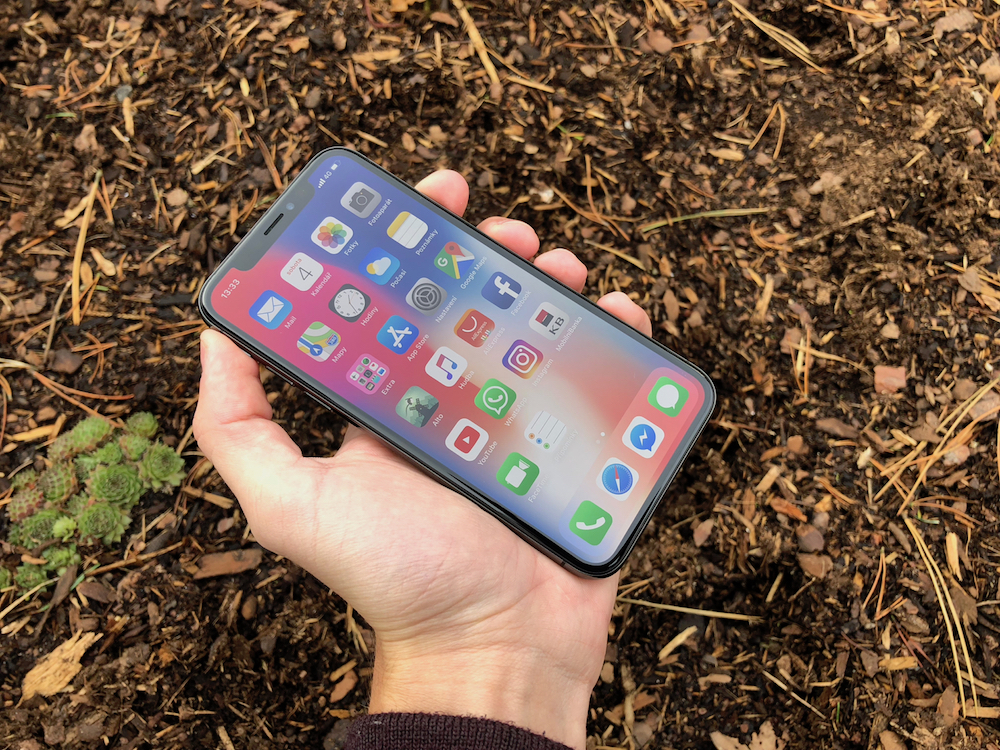
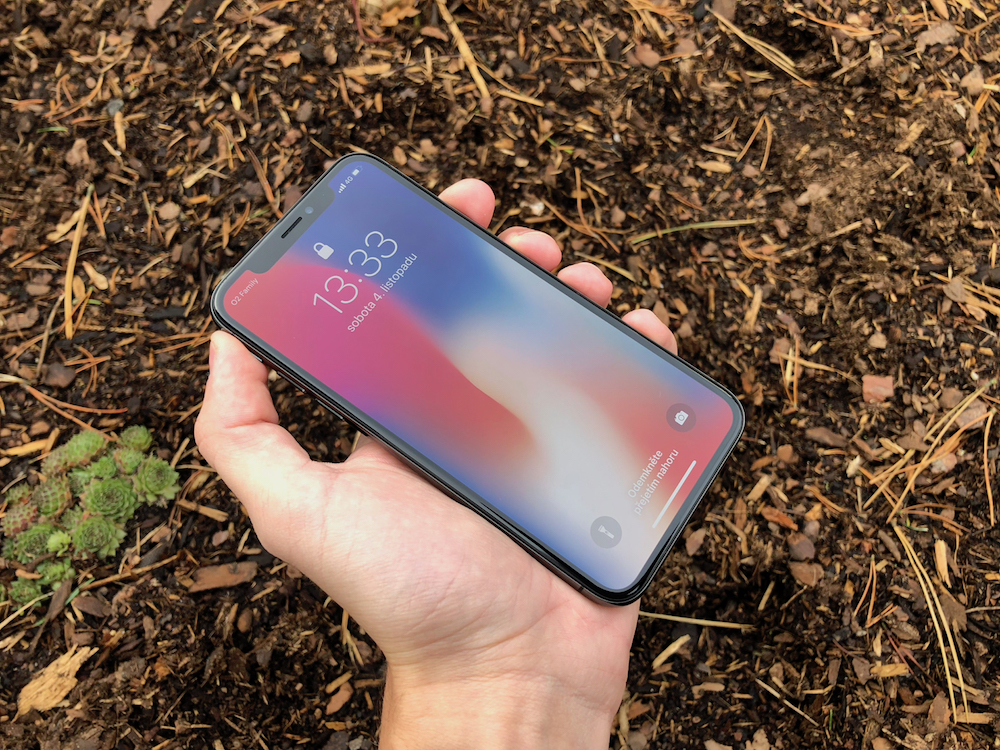
One of the best features of the OLED displays of the iPhone X, XS, and XS Max Max is definitely their black rendering. Compared to classic LCD displays, it is absolutely perfect and very pleasant for the eyes. Developers are of course very well aware of these things and many of their applications are starting to change to dark colors. We have therefore prepared 15 tips for applications in which you can fully enjoy Dark Mode, even if iPhoneYou don't have an OLED display. The quality of the dark display will be only slightly worse in this case.
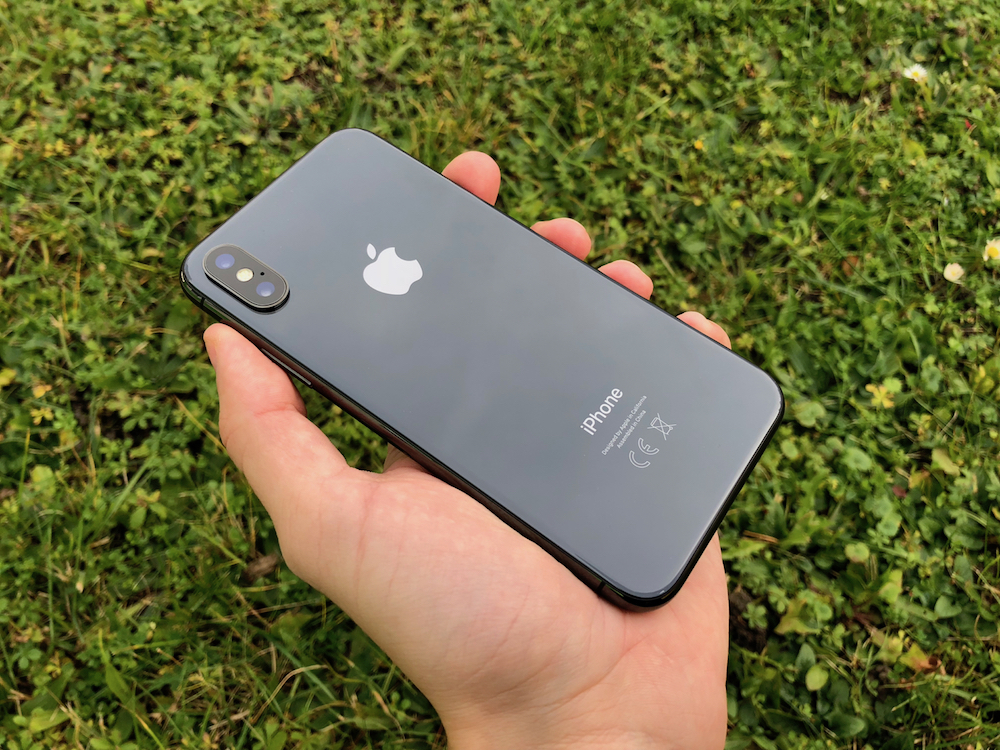
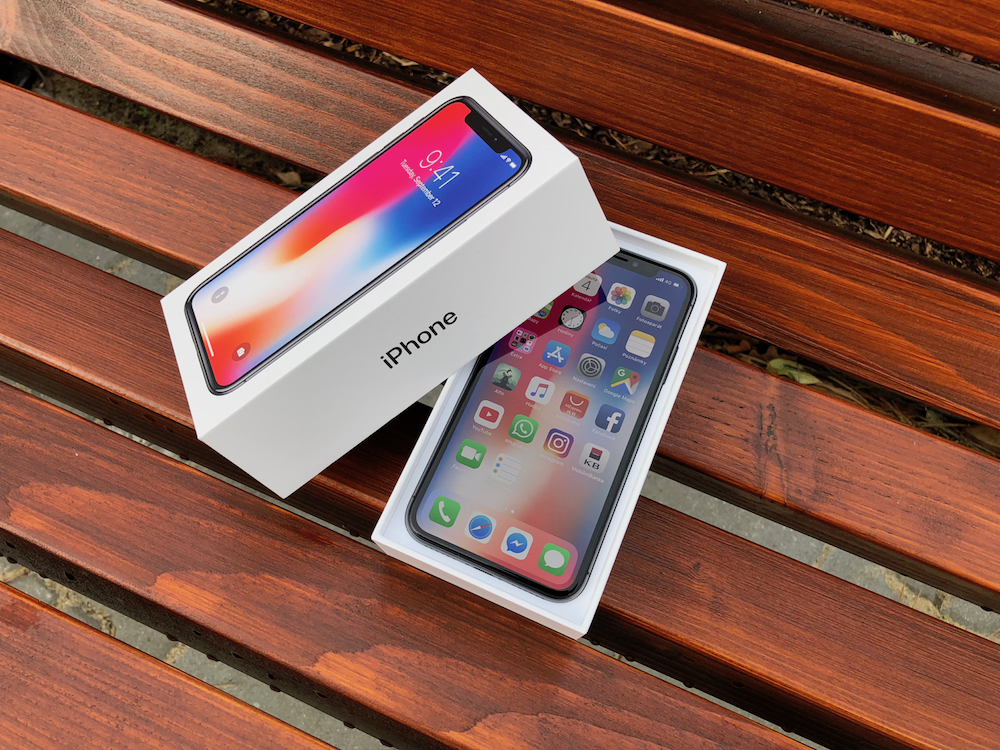
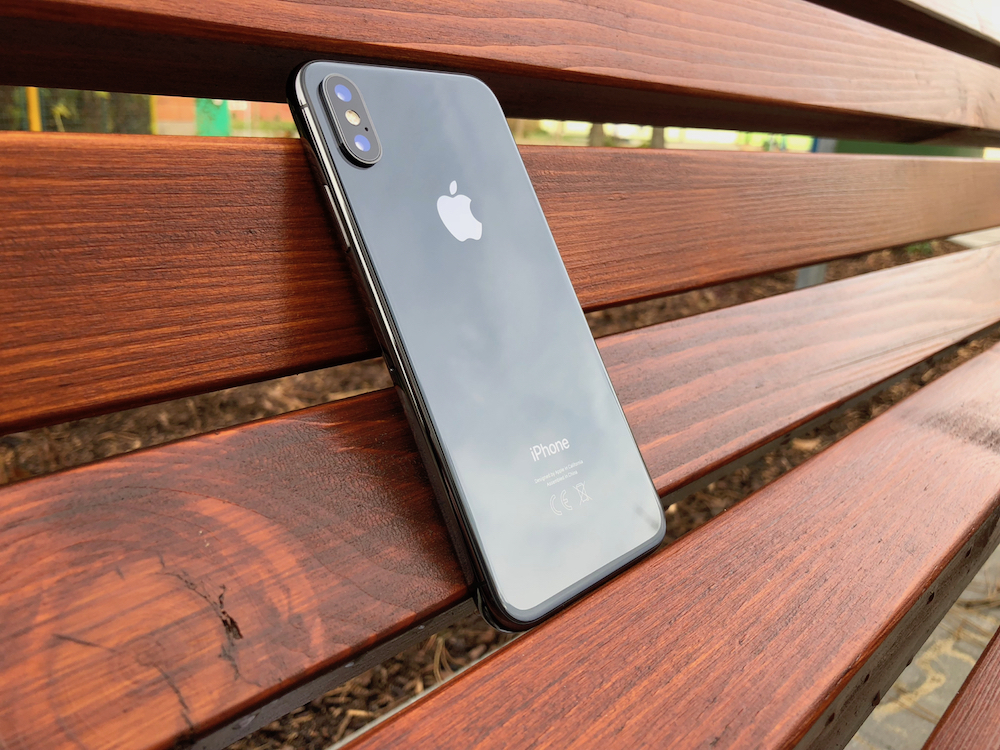
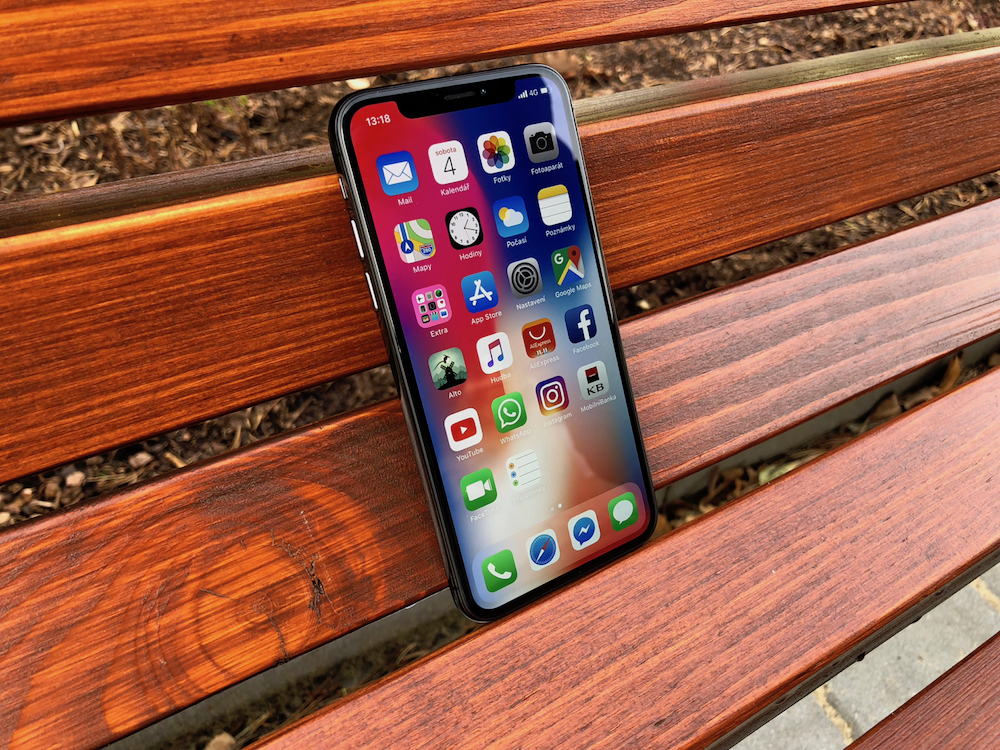
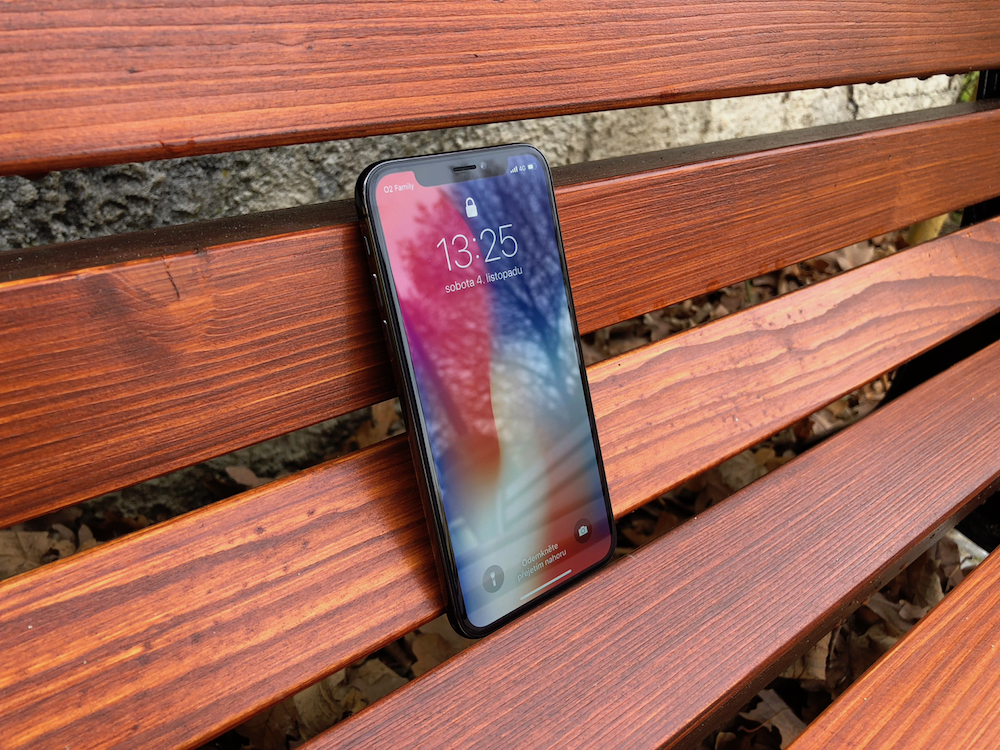
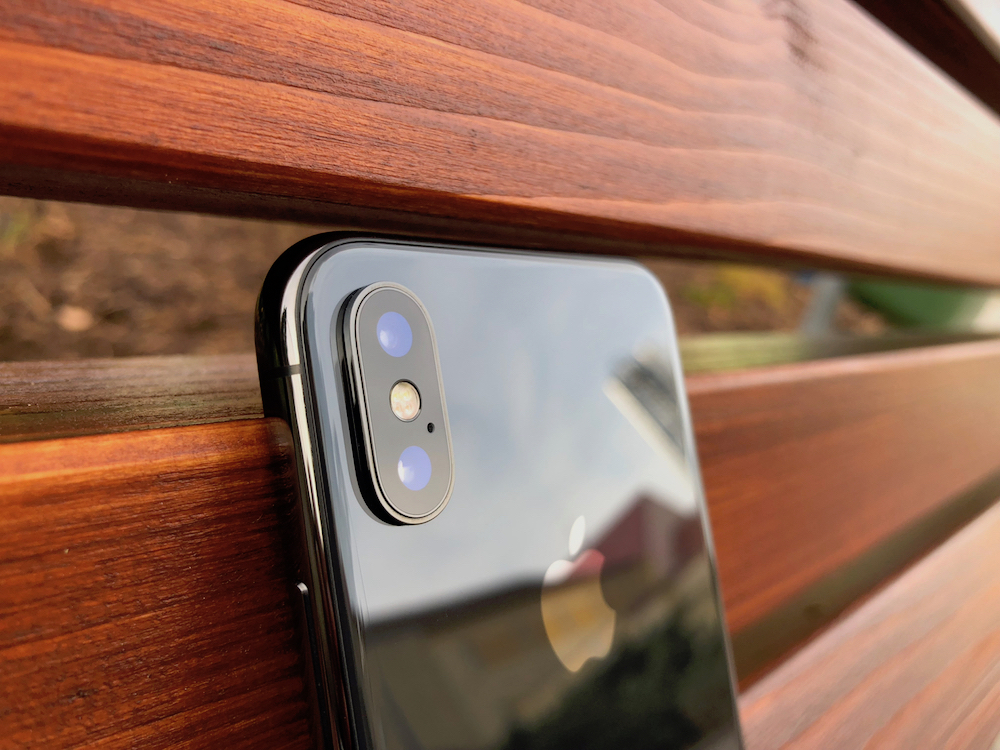
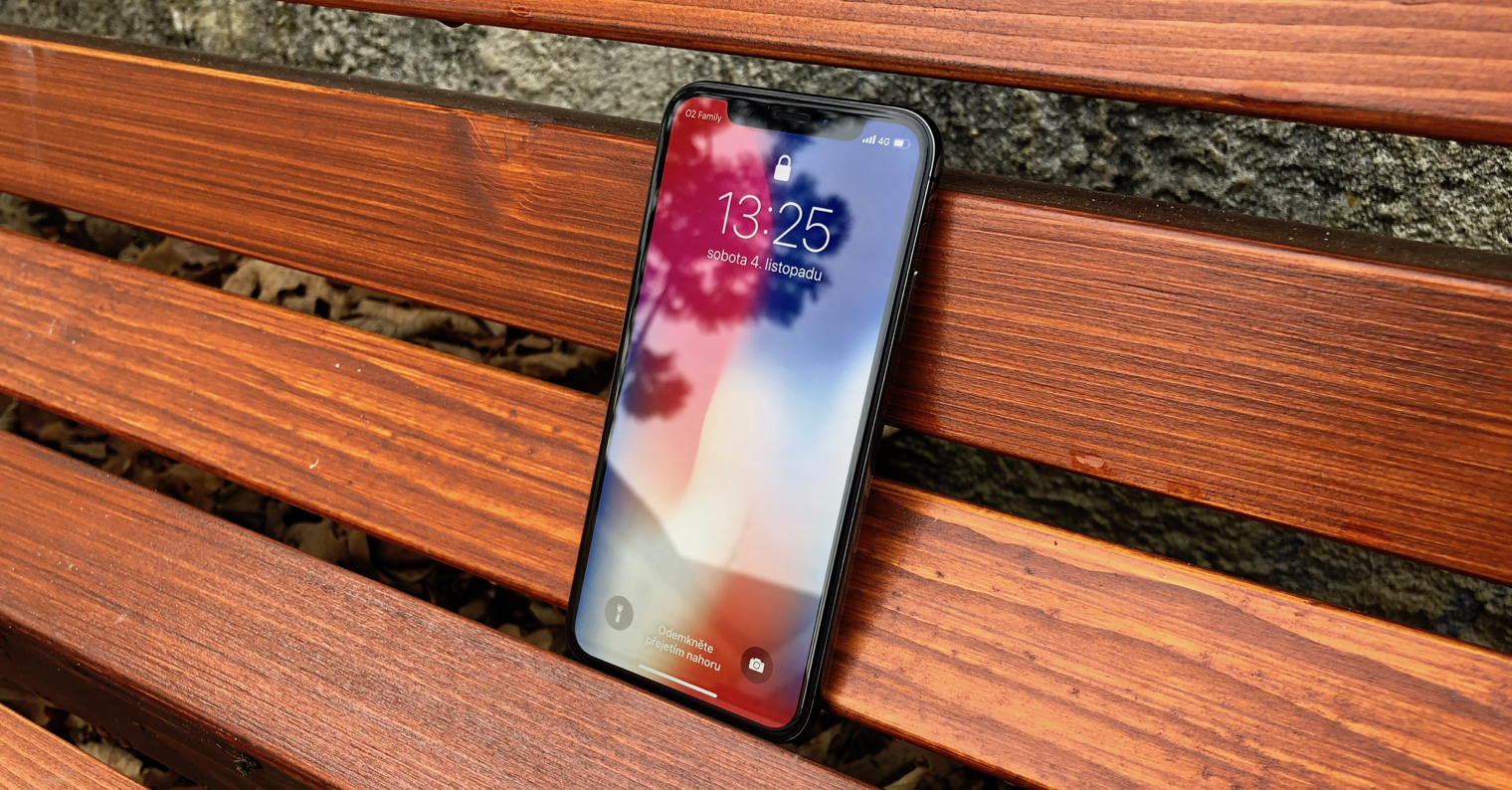
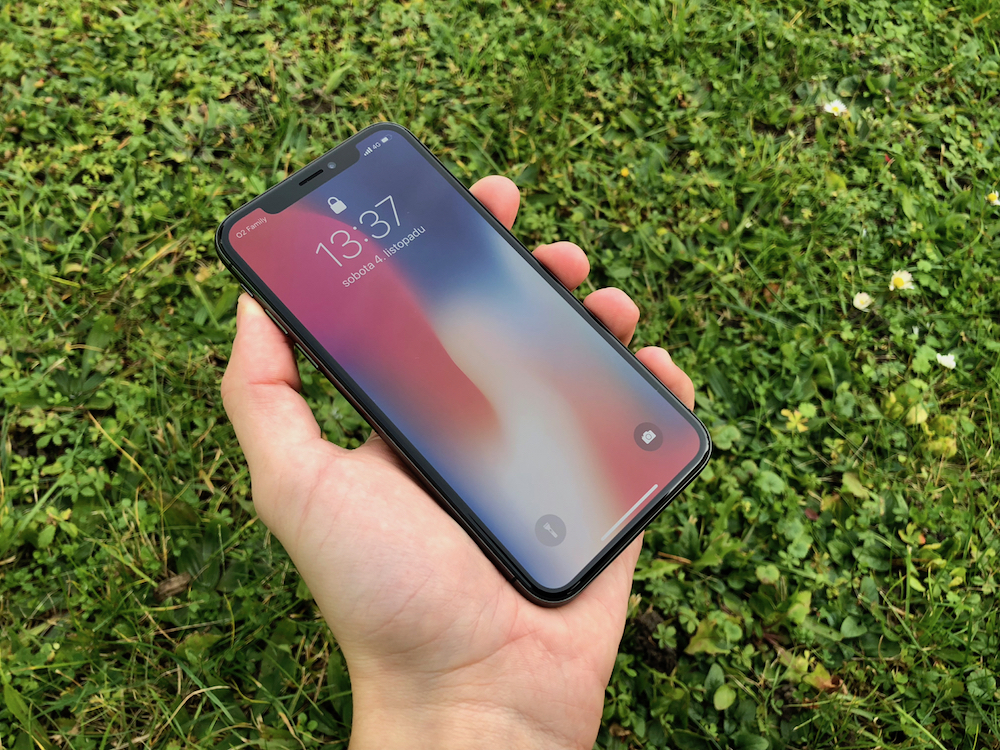
Last year's model boasted an OLED display for the first time. iPhone X:
Gallery
The Reeder 3 app is the right one for your daily dose of news and updates. It supports a number of services, such as Newsblur, Instapaper or Feedly, and offers five different display themes, among which you can of course also find a dark mode. You can share messages from Reeder 3 in news, social networks and other channels.
[appbox appstore id697846300]
Bear is a flexible tool for taking all kinds of notes. It offers a variety of text creation and editing tools and is suitable for bloggers, writers, students, and creatives. It also supports sketching and drawing. Bear offers a dark mode display for maxMaximum comfort when working in poor lighting conditions.
[appbox appstore id1016366447]
Instapaper is a simple, fast, and convenient way to save all sorts of articles for later reading. Instapaper offers text optimized for uninterrupted reading, along with someonewith powerful management and organization options. Dark mode is a given here too.
[appbox appstore id288545208]
The Drafts application becomes your notepad, text editor, in short, everything you can think of. It allows you to write immediately and conveniently, you can label your entries as you wish and sort them clearly.
[appbox appstore id1236254471]
Calzy 3 is a really nice calculator for everyday use. It helps you with all the necessary calculations and allows you to store multiple numerical values for later use in other operations and has a unique bookmark function.
[appbox appstore id623690732]
Speedtest by Ookla is a fast, easy and reliable internet connection speed test. It provides all results immediately and clearly, even in gentle and great-looking dark mode.
[appbox appstore id300704847 ]
Who does not know Wikipedia - an online encyclopedia that knows almost everything. The Wikipedia app offers all the benefits of a web encyclopedia, customized for your iPhone, including a dark display mode.
[appbox appstore id324715238]
Overcast is an excellent application for all podcast lovers. It offers a wide range of functions and a constantly renewed offer of interesting content. The application offers the ability to download episodes via mobile data, the option to set a timer or perhaps improve the sound - and, of course, a dark mode.
[appbox appstore id888422857]
ProDo you like reading discussion threads on Reddit? And do you read them in the evenings or at night? Then you should definitely try appApollo for Reddit – a fully customizable tool for browsing Reddit. Dark mode is a natural part of the application.
[appbox appstore id979274575]
The Feedly application gives you a perfect overview of all the news you want to receive in a simple, unobtrusive interface - from blogs to news to YouTube and other sources. For night owls, Feedly offers a gentle dark mode.
[appbox appstore id396069556]
Anybuffer will become a place for you where you can clearly and securely store practically anything – web links, images, documents, text messages or even emails. Anybuffer offers synchronization with iCloudem and of course also dark mode.
[appbox appstore id1330815414]
Fiery Feeds is a smart RSS reader for iOS, which offers several content display modes, synchronization with other sources and readers, and rich sorting and organization options. A nice bonus is the extension for Safari and dark mode.
[appbox appstore id1158763303]
The name of the application says it all: Grocery is simply a smart shopping list, able to compare items according to the order in which you buy them. It allows sharing with other users, quick typing and many other features including dark mode.
[appbox appstore id1195676848]
Almost all of us have YouTube installed on our iPhone, so the news that it supports dark mode will definitely not surprise you. However, if there are individuals among you who have not discovered this perfect thing in the setting, be sure to test it. YouTube looks perfect in dark colors and viewing it at night is one big fairy tale.
[appbox appstore id544007664 ]
Twitter also got a dark mode a few months ago. Although it took me a while to get used to the significant background change, I wouldn't go back to white now. I usually browse this social network relatively early in the morning or late in the evening, when it's already dark. Pro eyes is so dark version of real balm.
[appbox appstore id333903271 ]
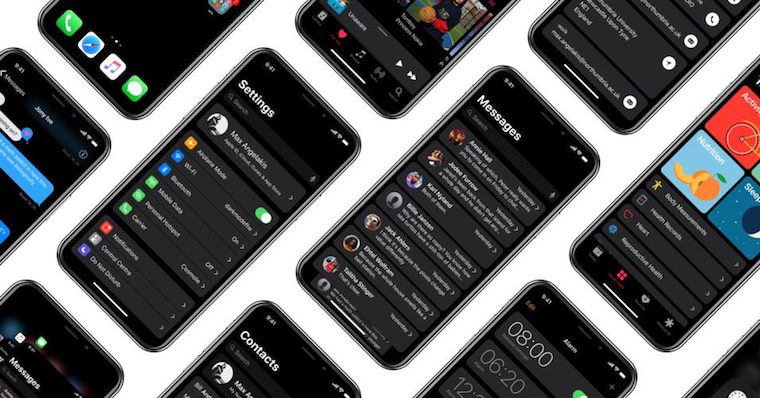


Dark mode also supports Expires! :-)
https://itunes.apple.com/us/app/expires!/id1161393775?mt=8
I don't know what everyone has to do with dark mode. After all, it's unnatural. Newspapers and books were always written in black on white paper. I understand that it can be more pleasing to the eyes at night, but if the white page "shoots" in this mode, it is much worse than looking at the classic mode from the beginning. Likewise, if I'm looking at any screen at night, it's always better to turn on at least a lamp in the room.
Among other things, for example, the fact that Dark mode significantly extends battery life...
But maybe I'm not crazy enough to spend hours on the phone. I have a tablet, PC or TV for that.
I see it the same way, however, with today's OS X getting uglier and more confusing, this is at least a little step for the better in terms of appearance. For me, I prefer dark mode to the disgusting 10.10. The beauties of 10.4-10.6 are unfortunately long gone :-(