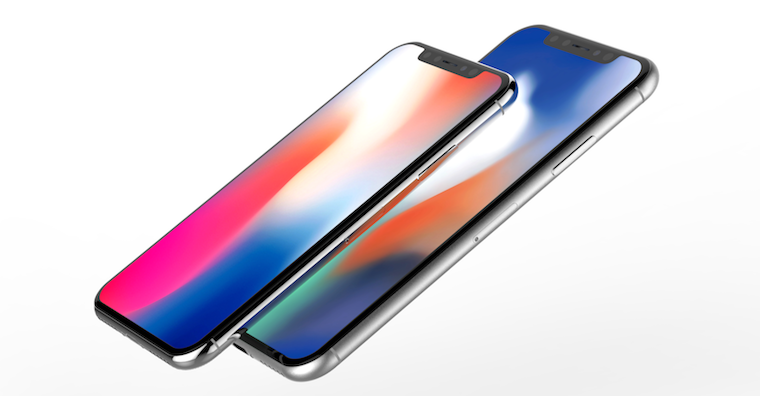
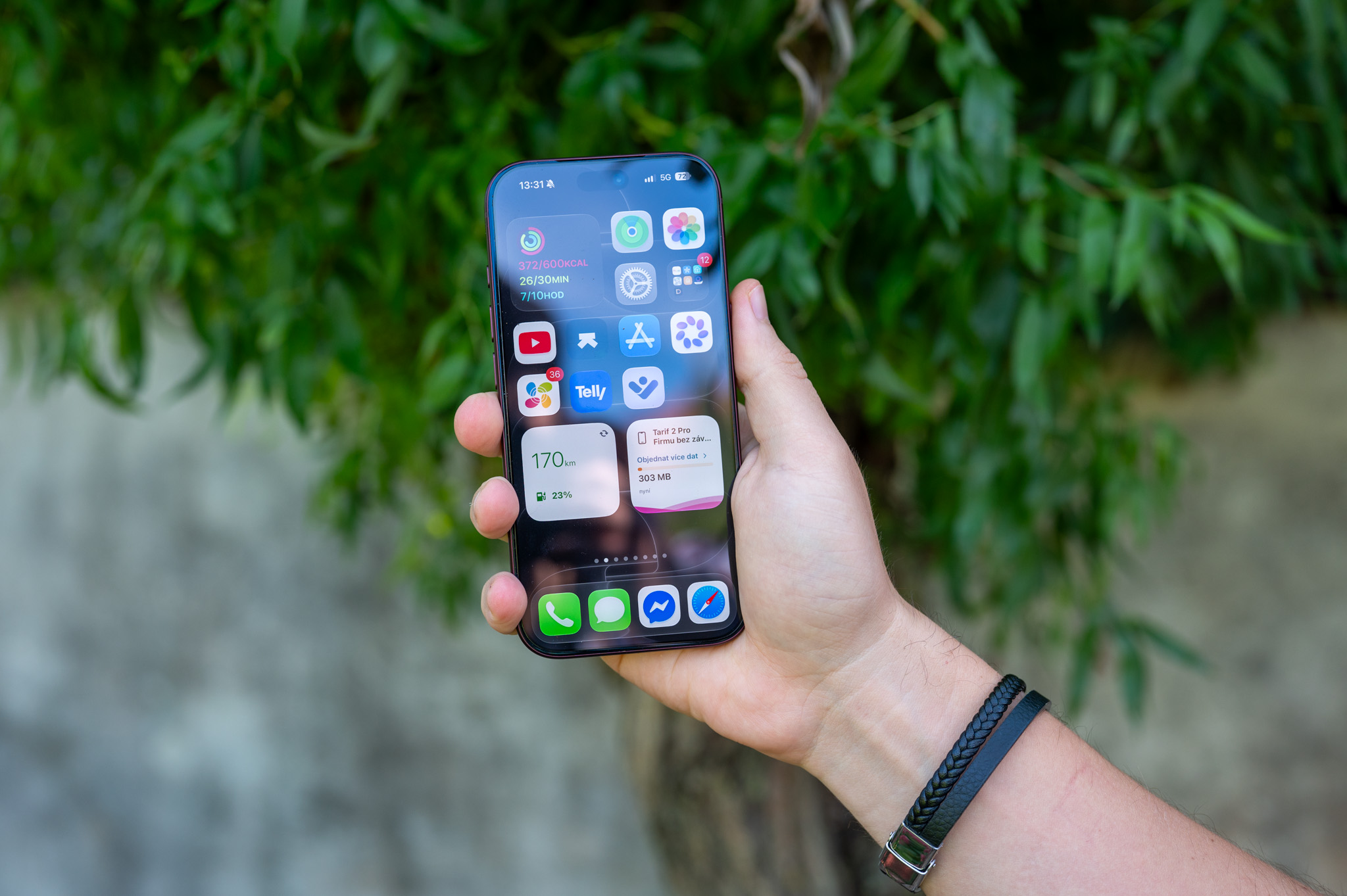
iPhone X is the very first iPhone, which you can wake up by simply tapping the display. This way, you can quickly and easily read all the notifications that have come to you, go to the camera and more. All this may seem great, but unfortunately, even the tap to wake function has its drawbacks. Sometimes it can happen that you iPhone for example, it wakes up in your pocket or you activate it when you don't want it to. All these negatives nakonec may lead to your iPhone The X will have shorter battery life.
The same applies to waking up by lifting. This function already works with older iPhones and not only with the iPhone X. Again, this is a function that recognizes the movement of the phone, and as soon as you raise it to your eyes, the device automatically wakes up. Again, this feature may or may not suit some, so in today's guide we will look at how to activate or deactivate both of these functions.
You might be interested in
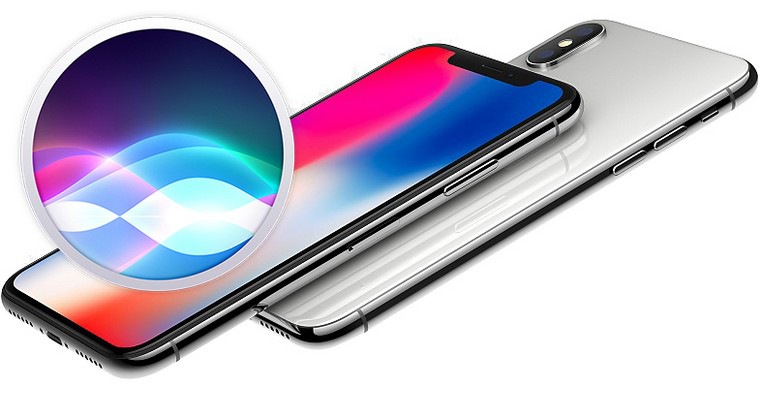
How to (de)activate the Tap to Wake feature
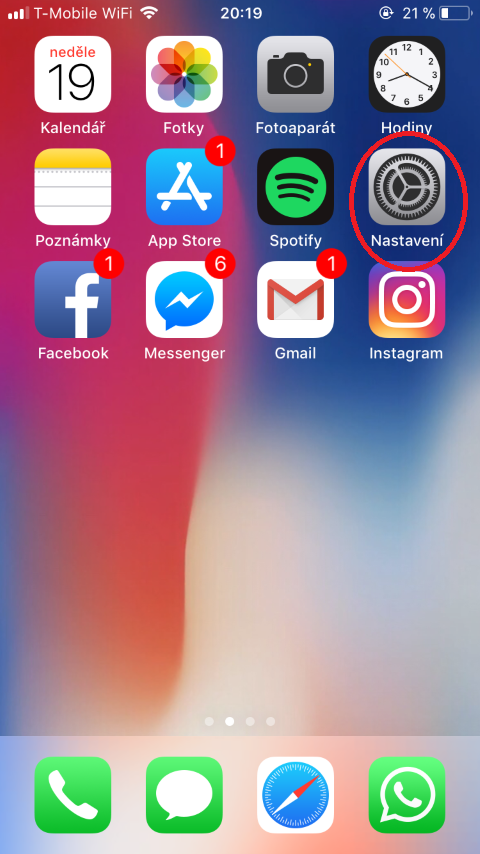
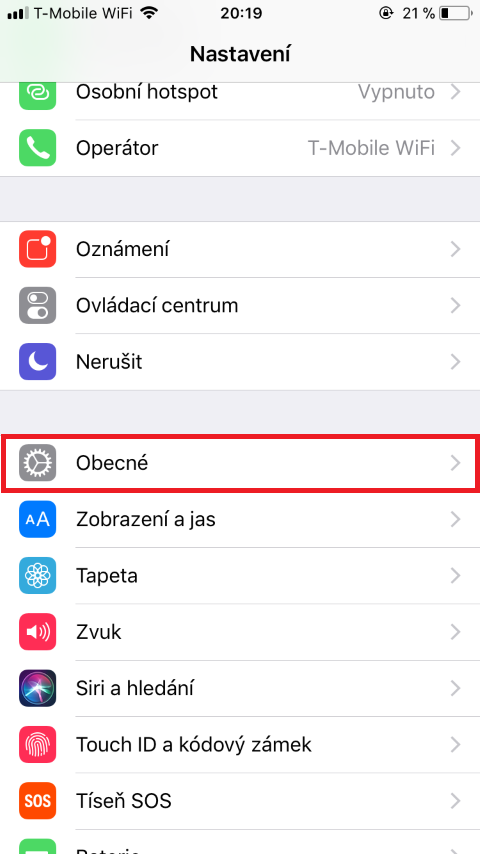
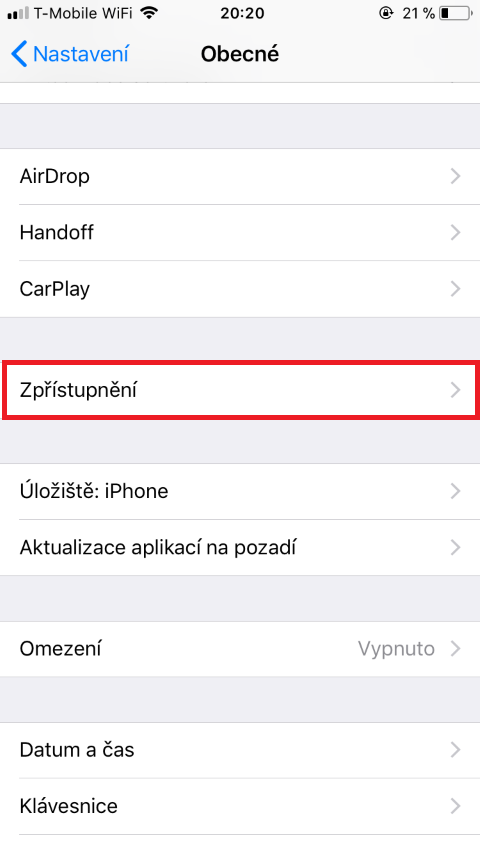
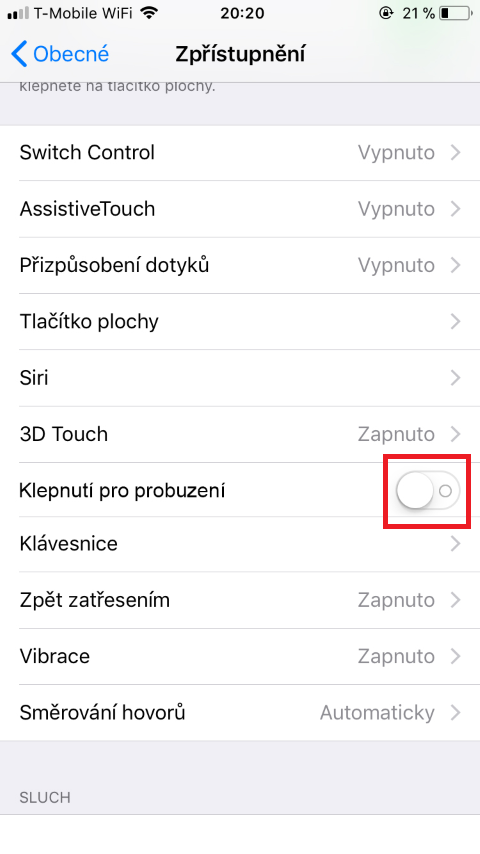
On our iPhone X, we go to the native Settings app . Then we move to the General column and click on the Accessibility option . Now we scroll down until we find the Tap to Wake option, which we can simply activate or deactivate using the switch.
Gallery
How to (de)activate the function Proto wake up by lifting
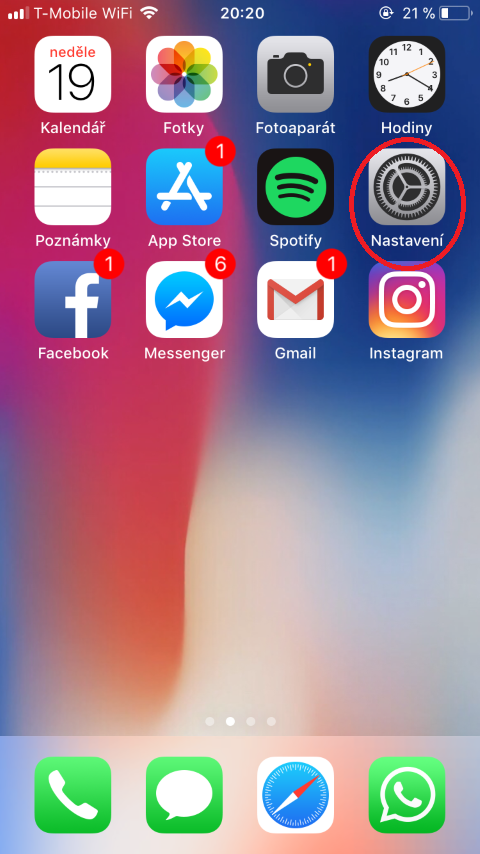
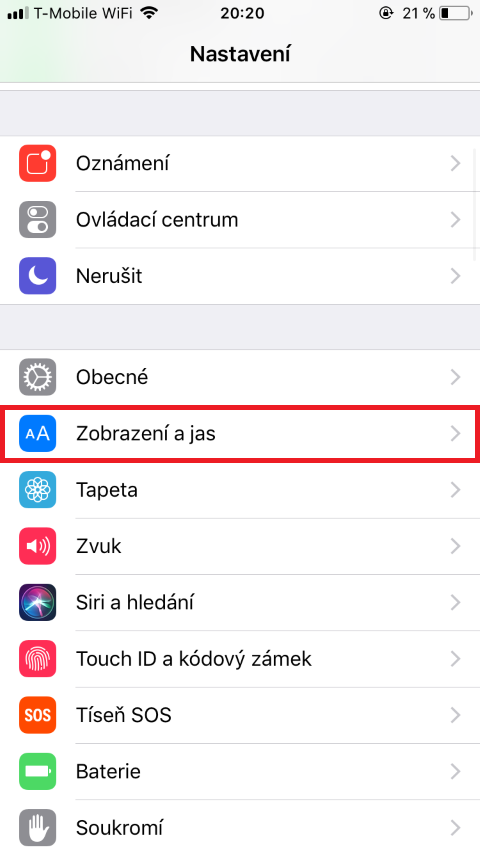
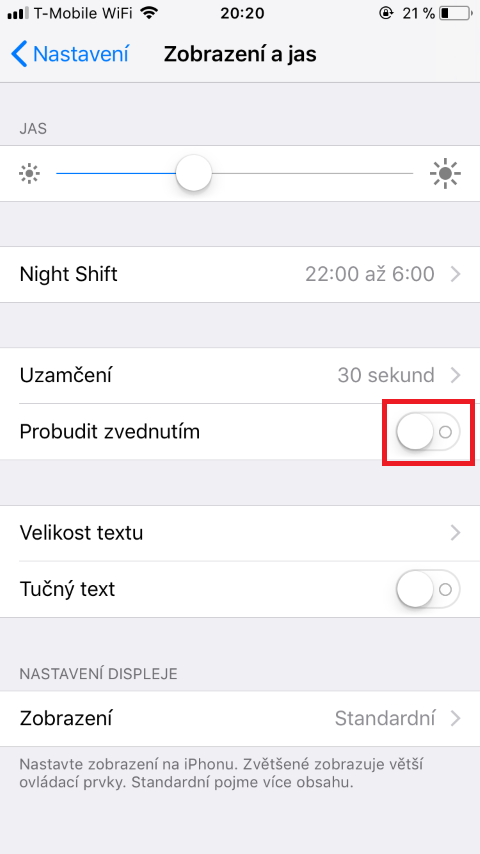
Function ProRaise to wake is now available on every iPhone 6S and later, so this feature is not limited to the latest model. iPhone X. In case we want the function Proactivate or deactivate wake on lift, we go back to the application Settings. Here we go down a little bit and click on the option Display and brightness. Here you can use it very simply switches function Proto wake up by lifting turn it on or off.
Gallery
As I already wrote in the introduction, some may find these functions useful, some may not. It just depends on your preference if either tap to wake or lift to wake feature is useful for you. When you turn it off, you will save a few percent of the battery, but on the contrary, you will quite possibly lose user-friendly functions.