
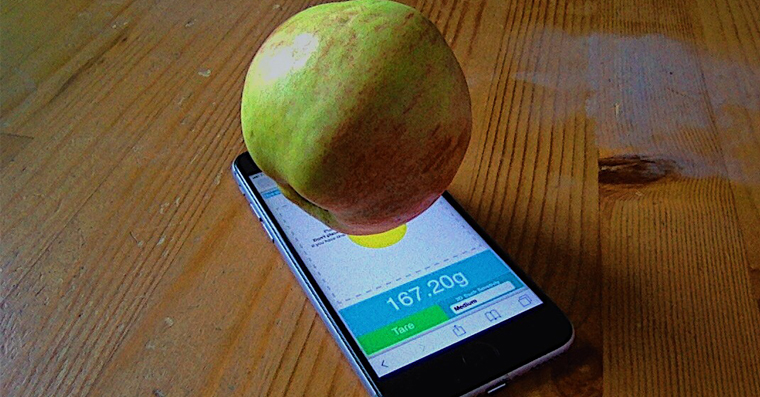
We all use scales from time to time, but I bet none of you have ever used one. iPhone like a scale. Yes, you read that right – yours too iPhone se can be used as a scale, and it is quite accurate. If you own iPhone with 3D Touch, i.e. iPhone 6s and later, you can use a very simple internet application that will weigh an object for you by simply placing it on the display. This already sounds very interesting in my opinion. So if the introduction to the article interested you and you would like to learn how you can weigh objects using your iPhone, then definitely read on. We will show you how to do it.
You might be interested in
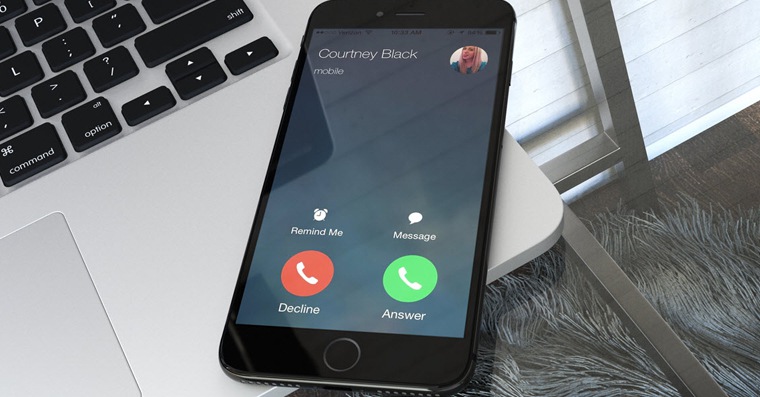
How to weigh objects iPhonem
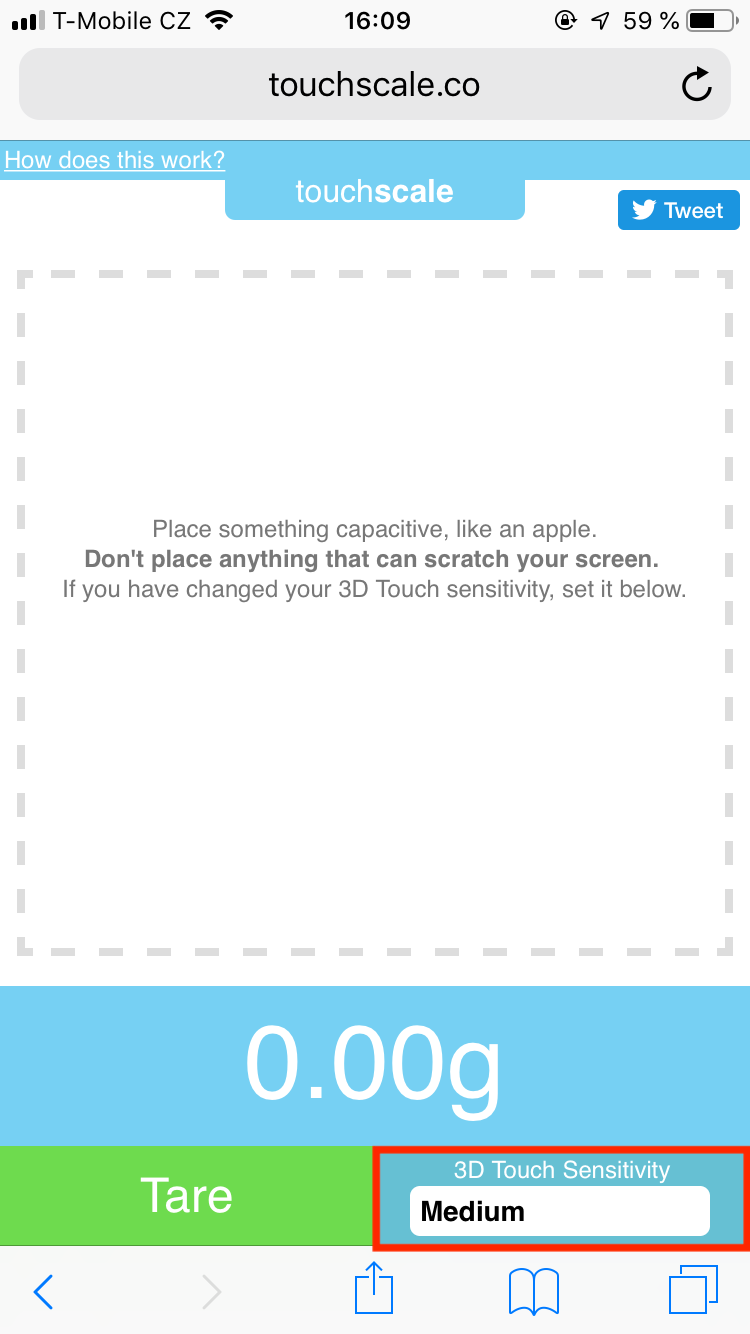
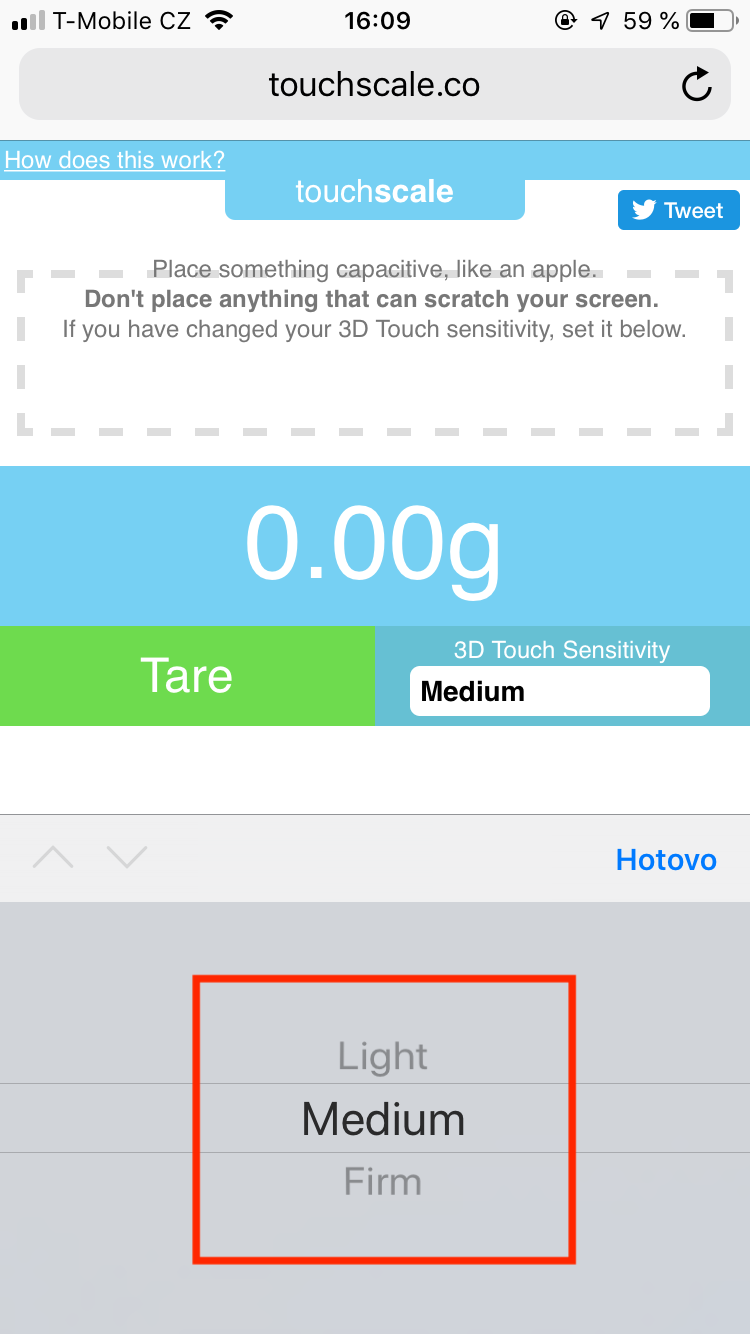
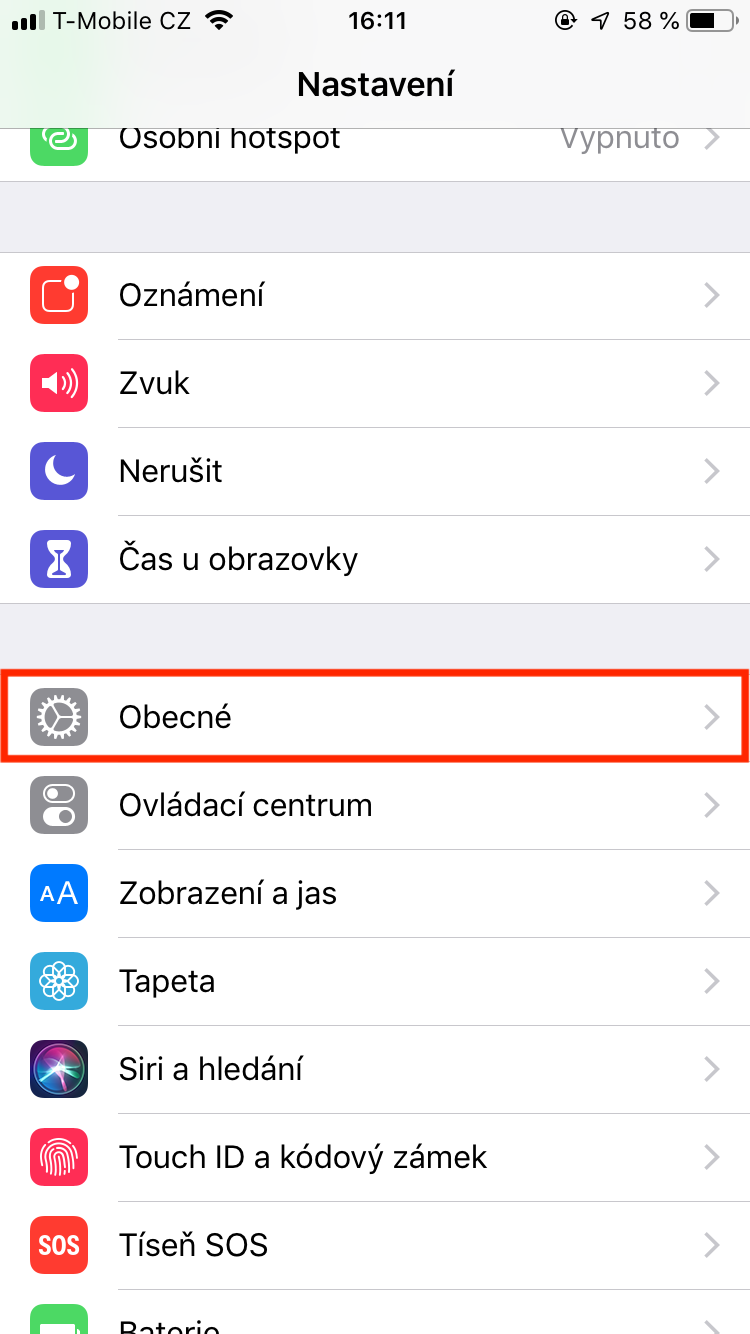
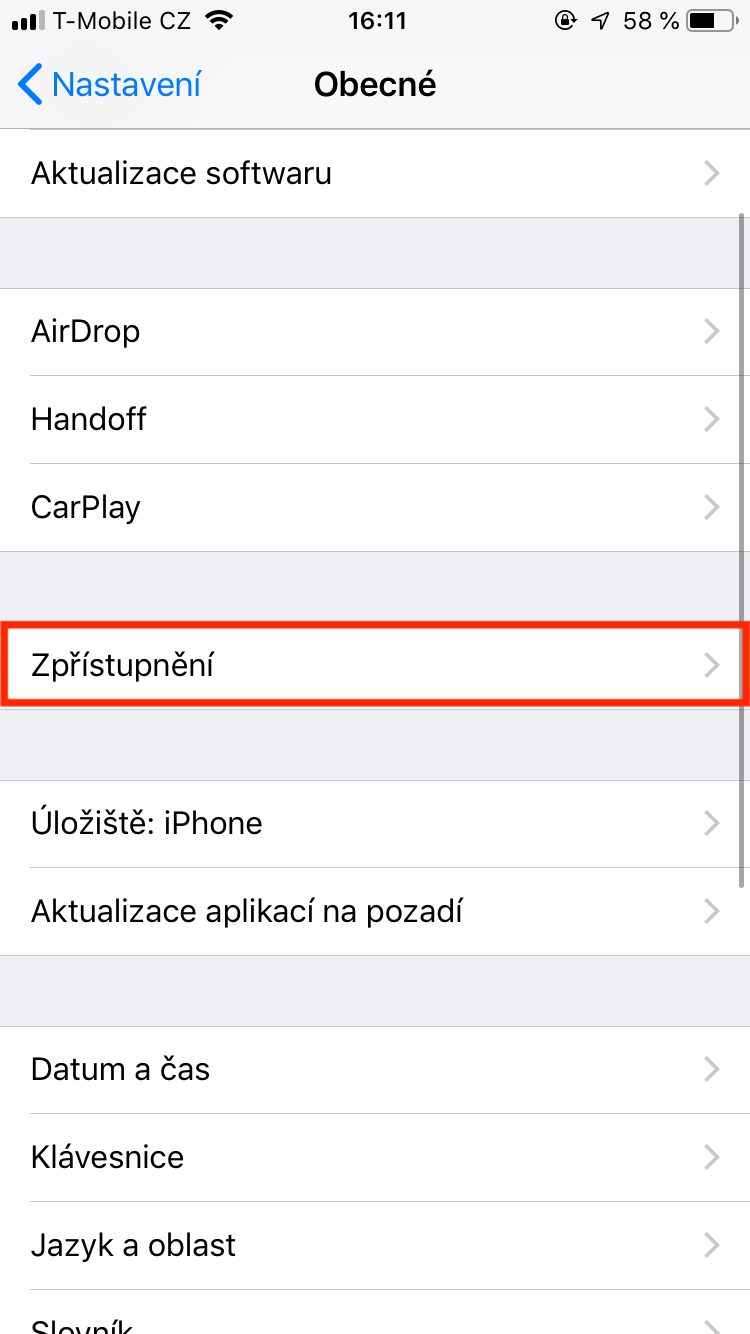
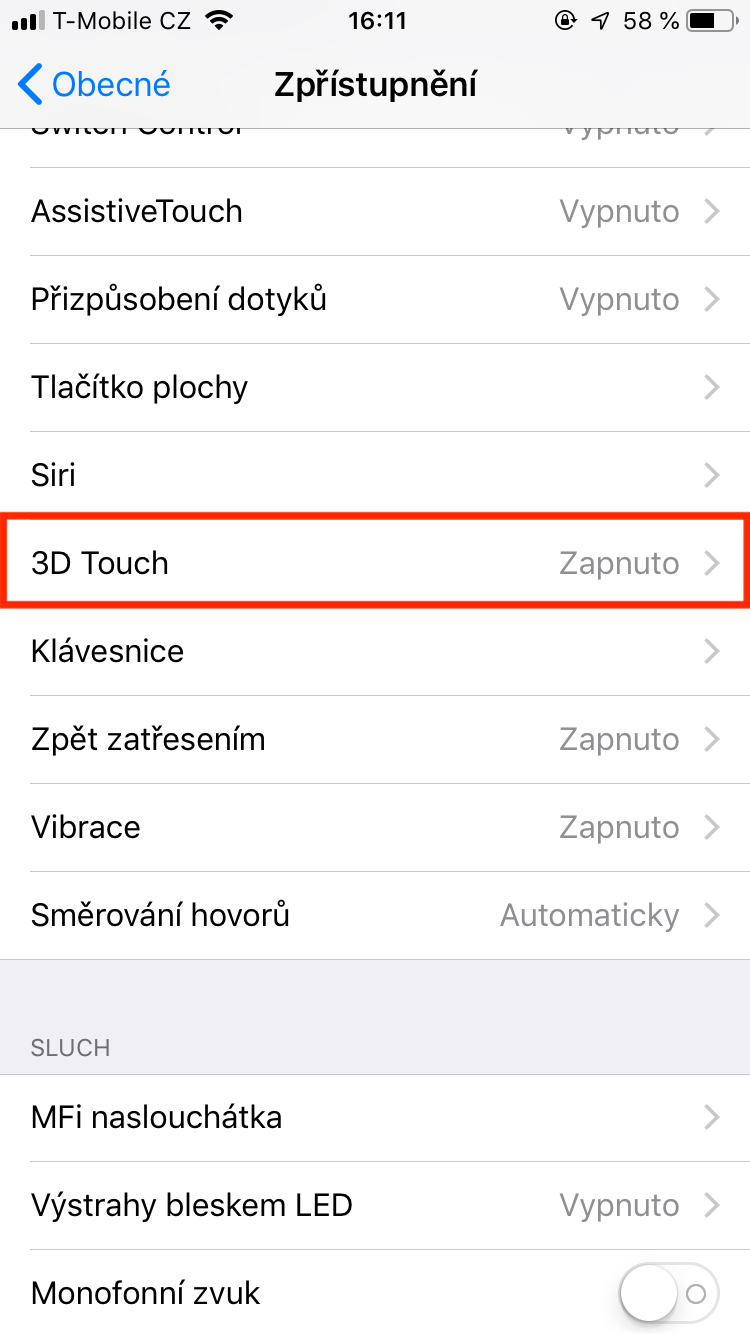
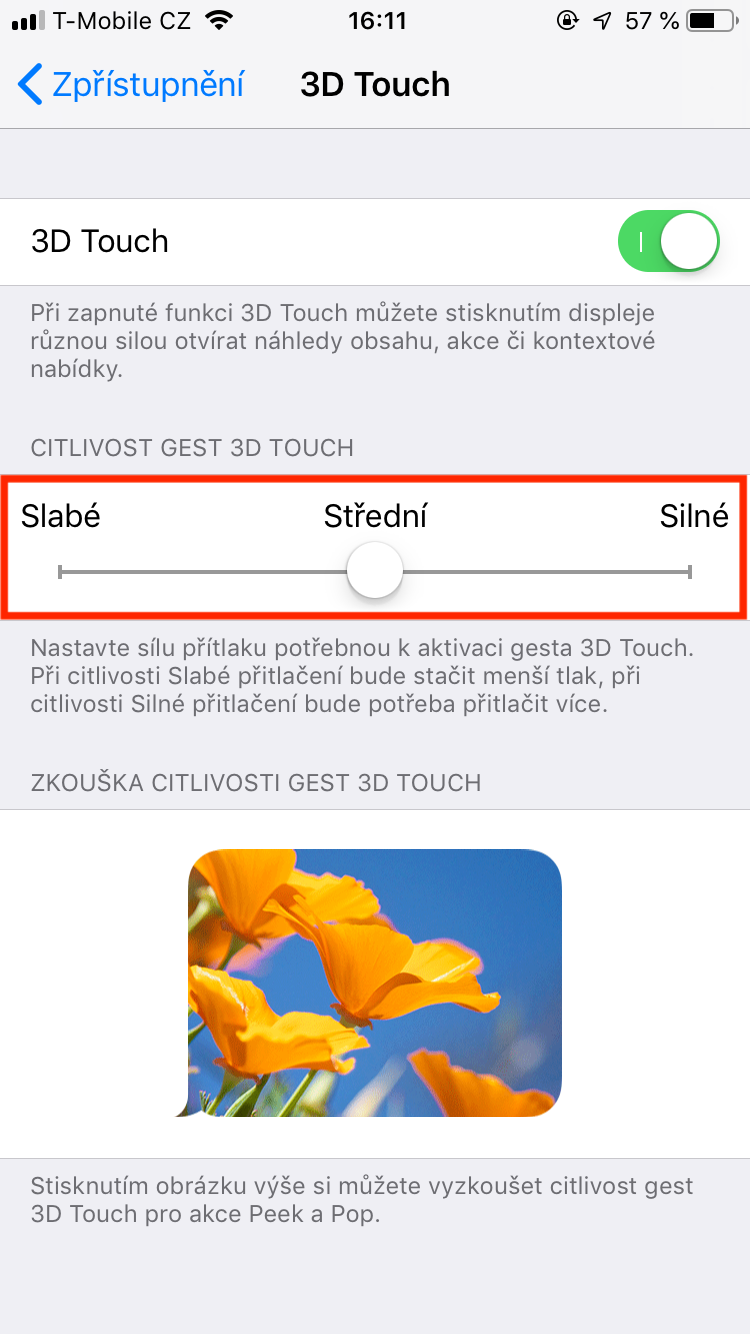
In the very first step, we need to go to the website touchscale.co , where the weighing application is located. A very simple page will appear, most of the area of which is occupied by the place where you can place the object to be weighed. First, however, it is necessary to set the sensitivity of the 3D Touch function in the lower right corner (you can find your sensitivity in Settings -> General -> Accessibility -> 3D Touch ). Once we set this one thing, we can start weighing.
Gallery
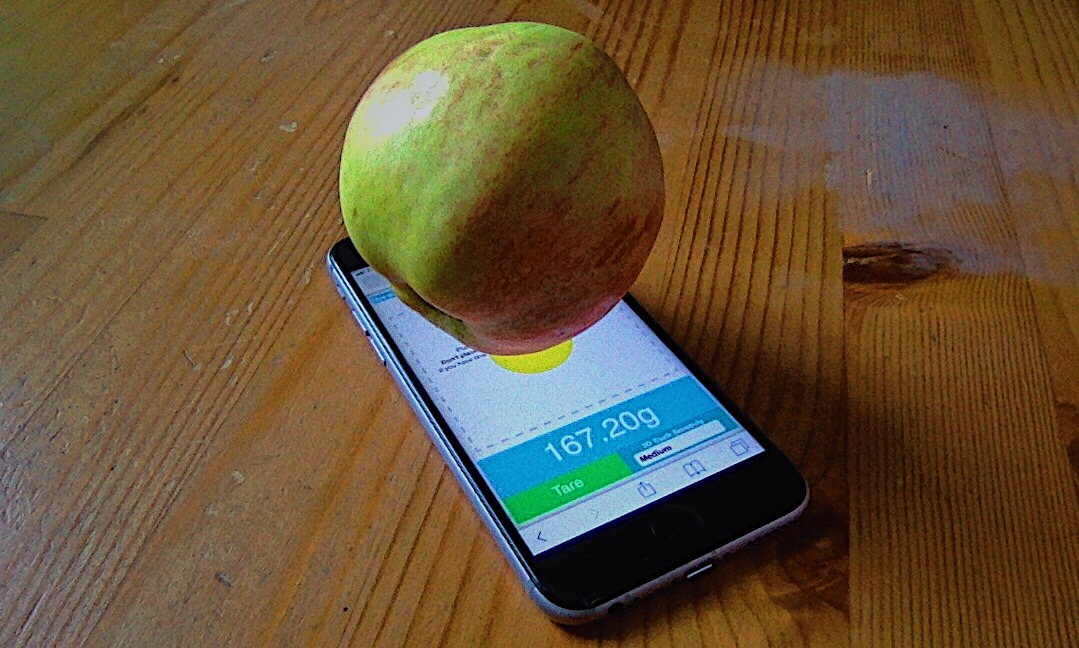
Anyway, we can't weigh everything. By having iPhone capacitive display, so only conductive objects are registered on the display. Apart from your finger, an apple, for example, is conductive. It is also recommended that the object only touches the display at one point. If the object touches multiple points, the measurement may be inaccurate.
You definitely won't use this scale every day and you definitely won't weigh everything with it (maxat least about half a kilogram). So I don't really recommend that you rush to weigh yourself, as this could damage the display. In any case, it is very interesting that such an application exists, and that your iPhone can weigh objects using the display. Personally, I had thought about using 3D Touch as a scale before, but I had no idea that it would be possible to implement it in some way.


Can grass be weighed on it? 😂
No 😂 Too bad 😂
I once read by Marian Čák that if you put on iPhone a spoon on it just "grass" it will work. But I haven't tried it myself yet. I would be mainly interested in accuracy..
Too bad the display only responds to your finger😑😐👎🏻👎🏻👎🏻
Weed is weighed on Androids.. Kokesh is weighed on iPhone ;)
What about grass, but what about Karel and Pepa? 🤭
Aleš Mikulejsky, I heard that if you can display foil, then it works, but I don't know, I haven't tried it 😁😁
Jiří Pivo Vostrý when it's on the dwarf, it's also on the scale😂
He doesn't. It's useless.
Exactly, it doesn't work at all 😂
Krista JanHey, try it with watermelon 😀 at least then your dad will buy you a better one iPhone 😀 😀
and where were you when 3d touch started? it's not that long ago. there were a lot of sites like that back then. interesting that the application is not like that - apple did not access the pressure surface for detailed finger pressure measurement, but in the overview safari this option is available. A few years ago, there was a live discussion about why there is no api for it. At the same time, Xiaomi introduced it to mobile phones a few weeks before the introduction of 3d touch applu, and android has incorporated that api. Too bad, there could have been a lot of nice apps.
9 out of 10 dealers recommend 😄
It's inaccurate, my orange is still a different weight 😂😂😂
You must not eat :D :D :D
️
Picovina. The display is capacitive and does not react to other objects.
it only works for me on organic fabric, but not on inorganic fabric at all