If you are going to buy iPhone for example, from a flea market or from one of the companies that refurbish phones, there is nothing wrong with that. However, there are various pitfalls that can lead to iPhone second-hand may not work exactly as you imagine. Personally, I like mine. iPhone I didn't buy it second hand, but unfortunately I'm lucky with bad sellers who in the vast majority of cases wanted to force me into a product that didn't meet the specifications or didn't work at all. I prepared this article for you so that you don't run into anyone when buying a second hand iPhone.
Let's face it, there are countless scammers on the Internet, especially since there are so many advertising servers. The very first step, which I will point out in the introduction, is the price. It almost never means that the price does not matter. If you find a scam on the Internet iPhone, which has a suspiciously low price, is practically always not 100% functional and there is something wrong with it. Of course, such ads often include notes that the seller only sends cash on delivery because he has children at home, is very busy, or needs to get rid of the phone because he is flying abroad.
Dealing with the seller
As I mentioned above, a lot can be indicated by the seller's behavior during the sale. In any case, try to arrange a personal meeting so that you can inspect the phone. We will look at the pitfalls that may arise when inspecting the phone in the paragraphs below. The advertisement also usually says a lot. If the advertisement is written rudely, without diacritics and with errors, it is usually not worth responding to such an offer, because you would rather waste the phone than have to communicate with an uneducatedancem.
If the ad is in order and the seller responded to you politely and helpfully after responding to the offer, don't get too excited. You don't have to have won yet. Even after polite negotiations, definitely don't accept the device being sent on delivery without first inspecting it. Even in our editorial office, we unfortunately encountered a case where an editor ordered from us from a very helpful gentleman. iPhone 5C and was promptly sent a counterfeit competing Android in an iPhone body due to not arranging a personal meeting. So schedule a personal meeting and keep your eyes peeled. Let's take a look at the most basic things that can happen when buying a used iPhone.
You might be interested in
What to check when buying a second-hand iPhone?
Make sure it is iPhone deleted and not blocked for any user
That is iPhone deleted and not blocked on the user is very easy to find out. If it is iPhone completely erased, when you unlock it, a screen appears on the screen where greetings in different languages change. So choose your language and if you iPhone will let you continue and will not ask you for the password toCloudu or code to unlock the device, iPhone is not blocked for any user.
Take a working SIM card with you
This step is practically completely basic. After the first inspection of the device, insert the SIM card into it. This is a very easy way to find out if it is iPhone blocked to a specific operator and whether it is able to receive a signal.
Check your iPhone serial number
Go to the page Applu – Coverage verification – and enter the serial number of your device in the corresponding field. After confirmation, the tool will show you if it is not stolen and if it is under warranty. If you don't know where the serial number is, go to Settings -> General -> About. Here, scroll down to the Serial Number field. You can also use our tool to "analyze" the Model number - you can find the tool here here. Also, make sure that the device has the same IMEI number as the IMEI number on the box.
You might be interested in

Check the physical condition of the iPhone
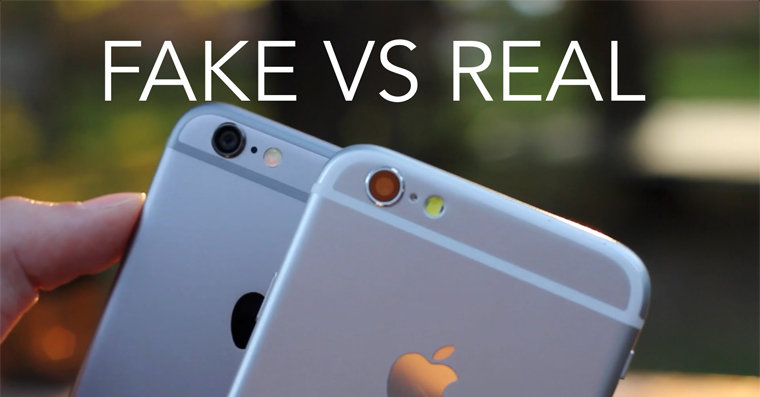
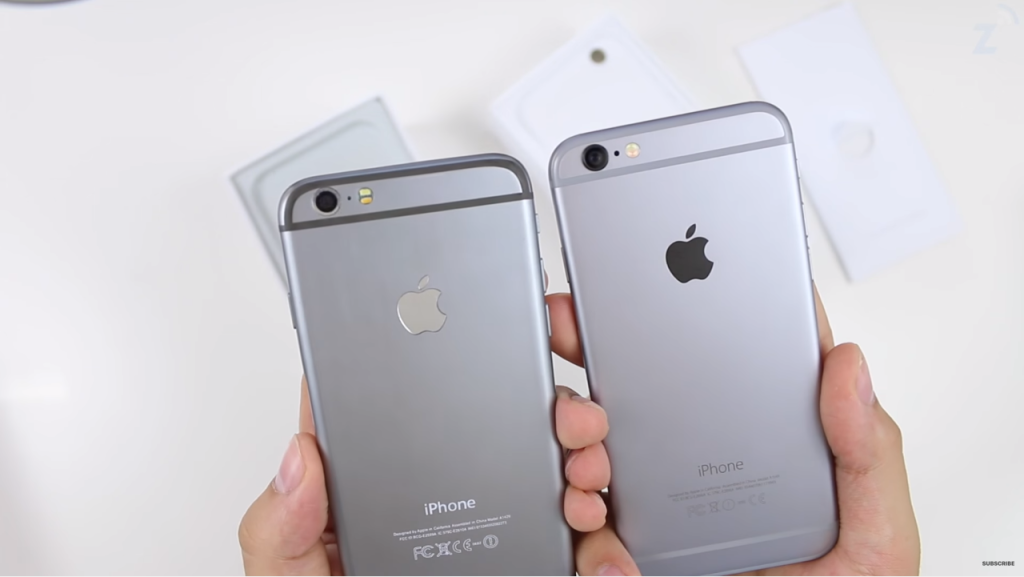
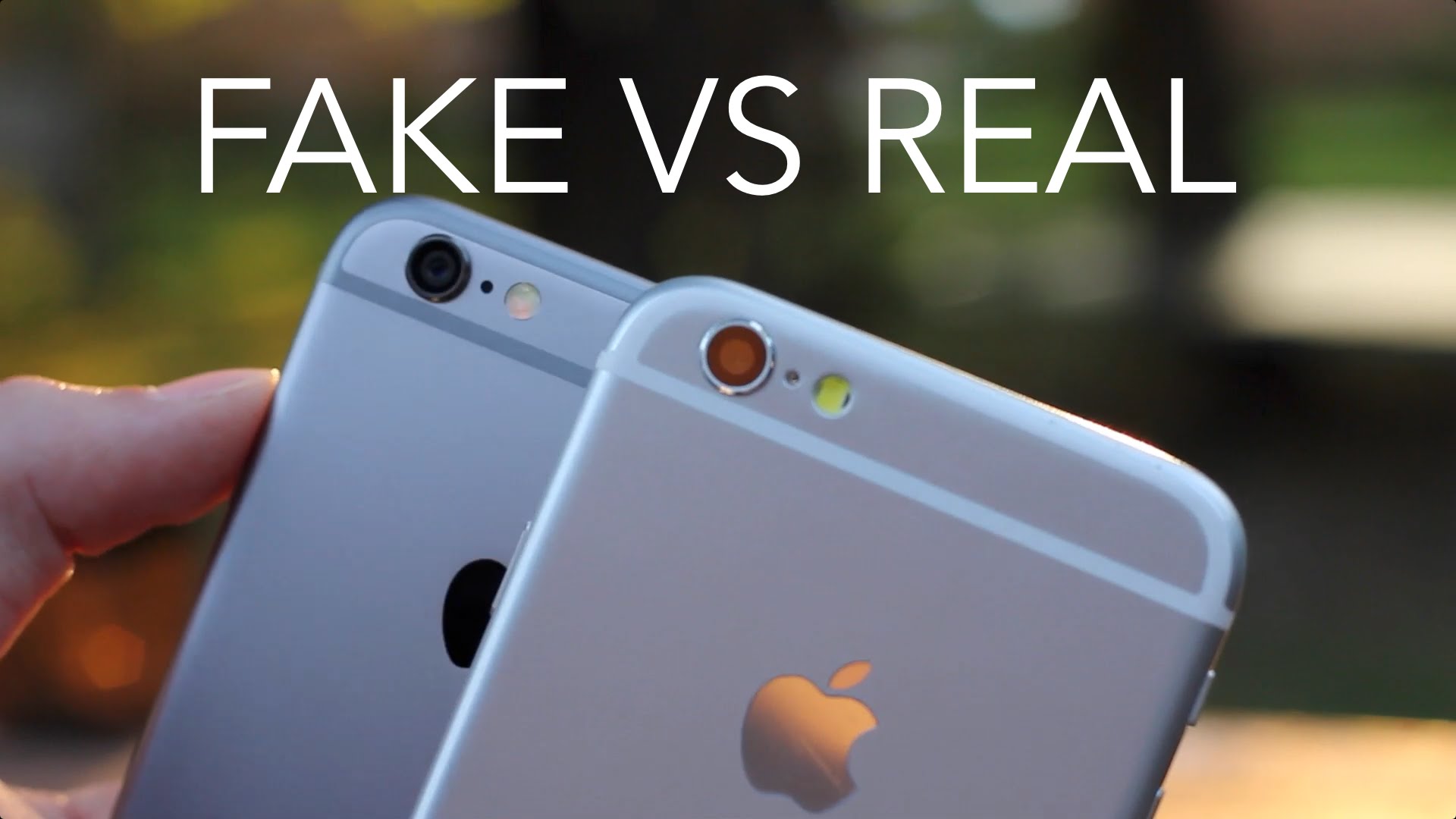
I probably don't need to emphasize twice that you should look at the overall appearance of the iPhone. When buying, you are interested in all the scratches, both on the body of the device and on the display. Check if the body of the device is not scratched and definitely don't be afraid to disagree with the purchase if you don't like it. Alternatively, you can try to negotiate a price reduction with the seller. Also, try the hardware buttons of the device. This way you can easily tell if 100% they work. In a worse case scenario, the entire body of the device may be replaced, which you can tell primarily by the hardware buttons (they will click differently than the original and will not stay in the body, i.e. they will "thump") and also by the inscription iPhone on the back of the device. Aftermarket iPhone bodies are not always 100% accurate, which you can easily notice thanks to these aspects.
Gallery

Check your iPhone's display
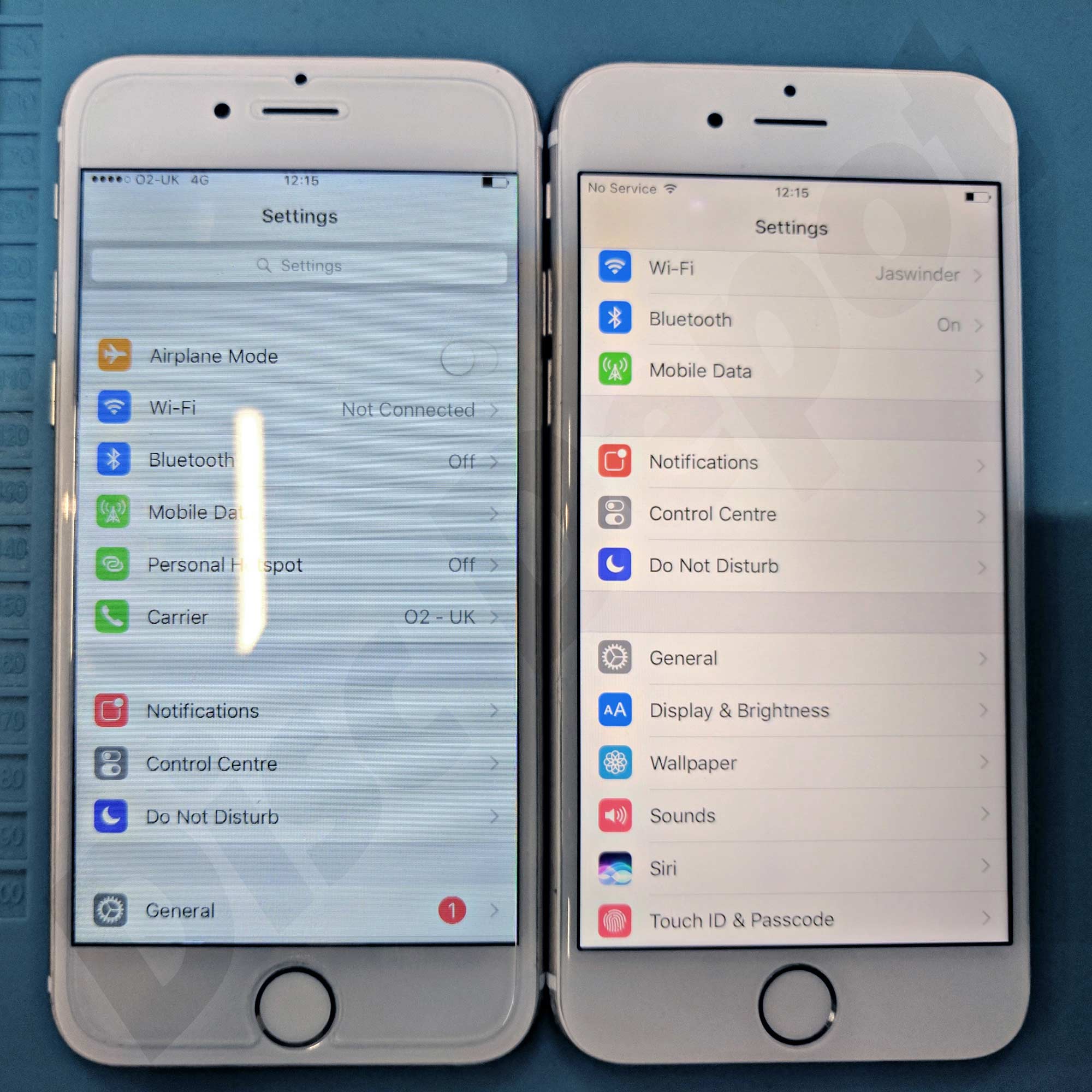
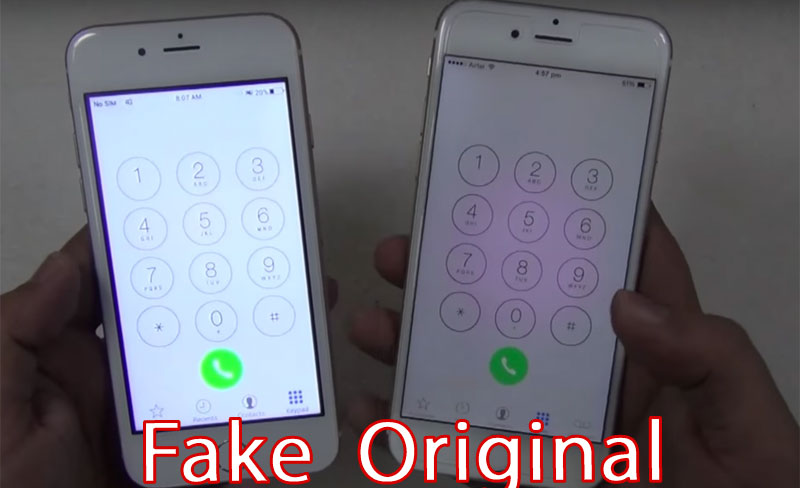
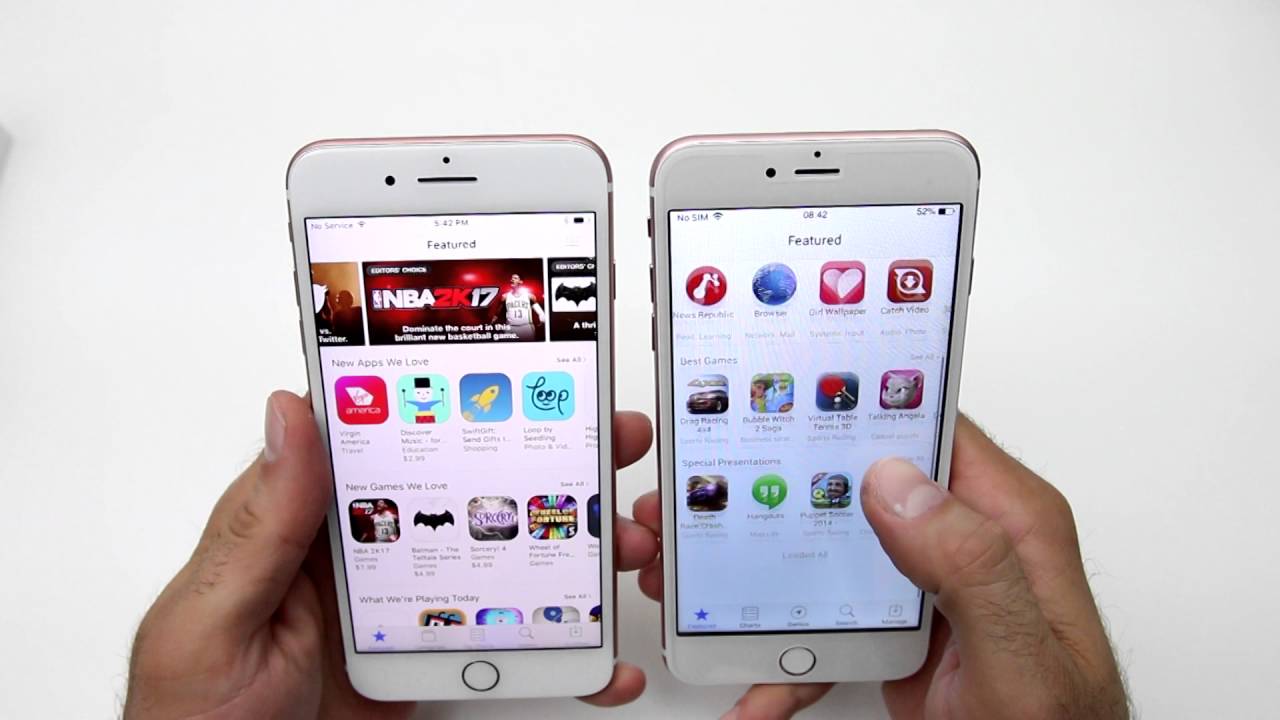
I allowed myself to devote a separate paragraph to this topic. Nowadays, almost everyone can replace the device's display. But not everyone knows that copies of original displays from Apple are not 99% identical to the original display. You can tell that the original display is not installed on the device mainly by the faded colors, often the display is too blue or too yellow. If it is a device iPhone 6s and older, that is, devices that still have a physical home button, often have the display placed lower on these devices. The home button is therefore higher than the display and can easily "cut" into your finger when used. Only the original display can match the original display.
Gallery
Try making a call from your iPhone
Try calling someone from the iPhone you're planning to buy. This is an easy way to make sure that 100% your device's earpiece and microphone are working.
Try other native apps
I also recommend that you also try the camera outside of the call, where you switch to the selfie camera to make sure that it works as well. Then try playing some music or sound, for example from the settings. This is an easy way to make sure the speakers are working.
Bonus at the end
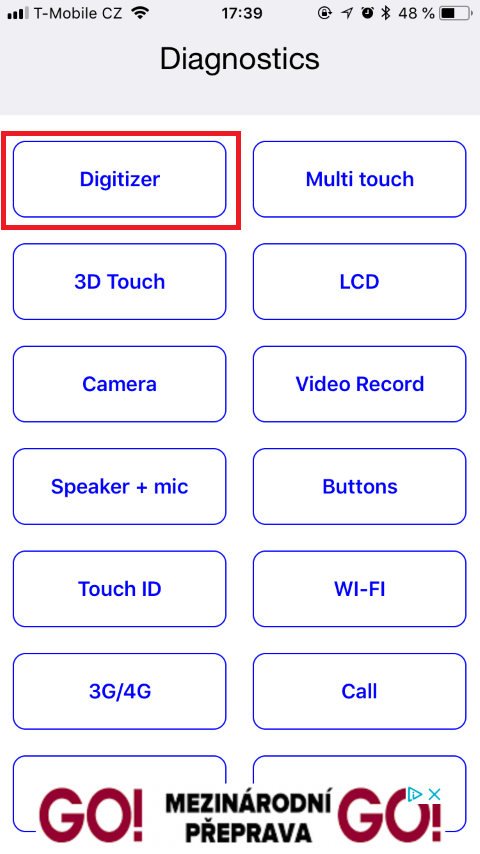
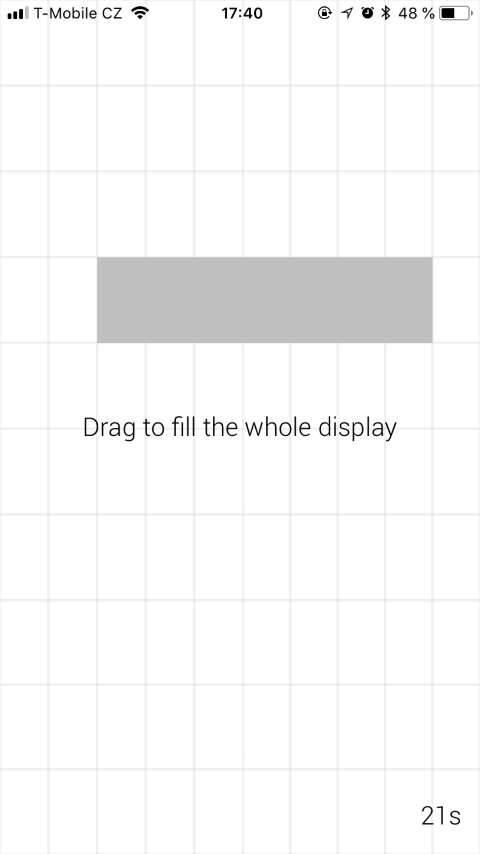
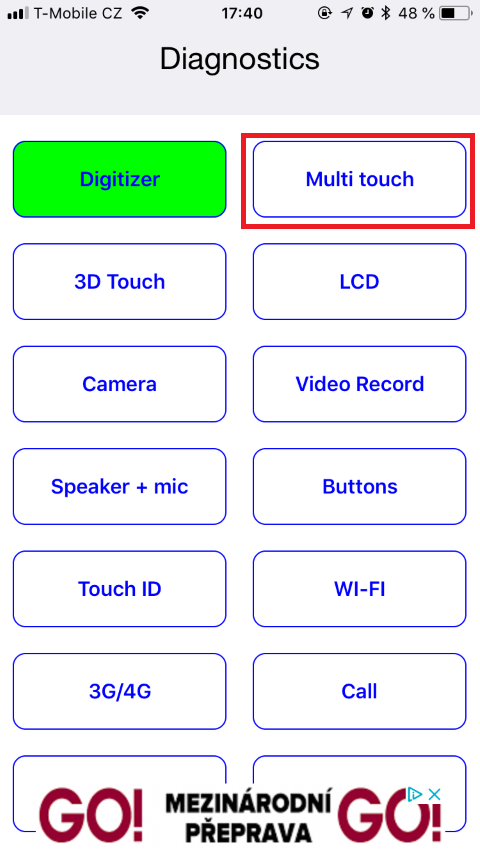
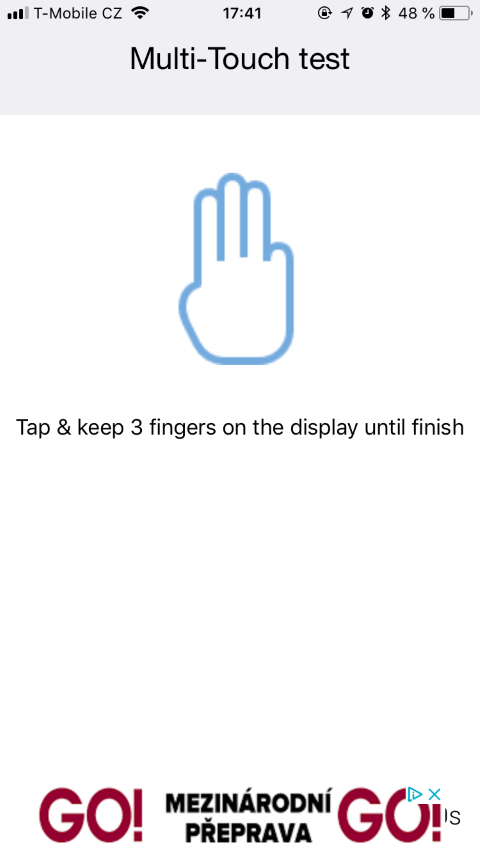
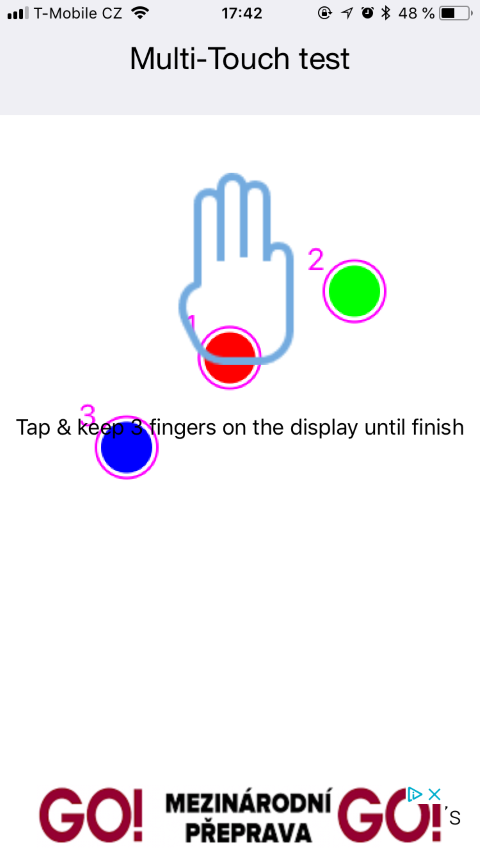
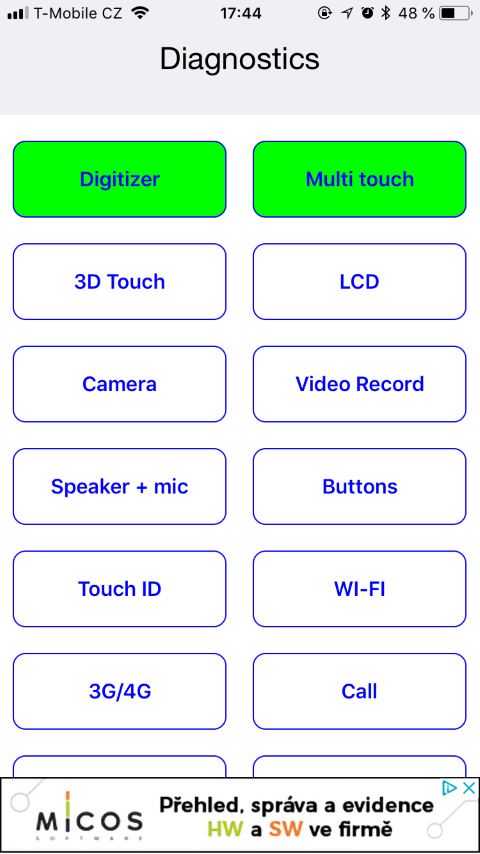
Finally, I have a great bonus for you: appky that will help you diagnose your device. The application is called Phone Diagnostics and download it from App Store using this link. The application is free and works almost perfectly. You can use it to test almost all the systems that iPhone has. Whether it is a display test, for example a Wi-Fi test, Bluetooth, Touch ID and others. We tried using this application to test the display in this article.
Gallery
In conclusion, I have nothing else to do but wish you good luck when choosing second-hand equipment. Of course, common sense will help you the most. So do not buy suspiciously cheap products or products with a dubious description. Always try to arrange a personal meeting and inspect the equipment yourself. 100% check it out and try it out. If you follow the points above, you will almost certainly not run into any problems.