
Last week, we informed you quite intensively about the affair concerning problems with processors from various manufacturers that contain a flaw that reduces security. Apple although he has largely fixed this error in his previous updates, he kept a few small things in today's update. According to her description, it focuses practically only on the correction of security errors.
You might be interested in

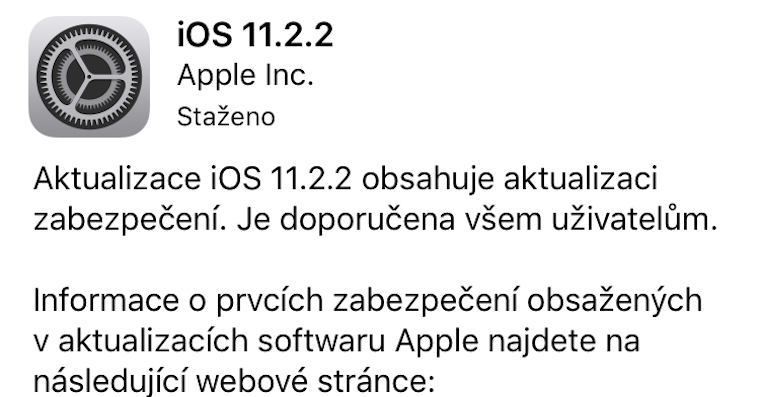
New iOS You can download 11.2.2 as usual via Settings – General – Software Update. However, your Apple device must of course support it. iOS 11. The update itself takes up only tens of MB, in the case of the iPhone X it is 75,5 MB.
Since the update focuses solely on fixing security vulnerabilities, you shouldn't hesitate to download it. This will ensure that your operating systems are once again as secure as they have been since the Applu famous.



How much slower will it be after the update compared to the previous version?
iMac 5K i7-4790K 4GHz in Geekbench 4
before update:
single-core: 4857
multi-core: 15827
after update:
single-core: 4667
multi-core: 15594
Slowdown 1,5%
iPhoneX
11.2.1
single-core: 4287
multi-core: 10357
11.2.2
single-core: 4268
multi-core: 10351
iPhone SE
11.2.1
single-core:2551
multi-core:4461
metal: 11062
11.2.2
single-core:2560
multi-core:4449
metal: 10844
Well, it noticeably sped up for me. iPhone 6S? However, there are still a few bugs. Anyway, I don't understand how it is possible that this is just a security update and iPhone it goes faster
Appearances are deceptive. I also had this feeling several times, but then I found out that it was just a dream. When a person wants something, he suggests it to himself. ??
X
11.2.1
Single 4198
Multi 10227
Metal 14982
11.2.2
4148
10088
15085
Apple idoh shit
????You shared an instant security update that worries the whole world and where apple does it respond immediately within one day?
iP8
11.2.1
single:4269
multi:10398
11.2.2
4236
10423
This update essentially fixes safari so I wouldn't expect a slowdown here
When toonethey will fix the synchronization widgetabout the weather? From iOS 11 it only updates in the morning and evening. Normally it annoys me, hot American…
keep it in appto the GPS-based location and it will update you right away - if you set a fixed city, it works like this - they probably won't even fix it - the impact on the battery is not there, so you don't have to worry about that...
I still don't understand why you are still complaining about the weather, when when you first start the application, they clearly write that it will be automatically updated only when the current location is set according to GPS, and that you have to update it manually when the location is fixed.
Just for orientation ;-)
Geekbench 4 (4.2.1)
iPhone 7 – A10 Fusion @ 2,34GHz
11.2.1
I didn't
11.2.2
single-core: 3540
multi-core: 6014
metal score: 13104
iPhone 6S Plus
Geekbench4 (4.2.1)
11.2.1
single-core: 2563
multi-core: 4420
metal score: 10676
11.2.2
single-core: 2465
multi-core: 4459
metal score: 10817
iPhone 7, battery about 400 cycles, 83% of original capacity.
Geekbench 4
2320
Single-Core Score
3953
Multi-Core Score
He probably needs a new battery :-D