
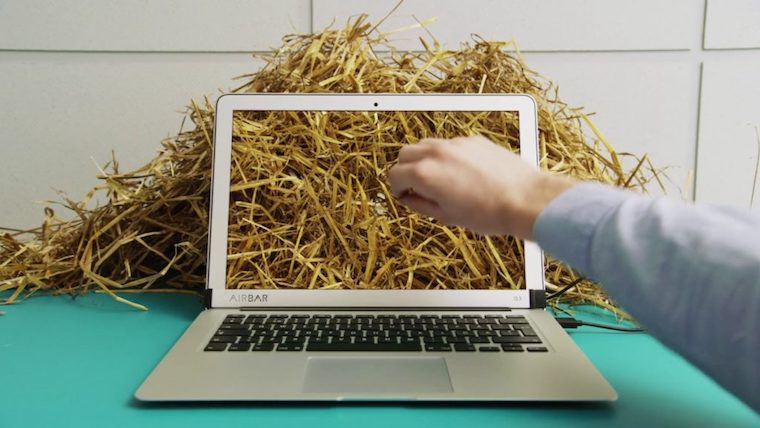
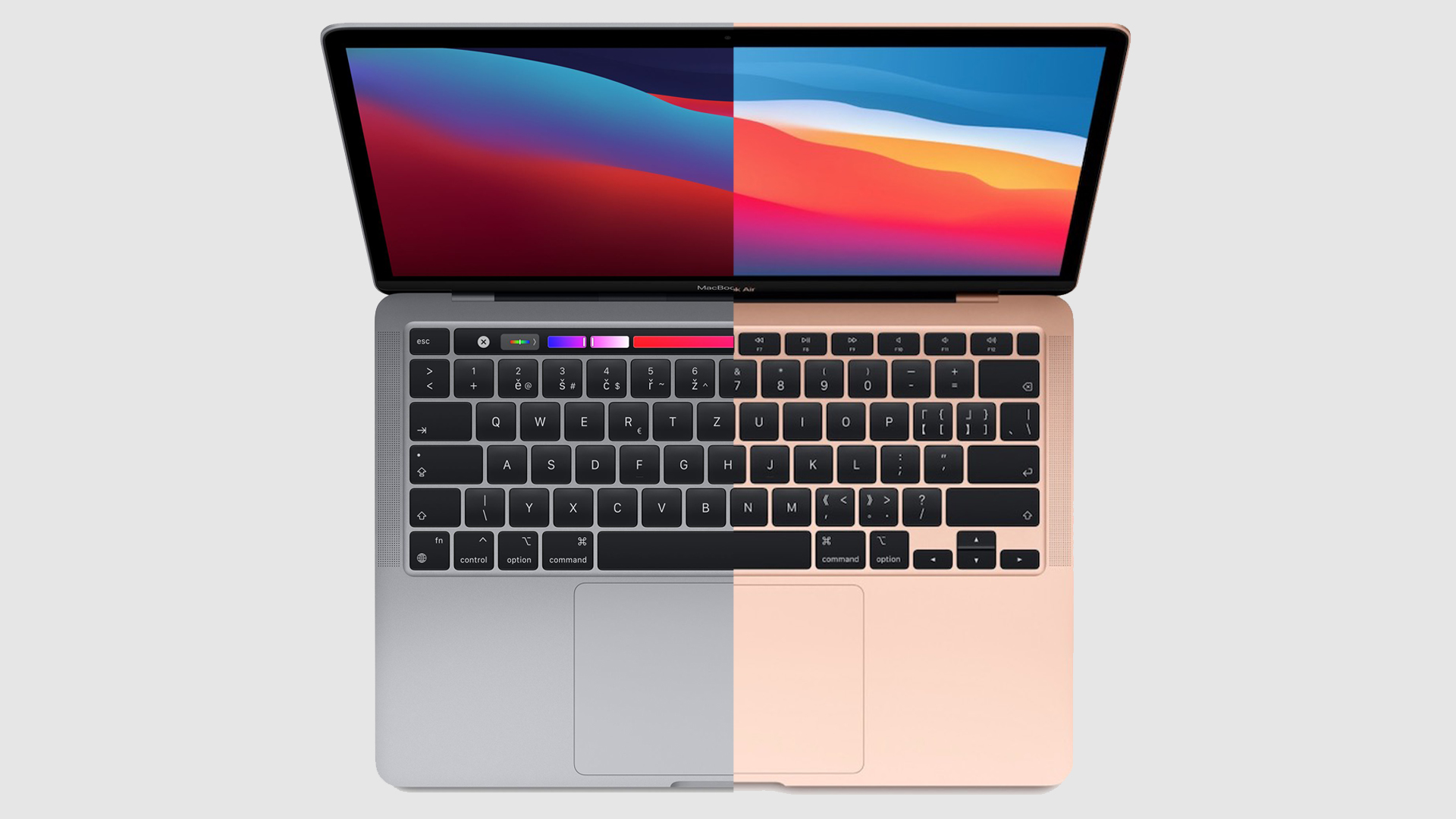
Apple has been said countless times in the past that the touch screen MacBook he doesn't plan to, on the contrary, he thinks that his computers and desktop operating system are not adapted for this. His basic laptop – MacBook Air – is trying quite hard to replace iPads, which are supposed to be enough for ordinary users to do basic work. But most people still prefer iPads as a replacement MacBooku does not consider it and on the contrary would like a touch screen MacBook. And here's a trick just for you AirBar from Neonode, which turns the ordinary display of the cheapest laptop from Applu in the touch screen.
AirThe bar was introduced in January at the CES 2017 conference, so you've already heard about it here. they could readThe reason we are writing about it again is that it isonestarted selling – specifically the 13″ version MacBook AirIt can be purchased at Amazonu, Best Buy, Staples, u Fry's electronics or Evine.comSo if you are going to the United States for the holidays or know of a way to get from herechat bring the product to the Czech Republic, then it can be AirYour bar for $99 (approximately 2 CZK). It could eventually reach the German market. Amazon, where other versions are already being sold.
Gallery
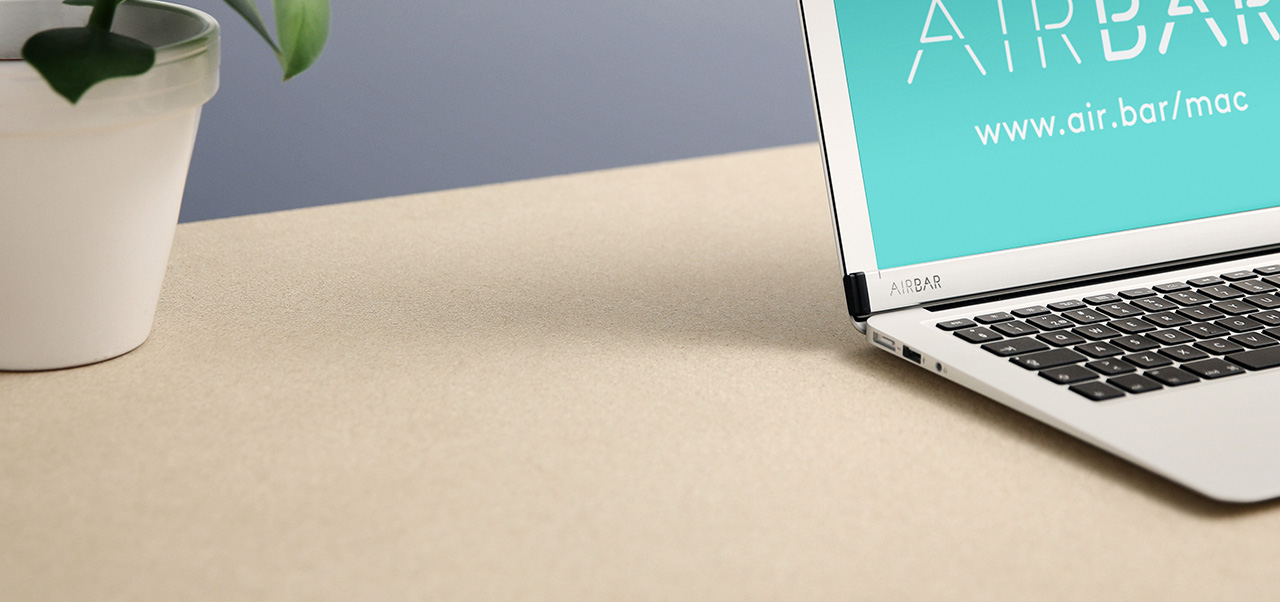
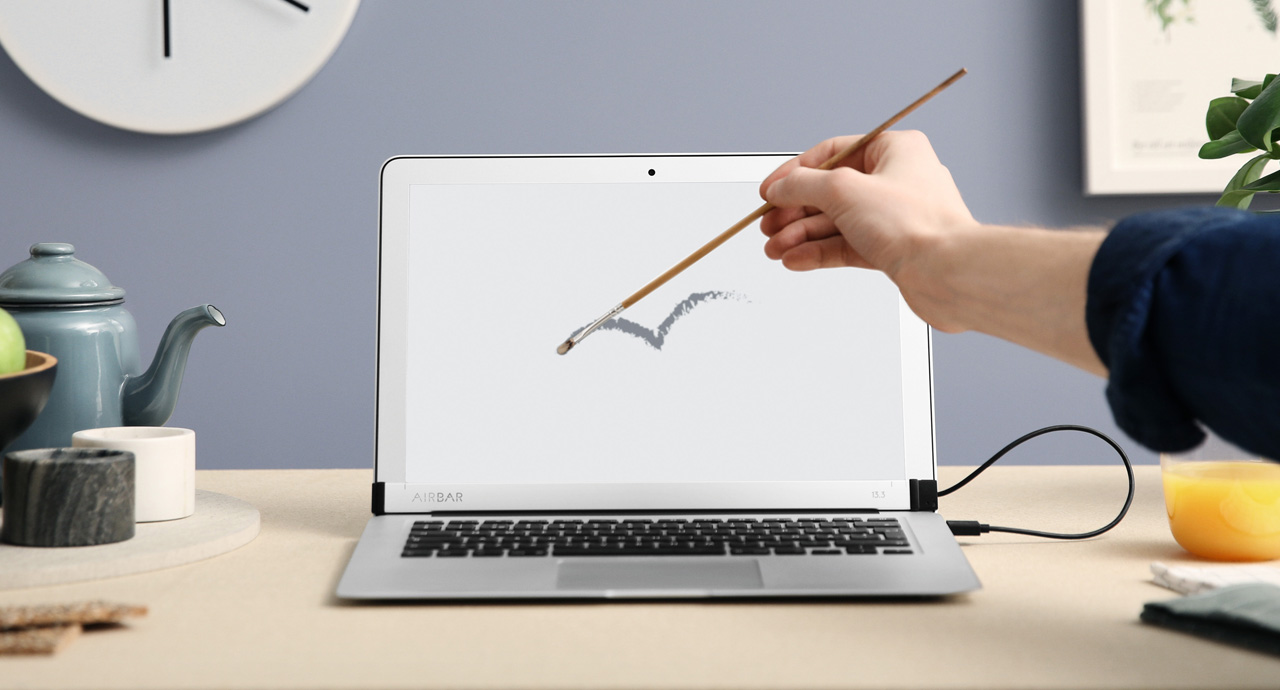
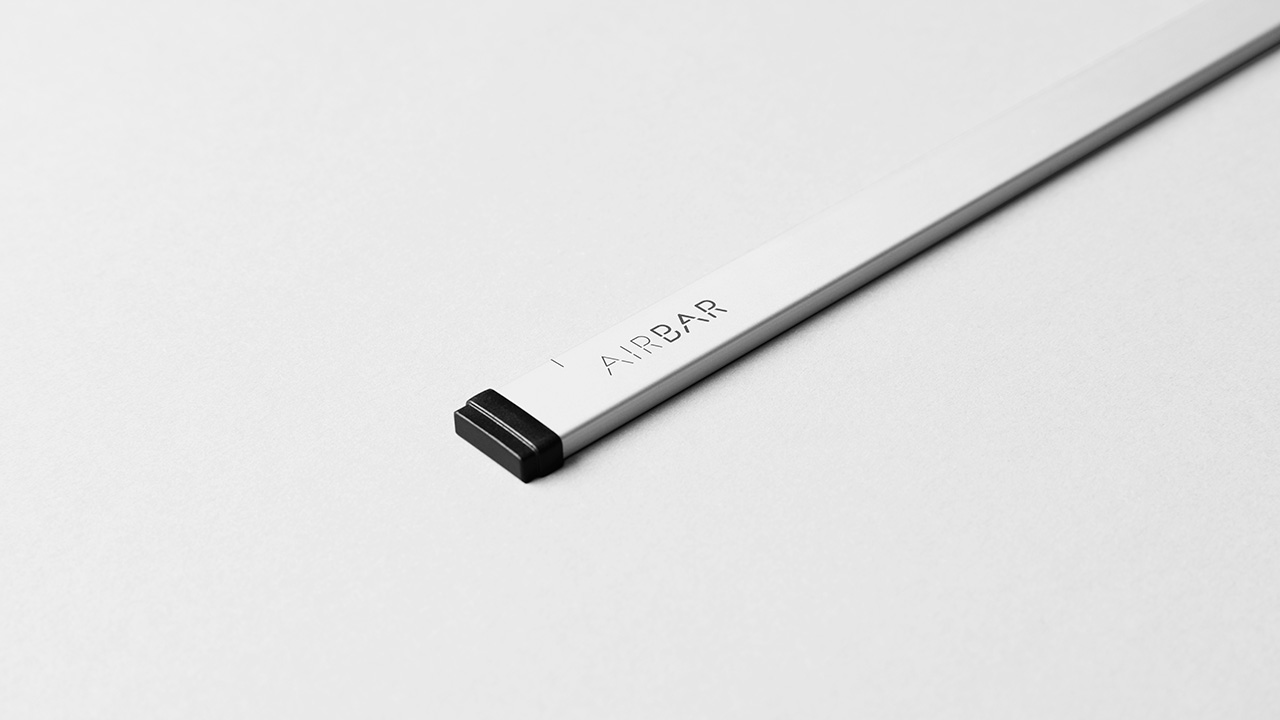
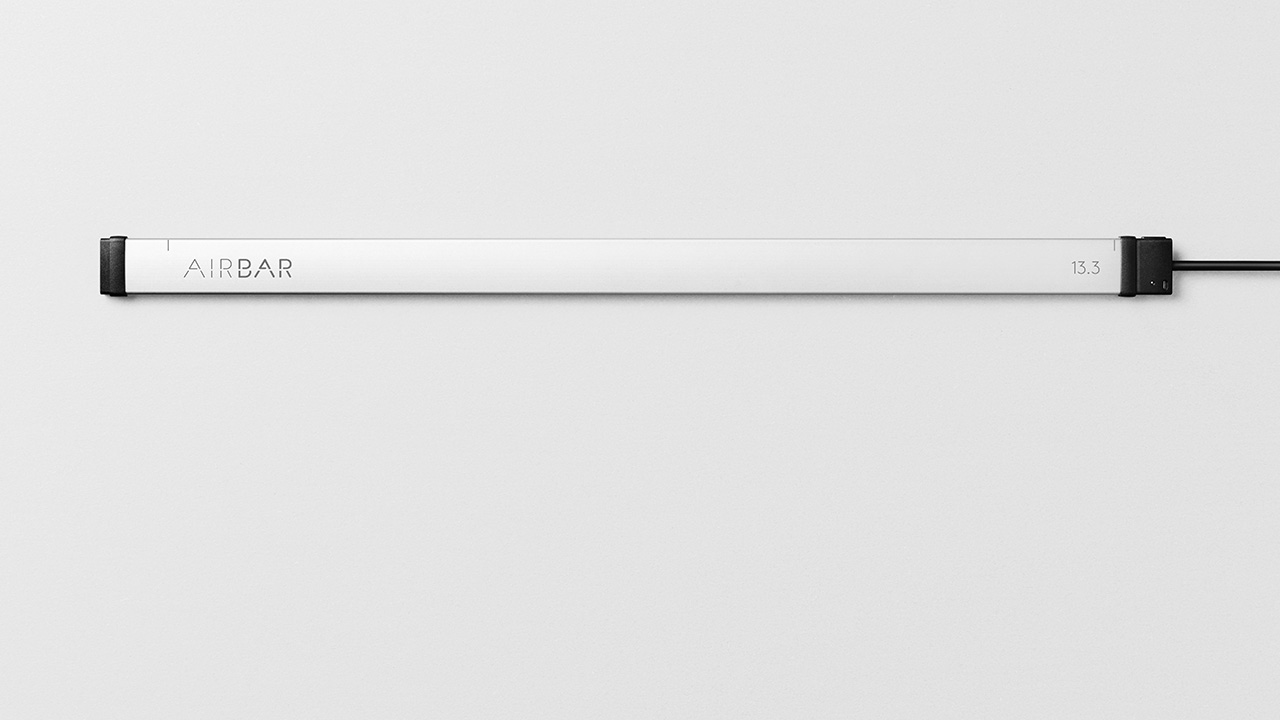
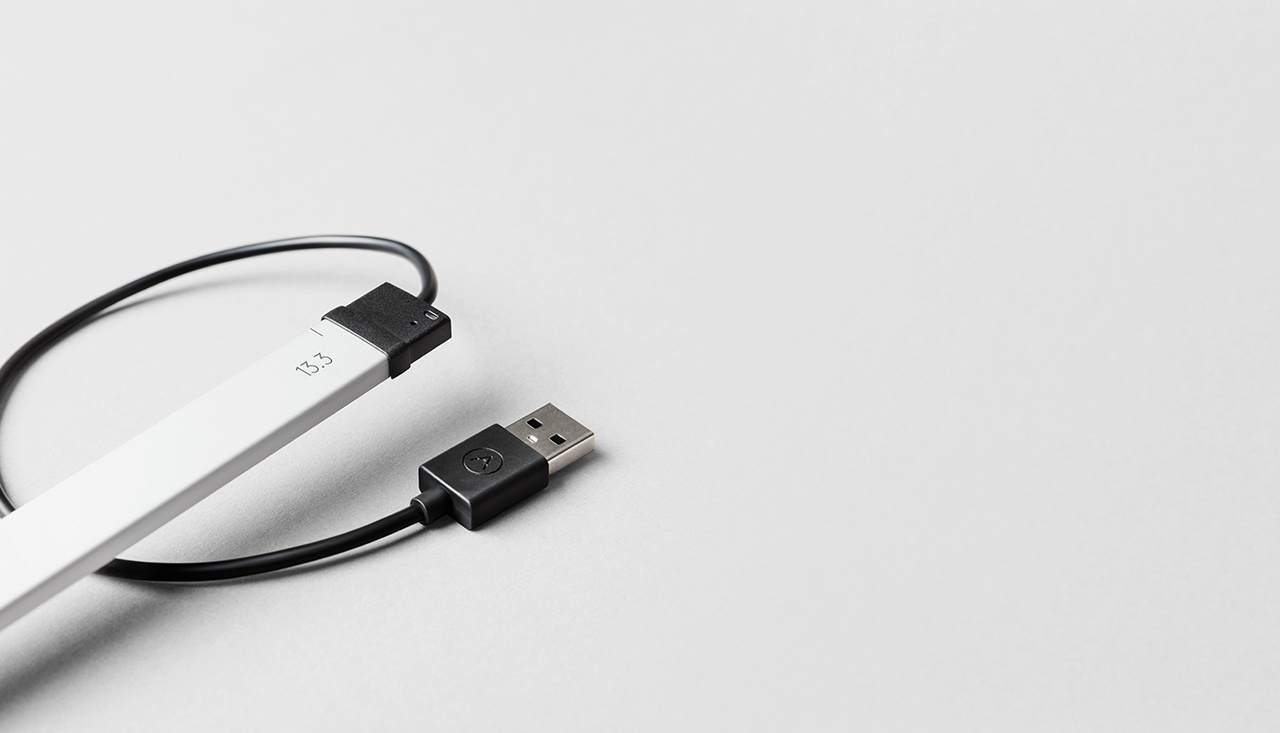
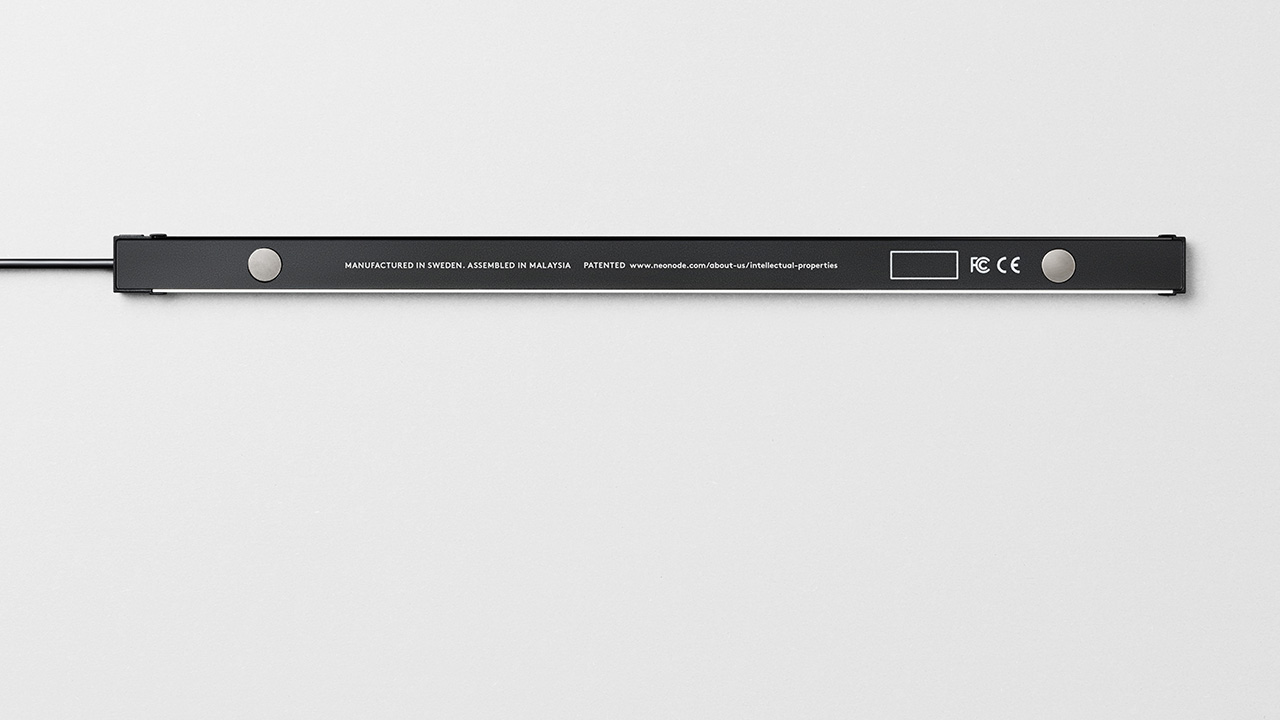
AirThe bar is MacBookIt attaches with two magnets, specifically under the display, and plugs into your computer's USB port. The aluminum strip then projects an invisible light onto and in front of the display. MacBooku. Thanks to this light layer then AirThe Bar recognizes exactly where you place your finger, stylus, or any other opaque object, allowing the user to control the screen without actually touching it, and even use gestures to scroll, zoom in/out, and pan.
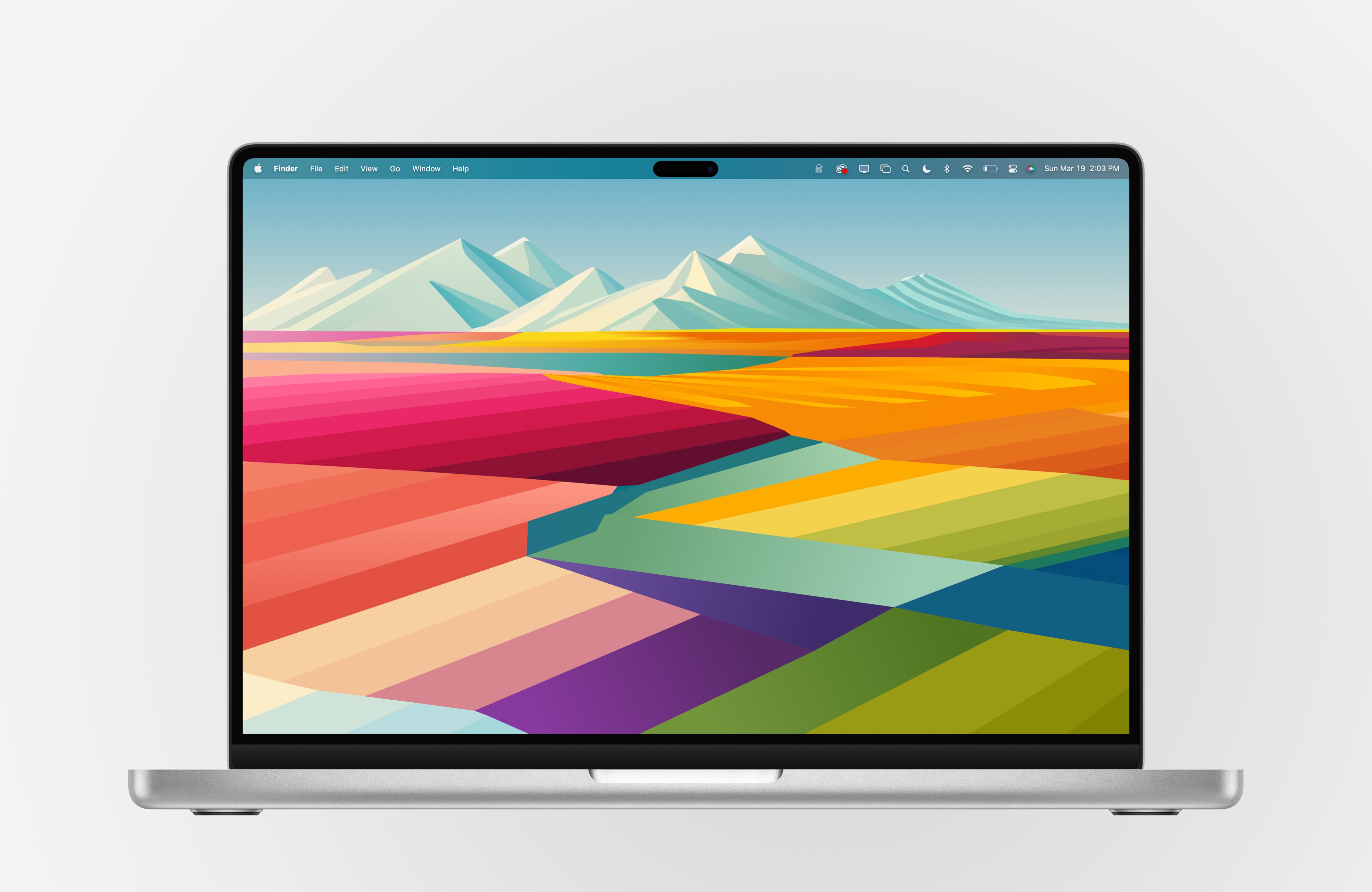
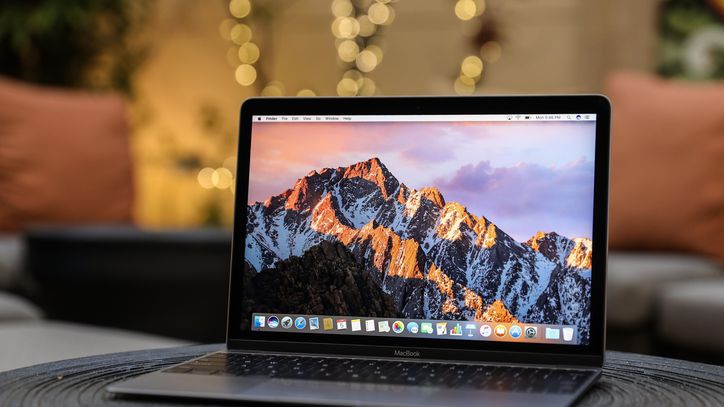
Neonode points out that AirThe bar requires 17 mm of free space under the display, which means that the gadget cannot be used on 11″ MacBooku Air, 12″ Retina MacBookand not even on any MacBooku Pro.Lewis Hilsenteger of Unbox Therapy in his video he showed that although AirBar on MacBooku Pro It basically works, but it's not as accurate as it should be due to the lack of space between the display and the bar.
AirThe bar works practically immediately after being plugged in. Pro To get multi-touch gestures, you need to install special software that Neonode offers for free with the product. AirThe bar is also available pro Windows laptops with 13,3-, 14- or 15,6-inch displays.
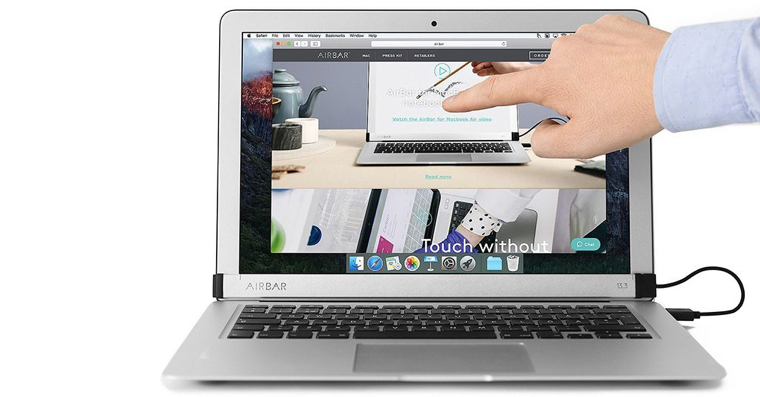
source: businesswire




Few things are more useless than a touch screen on a laptop.