
With deletion iOS 10 started Apple also with the distribution of a new type of applications in App Storu – apps can detect and then block spam phone calls from telemarketers, debt collection agencies, scammers, and automated systems. These apps act as extensions to the native Phone app and, in theory, should help you filter out unwanted calls.
Callkey
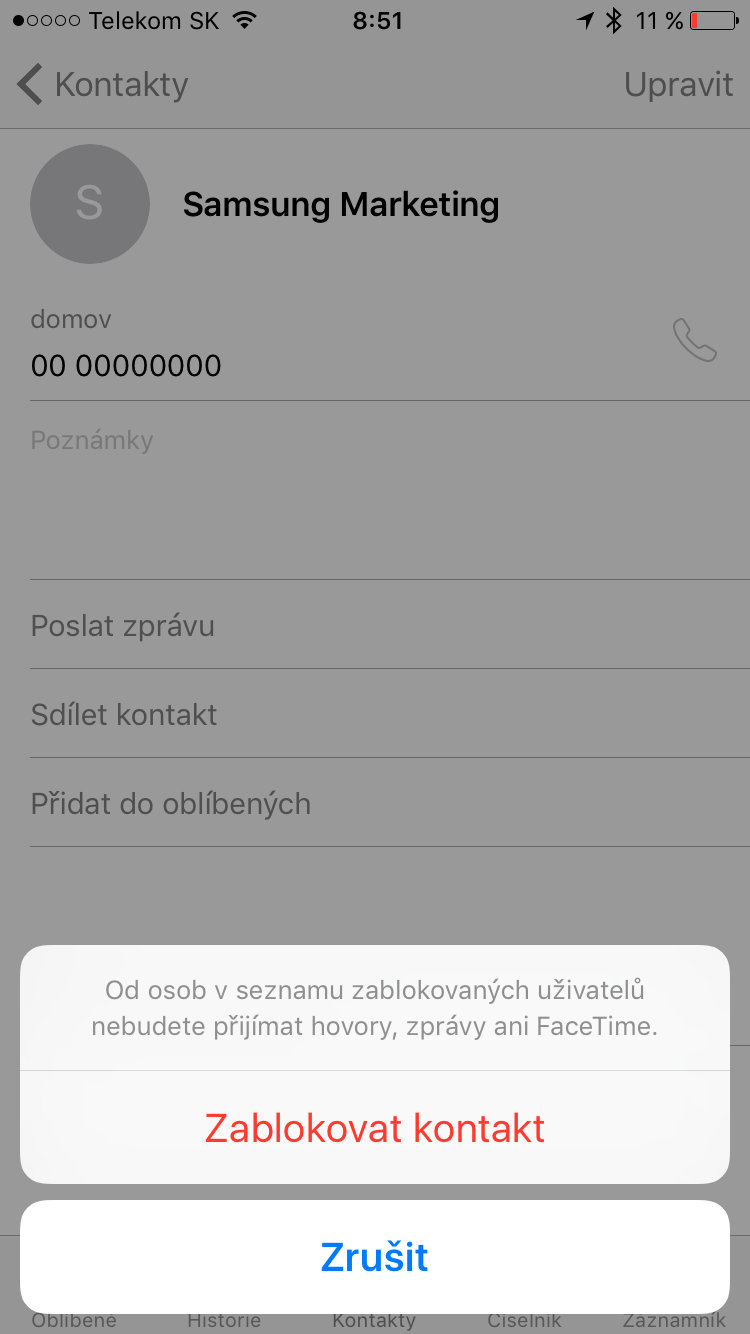
New framework for CallKit in iOS 10 allows developers to create application extensions that enable call blocking and caller identification. If you install and activate such an extension, your iPhone will check the phone number calling you and compare it to a database of numbers marked as spam. If it finds a match, it will automatically block the call. Depending on which third-party app you have installed, you will be offered a range of options, such as filtering the call (your phone will ring as usual, but you will see a message saying that it is probably a spam call) or blocking the call completely, so you will not be notified about it at all.
You might be interested in
Call blocking and filtering applications
Just as there are multiple content blockers for iOS, there are also multiple applications that allow you to filter and block unwanted calls. Since this is a relatively new feature in iOS, but the choice is not very large yet. The difference between the individual applications lies mainly in their functions, settings, and also the size and accuracy of their spam call database. The iDownloadBlog editors discovered these three applications: Who Called ($0,99) – the database contains 16 thousand numbers, CallBlock ($3,99) with a database of 2 million numbers and WhoCalls, which is the only one that is free. At the moment it is very difficult to say which of the applications is the best – so far CallBlock stands out the best from the selection, mainly due to its extensive database.
You might be interested in

How to Install Call Blocker on iPhone
- First of all, of course, you need to download the given application.
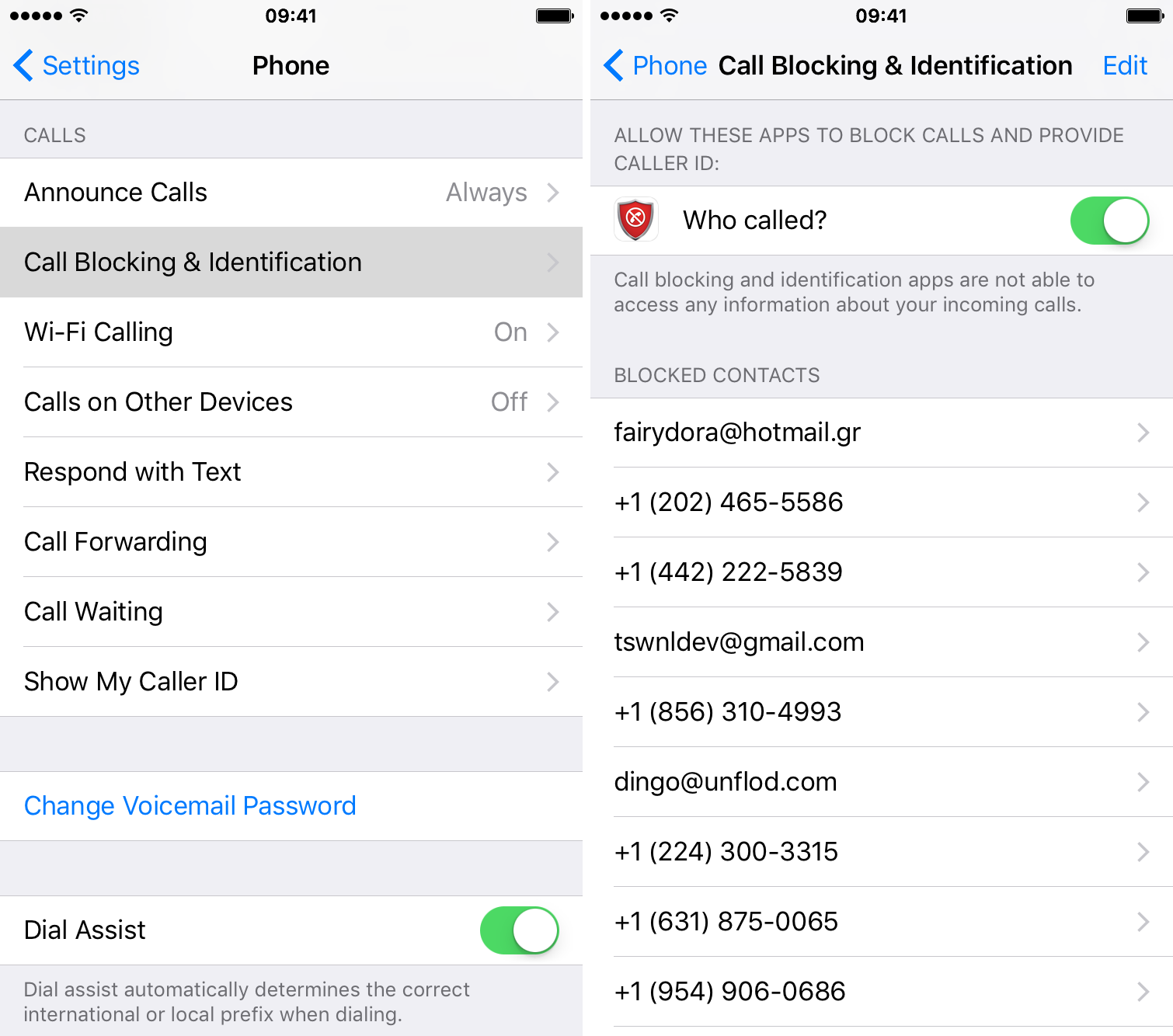
- Once the app is installed, go to Settings -> Phone -> Call blocking and identification.
- Here you will find an item with the name of the application - move the button next to it to the "on" position (it must be colored green.
- Return to the app and adjust the settings.








Does any of this work for CR?
Nevolejte.cz is working on an application for iOS.
Now to add automatic call recording, as MIUI or Flyme have been able to do for years...
CM newly integrated into PhoneApp TrueCaller, although I don't use it myself, has a pretty good list of harassing telemarketing numbers and people praise it even in the Czech Republic. TrueCaller should probably be available for iPhone.
Just don't overdo it. Something like this Homer Simpson built a car. It turned out to be something that had everything, but couldn't be driven :-)