
He released last week Apple a little unexpectedly new version iOS 9.2.1, which you would have to search in the Updates section of your iPhone for in vain. It is only available through iTunes when you restore your device and reinstall the system. The new version is intended for all users who have had their Touch ID in an unauthorized service center and when updating the system, they iPhone It crashed and wouldn't start again. iTunes then reported an error called "Error 53," which was actually intentional, as it was said to be a security measure to prevent someone from stealing data from the device. Touch ID misuse.
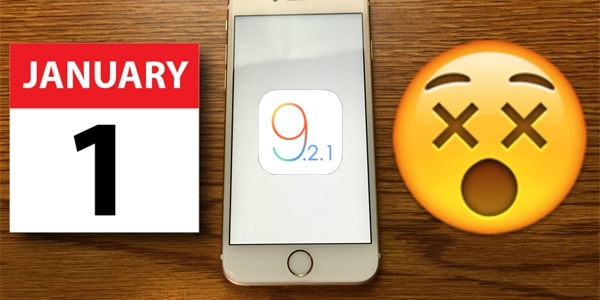
But Error 53 is not the only problem that the system iOS has been causing problems lately. Recently, a bug appeared that caused the iPhone to freeze when setting the date to 1.1.1970/XNUMX/XNUMX and then restarting. The system kept loading over and over again, so all it showed was a black screen. Apple logo on a white background, but the user did not get any further. Apple last week he promised a fix in one of the following updates, but didn't specify which one and it seems he implemented it right away in the new version iOS 9.2.1.
At least the youtuber confirmed it EverythingAppleProwhich he performed on the new version iOS 9.2.1 several error tests that iOS have been narrowing recently. Two of them have not been fixed, but the error with the year 1970 has probably been fixed. The Youtuber points out that this may be an isolated case and that he has not tested whether the update fixes the error on all his phones.onech. So if you want to get rid of error 1970 a little earlier than others, back up your iPhone, restore via DFU and install a new system via iTunes.


Installing a new version IOS It offers itself to me immediately after connecting to iTunes