
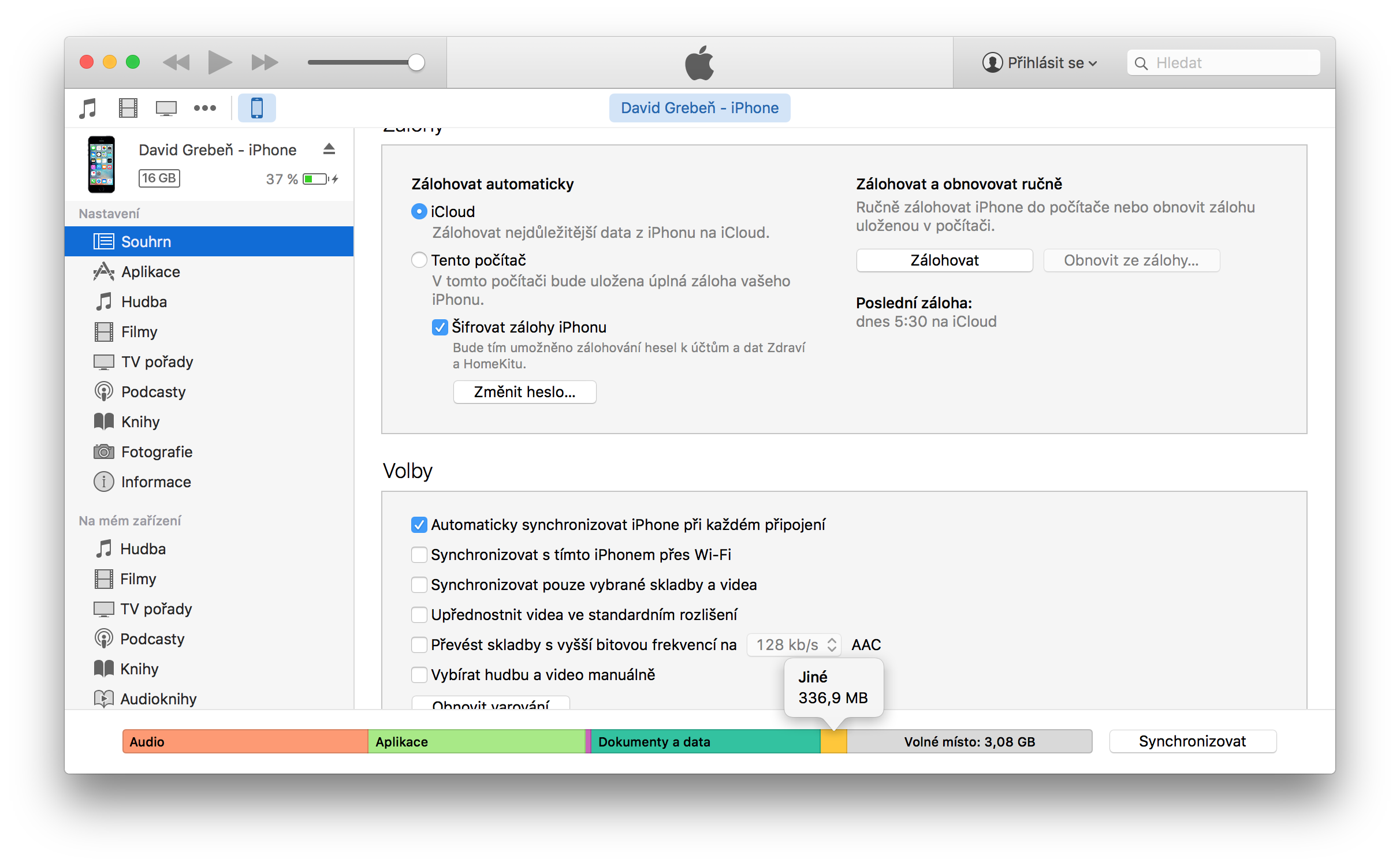
Most users manage their iPhone storage through the iTunes app, where you can see how much data is being used after connecting. However, the yellow-marked Other item is a mystery to most users. This is a system folder that takes up one to five percent of the device's total capacity after the first turn on. However, its size can grow to several gigabytes after a few months. What is the category for and what items does it contain? Let's take a closer look at it and find out how to reduce it as much as possible.
Categories jine It contains everything that does not fit into any of the other categories, which include: Applications, audio, books, documents and data, photos and podcasts. Apple stated on its website that the Other category includes: Device settings, voice Siri, system data, cache files, and high-quality VoiceOver voices, who were recently honored by the American Foundation for the Blind. Items such as contacts, calendars, SMS and iMessage, emails and their attachments, and other items are not included in the category jine, but the category documents and data.
Where do cache files come from on your iPhone? Cache files are created when you stream or view content, such as videos, music, or photos. When you stream music and videos, this content is stored on iOS device as cached files. iTunes categorizes cached files—whether they're music, videos, or photos—in the Other category, not other music, videos, or photos. Apple It also states that cached files are deleted automatically when you need more space, but not always. iPhone evaluate the situation correctly. The Other item, specifically the cache subcategory, is also filled by applications. These create additional files to make the application load faster, after uninstallation, not all files may be deleted, so they take up space again even if they are no longer physically on the mobile phone. However, space is also taken up by, for example, the so-called Crash Log, which records information about the crash if an application crashes, which is completely unnecessary for the user, but still takes up space.
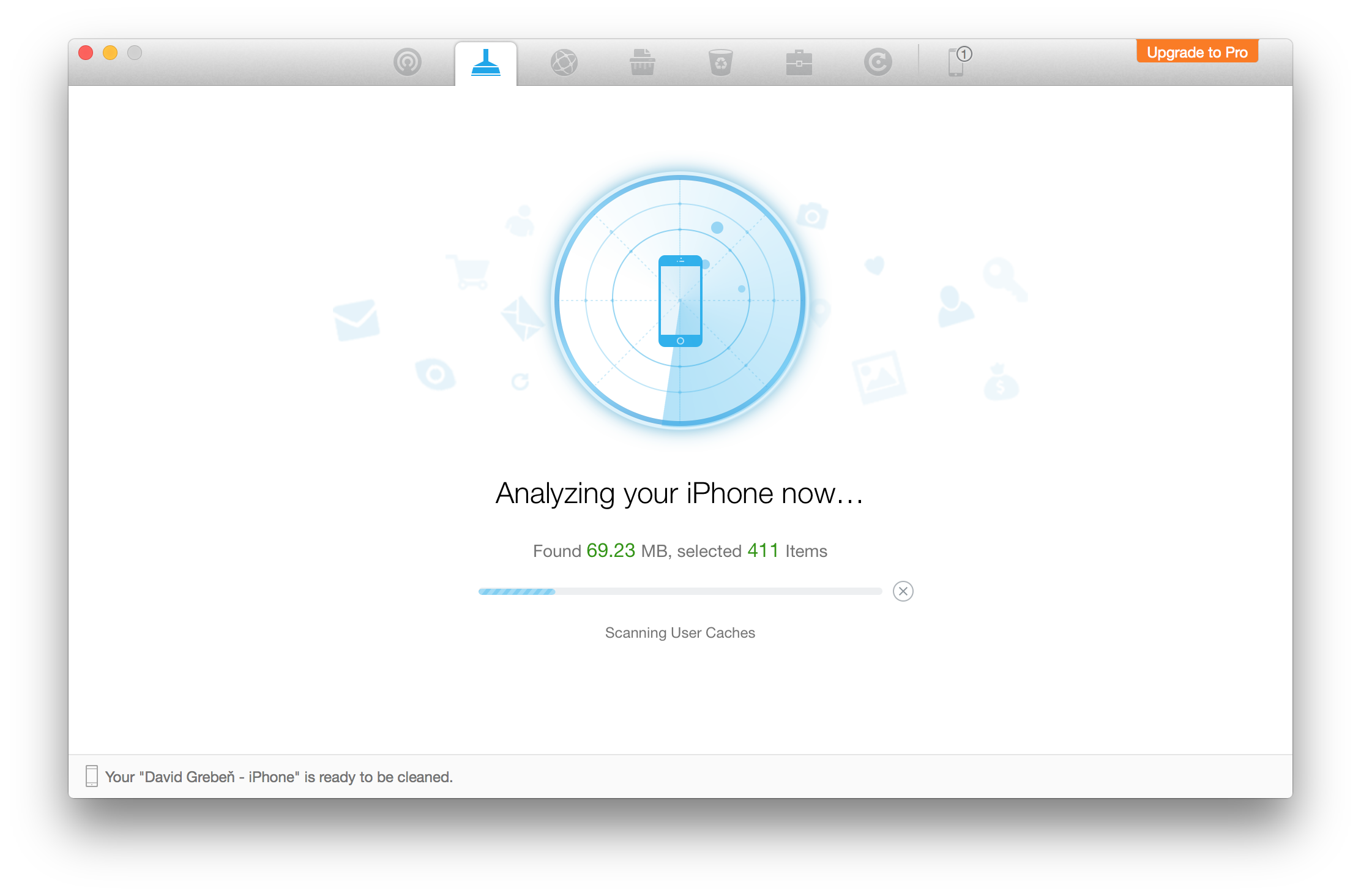
Fortunately, we also have applications that can delete these unnecessary files and free up a lot of space on the iPhone. Currently the best and most used is called Phonethe Clean, which also offers the most basic applications completely free of charge and is available for OS X i WindowsThe application works simply, after launching it, you just need to connect your iPhone to Mac and the application will automatically show the basic option – Accelerated scan, or Qucikscan. After clicking the SCAN button, the application will search for “unnecessary” files that the iPhone will not miss and will still free up space. This Qucikscan is completely sufficient, but at the top you can choose a deep scan of specific files. No jailbreak is required to use the application, it is a kind of extension of iTunes. However, when exploring the more complex functions of the program, be careful not to delete private files or applications.



I've never cleaned anything, but I don't have anything else in there.
http://www.upnito.sk/0/j5qnn2nkdw7cqbaxn4ht5vycsenjpwc4.jpg
So you're number one. I have them right after starting up my phone straight out of the box, or right after a clean install.store from dfu.
I'm more interested in the Documents and Data item, which is growing significantly. The only way I was able to delete it was bystorem. Does anyone know anything better?
Hello, is it still up to date or has someone made a newer program? Thanks
You will have to pay extra for the PRO version of this program. Normally it doesn't clear anything, it even deleted almost all my photos
Nothing cleaned the poop and smeared my photos!!!