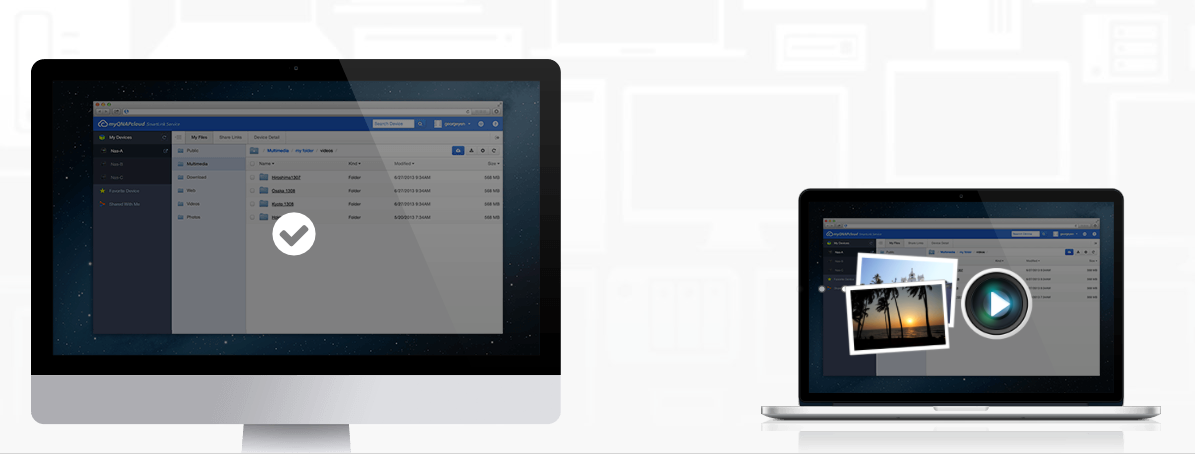
Press Release: Thanks to usQNAPcloud you can easily access your Qnap devices from basically anywhere. weQNAPcloud provides various remote access services, such as DDNS and CloudLink. No matter where you are, you will always have secure access to your devices QNAPSo, for example, you can easily access files stored at home on your mobile phone while on your way to work. Qnap device. Of course, safety is also a concern, which you can read more about below.
Easily share your files from wherever you are
myQNAPcloud is a simple and powerful service with QID authentication mechanism designed to securely share your personal data and files. Now you have a convenient alternative to share your photos and videos with your families and friends.
Easily manage your files online
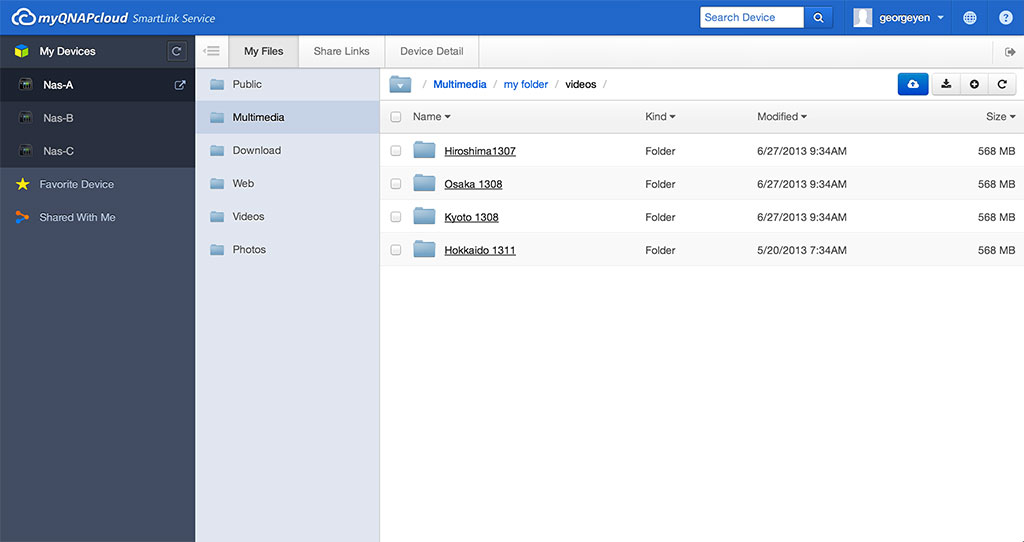
With the file management service provided on our websiteQNAPcloud you can directly upload, download, move and copy files. In case you have multiple device drives QNAP than just one, you will find that our serviceQNAPcloud is incredibly powerful because you will be able to manage the files stored on them through a unified user interface.
Security weQNAPcloud
Security and privacy are our top priorities.QNAPcloud top priority. We work hard to protect your information and ensure the availability of our services not only through technology, but also through people and processes. Below is a summary of the most important security features of our serviceQNAPcloud.
Protected file transfer
Prothe protocol used by the service weQNAPcloud is SSL/TLS, so all transmitted data is encrypted with the AES algorithm. The same protocol is implemented as standard for online transactions or banking. It provides authentication and protection against eavesdropping, unauthorized message modification, and message forgery.
Authentication
Your account and device information can only be accessed after authenticating your user account.QNAPcloud (QID). In addition, before a user can access or manage the device using CloudLink, this user must enter the correct login information into the device, even if this user is logged in under their my accountQNAPcloud. This enforces dual sign-on for stronger security.
Granular security review
We offer extensive services for remote access to your device, and we also provide a mechanism by which you can control which services are set to be enabled or disabled according to your network environment and security requirements. Granular control allows you to observe the principle of the weakest rights.
Prohistorical records of account activity
My serverQNAPcloud keeps detailed account log records, which allows us to perform transactions on our accountsQNAPcloud Audits. Users have the ability to monitor account activity logs and check for any abnormal account states. These audit reports will be emailed to users whenever significant changes occur (such as an attempt to log in to myQNAPcloud ID from new device.
World class operation
Our servicesQNAPcloud We operate in world-class data centers that provide excellent network performance.oneactivity and robust resources. Services are hosted on redundant servers with the ability to scale. Important data is replicated in real time and regularly backed up. We also have continuous service monitoring and log analysis systems in place to detect and promptly correct any degradation in service performance.
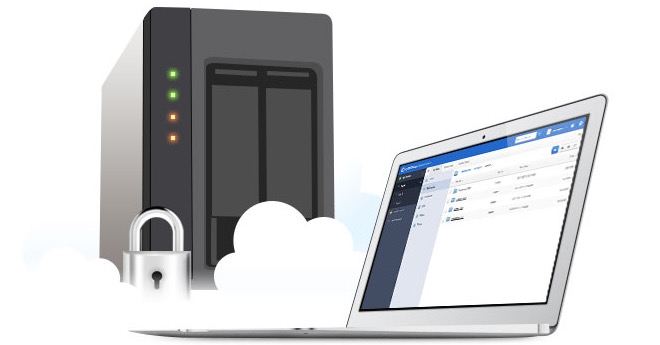
Work smart with all the tools provided by QNAP
Computer tools QNAP They will help you increase productivity and make connecting to devices incredibly easy QNAP, backing up important files, syncing files across all devices, etc.
Qfinder
Qfinder It will help you find and set up your device. QNAP on your LAN and gain access to it.
Connecting usQNAPcloud
To the data stored on your device QNAP you can access it easily and securely using a VPN connection.
Qsync
Qsync can sync files across different devices and keep those files up to date.
NetBak Replicator
NetBak Replicator helps you back up files from your PC to your Turbo NAS/NVR.
QGet
Let QGet monitor all your download jobs on Download Station.
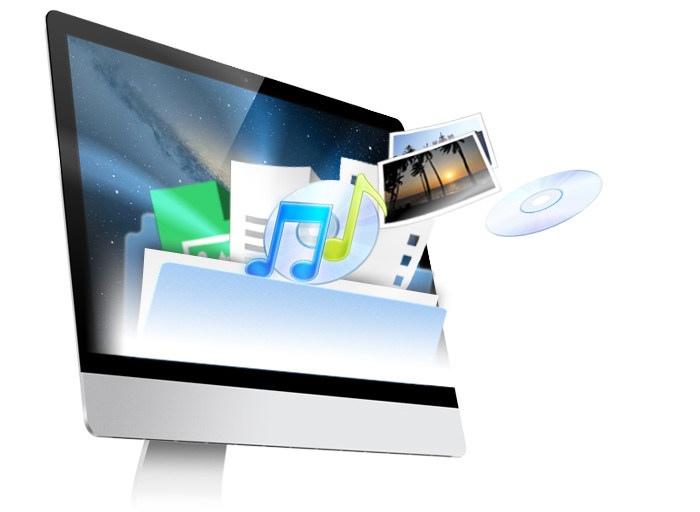
Enjoy your mobile life anytime, anywhere
Due to the increasing prevalence of mobile devices all over the world, you QNAP with the support of our serviceQNAPcloud CloudLink provides a larger number of mobile applications to access your devices QNAP and for their management regardless of where you are.
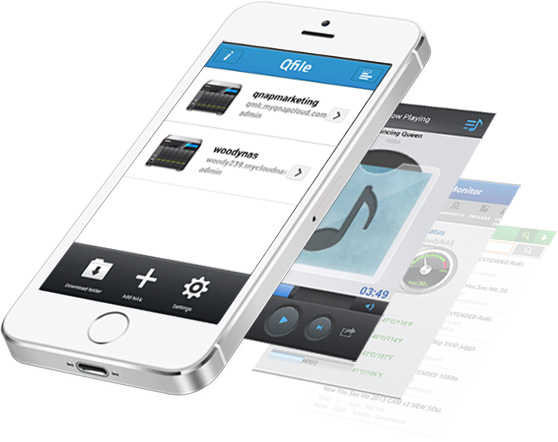
Qfile
ProBrowse, manage and share files stored on your device QNAP on mobile devices with the system iOS® or Android.
Qmanager
Monitor and manage your devices QNAP remotely using mobile devices with the system iOS® or Android
Qmusic
Have you ever wanted to stream and enjoy music stored on your Turbo NAS/NVR using a mobile device with an operating system? iOS® and Android™? Free Q appmusic It will allow you to listenchat Your terabyte music collection on Turbo NAS/NVR anytime, anywhere.
QGet
Let QGet monitor all your download jobs on Download Station.
Qremote
Qremote can turn your mobile device into a remote control for the HD Station, allowing you to play videos, music and photos stored on the device. QNAP on your TV.
vmobile
Monitor IP cameras connected to devices QNAP (Surveillance Station) or Viostor NVR on the go.
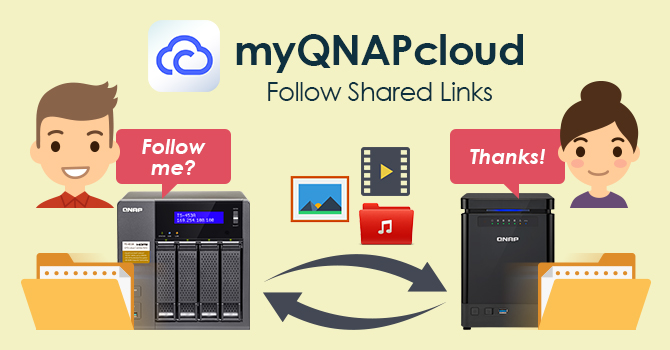
QNAP releases updated weQNAPcloud with support for following shared links and is ending support for services for MyCloudNAS
Company QNAP Systems, Inc. has released its latest application CloudLink, which improves remote access features to my servicesQNAPcloudso that users have easy access to their devices QNAP over the Internet at any time and without the complicated process of domain redirection. By installing the application CloudLink, users can access files in a timely manner on QNAP NAS using ourQNAPcloud (www.myqnapcloud.com) or by sharing download links with contacts to track the status of the job. Users can also simultaneously download and sync files from shared links to a remote NAS without having to save them to a PC/Mac first.
Company QNAP intends to continue to develop our servicesQNAPcloud, and in order to devote more resources to their development, unfortunately, they had to end support for the My product from January 15, 2016.CloudIN THE.
"The new Follow Shared Links feature breaks the limitations of file sharing and allows users to sync or share files as background tasks between two devices." QNAP NAS without the need for a middleware computer, saving users the time and effort that would otherwise be required to perform complicated network configurations. In order to raise funds for further development, weQNAPcloud, unfortunately we have had to make the decision to end our ongoing support of the My service.CloudNAS. We apologize for the inconvenience this will cause to our users. However, we can recommend that they try the smooth remote connection functionality provided by myQNAPcloud", said Cherry Chen, Procompany's pipeline manager QNAP.
In order to use our servicesQNAPcloud, users must QNAP The NAS must use QTS firmware 4.2 (or later) and have CloudLink 1.1.45 (or later) installed from the QTS application center.
Availability
myQNAPcloud is available in the QTS App Center. For more information about “Follow Shared Links”, please visit https://support.myqnapcloud.com/features?lang=en&focus=follow
About the company QNAP
Company QNAP Systems, Inc., as the name itself suggests, “Quality Network Appliance Provider” (a provider of quality network devices) suggests, focuses on delivering comprehensive offerings with network attached storage (NAS) and network video recorders of the highest quality with ease of use, robust operation, large storage capacity and high reliability. The company QNAP combines technology and design to deliver quality products that effectively help businesses with file sharing, application virtualization, storage management, and surveillance in the corporate environment, while enriching users with an entertainment multimedia center. Headquartered in Taipei, the company QNAP provides solutions for the global market through continuous innovation and passion.