
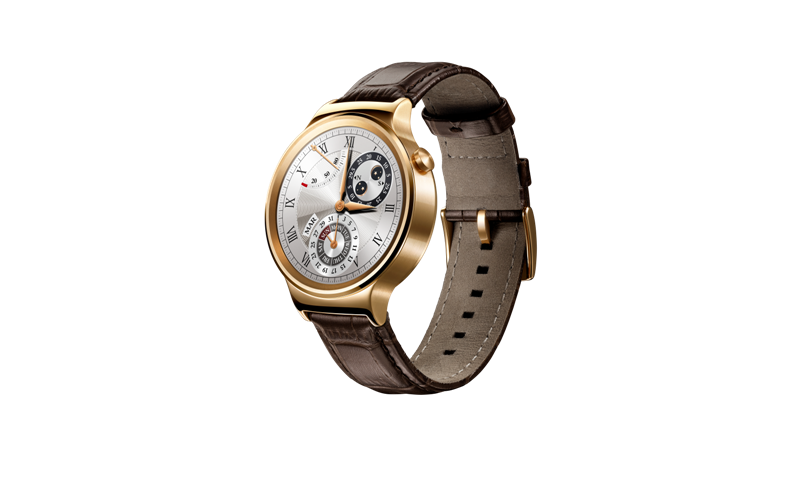
Literally at the beginning of December I became the owner of my first smart watch. Unlike Romanand, who bought and reviewed the watch in the past few weeks Apple Watch, I have been interested in the Huawei Watch for several months, and this interest finally culminated in me buying it, and right now, as I write this article, this elegant piece is lying next to me, placed on a magnetic charger. Overall, I feel that Huawei is proof that even Android smartwatches can be beautiful. In addition, they are compatible with the iPhone, which I consider to be another plus and a decisive factor. Namely, at the moment when to App Stora got an Android app Wear, it was immediately decided that I was buying a circular smartwatch from a competitor.
To be honest, I don't think I'm the only one interested in Android watches Wear more than Apple Watch and I expect that in the future there will be many more people who prefer the "alternative" to the Apple Watch. After all, watches are a very individual thing and not everyone likes a rounded rectangle. In addition, not everyone is interested in using a watch to follow the news on Instagram, instead displaying notifications, fitness functions and a high-quality appearance are enough for them. In that case, a rich Android watch is enough for you Wear and in this very article I will explain how to pair them with your iPhone. But first, make sure you have iOS 8.2 or later.
- Turn it on Bluetooth on your phone
- Download the app Android Wear z App Store
- Open it and tap the option to pair with a new watch at the bottom of the screen
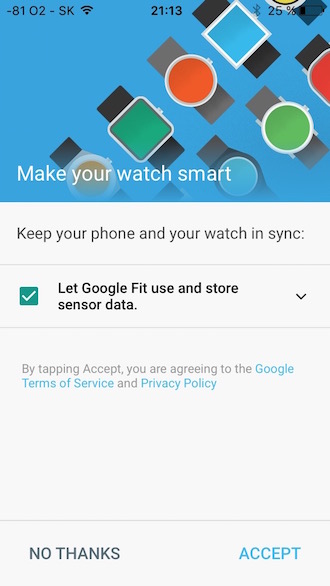
- If interested, accept the terms of use of the Google Fit service.
- Turn on the watch and connect them to the charger. Wait for the initial setup process to load
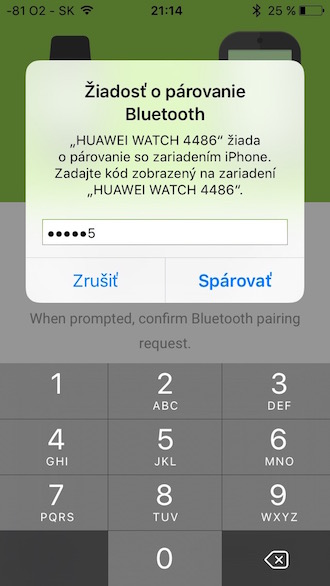
- Follow the on-screen instructions until it appears on the screen pairing key
- Now click the button Further on your iPhone
- Tap the watch you want to pair with your phone
- Describe the code you see on the watch screen. During pairing, also allow the application to handle various data to which the application will request access (e.g. location access, Bluetooth communication, etc.)
- While the watch is being set up, you can watch a demo video that shows you what you can do with your Android Wear watches.
- Now, just on the watch, complete the training that will teach you how to use it and show you how to clear notifications or change watch faces.
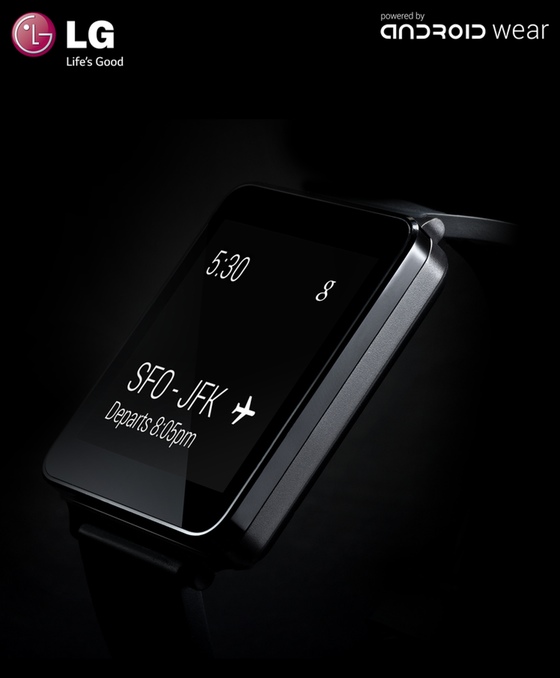
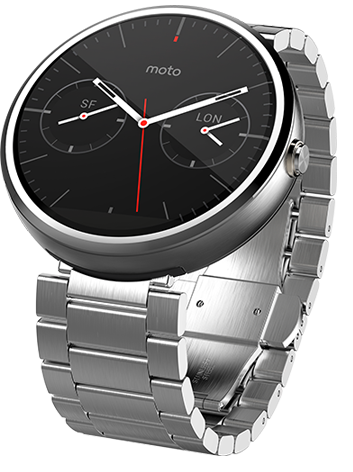
It goes without saying that you have one of the supported watches. In the official way, you can pair immediately after purchase and unpacking iPhone with models: ASUS ZenWatch 2, Huawei Watch, Fossil Q Founder, LG Watch Urbane, Motorola Moto 360 (2nd gen.), Motorola Moto 360 for Women, Motorola Moto 360 Sport, TAG Heuer Connected.
This watch comes pre-installed with the latest version of Android Wear, so you can easily pair them with your phone. In case you like older models, then you can pair those too, but they need to be updated first. However, I would like to point out that this procedure is not verified on all models and therefore I would rather rely on newer models if I were you.
|
|
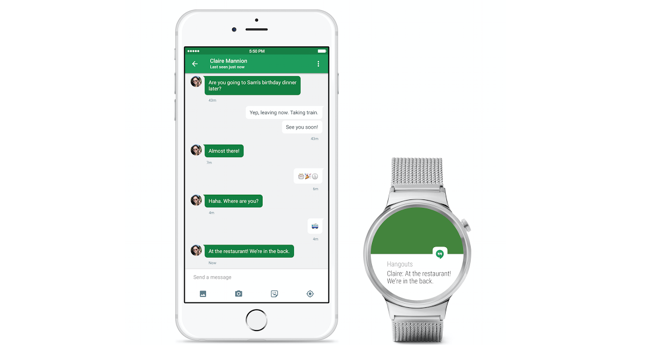
Finally, I'll just add that Android Wear the watch only communicates with your iPhone if you have the Android app on your phone Wear (in the background). There is a smallancand that the application will turn off during the day, but if you want to be sure, then activate the background application refresh in the phone settings. In order not to run out of battery, activate the function just for Android Wear:
- Open it Settings - General
- Open the section here Refreshing app. Background
- Activate and turn on the switch for the Android app below Wear. But there is a bigancand that the switch for AW app will be turned on automatically after you activate the background app refresh feature. But to save battery, turn off this switch for other apps you see in the menu.
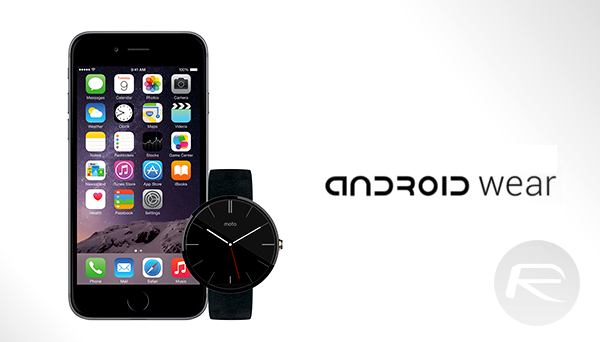
*image source: redmondpie




small question is it just me or siri did she change her voice? ...
This means that all smartwatches (which have Android Wear) can now be paired when it is in App Store appfor Android wear? :))
chips07: I feel like on the iPad Pro she had a more robotic voice, unlike mine iPhone she has the more human one, but I've been using her there for a long time. Maybe it's the team that adapts and "learns" over time.
Jan Krejčík: Thanks for the reminder, I will include the supported watch models in the article.