
Press Release: The innovative dual-boot TAS-168 and TAS-268 with QTS and Android™ is an unprecedented network storage center for file storage, backup, remote access, and — most excitingly — the best multimedia and app experience you'll ever have on a NAS!
The compact TAS-168 and TAS-268, based on a dual-core ARM® v7 processor with 2GB RAM, offer good performance as a home NAS, and with its large storage capacity and HDMI outputs for 4K media playback (H.265 & H.264), it can serve as a perfect media entertainment center. For the best multimedia experience, simply use the TAS-168 or TAS-268 with a keyboard and mouse. Using the combined NAS with QTS and Android operating systems is very convenient. Pro With its unlimited number of applications, it is a necessity of modern digital life.
- Download millions of Android™ apps and never worry about running out of storage space again.
- Easily play rich media collections on a 4K TV with HDMI
- Supports stores Google Play™ and Qmarket
- Certified by Google® and offers the possibility of synchronization with your Google® account
- Organize and manage your files and backup jobs in one centralized location
- File synchronization between computers, laptops and mobile devices
- Cast your media library via DLNA to other devices and to your TV
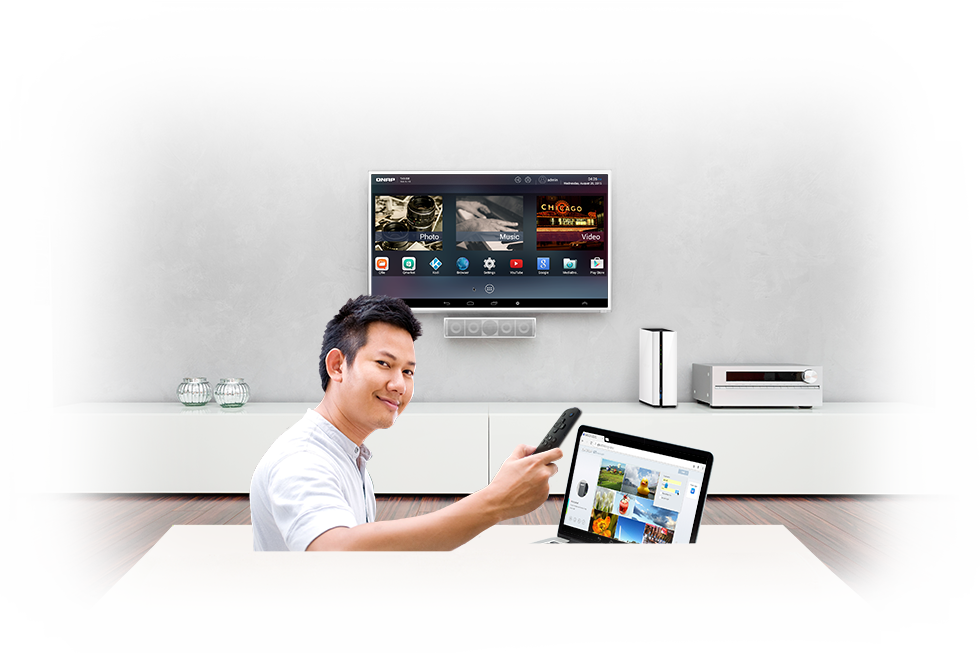
One NAS, two systems, unlimited applications and entertainment
The TAS-168 and TAS-268 are the first NAS to offer dual systems – QTS and Android™. While QTS provides efficient data transfer, rich multimedia features and solid data security, the Android™ system handles 4K video playback (H.265 & H.264) via HDMI, can run Android™ apps, and can install apps from Google Play™. Both systems share the same storage database so that all your media files and documents can be accessed from QTS and Android™ simultaneously. The Qfile app from QNAP you can use it to upload photos and enjoy them on an HDMI display via Android™. Similarly, files downloaded from Android™ can be managed and shared via the QTS operating system. Experience the power of QTS and Android Combo NAS with the TAS-168 or TAS-268 and discover easy and efficient file storage combined with a wealth of multimedia playback applications!
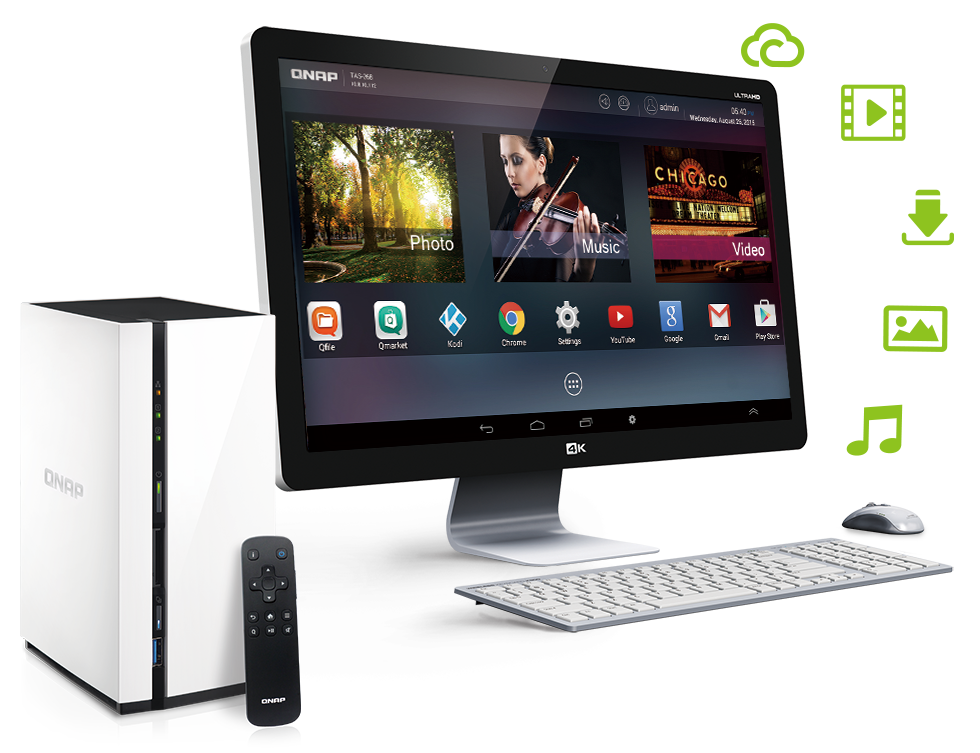
Connect a keyboard, mouse and monitor and you're all set
ProBy simply connecting a keyboard, mouse and HDMI display, you can directly manage, edit and play files stored on the TAS-168 or TAS-268 without the need for an additional PC. You can find your favorite Android™ interface on the HDMI display and start using various applications from QNAP, such as Qfile, Qmanager, Qphoto, Qvideo, Qmusic, MyNAS and Kodi™. ProThe Android™ experience is yours with TAS, so download all your Android™ apps to the TAS-168 or TAS-268, and enjoy managing videos, apps and files on your monitor or TV for the best visual comfort.

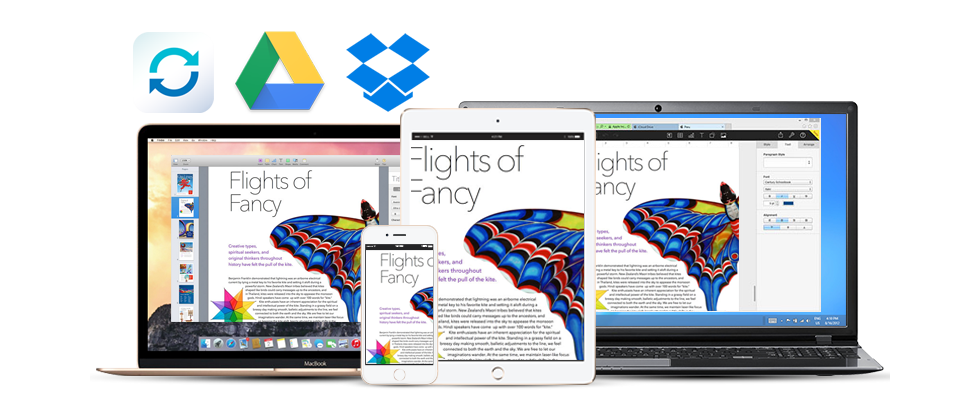
File synchronization across devices and environments cloud
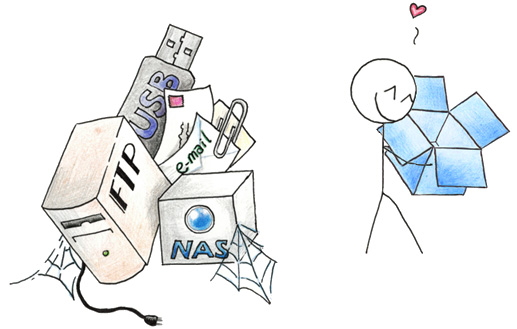
Qsync turns your TAS-168 or TAS-268 into a secure, high-capacity data center for file synchronization. Every file uploaded to the TAS-168 will be available to all connected devices, such as computers, laptops, or mobile devices. Qsync is especially useful for those who travel frequently to manage their files and always have the most up-to-date files on different devices. You can also install the app Cloud Drive Sync from QTS App Center for easy file synchronization across storages Google Drive™ and Dropbox®.
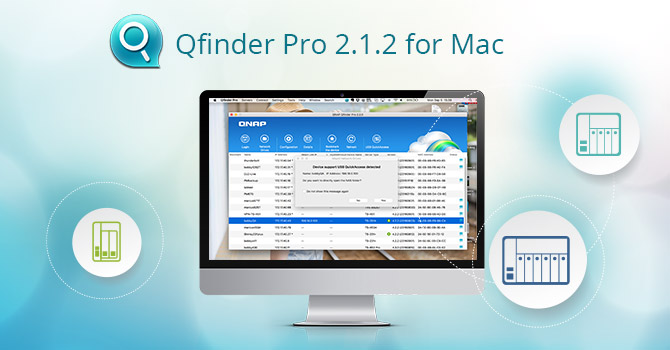
All further information about the solutions QNAP for Mac you can find out directly at official website company QNAP for the Czech Republic. It is also worth watching Facebook group QNAP Czech Republic, where you will learn about all the news that the company is launching.




QNAP push and push :-) . I looked out of curiosity QNAP TS-231 which is similar in price to the Synology DS215j. QNAP it also has some ports, but as far as writing and reading speed is concerned, it doesn't match the Synology.
That's true, but again Synology doesn't have HDMI. ?