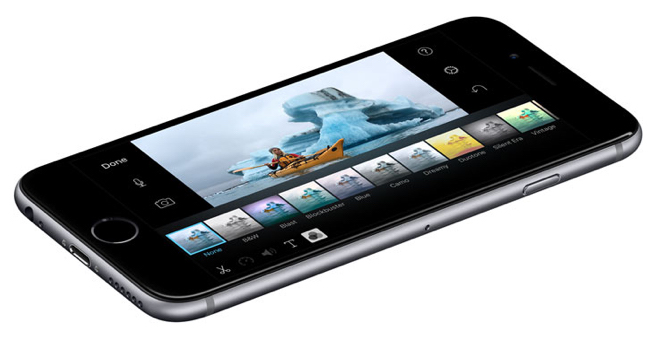
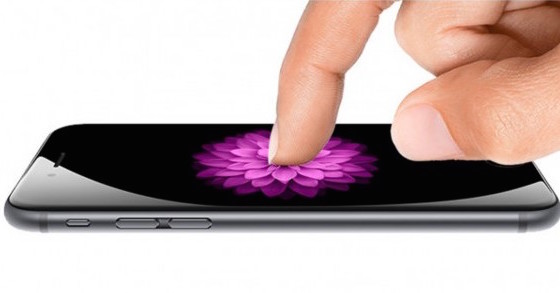
Next week Apple is organizing a really big one event, on which it will be presented terribly a large number of new products. Right at the beginning eventwe should see u iPhone 6s and iPhone 6s Plus, an update of last year's models, which will receive news such as newer hardware, a better camera and Force Touch technology, which will work differently than on Apple Watch and on MacBooku. Even because of this, the display deserves a new name, and with a high probability it will be Apple referred to as 3D Touch Display, i.e. 3D touch display (it may also have something to do with Huaweiwho stole App(this name). For the record, last year's displays were called Retina HD. Force Touch for iPhone is distinguished primarily by the level of touches it supports. While on Apple Watch and on MacBooku we can recognize two levels of compression, here we will see up to three - tapping, compression and strong compression.
As such, the technology will also be open to developers who can use it in their games and will be able to create some brand new titles that take full advantage of the 3D Touch display capabilities. They will also be able to use it in apps to make it faster for people to use them, and apps with Force Touch support could use it as shortcuts, for example in settings. He also wants to use technology for shortcuts Apple in the system iOS 9. For example, in the Maps application, just press harder on a point of interest and the navigation will start immediately, instead of the user having to click through the menu. In the Music application, the option to download a song for offline listening or adding to a playlist will appear. It actually serves as a shortcut for the [•••] button, but the gesture can be used anywhere in the application. Shortcuts will also work with icons on the home screen - after pressing the Phone application hard, the instant messenger will immediately start, after opening the new News application, the Favorites or For You menu will be displayed instead. Force Touch will also allow you to display minipage layout in Safari after holding the link, or after clicking on an address or contact, you will see a map or contact. Finally, you can use Force Touch to define words in a dictionary or Wikipedia.
*Source: 9to5mac