

1) Should you install Yosemite at all?
Many users are not at all sure about installing and updating the system. It has not been that long since the Lion version brought a lot of bugs and errors with the first versions. Add to that the recent terrible problems with iOS 8, which certainly did not contribute to a positive perception of the updates.
But personally, I had MacBook Air 13 “ 2012 version of Yosemite installed since the first public beta. Yes, back then the overall experience was not smooth, but now I have the sixth version installed and everything is working as it should and I am excited about it. So I am not afraid to say that the update will definitely not slow down your Mac, on the contrary it will improve it and take it to a new level. I highly recommend the update.
Some may still be hesitant, however, due to unsupported developer apps (although all Mavericks apps should run on Yosemite) or the new design that some may not like. Some users also found the new Helvetica Neue font, which is thinner than the previous one, difficult to read on smaller devices (such as MacBook Air 11"). So think about it if such a change seems negative to you and causes you difficulty reading the text. However, the font change shouldn't be a big problem, I hardly noticed it and immediately got used to the new type.
2) Check the system requirements
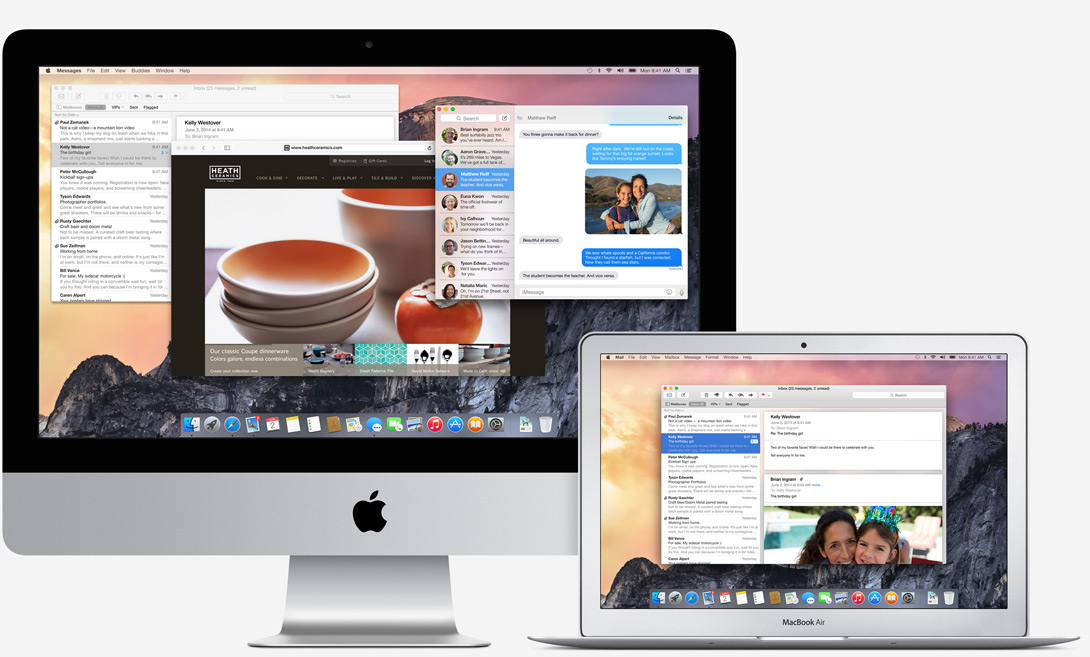
Apple is very generous in this regard, the latest version will even run on some models from 2008. If your Mac supported Mavericks, it will also support Yosemite. Here is the list of models that will receive the update:
• iMac (Mid-2007 or newer)
• MacBook (13 “ Aluminum, Late 2008), (13 “ Early 2009 or newer)
• MacBook Pro (13”, Mid-2009 or later), (15”, Mid/Late 2007 or later), (17”, Late 2007 or later)
• MacBook Air (Late 2008 or later)
• Mac Mini (Early 2009 or later)
• Mac Pro (Early 2008 or later)
• Xserve (Early 2009)
All of these models support OS X Yosemite. You will also need at least 15 GB of free space.
3) Update apps
It's (almost) always good to have the latest version of apps and programs. Before you install Yosemite, download the latest versions by doing the following:
– Click on Apple menu in the upper left corner and click on “Software Update”
– Update all items that appear
4) Proconduct a general cleaning of the system
You should always take care of your Mac system, the feeling of using it can be significantly improved. But before installing, be sure to get rid of unnecessary documents and applications that you don't use and are just taking up space, as the new system needs a lot of space to run smoothly. You can also use the procedure we recently informed you about, which will speed up the system.
5) Back up your Mac
You're almost ready to update! There's just one more very important thing. Something can always go wrong, so be sure to back up your data. Time Machine od Apple is a simple and convenient way to safely and quickly back up your data to an external drive. It's best to make a backup right before you install Yosemite. In case of any problems, you can then upload the data back and you will not lose anything.
6) Install Yosemite
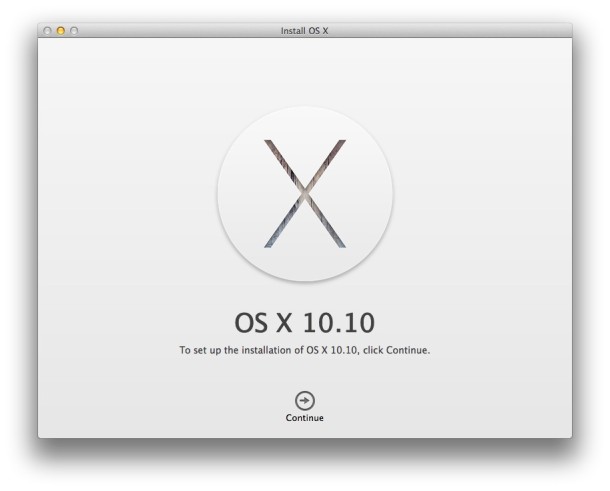
Click on Mac App Store, download Yosemite and enjoy all the new features and the new face of OS X!
Remember that to use all the new features, you need to have the other iOS devices have it installed iOS 8. This is the only way you can use features such as calling from your Mac, Continuity or Handoff. Have fun!



Good day :)
I would like to ask, I have macbook not even a month and I'm still getting to know the system, I'm looking forward to Yosemite, but I don't know if I'll go for it as soon as I can. I'm also interested in how it will be with Adobe programs.
Anyway, thanks for every reply :)
Yosemite's new system font, Helvetica Neue, is on nonRetina displays are truly disgusting, in some parts of the system - for example, the bookmark bar in Safari, slightly unreadable. This simple utility solves the problem of returning to the original system font LucidaGrande (of course, you can also change it back). Strangely enough, Yosemite with the original font looks 100x better... Especially better readability.
Utility see: https://drive.google.com/?usp=folder&authuser=0#folders/0B_u6AjwB3JxSR19USk9CSWhMTnM
The update from the public test will also go through App Store?
At Lione, M. Lione I also encountered problems with Mavericks, so I will not go to the first version and wait for the reactions. At the same time, I'm wondering if the million "testers" helped. If yes, maybe another one iOS will be tested the same.
Will it be possible to return to the old system in case of dissatisfaction? Ideally somehow comfortably, without data loss? :)
james.darmody: ProI use Adobe products every day. I don't think there will be any problems with Yosemite, and Adobe releases updates very quickly.
Unless we count the last Photoshop CC 2014 update where Photoshop regularly crashes when opening large PSDs….
I have two questions:
1. Isn't it better to do a clean installation and then catch up on things instead of "upgrading" it like this?
2. I have iPad mini retina a iphone 6 and Continuity doesn't work for me.. does anyone know how to solve it? I have everything set up and it still doesn't work :o(. It didn't work for me on the XNUMXth either.
on Yosemite I use adobe PS6 and LR5 - no problem.
So what about Aperture and iPhoto? Will these programs run normally on Yosemite, but will there be no more updates, or will I have all my photos in the Photos app after updating the software?