
Press release: The new generation of WD My My Passport® external drives has arrived in Europe in colorful colors and capacities of 500 GB, 750 GB, 1 TB and of course 2 TB. Five popular colors (white, black, silver, blue and red) and a capacity range of 500GB, 750GB, 1TB and of course the previously announced 2TB. The new, thinner My Passport external drive offers users not only an attractive device for archiving data, but also the opportunity to express their personal style.
My Passport external drives feature a unique surface finish that further protects the drive case from damage, scratches, and fingerprints. The drives offer ultrafast USB 3.0 connection, backward compatible with USB 2.0, WD SmartWare™ software for automatic continuous backup and WD Security™ for password protection and hardware encryption. This software is included and offers flexible archiving settings according to the user's requirements and ideas, so they don't have to constantly think about backup. You can use the entire backup software or partial elements, or use the drive without backup software.
People often forget about backups. It’s said that regular backups should be as routine and necessary as brushing your teeth. The My Passport external drive is a storage device that actually fits in your pocket and offers a huge amount of storage capacity for all your personal videos, photos, music and other important files and documents. You can choose from a variety of capacities and colors to express your unique style. The 2TB My Passport hard drive offers space to store and archive 400,000 photos [1] or 500,000 MP3s [2] People upload the digital data they care about to their computers and laptops. But the potential loss of all the data that is not backed up is as close as a system crash, spilled coffee on your laptop or theft.
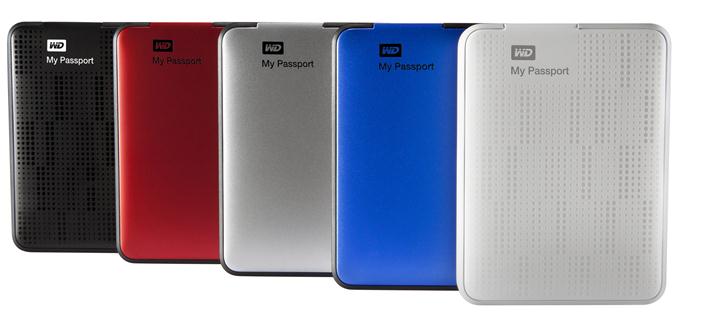
Unlike CDs or DVDs, external hard drives with automatic backups remain a user-friendly, hassle-free, affordable, reliable, fast and secure means of archiving and accessing data. In the Czech Republic, these elegant portable external drives will be available from June through selected retailers. Disks are a storage device for archiving and transferring all of digital life. Thanks to backup software and a disk protection and security program, they also guarantee a peaceful sleep for all users both on the go and at home.
Price and availability
The discs come with a two-year warranty and are available from selected retailers and distributors.
Recommended final price: depending on capacity from € 99.90 to € 269.90 for 2 TB.
[1] Figures represent the average number of photos taken with a 6 megapixel camera in high resolution jpg format with an average photo size of 3,5 MB
[2] The capacity for music files is based on a 4-minute song, MP3, 128 kbps bit rate and 11.1 audio compression ratio.


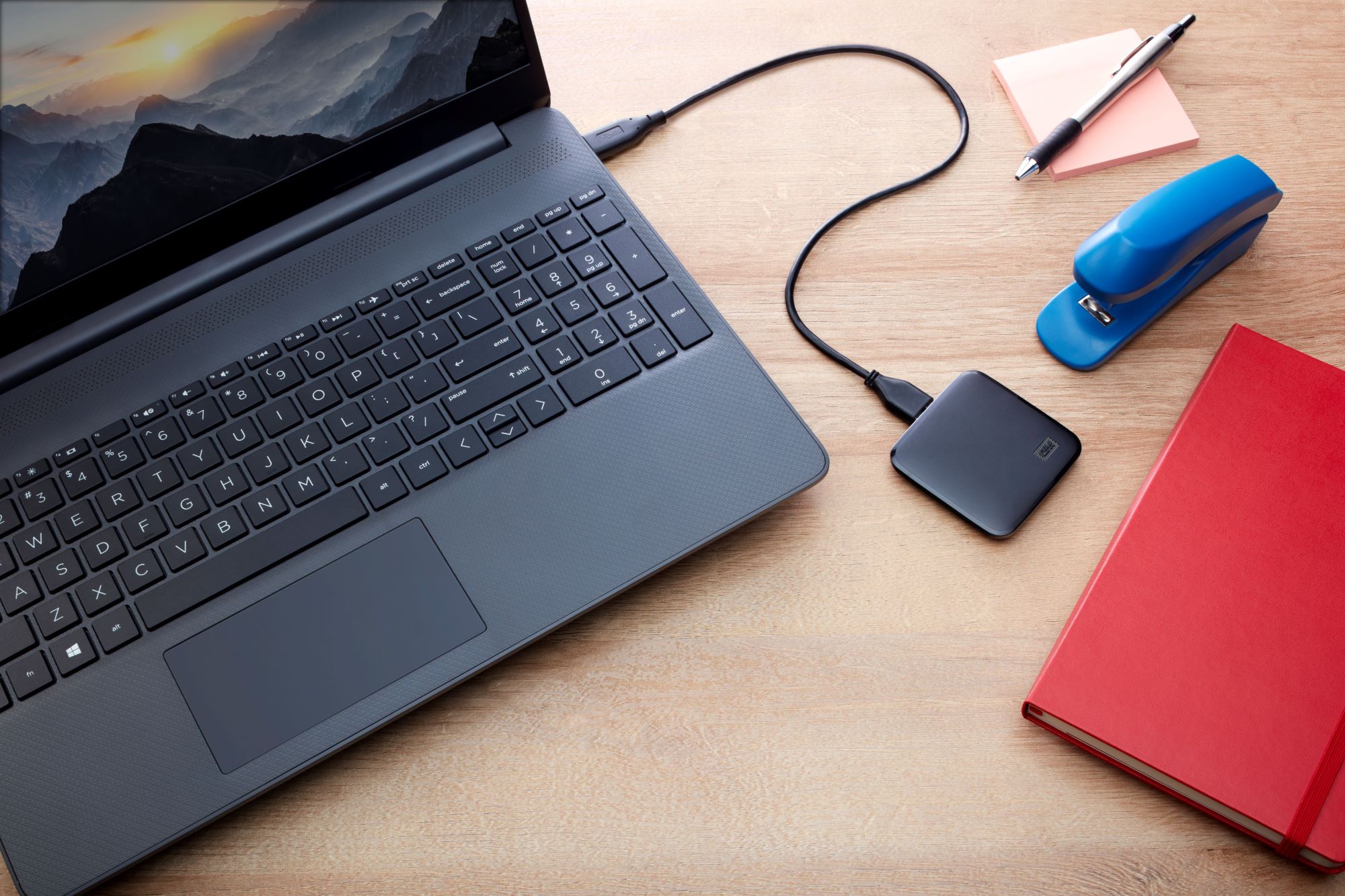
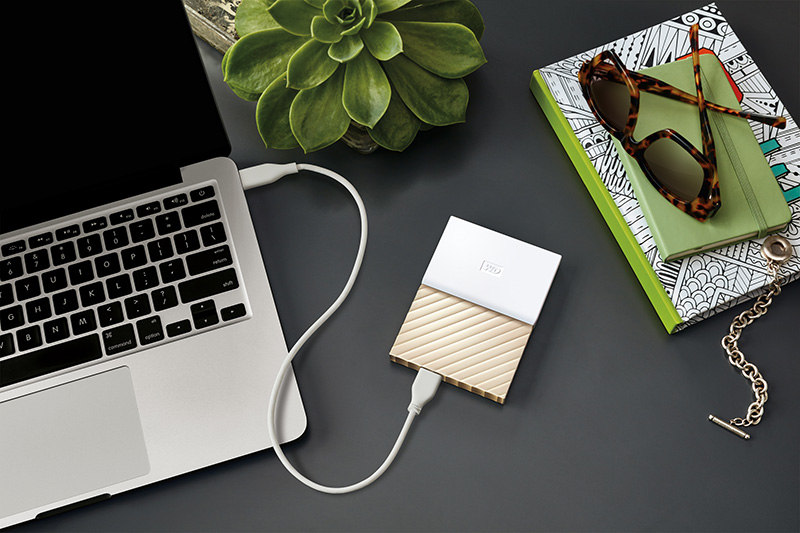




Home: WD My Book, work: NAS Synology DS110J.
As soon as WD leaves home, 100% I will replace it with NAS without hesitation. The quality / method / complexity of backing up multiple computers cannot be compared to that external drive at all. Regular backup is routine, but with NAS and not an external USB drive that the user has to constantly plug in somewhere. It is impossible to back up a desktop + laptop independently without manual intervention and the user has to think about how to solve it. These external USB drives are not intended for "real" backup.
Hey, I'm going to get a Mac. Mini So one question - will this hdd (and my passport essentials) be compatible with mac if it has the ntfs file system?
Misulin: another problem with these disks with NTFS. You can clean from the given disc, but you have to give the appropriate harakidi for writing to make it work. It's absolutely disgusting and I'm being honest :-D I use a flash drive with FAT 32 format between Mac and PC to transfer a couple of GB of files. Zlata NASka and also a flash drive + small files via DropBox.
So I had no problem connecting the old WD. After all, I then connected all the peripherals.. :)
Then your disk is not NTFS, but FAT32. Mac OS X basically cannot write to NTFS disks correctly. Clear yes, record NO.
If you want to transfer files between Mac and Widle, ditch NTFS and format it to exFAT. Both systems can handle it.