Safari there doesn't have to be just one common space where your work sites, private logins, bookmarks, and browsing history are all mixed together. In newer versions iOS you can use profiles to separate different parts of your browser usage. They can be useful, for example, if one iPhone you use it for work, study and regular internet surfing at the same time.
You might be interested in
Each profile works in Safari as a separate environment. For example, you can create a Work profile that contains your work history, website data, and your own favorites, while a Personal profile is where you canonekeeps your data separate. This means that when you search for a work website, for example, you won't constantly see suggestions for sites you visit in your free time.
ProFiles can also have their own favorites folder, so you can make the home page Safari adapt it to what you use the specific profile for. For example, in a work profile you can have company systems, documentation or webmail at hand, while in a personal profile you can have news websites, social networks or pages related to your hobbies.
Extensions and website notifications can also be managed separately for each profile. This is useful, for example, if you only need a certain extension at work and don't want to use it outside of work.
How to create a new profile in Safari
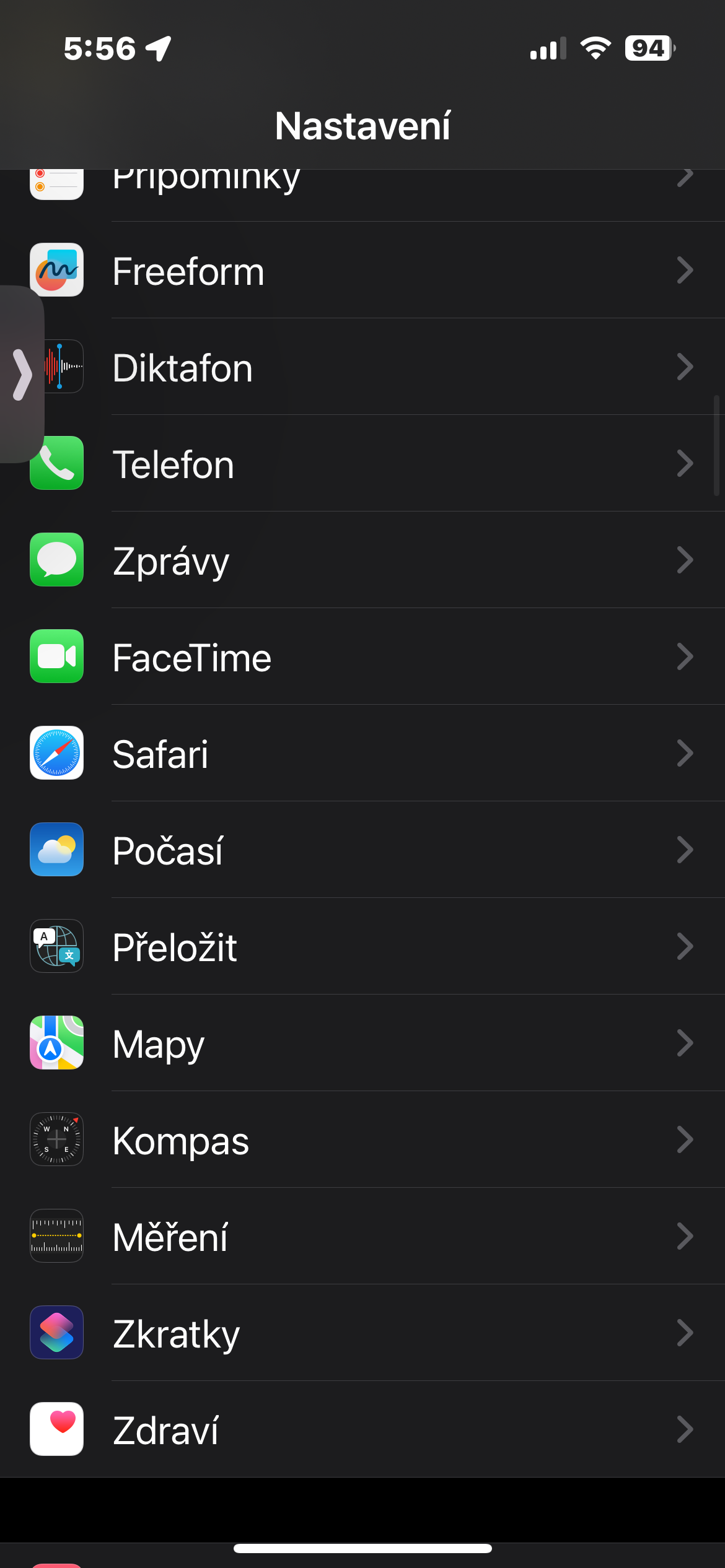
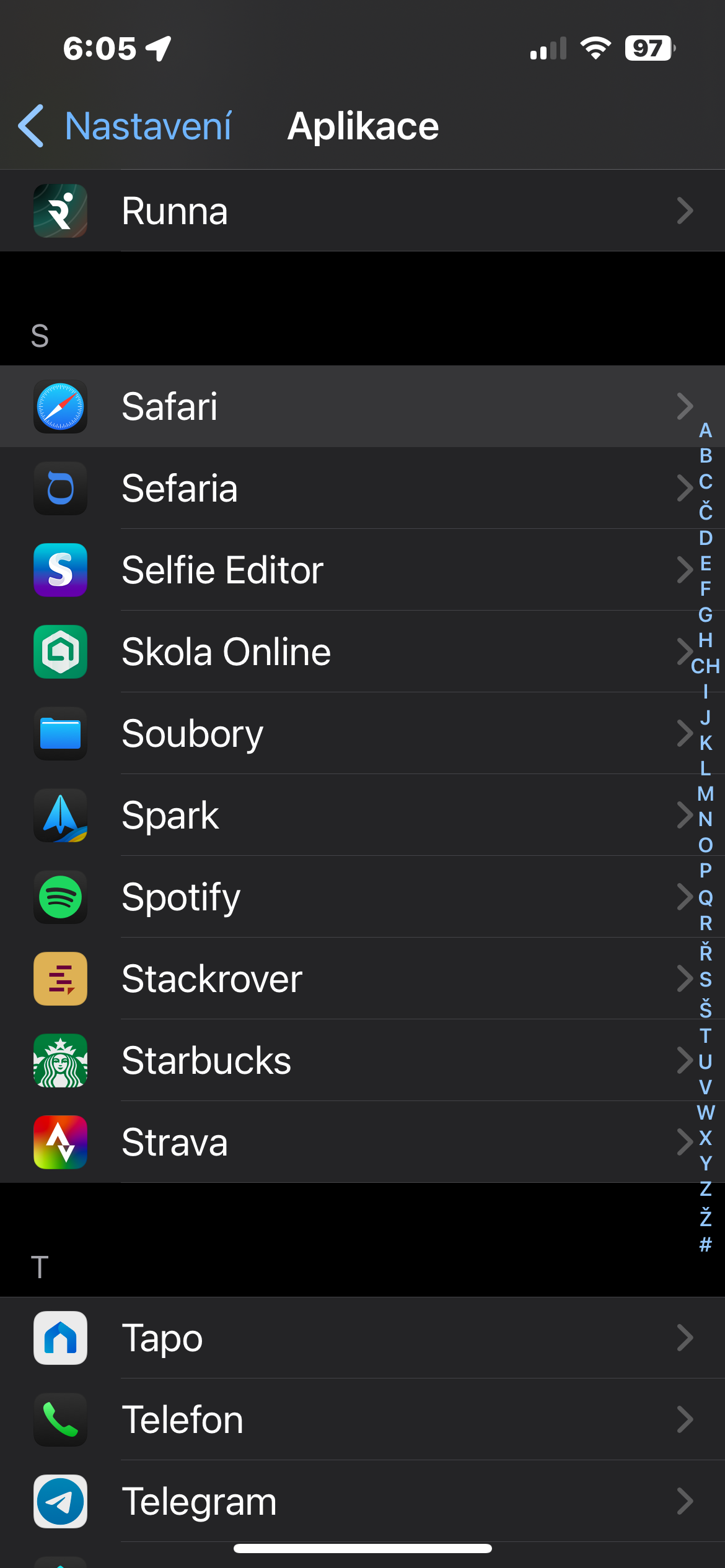
On your iPhone, open Settings and go to Apps -> Safari. Find the section here Profily and tap New Profile. You can then choose its name, symbol, color, and other details.
Gallery
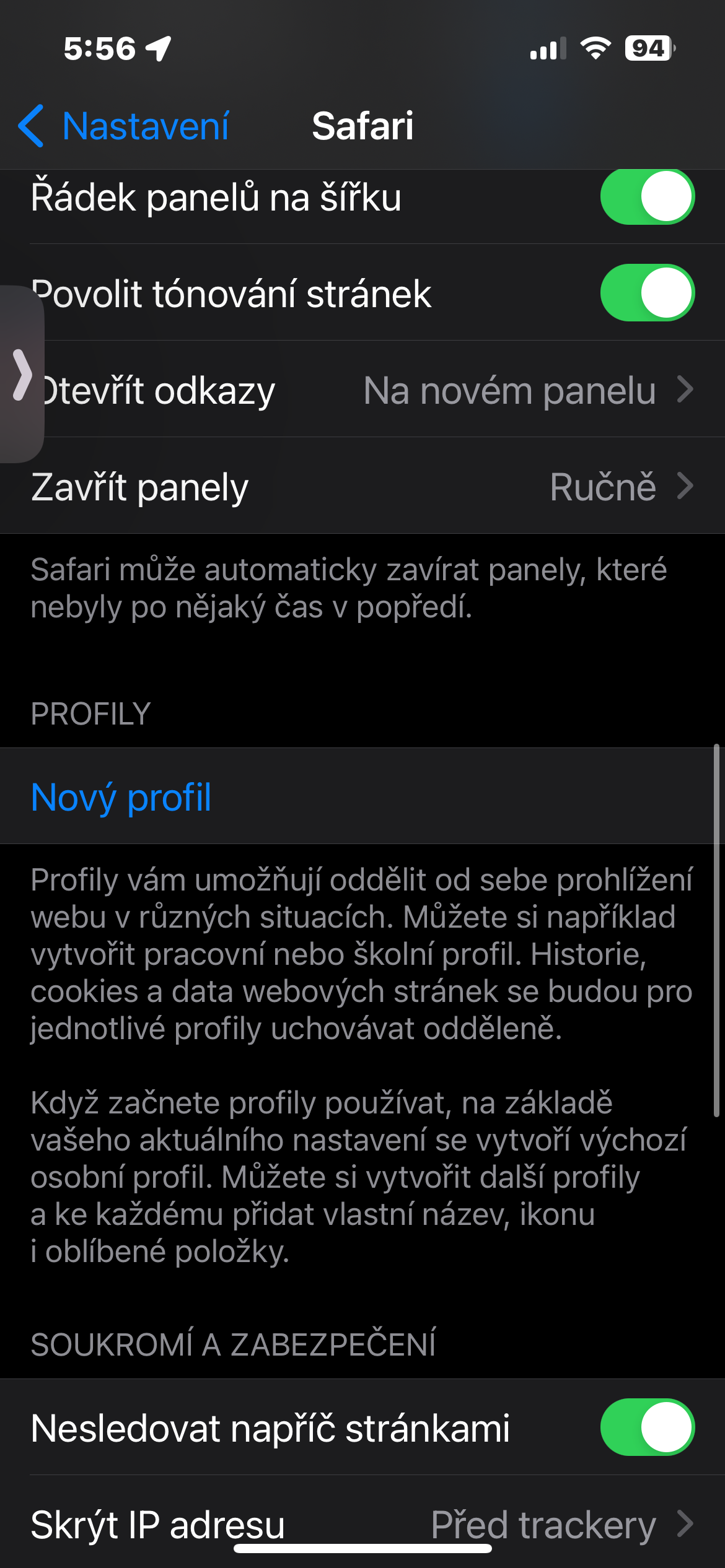
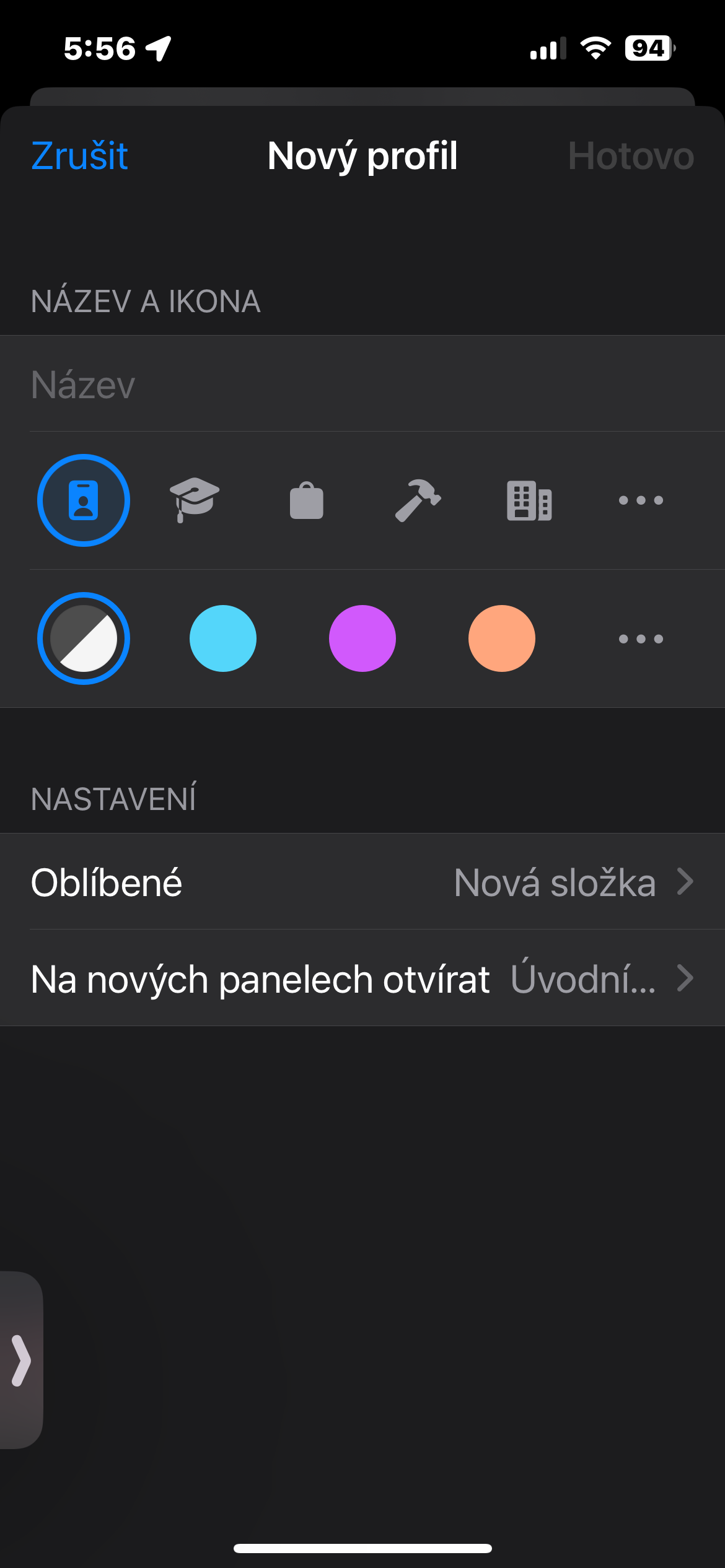
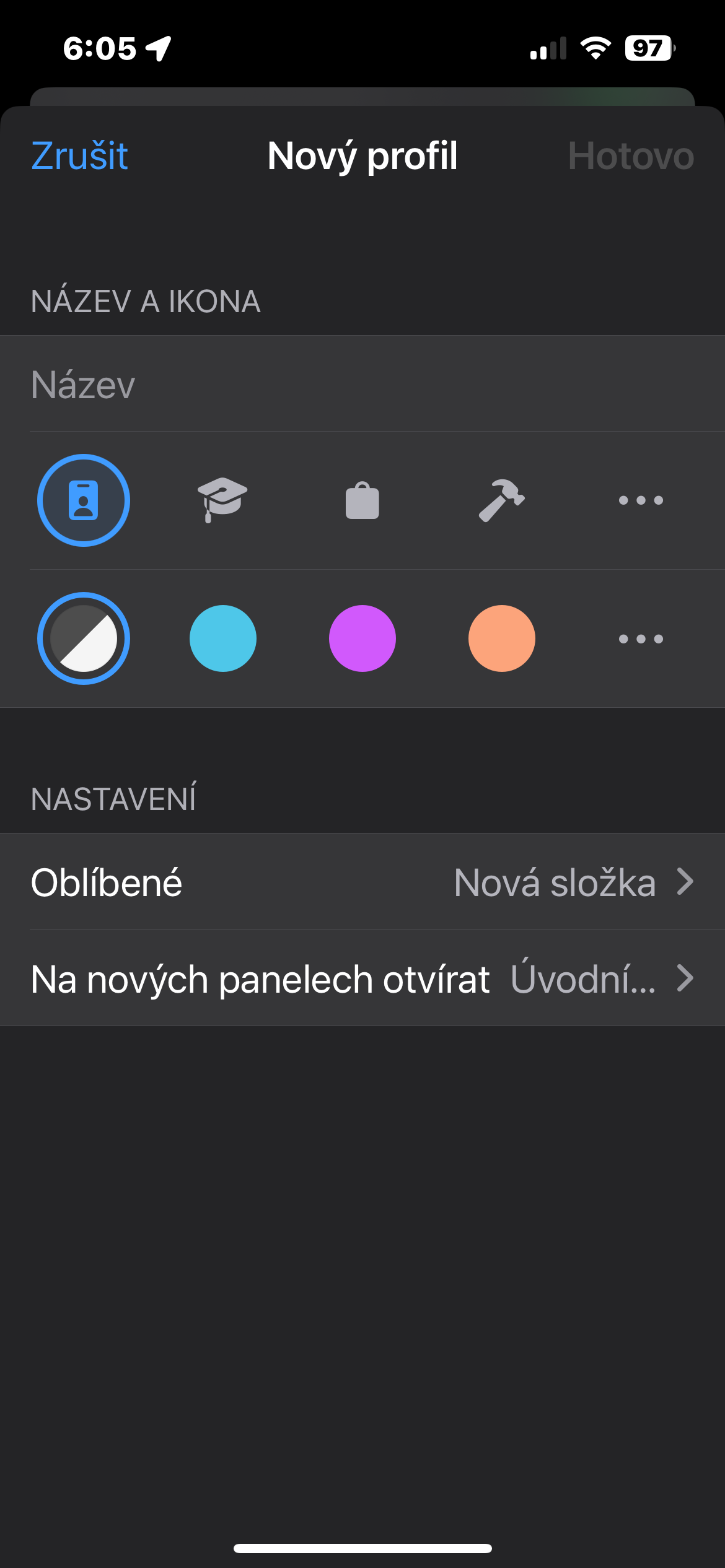
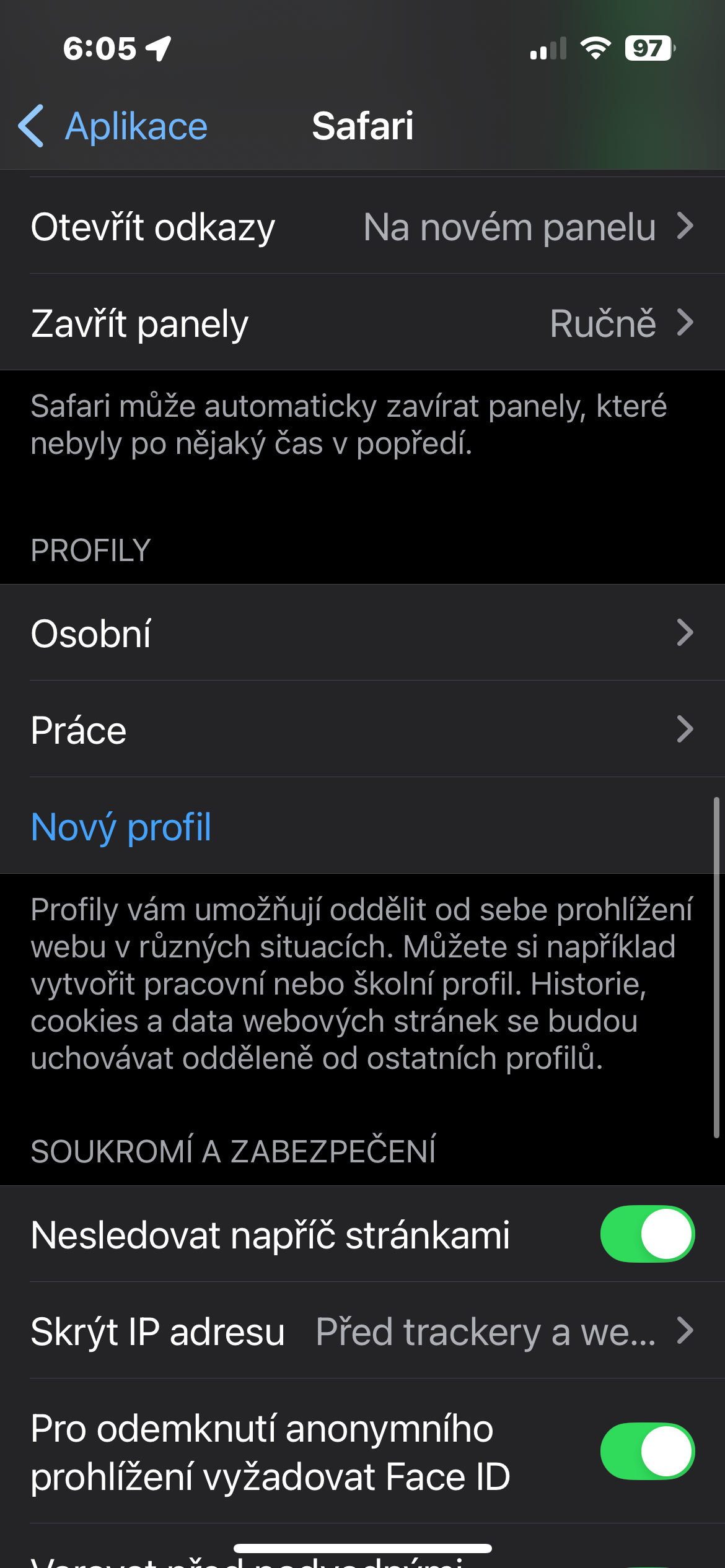
ProYou can create multiple profiles, so in addition to work and personal, you can also add a profile for school, travel, or any other activity where you want to keep your web environment separate.
Another advantage is synchronization between devices logged in to the same Apple account. So if you are using Safari not only on iPhone, but also on iPad or Mac, you don't have to create the same layout every time.
Profilial piety Safari is one of those features that may not seem like a big deal at first glance. But once you regularly switch between several different types of work in the browser, it starts to make a lot of sense. Instead of one mess of history, bookmarks, and logins, you get several clear environments that you can switch between as needed.