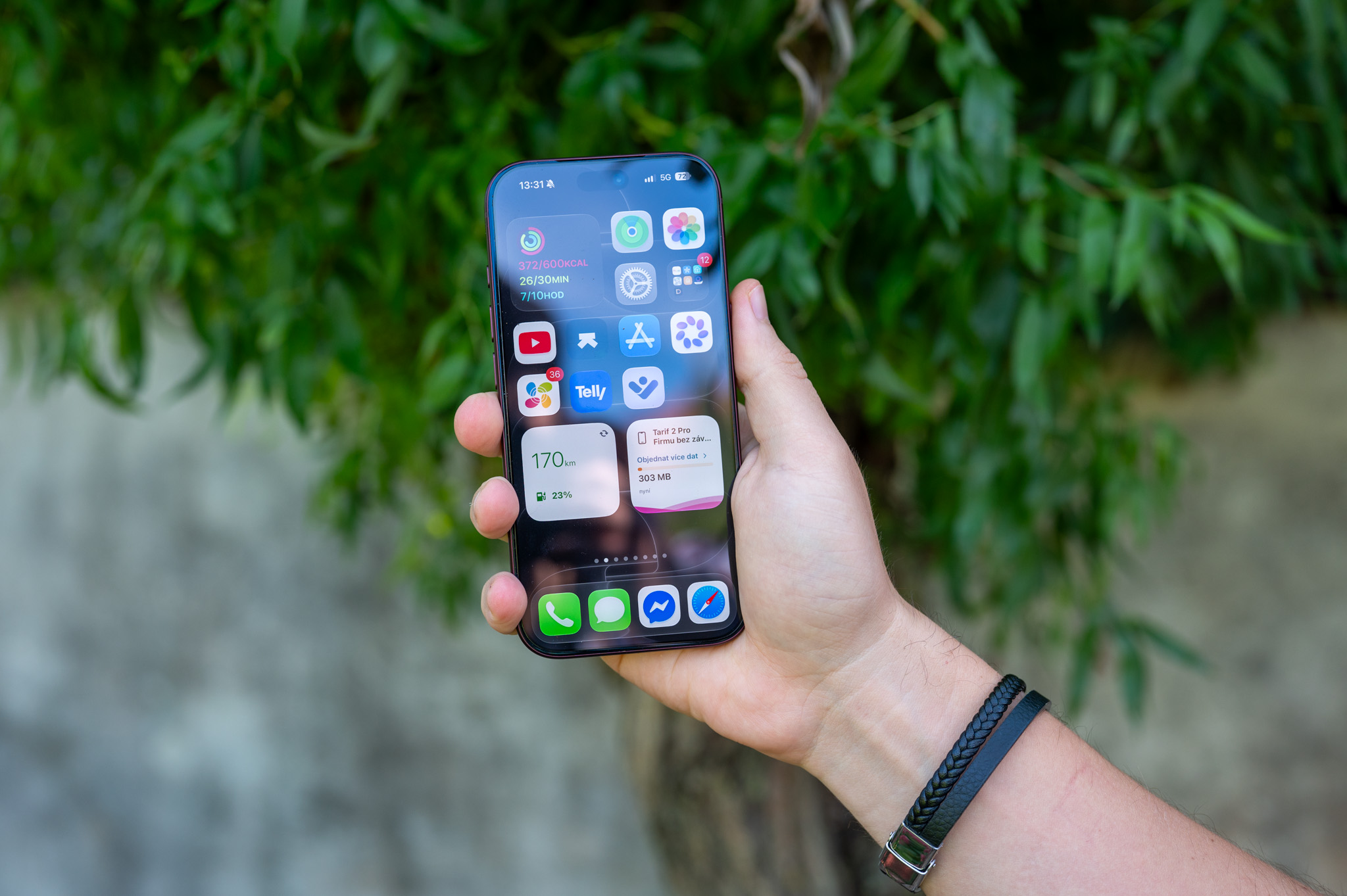
Downloading music from Apple Music for offline listening, it's great for when you're traveling or when you don't want to use up your mobile data. But it has one drawback that's easy to forget. Downloaded albums and playlists gradually accumulate and can take up a surprisingly large portion of your iPhone or iPad's storage space after a while. Manually browsing your library and searching for songs you no longer need is not exactly the ideal way to spend your free time.
You might be interested in

Apple Music That's why it offers the Optimize Storage feature. The principle behind it is simple – when your device starts running out of space, the system can automatically delete downloaded music that you haven't listened to in a while. Of course, the songs won't disappear from your library. Apple Music, only the copy of them stored on your device for offline playback will be deleted.
How to turn on storage optimization Apple Music
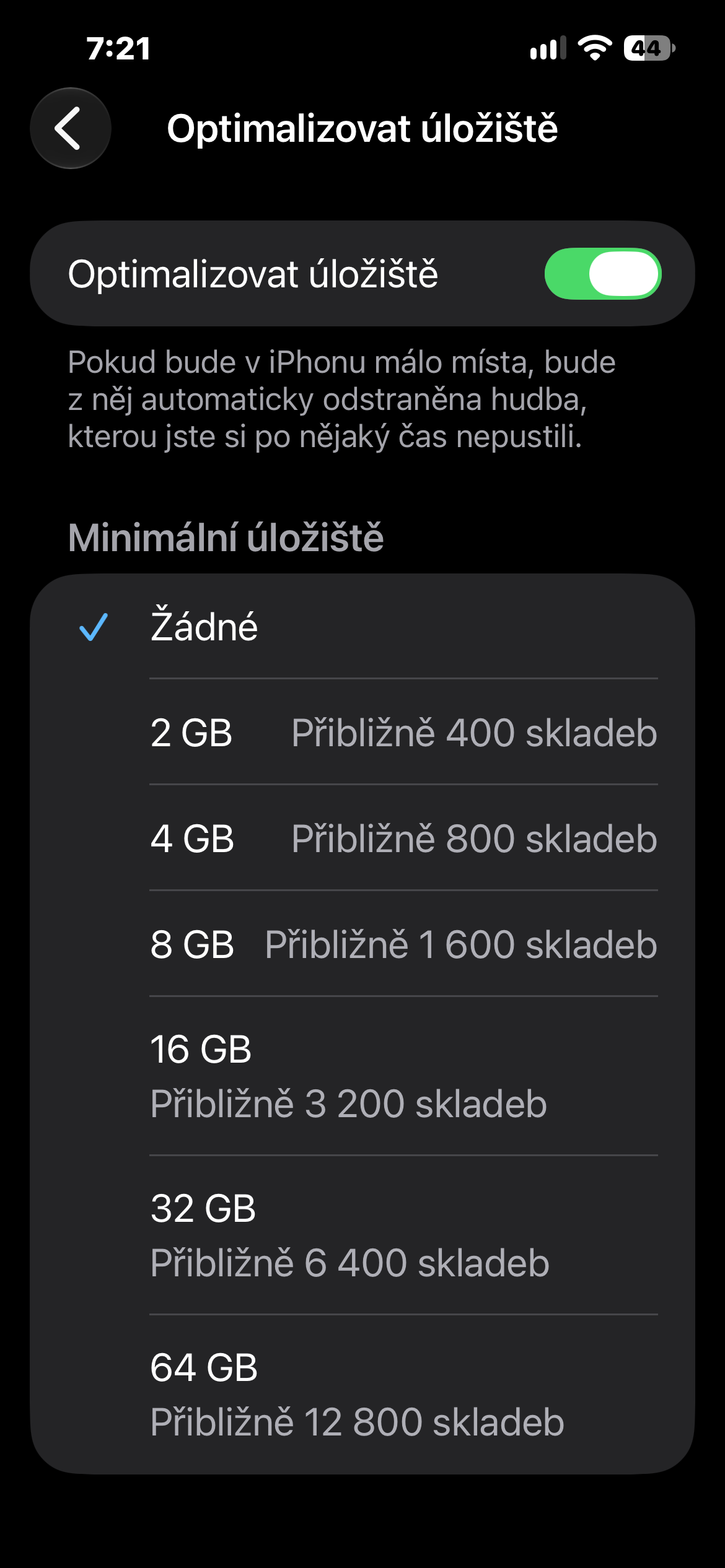
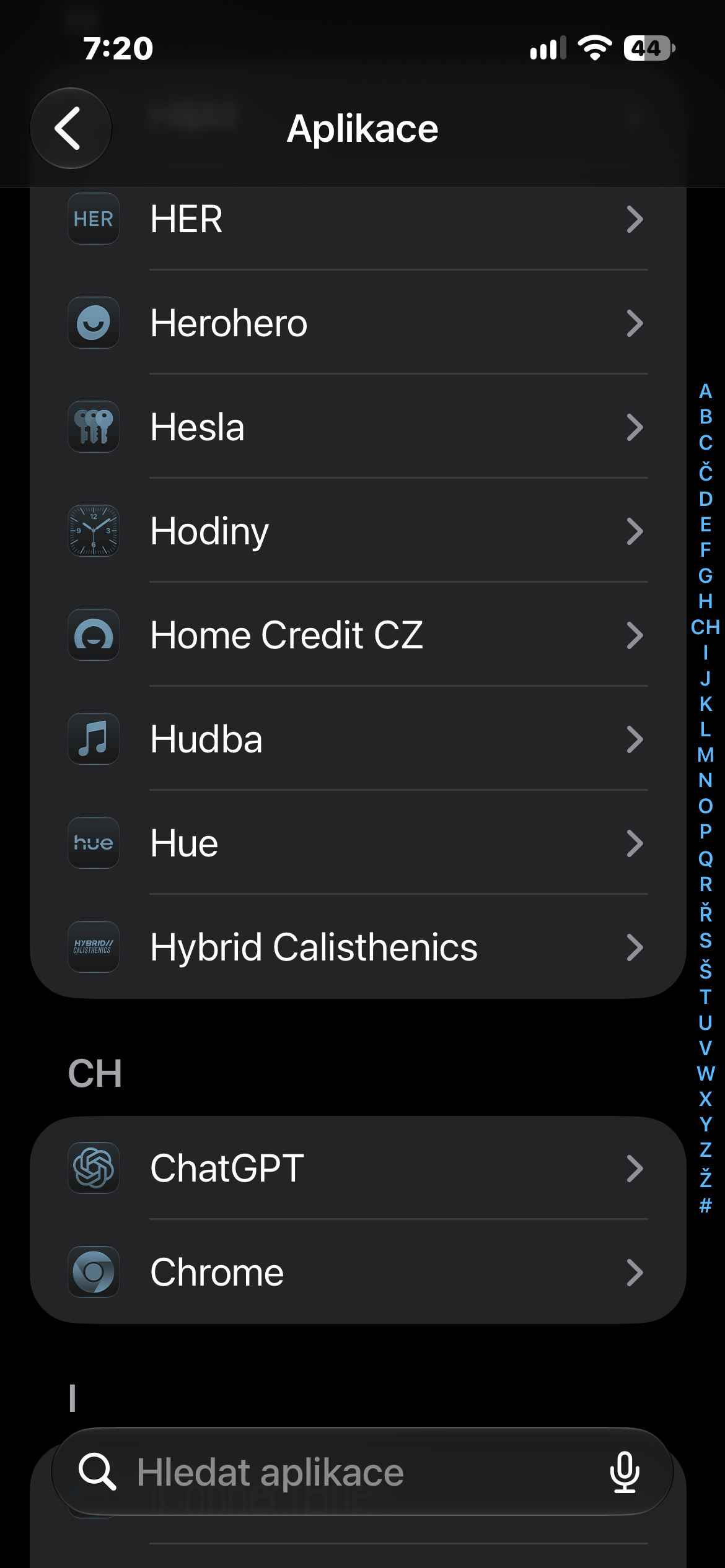
On your iPhone or iPad, open Settings, go to Apps, and tap Music. In the Downloads section, select Optimize Storage and toggle the feature on. You can then specify minia small amount of storage space reserved for downloaded music. Once you start running out of space, iOS will take care of gradually removing downloaded songs that have not been played for a long time according to this setting.
If you want to have complete control over your stored music, you can enable automatic optimization.onechat It can also help to disable automatic downloads and save only the albums or playlists you know you'll actually listen to.chat without an internet connection.
Gallery


However, storage optimization is ideal for users who don't want to constantly worry about free space. Your music is available offline as long as there is space for it, and when your storage starts to run low, iPhone se it will take care of the less used downloaded songs itself.