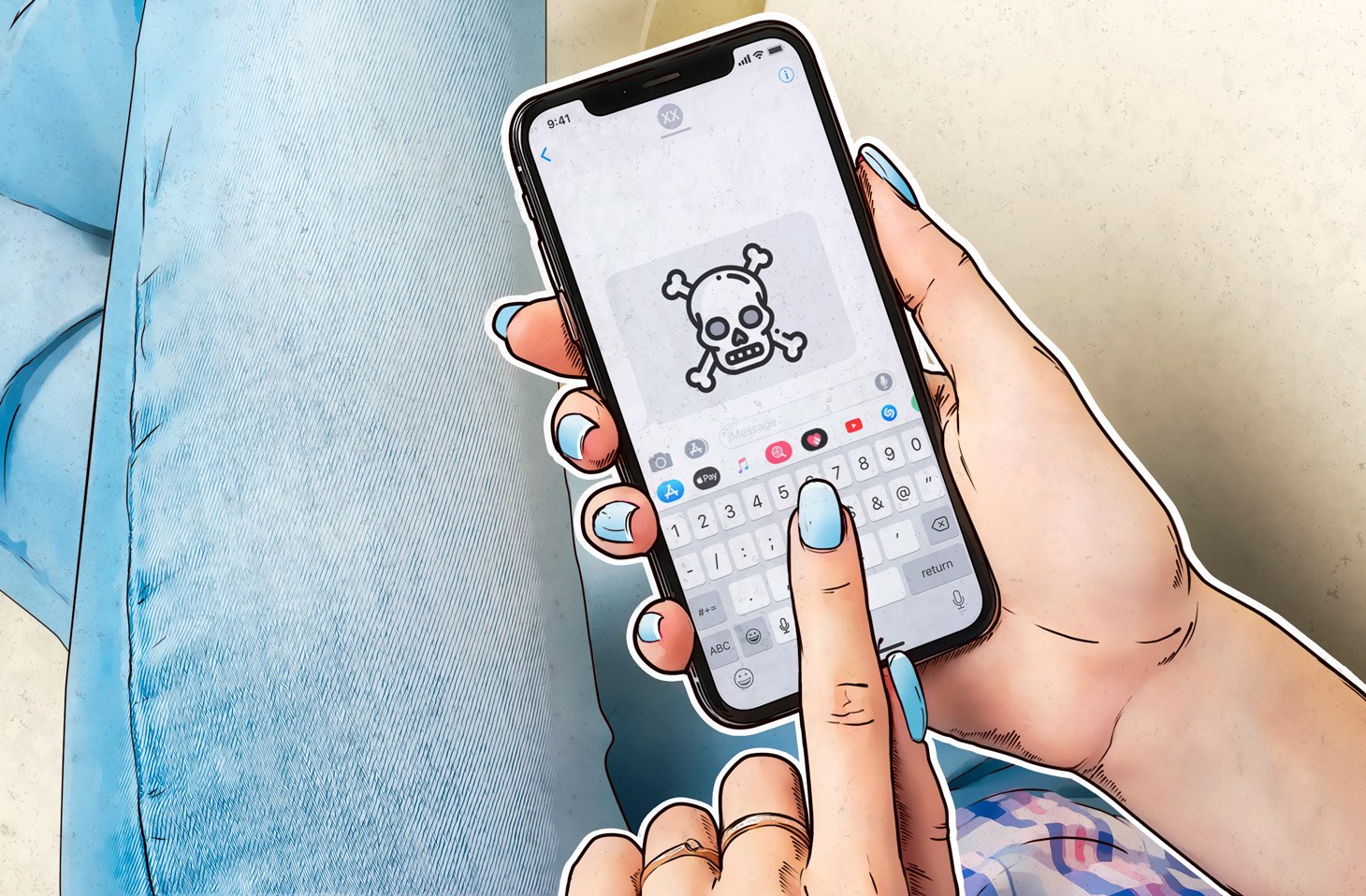
Just a few simple settings and changes to your preferences will make your phone significantly more secure, and you'll even save a few percent of your battery life. The following changes won't make your phone experience any worse or limit you in any way, but they will add a crucial layer of security against most common attacks on phones. Just start following these 8 rules and your smartphone will beone it will be much safer.
You might be interested in
Limit what apps can access
Open Settings, then go to each app and allow each app to use your location, microphone, and camera only while you're using the app. The vast majority of apps don't need to have access to these things when you're not using the app.
Turn off app tracking
Go to Settings – Privacy & Security – Tracking and turn off tracking for all apps. The same applies here as in the previous point. You won't lose anything by not having apps track you, you just won't share your information and habits with them.
Turn off notification previews
Notifications are a great thing and you should definitely keep them turned on, but limit them so that you can't see the text of the notification itself, but only the notification notification. This way, no one will be able to see, for example, verification codes on your locked app when you receive such a code via SMS.
Use one password for one application
Access each app or account with a special password that you won't use for other apps or accounts.
Don't use SMS verification
Whenever it is possible to use something other than an SMS code for two-factor authentication on a service, use it. Attackers can
Change stolen passwords immediately
As soon as your phone notifies you that your password has been stolen, change it immediately. If possible, ideally also change your login name or email for the service in question.
Turn off unused connections
If you're not using Wi-Fi or Bluetooth, turn them off. This will not only save battery life, but other devices, including those belonging to attackers, won't know that your device is nearby and won't be able to hack into it.
Do not use USB chargers in public places.
Recently, it has often happened that in public places we find a USB charger instead of a classic socket.
You might be interested in