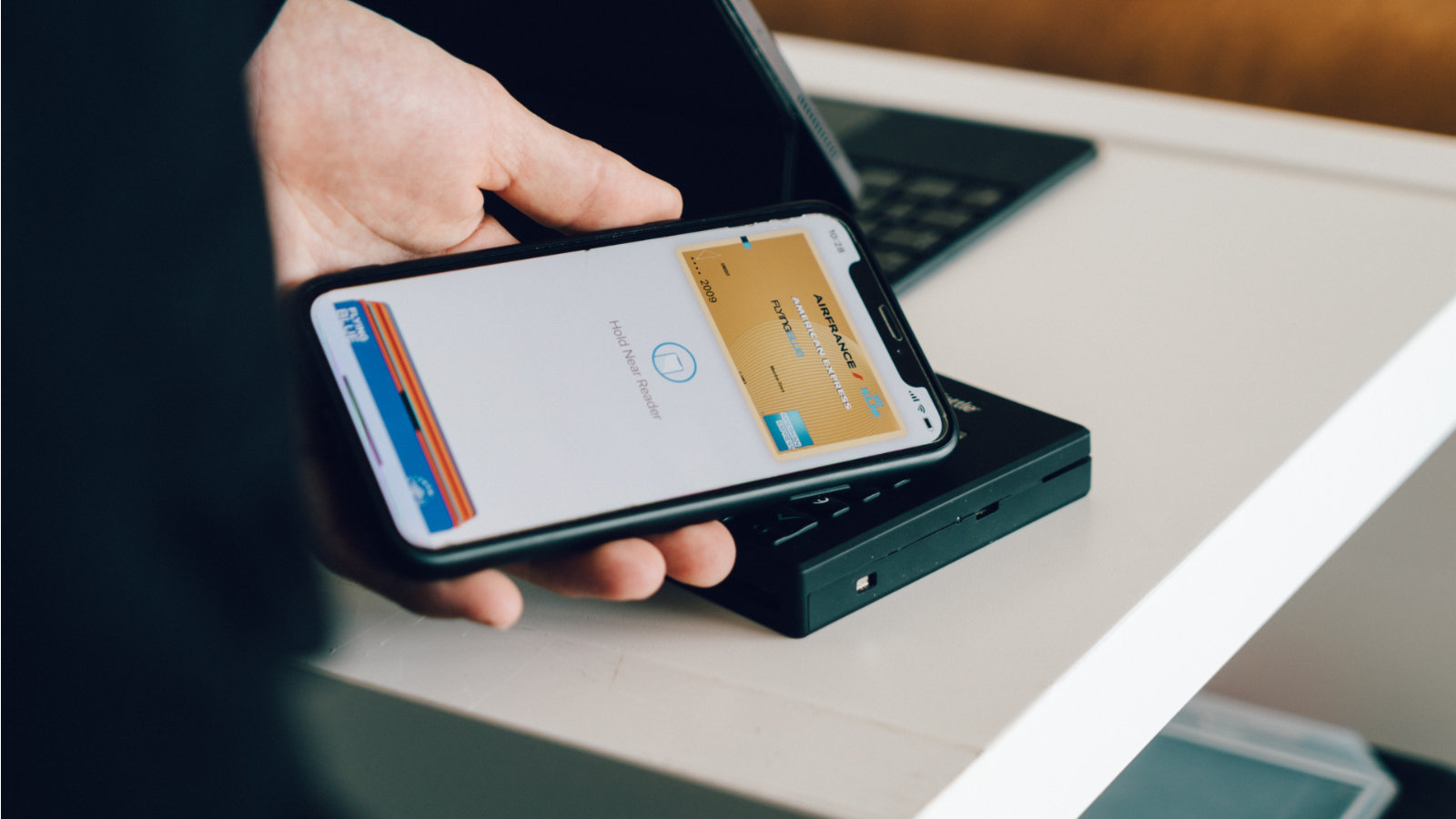
Transferring a digital SIM card to a new Apple phone no longer requires a visit to a branch, but the process may vary slightly between Czech operators. Some networks fully support the native Apple solution for instantly transferring a profile from one device to another. In other cases, however, you cannot avoid using the official application of your provider. The main rule of the whole process is not to delete the original eSIM from the old phone before the new card is fully active on the new device.
You might be interested in
Transfer between phones using the from function Applu
The fastest way is to use the native Fast Transfer feature, which Apple offered directly during the initial setup of a new iPhone. The condition is that both phones are running on iOS 16 or later, had Bluetooth turned on and were lying close to each other. During the setup wizard, just select the Transfer from another iPhone option and confirm the transfer on the old device. This convenient feature is fully and seamlessly supported in the Czech Republic by T-Mobile and Vodafoneone, where the profile is transferred within a few tens of seconds without the need to copy or scan anything else.
Gallery

O2 specifics and solutions for unavailable transfer
O2 customers will be able to switch to the new iPhone often encounter that the native Apple Quick Transfer fails or is not offered at all. In such a case, or if the automatic transfer fails for any reason even with competitors, you have to resort to a manual solution. The first step is to connect your new iPhone to a Wi-Fi network. Then log in to your operator's self-service application, such as My O2, My T-Mobile or My Vodafone, on any deviceone, or to the web self-service.
In the SIM management section, look for the option to exchange for a new eSIM. Your carrier will then generate a unique QR code for you on your screen. On your new iPhone, simply go to Settings, select Cellular, tap Add eSIM, and scan the code that appears. You may be prompted to enter a verification PIN that appears with the QR code in your carrier's app. Once your new iPhone has a network signal, your old eSIM will automatically deactivate and you can safely delete it from your original phone.