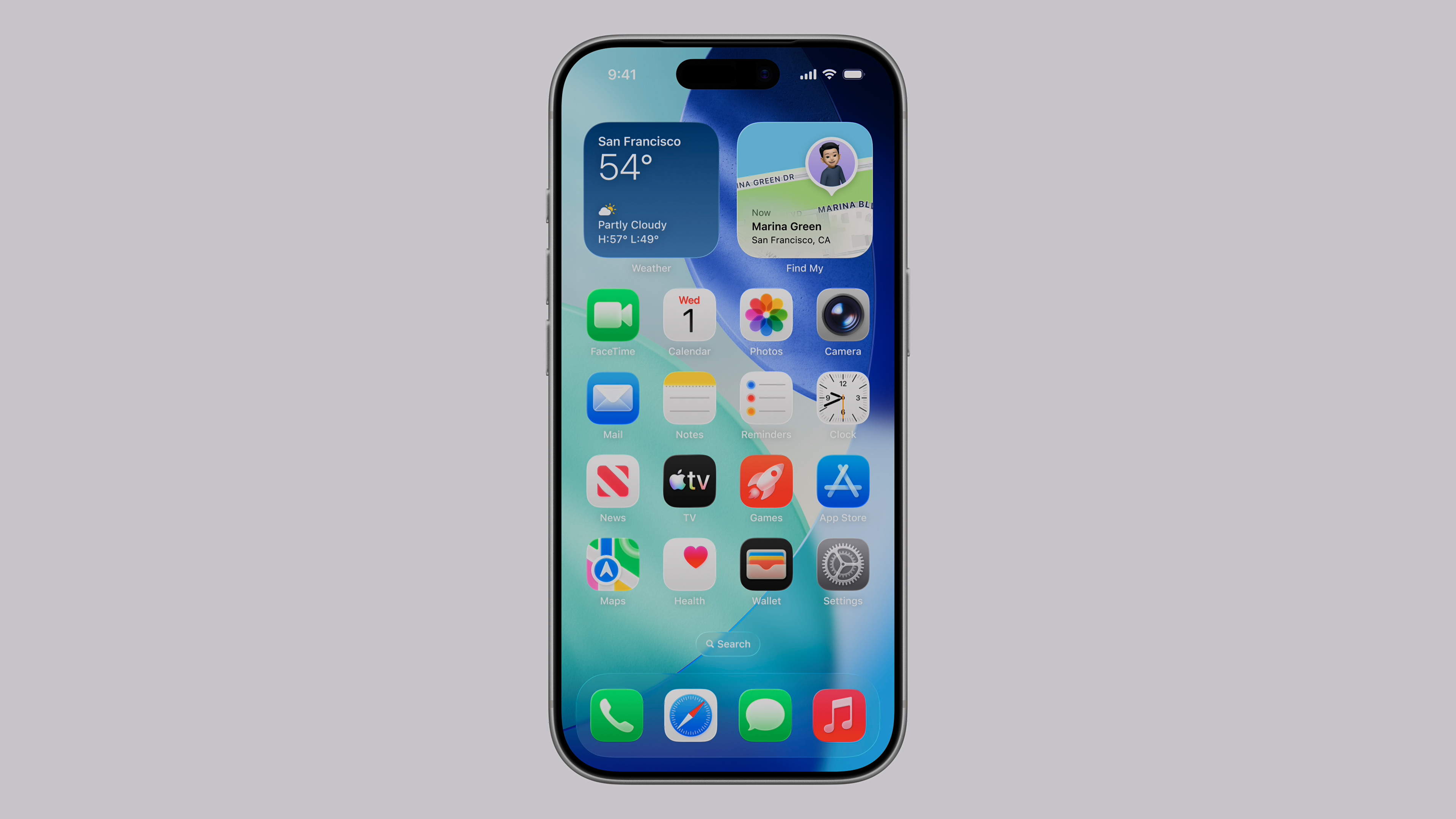
Apple regularly releases software updates for its wireless headphones. Unlike iPhones or Macs, there is no button for manual download. The installation takes place secretly in the background, and the range of new features varies significantly depending on the age and hardware of the specific model.
Which models are getting new features
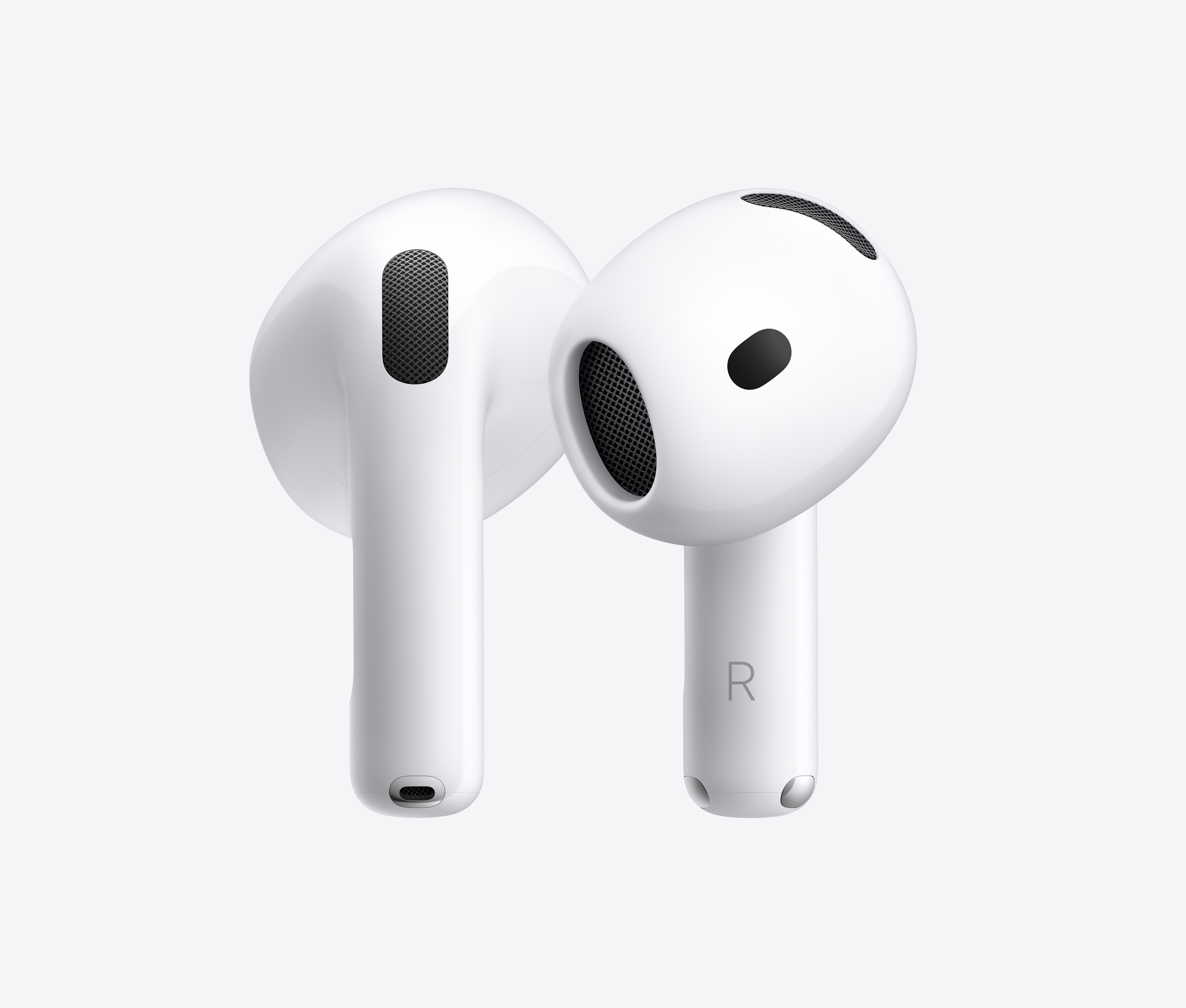
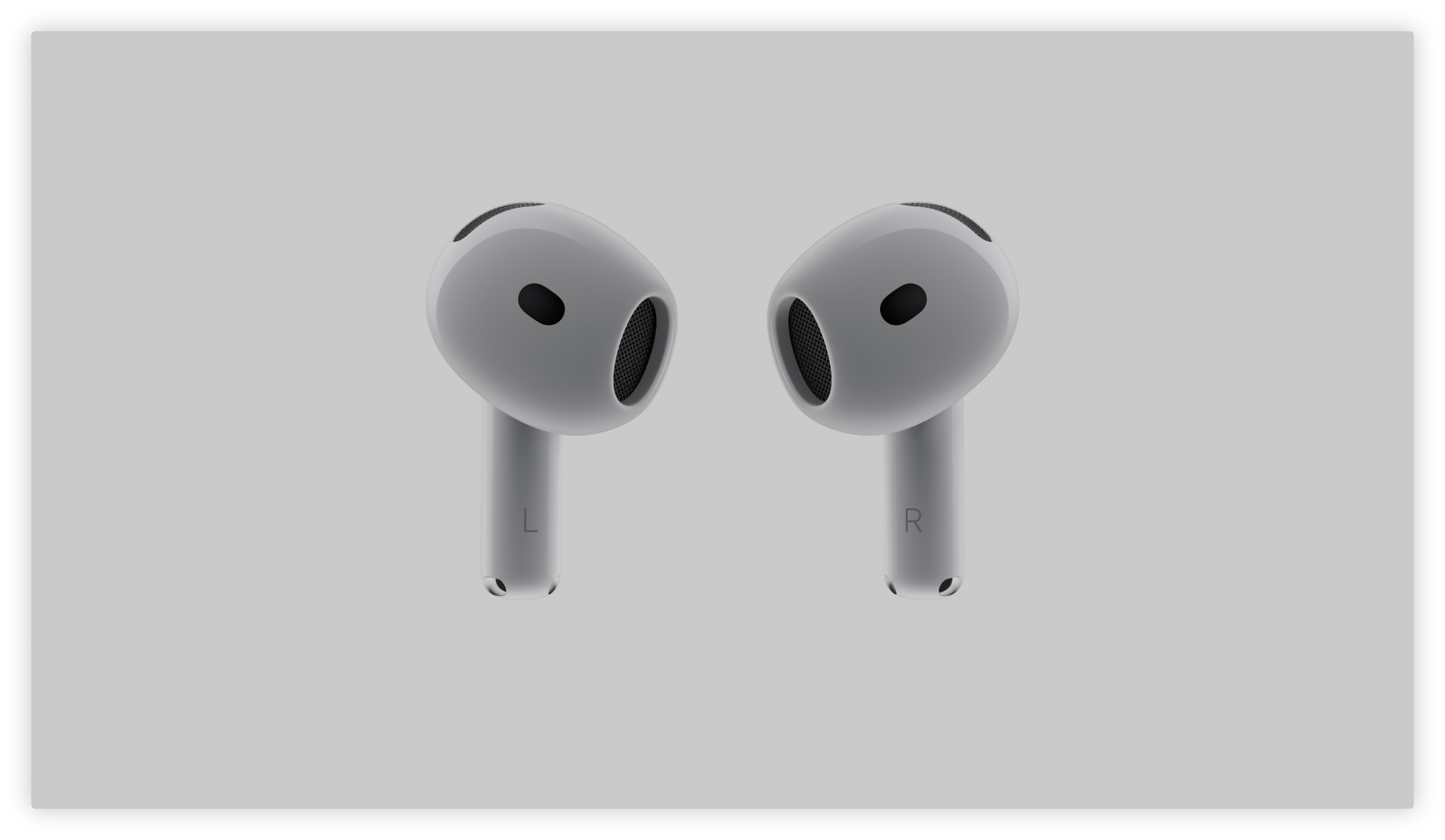
State-of-the-art software features such as advanced Voice Isolation for clearer calls in noisy environments or the ability to answer Siri with just a nod or shake of the head, Apple is limited to models with the latest chips. Full support for these gadgets is offered exclusively by AirPods Pro 2. generation and both varianew ones AirPods 4 and 5.
Owners of older models, which include AirPods Pro 1th generation, Air3rd generation Pods and headset AirPods Max, receive only stability optimizations, minor bug fixes, and necessary security patches in new firmware versions.
Gallery
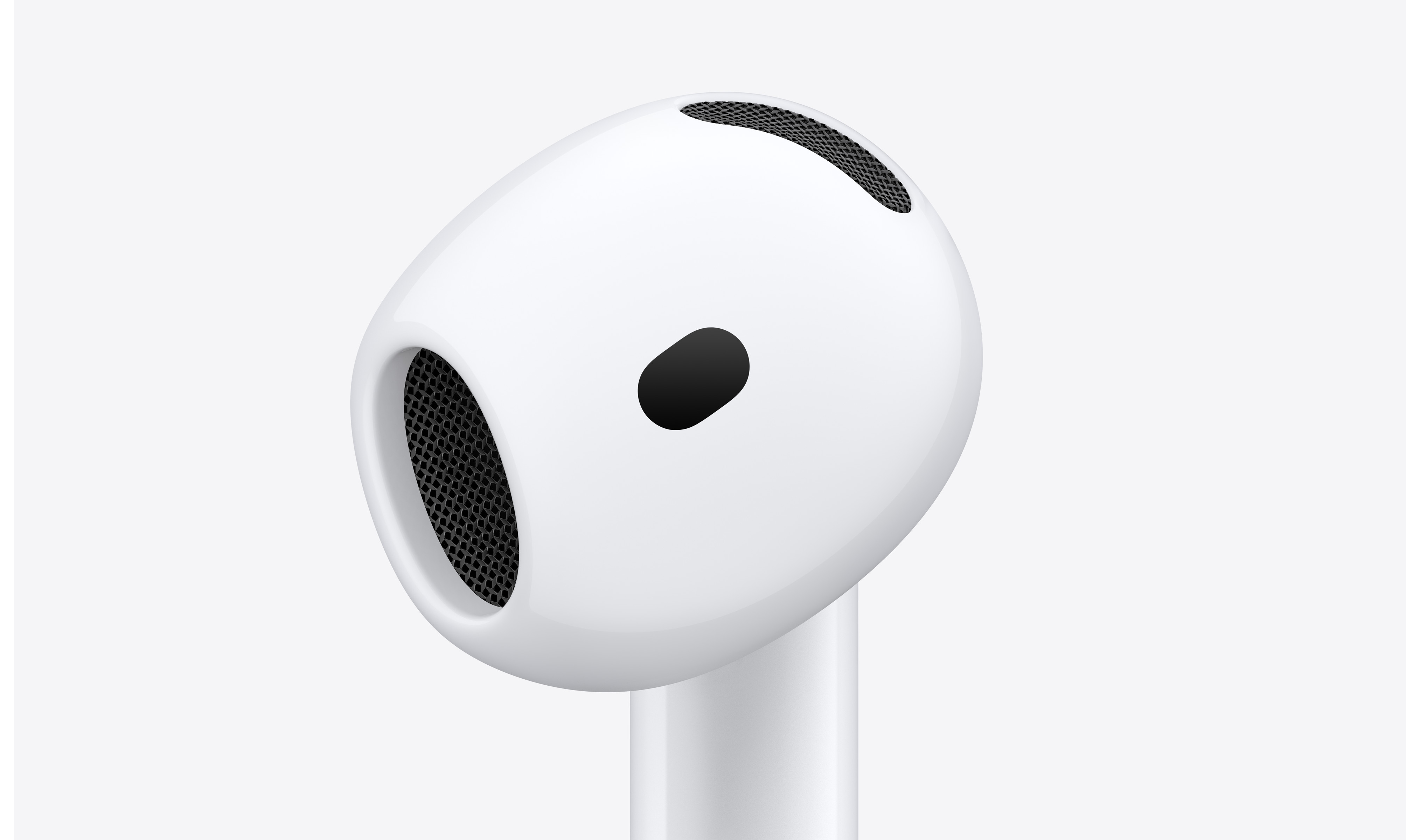
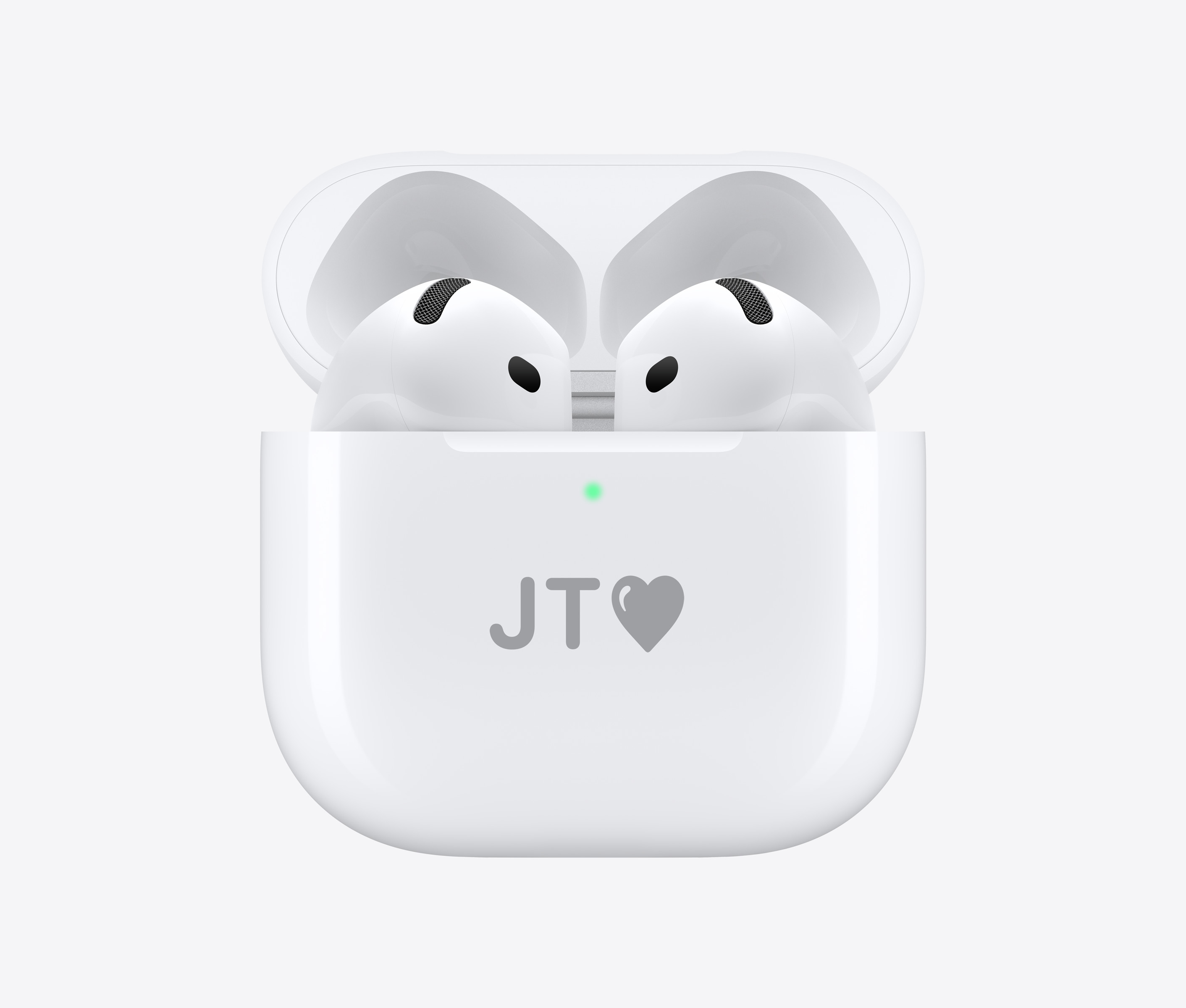
How to check the current firmware version
- Connect AirPods to your iPhone (put them in your ears or open the charging case close to the phone).
- Open the Settings app.
- Right at the top of the screen, below your Apple ID, tap the line with the name of your headphones.
- Scroll all the way down the page to the Information section, where you will see the current firmware designation in the Version column.
Standard automatic update procedure
The headset software updates itself if three conditions are met simultaneously:
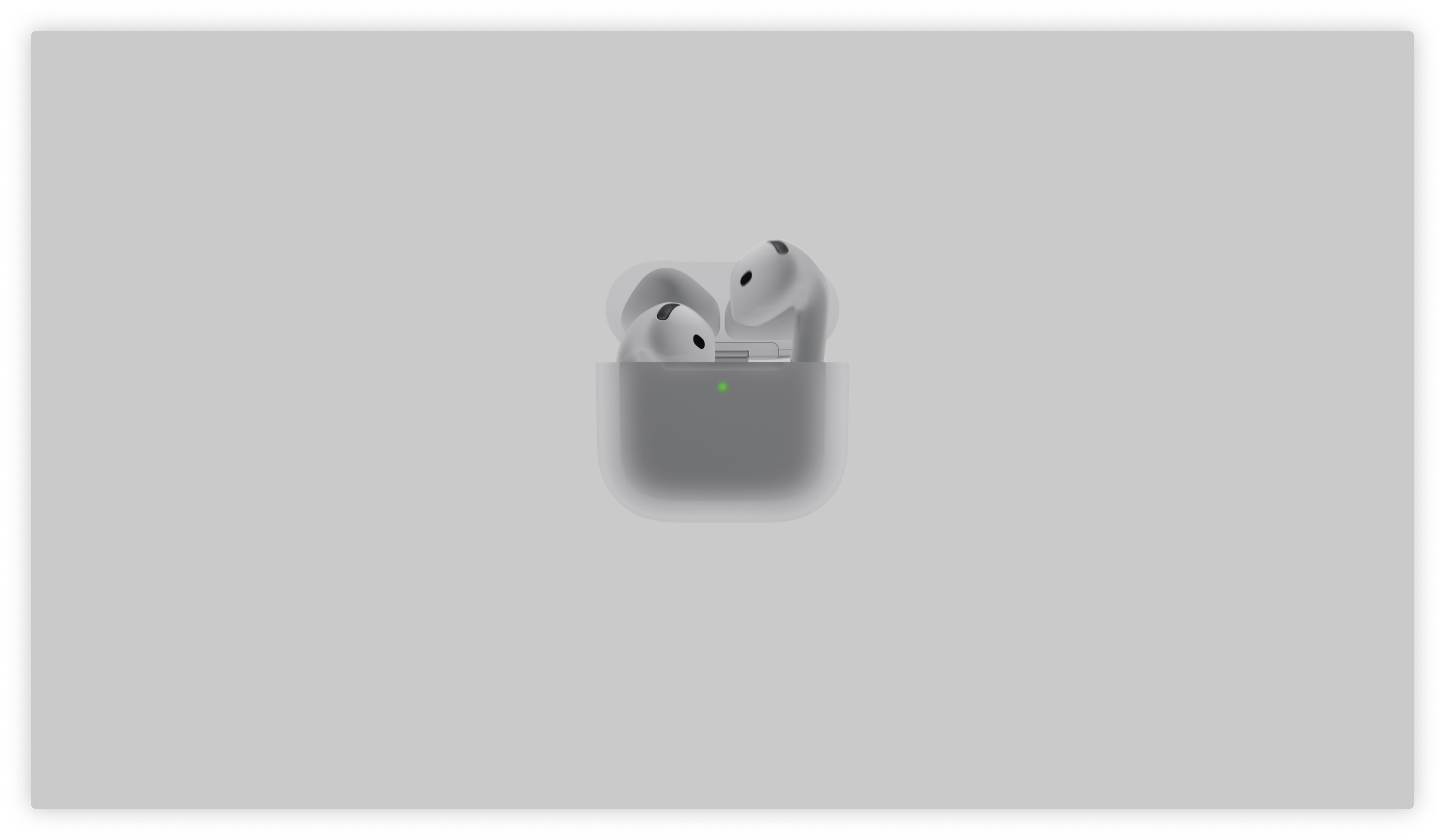
- The headphones are safely stored inside the charging case (for AirPods Max in a smart case).
- The case is currently charging (either via cable or on a wireless pad).
- Paired iPhone se is within Bluetooth range, is connected to a Wi-Fi network, and has access to the Internet.
You might be interested in
What to do if the update is not arriving
If your firmware is still out of date a few days after a new version is released, you can push the system to update. Place the headphones in the case, connect them to the charger, and place them next to your iPhone connected to Wi-Fi. Then open the case lid, wait for the pairing animation with the battery status to appear on the iPhone screen, and leave the case open. Leave the device in this state for about 15 to 30 minutes.
If this guaranteed trick doesn't work either, go to your iPhone's Bluetooth settings, under your AirPods, select "Ignore this device" and perform a hard factory reset of the headphones by long-pressing the pairing button on the back of the case. After re-pairing with iPhonem, the firmware download process usually initializes successfully.