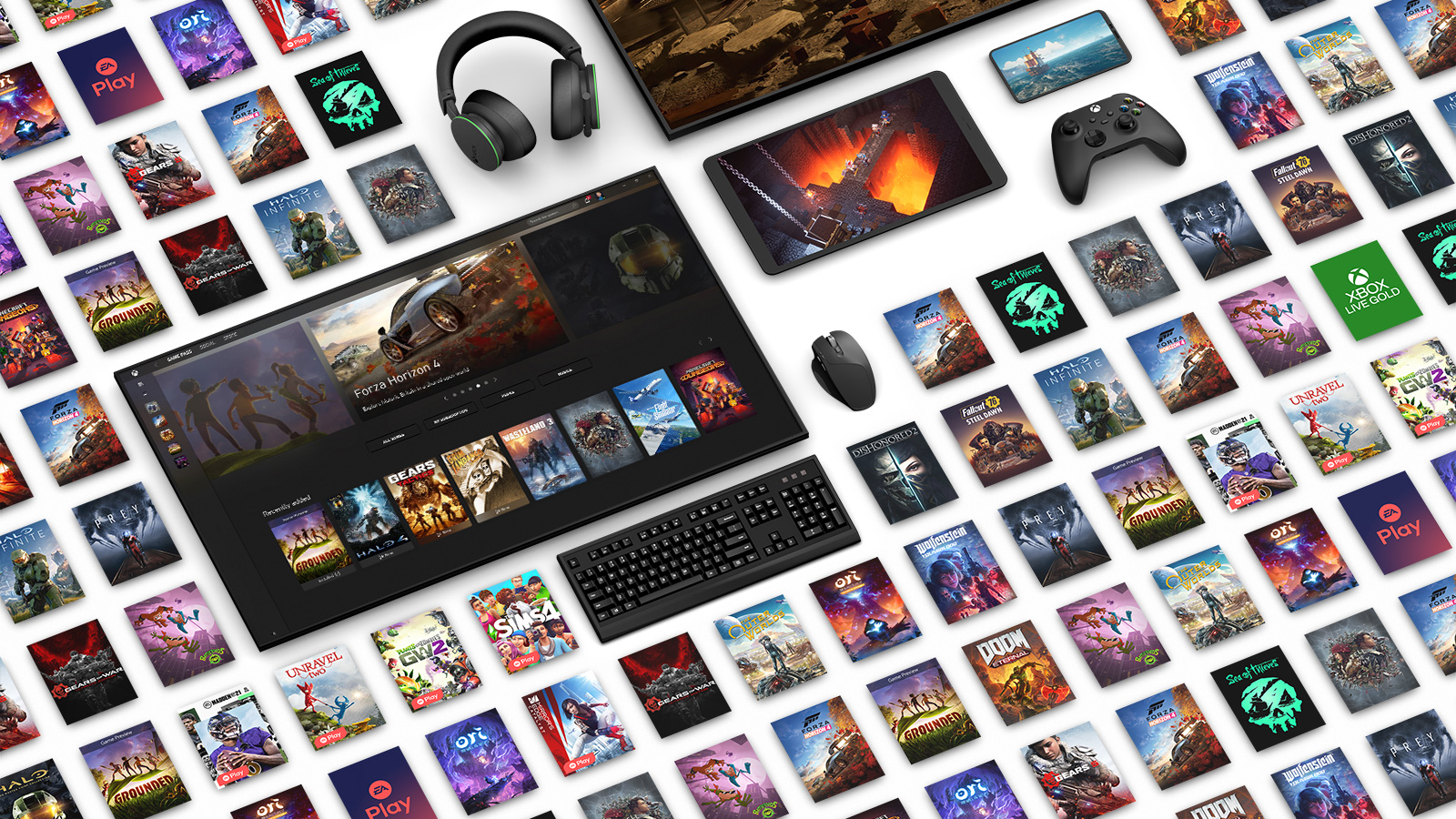
If you're an Xbox fan, get smart. Microsoft has released the July system update for Xbox Series X, Xbox Series S and older Xbox consoles One and although at first glance it is definitely not a revolutionary update full of new features, it still brings several changes that many players have been wishing for for a long time. The biggest news is the redesigned display of game graphics in the library and on the home screen. Various information labels and banners have now disappeared from the covers, so the artwork of individual titles looks significantly cleaner and stands out better. Microsoft At the same time, it expands the console's personalization options and adds several practical features that relate not only to the system itself, but also cloudof old gaming or older Xbox 360 consoles. Although these may seem like just cosmetic changes, together they represent another step in the effort to make everyday use of Xbox consoles more enjoyable.
You might be interested in
Cleaner game design and longer gamertags
The most visible change is the new way game covers are displayed. Until now, artwork was often covered by various information elements, such as Game Pass support, game ownership, or other features. While these labels are not completely gone, they are being moved to less distracting places, which now makes the graphic design of individual games stand out better on the home screen and in the library. Users can also set whether they want to display some of this information or prefer a cleaner look.
Another nice new feature is longer gamertags. Microsoft increased maxThe minimum number of characters has been increased from 12 to 15, giving players more freedom when creating their nicknames. The change may seem subtle, but the community has been clamoring for it for years, as many popular names were either too short or already taken due to the limit. The update also includes minor UI tweaks to improve navigation and unify the look across the dashboard.
Microsoft at the same time, it continues to gradually expand its functions cloudIt is now possible to use Xbox during installation or console update Cloud Gaming, so players don't have to wait for the entire process to complete before they can play. If the title is available in cloudu, you can launch it almost immediately and continue playing while the system finishes in the background. It is such small things that are among the changes that, although they do not look very attractive on paper, can save a lot of time in everyday use.
Gallery
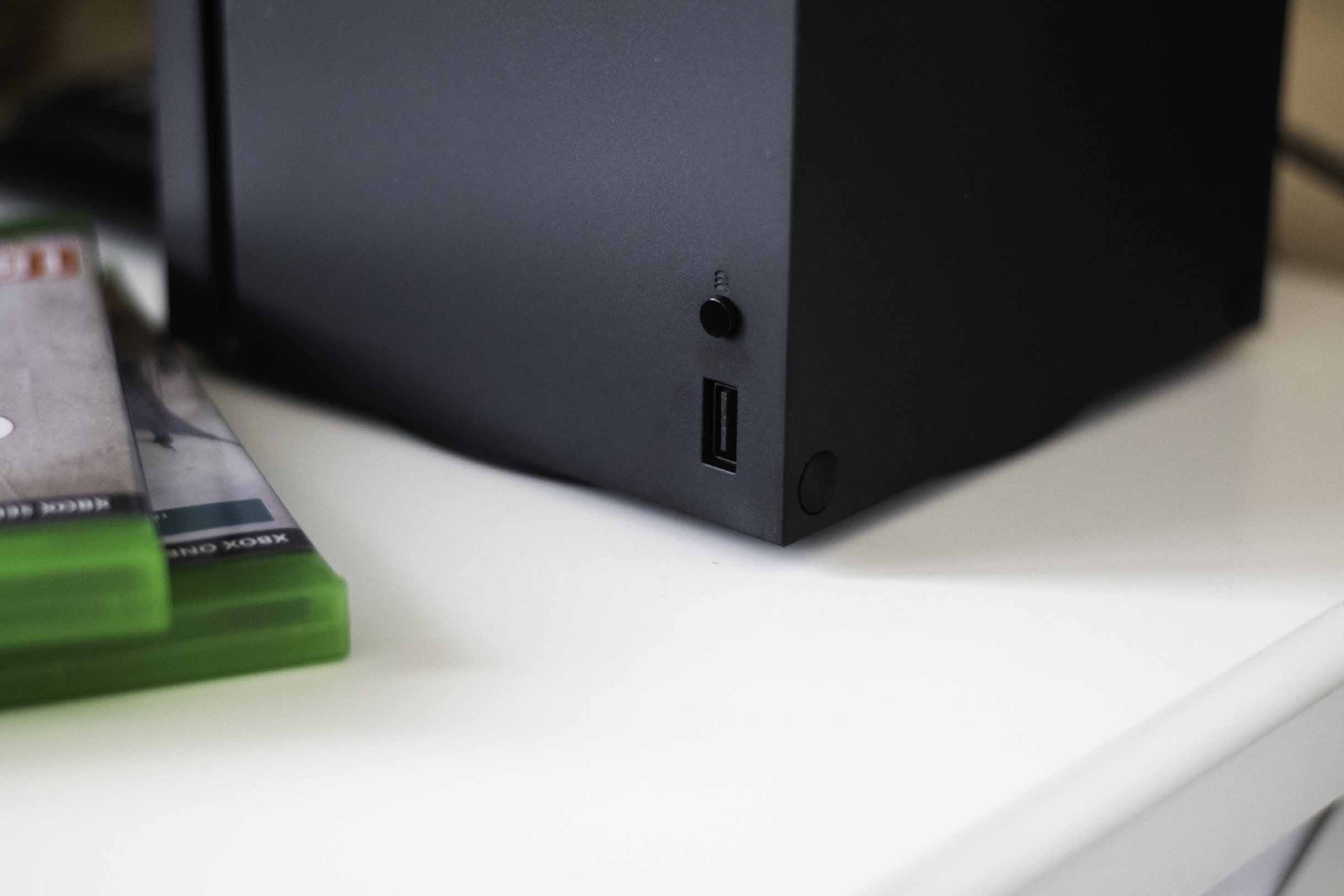
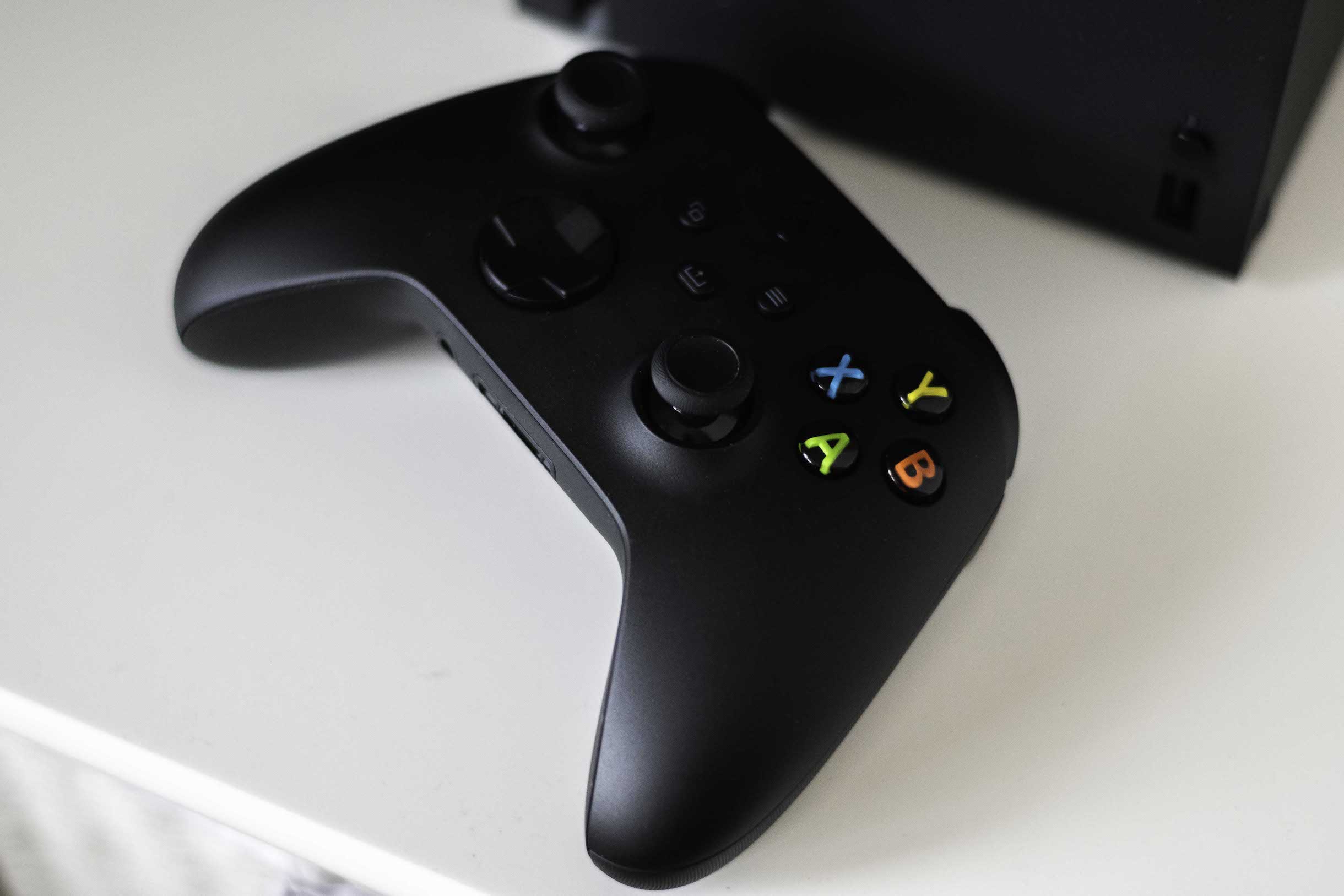
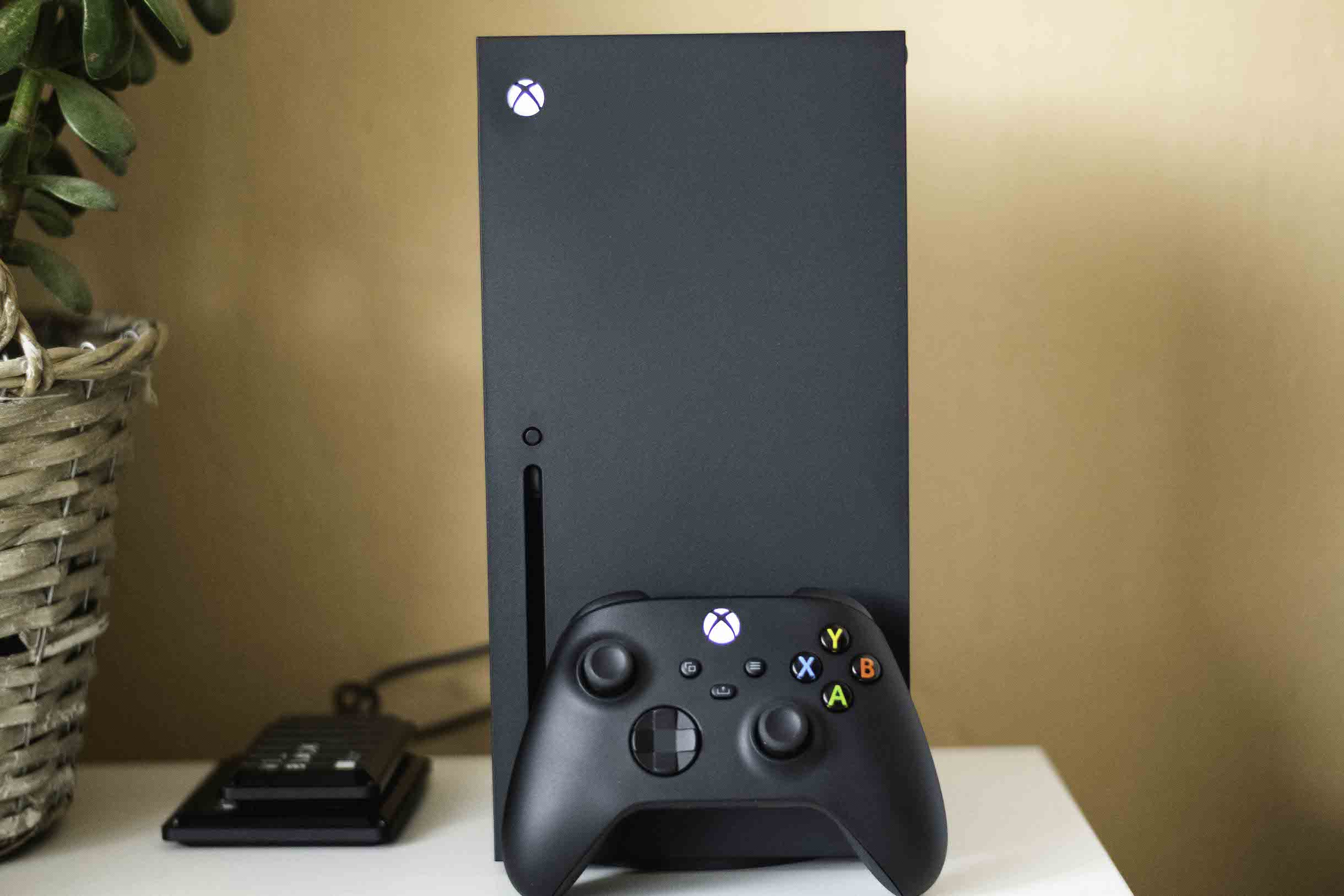
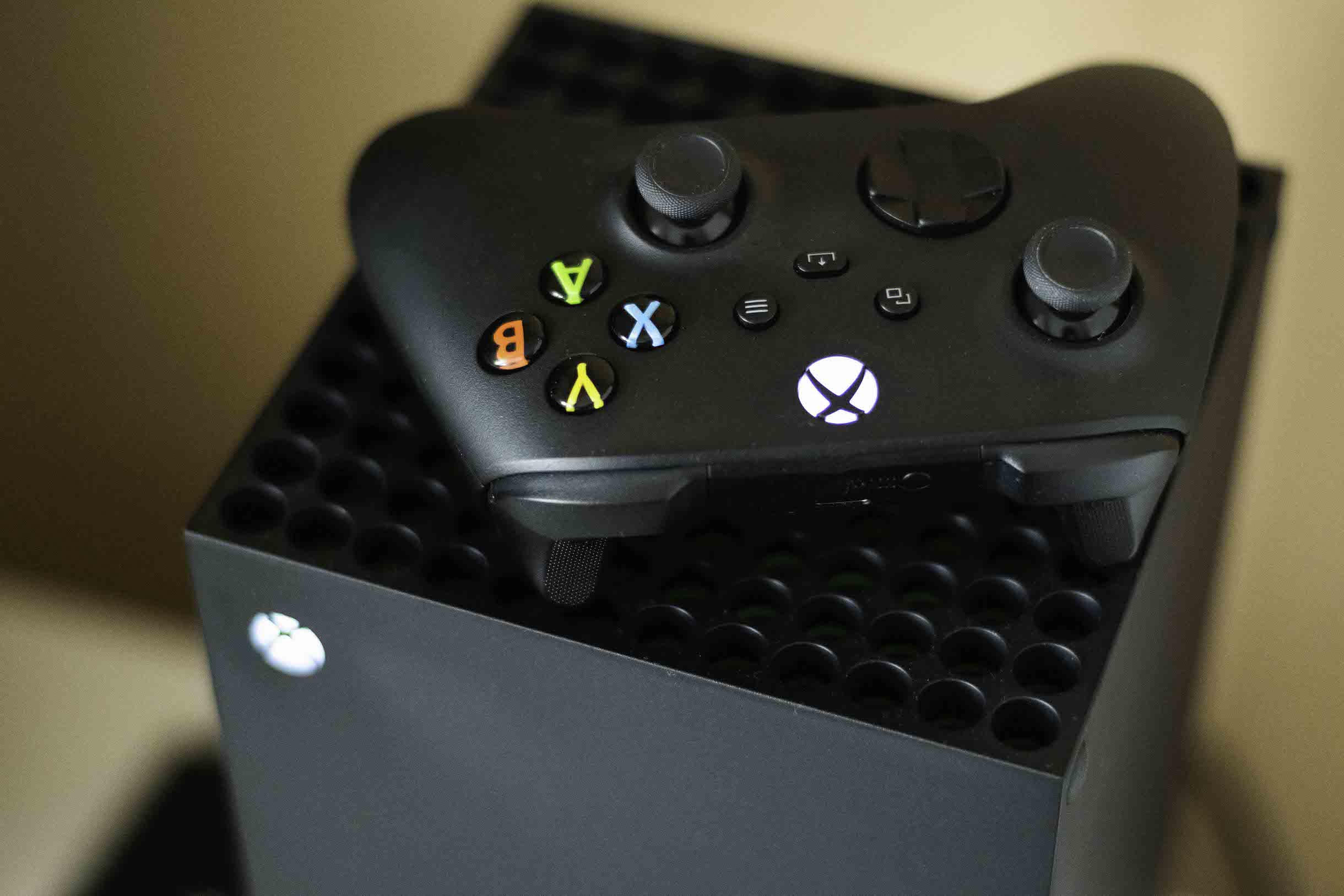
Microsoft tunes the details that players use every day
The July update did not escape the legendary Xbox 360 either. Microsoft has modified some of the system screens of this now more than twenty-year-old console, which is still part of the Xbox ecosystem thanks to backward compatibility. The changes are mostly cosmetic, but they show that the company has not completely forgotten about older platforms.
You might be interested in
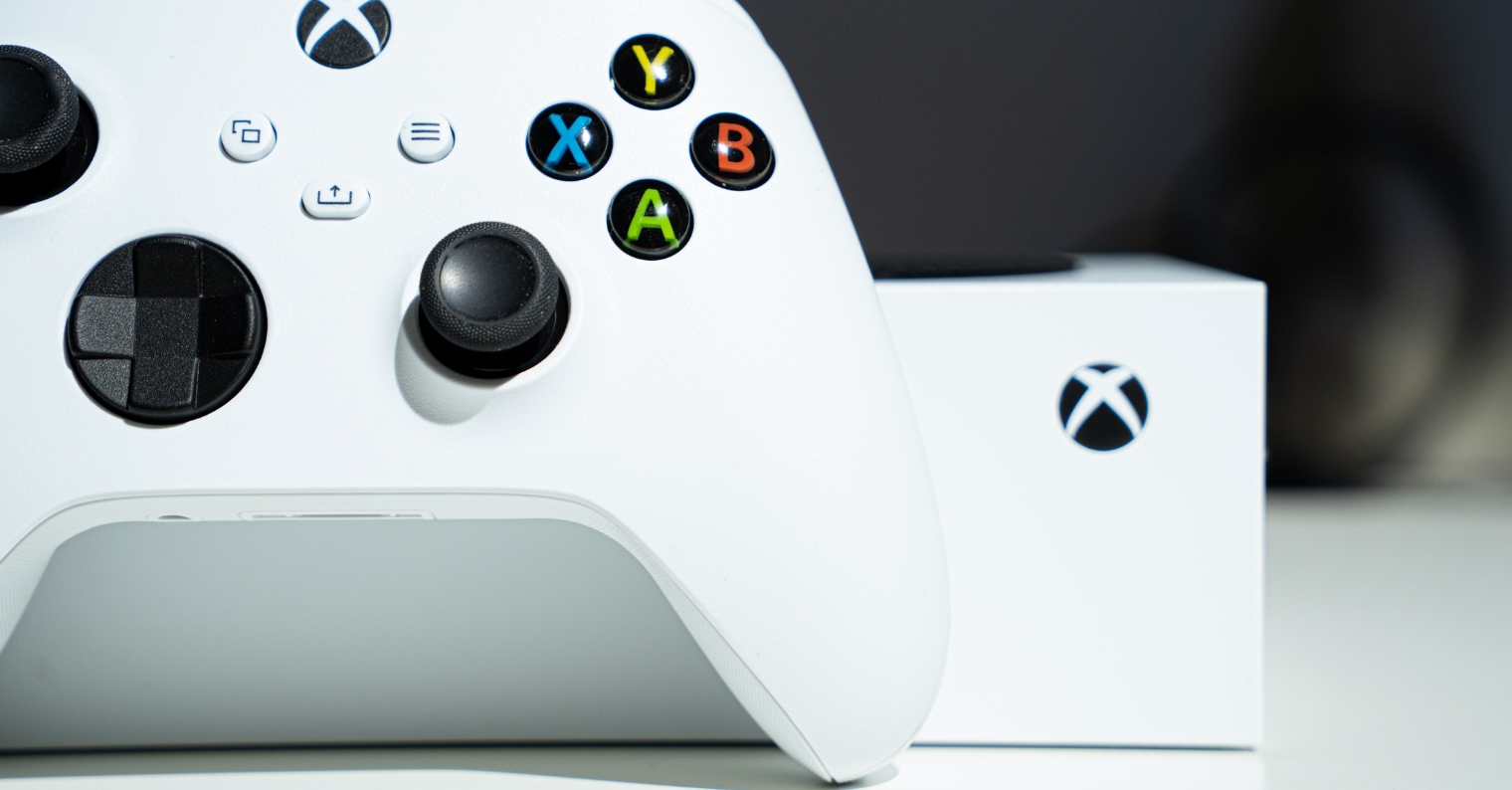
Overall, this is the type of update that doesn't add one groundbreaking feature, but focuses on dozens of small improvements. However, these are often the ones that have the biggest impact on the daily use of the console. Cleaner game graphics, more personalization options, longer gamertags, or the ability to play from cloudDuring updates, there are changes that will be appreciated especially by active players. Microsoft Moreover, it has been releasing similar system updates quite regularly in recent months, which suggests that it wants to continue to improve the Xbox environment on an ongoing basis instead of major redesigns every few years.