A person learns throughout their life and in the case of electronics, I dare say, this is doubly true. Although I use Apple products led by iPhone for a really long time (I estimate over 15 years), from time to time I come across something in them that I didn't know about at all and which actually makes me extremely happy at that moment, even though it is often a complete trifle. This is exactly what happened to me now with the Fitness application, which I have been using for a long time to easily check my activity measured mainly via Apple Watch.
You might be interested in
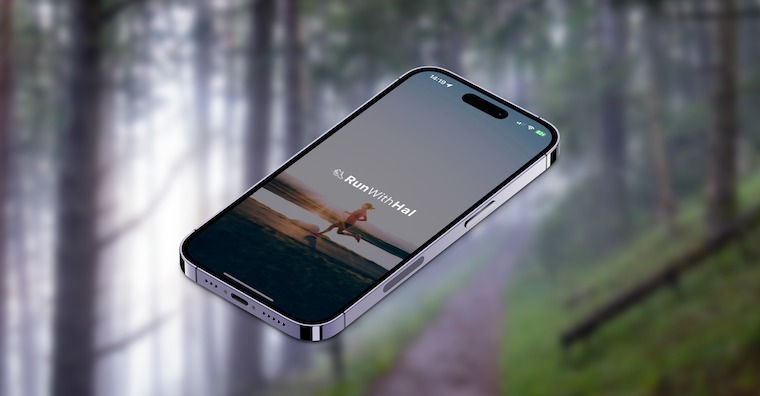
ProI've been trying to move more lately, so that I can still be in good shape and be happy with myself as I get older. In addition to two floorball training sessions a week, I've also included regular running in my activities, which are of course supplemented by less demanding activities such as walks with the family and so on. However, with the increase in activity, I started to wonder how I was doing in this regard, for example within a month and so on, or how active I was in the weeks. And although I thought until now that Fitness couldn't simply tell me this (when I say "simply" I mean so that I don't have to click deep into the application, as is necessary for Health), that's not the case.
Gallery
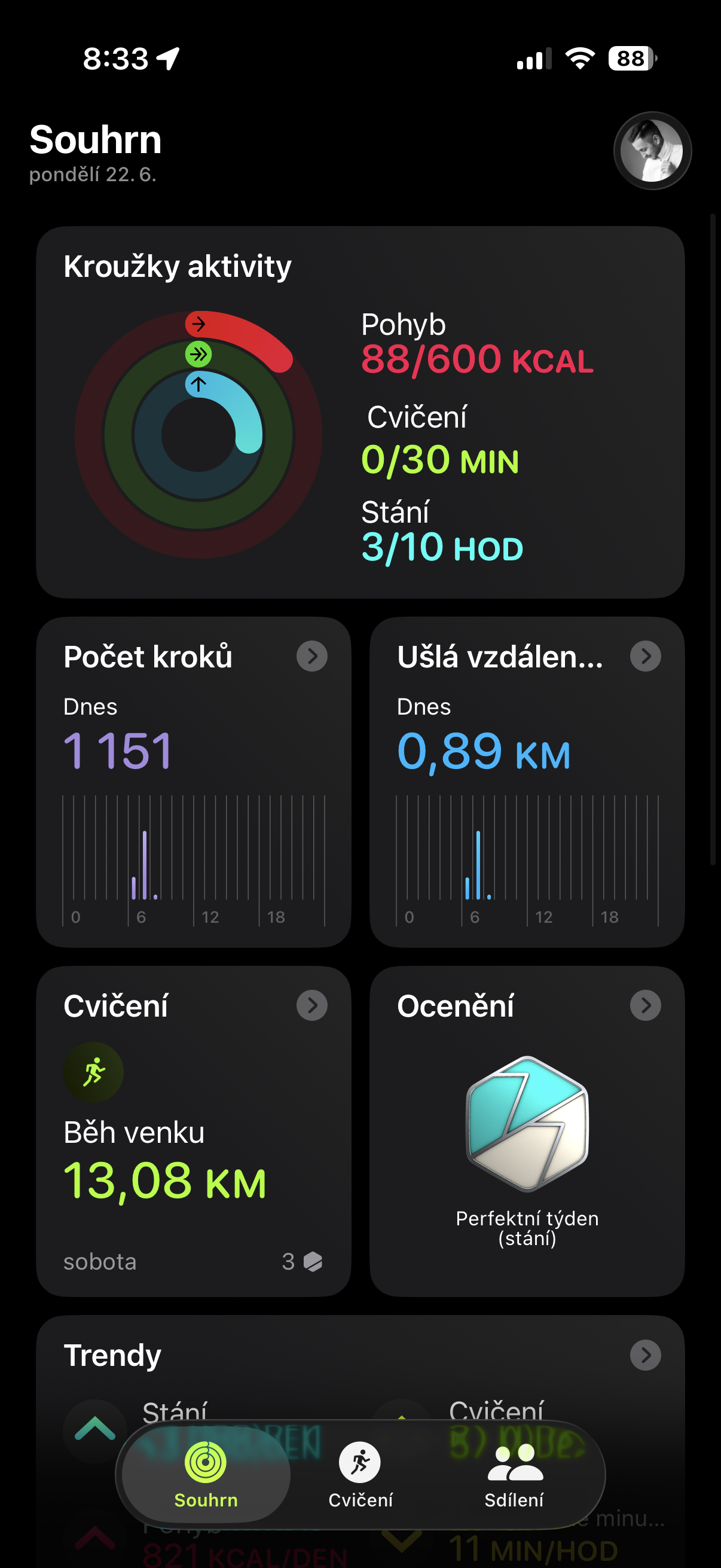
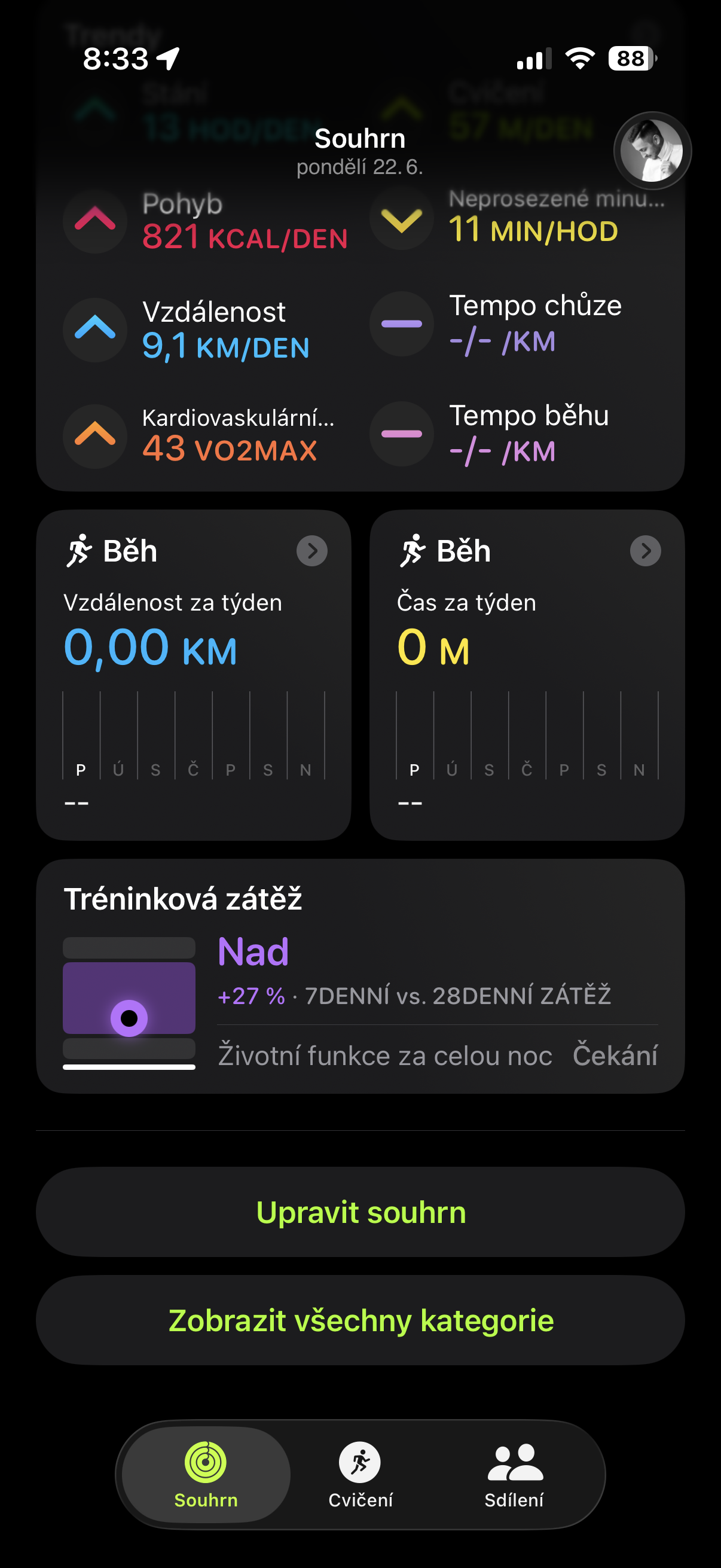
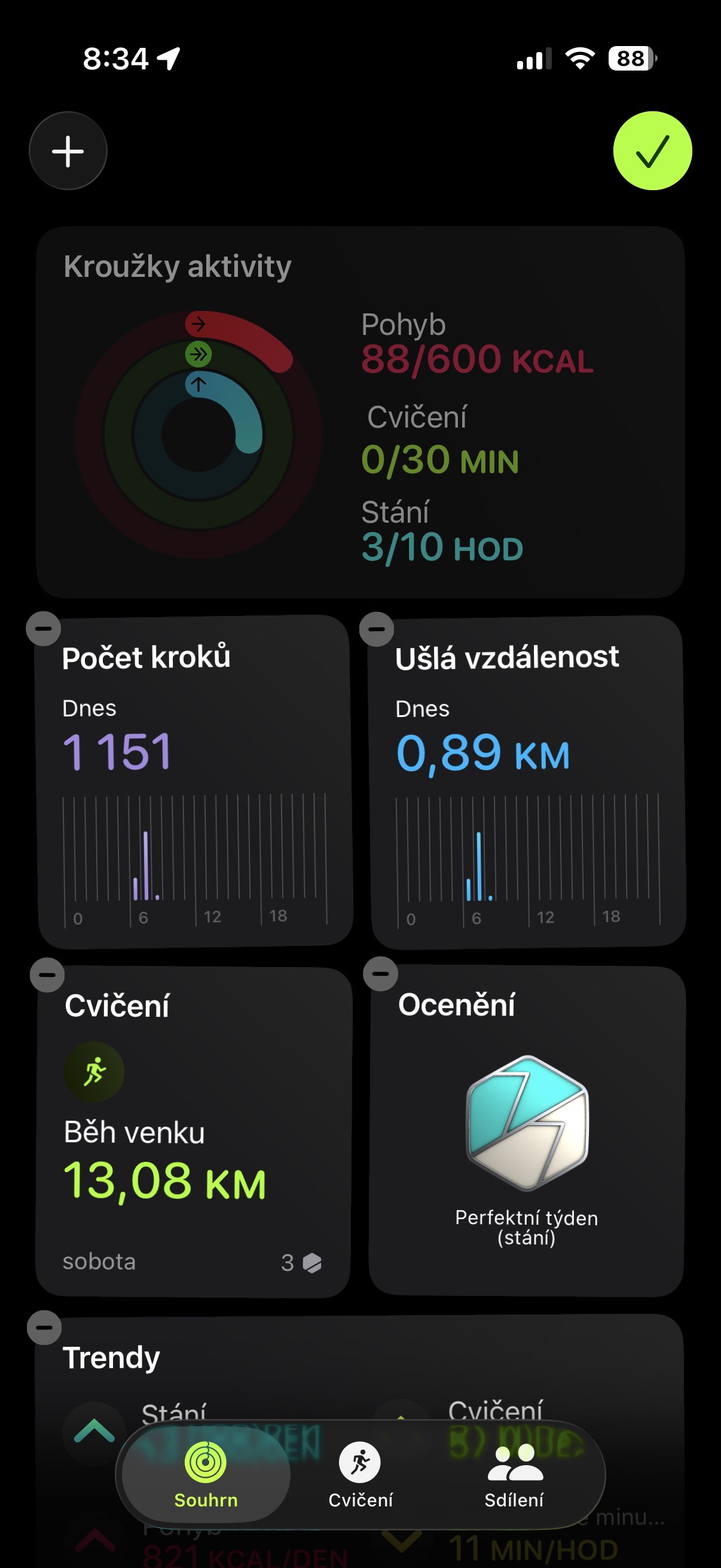
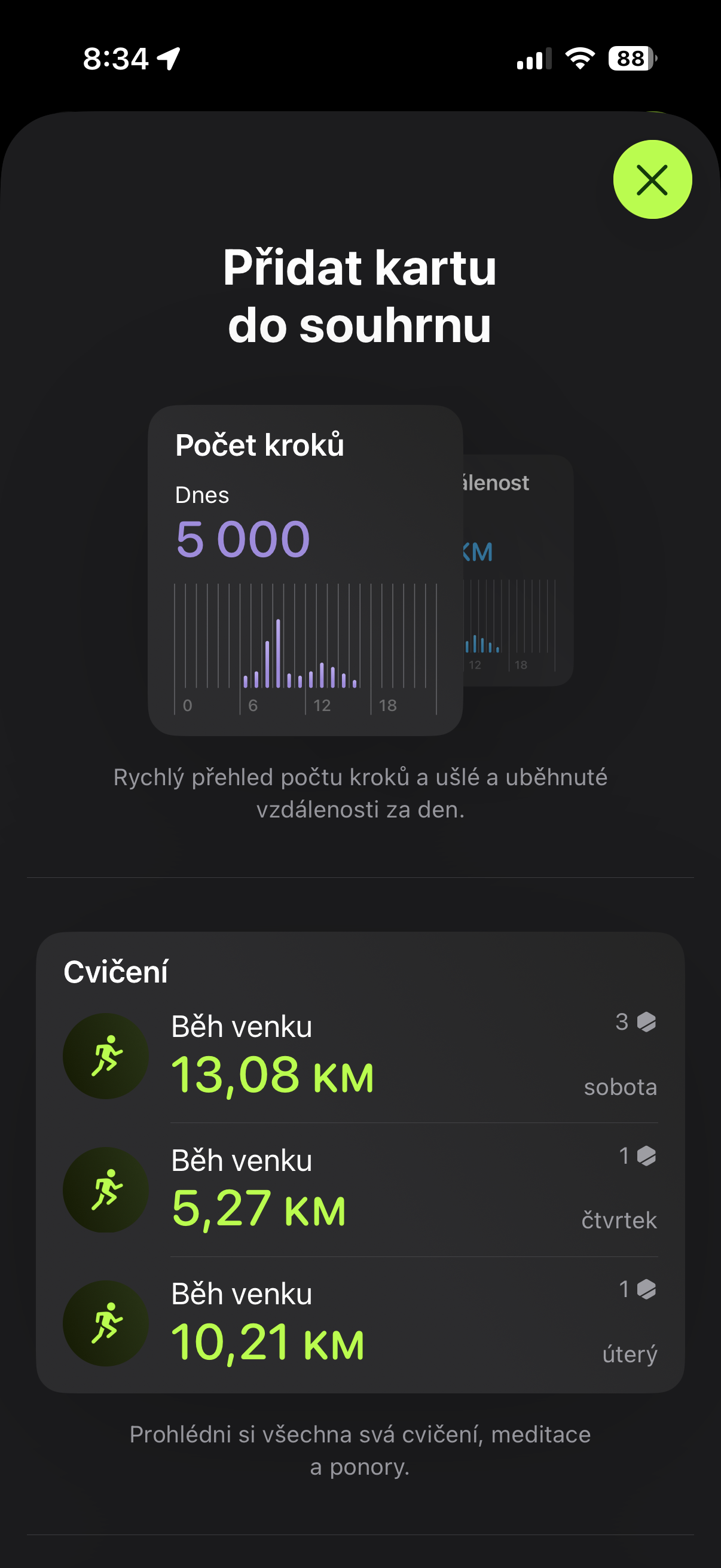
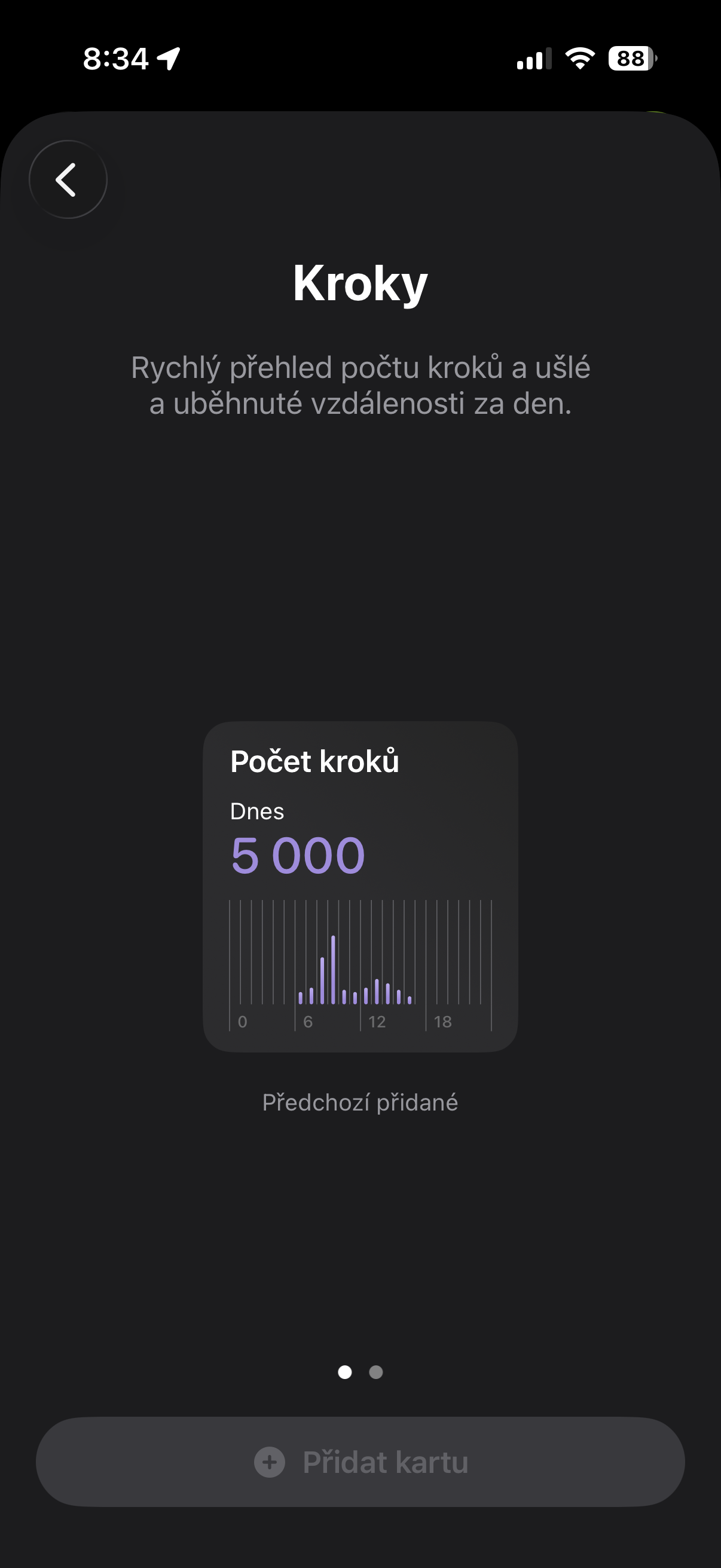
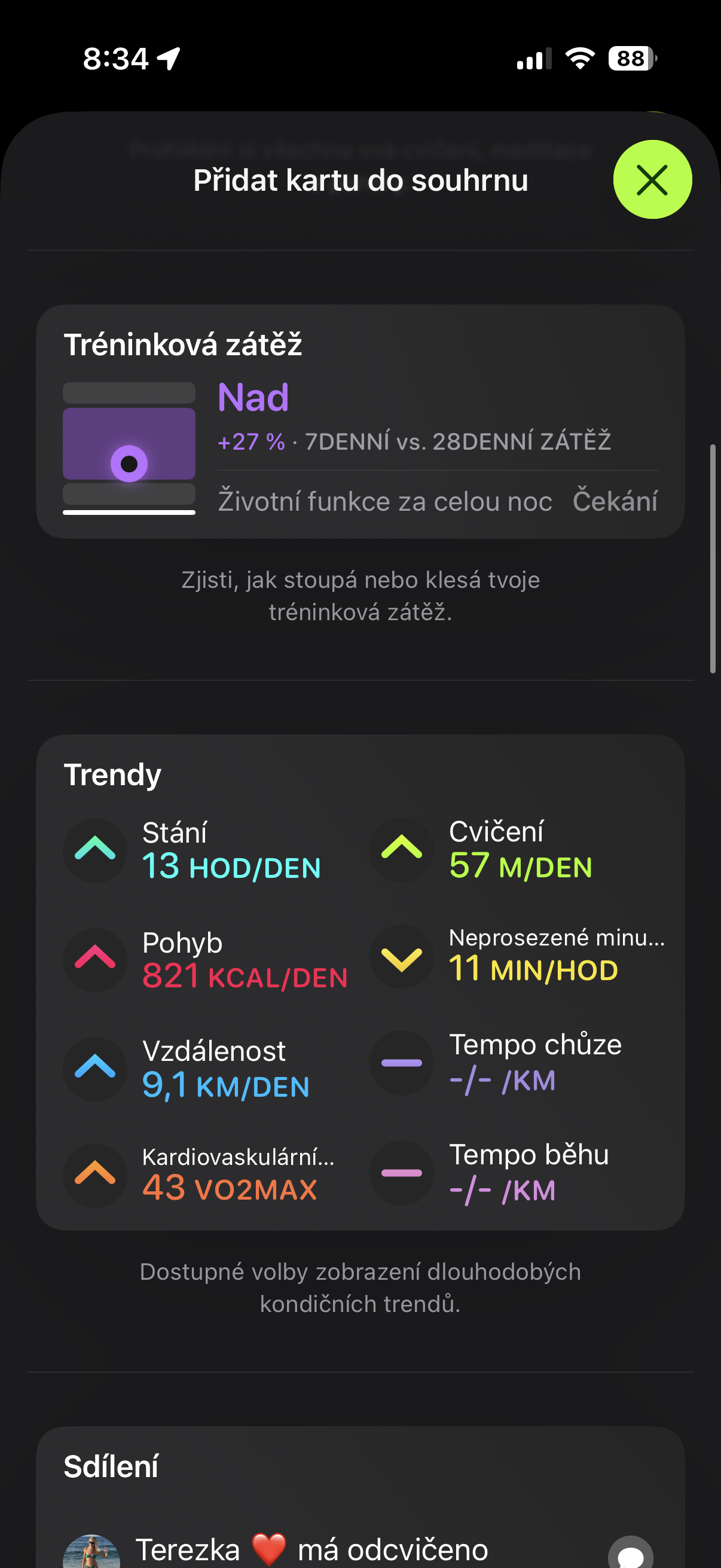
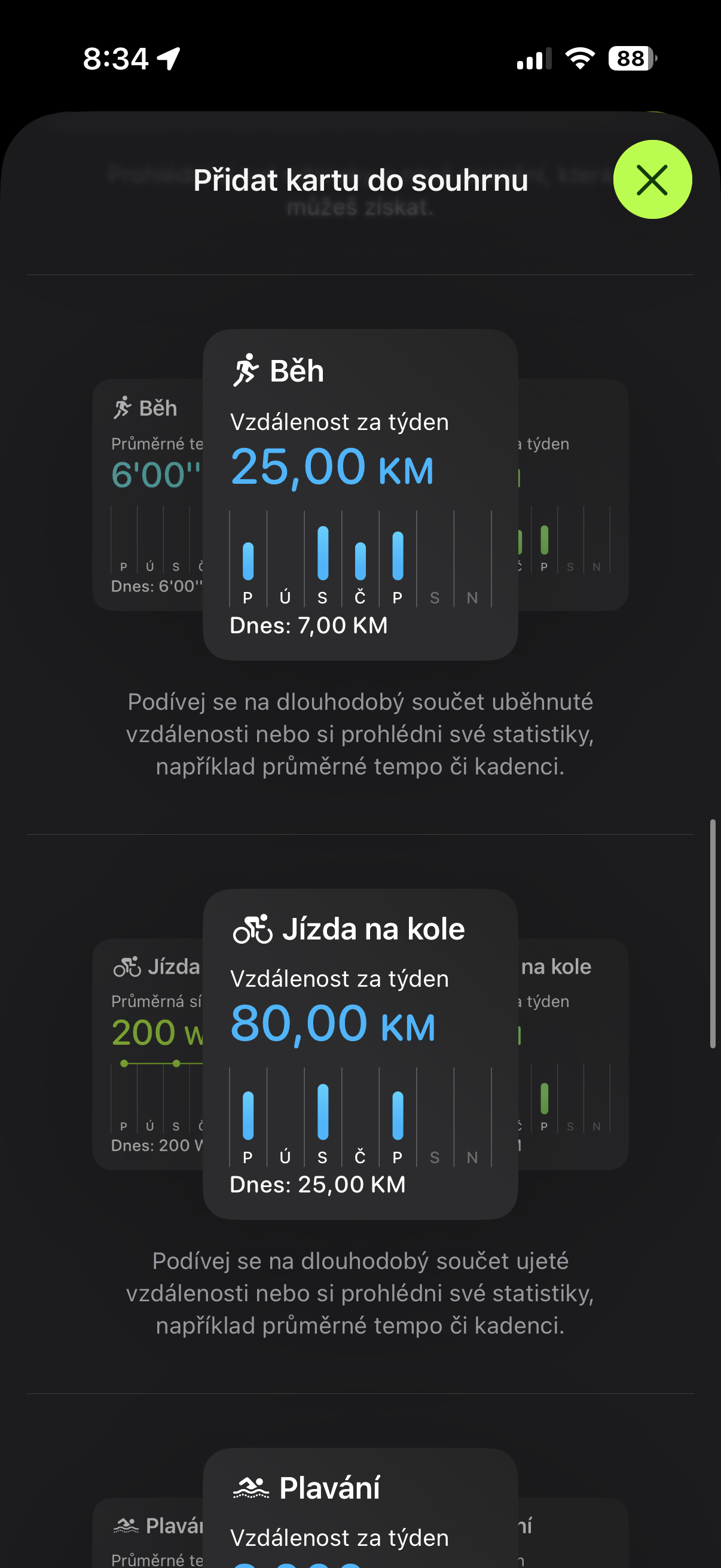
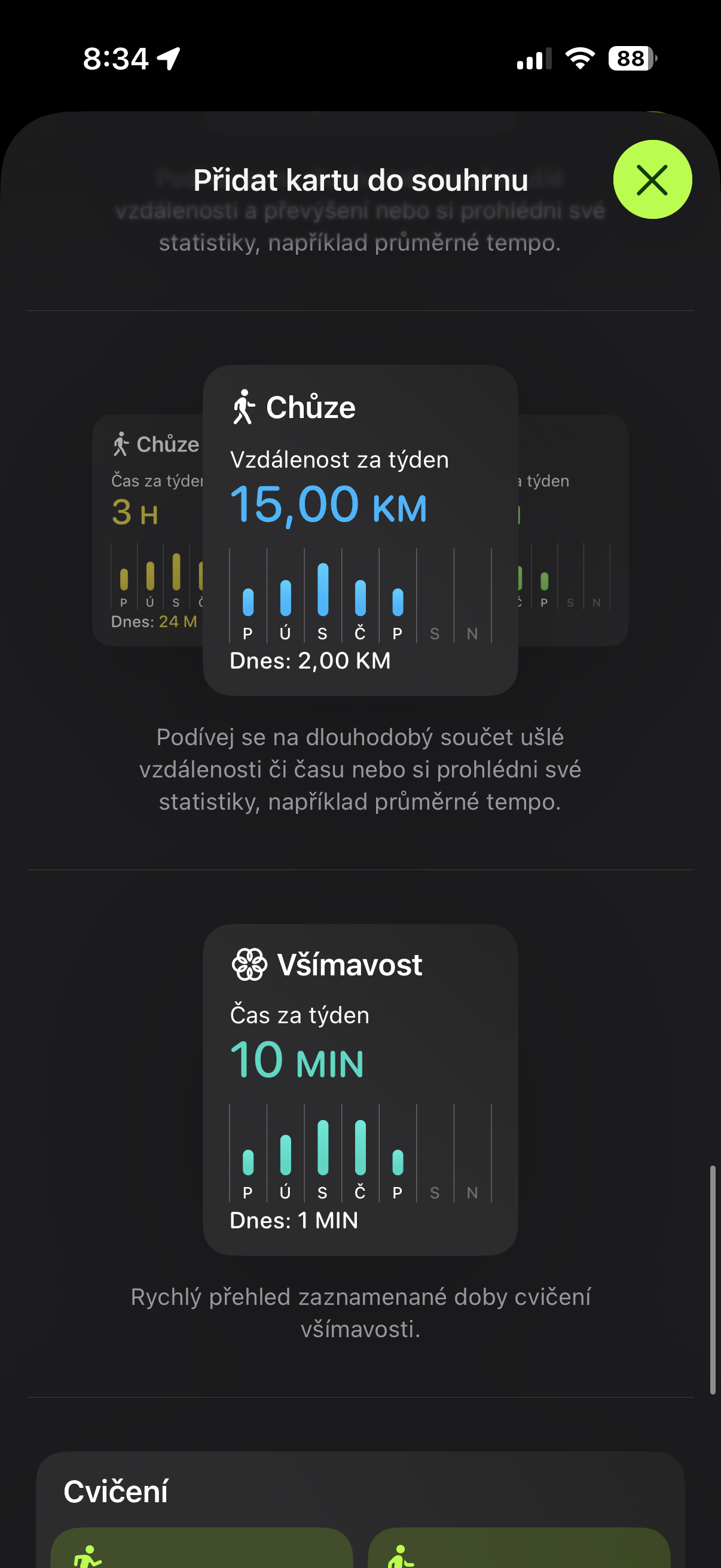
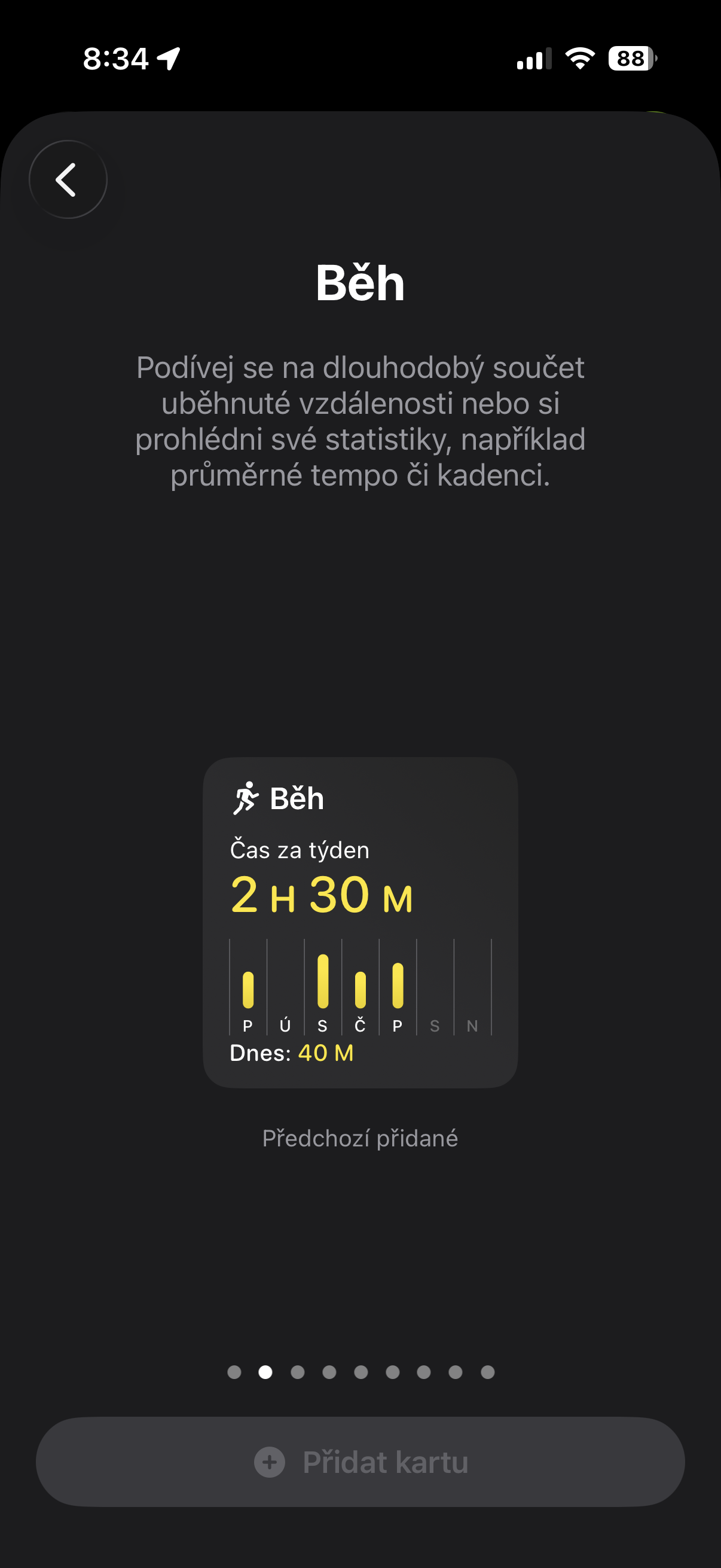
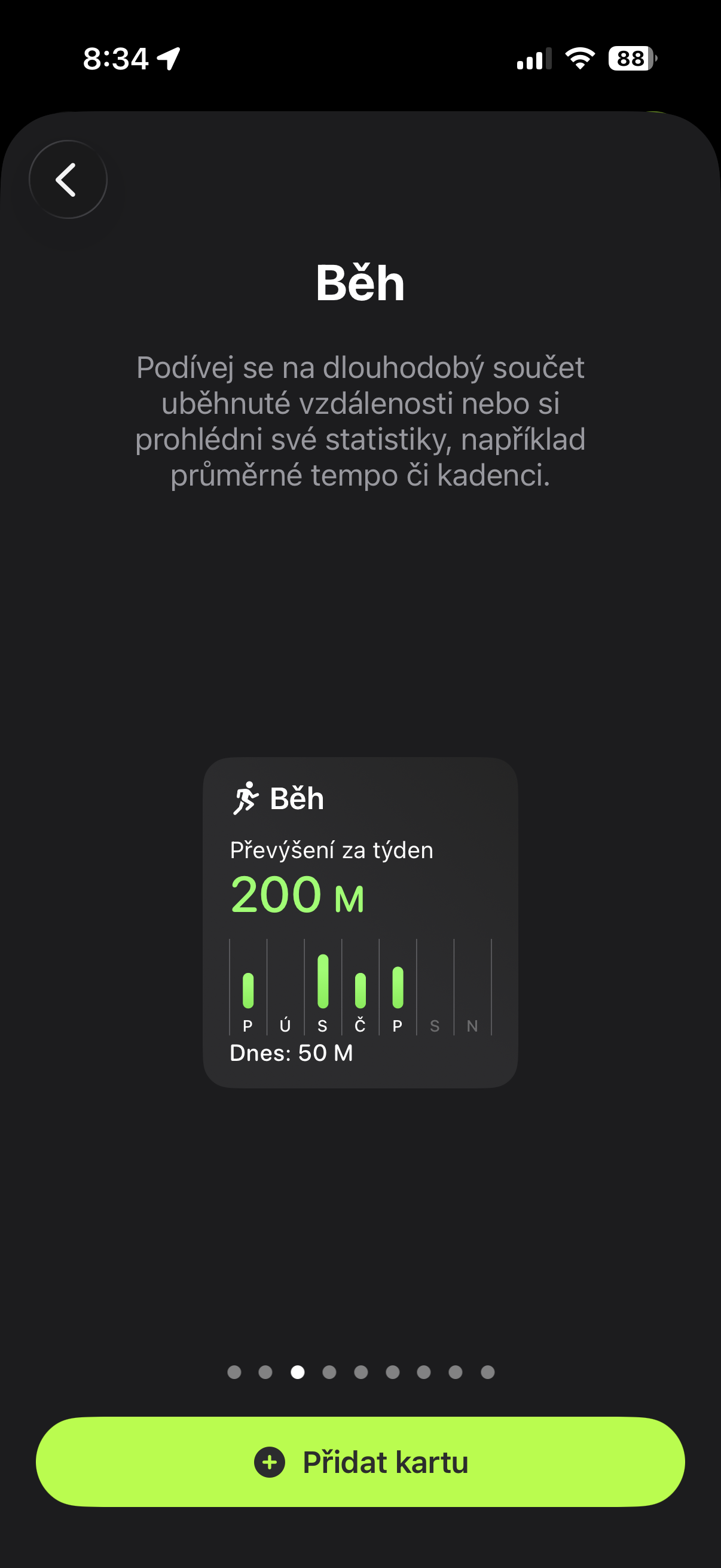
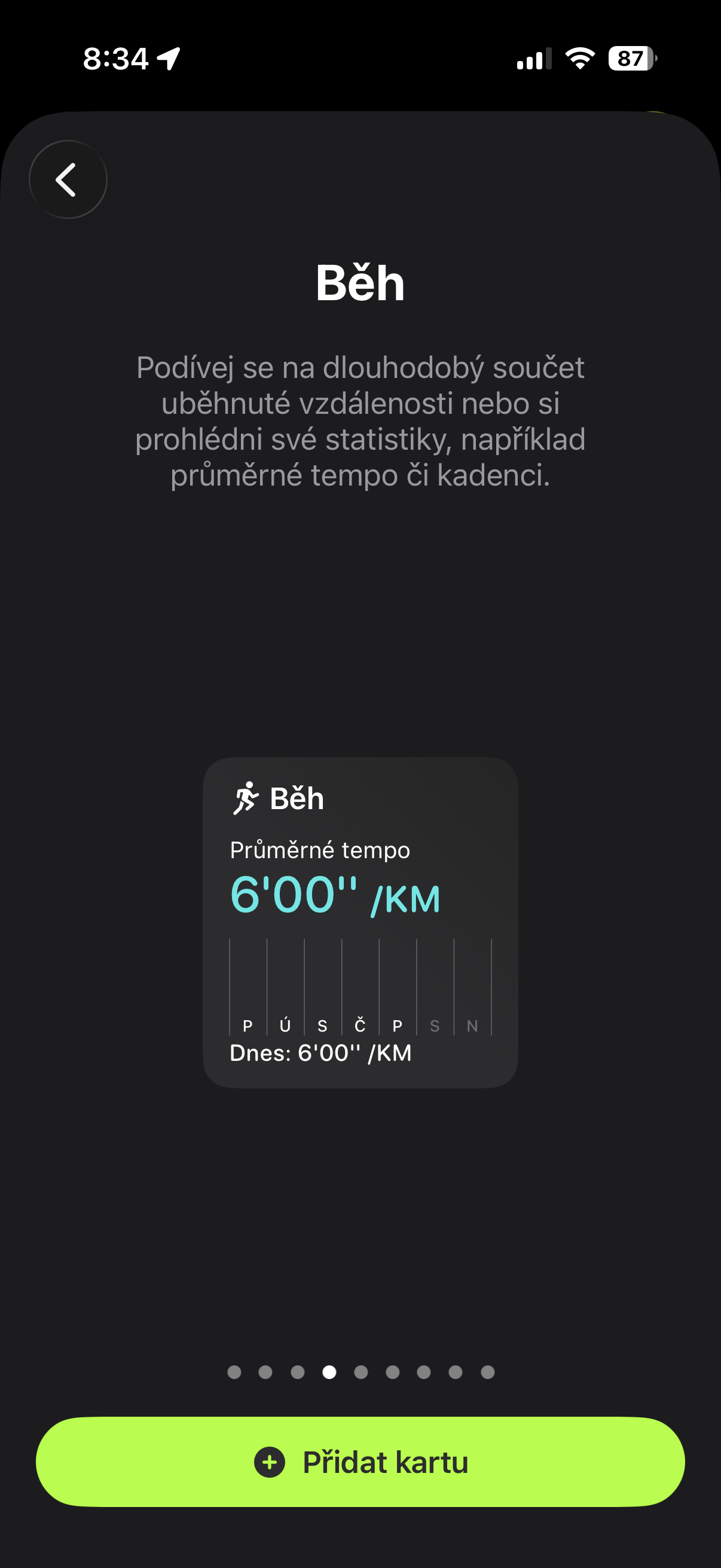
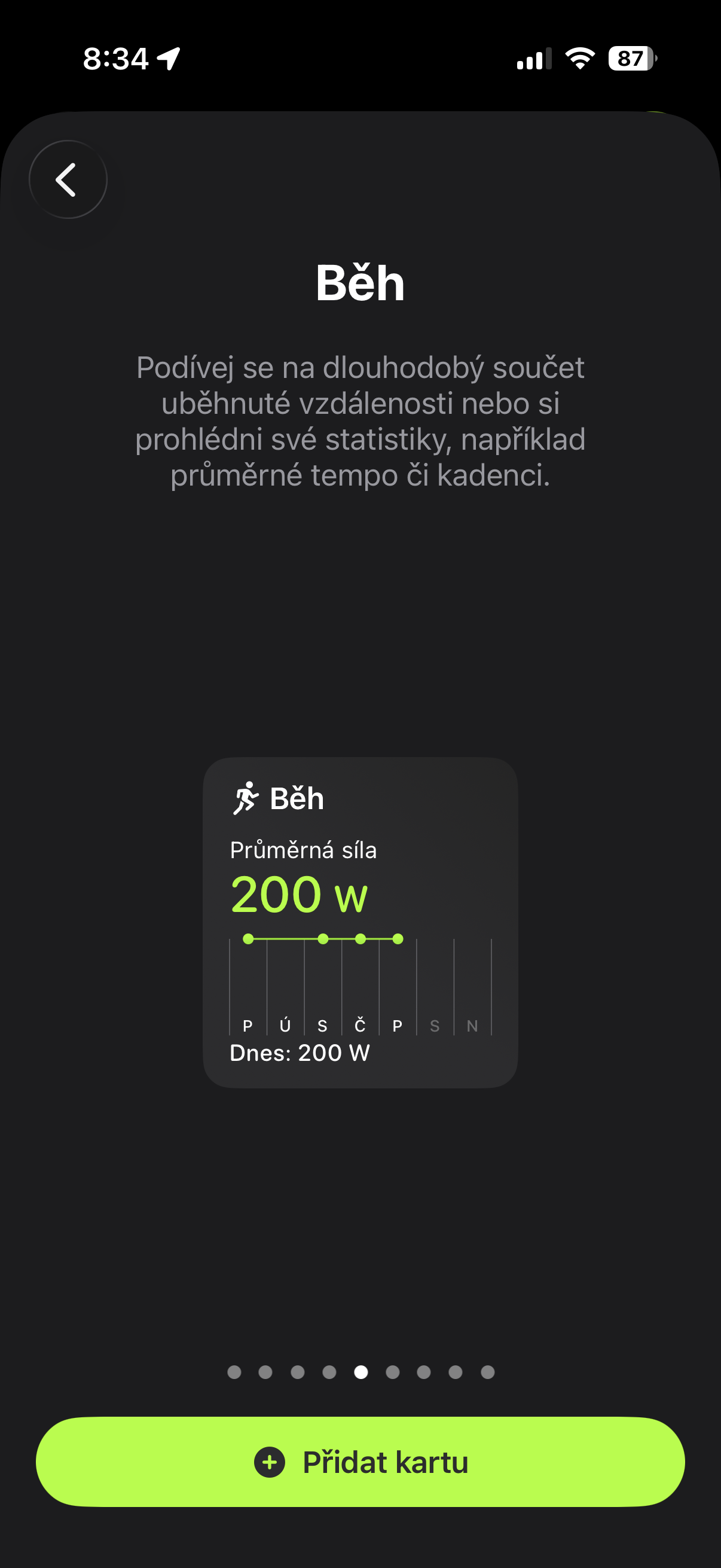
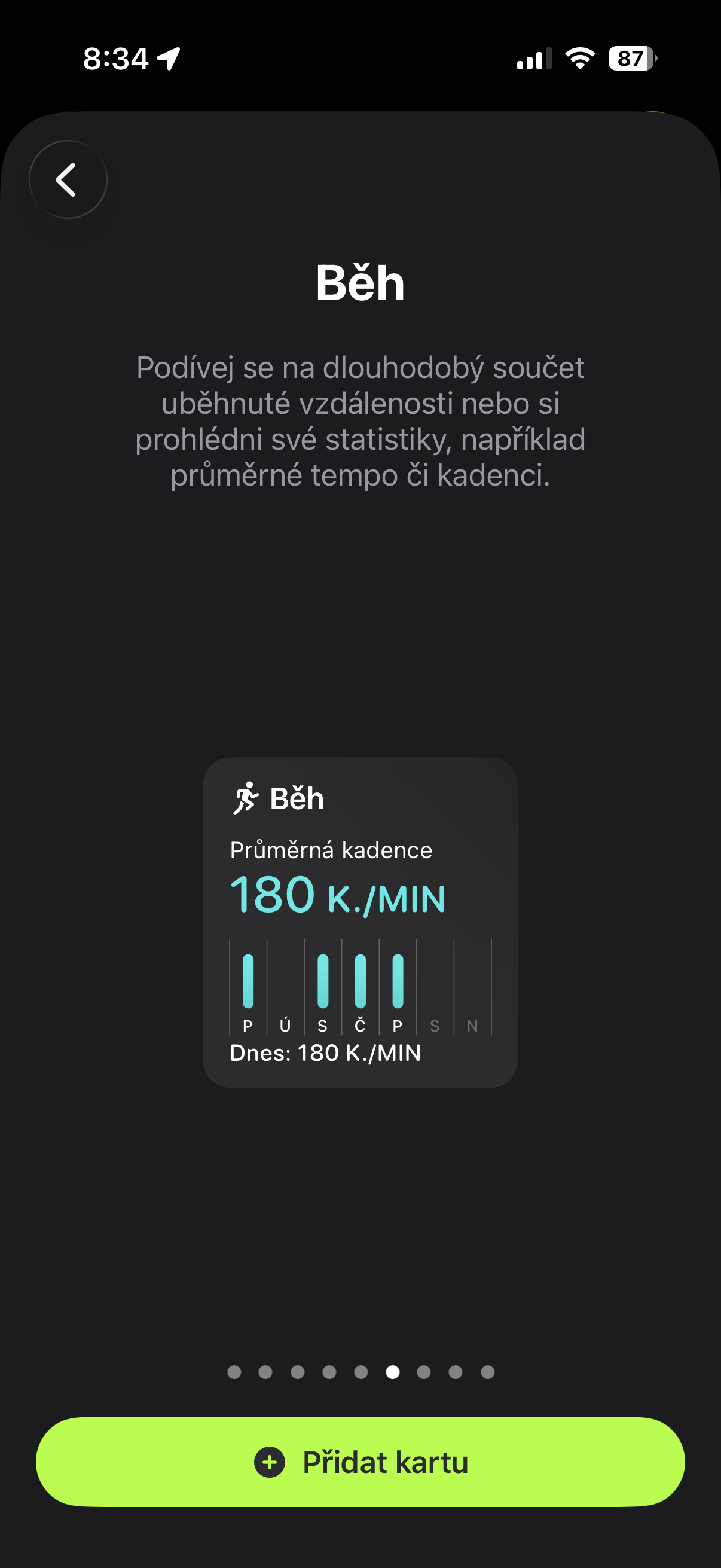
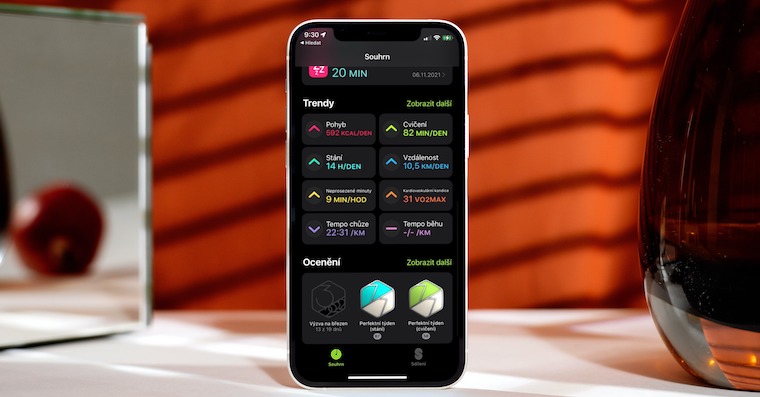
Just as you can adjust the desktop display on, for example, iPhone or perhaps dimensions widgetYou can also edit individual tiles in Fitness that show your activities. However, it is better to say "add" rather than edit, because I think it is a shame to remove what is available by default. On the contrary, add widget informing about the distance traveled or the time you spend either running or doing other activities in a week, I find it really useful. As well as viewing your training load, which simply tells you how active you were compared to the previous period (and which is linked to the Vitality function from Apple Watch, which I want to test more in this context now).
You might be interested in

The small catch is that many of these widgetIt is not customizable in the sense of choosing exactly the metric that makes sense to you (in my case, for example, I would rather see the distance covered in a given month than in a week), however, the fact is that once you enter a given widgetIf you click on it, it will offer you a load of additional information, from which you can choose and obtain your own. So if, like me, you have only used Fitness in its default settings, I definitely recommend taking a look at it and adding everything that makes sense to you through the activity. It is definitely worth it.