WhatsApp Today, billions of people use it, and for many of us it has become the main way of communication. We write to family, colleagues and friends through it, and we often keep it open practically all day long. But because of this, sometimes we get the uncomfortable feeling that we should respond immediately. All it takes is for the other party to see that you are online or that you have read the message, and the pressure to respond quickly is on.
You might be interested in

Not everyone wants to respond right away. Sometimes you read a message between meetings, sometimes on a tram ride, or at night before bed when you don't feel like engaging in a longer conversation. This is where privacy settings come in handy.
You might be surprised to know that WhatsApp offers several settings that allow you to be much less "visible" in the app. It's not a classic one-click "incognito" mode, but if you set your privacy correctly, you can read messages in peace and respond only when it suits you.
Jak WhatsApp works after installation
By default, the app is fairly open. Other users can see your profile photo, profile information, and the time you were last active. Some information is limited to contacts on your phone, while others can be seen by virtually anyone. Anyone can also add you to a group or call you via WhatsApp. Pro For some, it's fine, but if you want more control over who knows what about you, it's worth going through your privacy settings.
Where to WhatsAppu change privacy settings
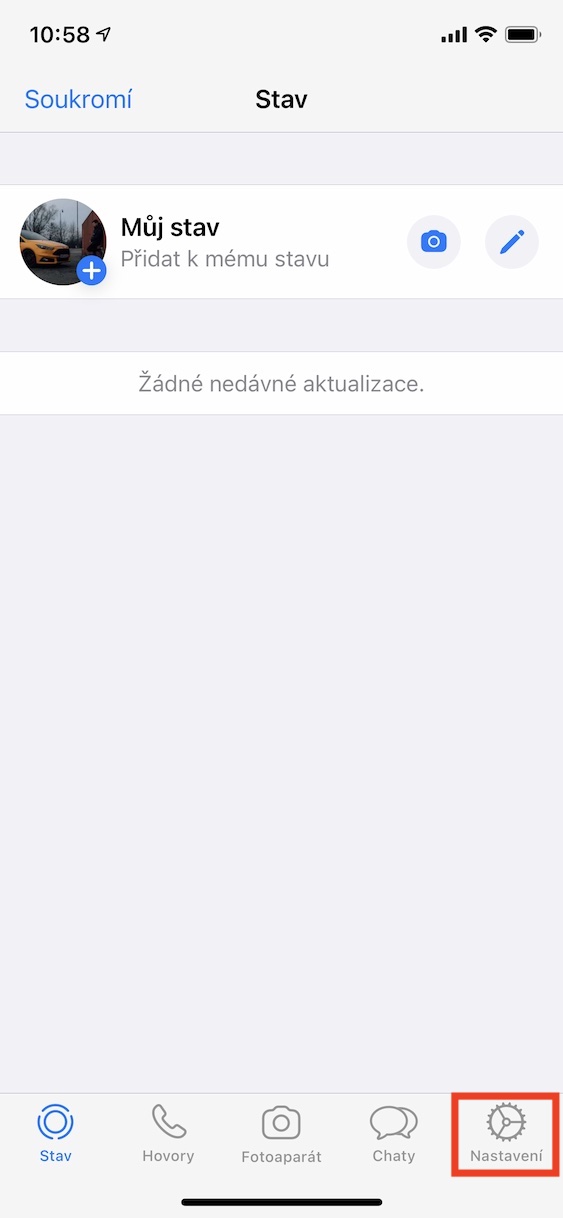
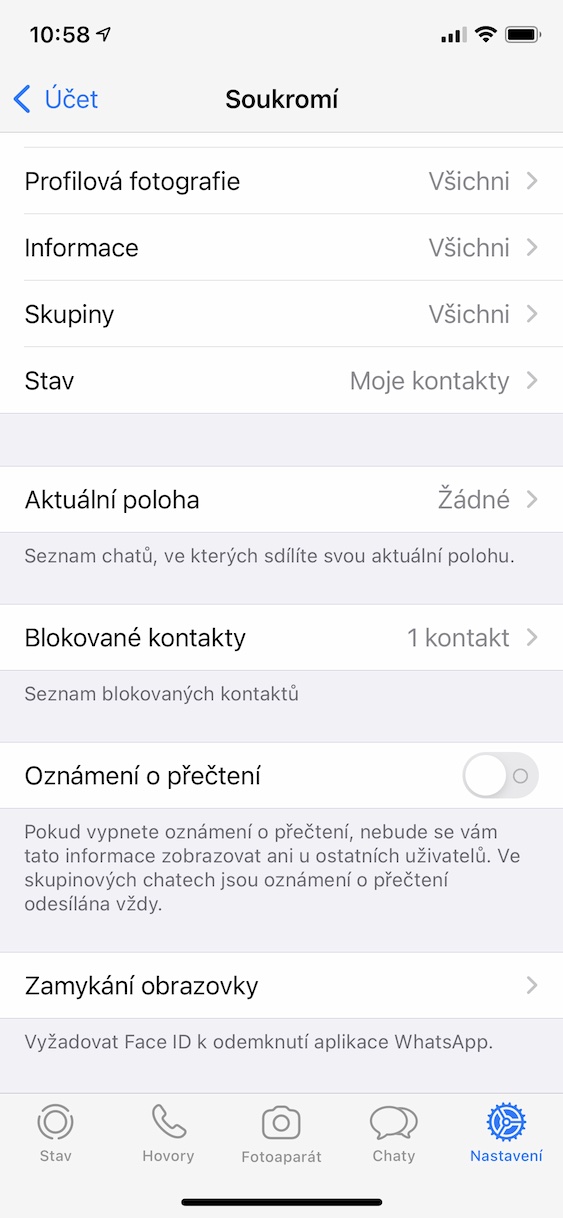
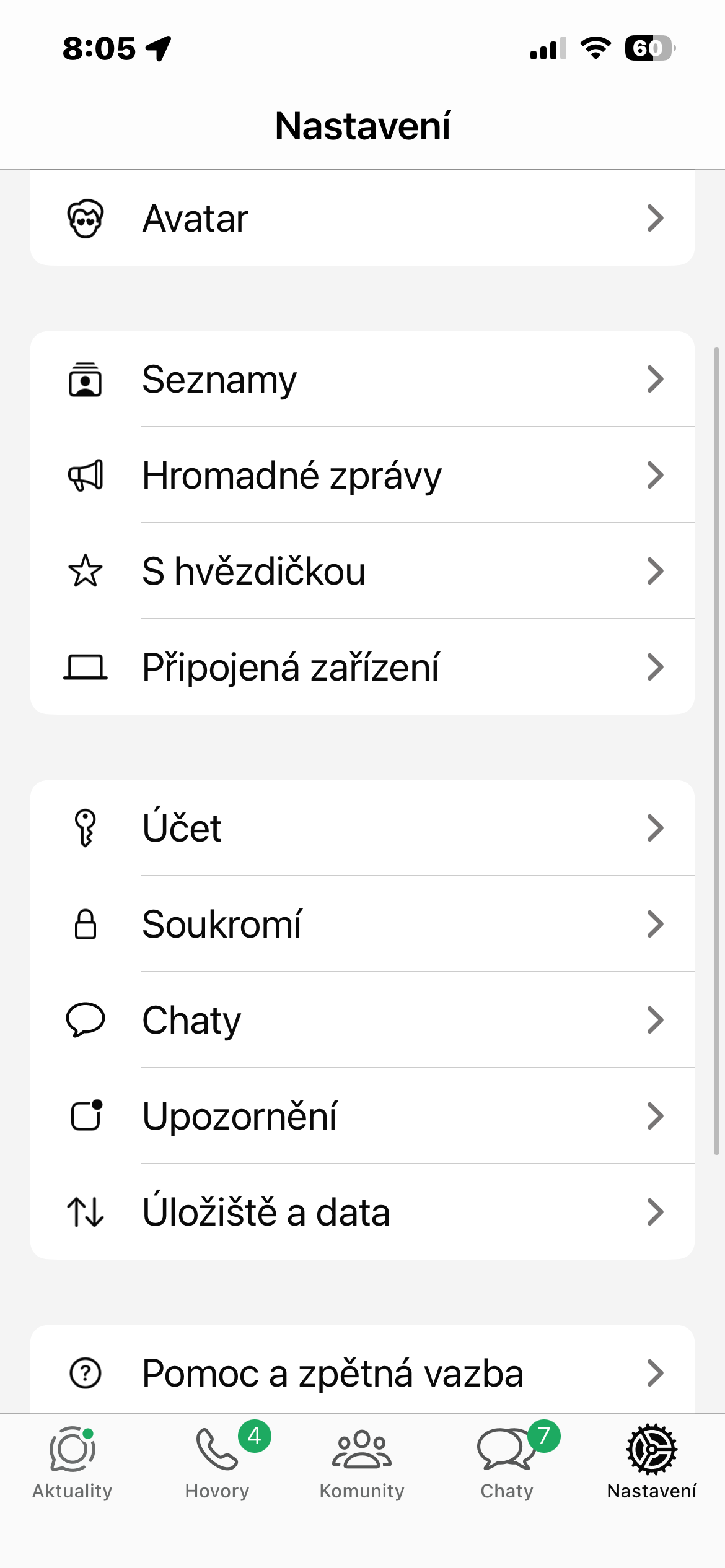
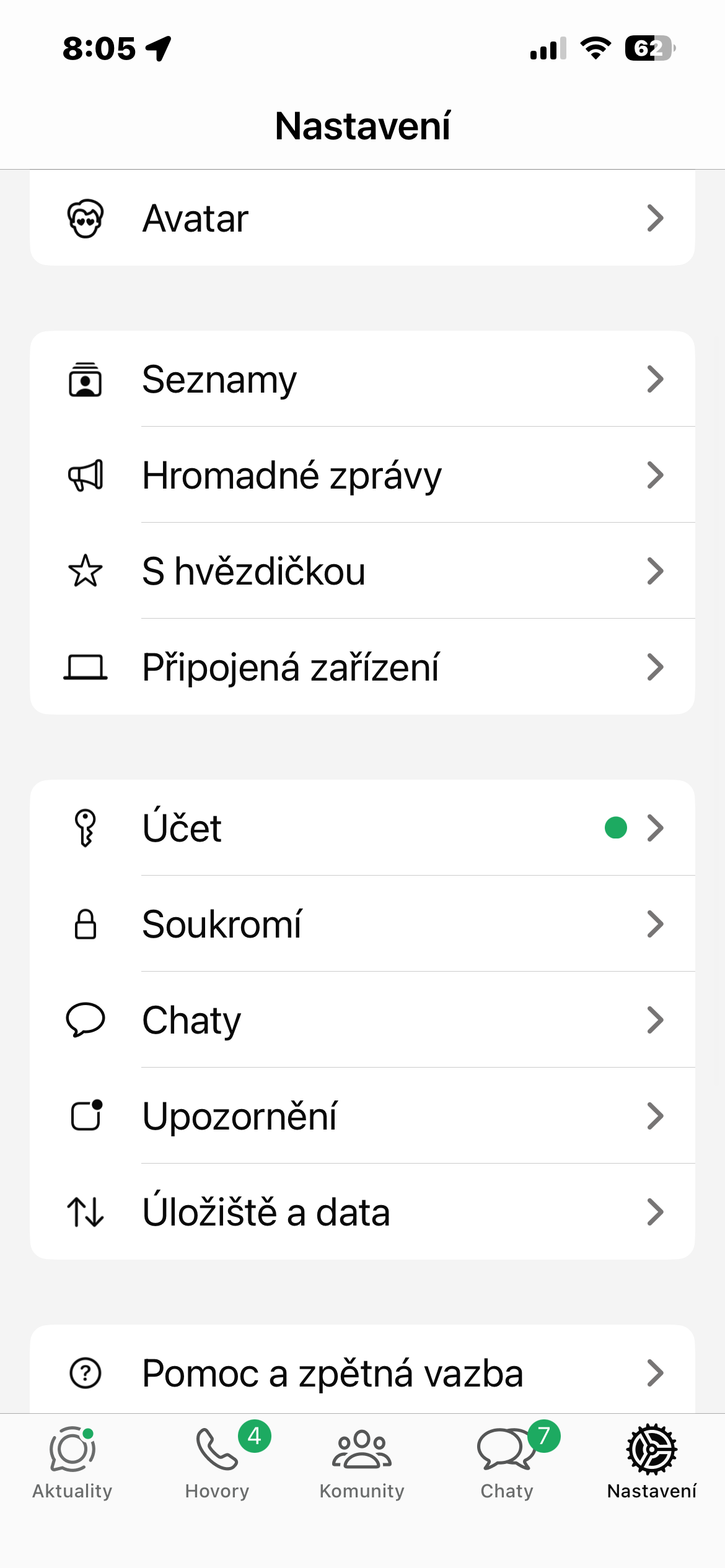
You can find everything right in the app. Just open Settings and then go to the Privacy section. Here you can adjust, for example:
- who sees the time of last activity
- Who sees that you are online?
- who can see your profile photo
- who has access to the information in the profile
- who can see your statuses
- who can add you to groups chatů
For most of these items, you have several options to choose from. You can choose themonechat visible to everyone, only to your contacts, or select specific people who will not see the information. And if you really want peace of mind, you can hide some data completely.
How to turn off "blue ticks"
Another thing that can change the dynamic of a conversation is read receipts. If you don't want others to know that you've opened a message, you can easily turn this feature off.
Again, just go to Settings → Privacy and turn off the Read Receipts toggle. But there’s one thing to be aware of. Once you turn this feature off, you won’t see read receipts for messages you send. In other words, it works both ways. Additionally, this setting doesn’t apply to group messages. chatand voice messages, where information about reading or playing is always displayed.
Gallery


Last online
If you don't want others to see when you were last active, you can also adjust the display of your last activity time. You can find it again in Settings → Privacy → Last online / Online. Here you can choose who can see this information - for example, Everyone, My contacts, My contacts except... or Nobody. You can also set who can see the information that you are currently online. However, it is good to take into account that this rule works both ways. If you hide your last activity time from others, WhatsApp In return, it will stop showing you the same information for other users. In other words, if you don't show your "last seen online", you won't see it for others either.
Gallery
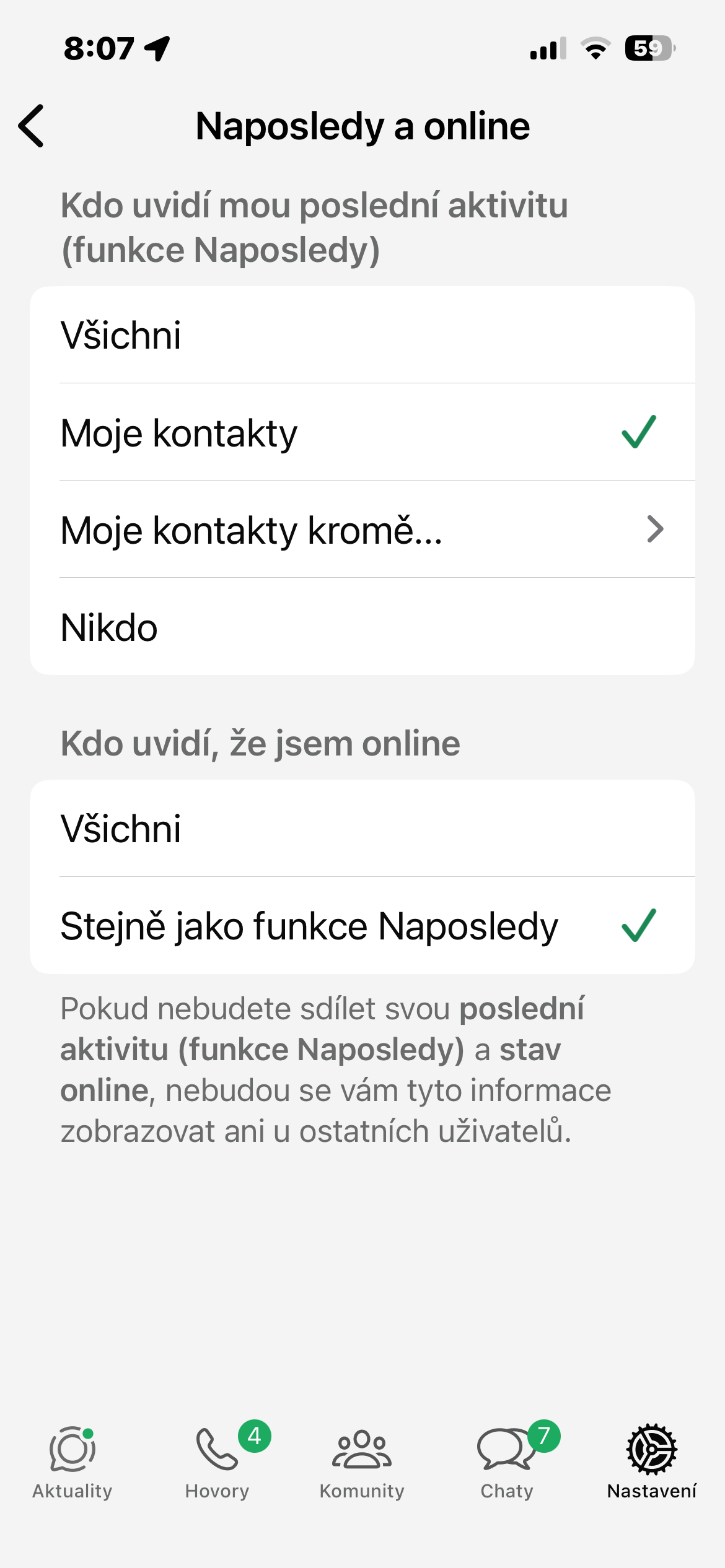
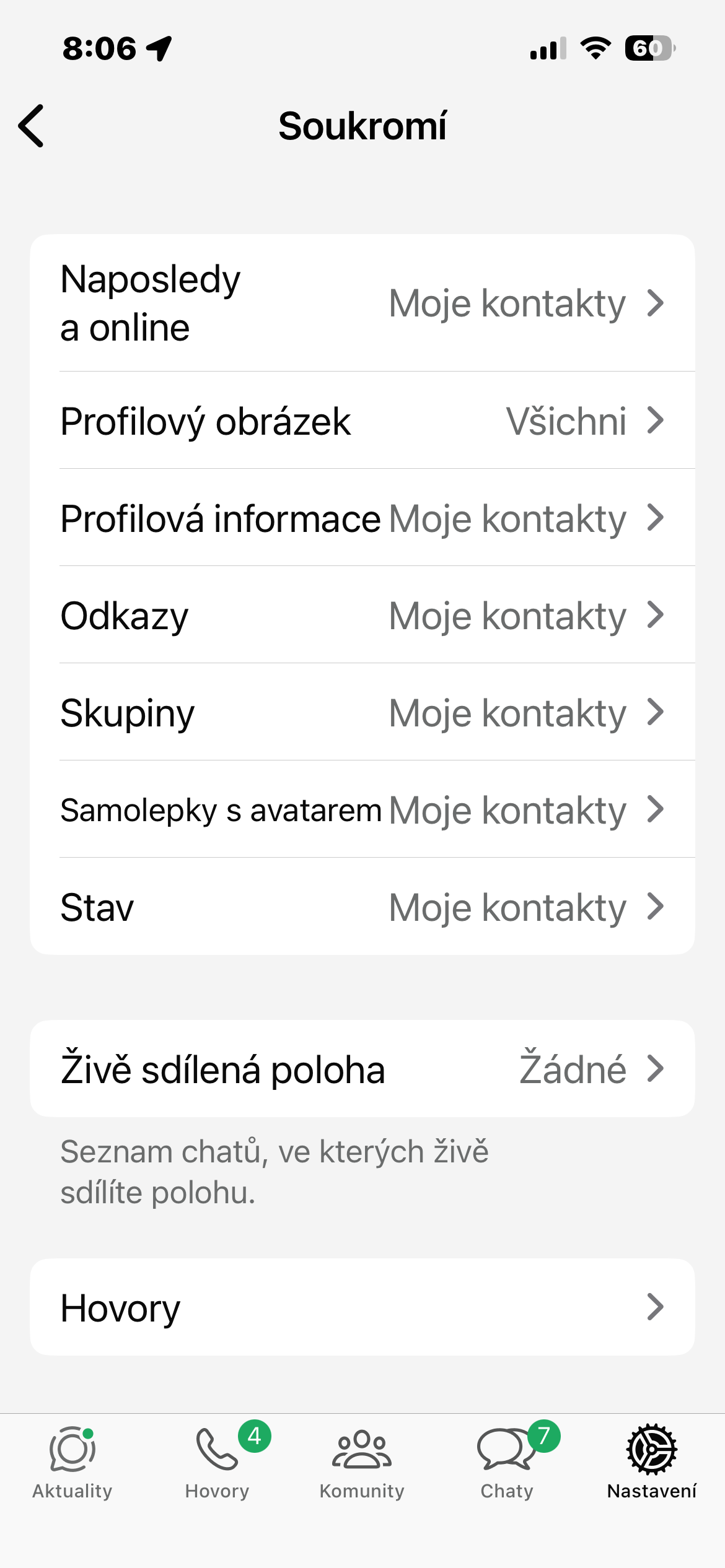
From my own experience, I can say that these settings can change the way you WhatsApp When the last activity information or read receipt disappears, the conversation suddenly feels much less rushed.
You can read messages as they come, but respond only when you have the time and energy to do so. And that's exactly the ideal way to use communication apps, in my opinion. Not as a source of stress, but as a tool to make communication easier for you.