
Sharing photos is one of the most common activities on iPhone. Whether it's vacation photos, family moments, or great portraits, most users want them to reach the recipient in the best possible quality. iOS but in some cases it automatically shrinks or compresses photos. Fortunately, there is a simple way to prevent this and send images in their original form.
You might be interested in
ProDoes the quality of photos decrease when shared?
System iOS is trying to save mobile data and speed up sending, so it automatically optimizes the size of images when sharing via some services. The result may be lower resolution, loss of fine details or removal of metadata that is important for further editing, for example. However, if you want to preserve the original resolution, color, and information about the image, just use the correct settings when sharing.
How to send photos in original quality
- The procedure is quick and does not require the installation of any additional applications:
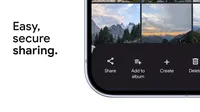
- Open the Photos app and select the images you want to share
- Click the Share button
- Before sending, open more options (three dots icon)
- Turn on All photo data
- Choose a shipping method (e.g. AirDrop, iMessage or another application)
Gallery
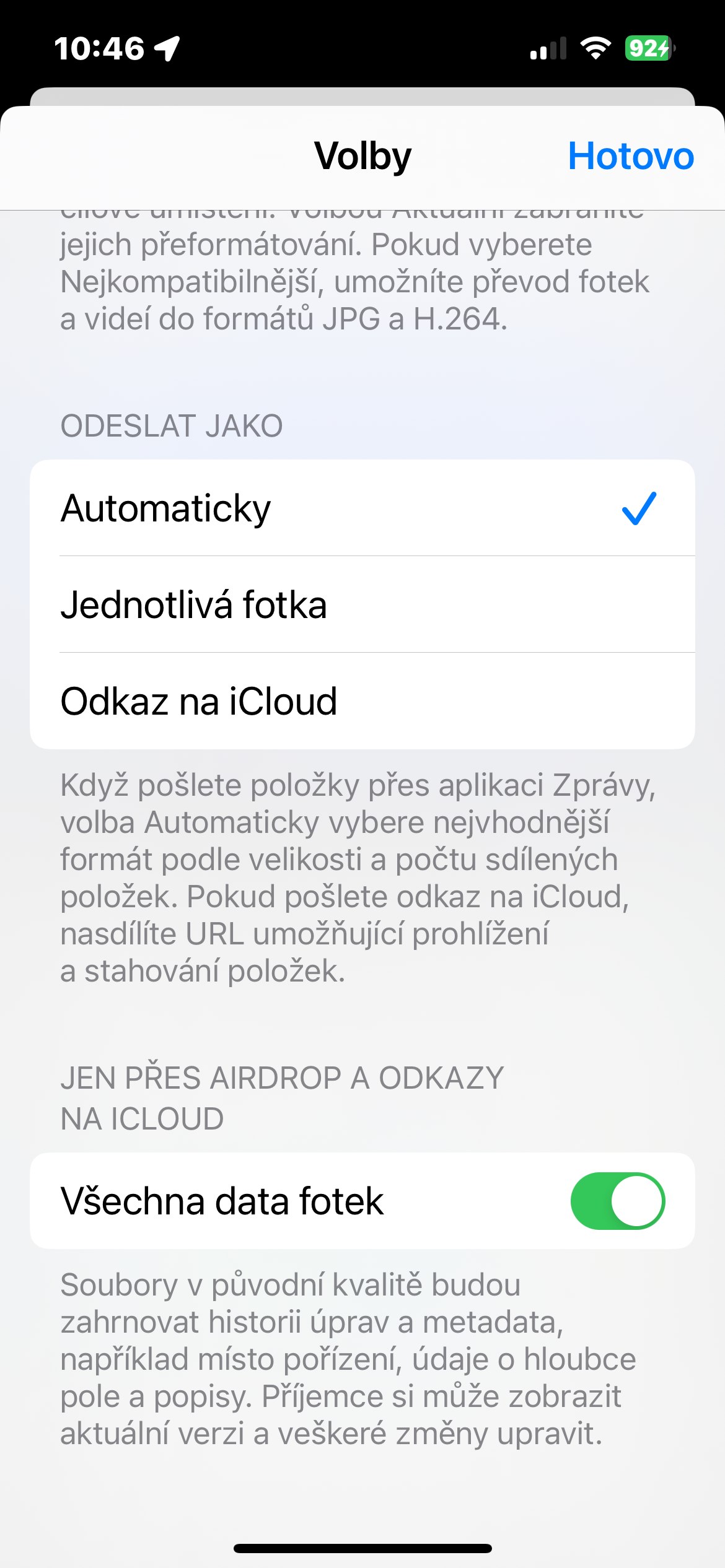
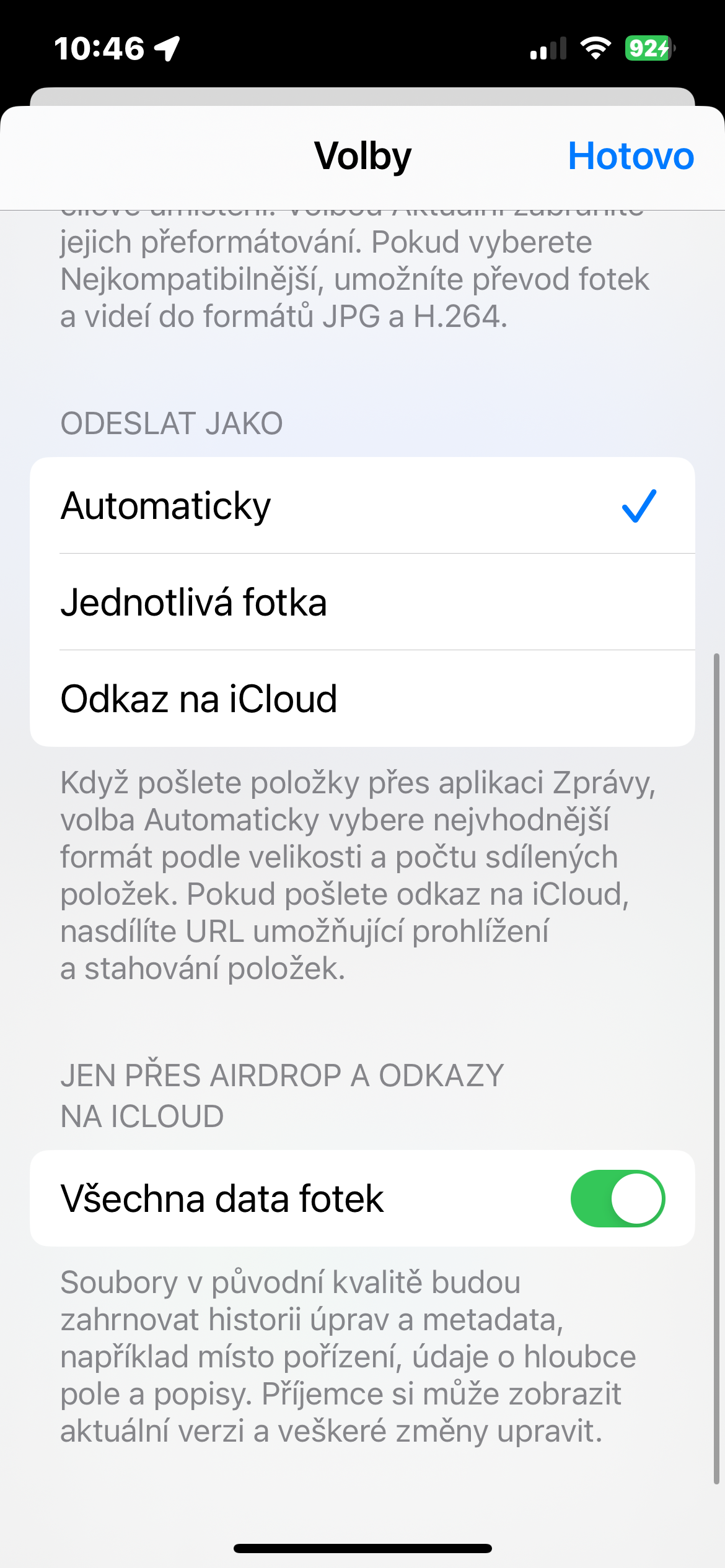
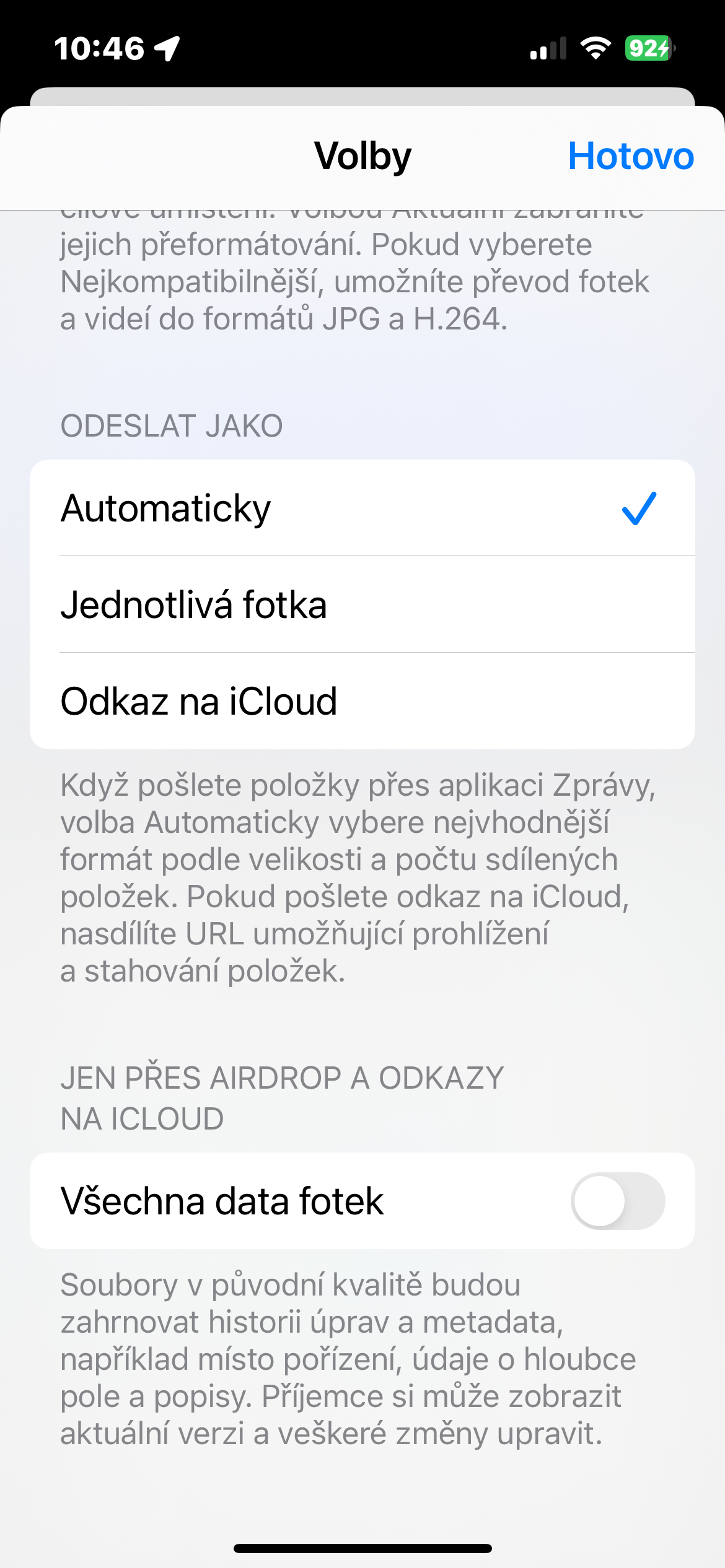
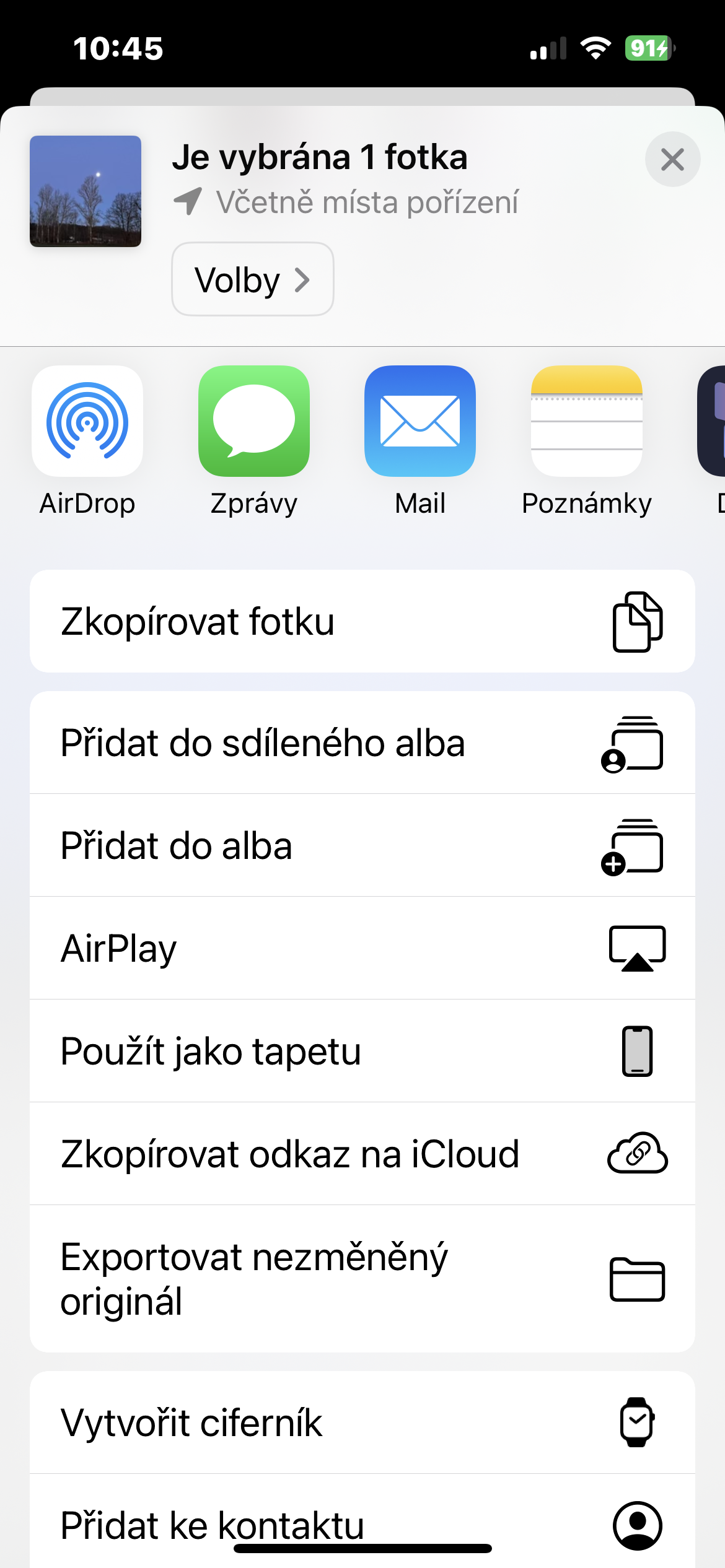
With this step, you clearly tell the system that you do not want any optimization and that it should send the photos in full size, including all metadata.
When full quality really comes in handy
Sending photos in their original resolution will be especially appreciated in situations where the images are to be used for further processing – for example, for printing, editing in graphic applications or archiving. It also makes sense when sharing artistic or professional photos, where every detail matters. On the other hand, for quick sharing of snapshots in chatThe optimized version can be even more practical and faster.
The ability to send photos in full quality is one of those subtle but very useful tricks that the system has been using since Apple offers. Just remember it at the right moment and your images will reach the recipient exactly as you captured them – without blurring and without compromise.





U Windows just connect iPhone cable, explorer opens windows where there are photos and videos from your mobile phone, simply drag the file and it will be saved in full original quality and format.