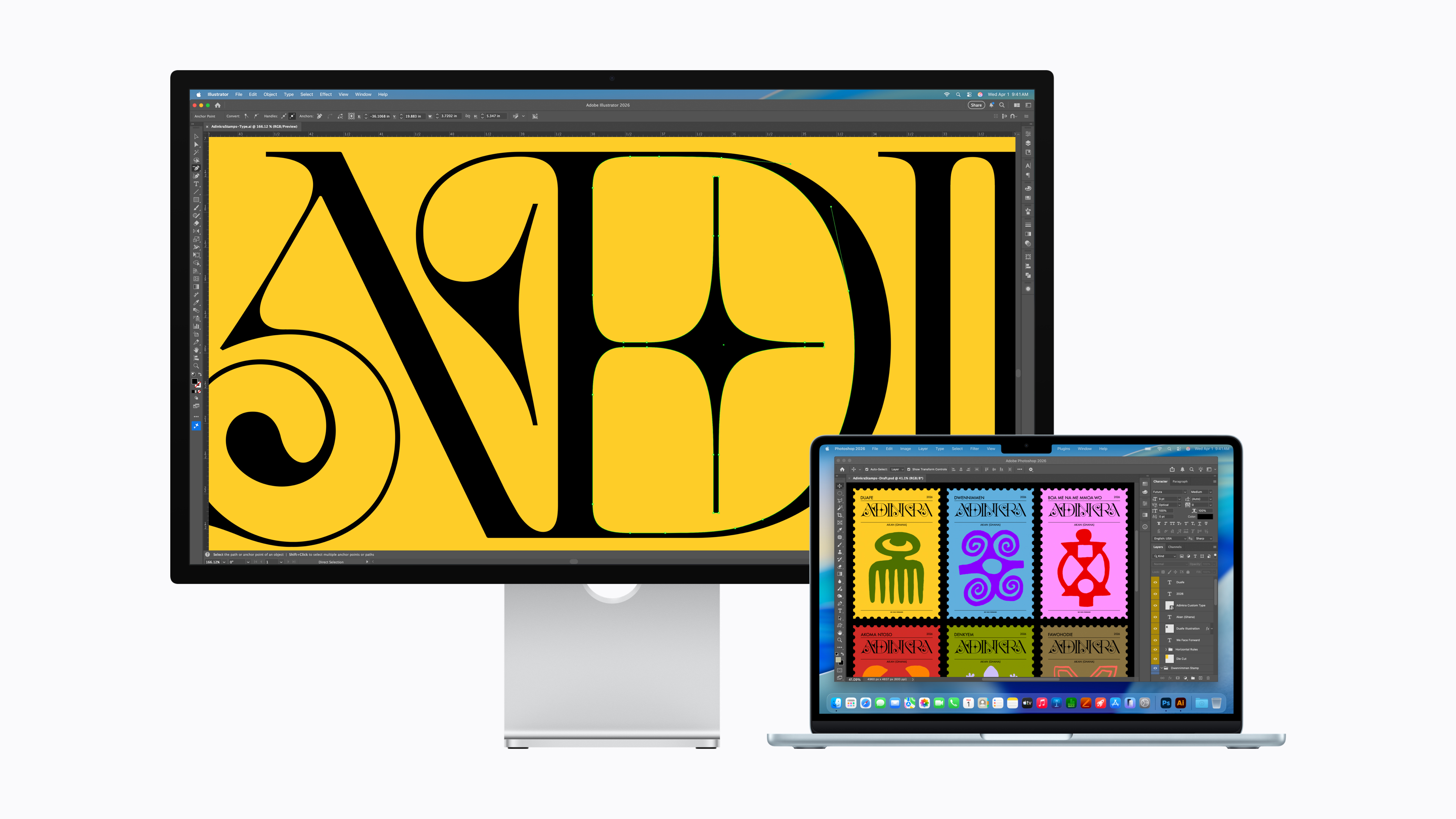
The new macOS Tahoe system has an annoying bug that causes the monitor screen to flicker Apple Studio DisplayUsers started reporting problems after the September update was released – and it seems the situation has gotten worse with subsequent versions.
Gallery
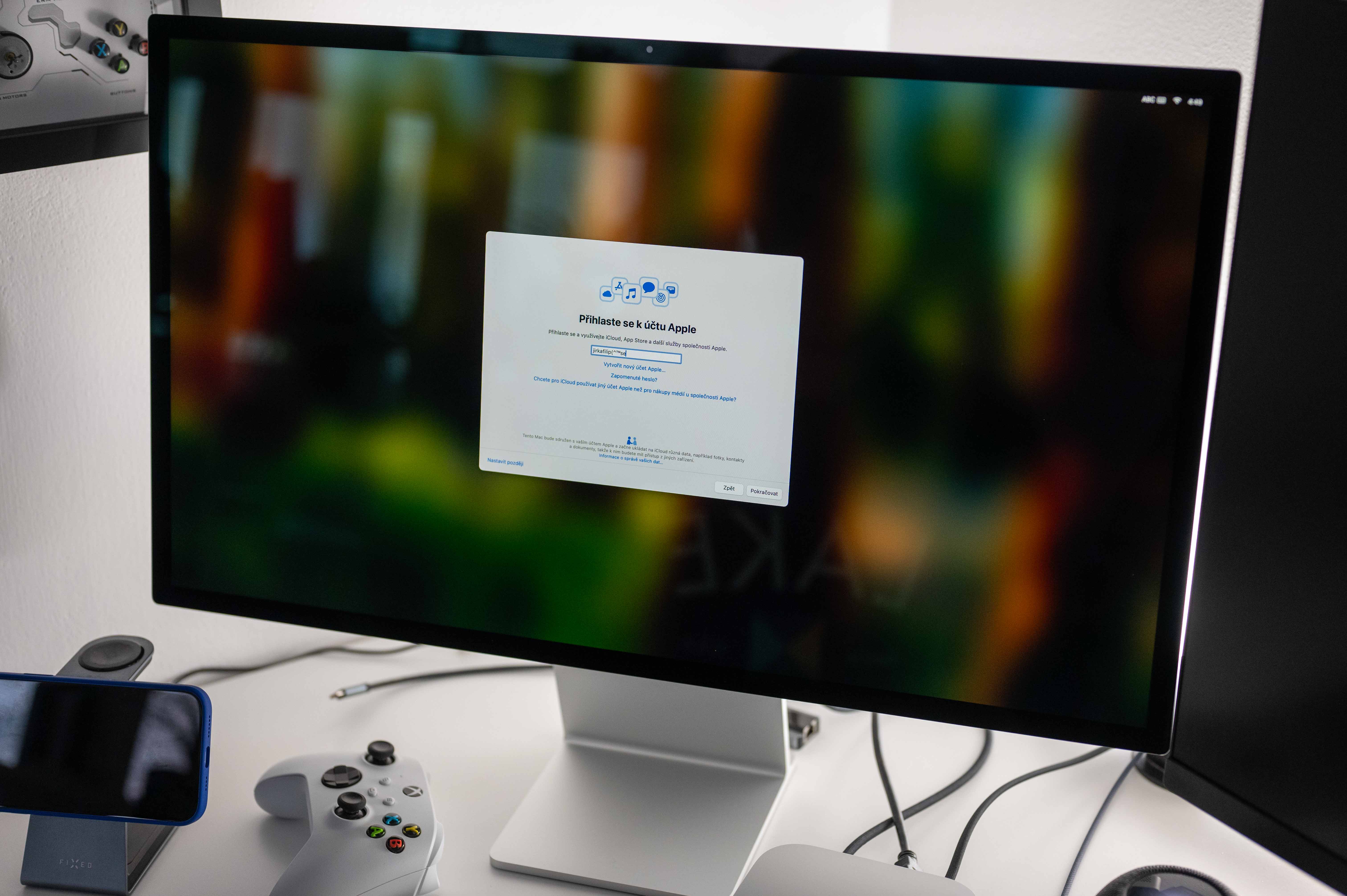
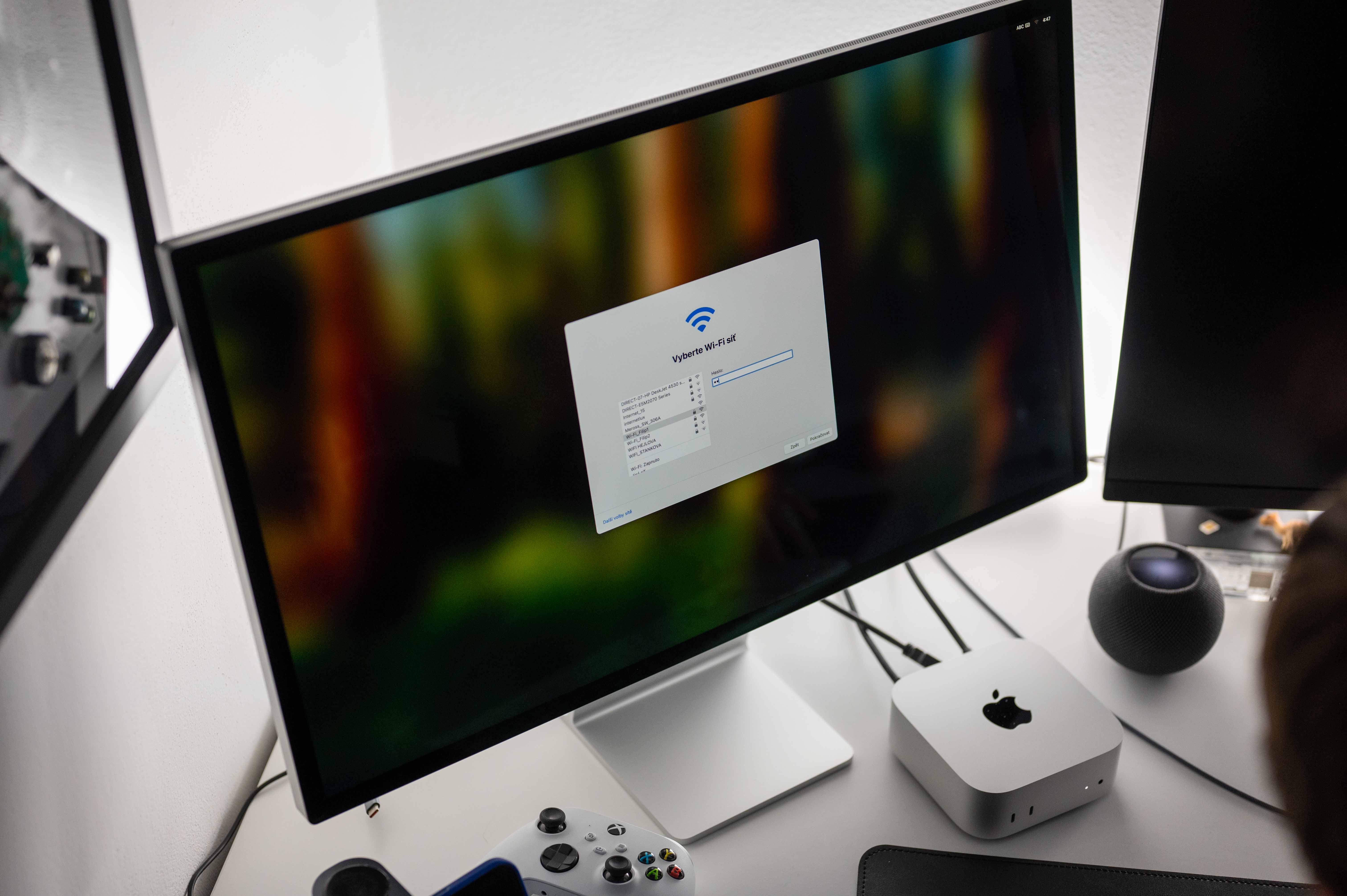
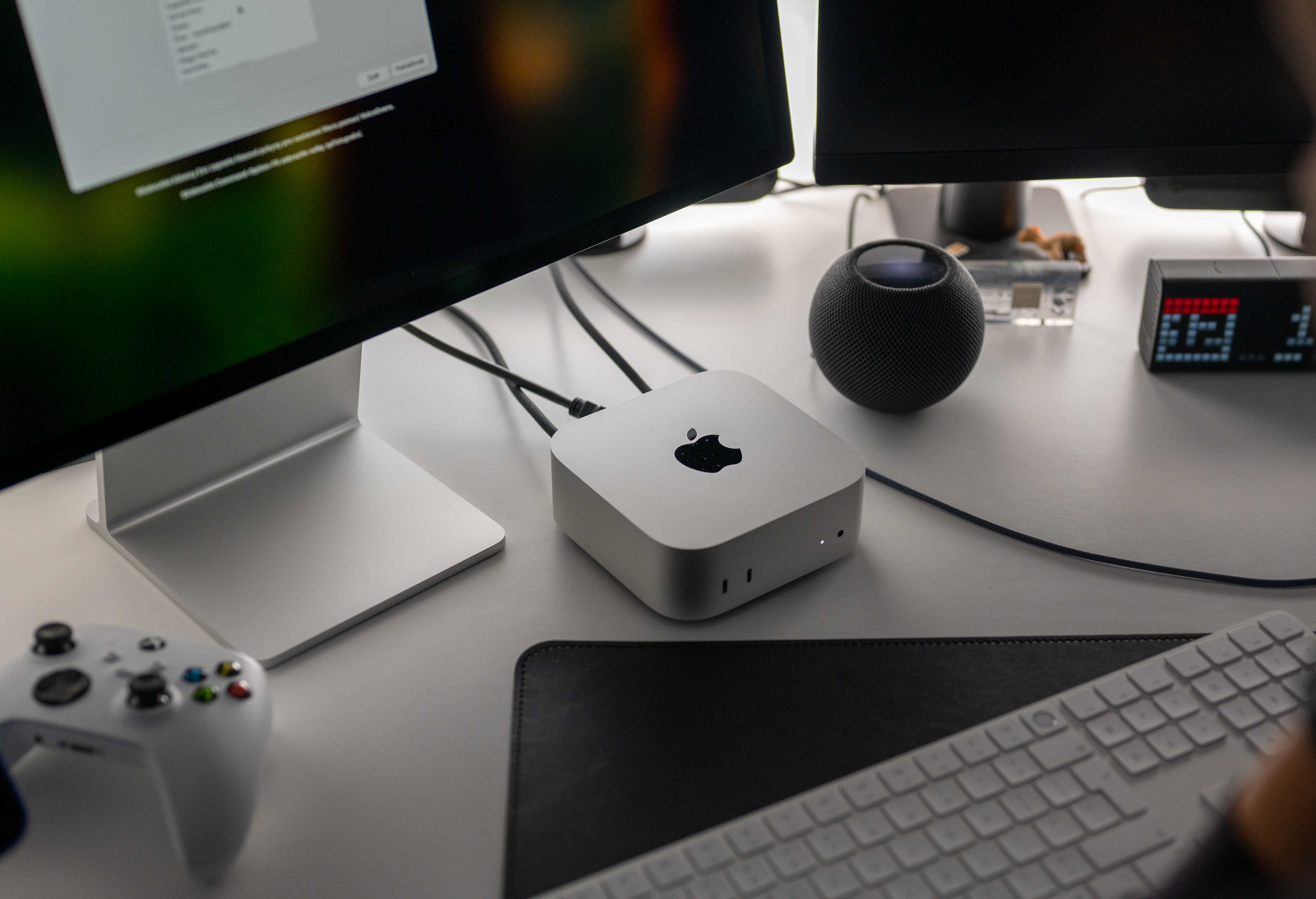
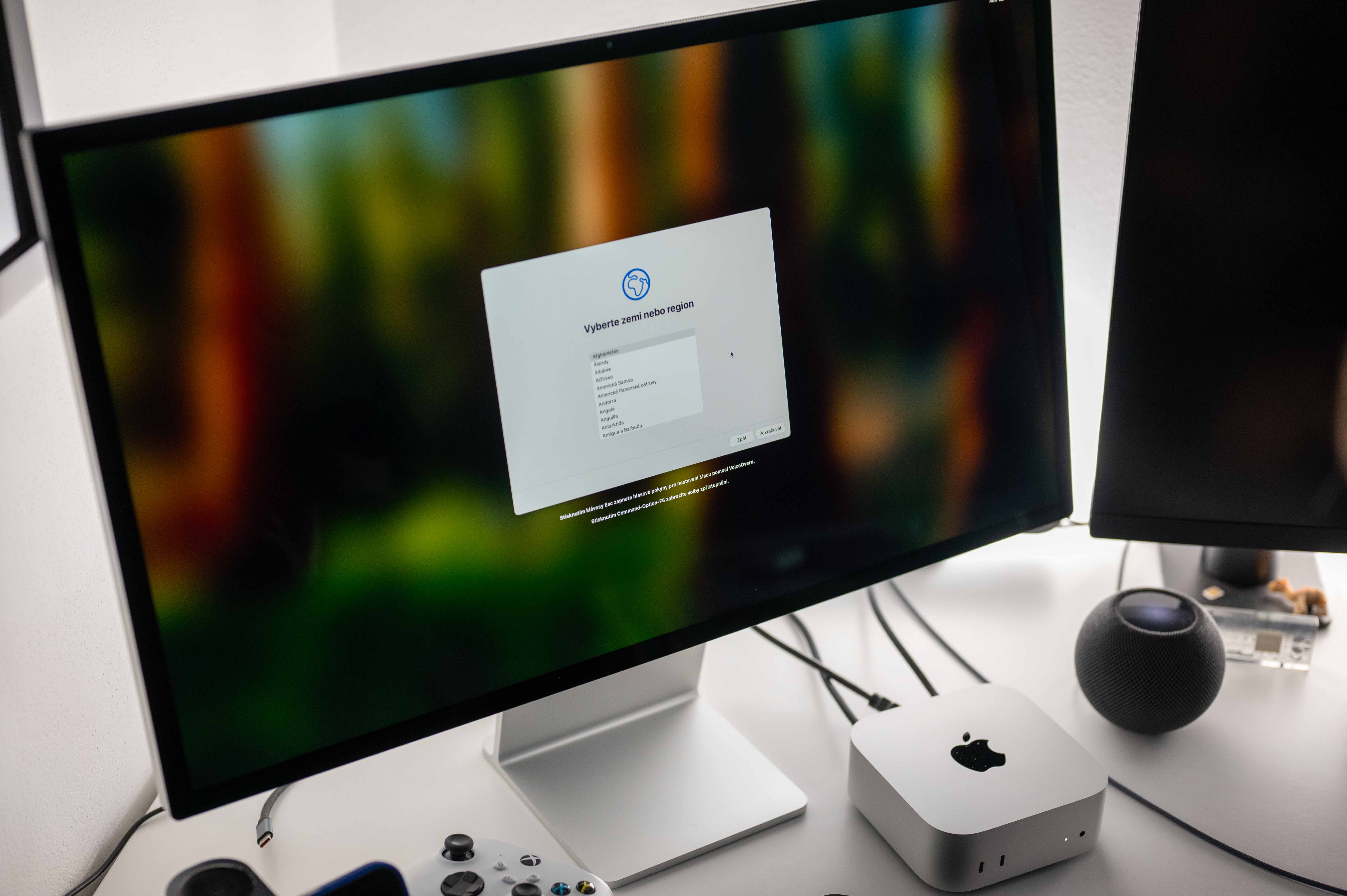
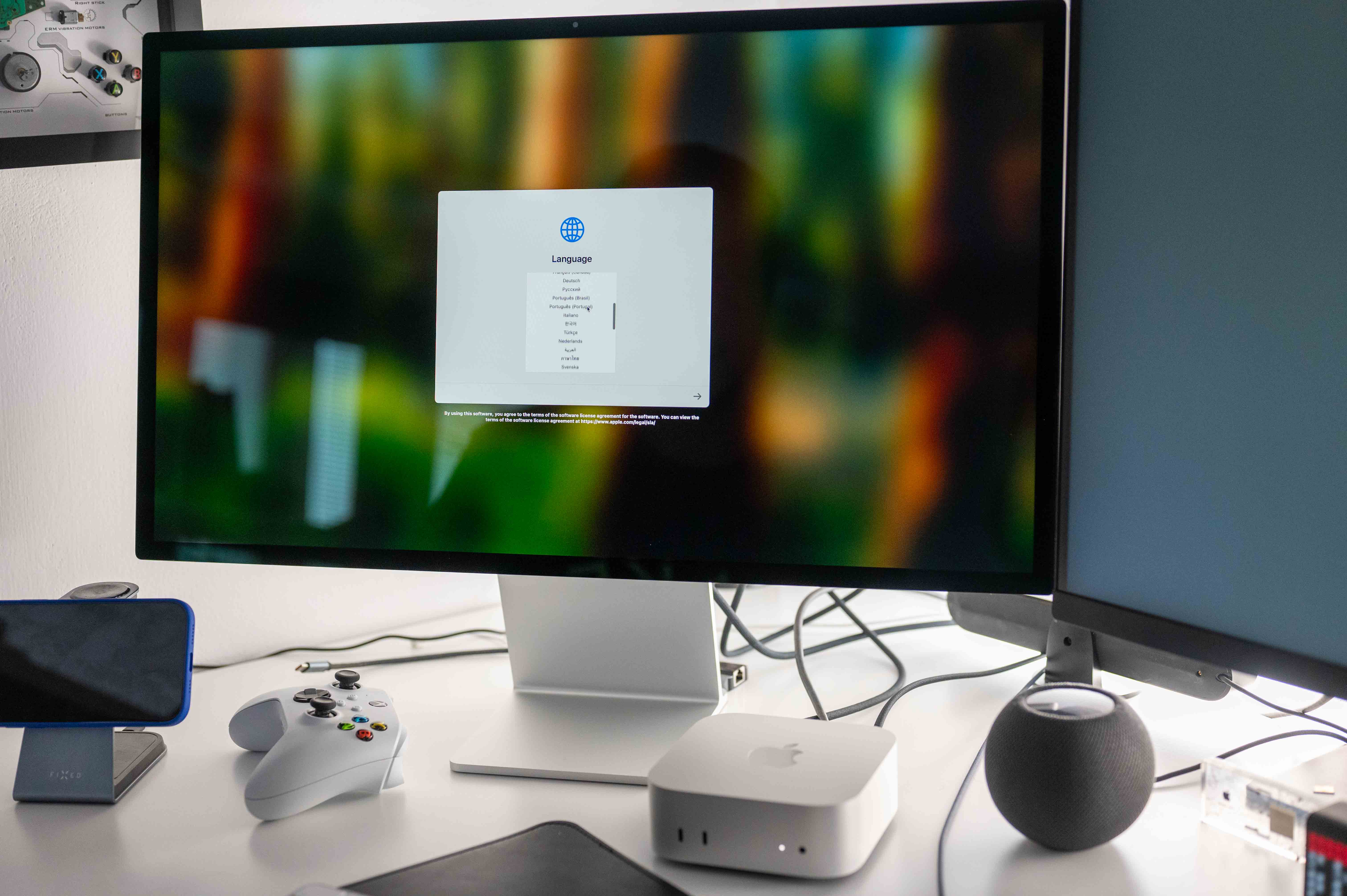
Studio Display it's annoying to use now
The error occurs intermittently – most often when switching between applications that have a light background or when scrolling through web pages. At such moments, the monitor briefly flashes – in some cases once, in other cases several times in a row within a few seconds. Switching from dark content to light content almost always triggers the problem.
ProWe also noticed flickering when testing on MacBooku Pro with macOS Tahoe in versions 26.1 and 26.2. Neither update has improved the situation - on the contrary, users report that flickering has become more frequent in recent days.
Although the problem most often concerns Apple Studio Display, there are also complaints from users of other external monitors. This suggests that the bug may be related to external display support in general within the new macOS Tahoe.
You might be interested in
An update will fix the problem.
The cause of the problem is not yet known. Since the error affects a large number of users and appears to be software related, there is aancthat Apple will fix the problem in the form of new firmware for Studio Display or other system updates. A hardware failure is less likely.
Users currently have no reliable way to fix flickering. The best option is to wait for an official fix, which should be released Apple could be released in one of the following system updates.