
Can you imagine operating a computer without a mouse? I can. I've been faithful to it for years. trackpadand both integrated in MacBookoh, so then Magic Trackpadas a standalone peripheral. However, when Logitech recently introduced its new professional mouse MXMaster4 as the successor to the popular MX Master 3, I was quick to point out. In fact, this mouse received extremely positive reviews from practically all tests and reviews, and when the opportunity arose to try it out, I didn't hesitate for a minute. And I did the right thing. While preparing the Logitech MX Master 4 review, I realized that times have changed. trackpadThis probably rang a bell in my case.
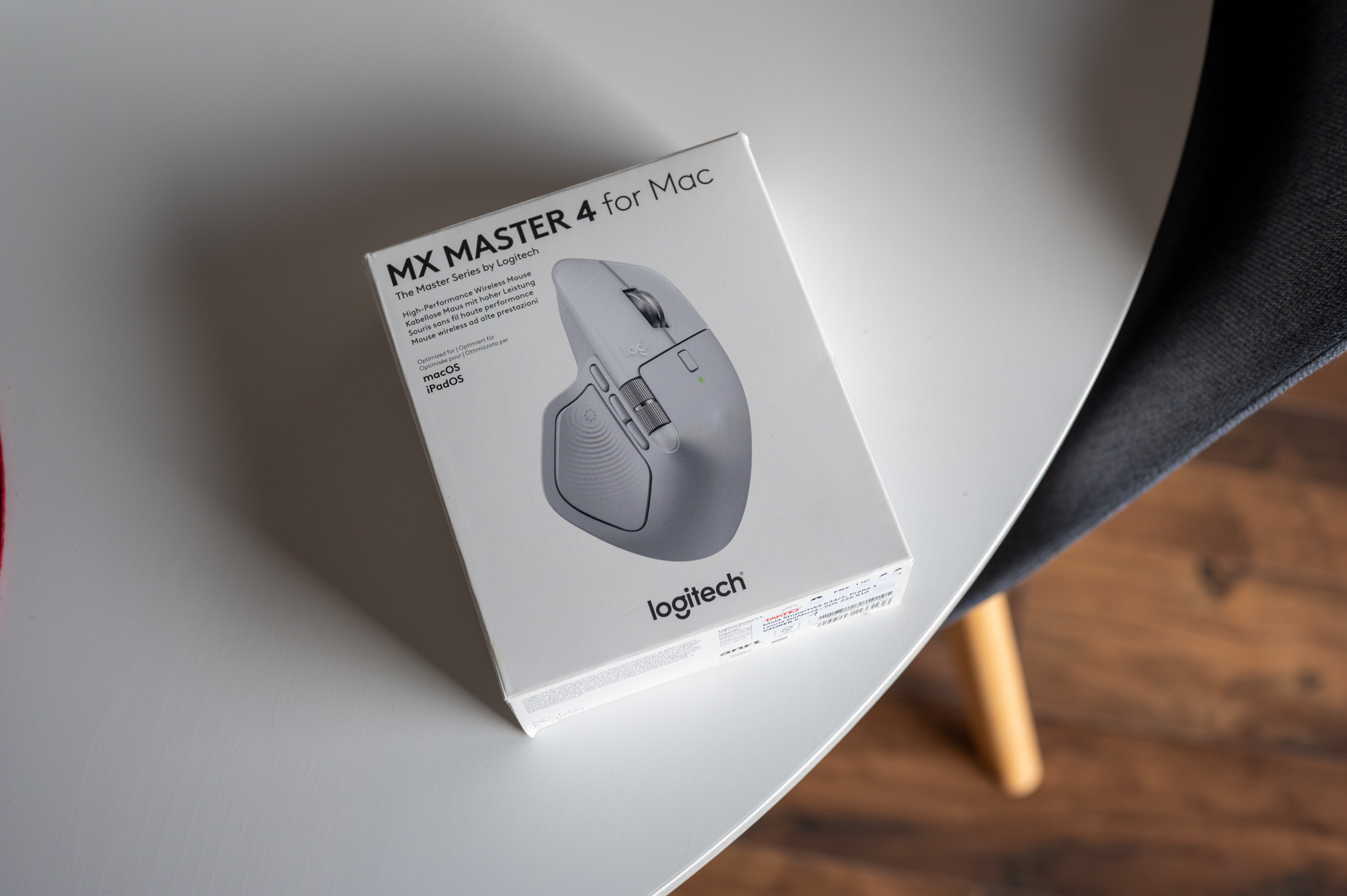
Technical specifications, processing and design
At first glance, the Logitech MX Master 4 doesn't really surprise you. In both the dark and light versions, it looks relatively inconspicuous, which doesn't mean it's an uninteresting piece of electronics. Rather than being eccentric, however, it's more about making sure you're immediately aware that it's a device designed for intensive work.
The mouse itself is of course wireless, built for right-handed users and combines Bluetooth and classic 2,4GHz connectivity via the included USB-C Bolt receiver. Inside you will find a 650mAh Li-Pol battery with a battery life of up to 70 days on a single charge, while a minute with the cable gives you about three hours of operation.
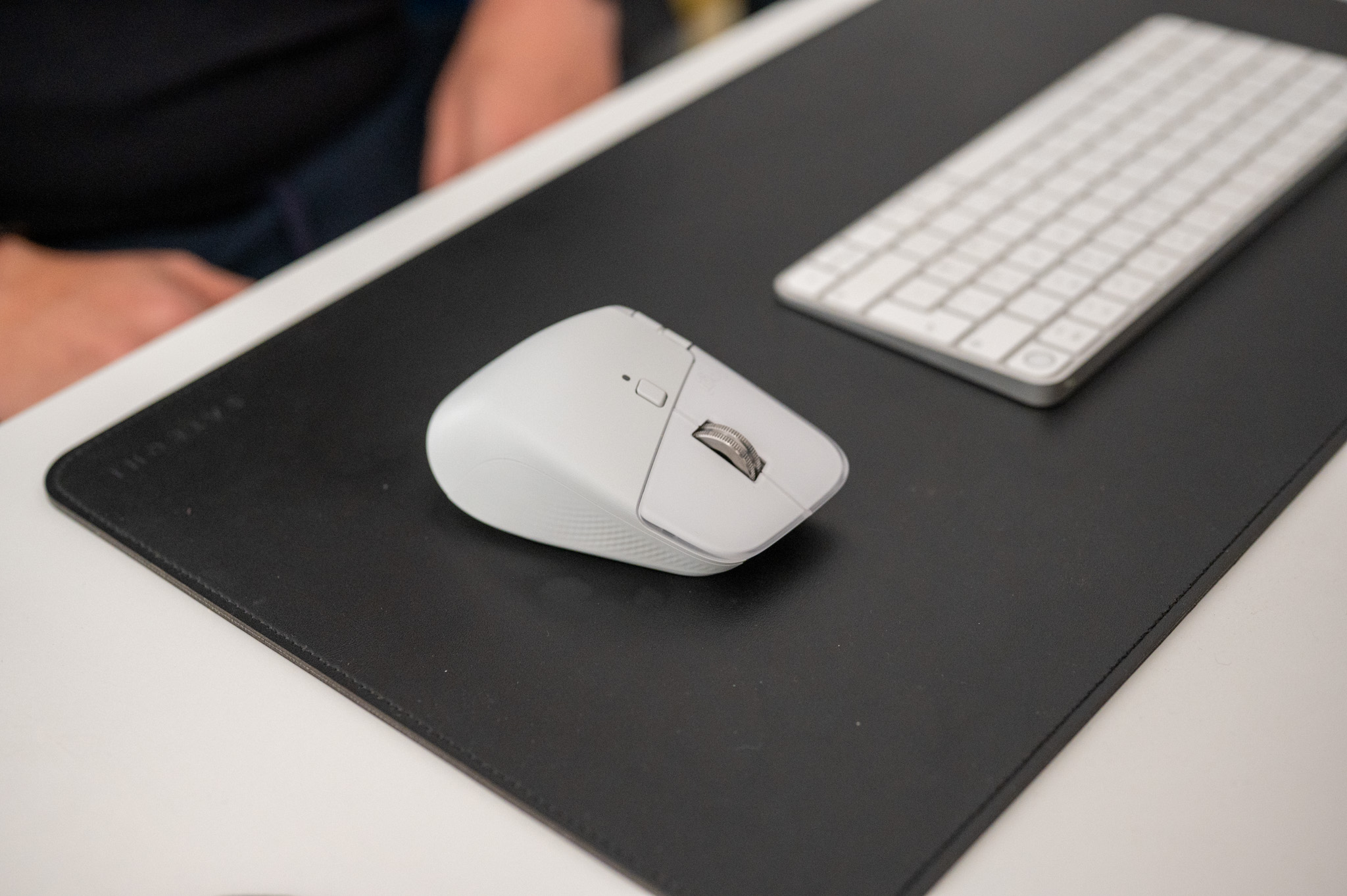
But what struck me right out of the box was the design. Its shape is based on previous generations, with the tilt angle and overall ergonomics being precisely adjusted, making it easy to hold in your hand.onewill cease to wander through the air like trackpadua finds a firm and at the same time really pleasant and natural support. The layout of the buttons is instinctive – the thumb lands exactly where it should, the horizontal wheel copies its movement and the main MagSpeed scroll is still that little technical miracle that can fly through a thousand lines per second or, conversely, calm down in precise steps depending on what you are doing. However, it would be a mistake to think that the MX Master 4 is just a slightly improved version of the previous generation.
Gallery
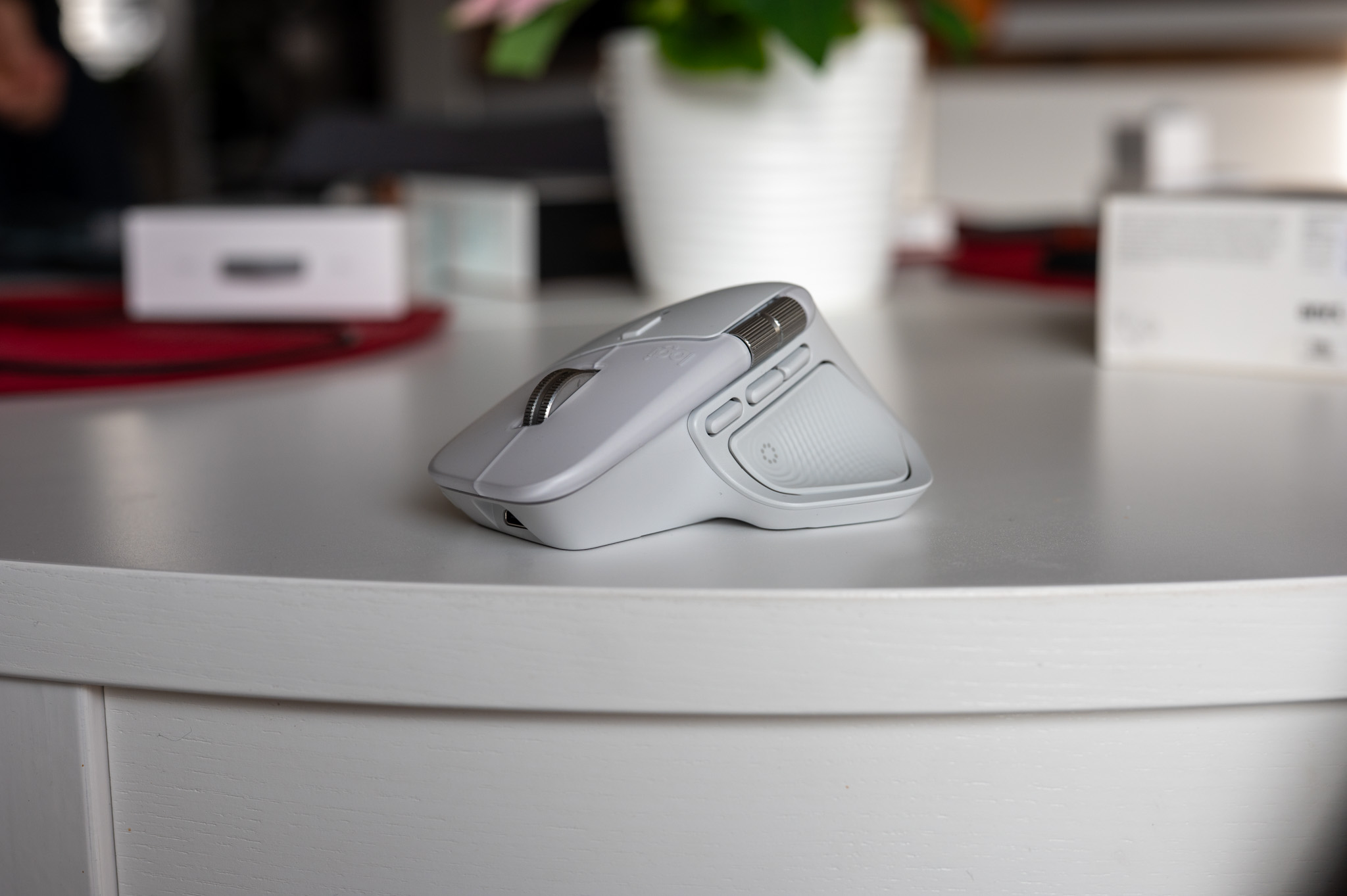
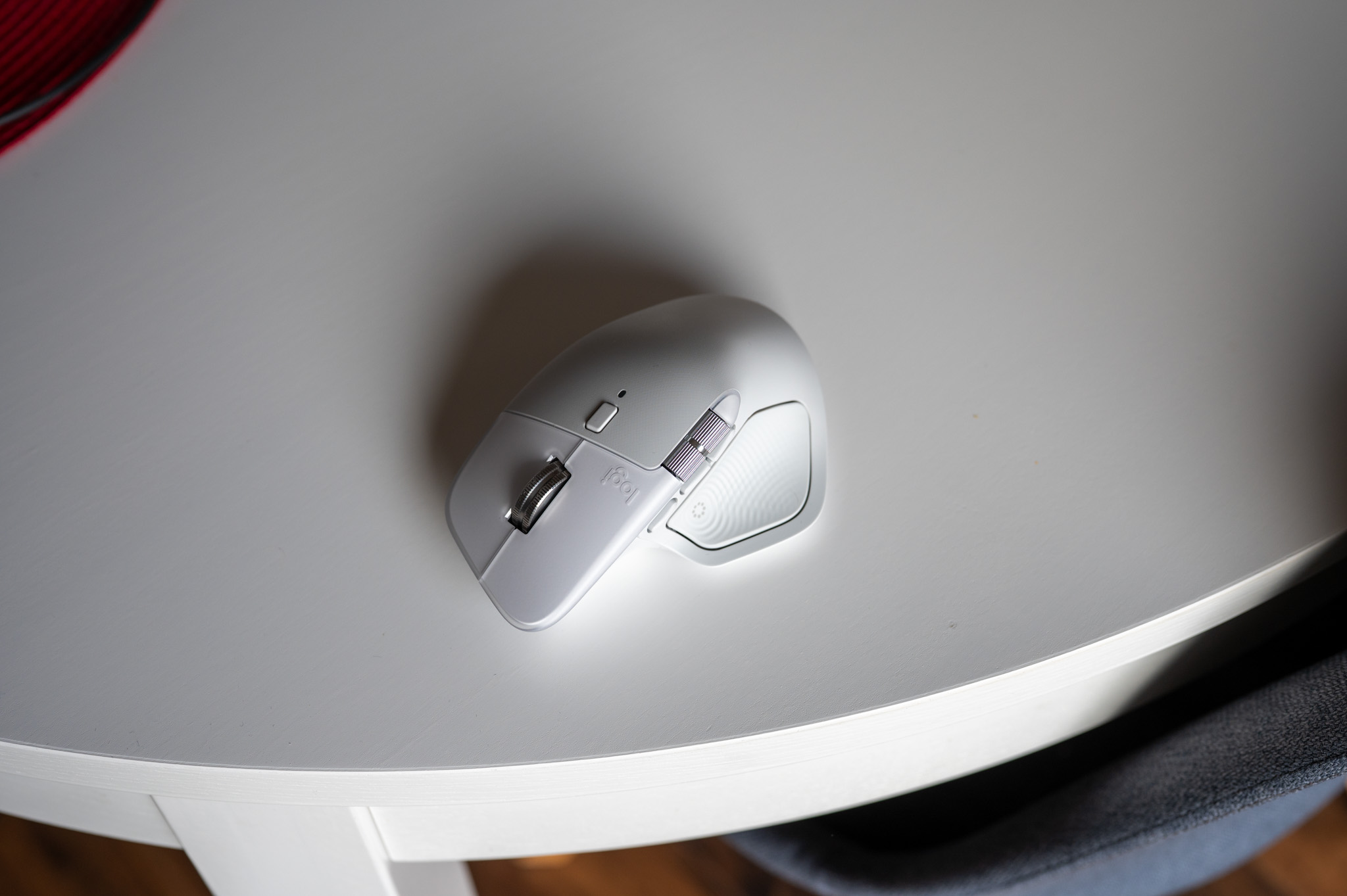
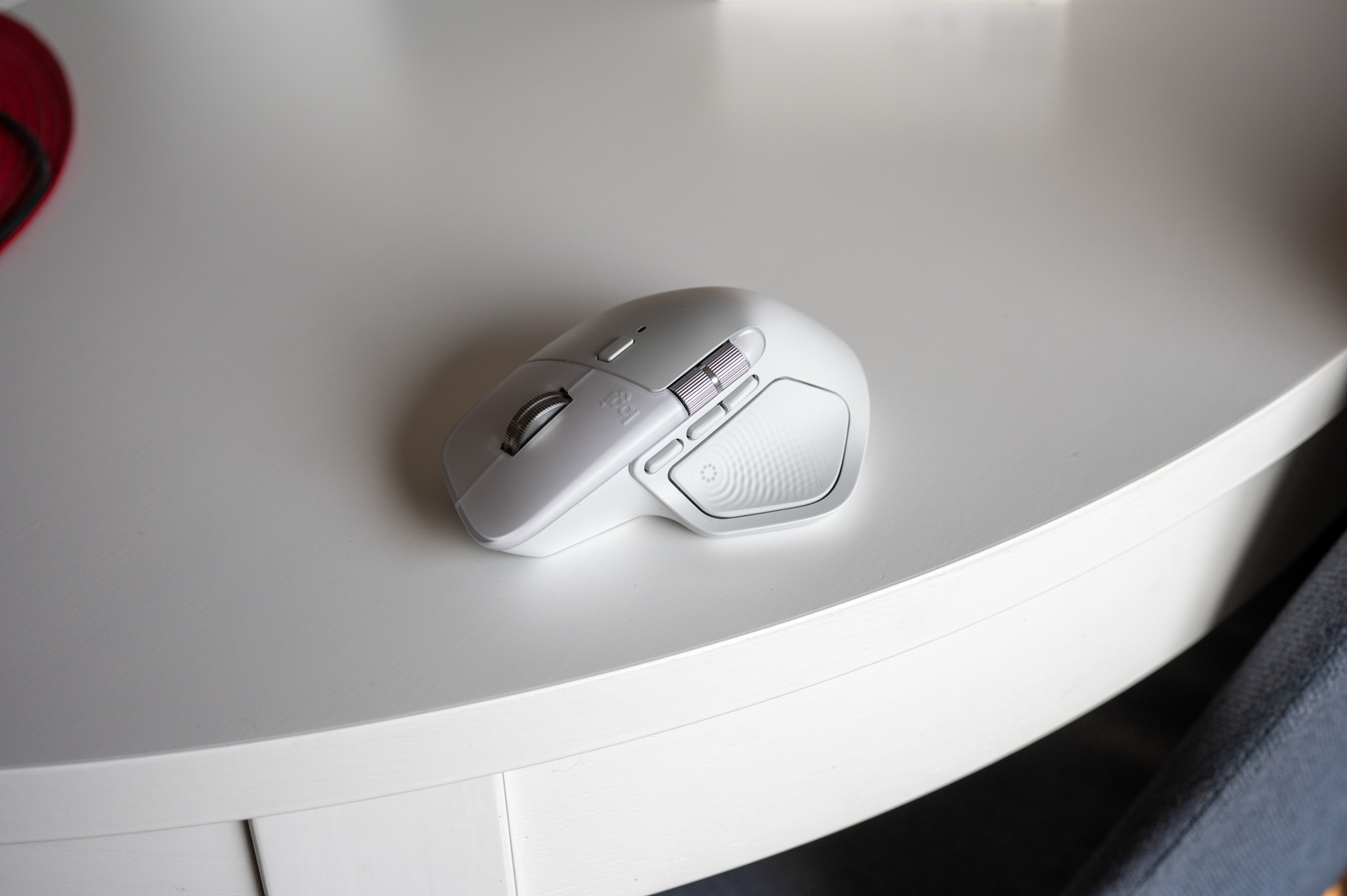
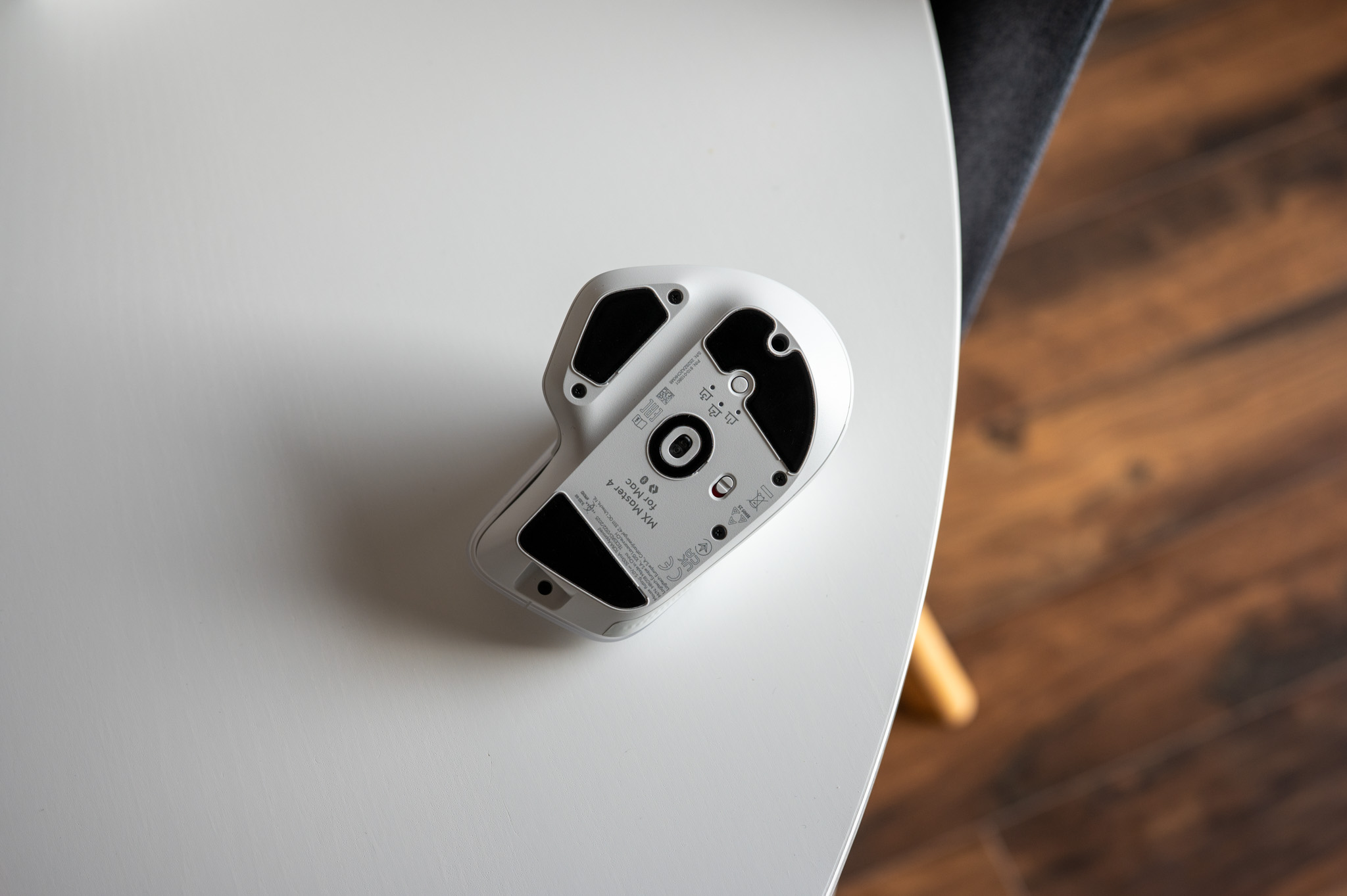
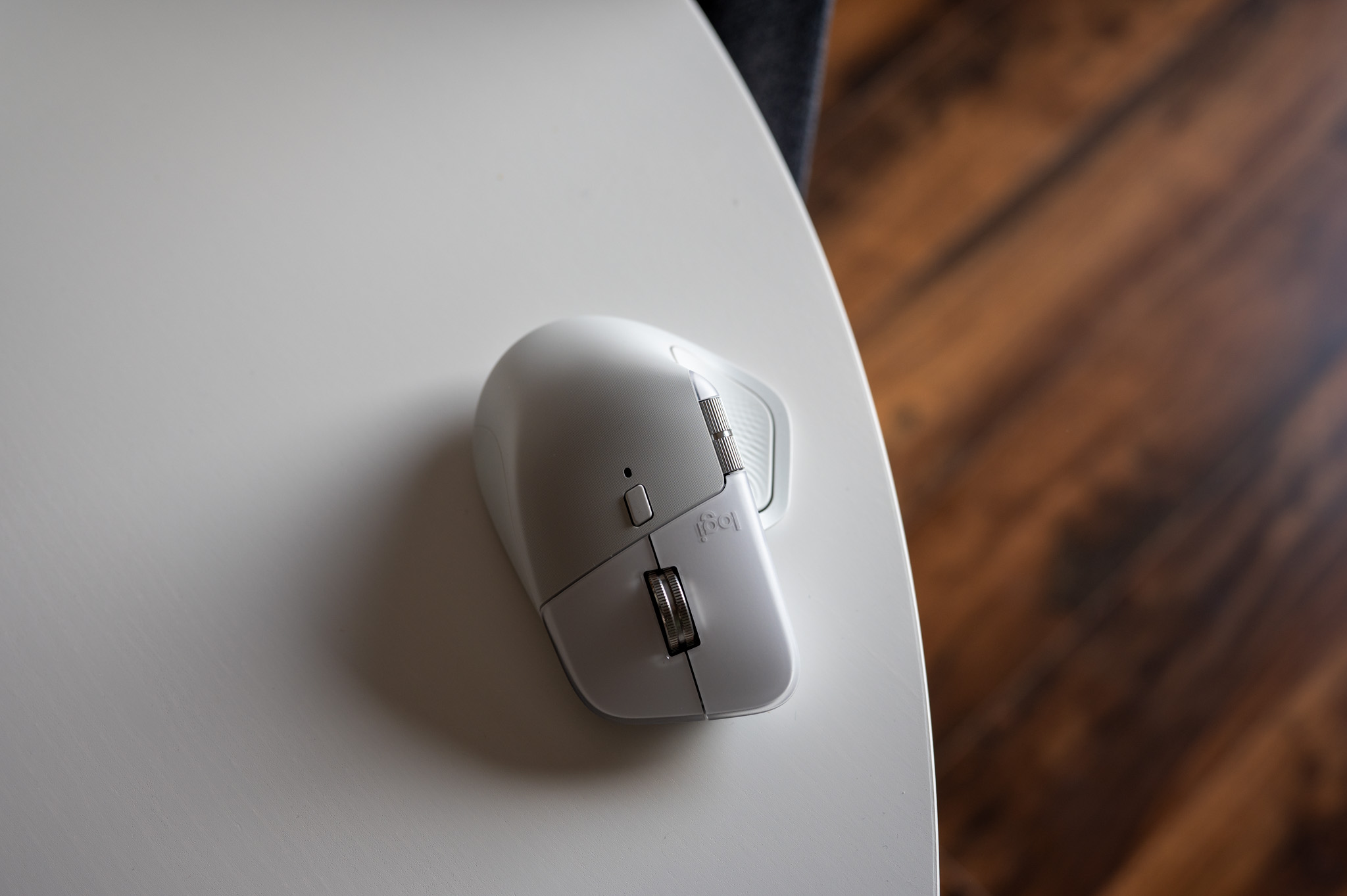
This year, there is a new feature that Logitech presents as a fundamental evolution, and for me it definitely is an evolution. Specifically, it is about adding haptic feedback, which you may know from iPhones, for example. Of course, you can set the vibration feedback panel to your liking and literally feel every gesture, switch or action thanks to the fact that it is accompanied by a physical impulse. This will surprisingly quickly pass into muscle memory and you will begin to perceive it very naturally, and what's more - these vibrations can help you at work. Whether we are talking about precise work in graphics or in moments when you need to intuitively feel what is happening under the cursor, this haptic feedback is something that is simply nice.
Apart from this feature, there is also a new button under the thumb, which is used to activate the so-called Action Rings, i.e. quick actions for various tasks. Above this element, another small button has been added, which can also be programmed for your needs so that the mouse suits you as much as possible. So there are quite a few changes.
As for the weight, it still stays within a comfortable range at 150 grams, making the mouse stable but not cumbersome. The radio chip has also been upgraded with an optimized antenna, so thatoneThe random microlags that I occasionally noticed with some previous models have completely disappeared. The connection range is up to 10 meters and runs smoothly even in "interfering" environments.ancin cells where there is an overabundance of wireless devices.
Testing
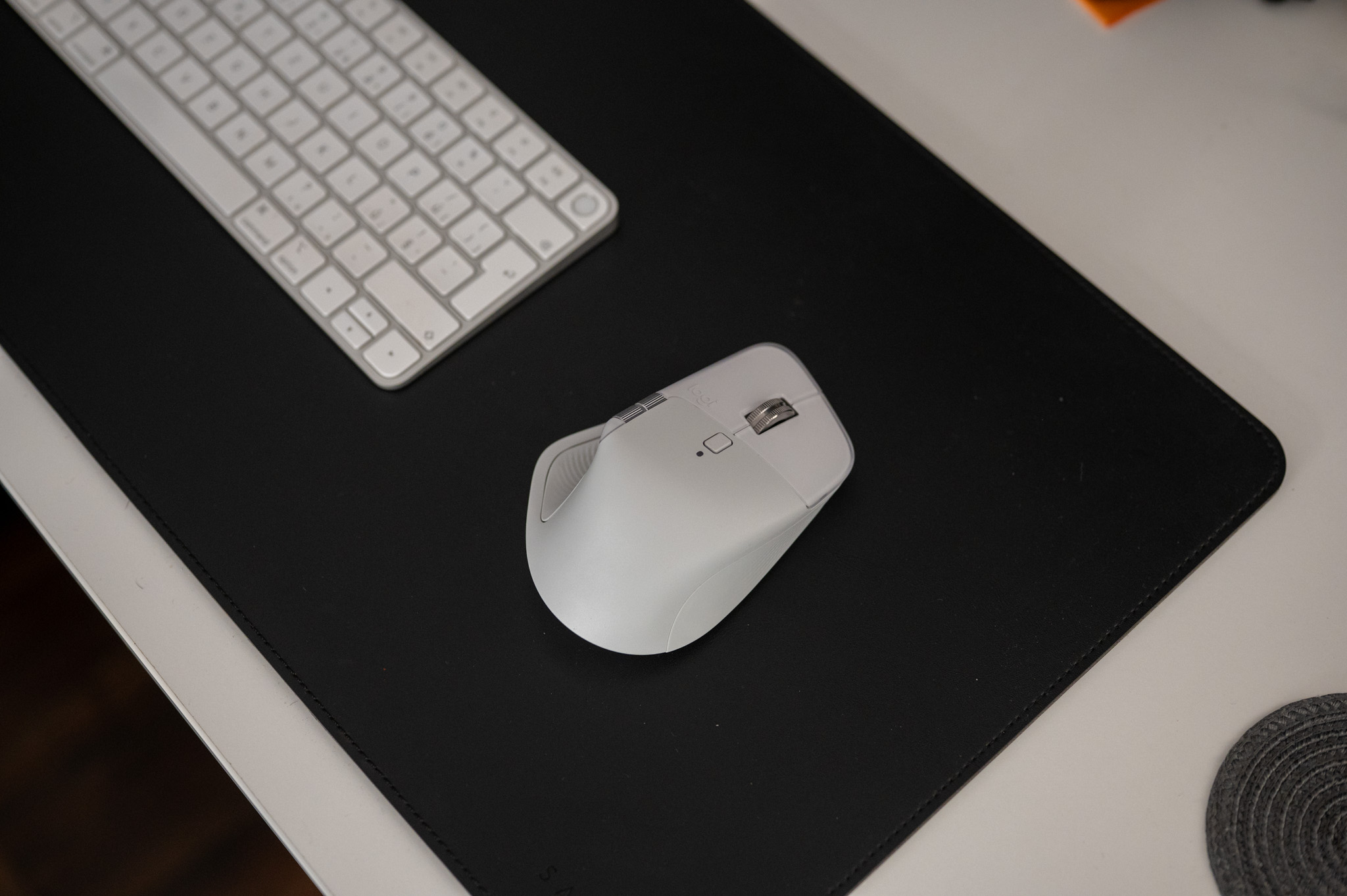
Honestly, so far I have primarily used Mac Apple Magic Trackpadbecause mice simply didn't suit me as much as this type of peripheral, both in terms of control comfort and the possibilities it offers thanks to gestures. Trackpad That's why I've been using it for years, my gestures are automated, and most of all I enjoy the smoothness that's hard to replace. But the MX Master 4 came with a combination of features that first made me want to make a change.
The very first days confirmed that the Darkfield sensor with a resolution of up to 8,000 DPI is not a marketing phrase, but a synonym for accuracy. Perhaps for the first time I did not feel the difference between a wooden board, glass or a softer surface, which mice sometimes cannot fully cope with. But I must say that the cursor maintained pixel accuracy and on large monitors the movement was smoother than on trackpadwhere gestures sometimes tend to "overshoot" or break at the wrong moment. It is precisely because of the precision that one gets used to the mouse really quickly.
However, the fundamental (r)evolution for me is the Actions Ring, which serves as de facto shortcuts for launching various system actions. Everything is of course user-configurable through the accompanying Logi Options+ application (which must constantly run in the background for everything to work), and once you master this element, know that it will speed up your work extremely. This is something that will literally change the way you are used to controlling your computer, because it allows you to, for example, launch various things, open deeply stored folders or simply activate this or that thing with one click.
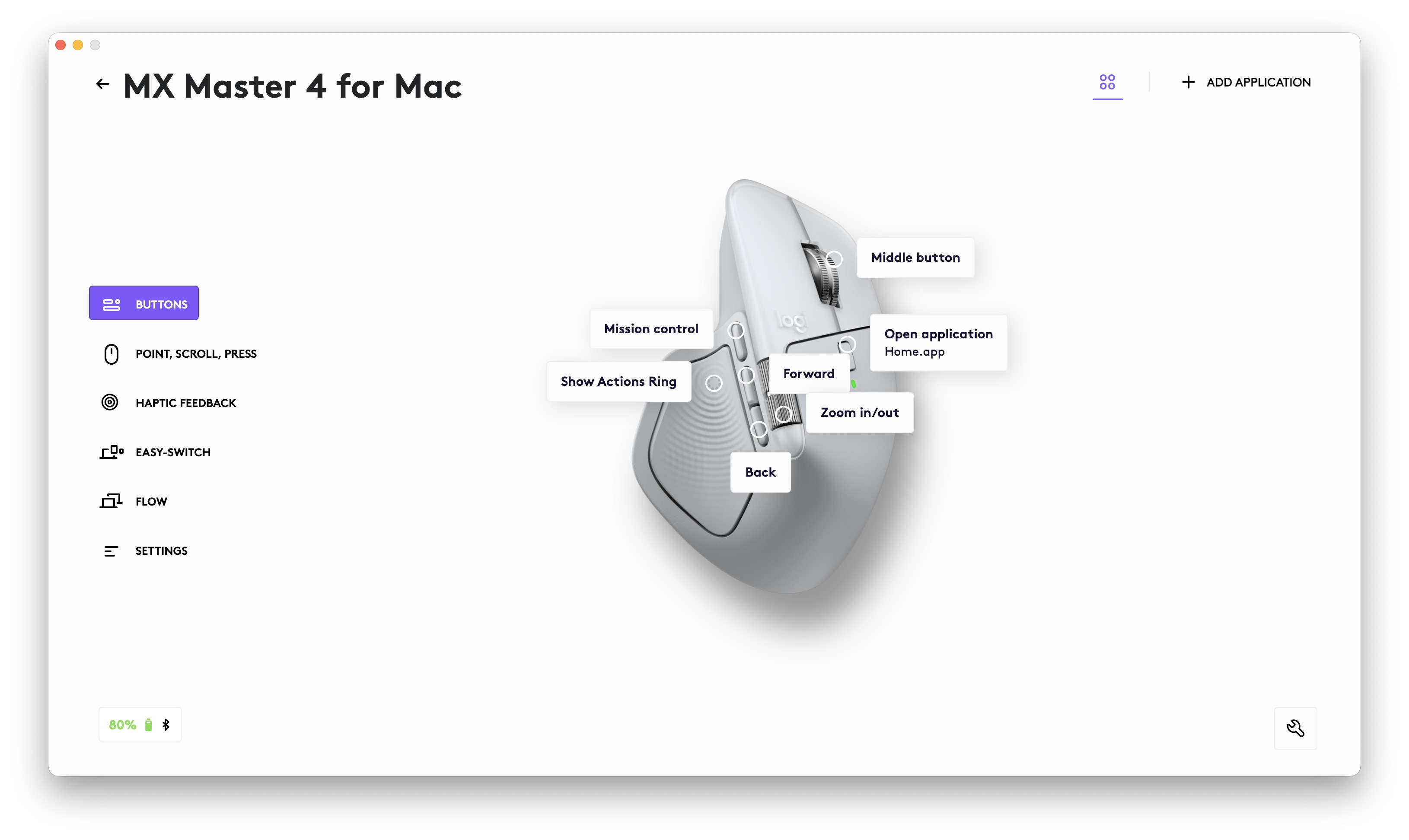
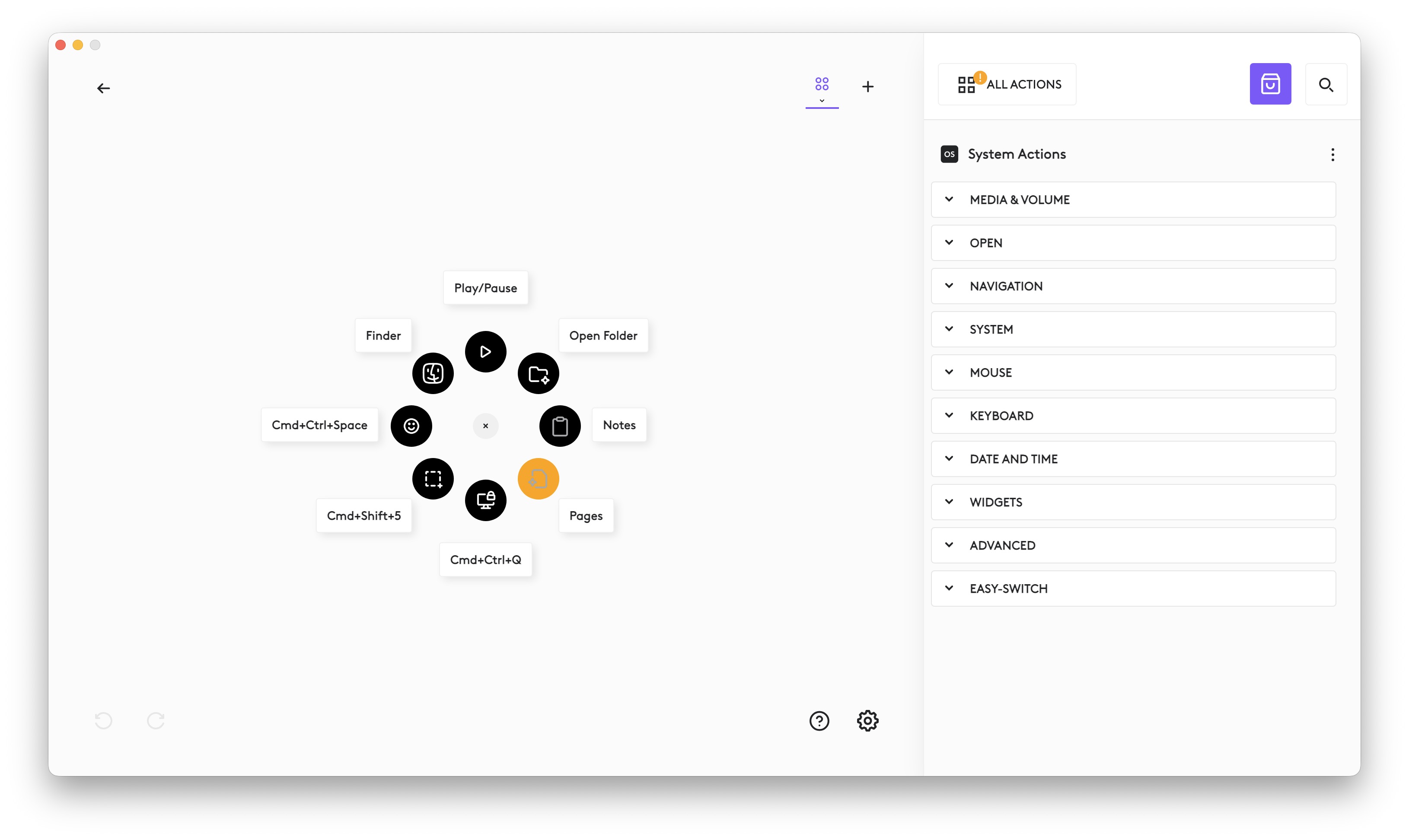

Logitech promises savings of up to 63% of mouse movements in connection with the Actions Ring, and even though I haven't measured it, it doesn't surprise me in any way. Suddenly, a person doesn't have to open folders on the desktop by searching for them on it and then expanding them, doesn't have to launch applications like this, and so on. All they need to do is press the Actions Ring button with the palm of their thumb, then select an action from the circle and that's it. For me, it's a complete fantasy and at the same time something I fell in love with on a mouse.
And not only that! After a few weeks of testing, I've also come to like the fact that the mouse is extremely customizable. In fact, every element you find on it can be customized, which opens the door to completely new productivity possibilities. It's up to you whether you prefer the side buttons or the small top button to click through windows more. Safari or launching certain applications or actions – everything is possible and once you get used to it, you will really like it. I'm almost afraid to say that even more than the Apple gestures on trackpadu. Prothat is, to be able to launch with one click of the mouse Apple Household for control HomeKitand then for others, perhaps Finder It's just the bomb.
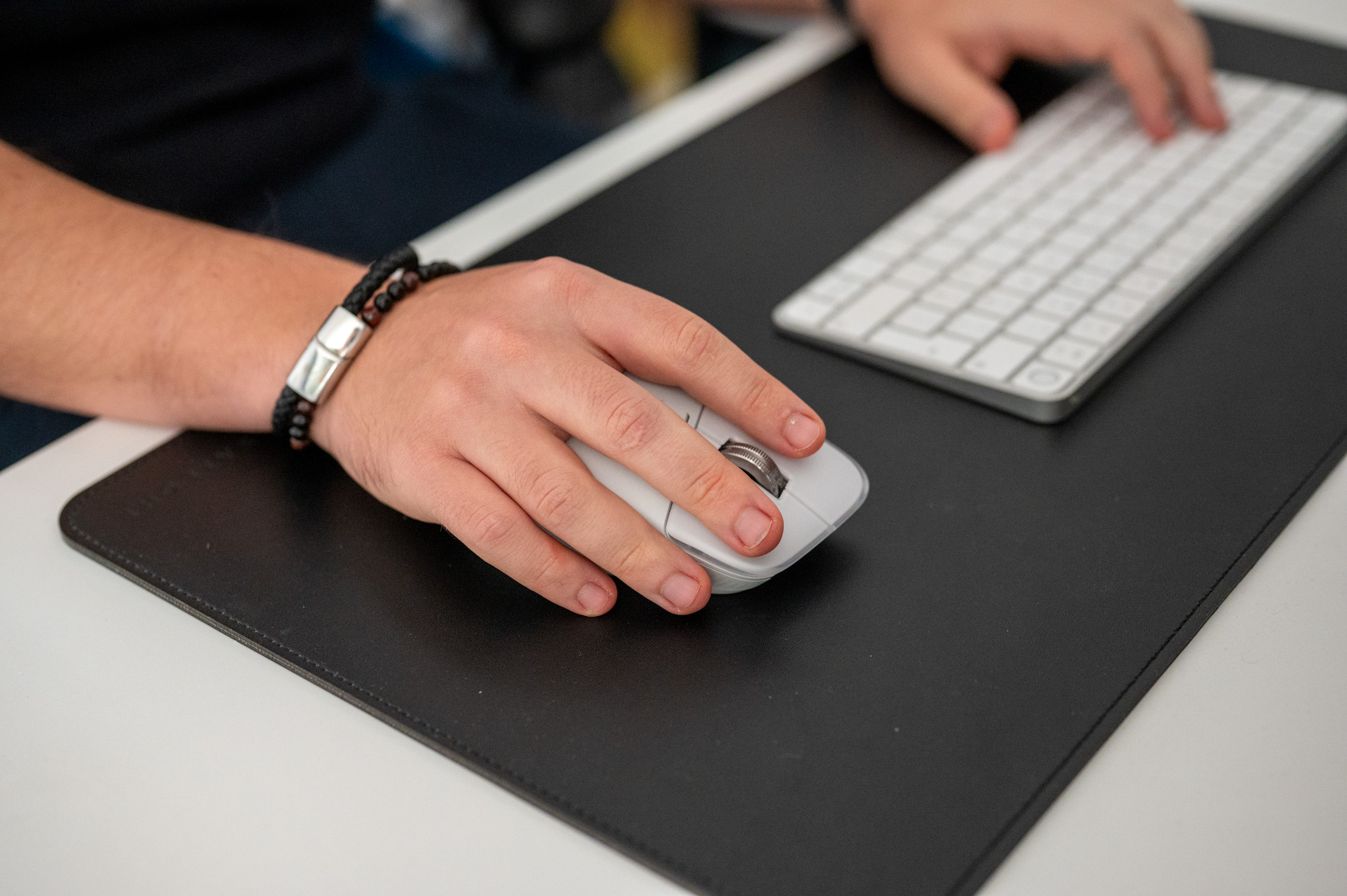
Haptic feedback is a chapter in itself. I honestly didn't expect the mouse to make me think about subtle gestures in a completely different way.onech, but this is exactly the case here. The small vibrations when aligning elements, changing tools or switching between surfaces feel surprisingly natural and these things somehow give you confidence or, perhaps better, the correctness of a given step. Moreover, this is not the cheap vibration response from game controllers. Here you will find a subtle, precise and, most importantly, well-calibrated rumble, thanks to which you will know that something is happening.
I also have to give a very positive review of how quiet the mouse is when clicking. The extremely muted buttons are a small but very nice bonus, which I really appreciate as a new parent whose child often likes to sleep close to him in a basket. Logitech states a 90% noise reduction and I have to say that I have never heard a quieter mouse before. The buttons are pleasantly soft and muted, but still with a clearly defined pressure point, so you don't lose control even when quickly switching tools in editors.
If I were to evaluate in general how things are going with... Logitech MX Master 4 works compared to trackpadWell, I would say that apart from a lot of extra features, the mouse has higher overall stability and consistency, which is especially noticeable in the evening when you are more tired and fine movements are no longer so precise. U trackpadSometimes you "run away" with the cursor further than you would like. But the MX Master 4 keeps your hand in a precise trajectory without you having to think about it. And believe me, it's really pleasant to get used to.
Summary
What to say about the mouse Logitech MX Master 4 In conclusion? Actually, mainly because I am able tooneI finally found a mouse that made me put it down Magic Trackpad. Not because it would trackpad stopped making sense or I didn't enjoy it anymore, but because the MX Master 4koneIt perfectly balances its strengths and adds a lot more.
There is a speed that trackpad can't. There's the precision, which plays a crucial role on large displays. There's the haptic response, which gives control a new dimension. And most importantly, there's the ergonomics, which simply saves effort during long work. When I add to all this a generous number of user-customizable buttons, through which everyone can tune the mouse exactly as they need, there's nothing to worry about for me.
If I had to criticize something, it would be the fact that there is no charging cable in the package, which seems unnecessarily economical in the price category of over three thousand crowns. But that's where the list ends. This is a mouse that is no longer just an accessory. It is a tool that can take your productivity to a new level, if you just want to and play around with the settings.
If you work with graphics, video, spreadsheets, or simply want to gain more control over your computer than it offers trackpad or cheap mice, the MX Master 4 is a completely uncompromising choice. And if you're a long-time user like me trackpadFor those of you who thought transition was impossible, this is a model that might convince you otherwise. I honestly disagree. trackpadI probably won't be returning it for a while because I like the capabilities of this amazing mouse much more now.
In addition to its purchase, you will receive up to 24% discount on the purchase of the Logi MX Keys S keyboard today, which gives you the opportunity to get a great combo of peripherals for your computer at an unbeatable price.


I just bought it today. It's nice. It's just that because of the weight it's not at all comfortable to lift up frequently, so you have to set a higher sensitivity (DPI) to easily scroll the entire screen without lifting up.
I've had it for the first 3 weeks at work and I probably wouldn't buy it for home yet. I agree with the author on most of the positives. But the main thing, scrolling is hell. If I leave the settings at basic and free-spin, the scrolling is just as jumpy and jerky as in ratchet 🤦♂️. If I turn on the smooth mode in the settings (I also tried smart), the smoothness is closer magic mouse, but it completely crashes, for example after steps of PDF pages or in PowerPoint, where it jumps randomly over 4-9 pages/slides 🤦♂️. And even the ratchet mode of the wheel (line by line). The control SW is probably 2GB 🤦♂️, and it can't solve it. It is said that it can be solved somehow via github, but that's on the company's no go. Many people also solve it that it is only 125Hz. And on better monitors it is jerky. Vertical scrolling has a completely different dynamics and speed of the roller than the wheel. PS have you noticed that in free spin mode the wheel spins for a second or more and then stops on the screen?