Apple with the advent of the system iOS 26 completely redesigned the environment CarPlay, which has received a new look in the Liquid Glass style, widgets, support Live Activities and redesigned apps. The changes also affected Messages, which now offers the ability to use Tapbacks or pin important conversations. But it is the latter feature that is now getting the first concession. In the current beta iOS 26.2, a new option was added that allows pinned messages in CarPlay completely turn it off. So far CarPlay mirrored the layout of conversations from the iPhone, so if you had certain apps pinned to your phone chaty, they were displayed in the same form on the car's display. While this ensured consistency, it was also impractical if you wanted a cleaner and more organized interface in the car.
Gallery
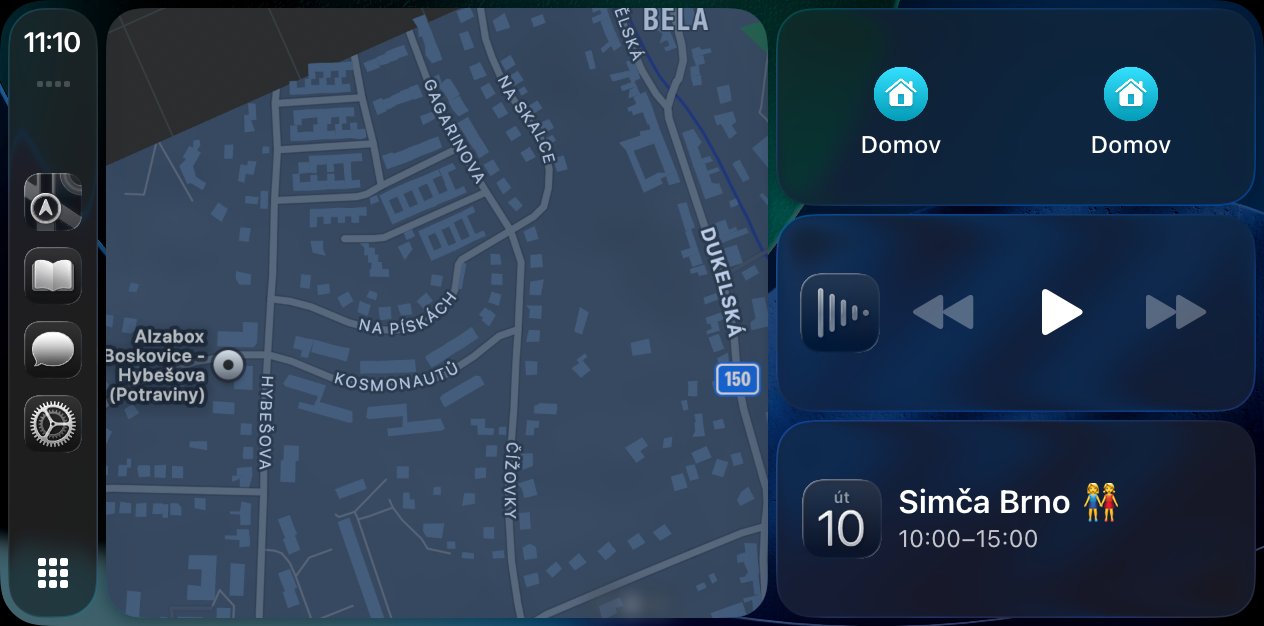
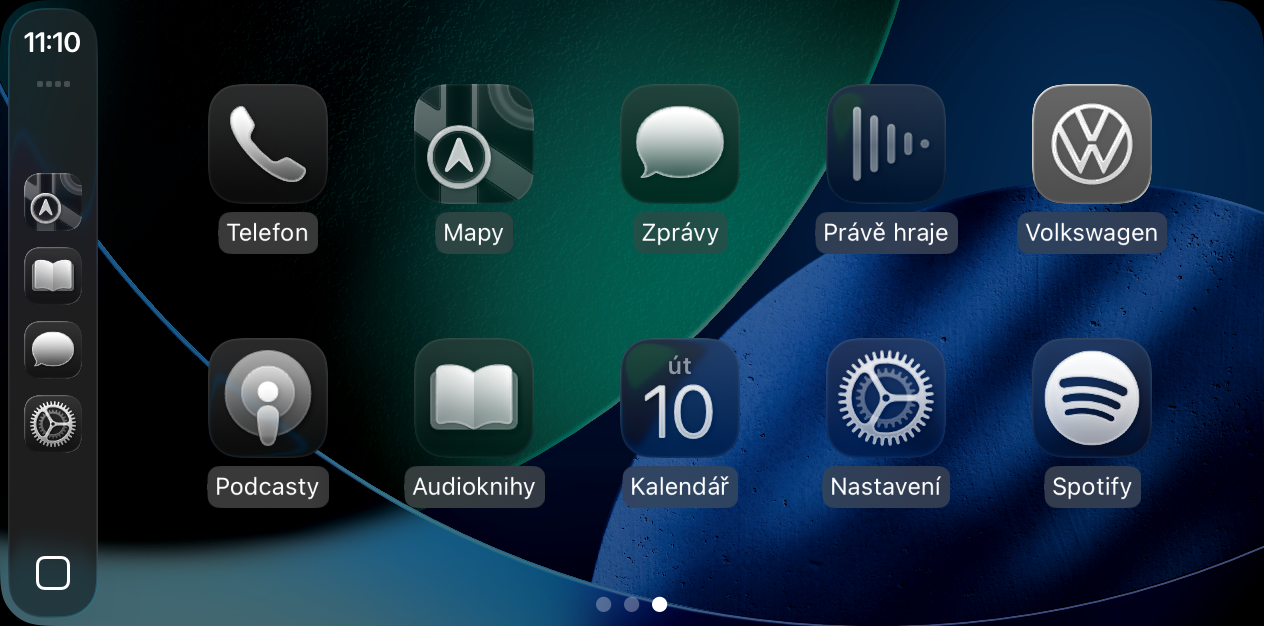
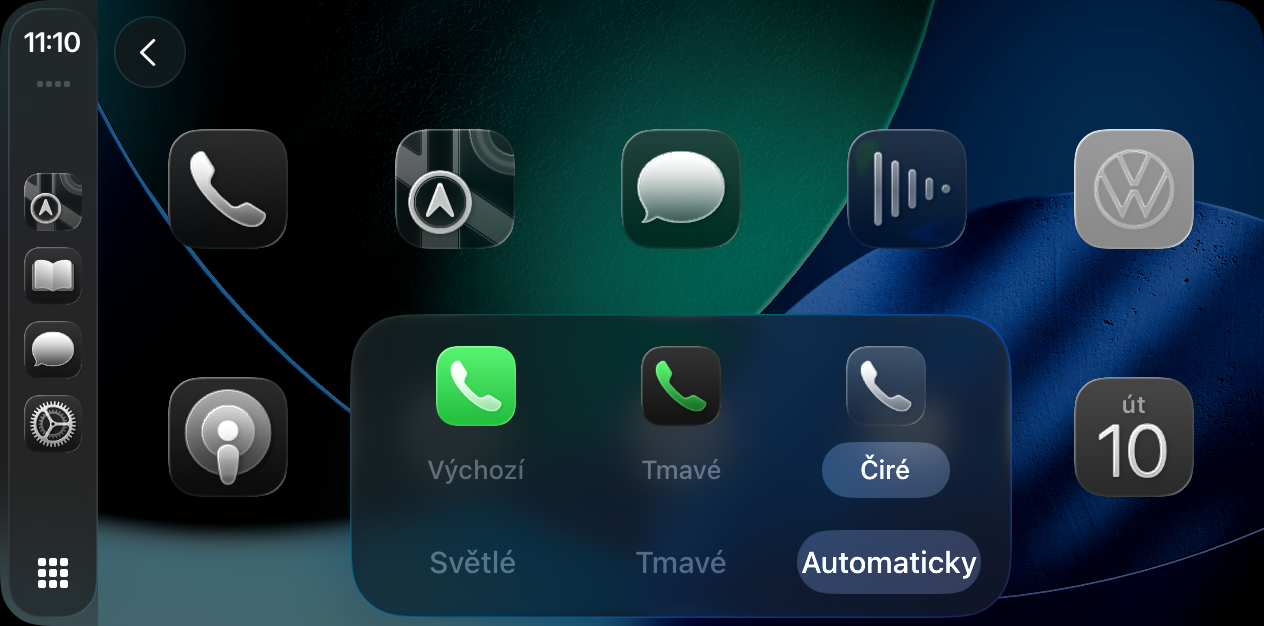
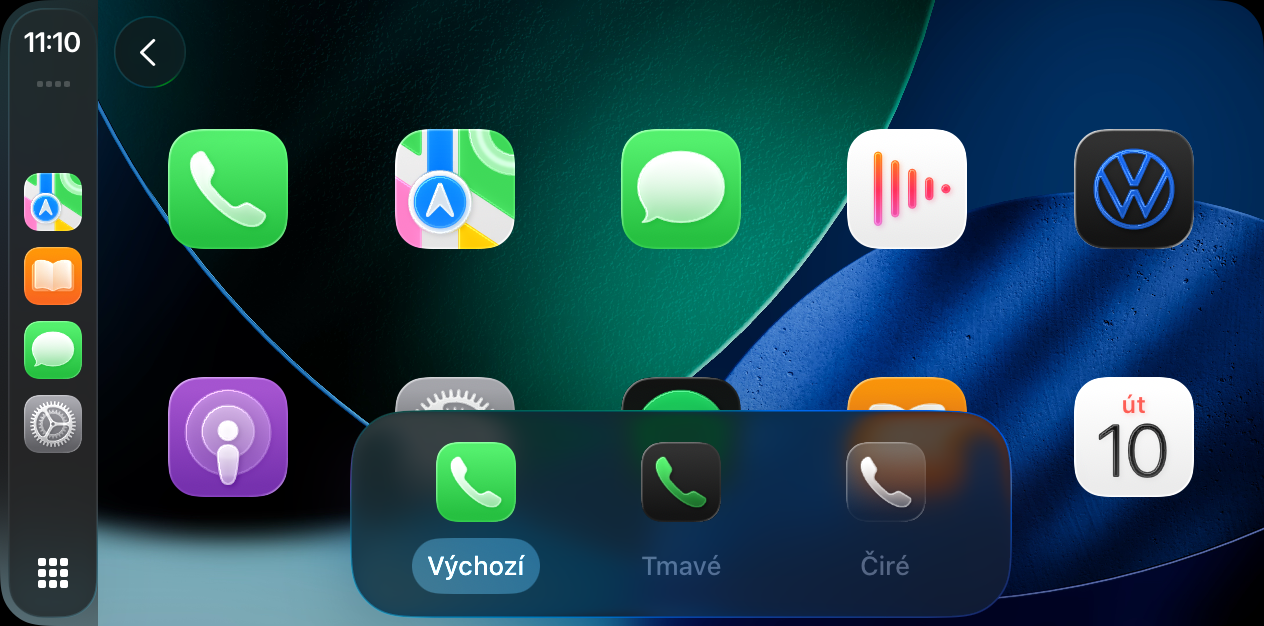
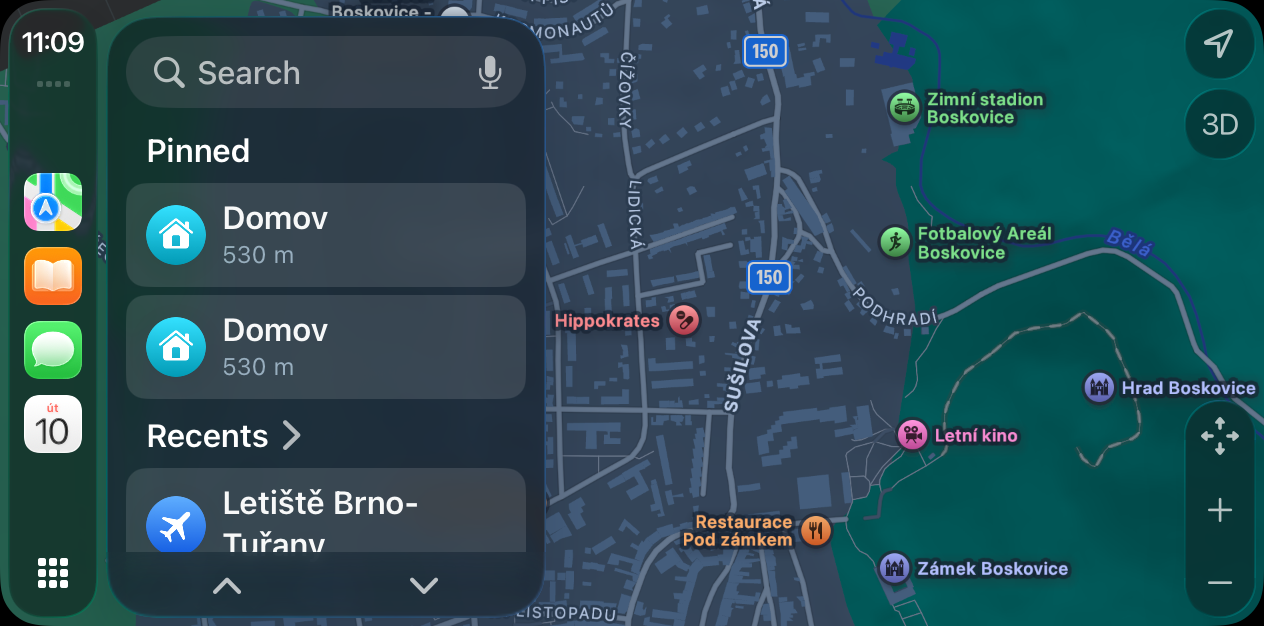
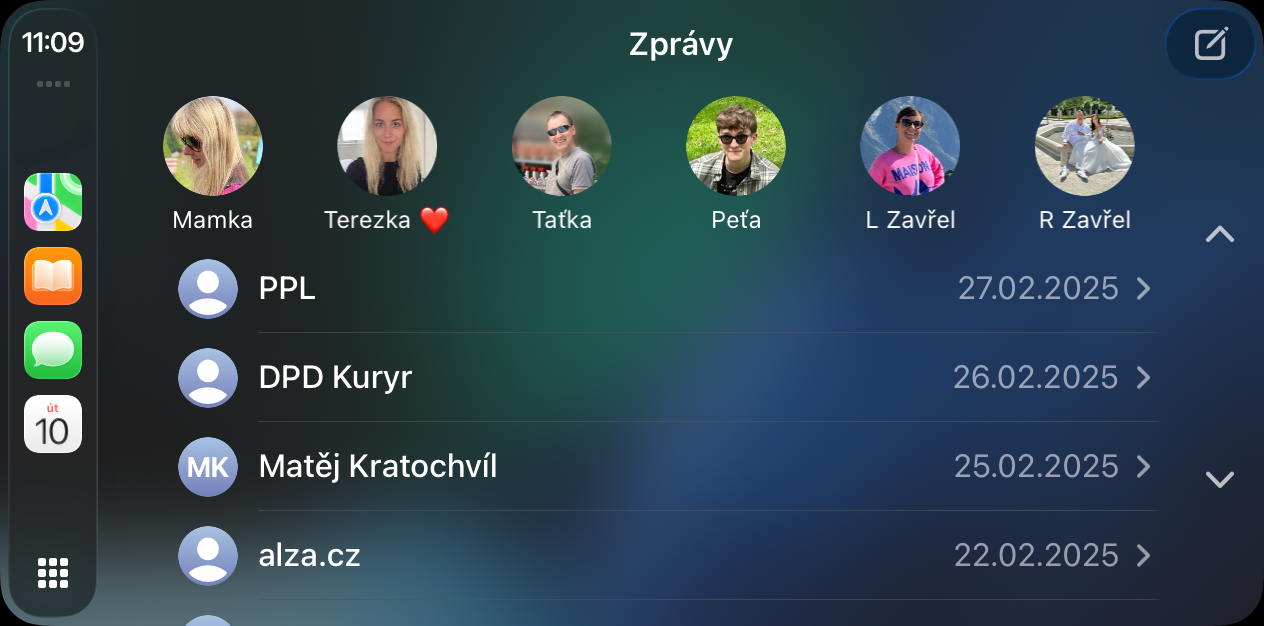
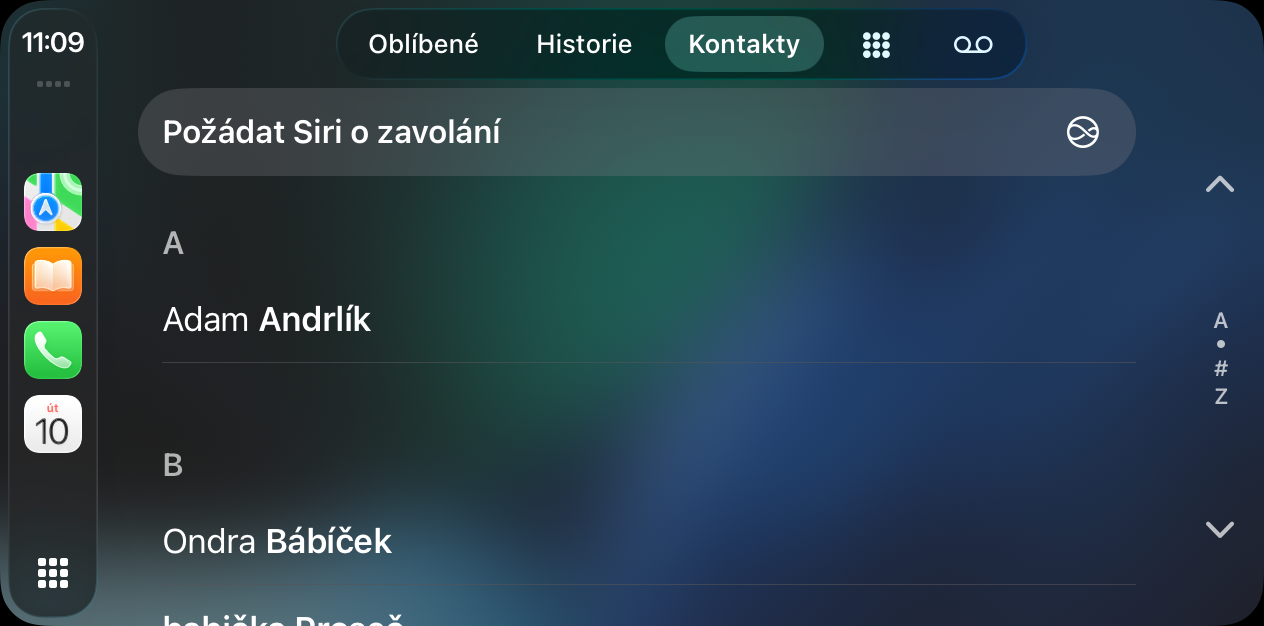
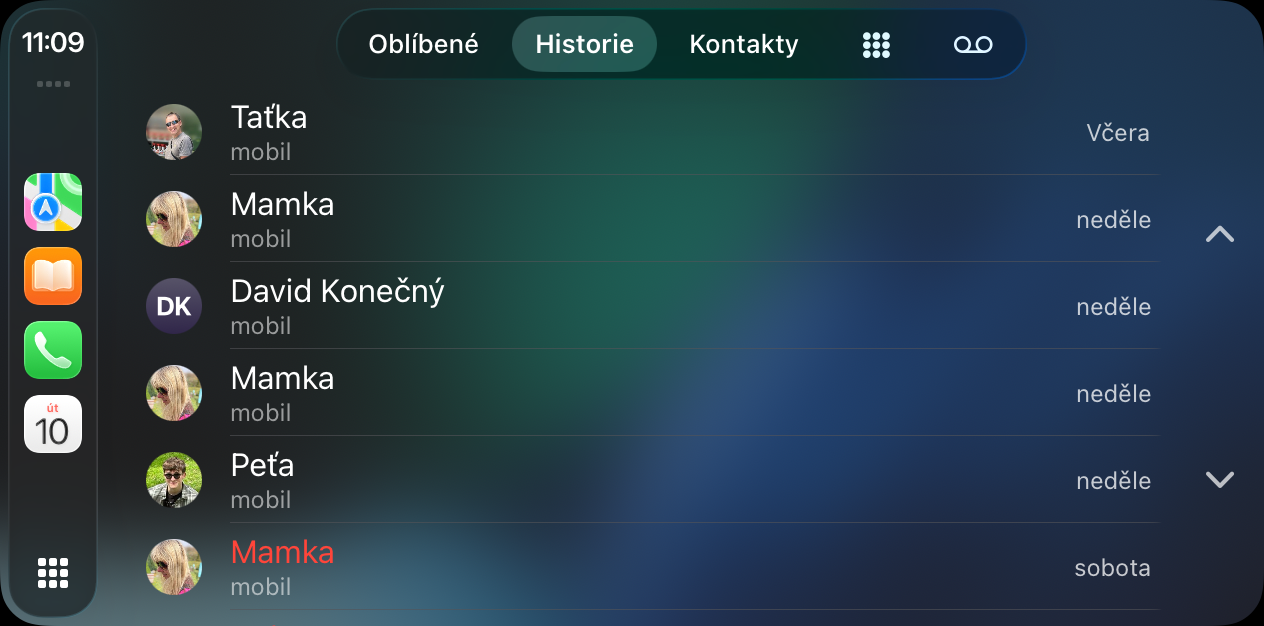
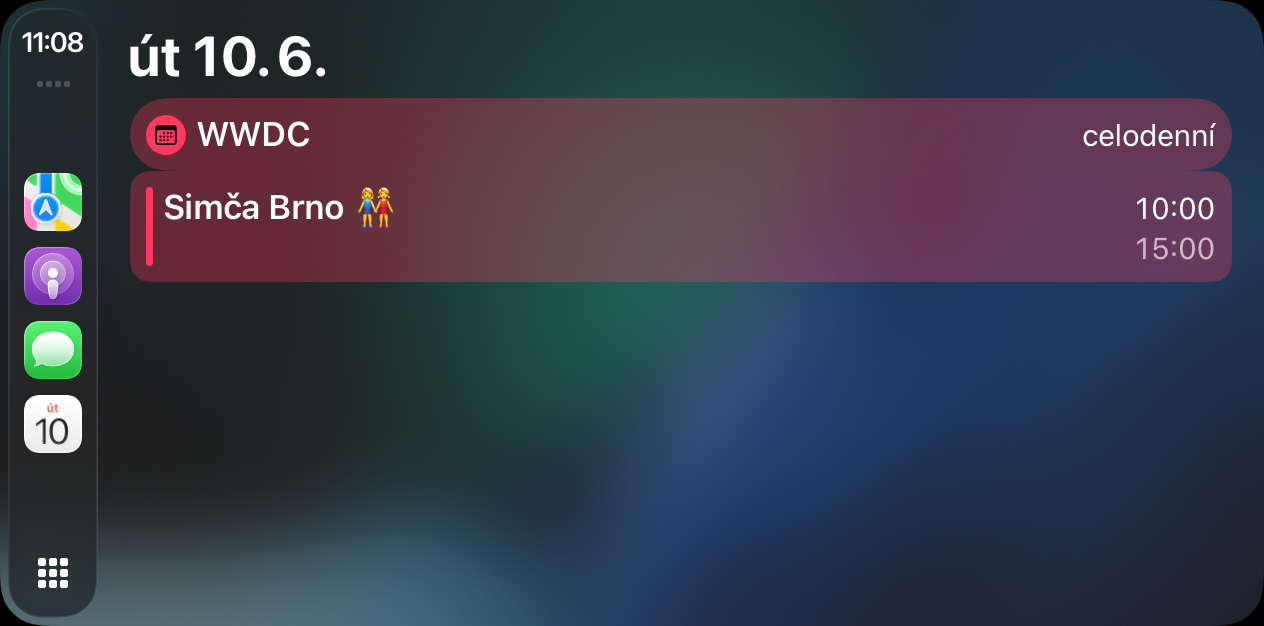
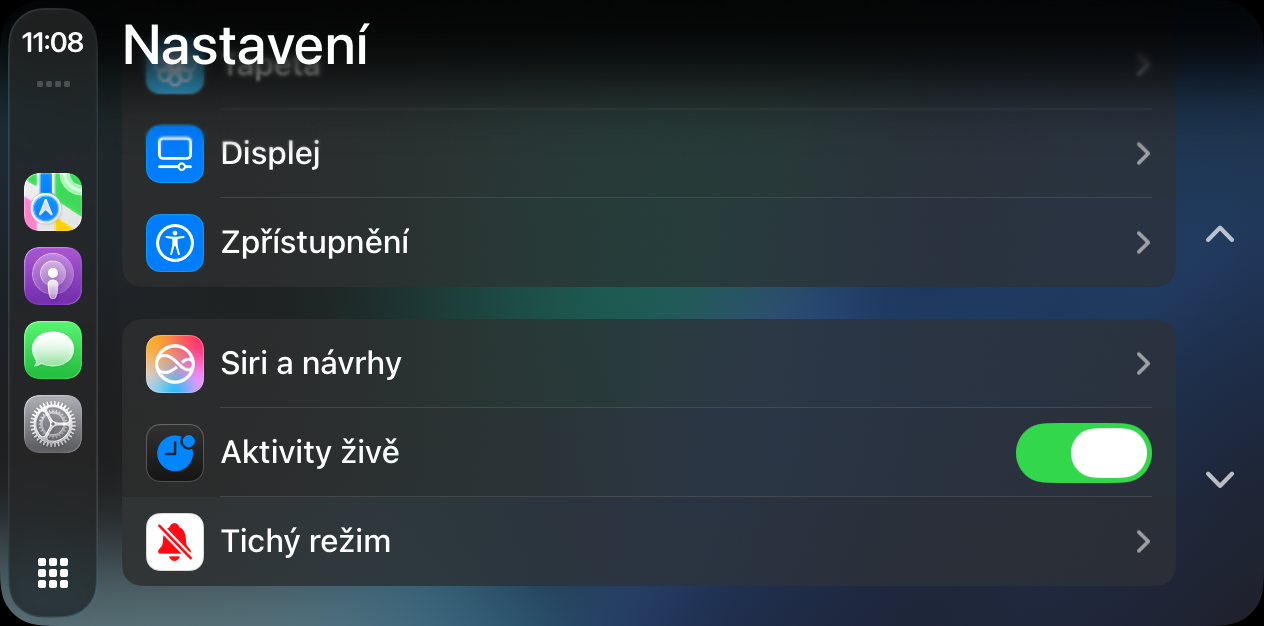
Now you can in Settings CarPlay Simply go to the Messages section and turn off the Pinned Conversations toggle. Once you do this, the Messages app will revert to a classic conversation list without highlighted threads, which is ideal for drivers who want as little visual distraction as possible. But for now, it's an all-or-nothing solution. Apple it does not allow you to have other conversations pinned on your iPhone and others on CarPlay, which would make sense. After all, most users would probably prefer to see only their closest contacts, such as a partner or family, in the car, rather than work groups or mass chaty. However, the new possibility shows that Apple keep tuning CarPlay according to the real needs of drivers. After a visual facelift and the addition of new features, it also comes with small but welcome changes that help make the interface clearer and safer while driving.