
If you often use a mobile hotspot to share your data connection from iPhone for example to MacBookWell, we have bad news for you. After switching to iOS 26 and macOS 26, the functionality of this solution has deteriorated quite significantly, and it seems that this is intentional rather than a bug.
[Update]: After release iOS 26.0.1 everything returned to normal.
I personally noticed the worse functionality last week on a train, where (as is somewhat of a habit now) the WiFi didn't work very well. In such a situation, of course, I'm used to switching without blinking an eye MacBook to the personal hotspot created iPhonem for maxreliability simulation, however this time I didn't help myself much. iOS 26 and macOS 26 seem to understand each other less in this regard than they did in previous versions.
You might be interested in

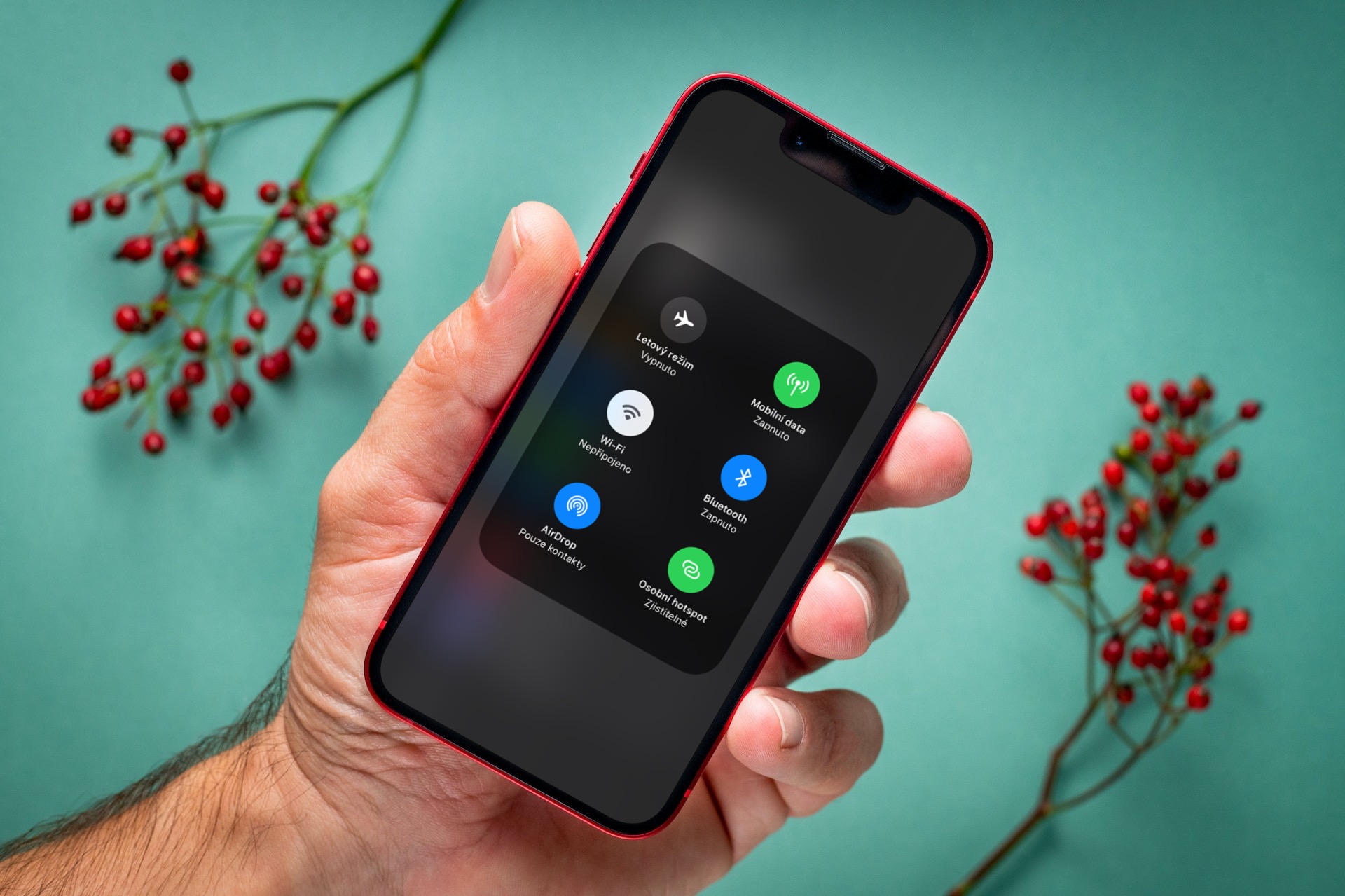
While previously you MacBookyou jumped out iPhone logged in under the same Apple ID in the control center under WiFi automatically and you could connect to it immediately without activating the hotspot on your phone, now that's not the case. What's more, you used to be able to see what signal a given iPhone has and whether it makes sense to connect to it. However, even that is no longer visible and you are connecting to the phone blindly, so to speak, without knowing whether it is currently receiving 5G, LTE or just E.
On the way, I also had countless times where, even though we were driving through places with very good signal coverage, the hotspot would suddenly disconnect from my Mac and I had to manually reconnect it – sometimes after completely turning it off and on on my phone. So it seems that in this regard, Apple still some tweaking to do and I sincerely hope that they will bring as much of it back to the level of functionality as possible iOS 18.
Gallery







With beta 26.1, everything is fine again….
I confirm, it works for me there too without any problems
Well, I'm OK with it now... I see in hotspots not only my iPhone (even with signal strength), but also the iPhones of family members nearby... And I don't have the beta anywhere... So I don't know... :-)
I also don't have this problem on macOS 26 and iOS 26. Hotspot works the same as on older versions, including remote start and signal.
I confirm the problematic behavior, I've been on Liptov for 5 days now, I occasionally turned on the Lenovo laptop and it kept disconnecting me from the hotspot, ip16pro
The hotspot works for me because I connect the screen in the car via my phone.
After installing system 26 on all devices, I have a completely different experience. Previously, without starting the hotspot manually, I had many problems with pairing on my Mac, I didn't even iPhone It didn't show up in the connection menu. When I installed 26, it asked me if I wanted to connect to my iPhone automatically. I said yes and from then on, my Mac connects to my phone automatically.