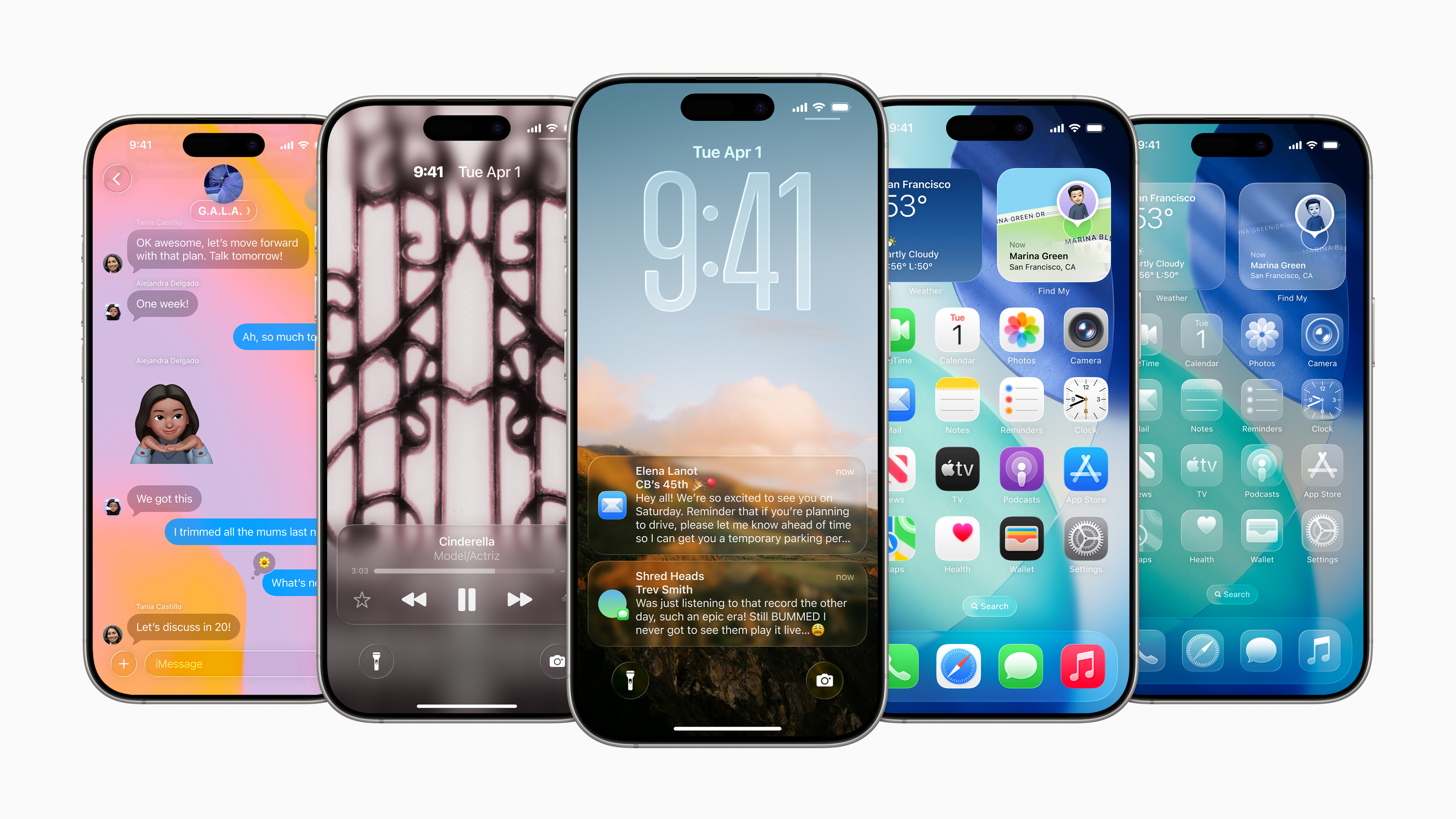
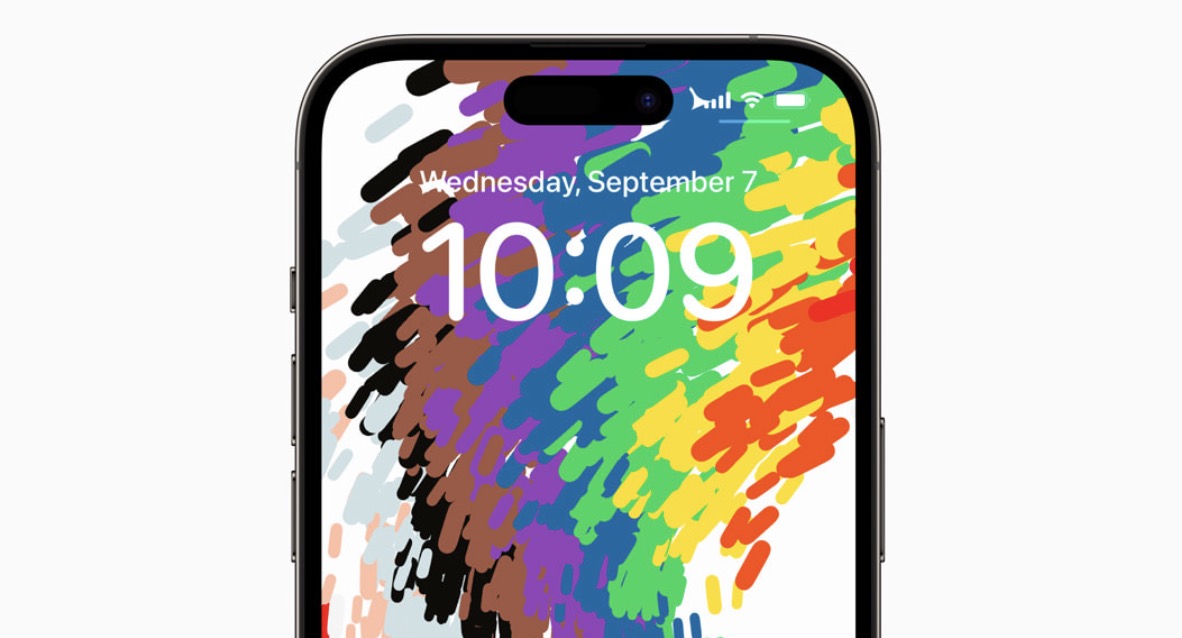
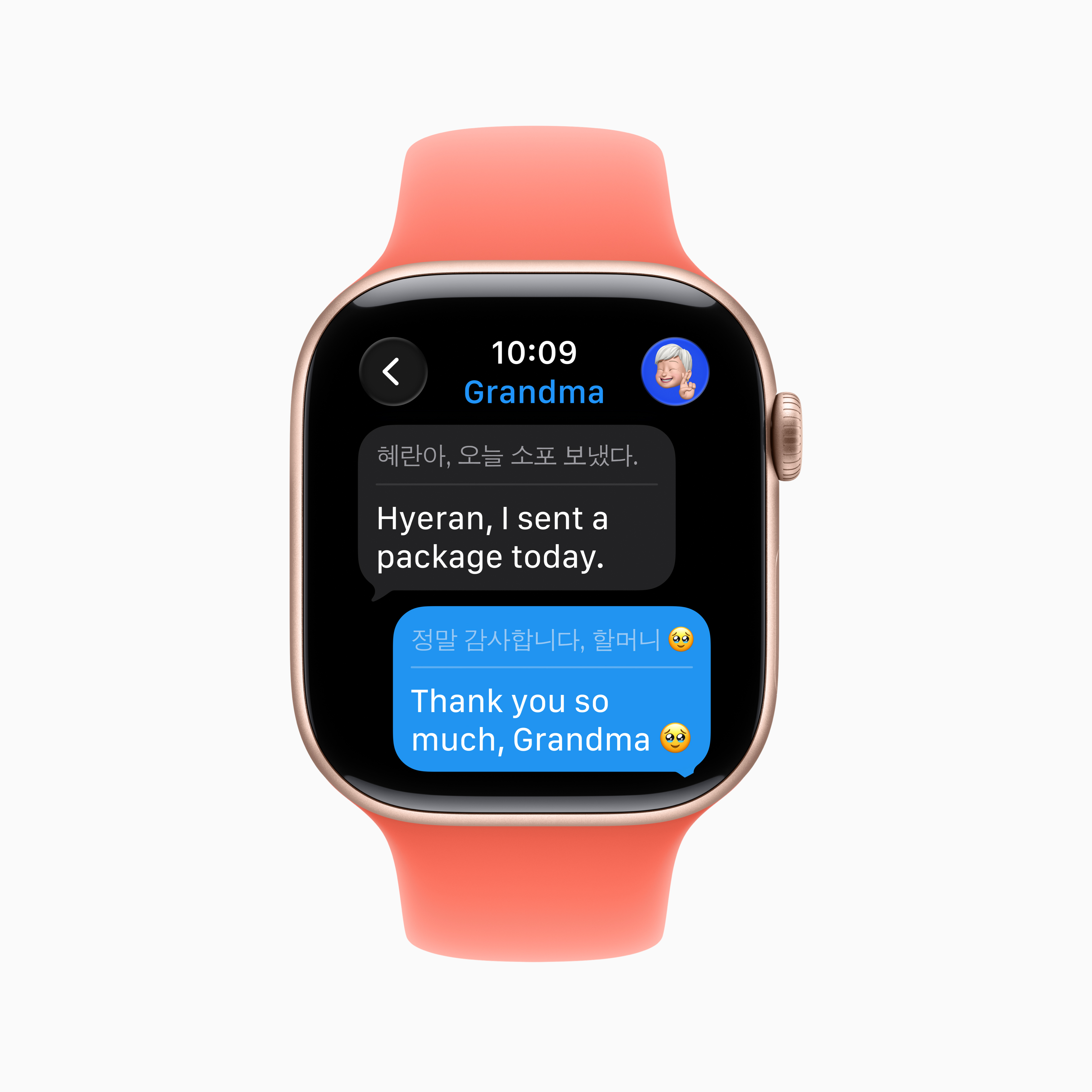
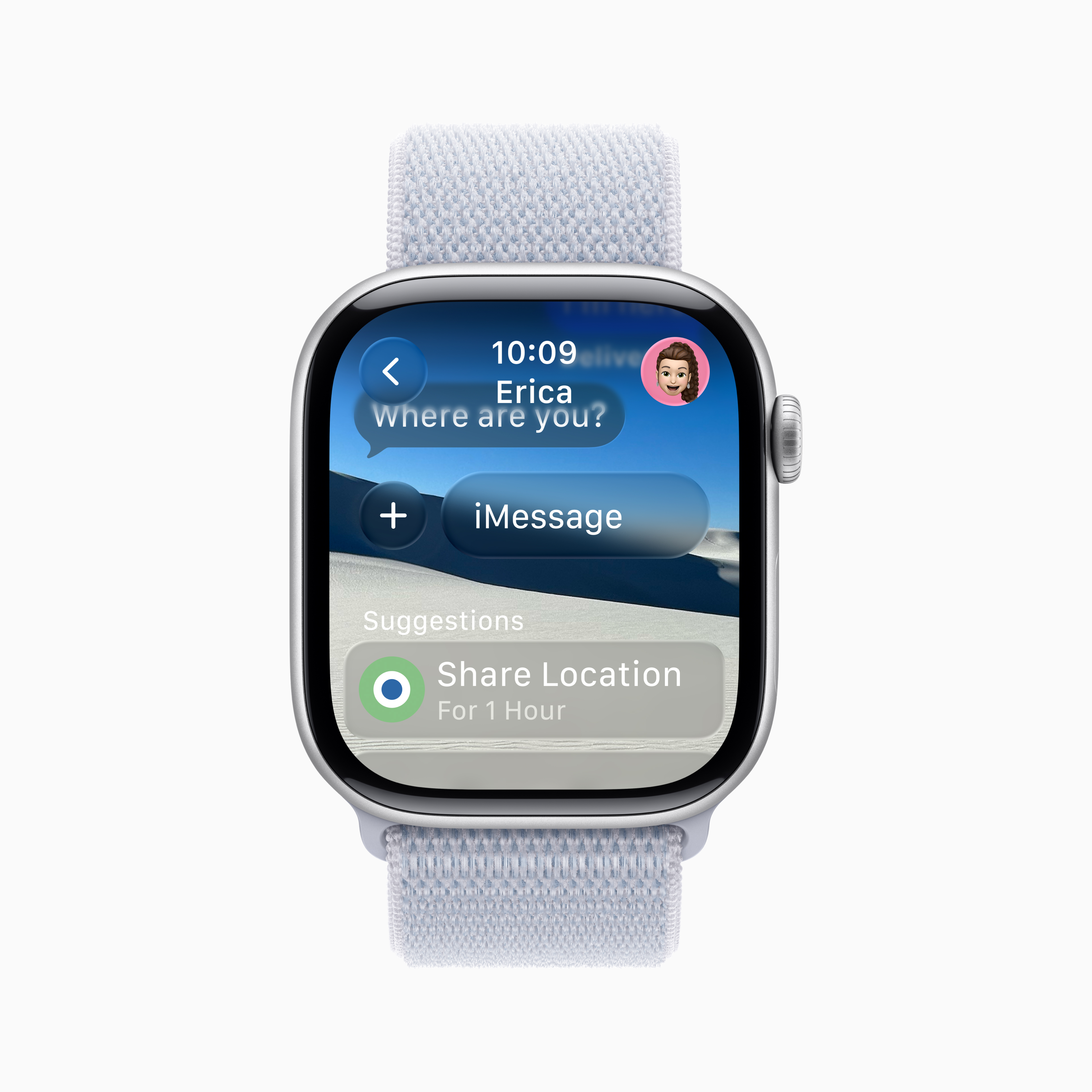
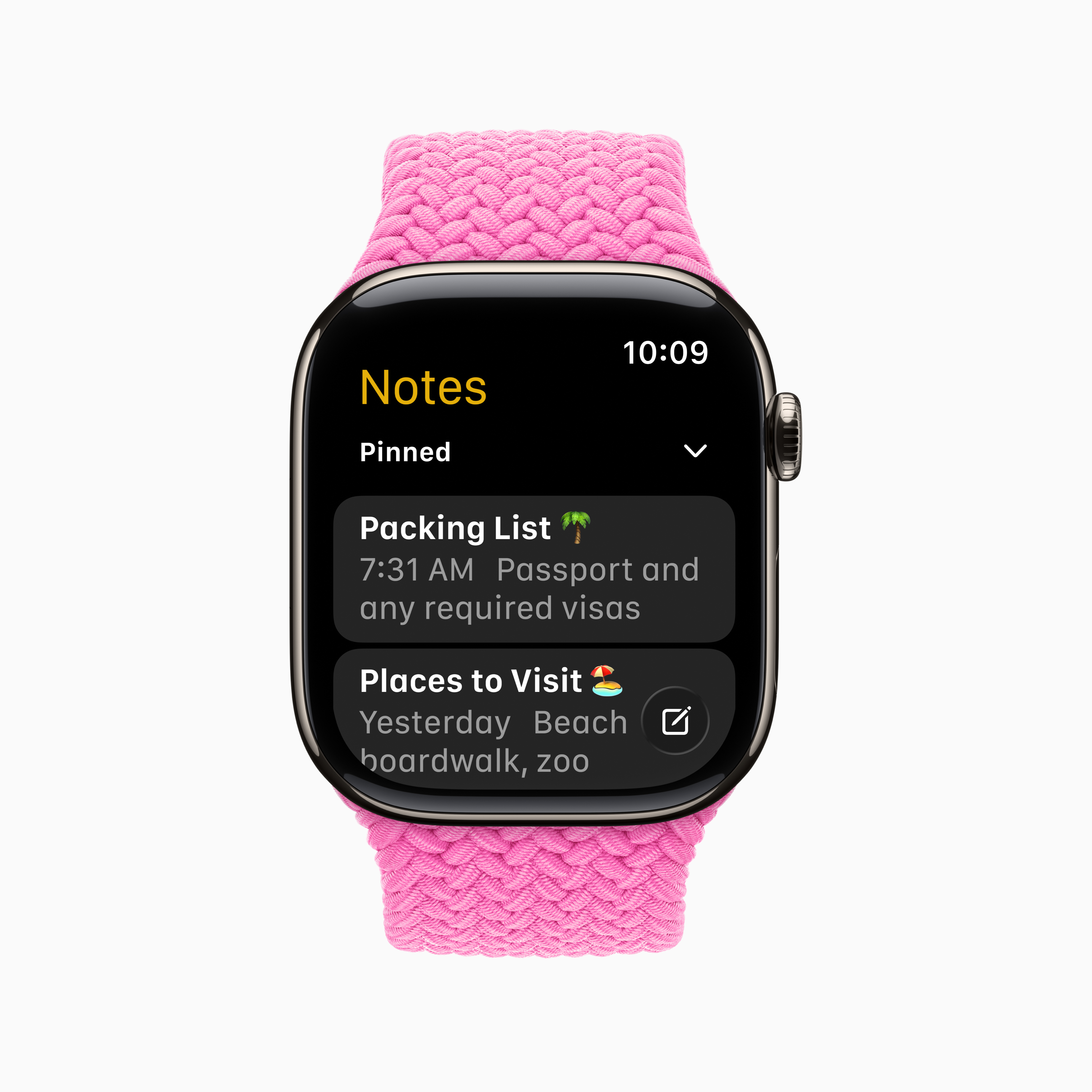
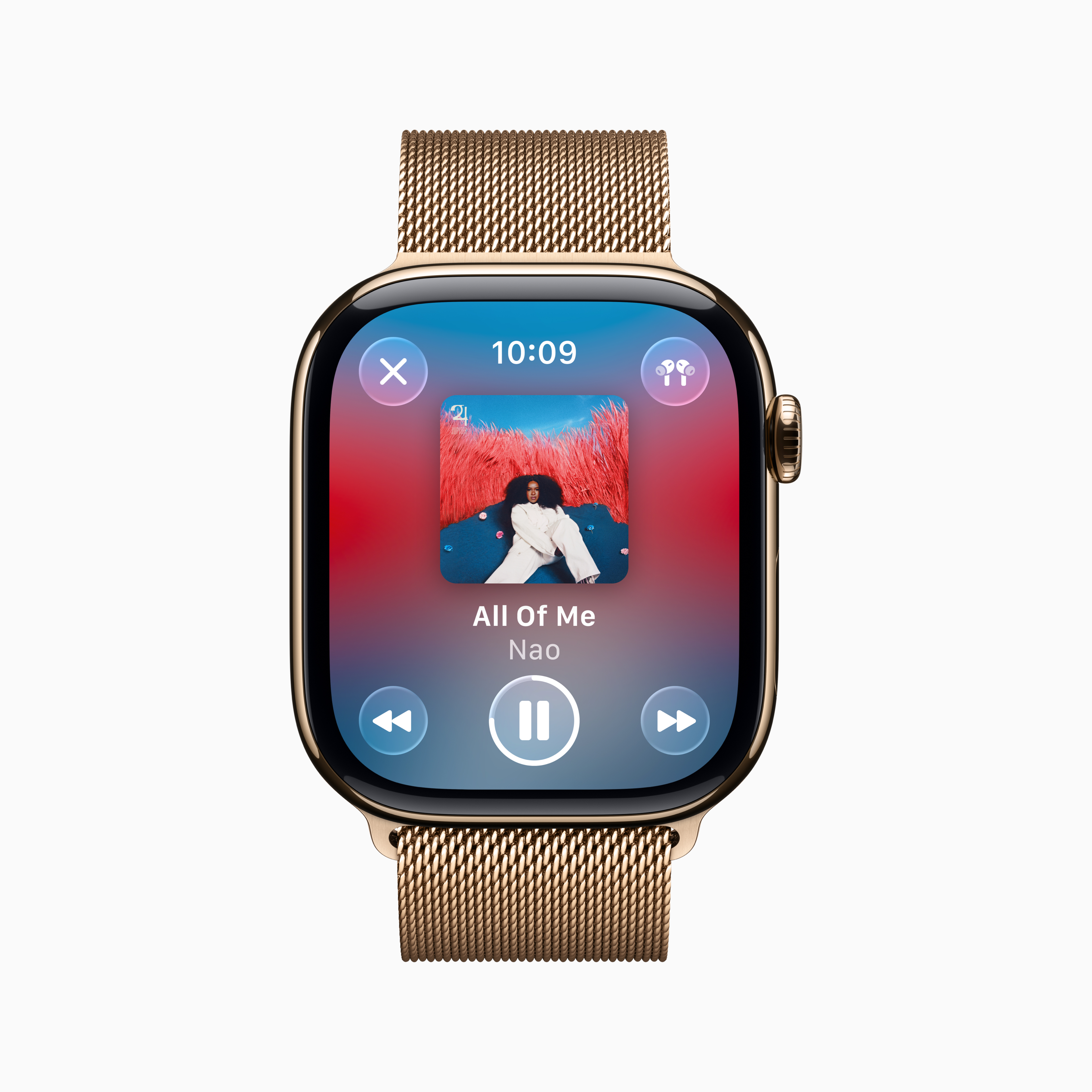
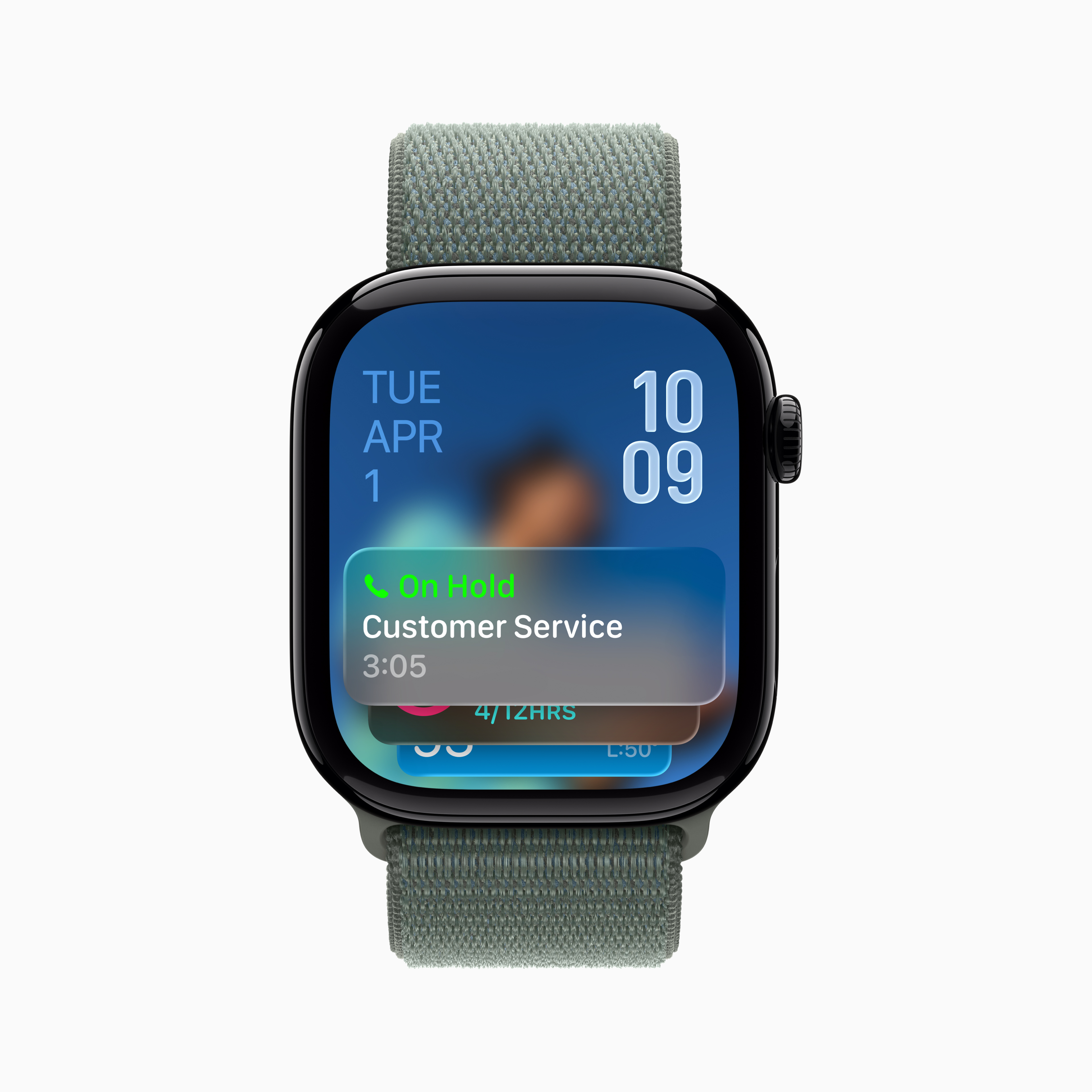
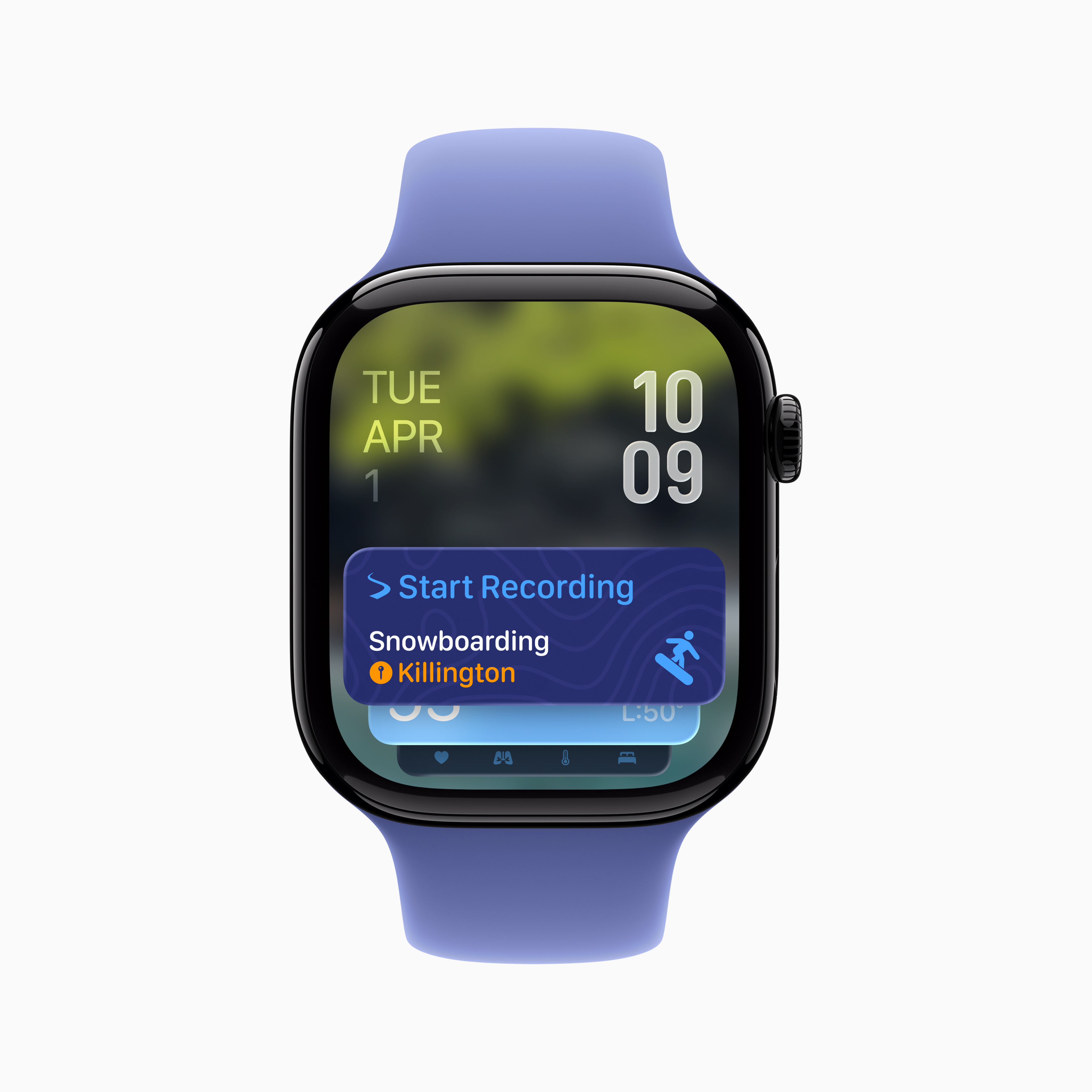
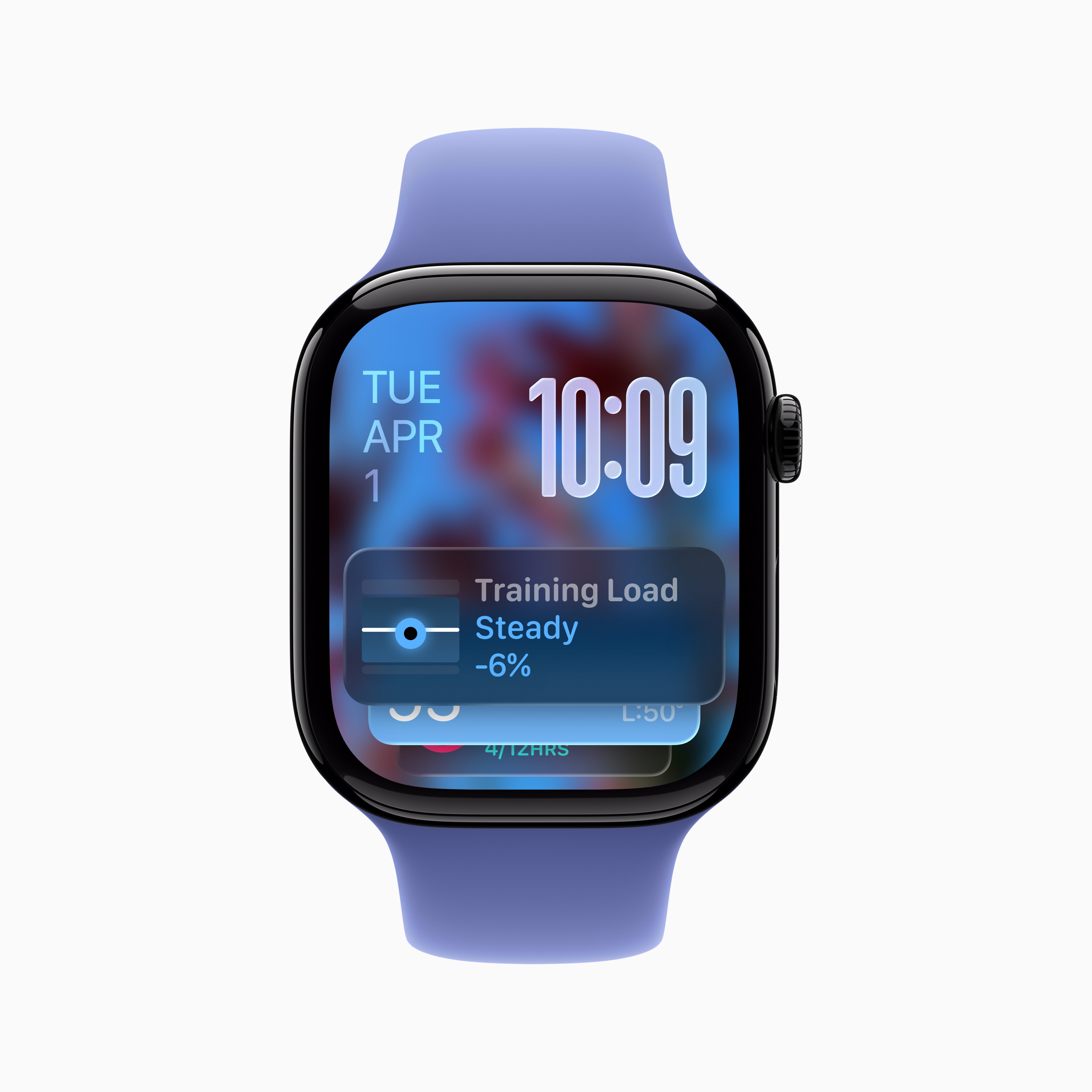
Apple is about to release the next generation of the operating system for its smartwatches and it is already clear that watchOS 26 will bring a whole host of new features. The installation itself is simple and mostly problem-free, but if you want to be sure that everything goes smoothly and your data remains safe, it's worth spending a little time preparing.
Gallery
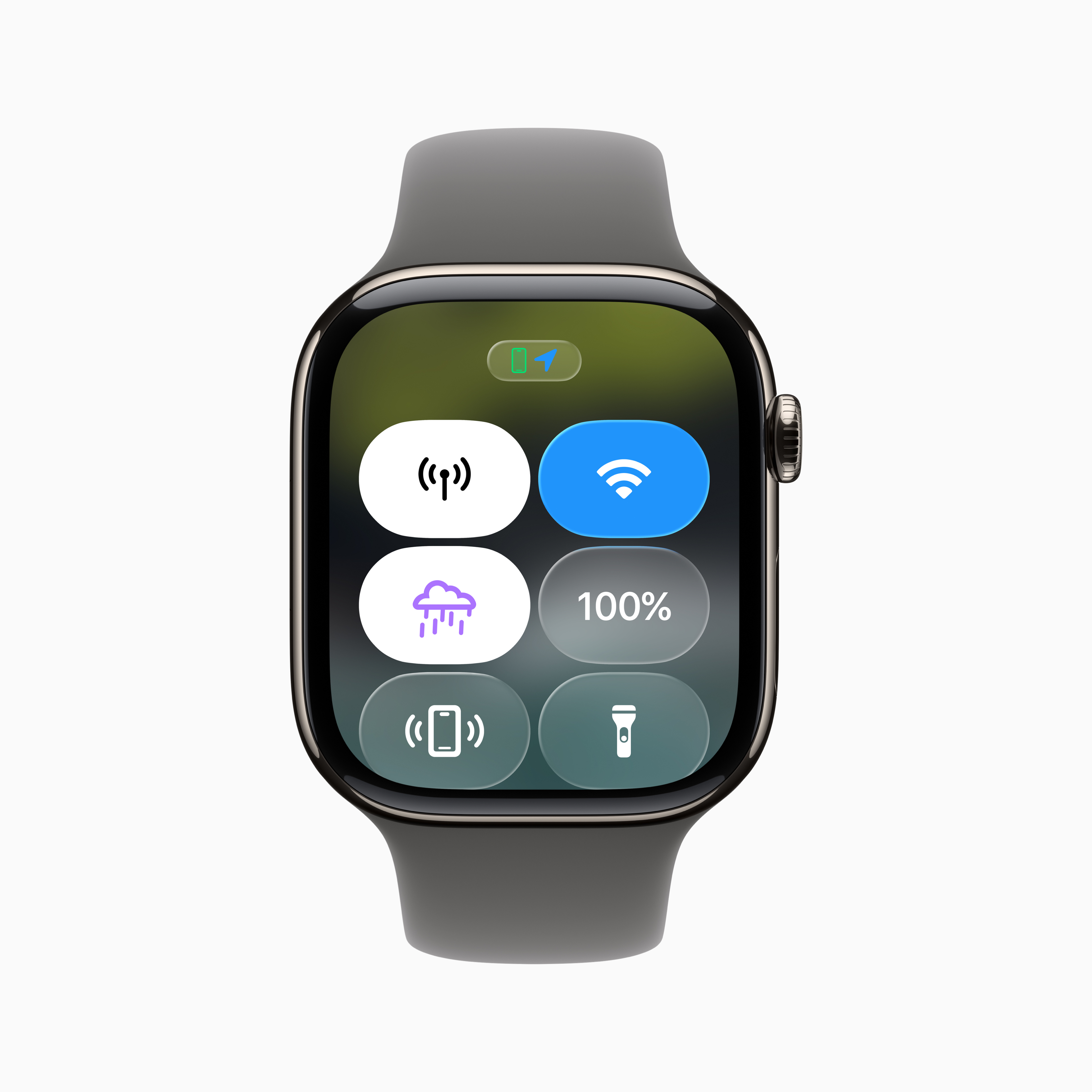
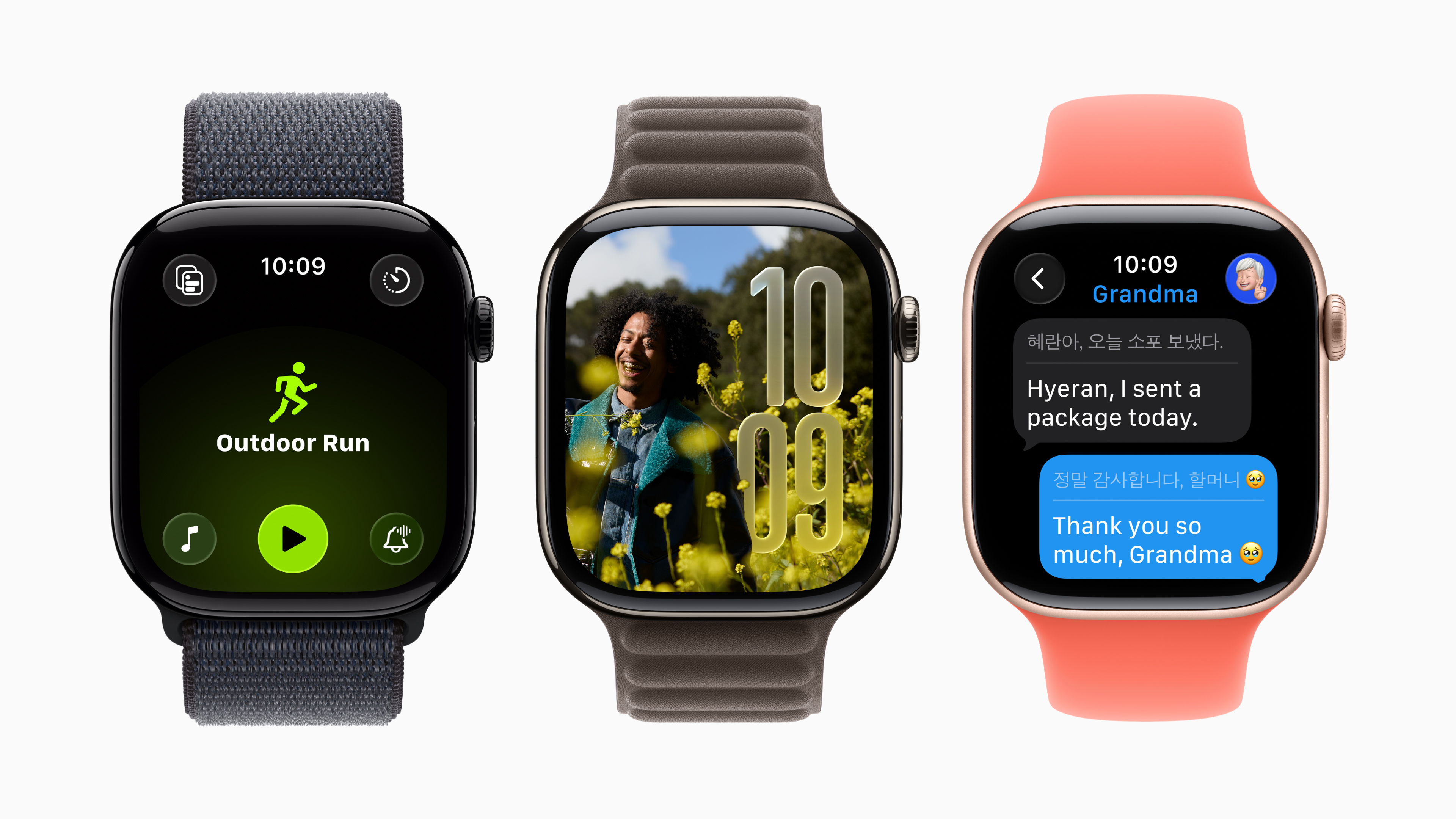
Check if you have a supported model
The first step should be to verify compatibility. Apple Apple updates its list of supported devices every year, so it's not a given that new features will reach older models. If your watch is running the latest major version of the system, it's likely that you'll be able to update it to the latest version.ance high, that they can handle it watchOS 26. Still, it's worth checking the official information so that you're not surprised later.
watchOS 26 compatibility:
New watchOS 26 can be installed on these models:
- Apple Watch Series 6
- Apple Watch Series 7
- Apple Watch Series 8
- Apple Watch Series 9
- Apple Watch Series 10
- Apple Watch SE (2st generation)
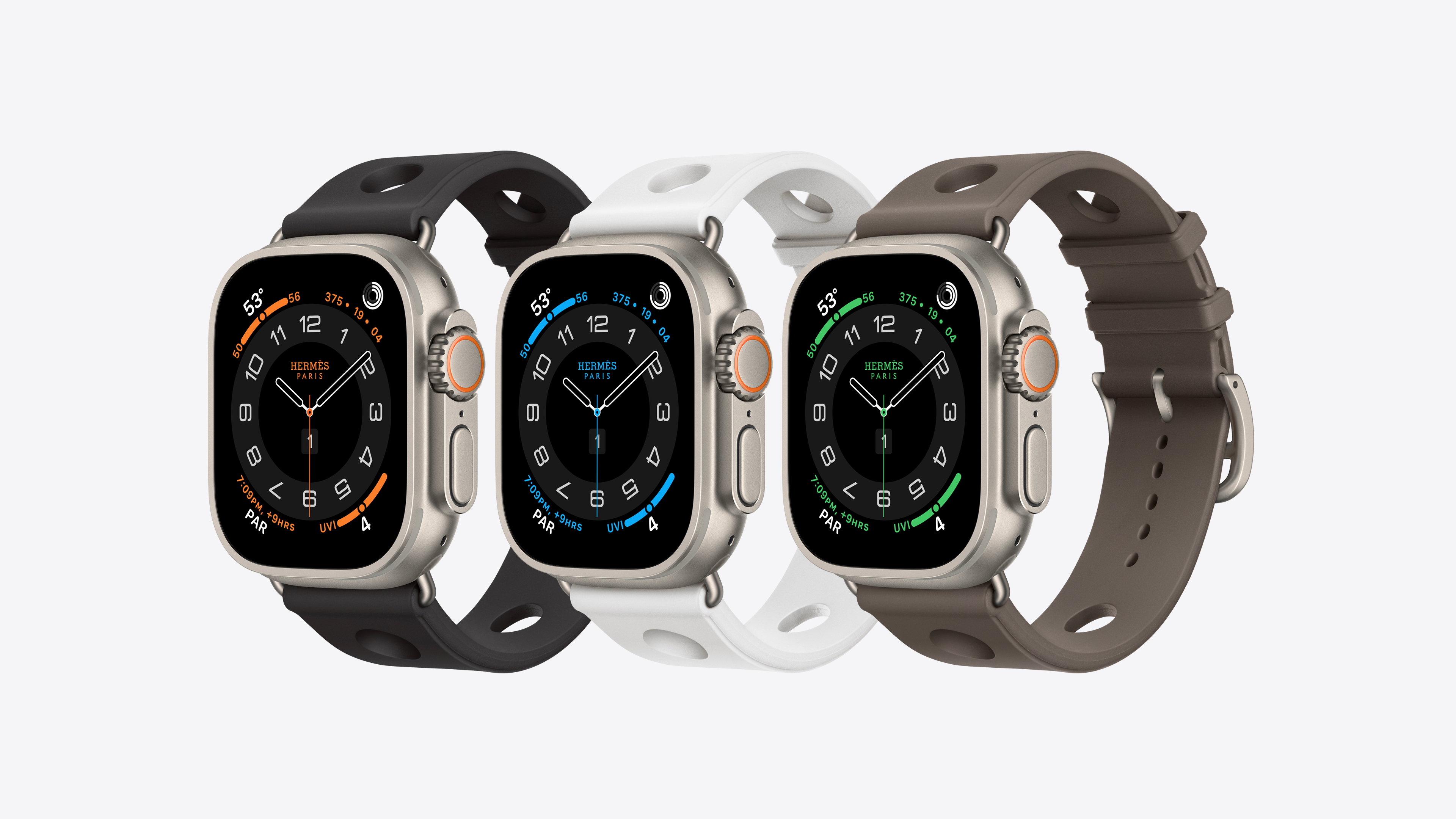
- Apple Watch Ultra
- Apple Watch Ultra 2
Gallery

Don't forget the backup
The second crucial point is backup. Apple Watch se they do back up automatically via iPhone, but before installing the new version it is recommended to create a fresh copy of your data. The easiest way is to run a manual backup via iCloud, or alternatively, you can use an encrypted backup of your iPhone to your computer. This is the only way to store health and training data that could otherwise be irretrievably lost.
You might be interested in
Free up storage space
Equally important is the free space in the watch's storage. Updating the operating system can take up several gigabytes, and the installer will also request additional space. If you have an older model with less capacity, it's a good idea to delete unused apps, temporarily turn off music or photo synchronization to free up space. After the installation is complete, you can reconfigure everything to your needs.
Removing apps on Apple Watch
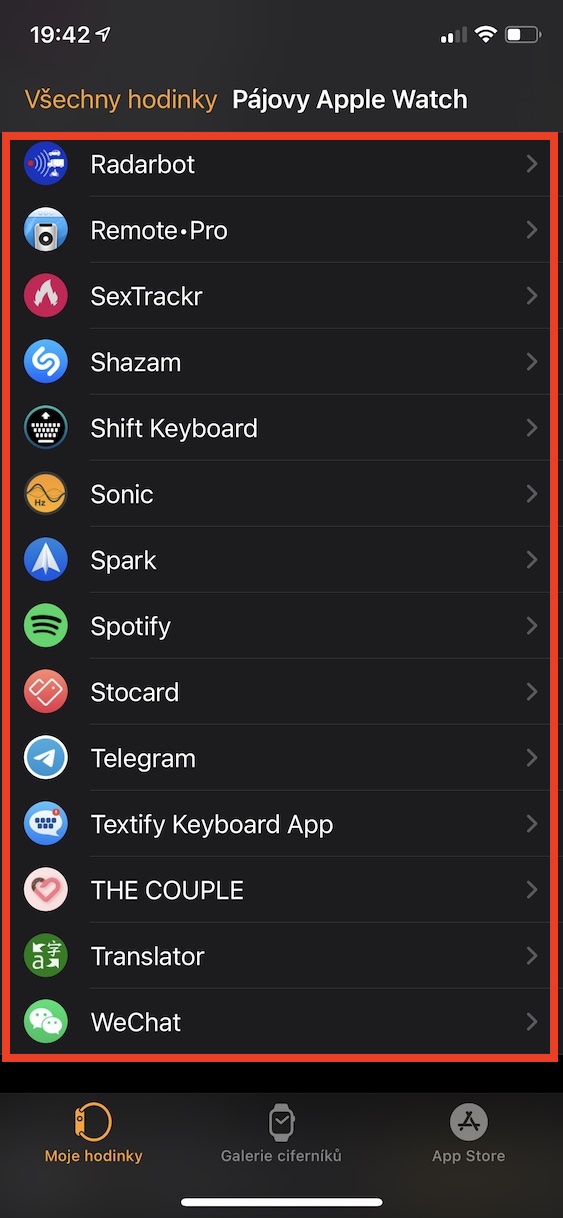
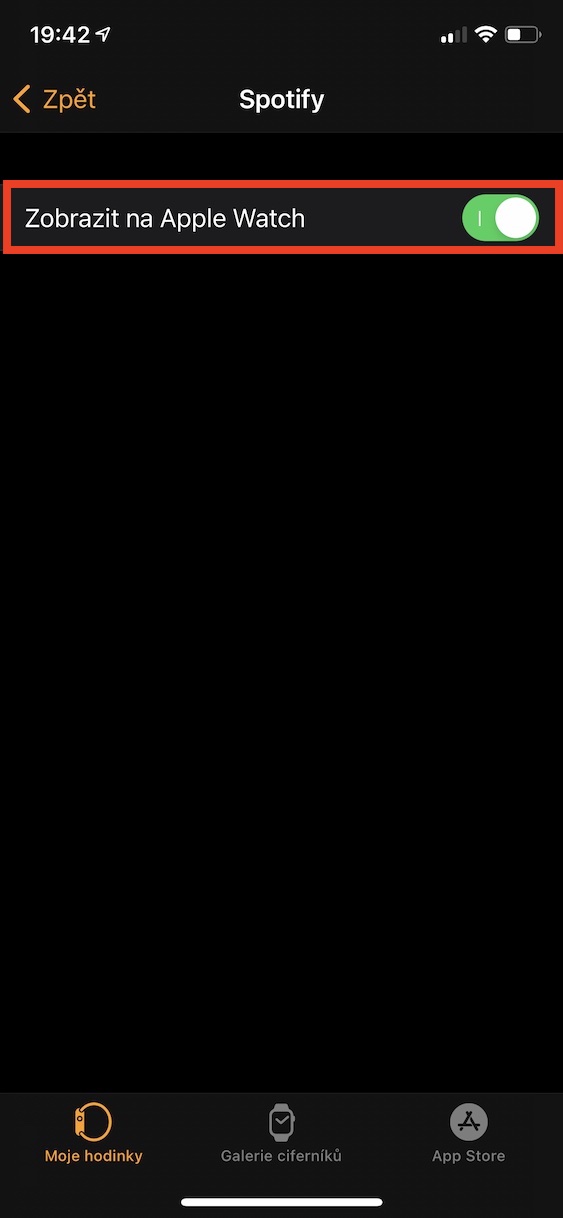
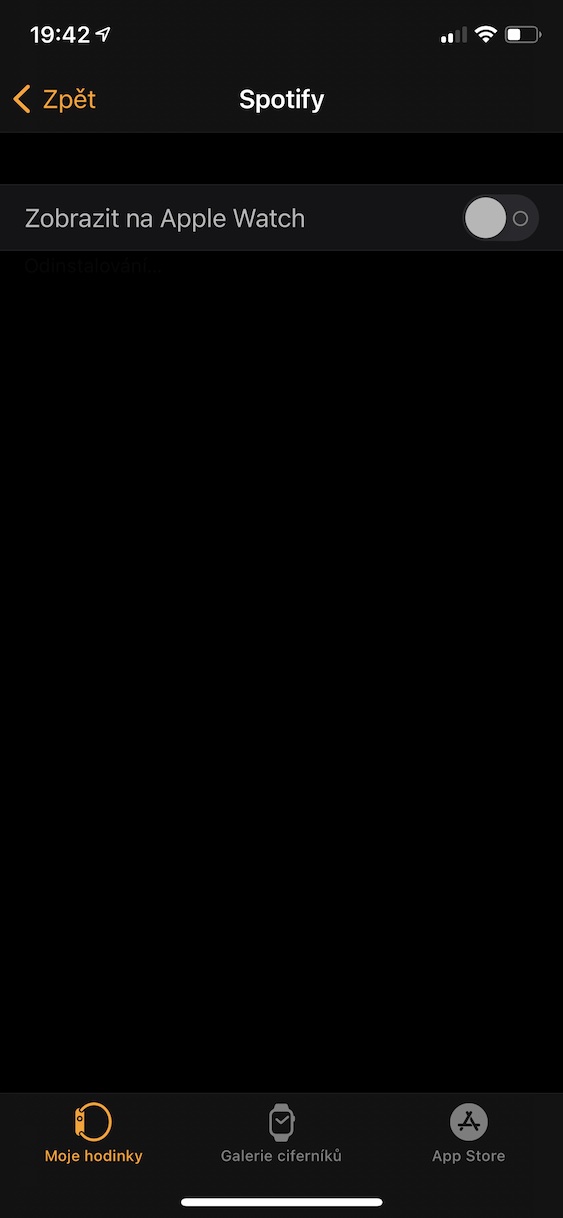
Prepare iPhone and installation environment
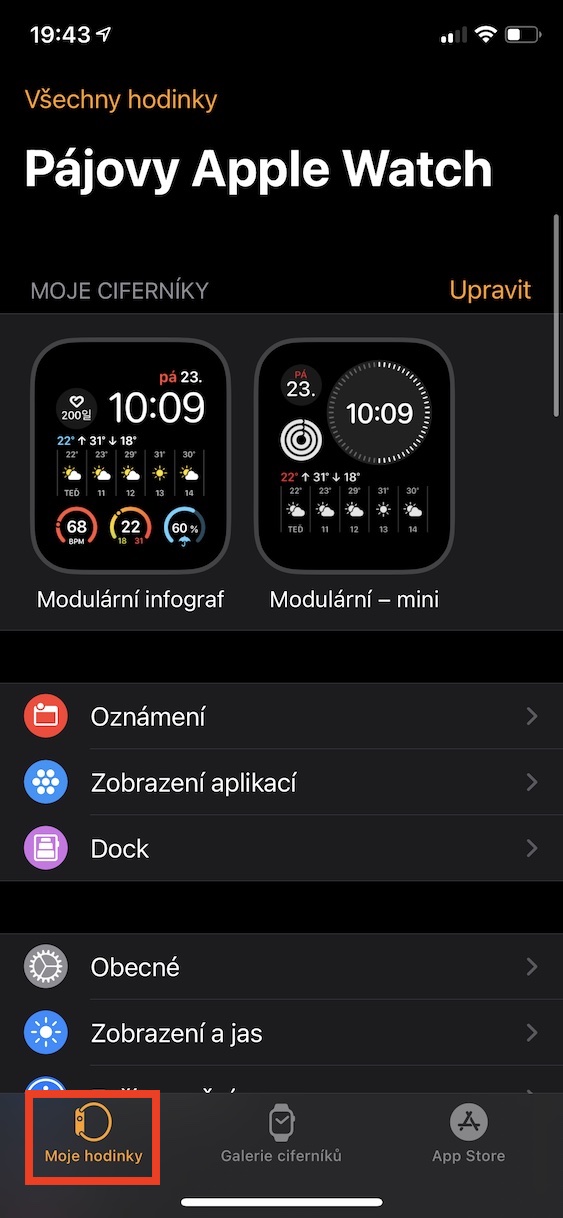
Before the upgrade itself, it is worth preparing iPhone, because the installation will not work without it. Make sure it is running the latest version iOSthat it is connected to Wi-Fi and that the watch is on a charger with miniat least half the battery capacity. It also doesn't hurt to update all your apps to be compatible with the new system from day one.
Plan your time and fine-tune your settings
The installation itself will take tens of minutes, so it is a good idea to schedule it for the evening, for example. After a successful upgrade, it is worth spending a few minutes on the basic settings – go through notifications, focus modes, verify functionality Apple Pay or health functions. If you want the fitness measurement to work as accurately as possible, a short GPS calibration by walking or running outdoors is also recommended.