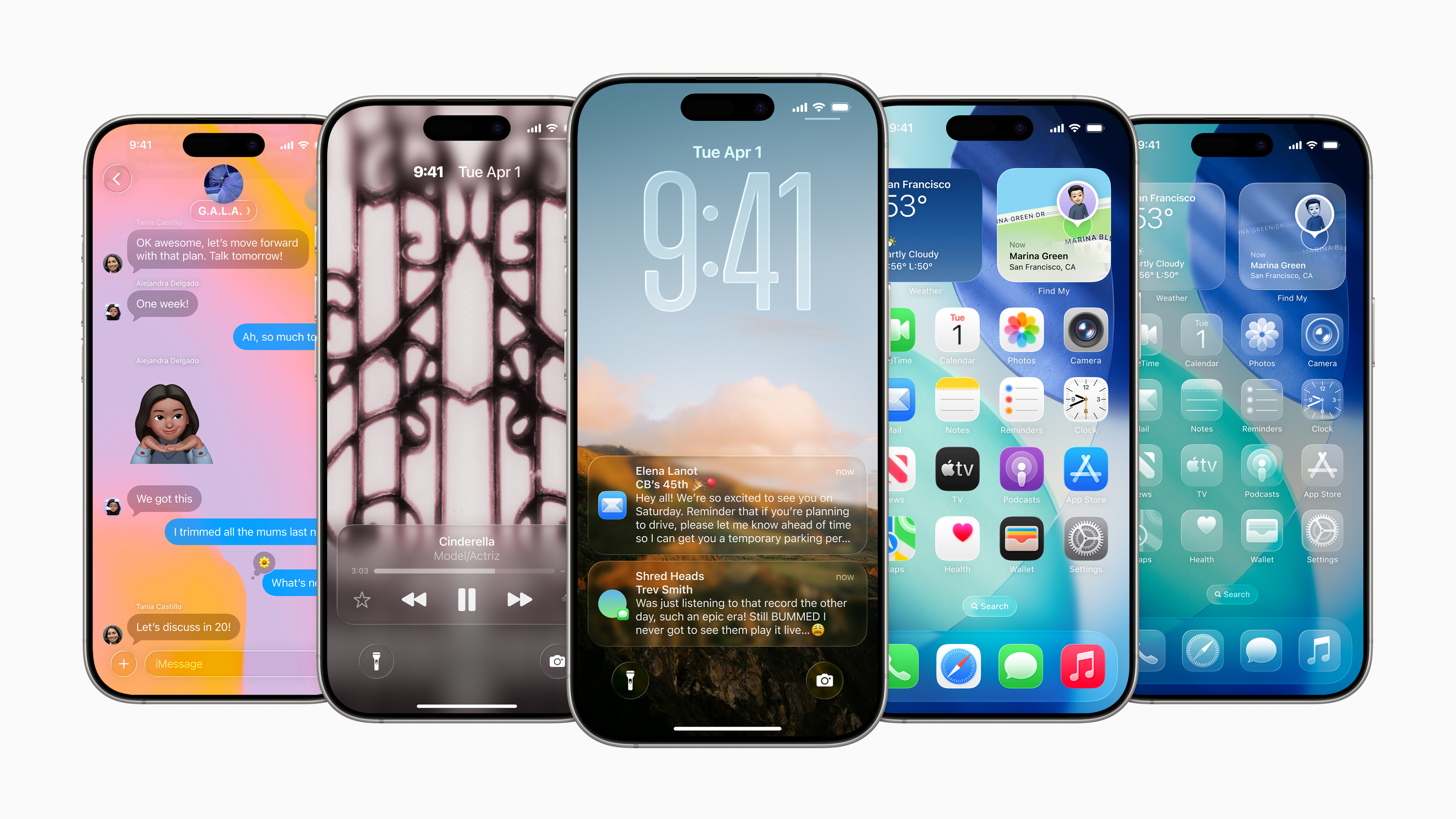
Apple listened to the user and in the second beta green iOS 26 fixed an unfortunate change in the location of the button to open a new tab in SafariIn the first beta, the card management layout was changed, which confused many people.
New tab button back where it should be
In the original version iOS 26 Apple moved the “+” icon from the bottom of the screen to the top. Users accustomed to the intuitive placement often accidentally tapped on other controls. There was no clear rationale for this change, so it was removed. Apple v iOS 26 beta 2 I would rather return it.
Gallery

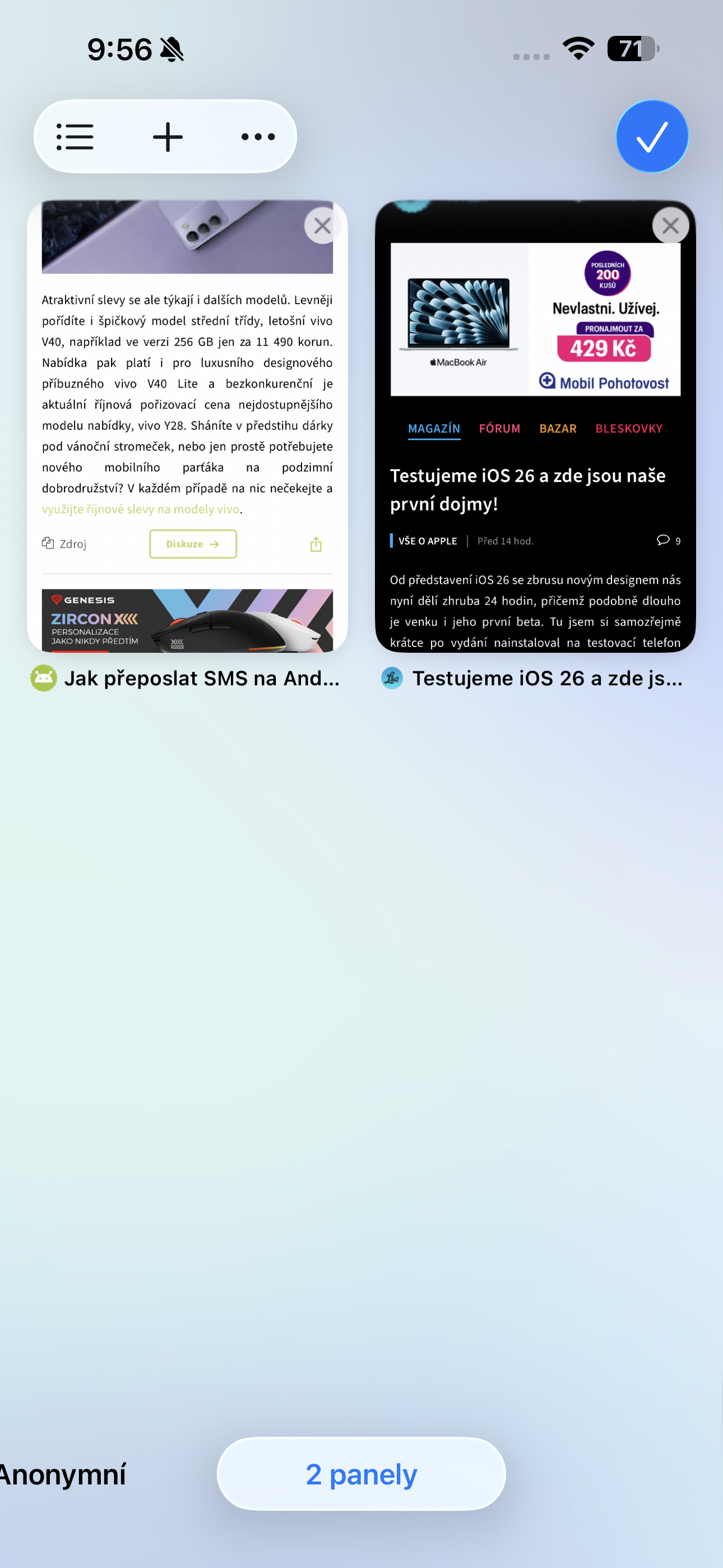


Now the button to open a new tab is located at the bottom left – just like in iOS 18 and previous versions. The "Done" button has changed to a checkmark icon, but it retains its function on the right side.
Further interface improvements Safari
Apple alsoonechal possibility swipe between standard browsing, incognito mode, and tab groupsYou don't have to look for modes in a cluttered menu, everything is always clearly at hand.
Pro new user view "Compact" a small but welcome change has been added: after clicking the back button, you will now see forward and back button for easier navigation through visited pages. Previously, the forward option was missing.
Layout at the top and bottom Safari it remains otherwise unchanged – it contains both forward and backward buttons, as users are used to.
Thanks to these adjustments, card management is in Safari again fast, logical and no unwanted clicks. iOS 26 Beta 2 shows that Apple really listens to feedback and tweaks details for better usability.