Customize your collections display
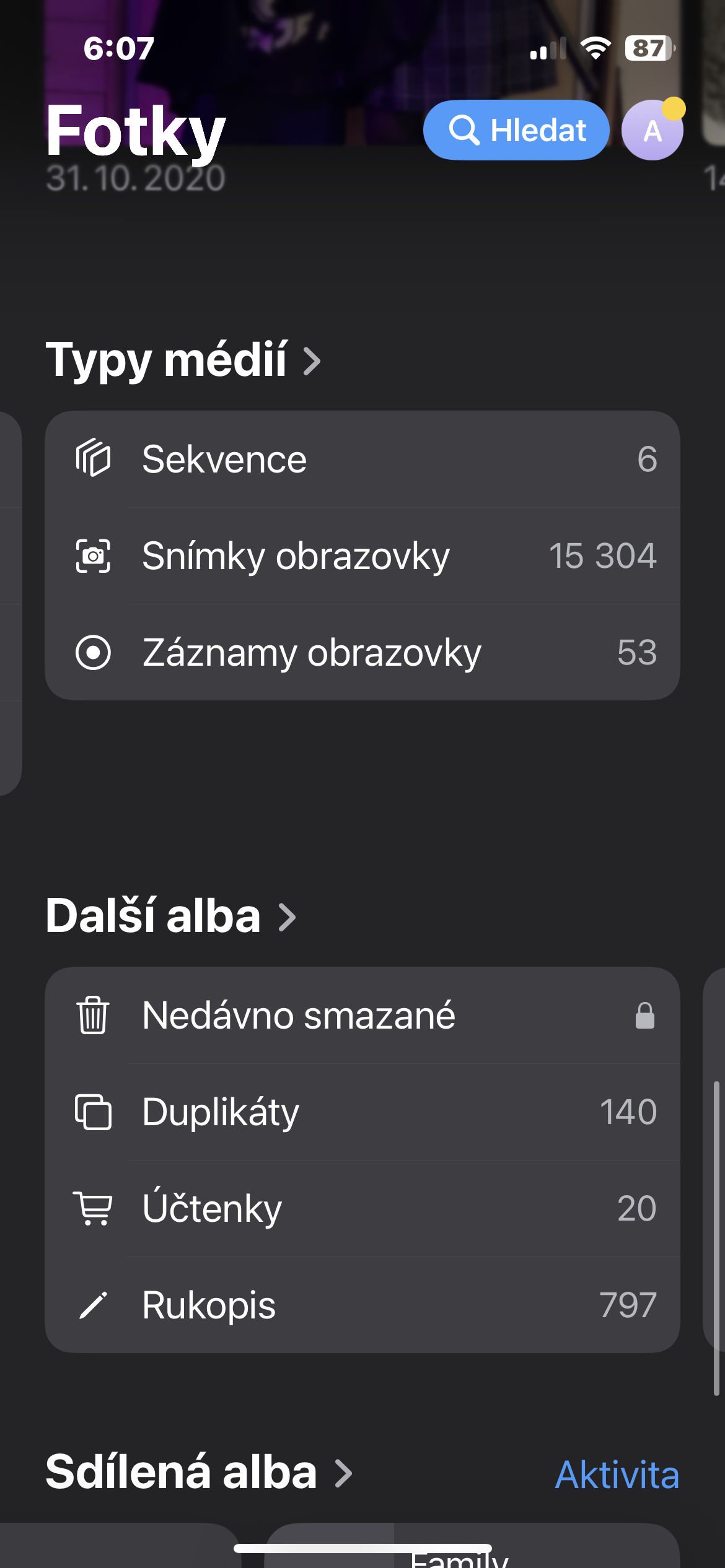
If your device iPhone running on the system iOS 18 or later, you have the unique ability to fully customize the Pinned Collections section of your Photos app. This means you can organize your favorite albums exactly how you want them and have them always at your fingertips. ProManaging these edits is very simple: open the Photos app and go to the Pinned Collections section, where you will find the “Edit” option located to the right of the section name. After tapping this option, you will open an editing space where you can freely change the order of individual collections, add new collections that interest you, or, conversely, remove those that you no longer need. This way, you can create a perfectly personalized space with your most important photographic memories.
Gallery




Handwritten notes
Do you often save notes as photos and would like to have all these handwritten notes in one place? With the latest version iOS, specifically iOS 18 and later, it's now easier than ever. Just open the Photos app that you already have on your iPhone and head to the extra albums section. Here, you'll find the "Handwriting" option, which will take you to a special album. It automatically collects all the photos in which the system can recognize handwritten text, allowing you to easily view and organize your handwritten notes.
Gallery


Aligned images
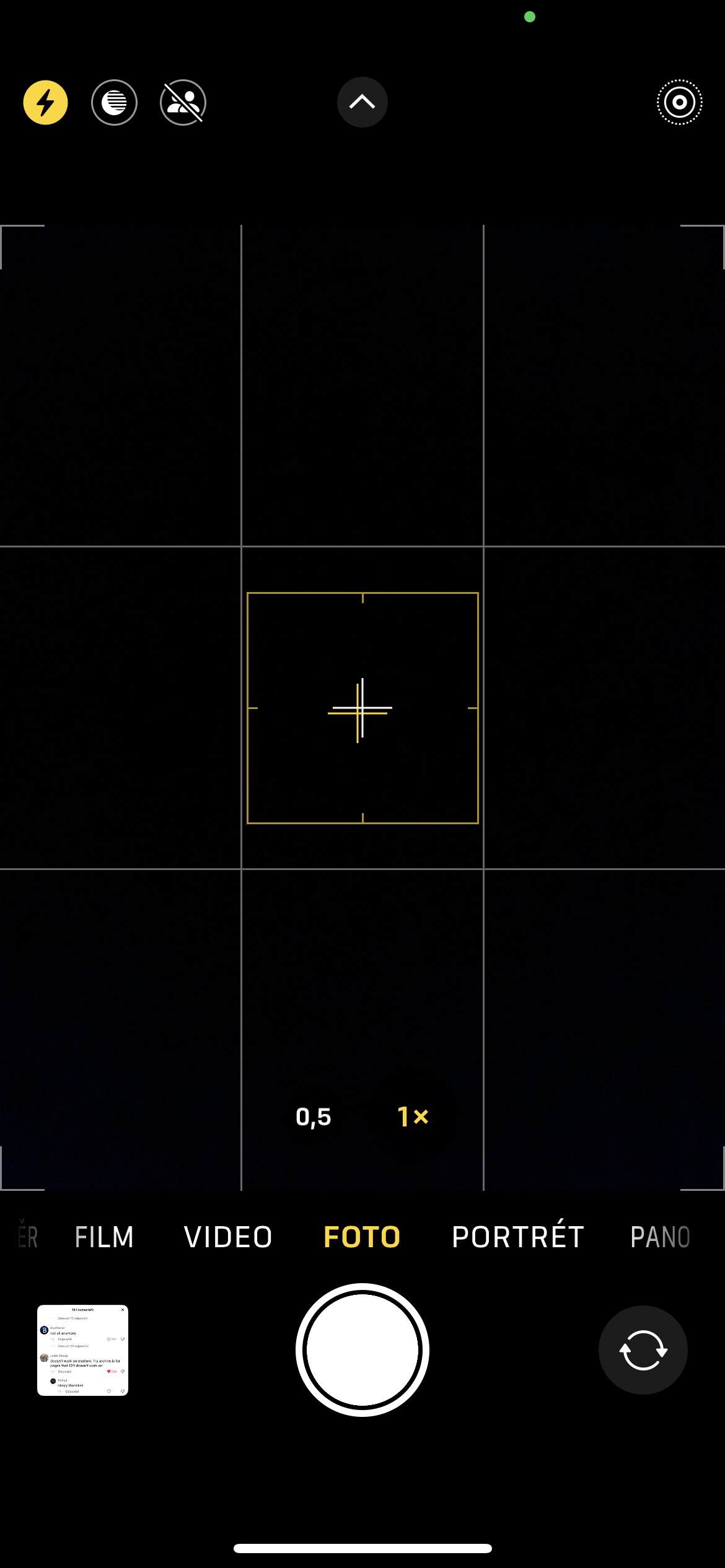
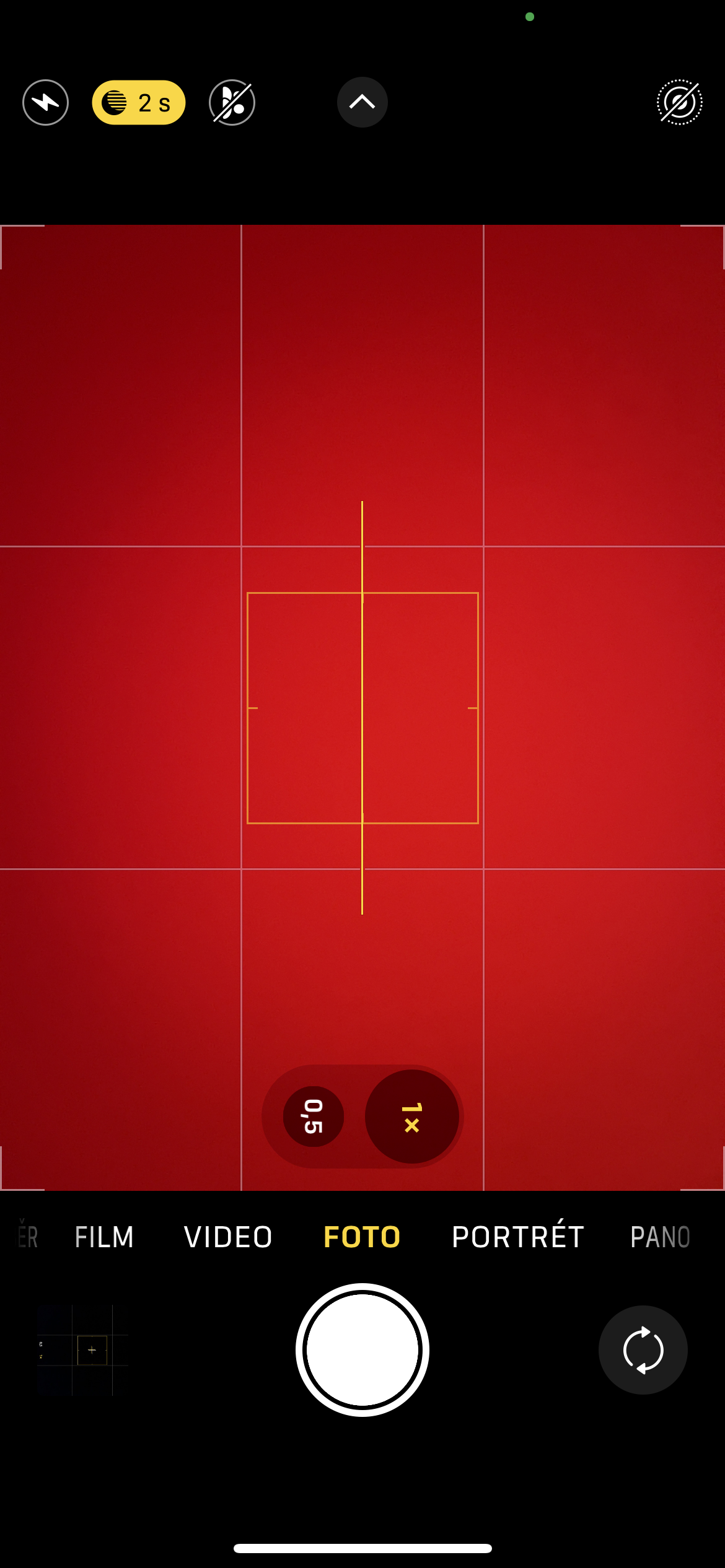
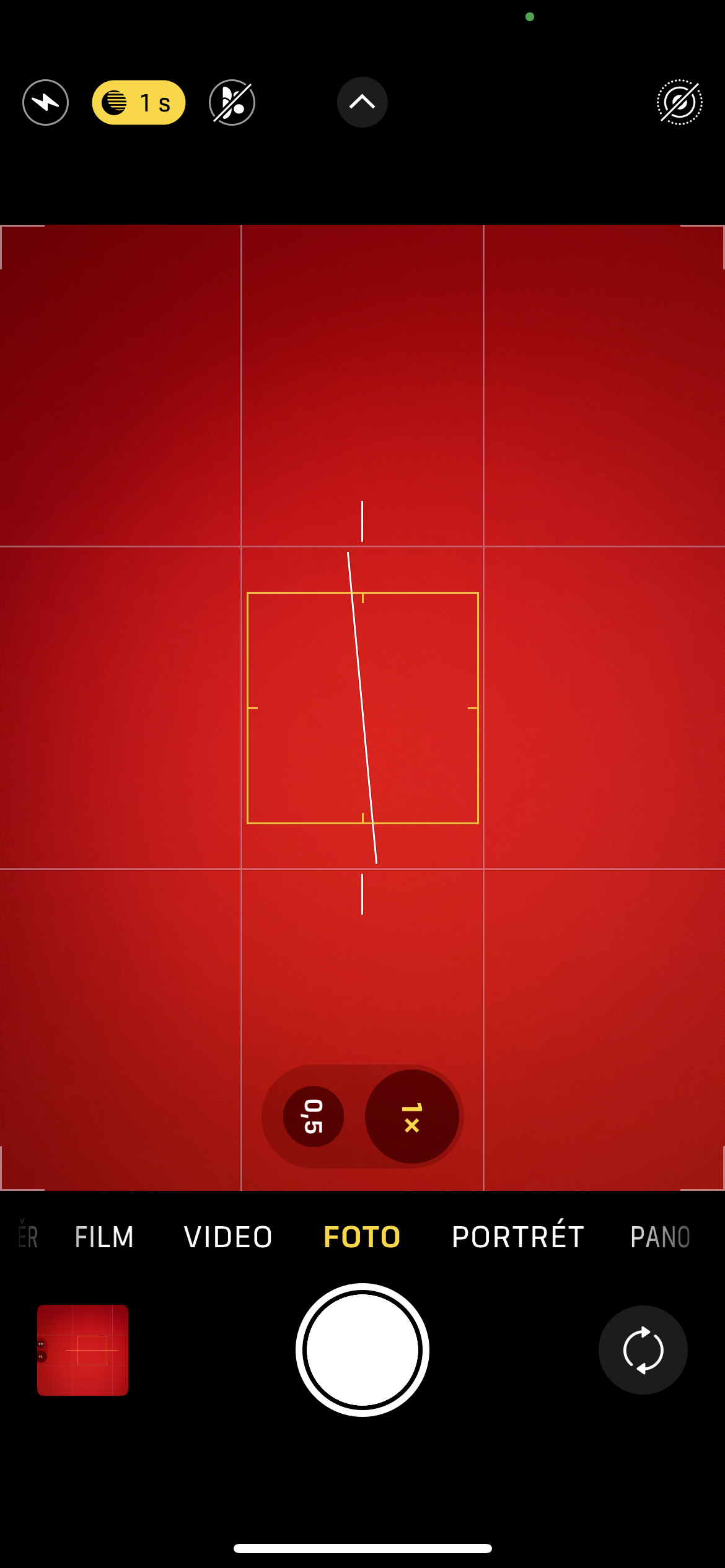
From version iOS 11 the camera offers you a crosshair assistant to verify that your iPhone held level with the ground, whether you're aiming for the sky or the ground. With the advent of iOS 17, the possibilities are even wider. Now you can also use a virtual spirit level, which is activated when taking photos or videos at eye level and is used to accurately align the horizon. This new feature differs from the original cross in that it provides tactile feedback when you reach the plane, which ensures even more intuitive and precise control.
Gallery
Adjusting the focus
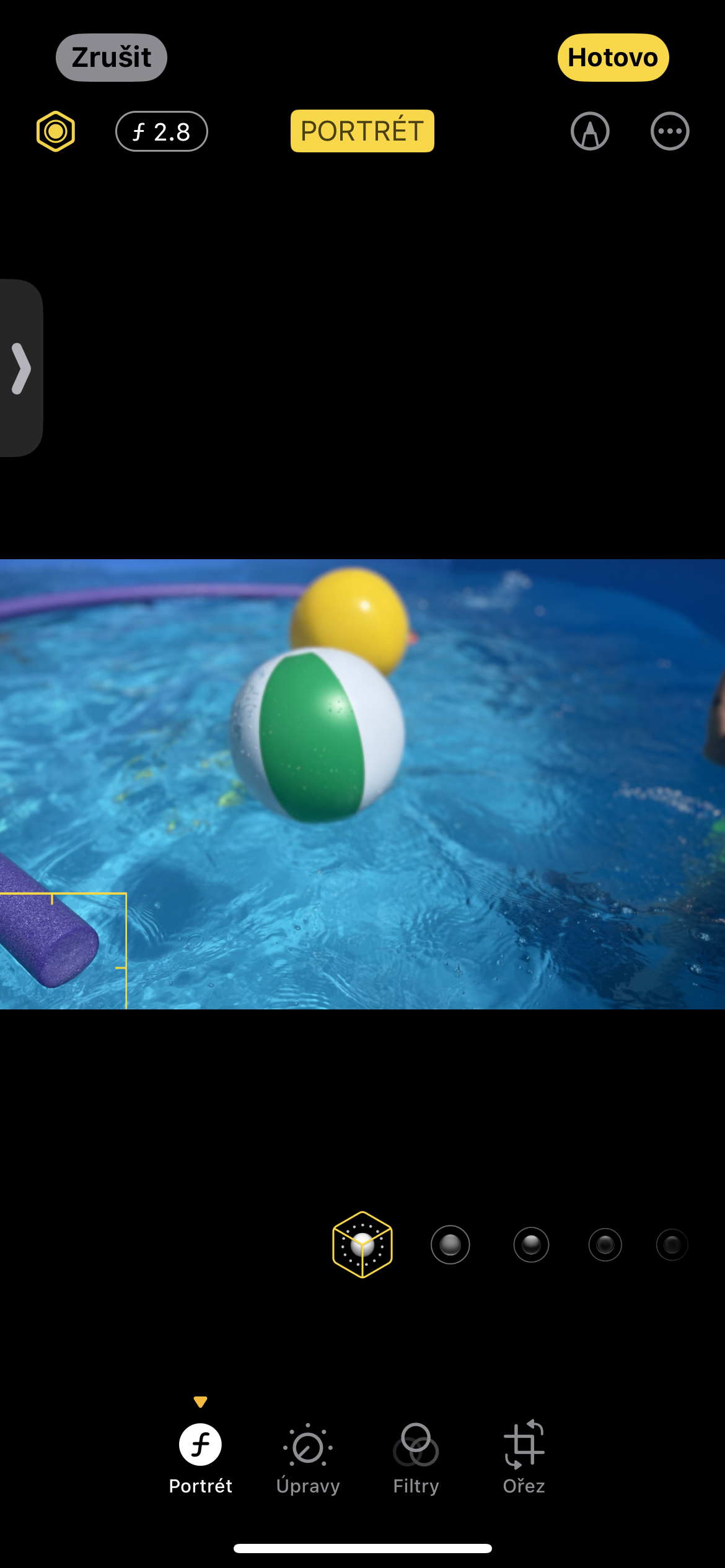
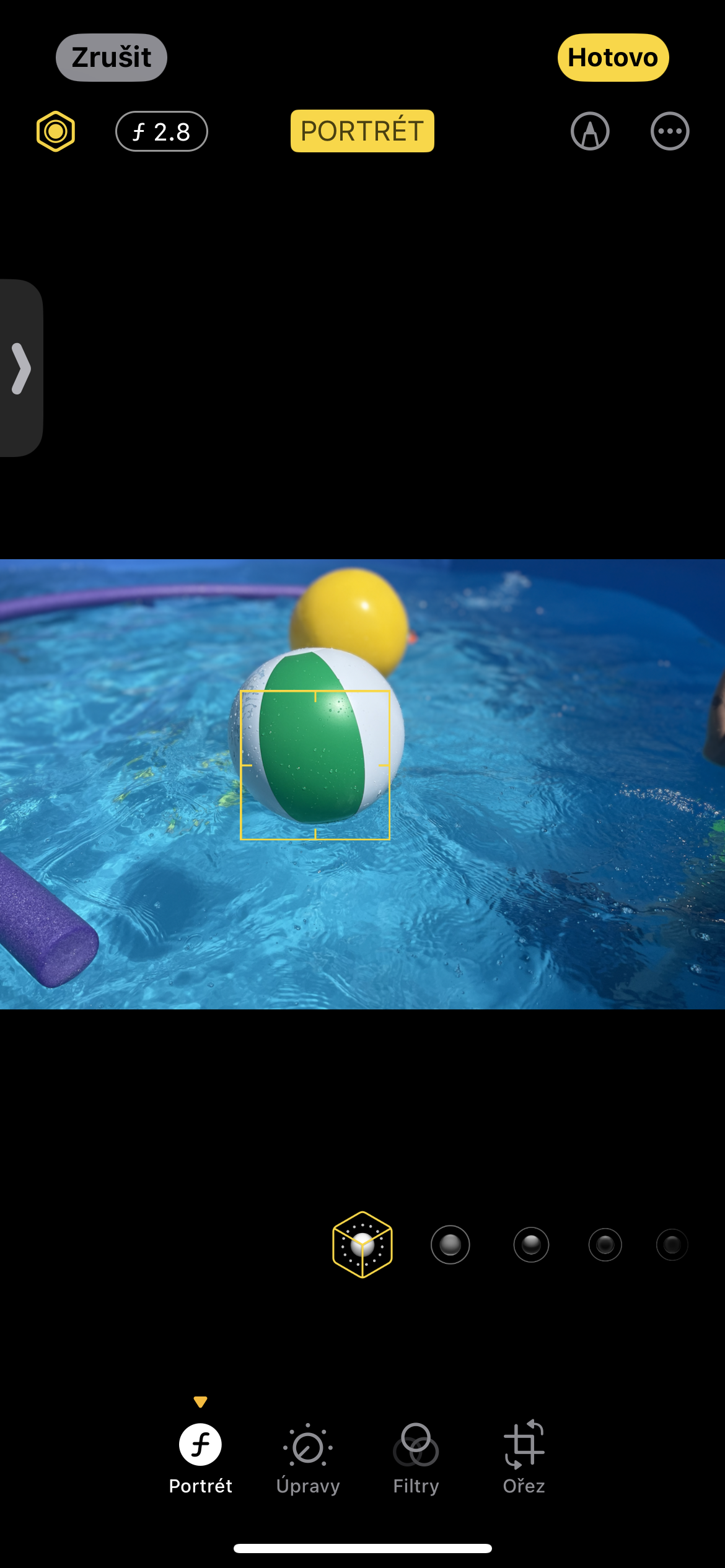
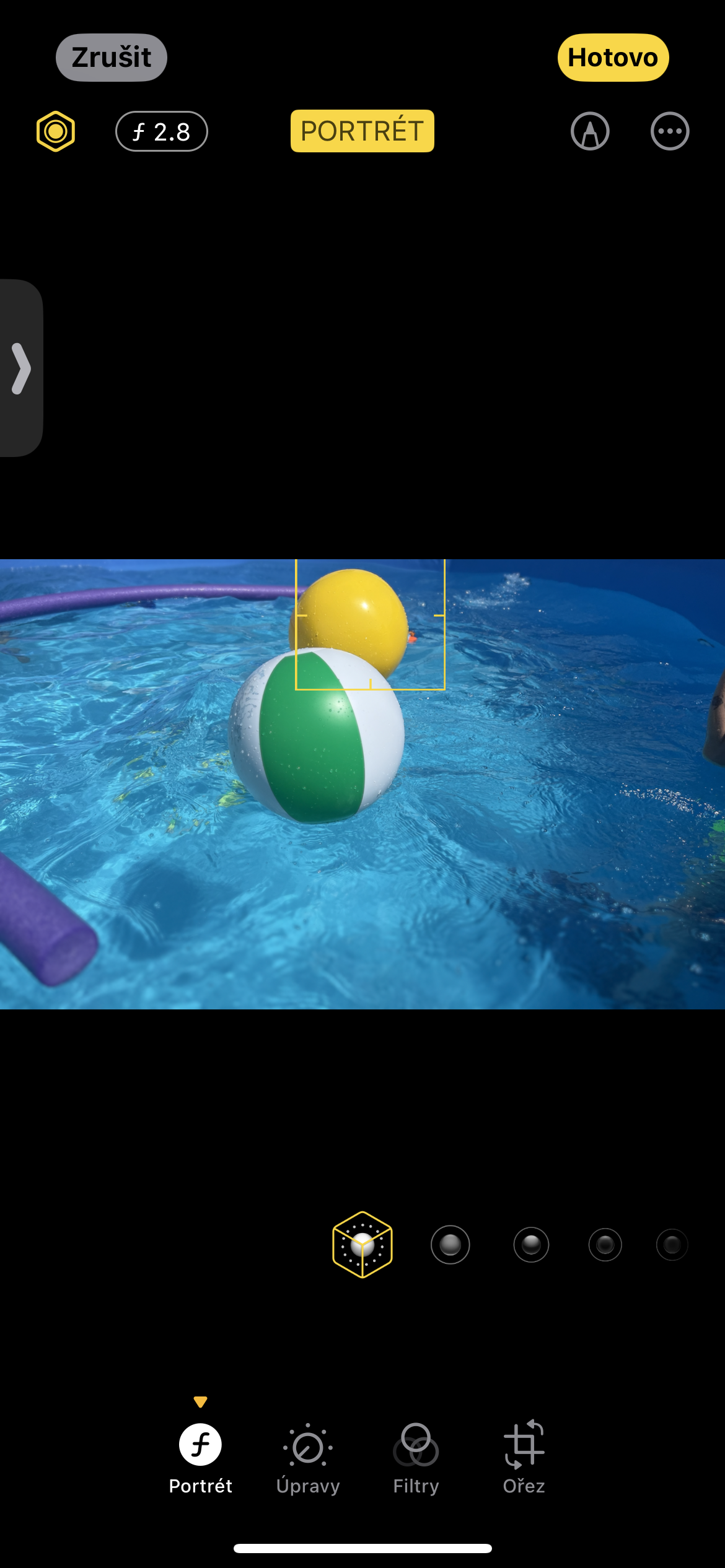
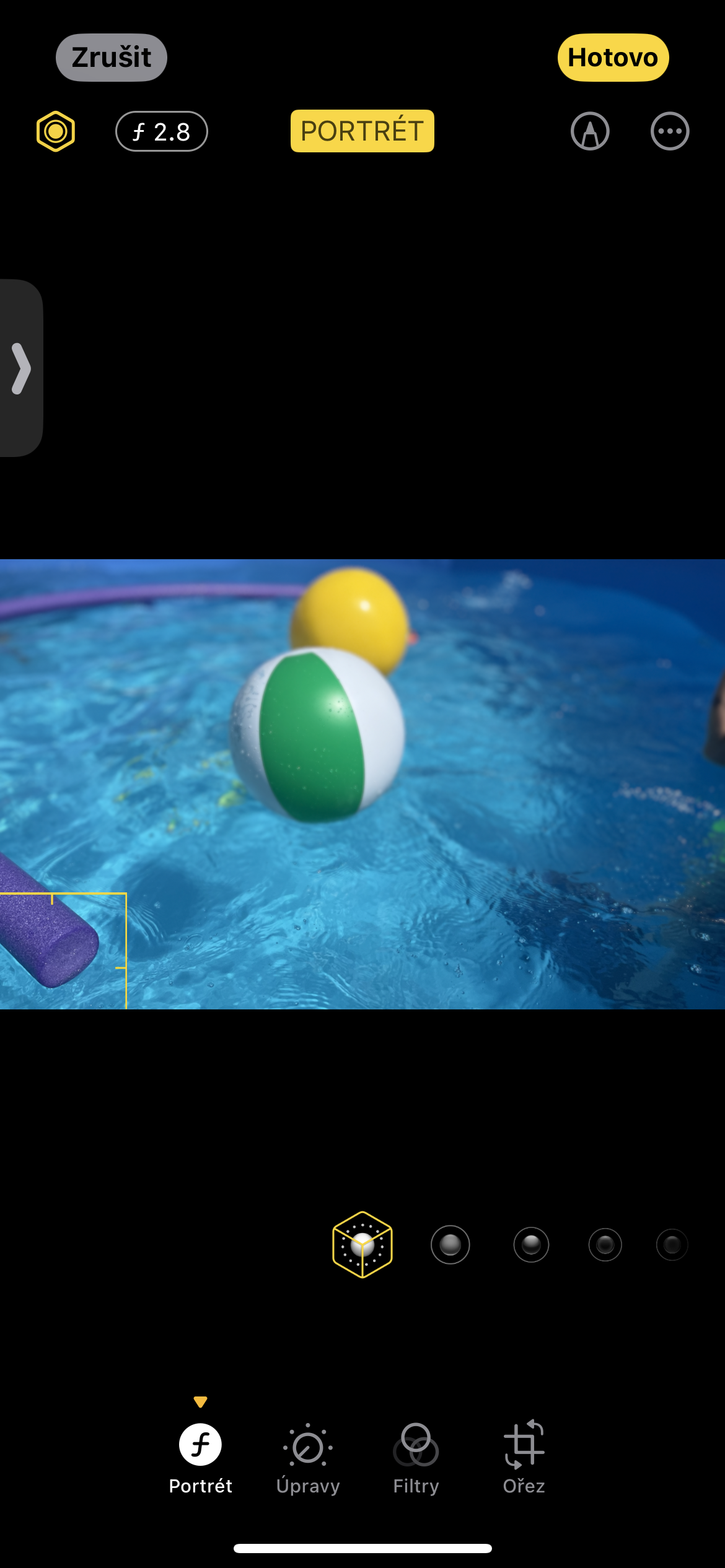
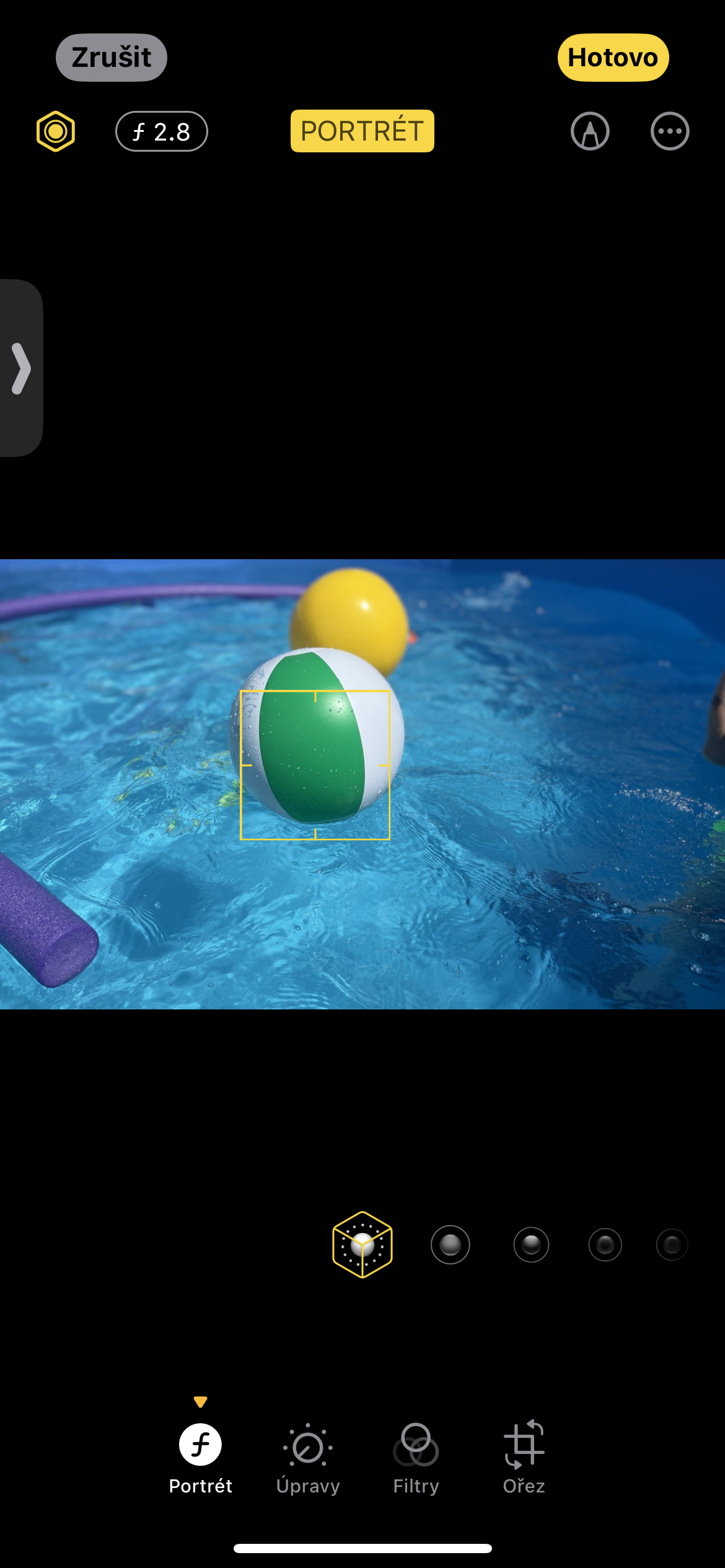
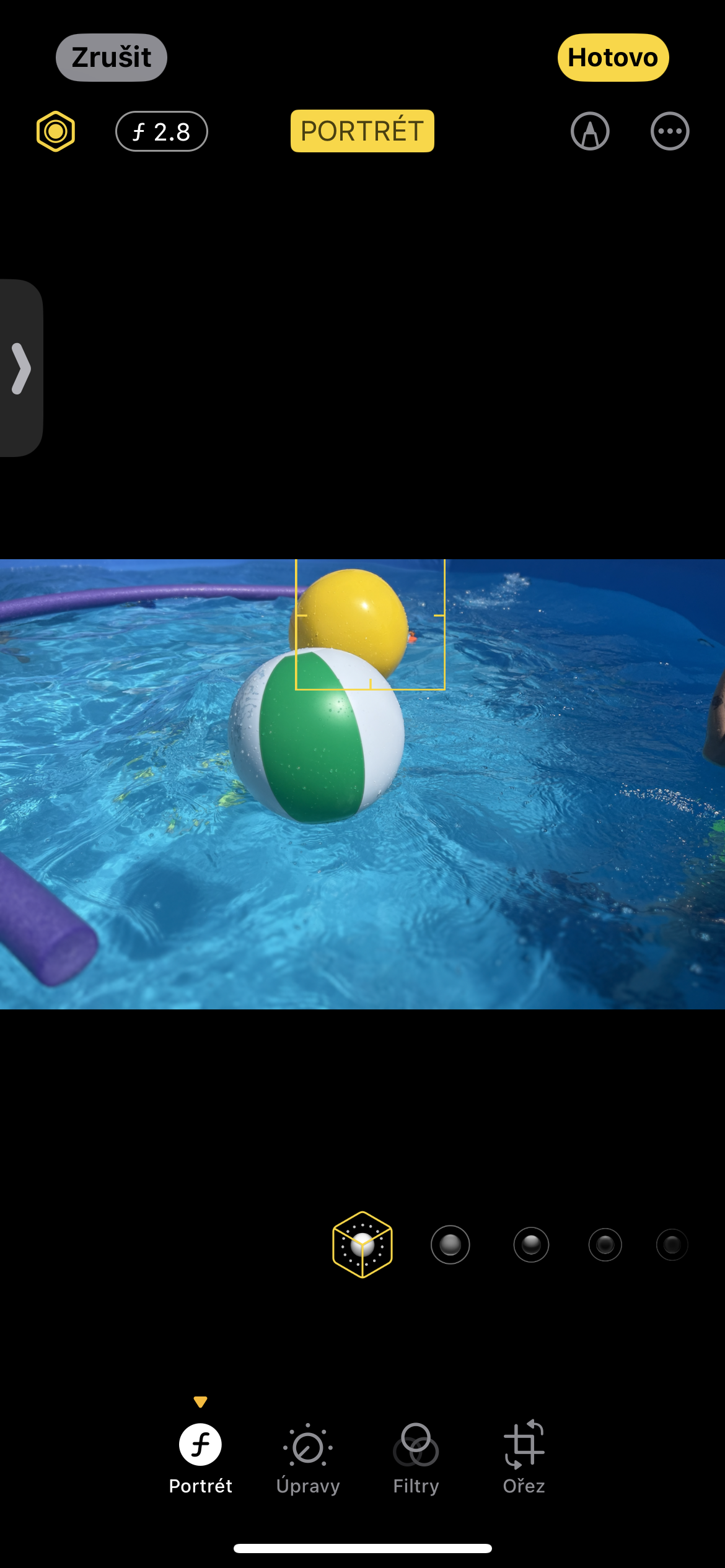
To adjust the focus of portrait photos taken with your iPhonem, follow these steps: First, open the Photos app and select the photo you want to edit. Then, tap the “Edit” button in the top-right corner of the screen. You’ll see a set of editing tools at the bottom of the screen, from which select the one labeled “Portrait.” In this mode, you’ll see a yellow dot on the photo that indicates the current focus point. Pro To change the focus, simply tap your finger on the new desired location in the image. The yellow dot will immediately move and the system will automatically recalculate the depth of field to achieve the new focus.
Gallery