
Location sharing
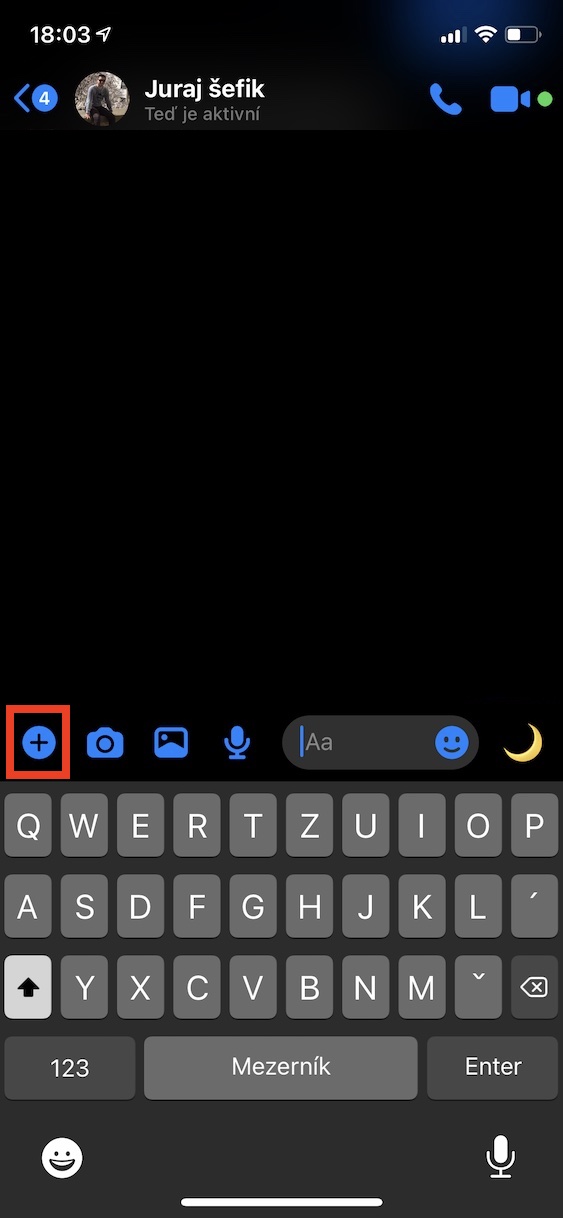
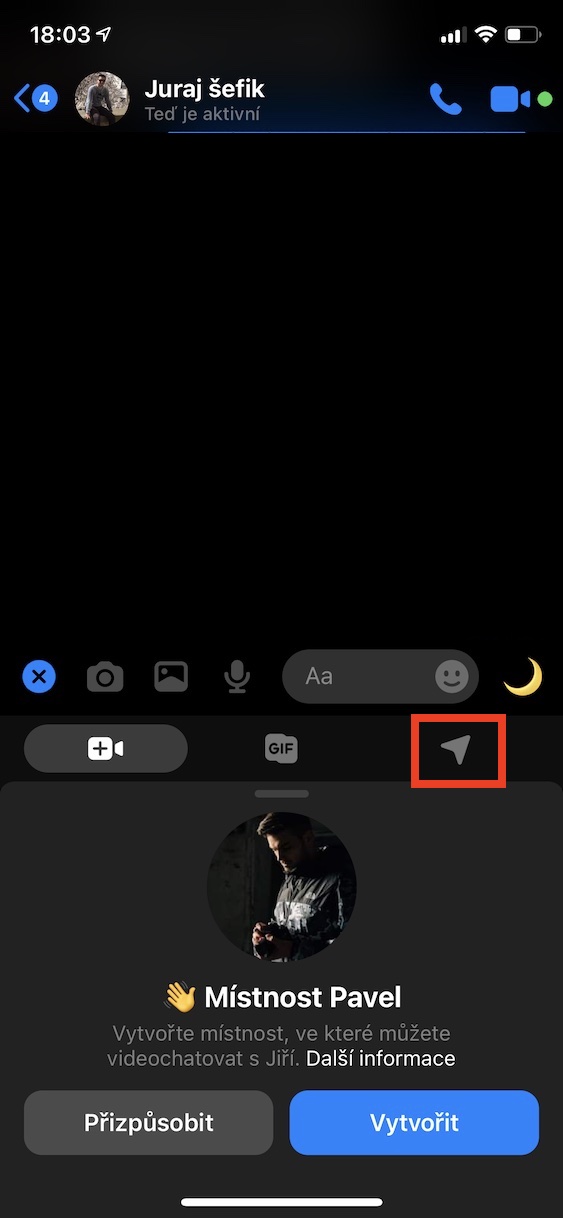
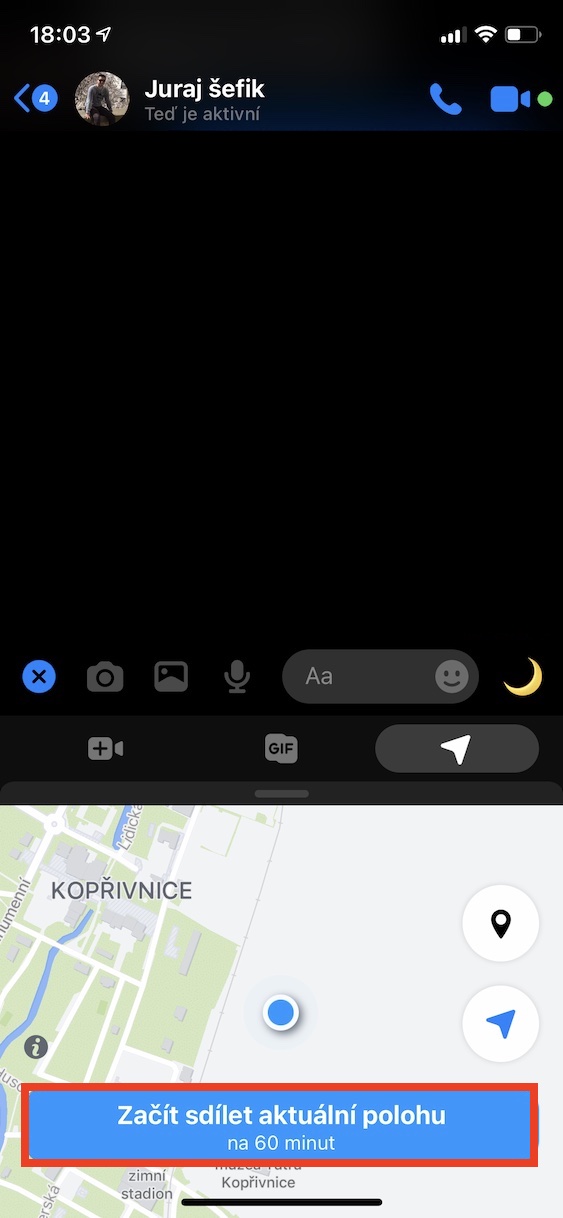
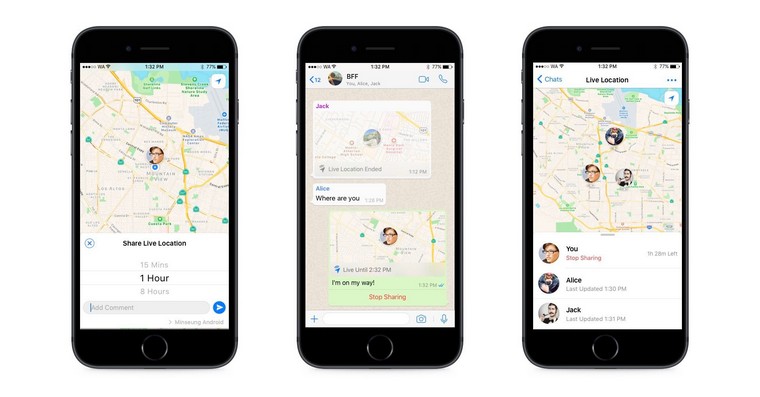
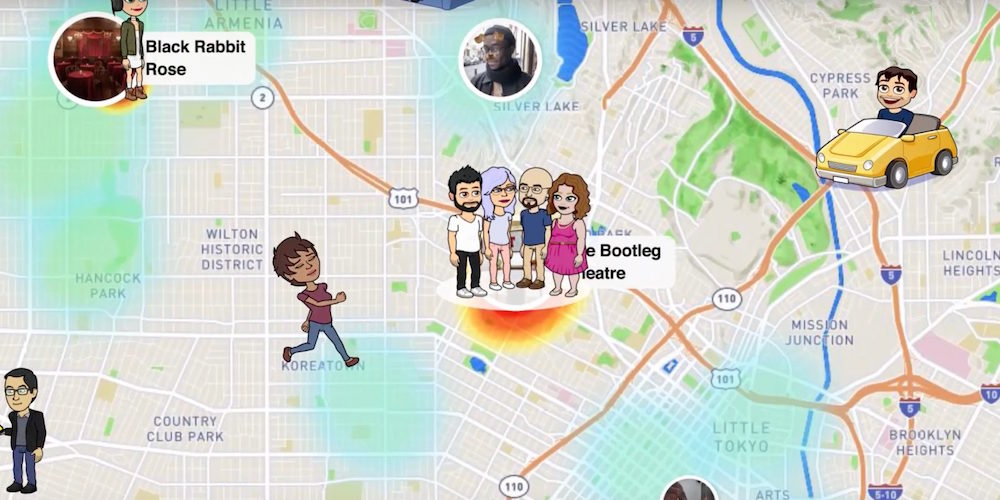
To tell your friends exactly where you are right now, Messenger will allow you to do this easily. Just open chat with that person, tap the + icon next to the text box, and then select Share Current Location. This will send your precise GPS location, which the person can view on a map. This location will automatically stop sharing after one hour.
If you need to share your location for a longer period of time or stop it early, you can do so at any time in your location sharing settings. It's a handy tool that saves you time and makes it easier to make appointments or find your way around unfamiliar surroundings.
Not just writing
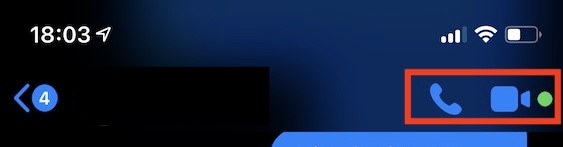
In addition to writing, you can chat with friends on Messengeru can also conveniently make phone calls or arrange video calls. Even though the situation with restrictions is gradually improving, it is good to keep in mind that new changes may occur. So whether you haven't seen someone for a long time or have friends in faraway places, Messenger allows you to stay in touch with them. To call or chat with someone face-to-face, just open a specific conversation and click the headphone icon in the top right corner for a voice call or the camera icon for a video call. Pro Of course, these features require a stable internet connection, whether via Wi-Fi or mobile data.
Change nickname
If you want to Messengeru Customize conversations and use your favorite nicknames instead of full names, it's not difficult at all. Just open chat with a specific contact or group and click on the person's name or group name at the top of the screen. Then select Nicknames and here you can easily add or change the nickname you want to use for that specific person. This nickname will then appear in all your conversations with each other and also in notifications. It's a great way to make communicating with friends and family more enjoyable and add to chatwith a little more personal touch.
Gallery
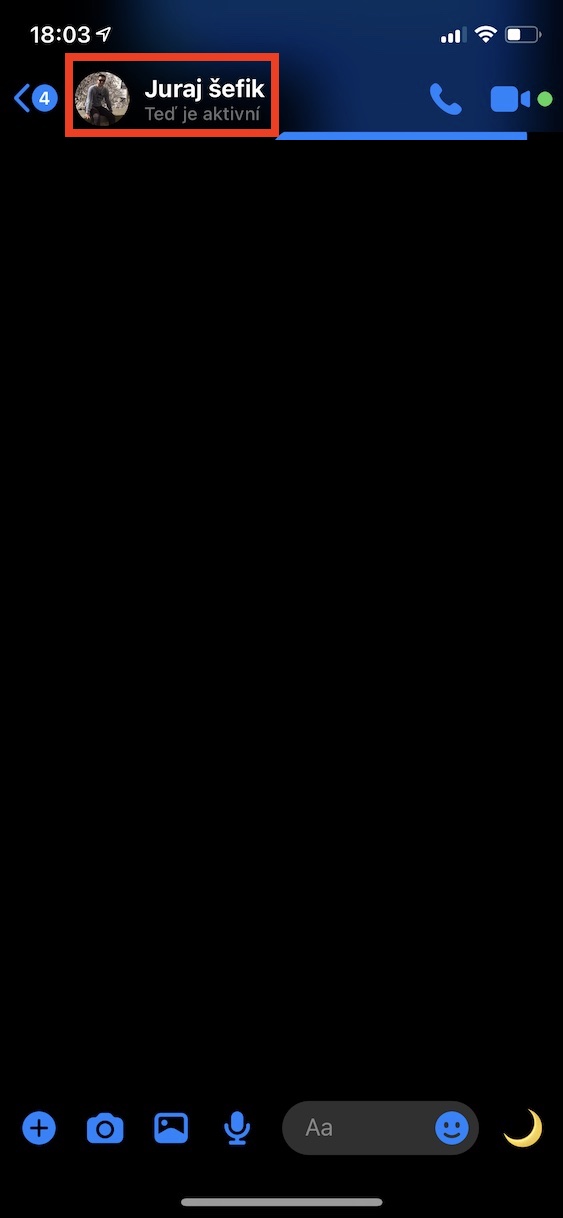
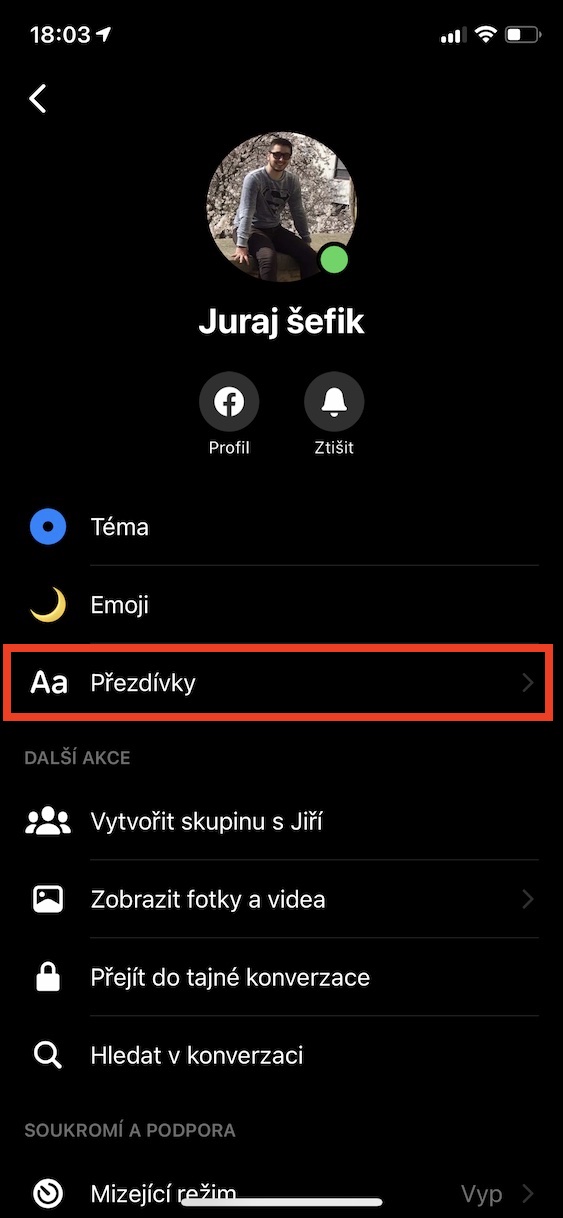
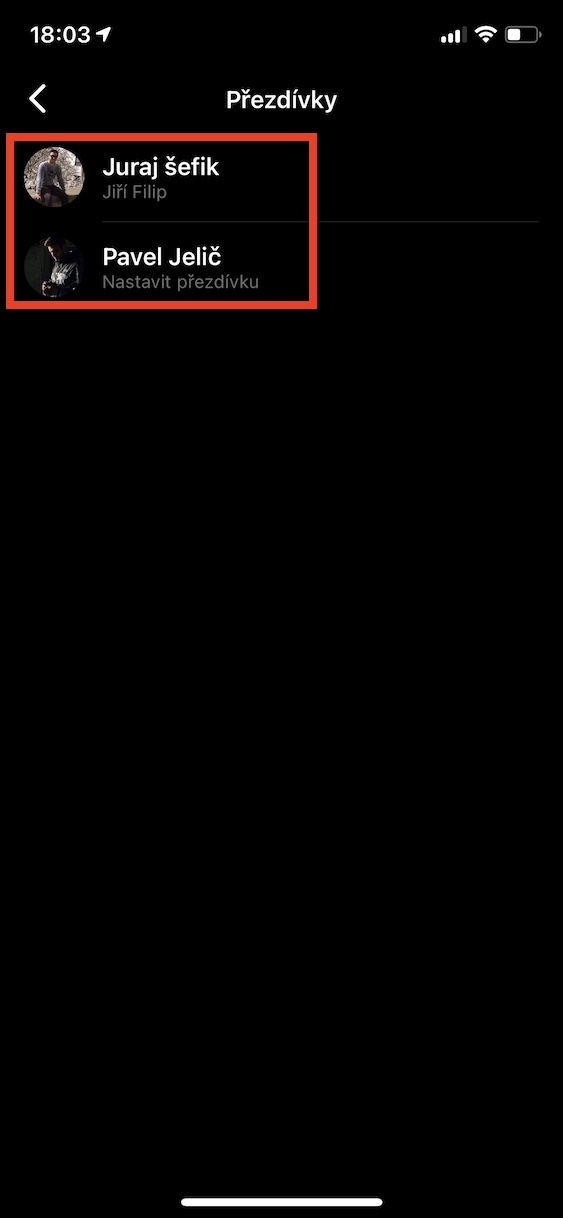
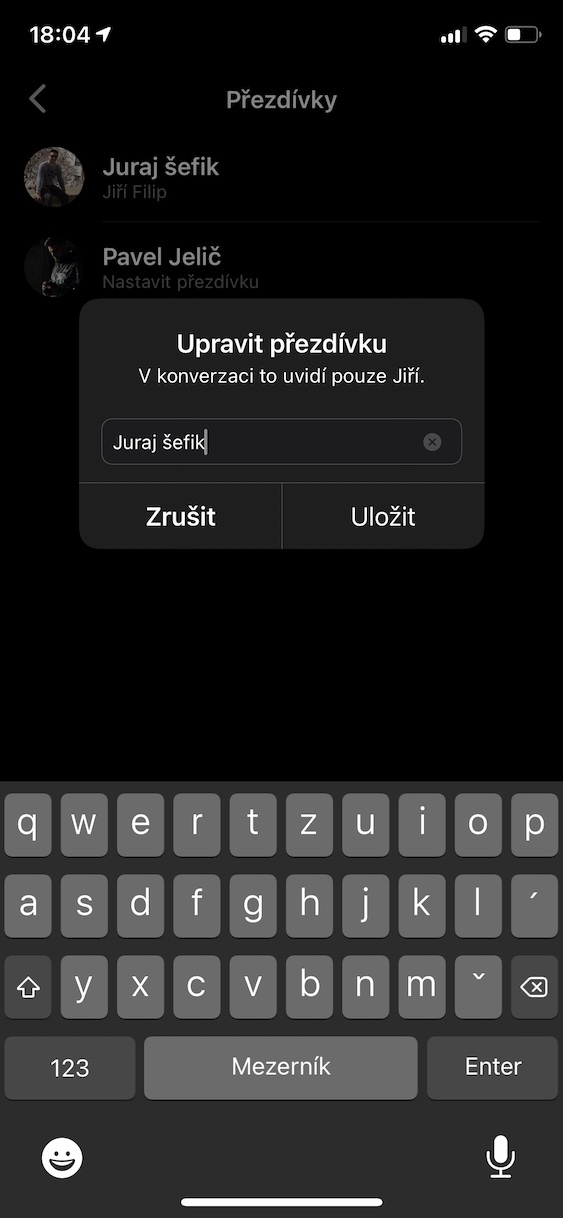
Photo annotations
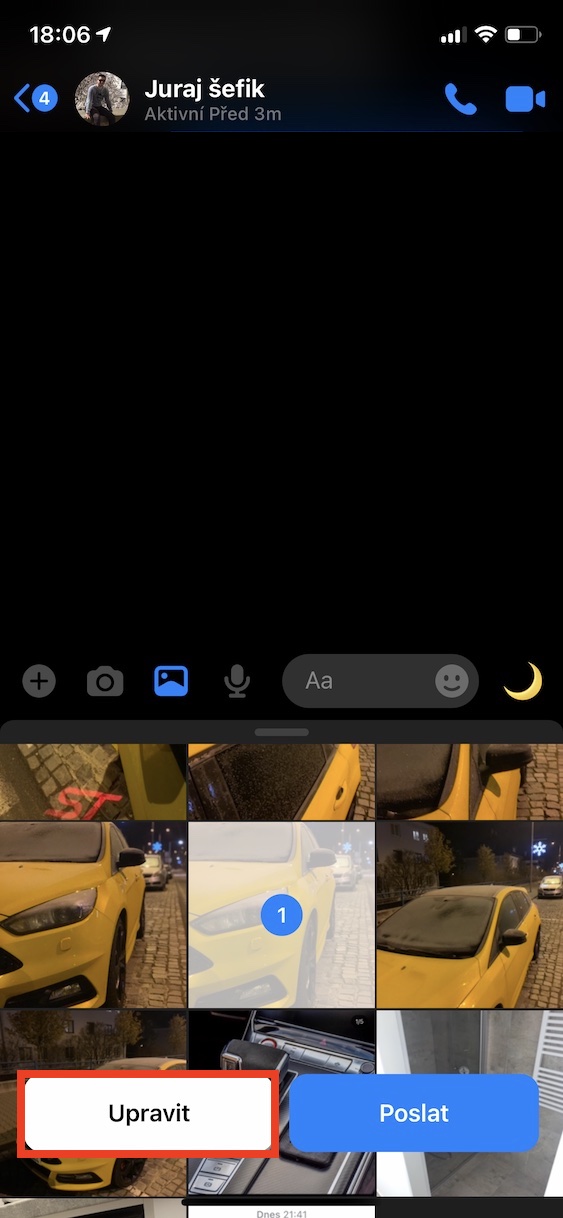
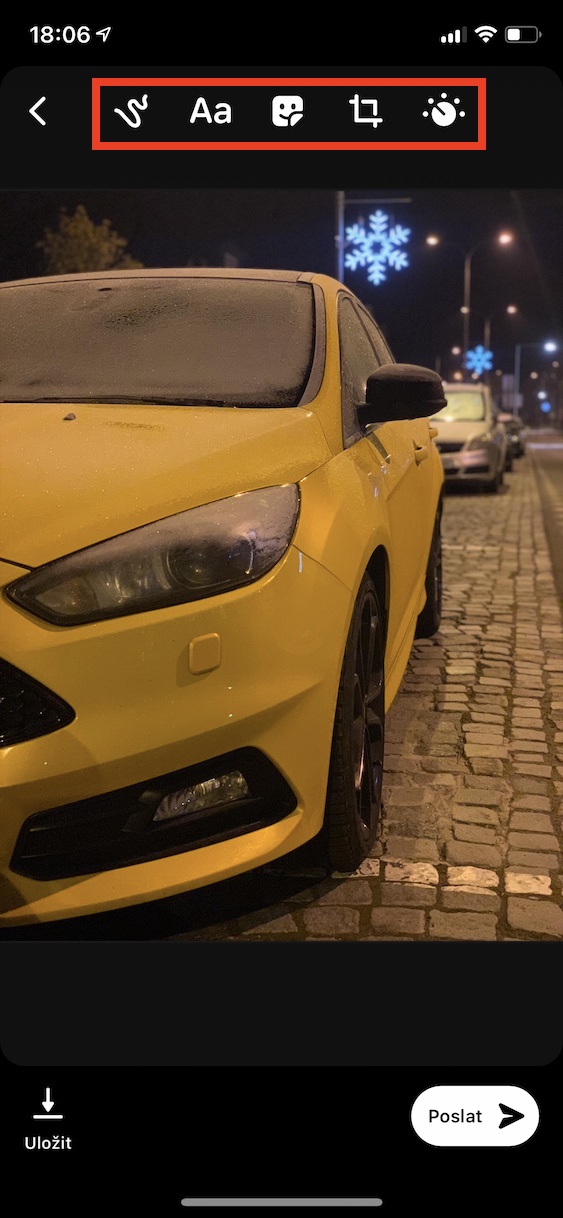
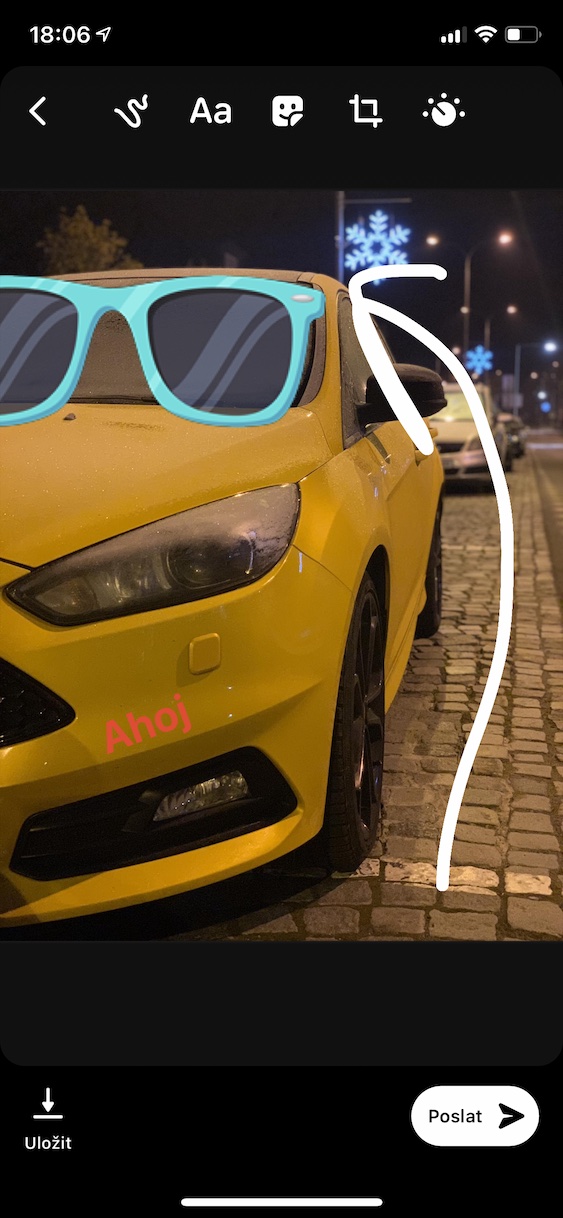
If you want in Messengeru add some text, an arrow or maybe a fun sticker right when you send a photo, it's not difficult at all. Just select the photo you want to send and before you send it, tap the Edit button. You will see several tools that you can use to easily edit the photo right in the Messengeru. You can add different shapes, text, or choose from a bunch of fun stickers. And if you want to crop your photo to highlight only the most important things, that's also possible. With these simple tools, you can finish your photos before sending them and make them even more interesting.
Gallery
Change of appearance chatu
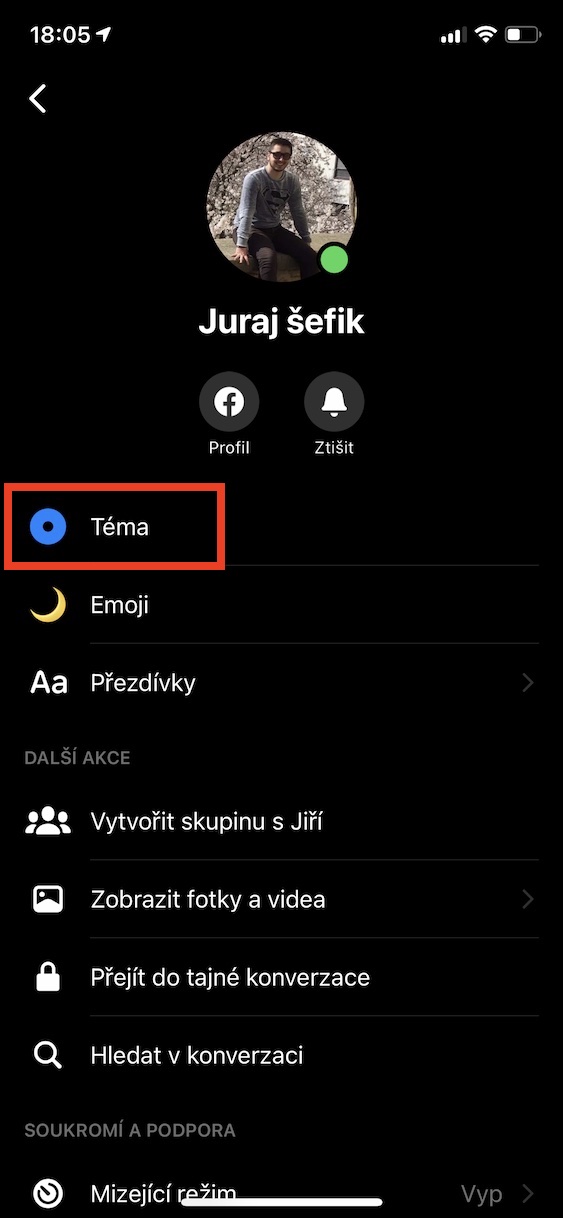
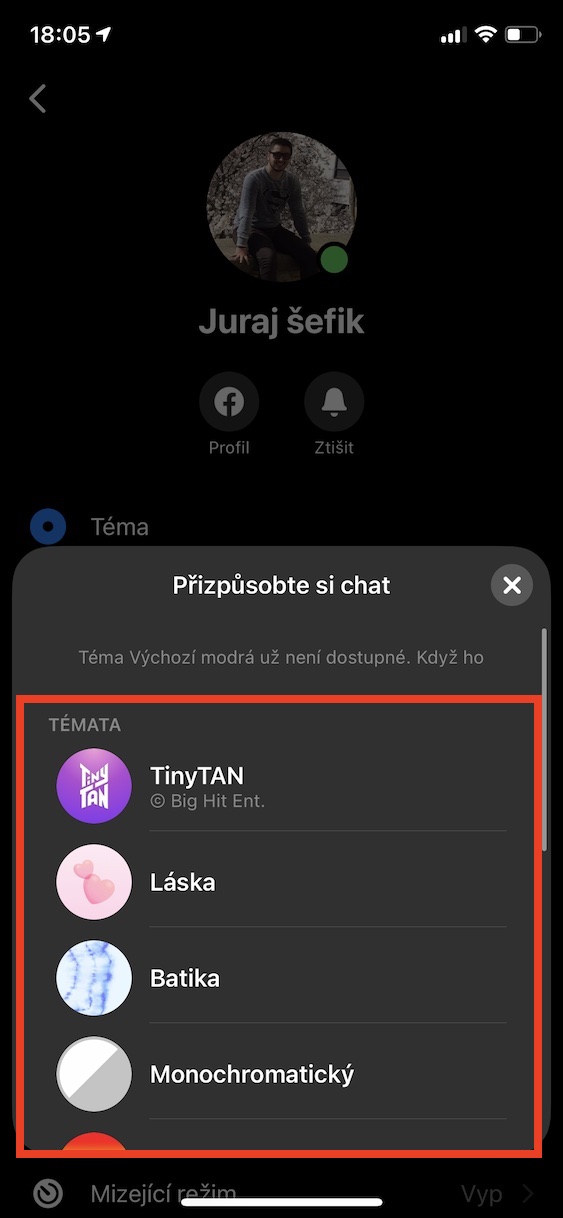
In addition to changing nicknames, which we've already covered, you can completely change the look of your entire conversation. You can choose from several pre-made themes that change the color of the background, message bubbles, and controls. It's a great way to make everyone feel special. chat to suit your style or mood.
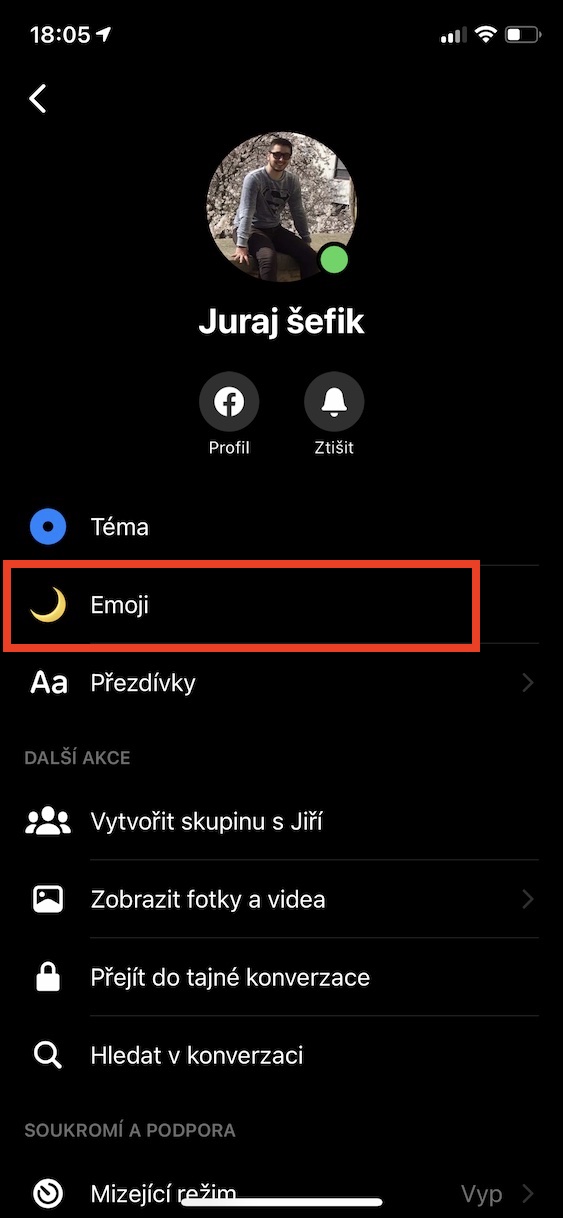
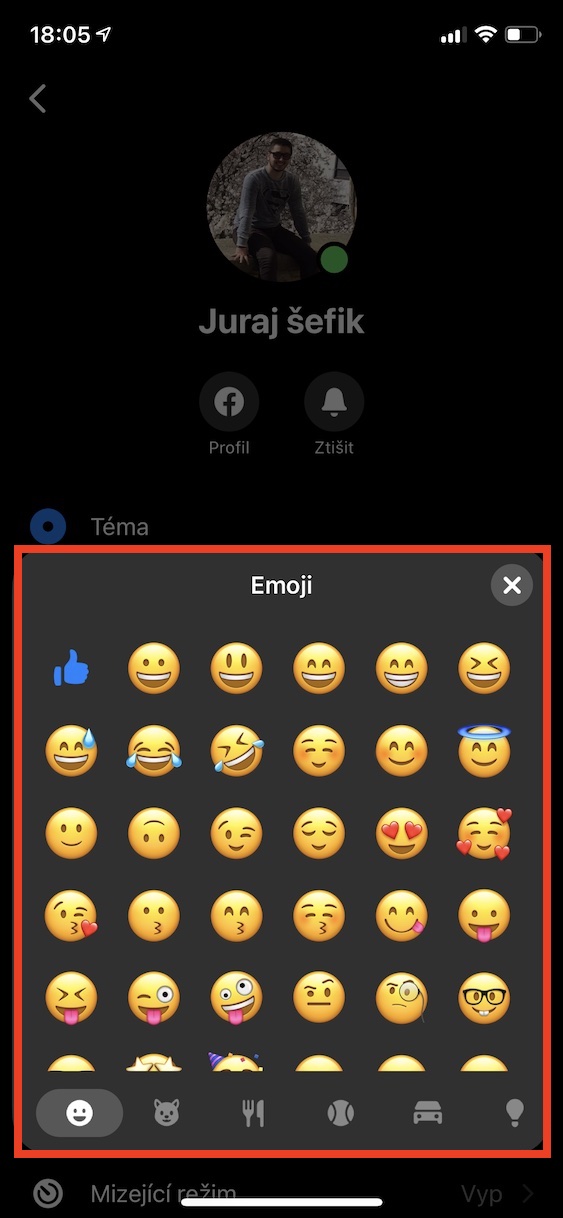
How to do it? Open the conversation you want to edit and tap the contact name or group name at the top of the screen. There are several options here, including a Theme box. Clicking on it will bring up a palette of colors and styles to choose from. In addition to the color, you can also choose the main emoji for the conversation, which will appear next to the contact's name. Just tap on Emoji and choose the one you like the most.
Gallery


You can register at Messenger without FB? I had both deleted in December, so I'm wondering if it would be possible Messenger use without FB