
Company Apple recently introduced a new Invitations app Apple (Apple Invites), which is revolutionizing the way events and meetings are organized. The app allows you to easily create personalized invitations, manage your guest list, and share memories after the event. What should you know about this hot new feature?
You might be interested in
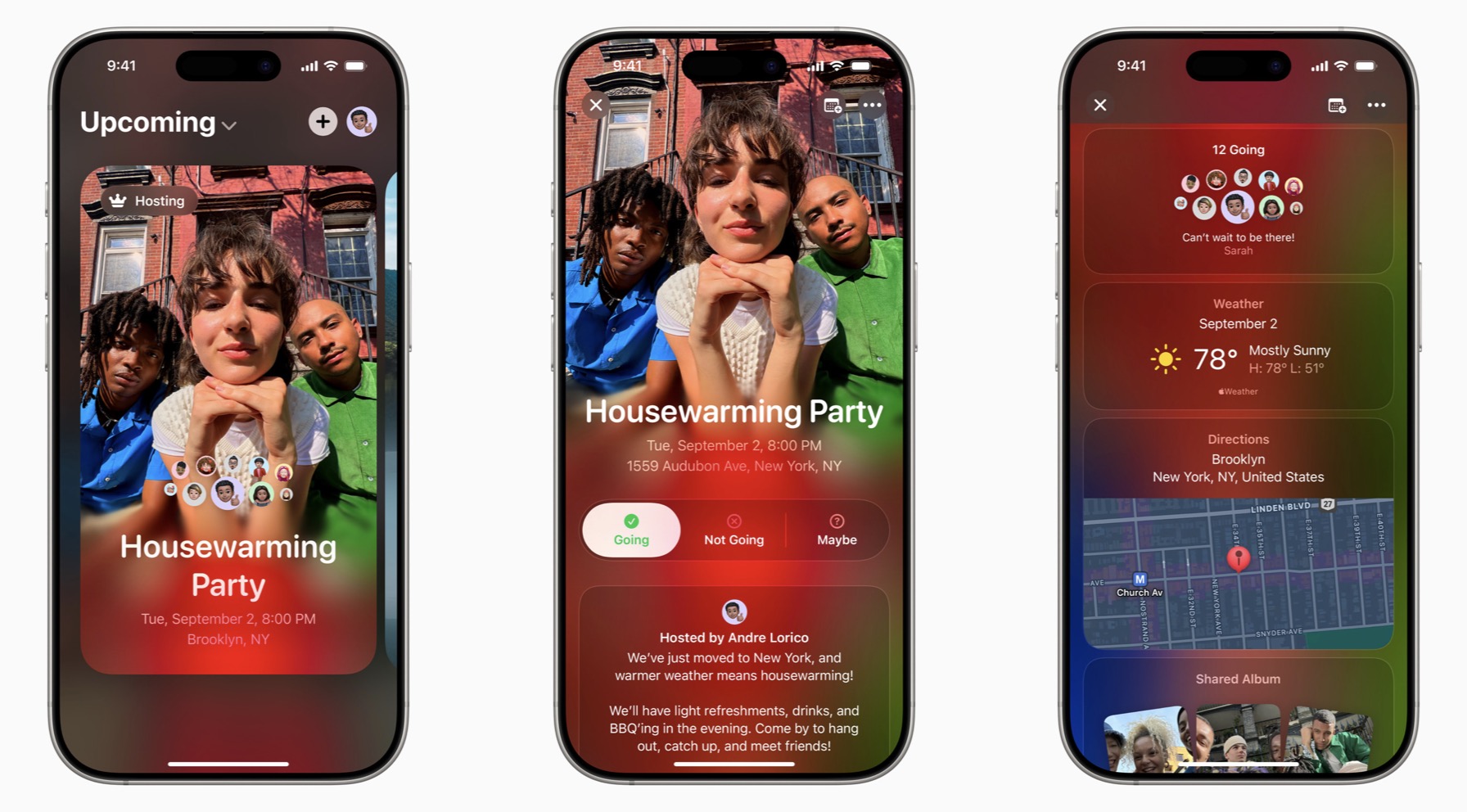
With an intuitive design and deep integration with iCloudem a Apple Music This tool offers great options for all users Apple and other platforms. The main features of this application include the ability to easily create and share invitations with your own or preset photos, integration with Apple Intelligence and of course also full-fledged tools for managing individual events.
Easy guest and invitation management
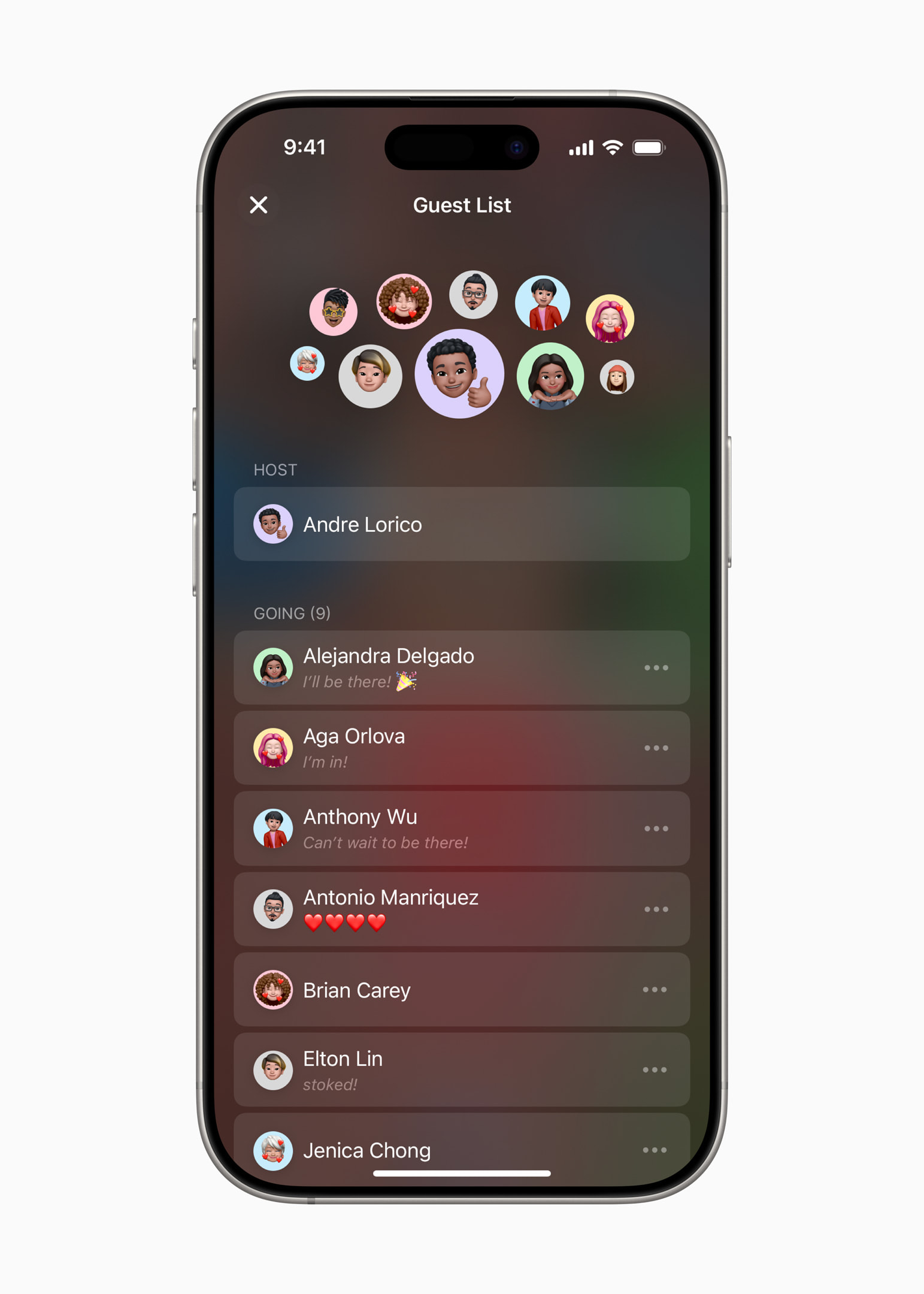
- Hosts can track invitation responses and edit event details.
- Users do not need to have Apple account or evenCloud+ subscription so they can respond to the invitation.
- The application works on any device via web browser.
Integration with iCloudin the Apple Music
- Ability to create shared music playlists for a given event.
- Shared albums on iCloudu allow guests to upload photos and videos directly to the event.
Security and privacy
- The host has full control over information sharing.
- Guests can manage their private information and opt out or report an inappropriate event at any time.
Gallery

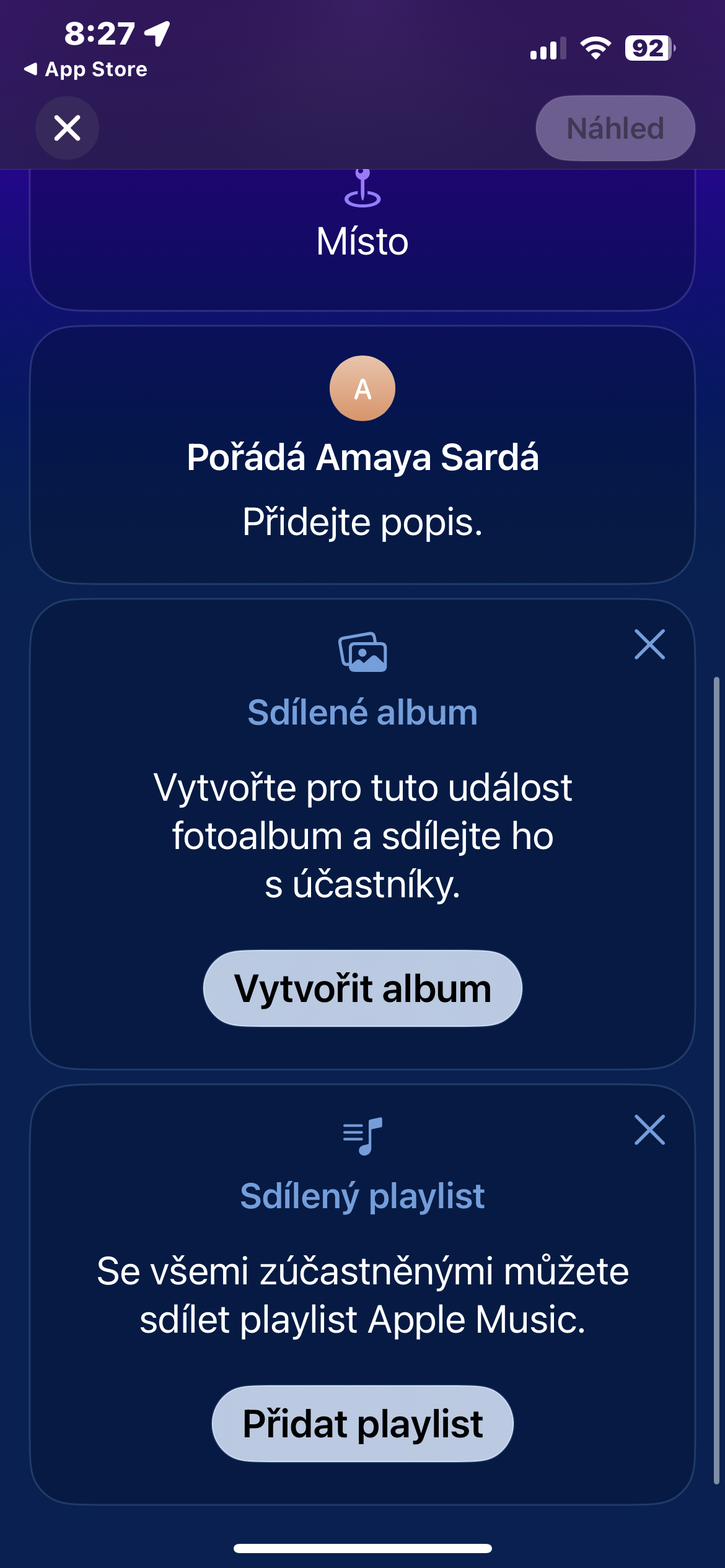

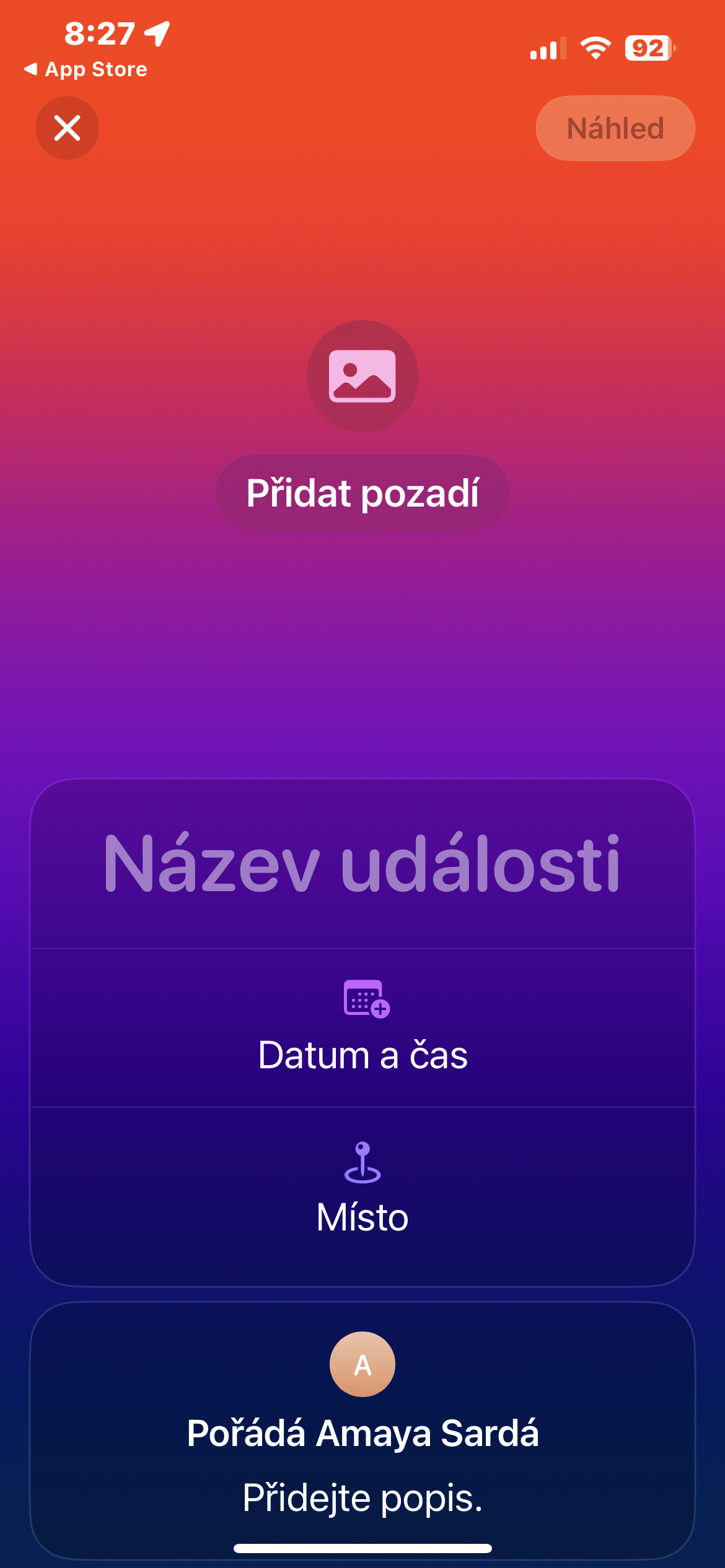
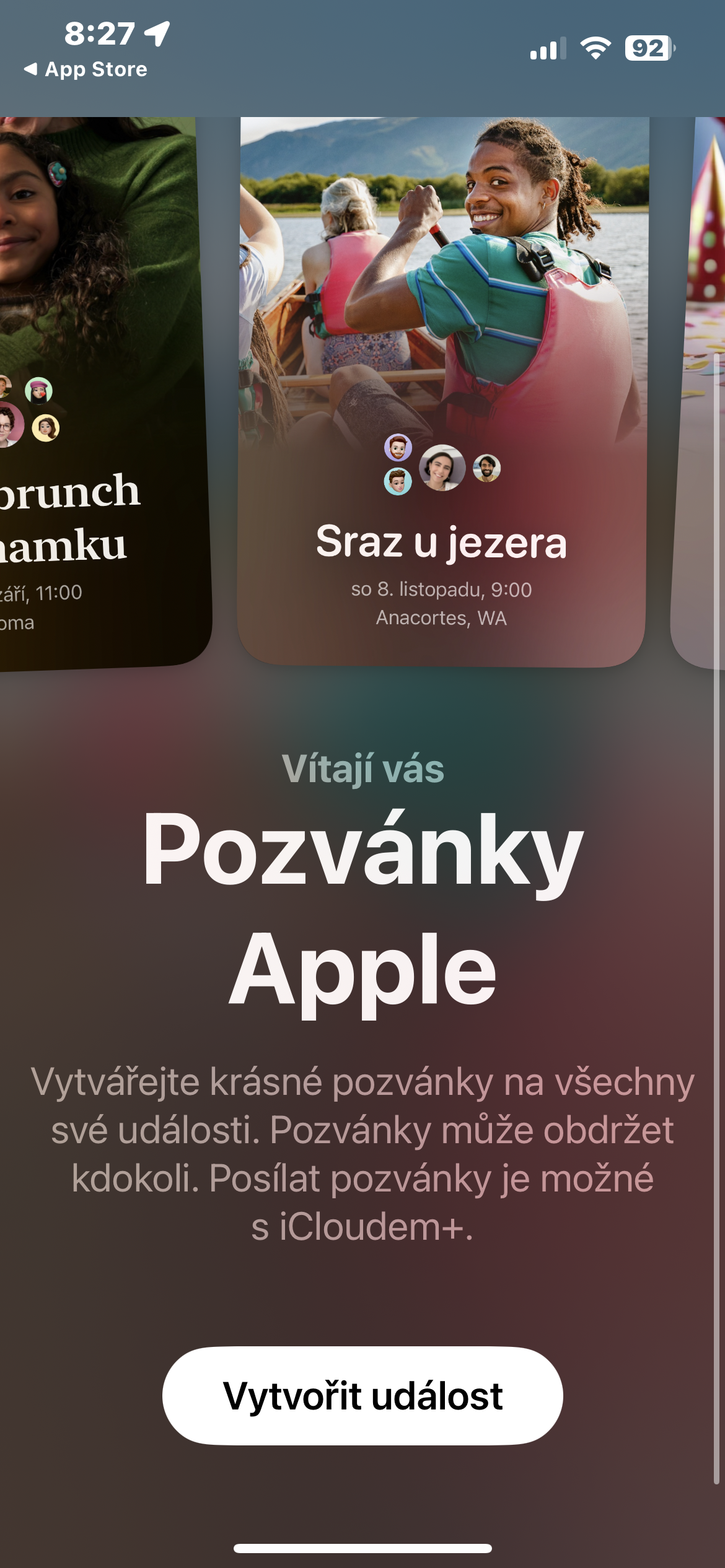
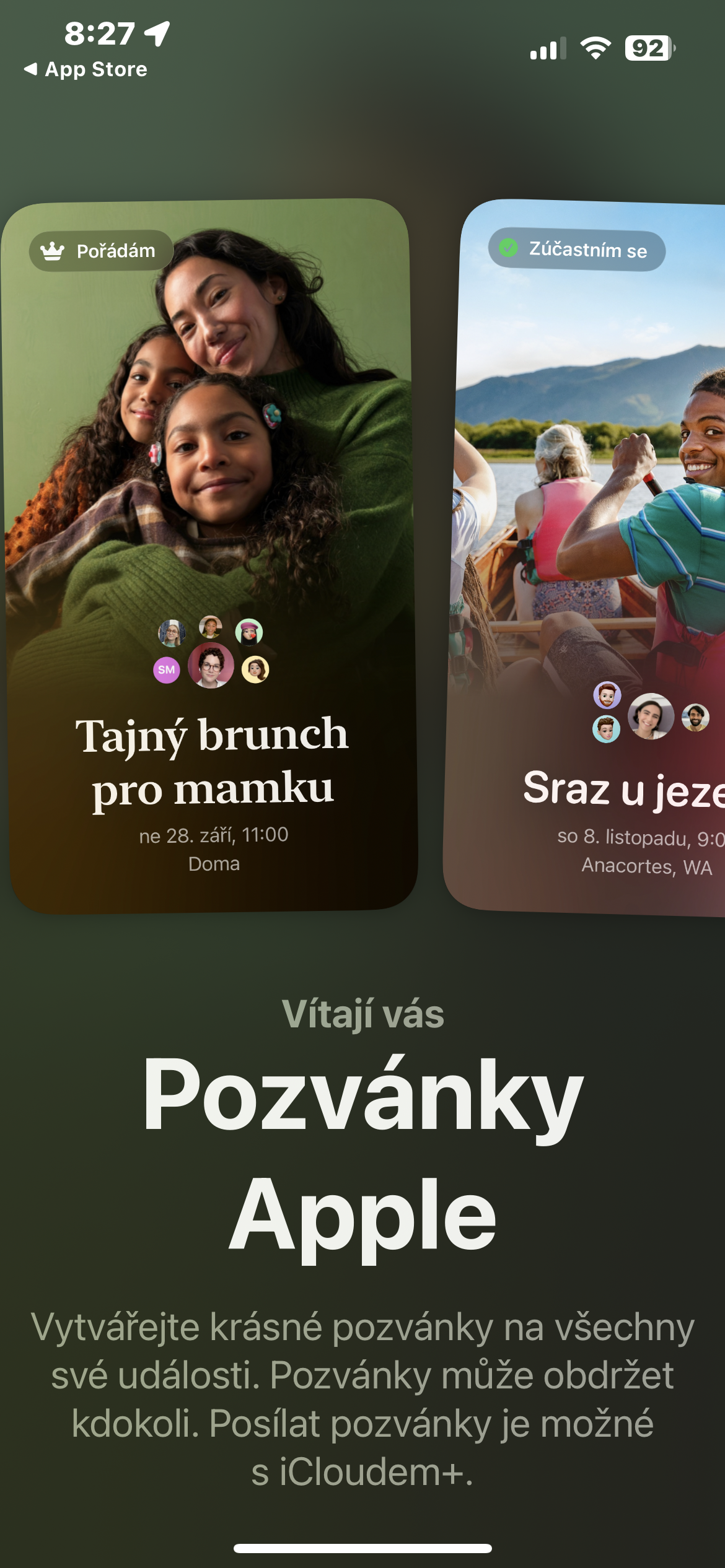
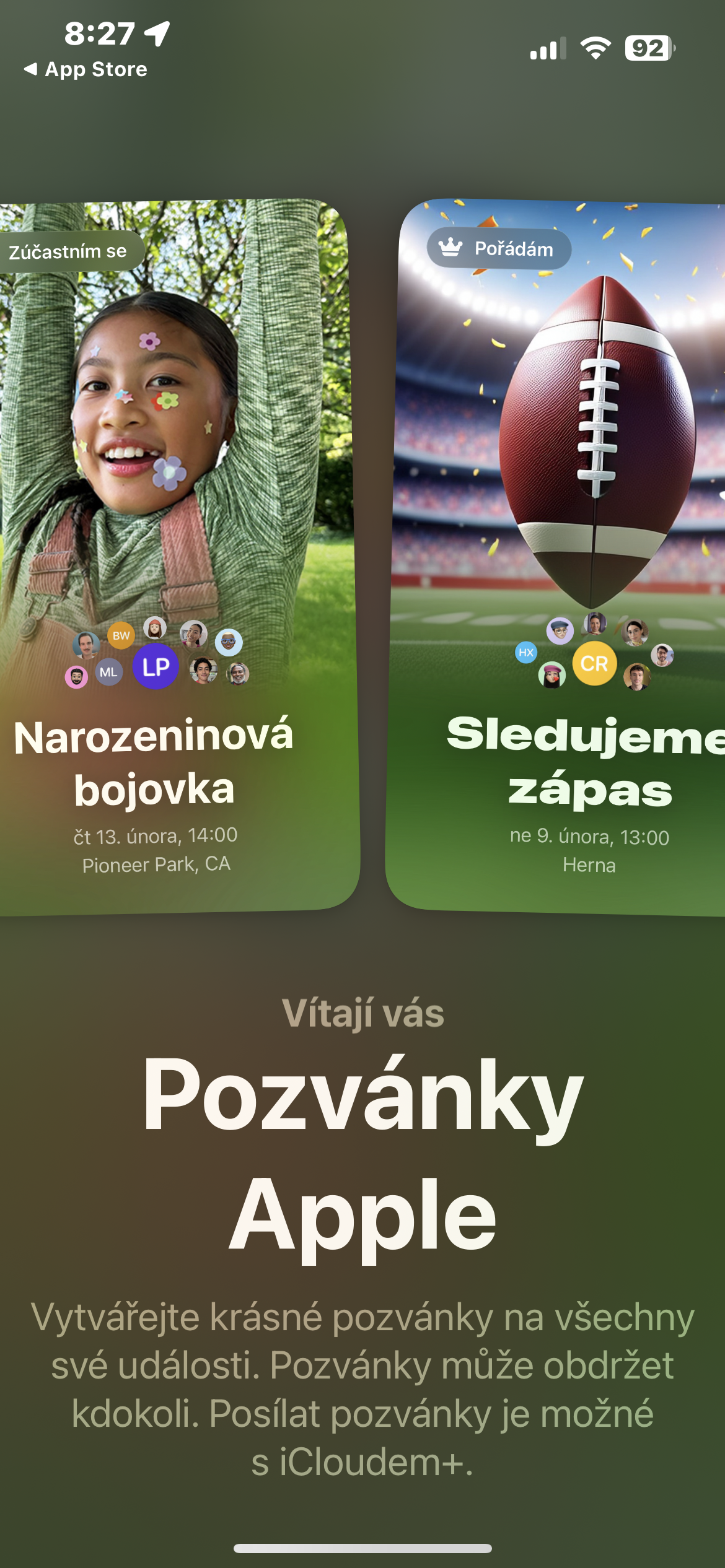

Creating invitations in the app
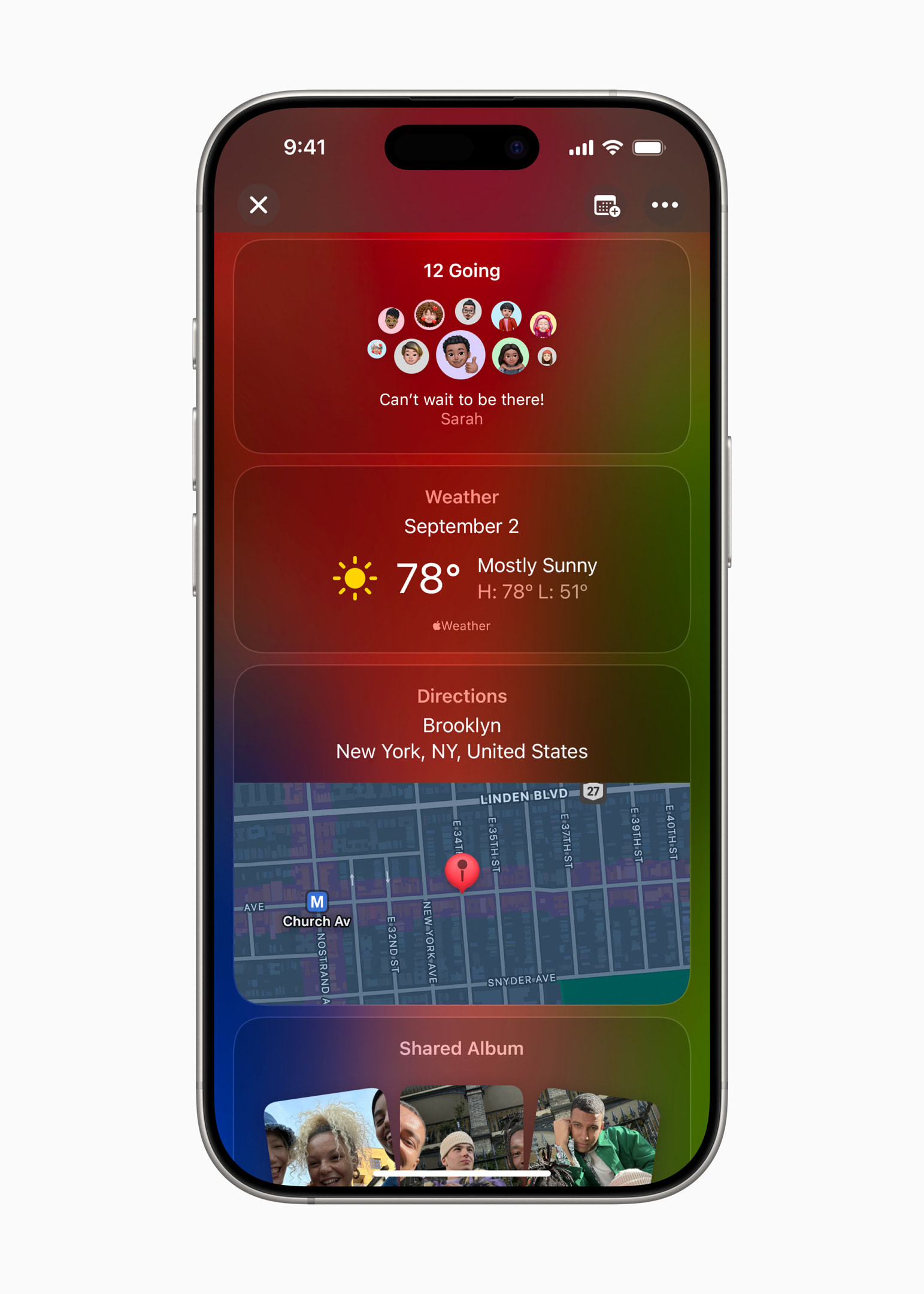
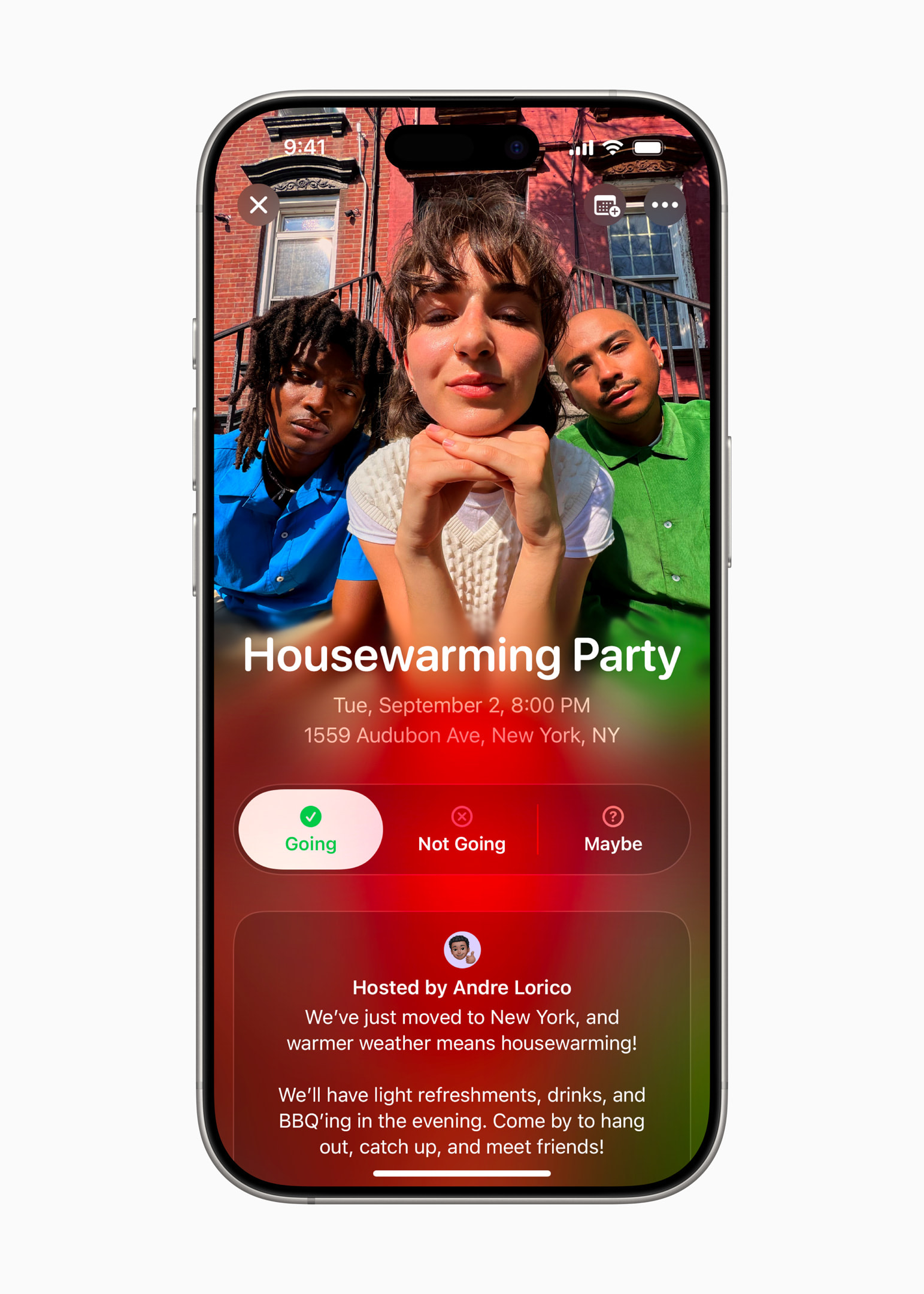
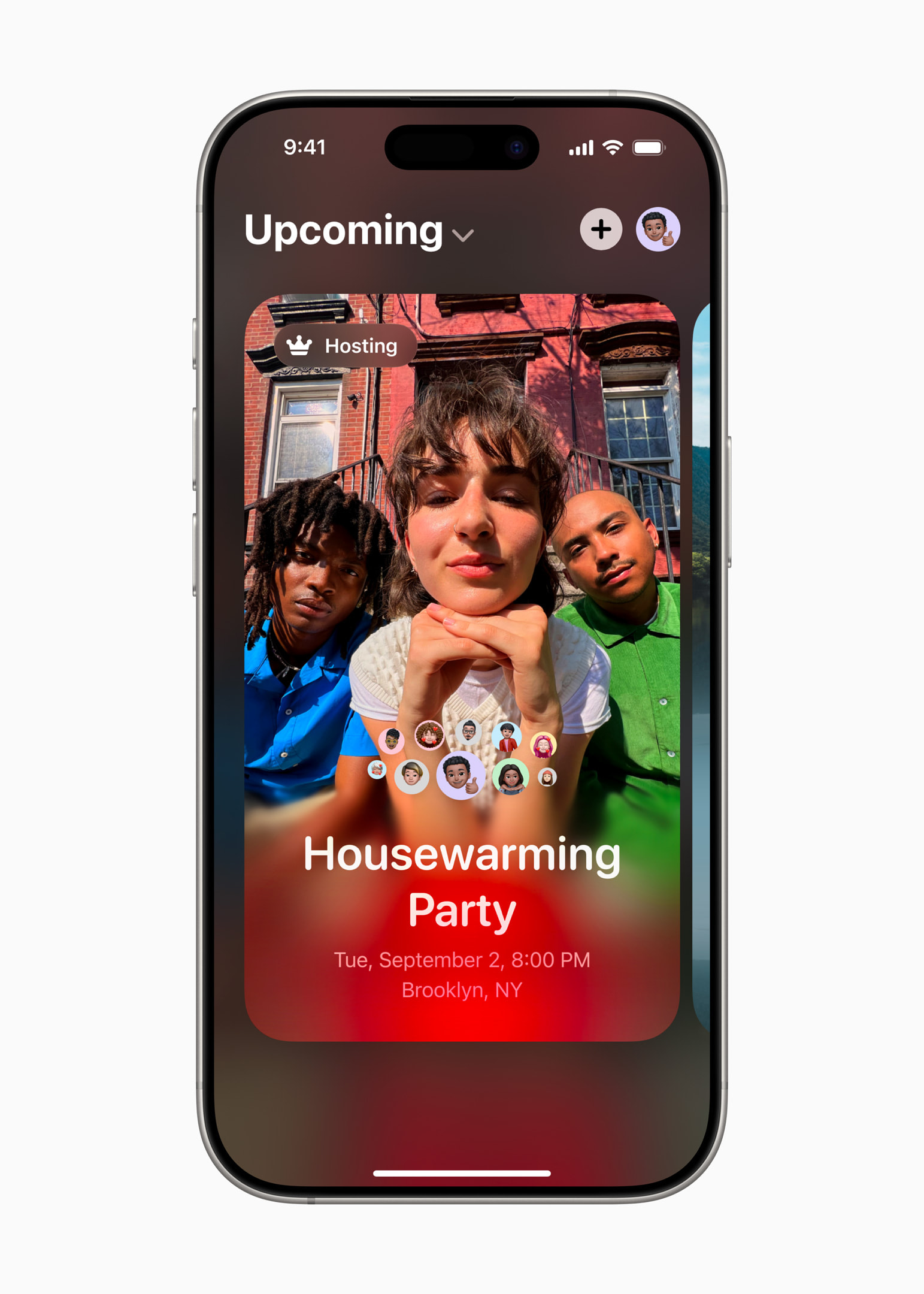
The Invitations app interface is intuitive and clear. You can start creating an invitation by tapping +. Users can add a background to the invitation, either in the form of an image from the iPhone photo gallery or a photo from pre-prepared collections. The app offers integration with native Apple apps like Maps or Weather, so guests can easily get route information and the weather forecast for the day.
Guests can also contribute to the creation of the event, for example by uploading photos and videos to a dedicated shared album. And shared playlists allow subscribers Apple Music Create a curated event soundtrack that guests can access directly from the app.
Gallery

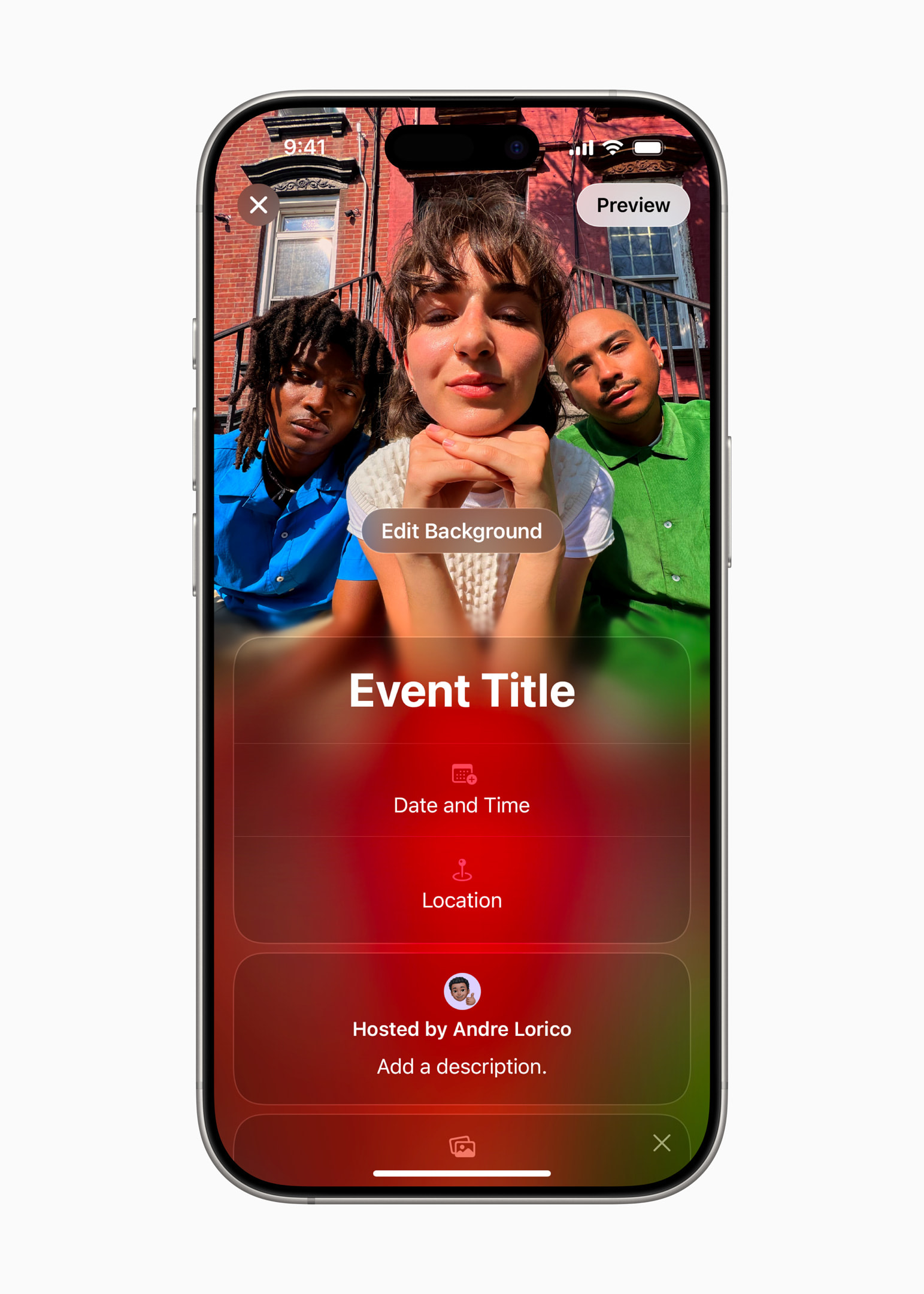

Invitations and Apple Intelligence
Invitations and Connections Apple Intelligence is relatively unimportant for domestic users yet, but it definitely deserves a mention in this article. Users can use features like Image Playground and Writing Tools for faster and easier invitation creation.
Manage invitations
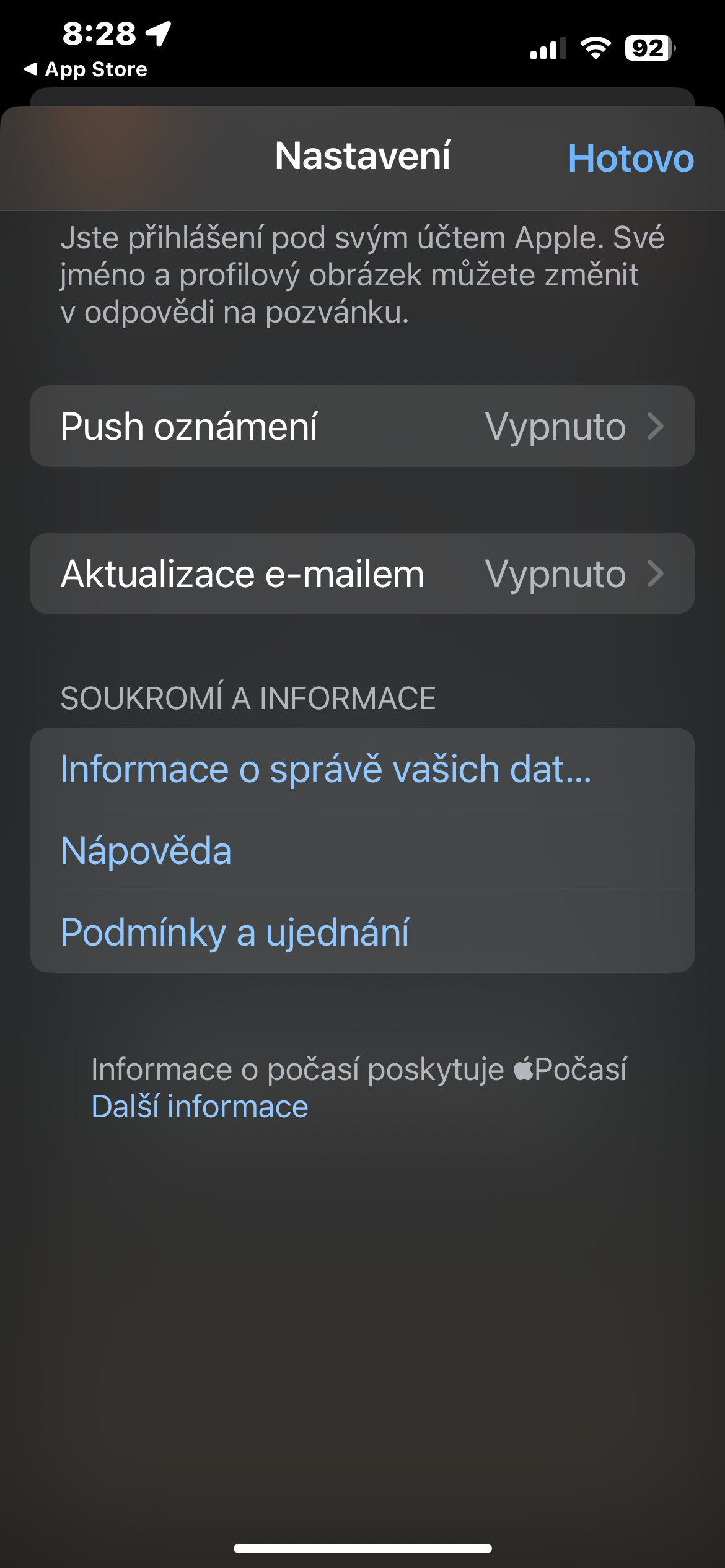
Hosts have full control over their invitations – so they can easily view and manage their events, share invitations with a link, check RSVPs, and choose which details they want to include in the preview, like event background or address. Guests can view and respond to their invitations using the new app for iPhone or on the website without needing a subscription andCloud+ or account AppleParticipants have control over how their information is displayed to others and have the option to leave or report the event at any time.
Bonus features within iCloud+
In addition to creating events in the app Apple Invites are available to subscribers of the service as wellCloud+ access to many other premium features:
- Expanded storage allows users to keep large libraries of original photos, videos, and high-resolution files safe and secure.Cloudua easily access them on all your devices and on the web.
- With the private connection feature, browsing is Safari completely private from internet providers, websites, and even the company Apple.
- The Hide My Email feature generates unique, random email addresses whenever needed.
- HomeKit Secure Video allows users to capture and view home security footage in end-to-end encryption.
- Custom email domains allow users to customize their email address andCloudu.











I tried it, but I have to have invitations for the opening as well.Cloud.. or something is wrong ;)
I have the same problem, user Apple must confirm its Apple ID, people outside the platform Apple it will tell him to log in to his Apple account... so for me it's either "broken" or someone got the wrong information saying it's out of bounds Apple :D
It doesn't seem intuitive to me at all - it's like it's not from anyone at all. Apple.
So it seems completely intuitive to me. And I have no idea what should be different there.