
How to set up Health ID on iPhone? Health ID on iPhone can literally save a life in a crisis situation. It provides important information about your health and allows quick access to emergency contacts. In this article, we will show you how to quickly and easily set up a Health ID and how to use it in case of an emergency.
You might be interested in
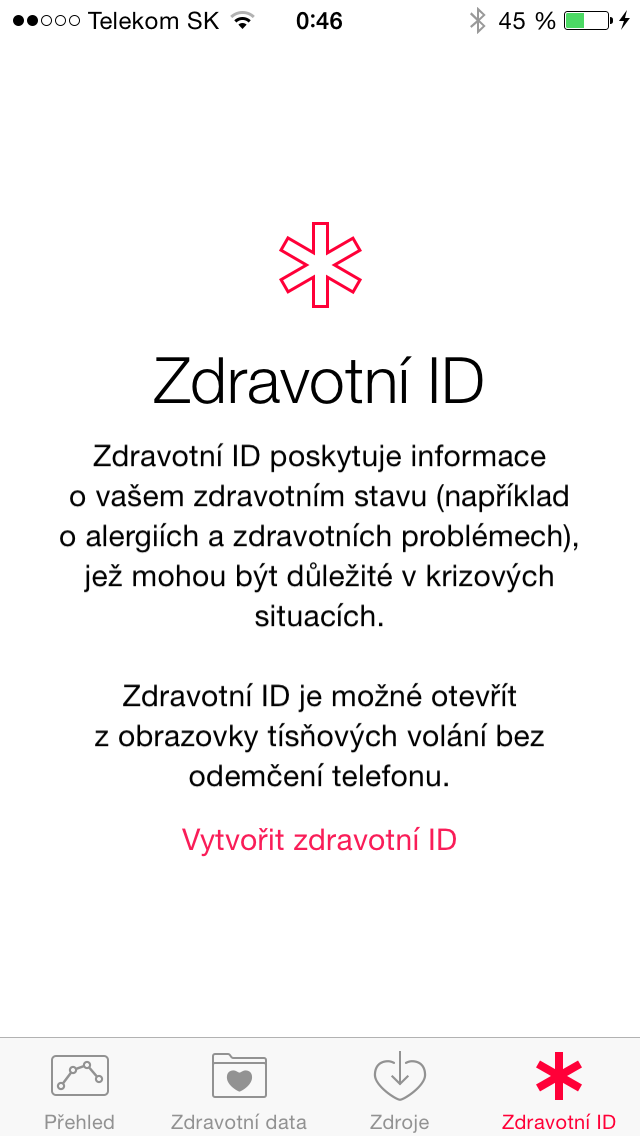
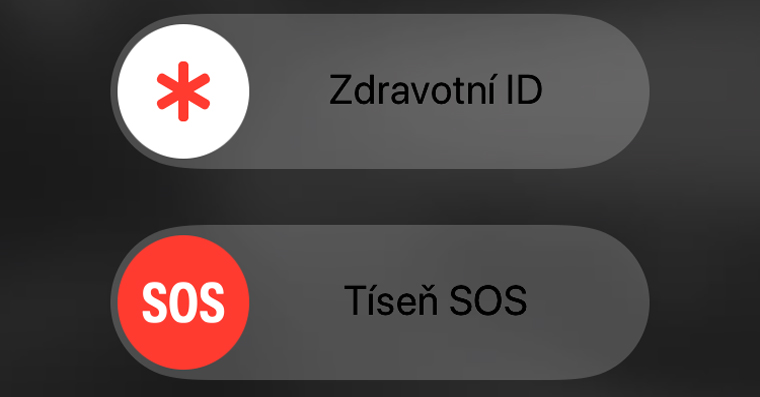
The medical ID contains basic health information that can be crucial for paramedics or doctors in emergency situations. This information includes, for example, your allergies, blood type, current health problems or medications you are taking. In addition, you can add emergency contacts to the Health ID, which can be automatically notified if you need help. The advantage is that the Health ID can be displayed even on a locked iPhone, which ensures its easy availability in critical moments.
How to set up Health ID on iPhone: Step-by-step procedure
- Open the Health app on your iPhone.
- Go to the Summary section in the bottom bar of the screen.
- In the upper right corner of the screen tap the profile icon.
- Select an option Health ID.
- Click on the button Start and follow the instructions to fill in your health information. Here you can enter for example:
- Name and date of birth
- Blood type
- Allergies and medications you take
- Health problems and other relevant information
- Add emergency contacts – just select the people from your contact list who should be notified in case of an emergency.
- nakonec click on Done to store the Health ID.
Gallery
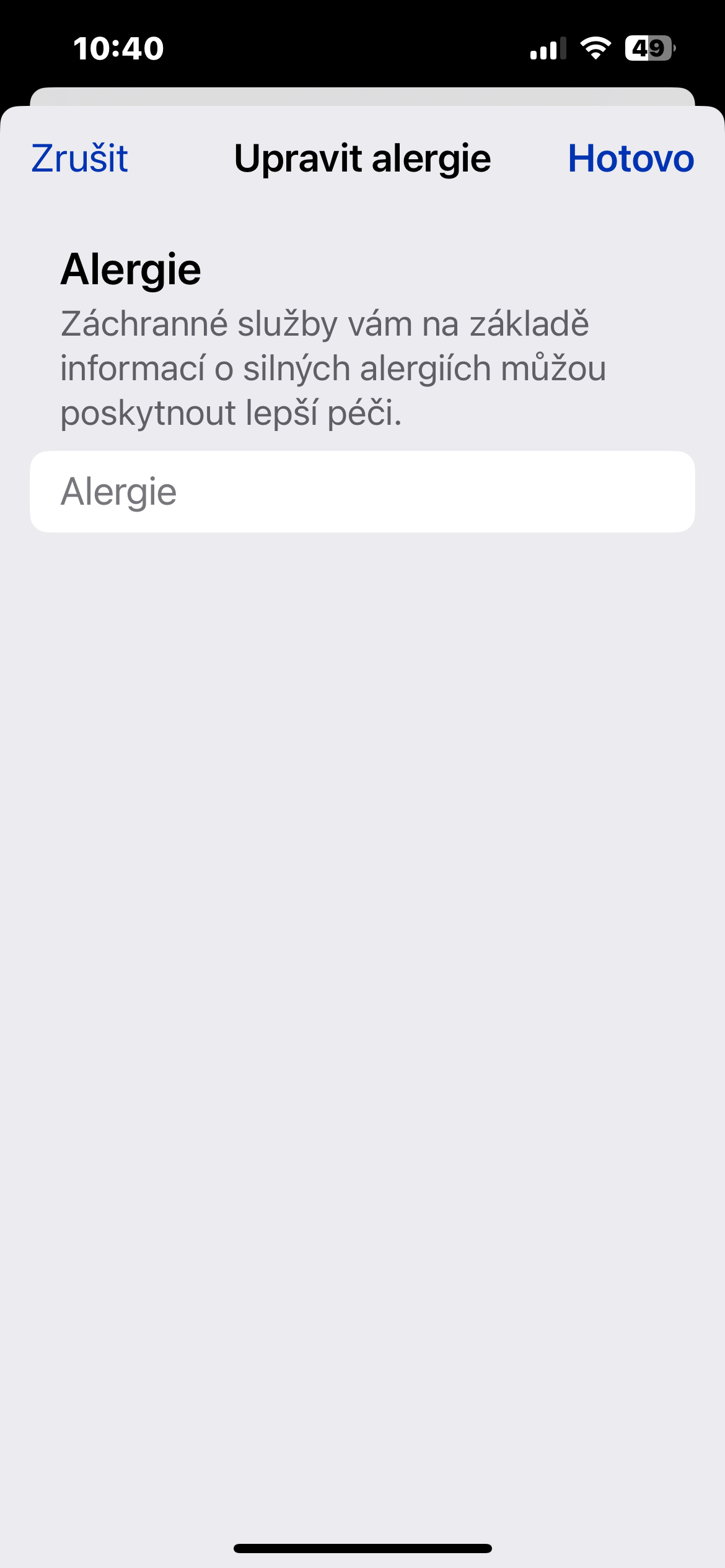
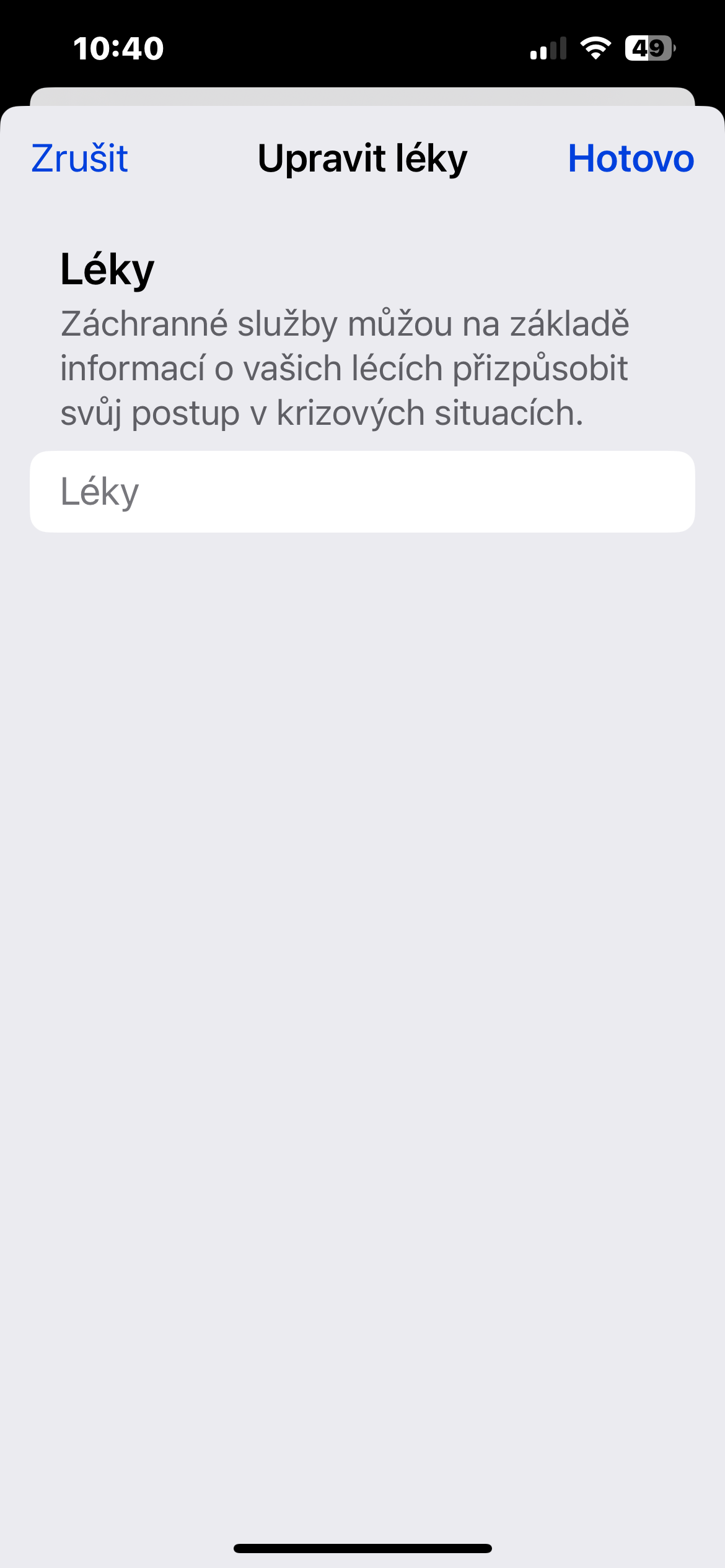
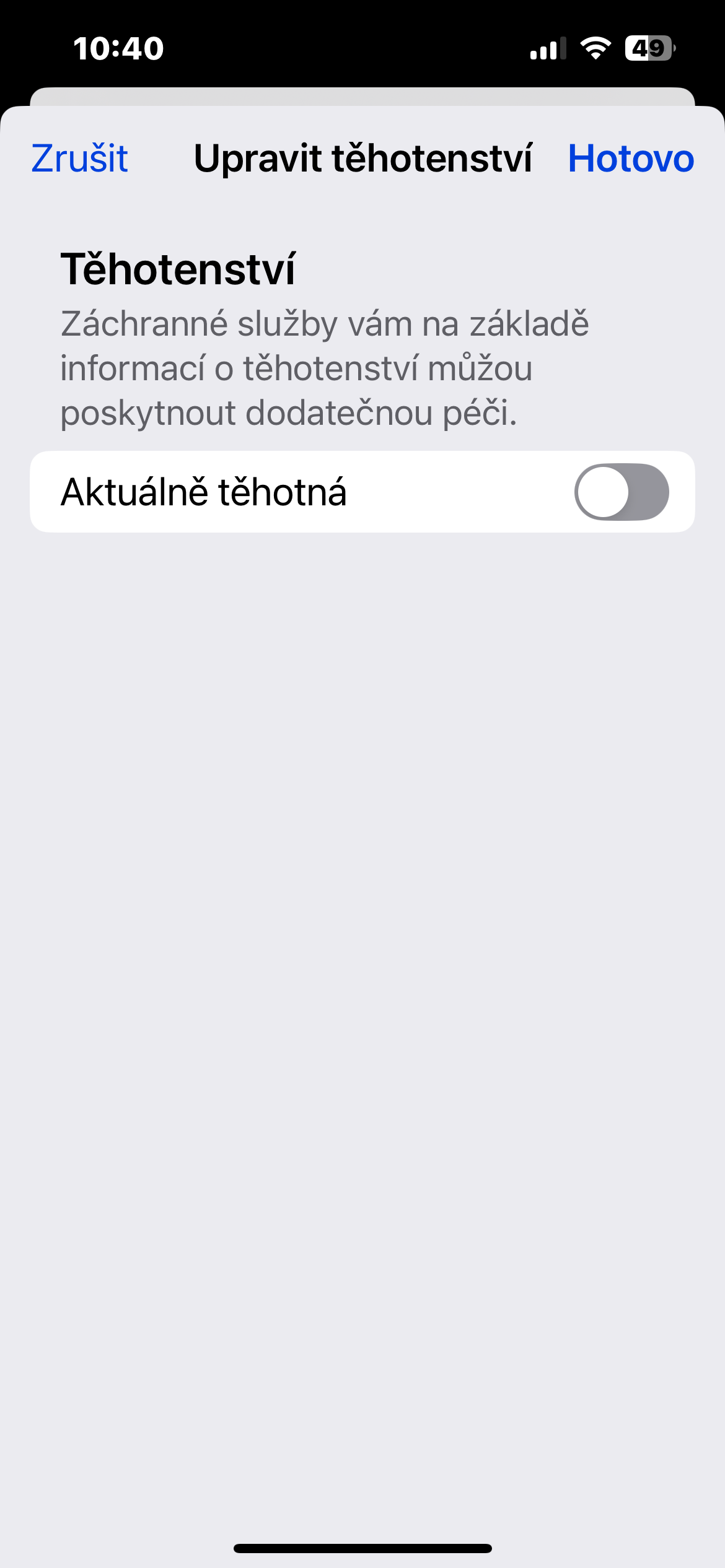
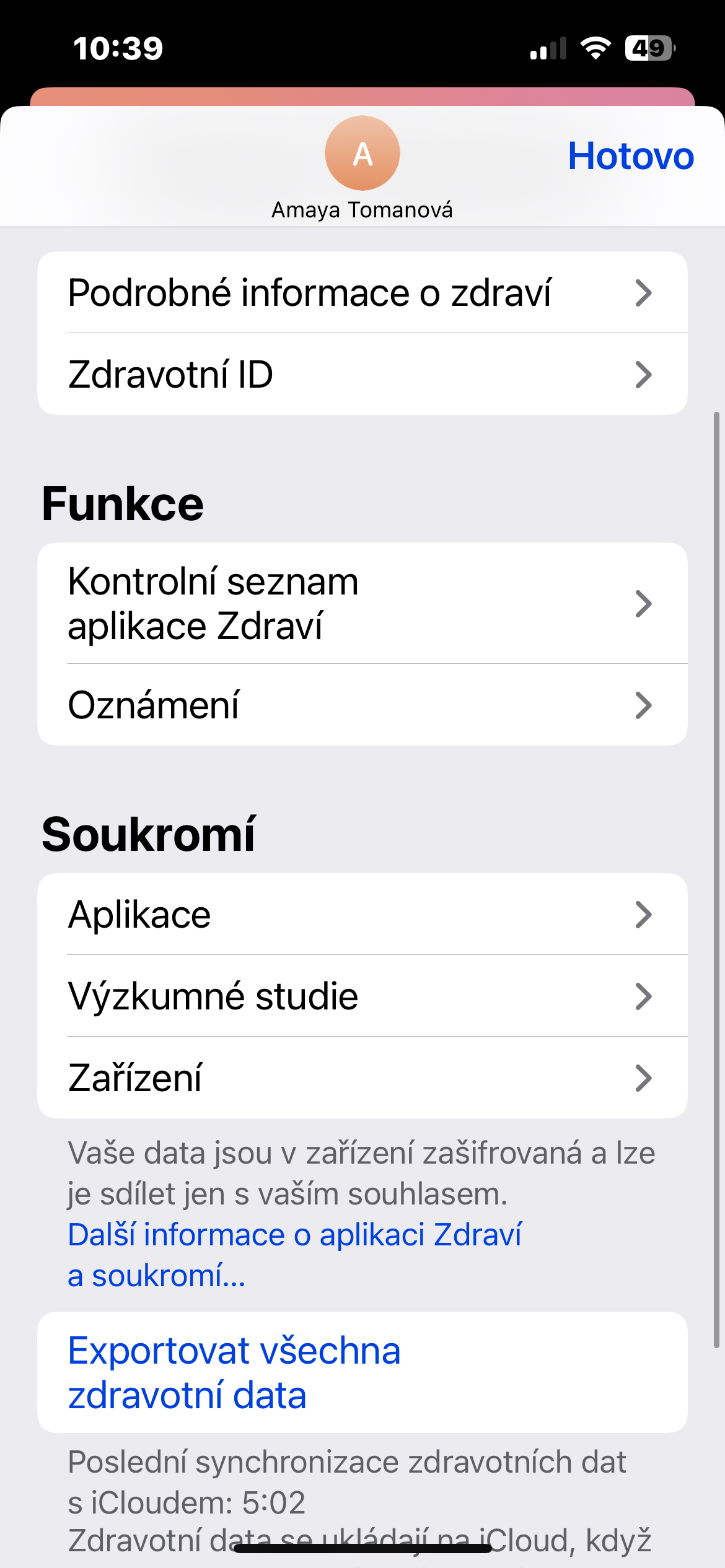
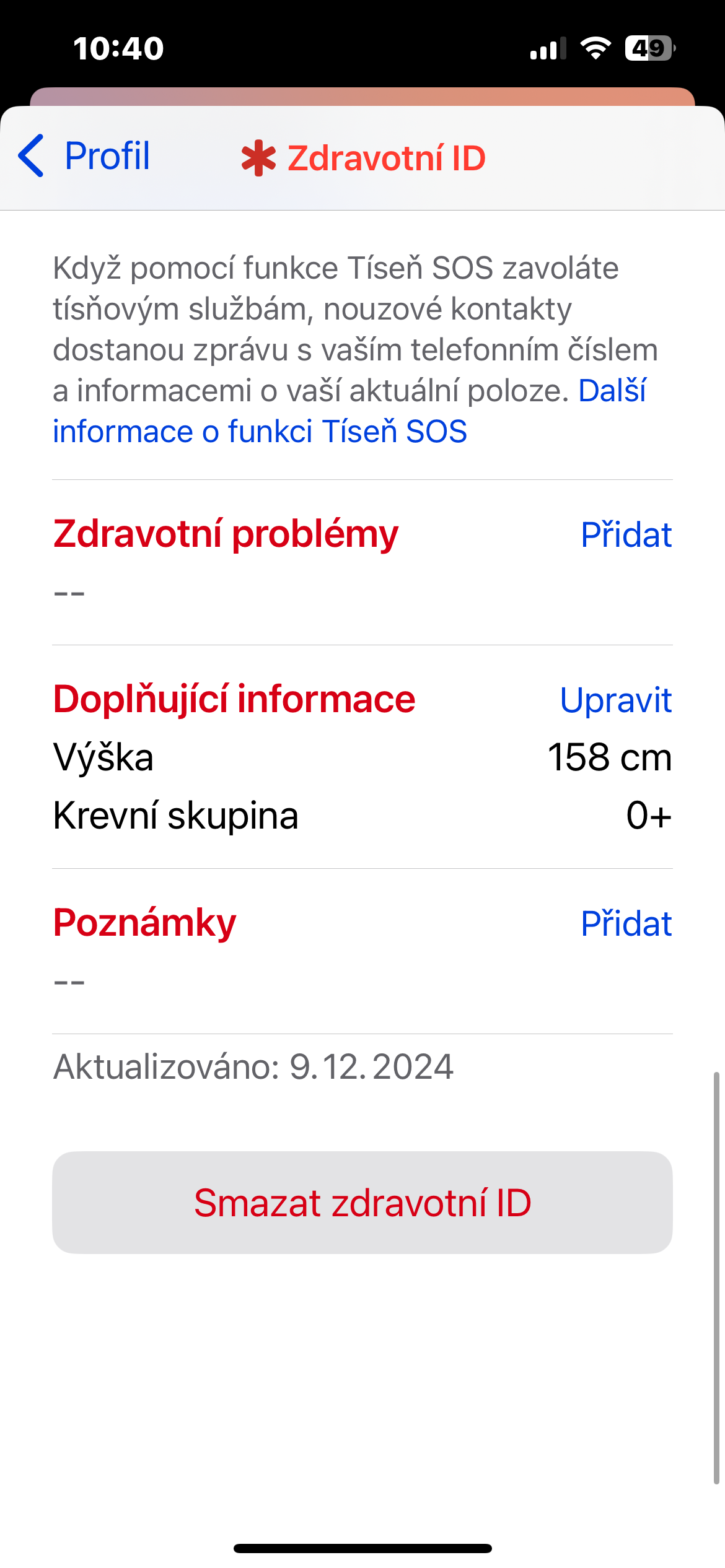
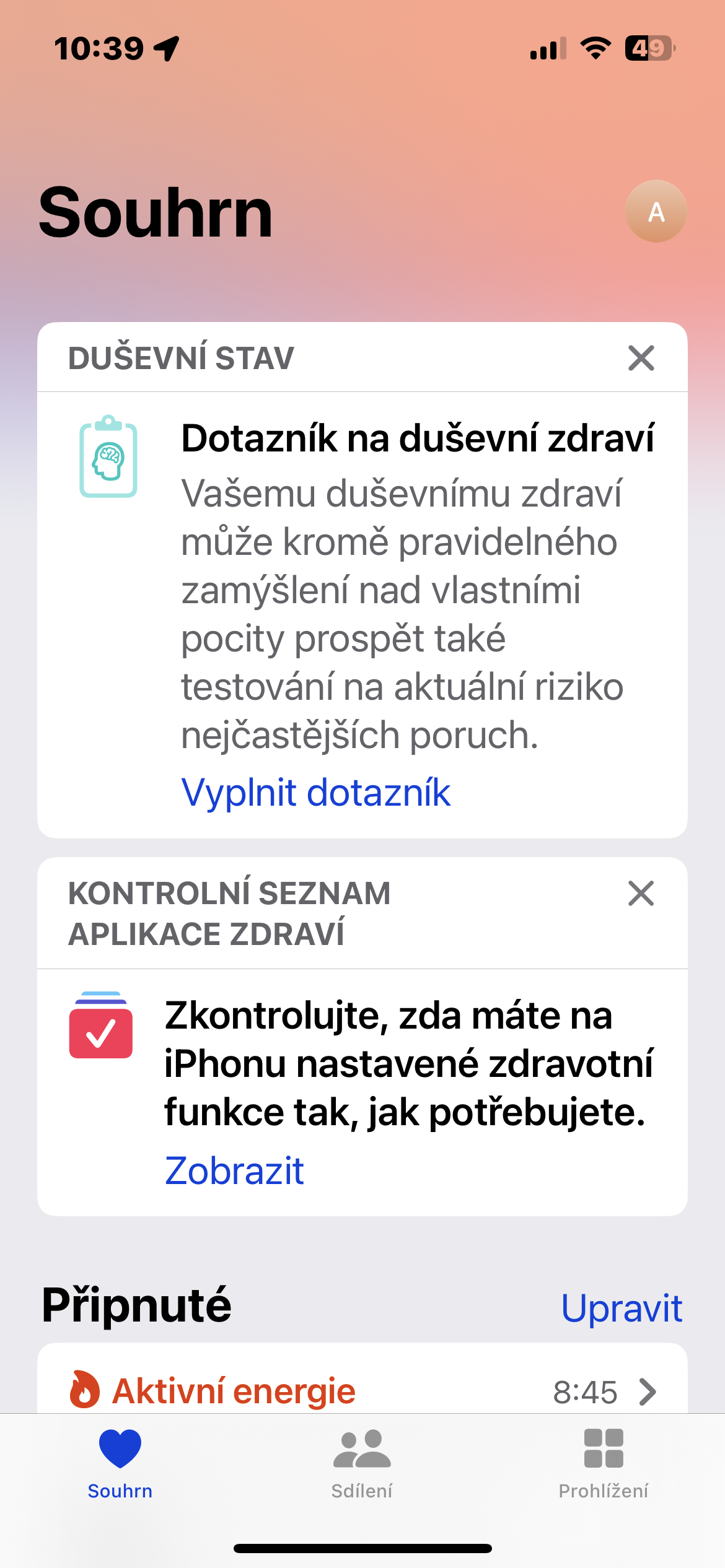
Setting up a Health ID is a simple and quick process that can make a huge difference in the event of an unexpected event. Having your health information and emergency contacts easily accessible can make the job of paramedics or doctors easier and give you a greater sense of security. Don't forget to update your Health ID regularly so that the information always corresponds to your current state of health.





uselessness, it has happened to me several times that the update deleted my health data
ProNo use? Rescuers usually check to see if you have anything there.
aside from what I wrote above, it's similar to when people set up ICE contact on the phone, I saw an interview with rescuers and they said that in life-threatening situations I will definitely not decide who has what phone, how to unlock it, etc., I also don't believe that I will be looking for rescuers appcheers and watch some info, today it's health, something else on Android, maybe someone can use appto third parties, the rescuers must have an overview of various appwhat? when you lose consciousness, you don't communicate, there are completely different priorities than tapping on the phone and searching if you're allergic to something
One procedure for apple, the other for android. Quite possibly the same shortcut in both cases, I don't know android. An acquaintance is a paramedic, and he said it's the first thing they look at, because they know right away if he's epileptic, or diabetic, or if he's allergic to opiates.
And please, where can it be seen on the "lock screen" 🤔
Exactly!
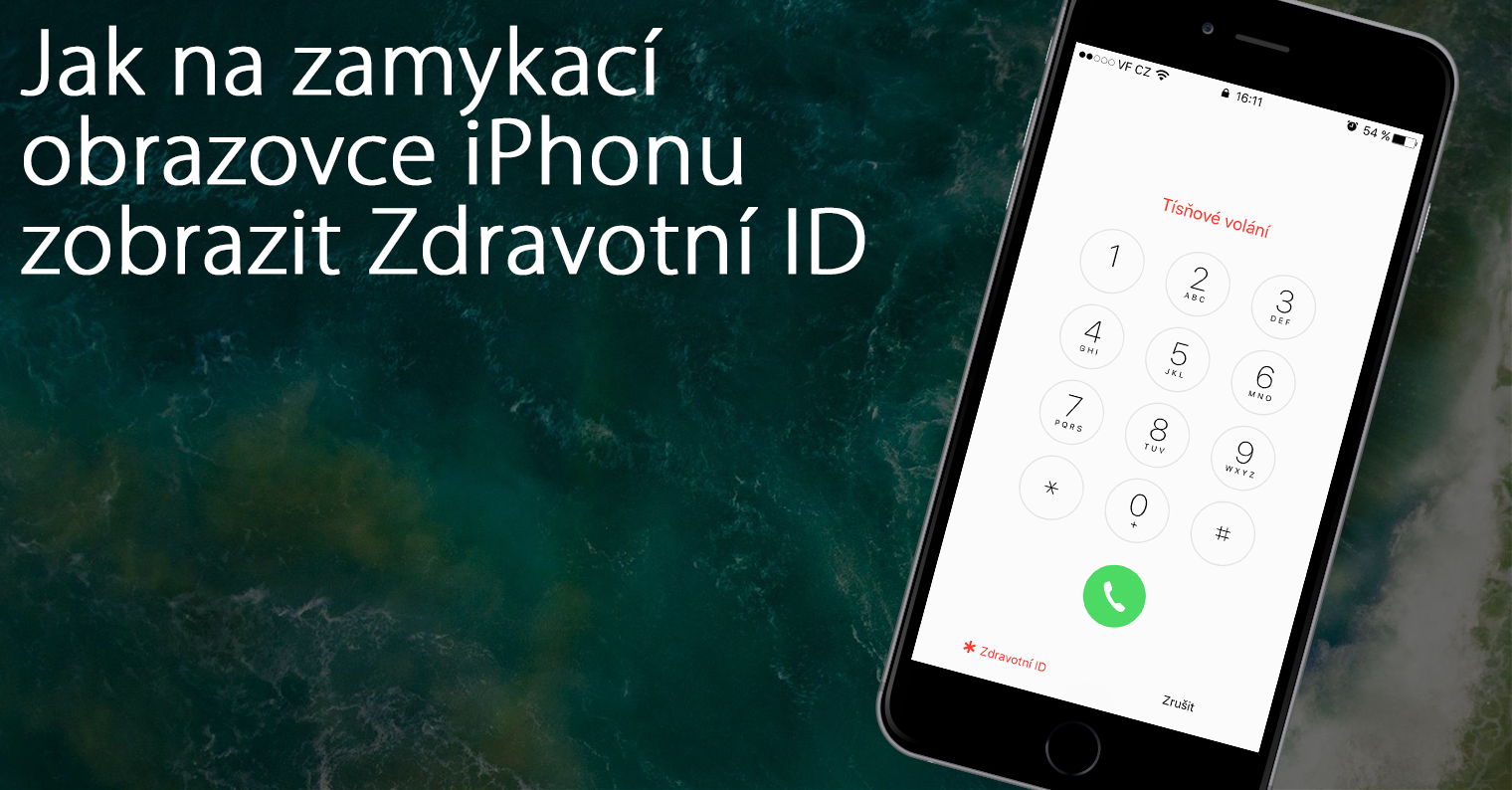
Open your eyes iPhone and try to unlock it, but you must not unlock it using FaceID. Propoint it so that it doesn't recognize your face and a keypad will appear to enter the code. And in the bottom left is "emergency" and when you tap that, "health ID" will appear
*Light up