
File Manager & Browser
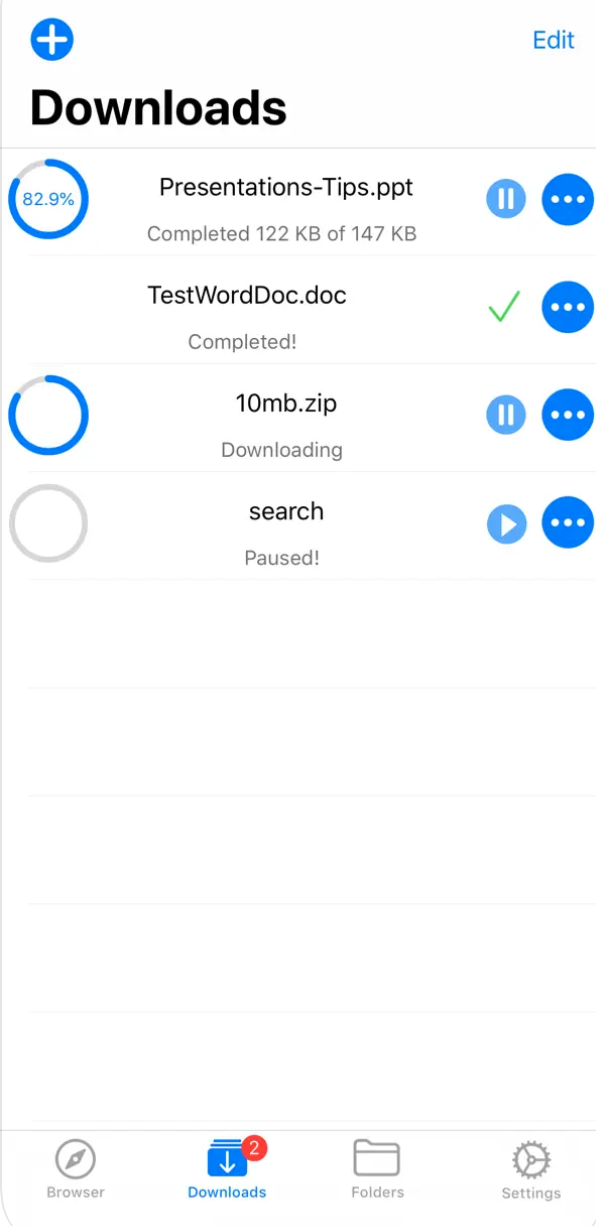
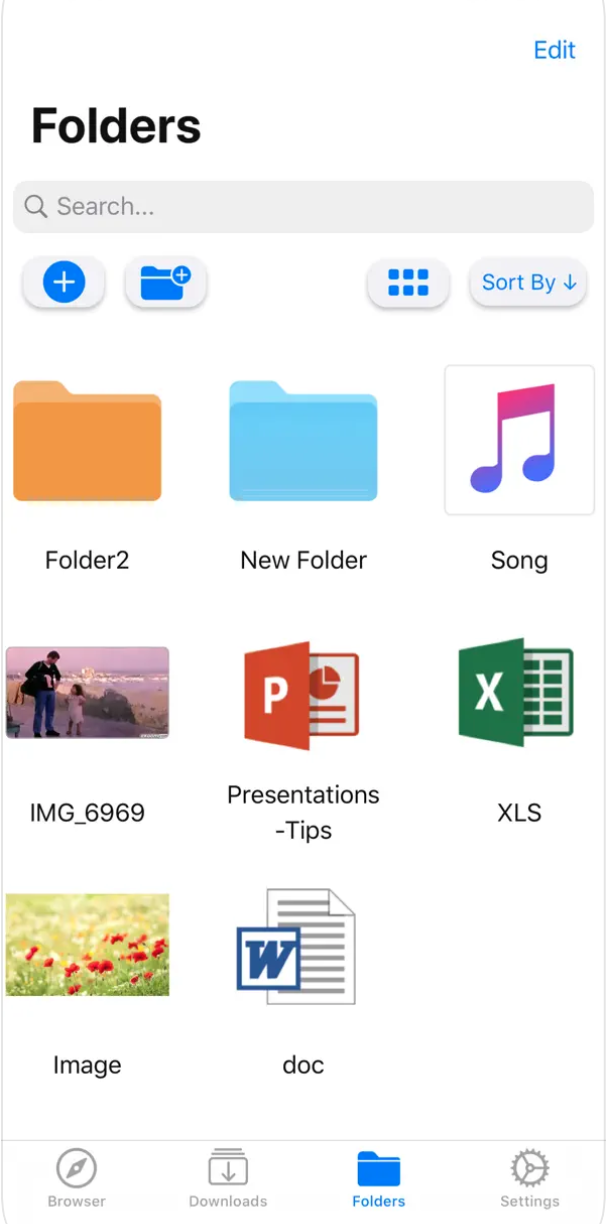
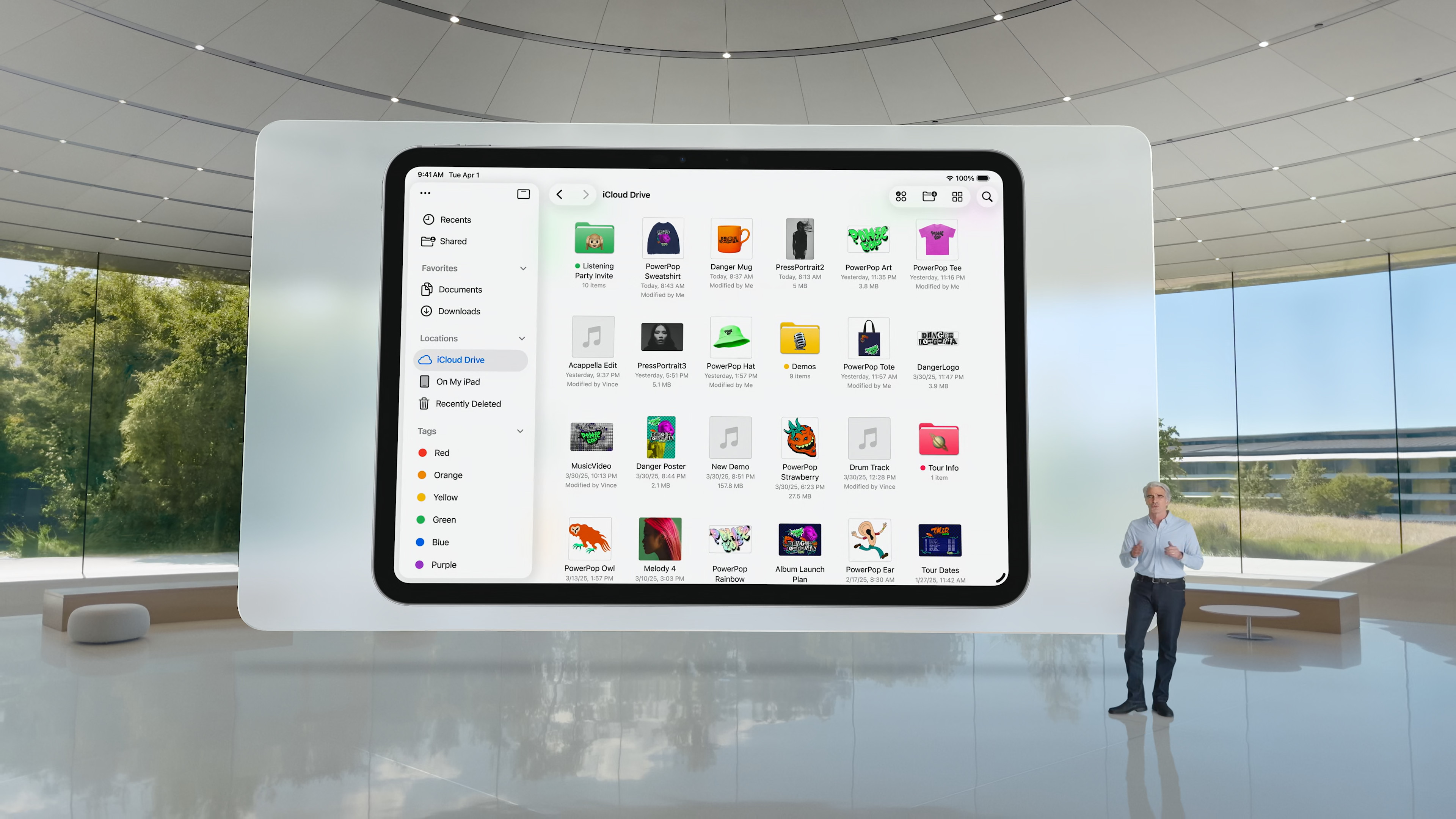
Improved File Manager & Browser is a handy file management tool on your iPhone or iPad that allows you to keep all your documents and data neatly organized.
Additionally, the app integrates seamlessly with the native Files app, allowing you to download and upload files to any clouddirectly from any other application. This is especially useful when working with emails, for example, where you can save attachments directly to the selected folder. cloudelectronic storage.
Gallery

Browser and Documents Manager
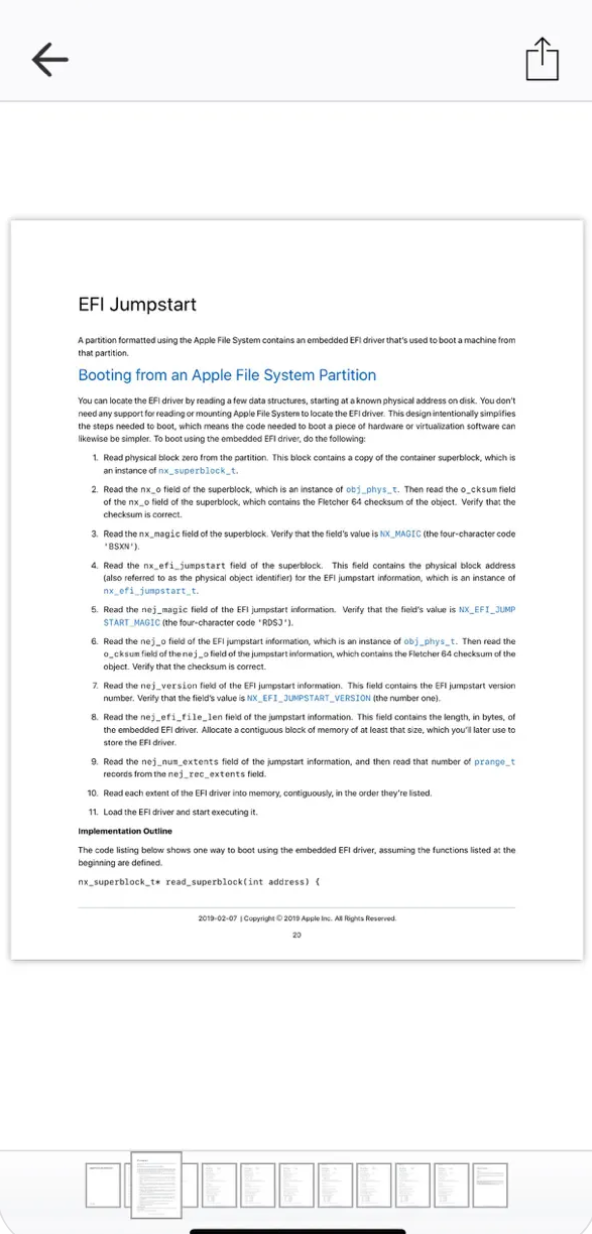
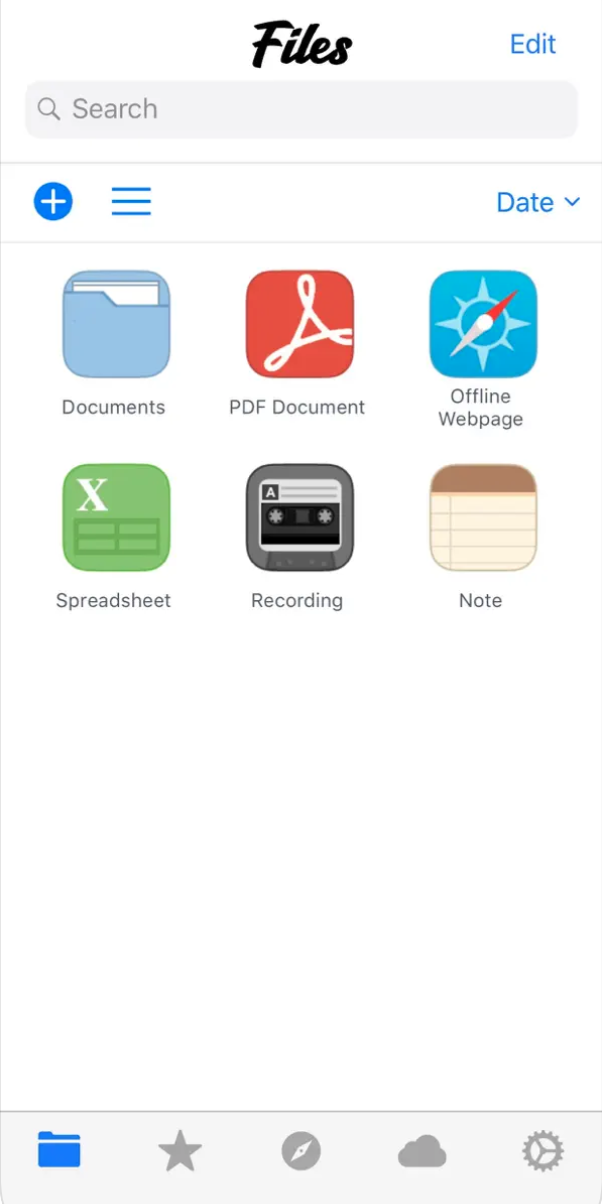
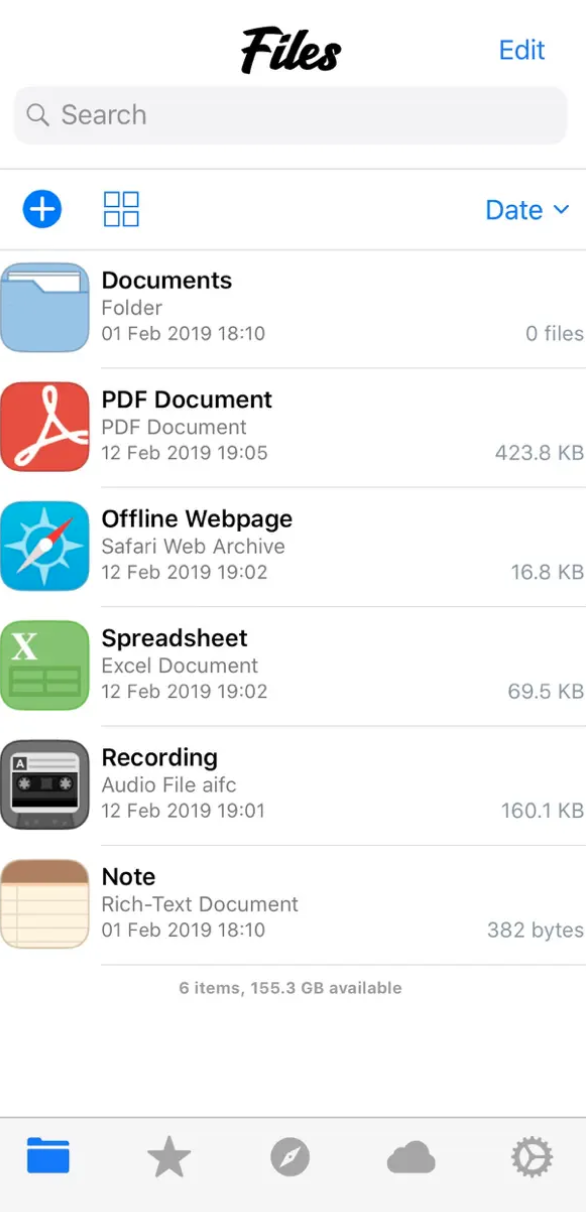
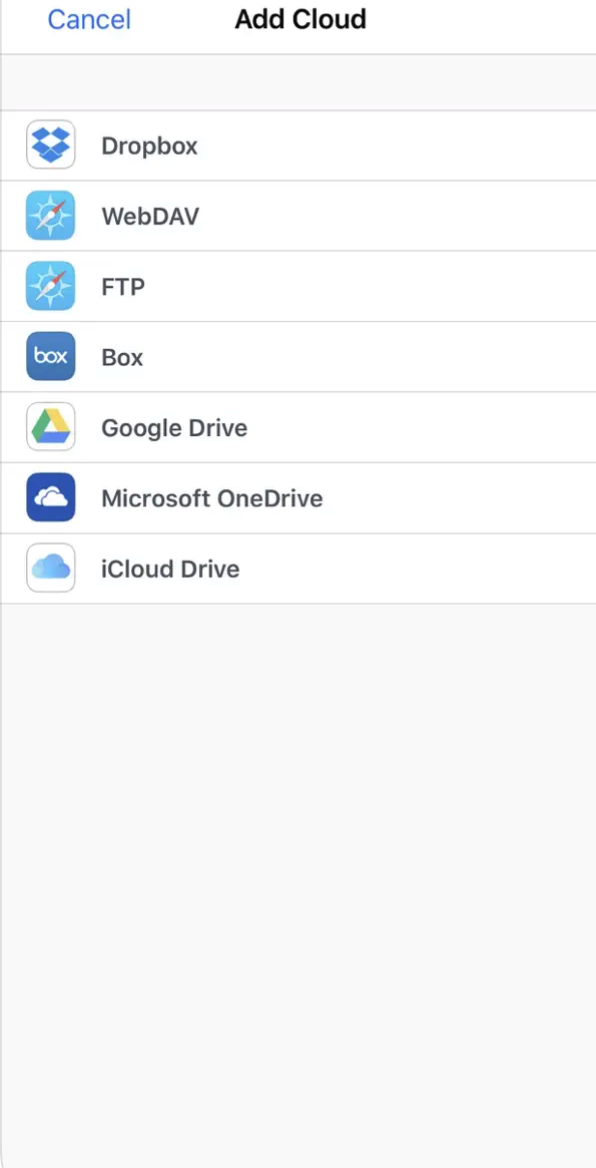
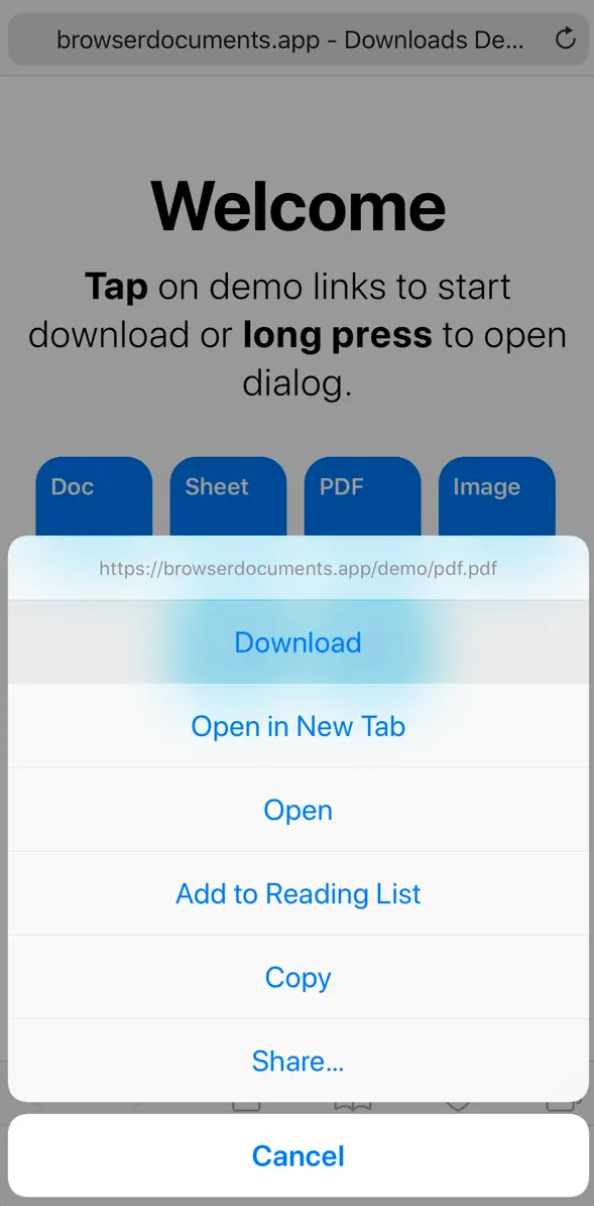
Browser and Documents Manager is a versatile tool for your iPhone and iPad, which combines the functions of a browser and a file manager in one. With this application, you can not only surf the Internet, but also effectively manage your documents. Whether you need to edit a text document, view a presentation or unpack an archive file, Browser and Documents Manager gives you all the tools you need. It supports a wide range of file formats, so you can be sure to open almost any document. And with the private browsing feature, you can enjoy privacy and security while surfing the web. The application also offers practical features such as bookmarks, which allow you to save your favorite pages and quickly return to them, just like in the popular browser Safari.
Gallery
Total Files
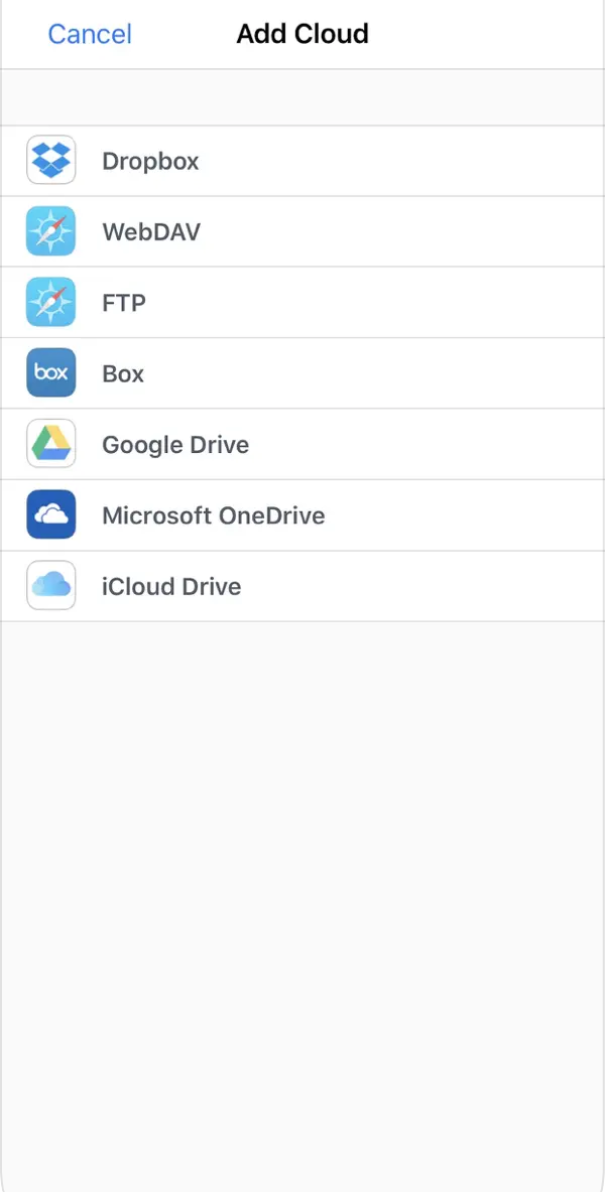
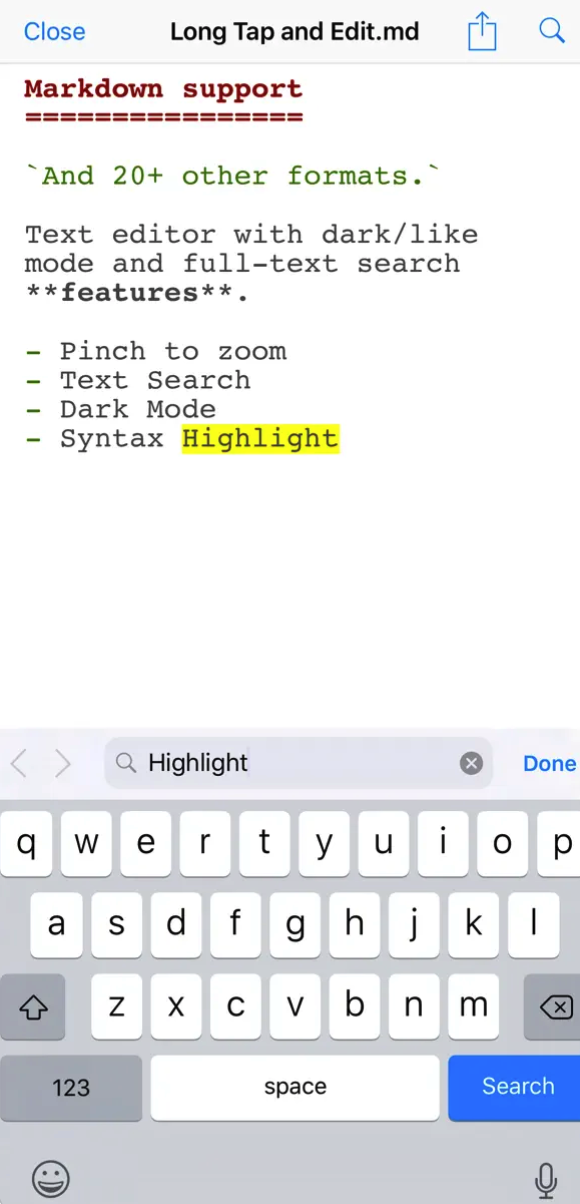
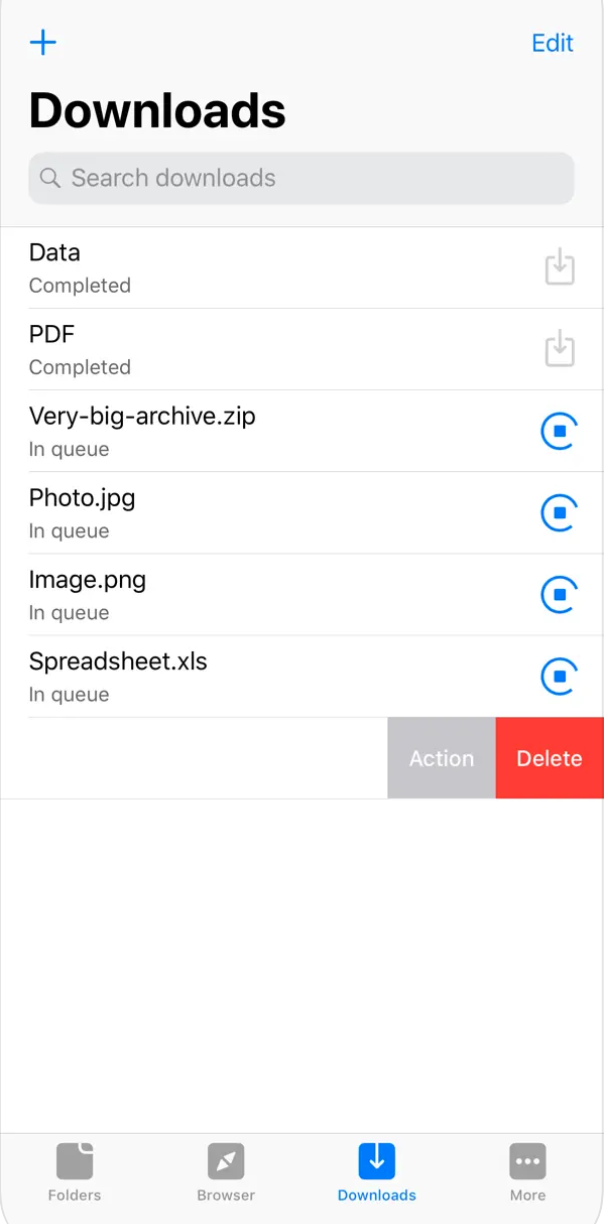
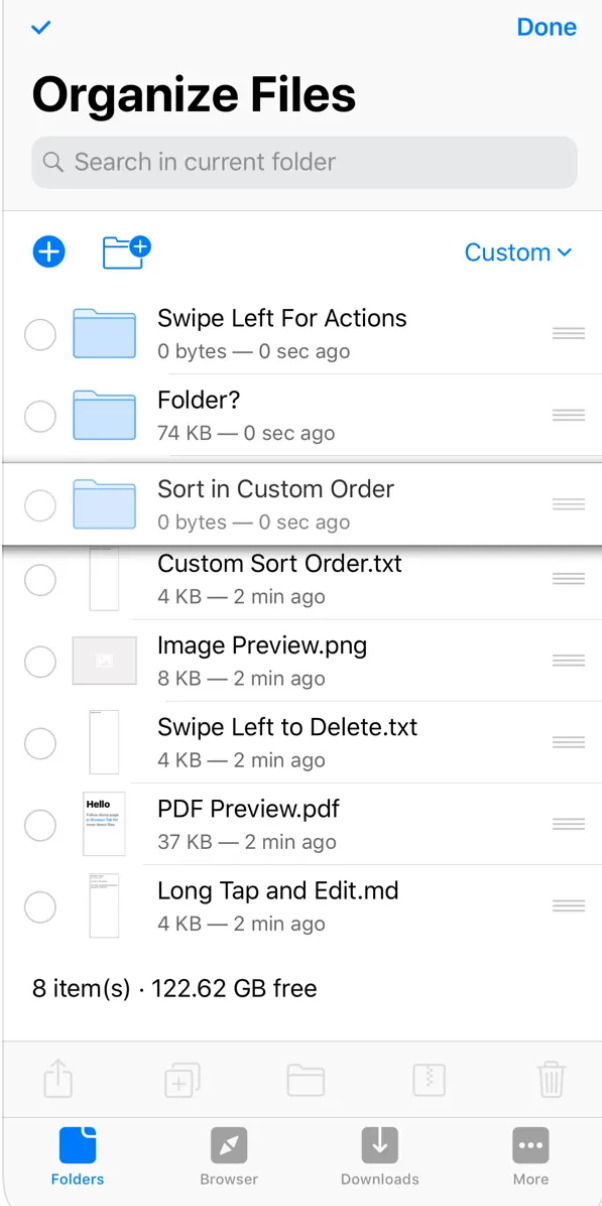
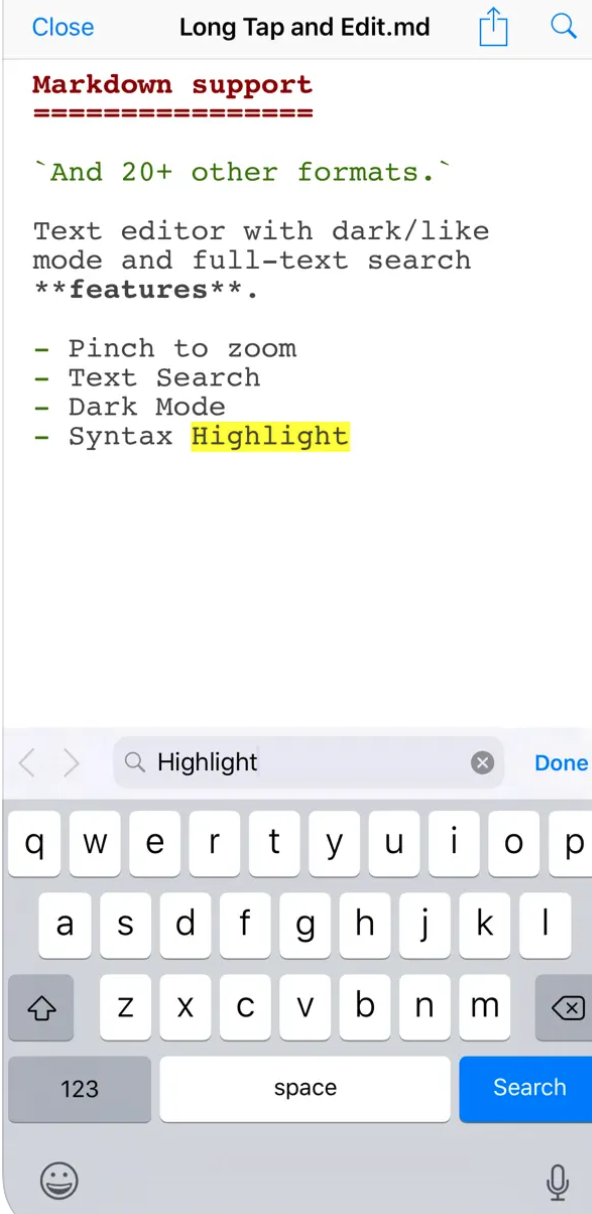
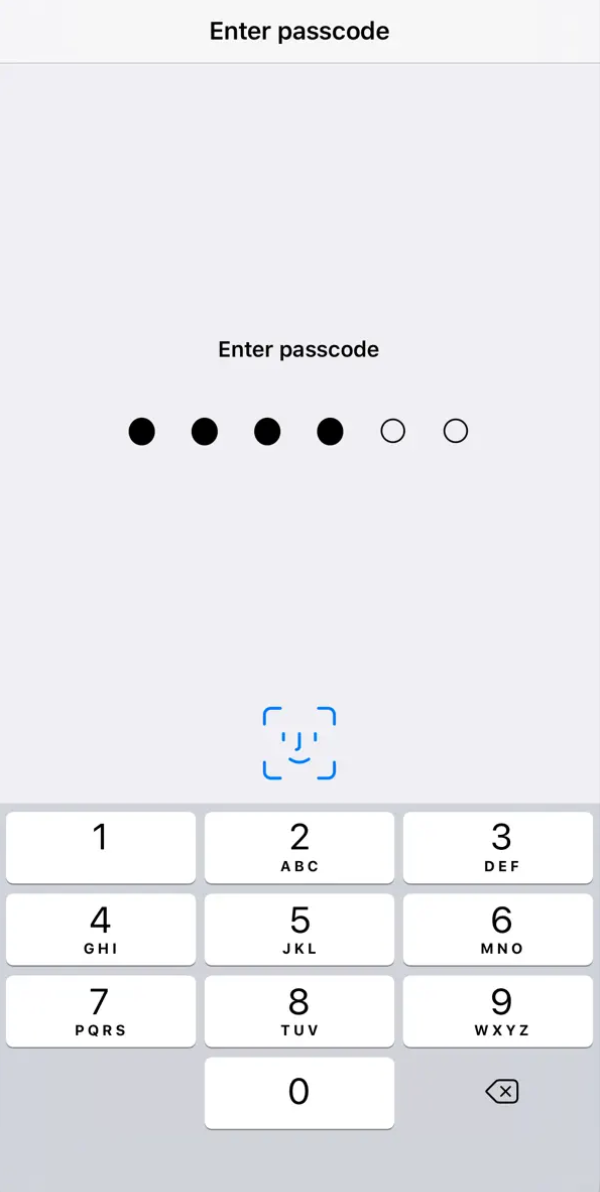
Total Files is a powerful and versatile file manager for your mobile device that allows you to easily manage and organize all your files, whether they are stored locally or on cloudu. One of its biggest advantages is its broad support for popular cloudservices such as Google Drive,Dropbox, OneDrive, Cloud and many more. Thanks to this, you always have all your files at hand, wherever you are. In addition to access to cloudIn addition to these storages, Total Files also offers a variety of file management tools. You can easily create new folders, move, copy, and delete files, as well as rename and change their format. The application also supports native file compression and decompression, so you can save space and easily share larger files. Total Files also offers advanced search with the ability to filter by file type, creation date, and other parameters.
Gallery
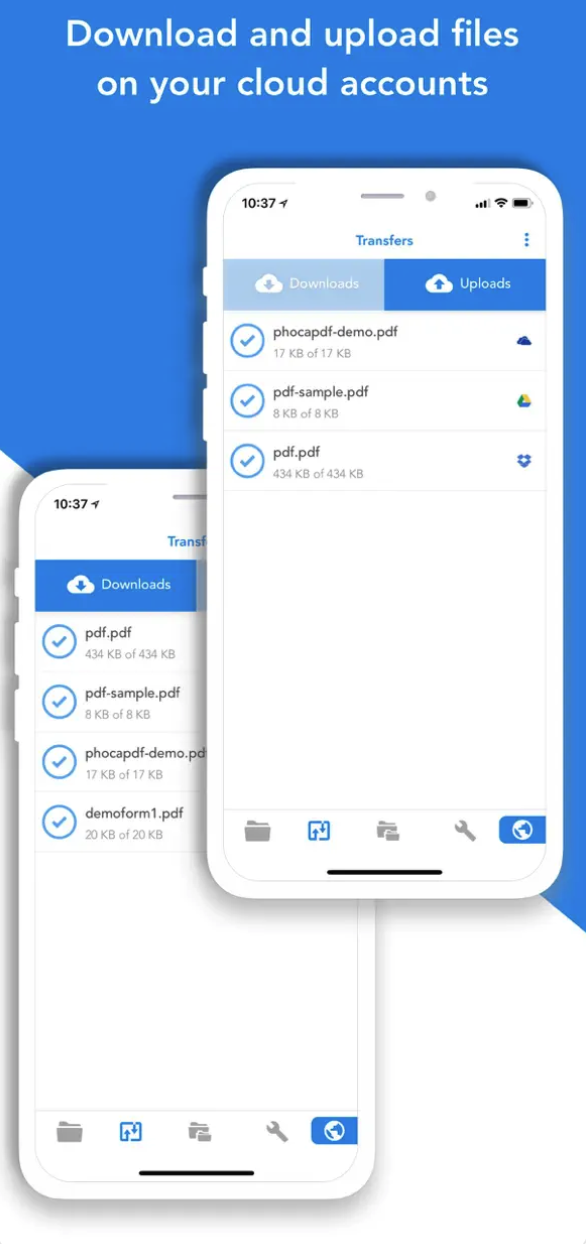
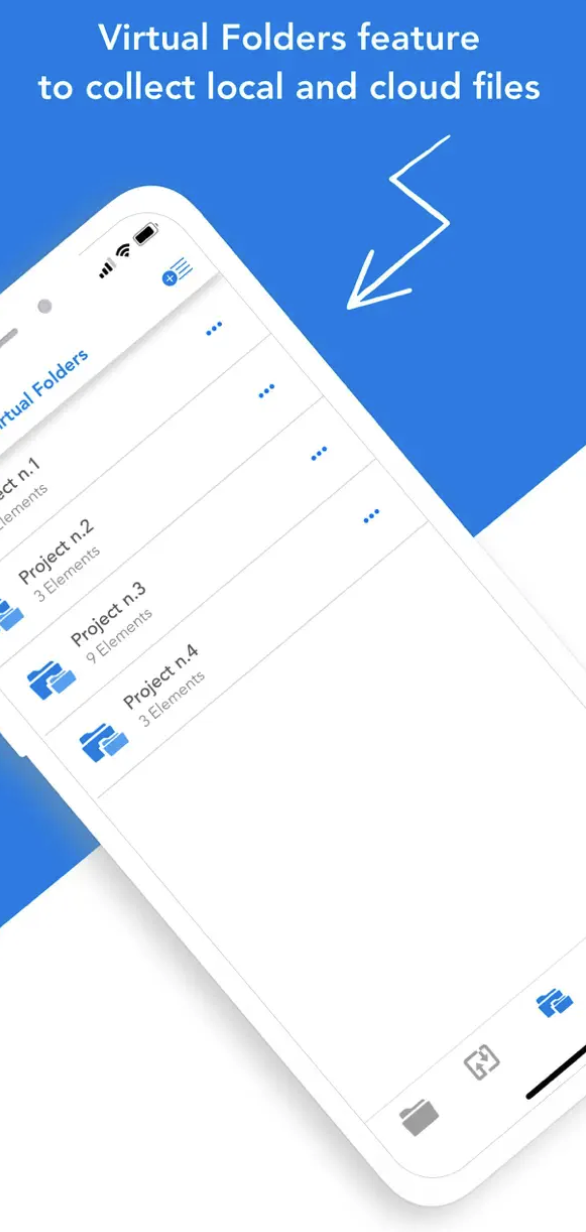
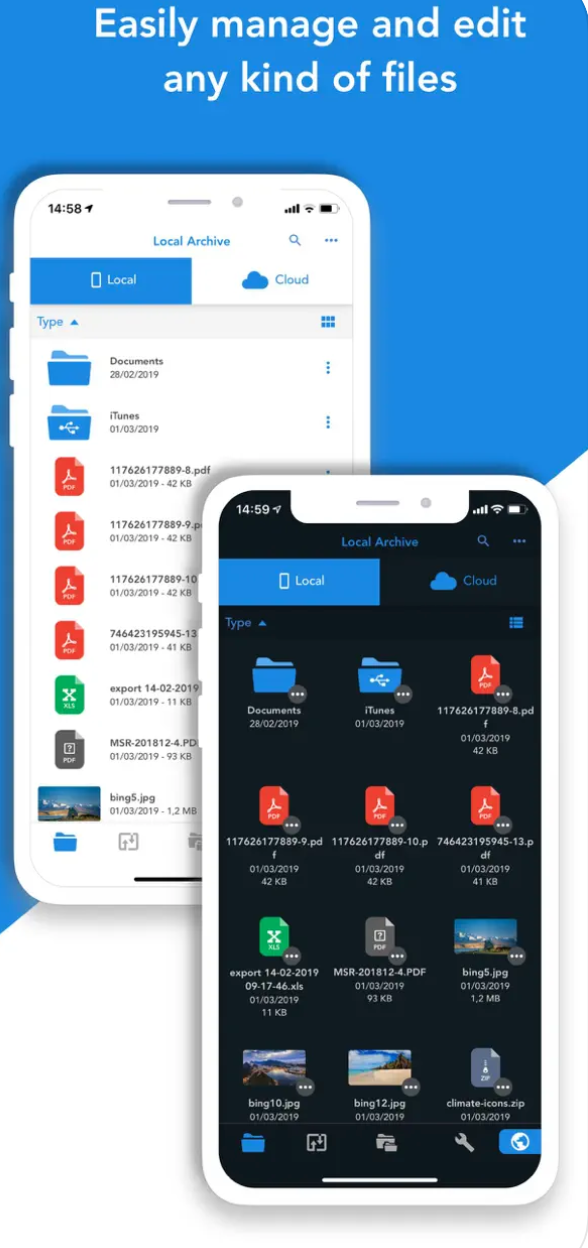
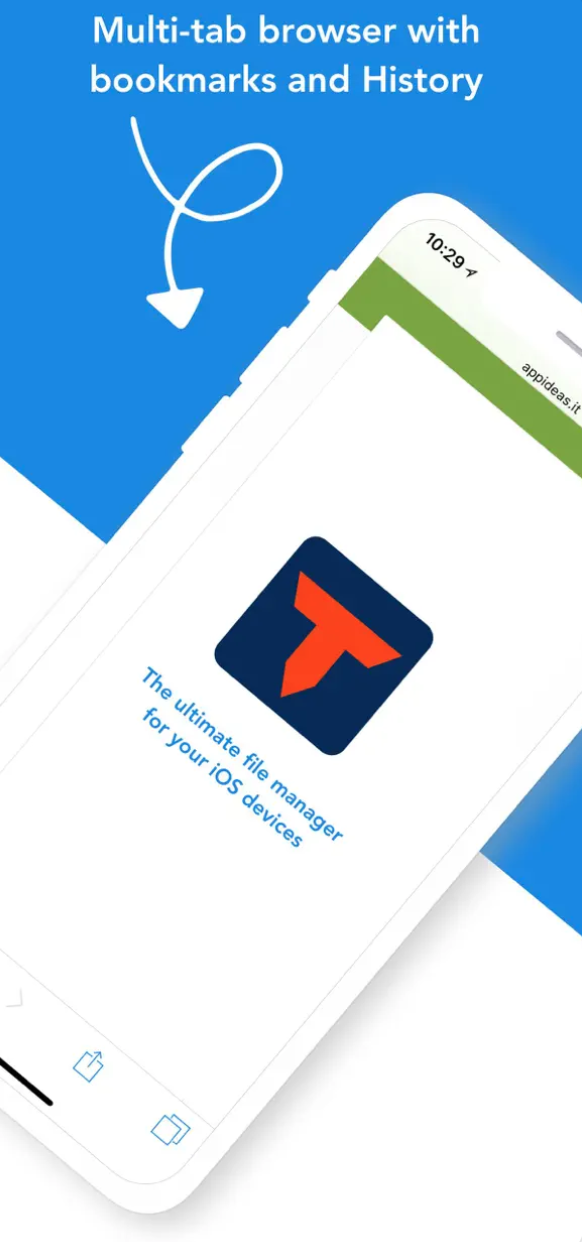
Documents by Readdle
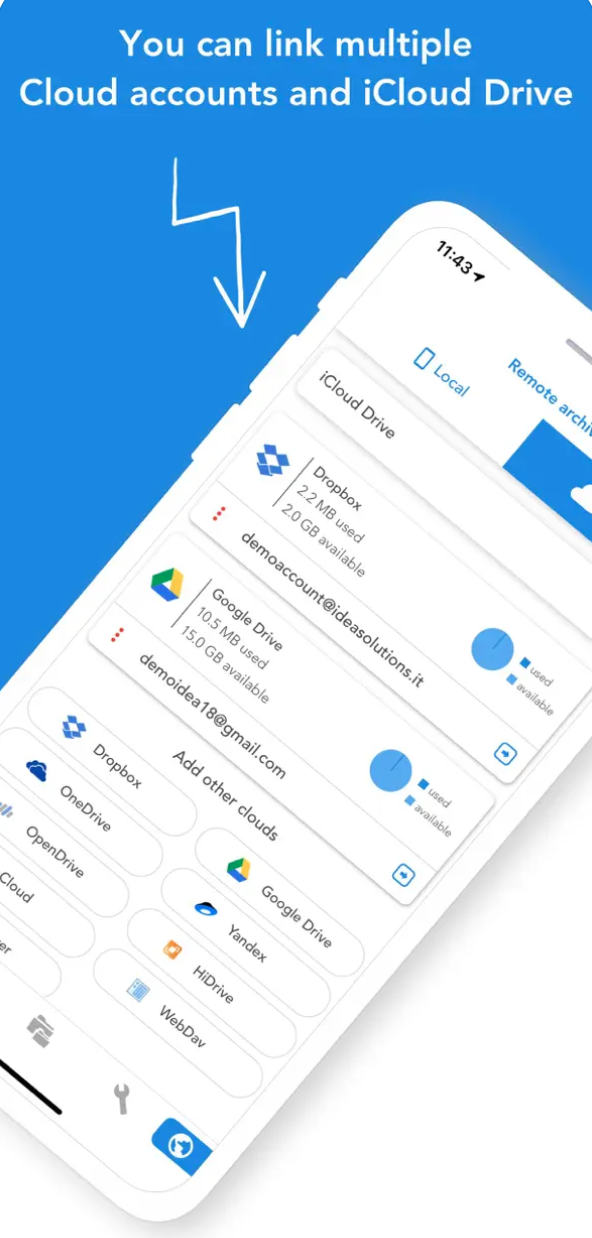
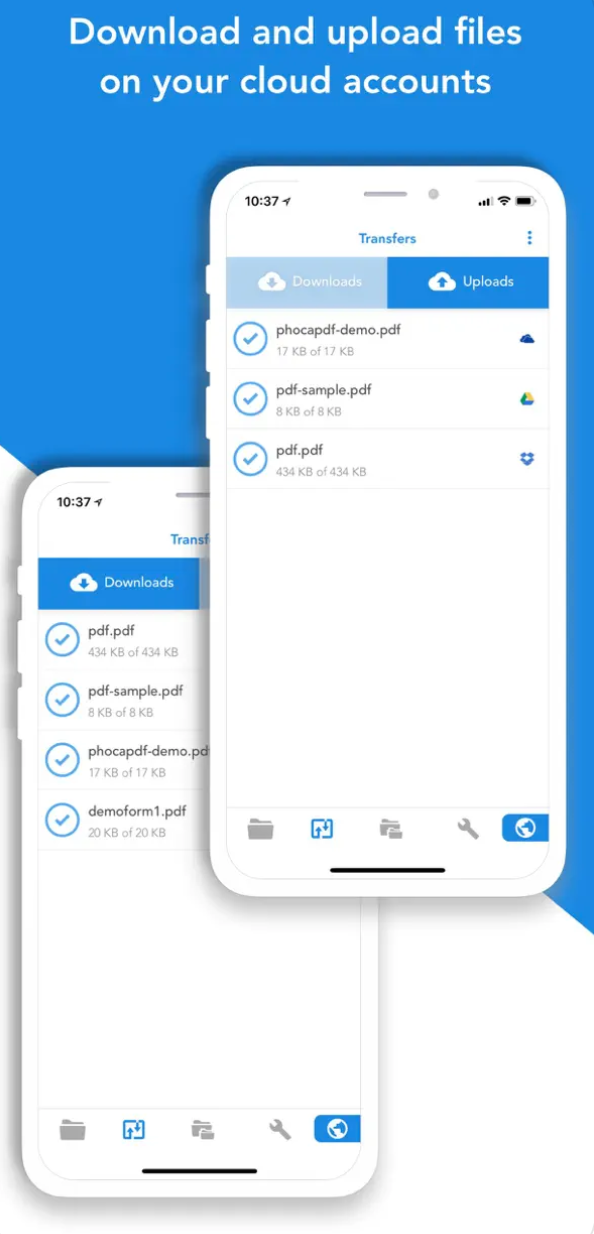
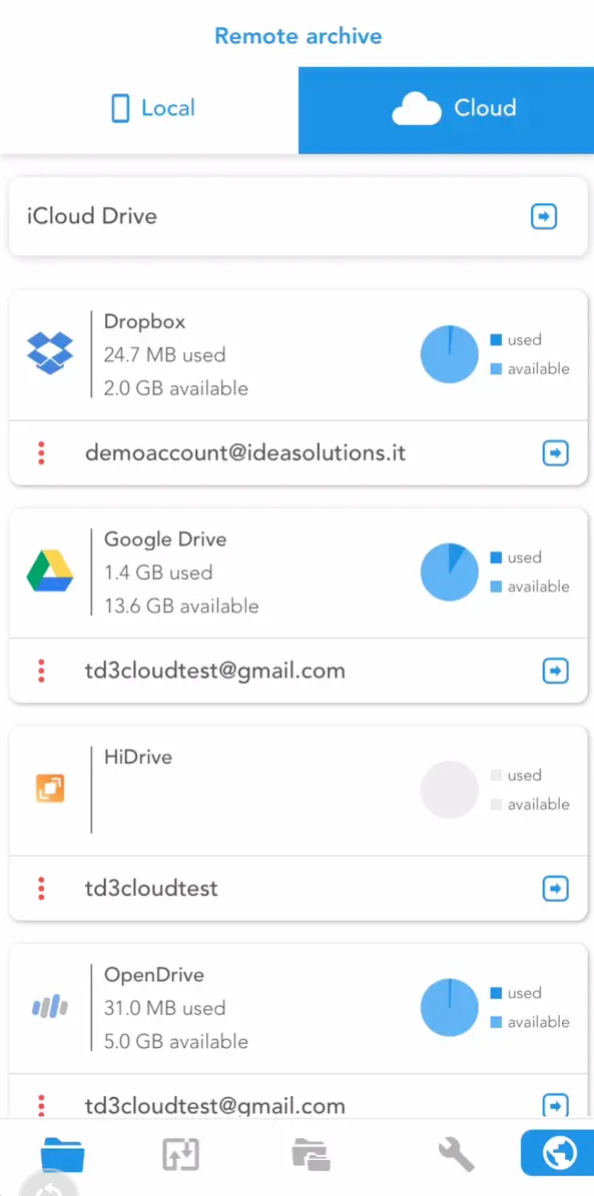
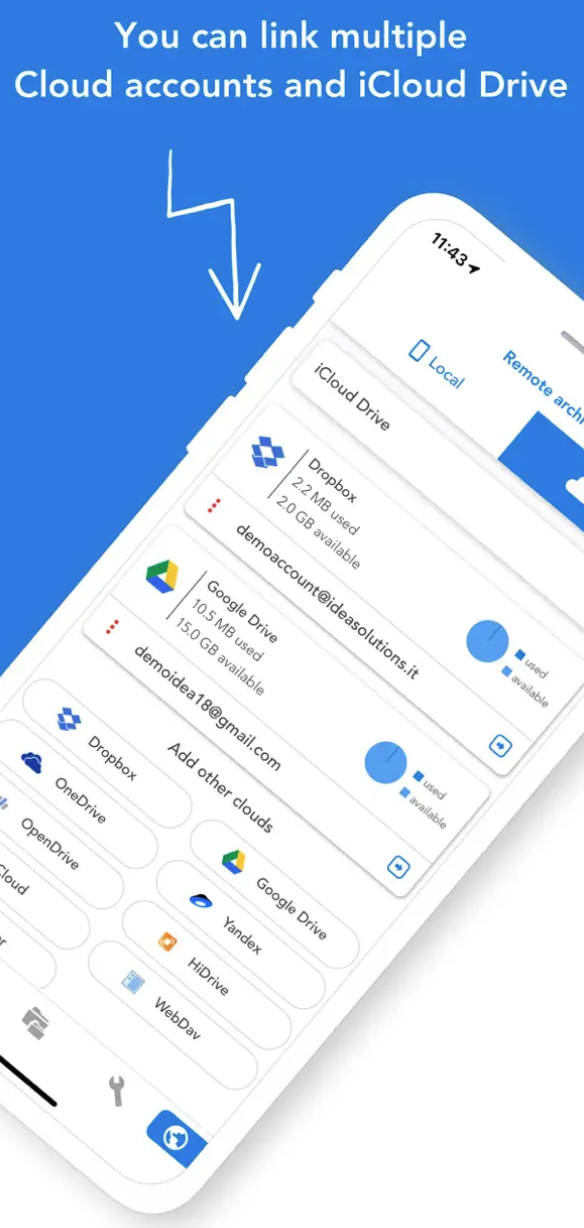
Documents by Readdle is your personal organizer for iPhoneWhether you need to edit a document, read a book, or manage your files, this app has it all in one place. With an intuitive interface and a wide range of features like PDF viewing, file management, and syncing with cloudem, will become your indispensable tool for everyday work.
Gallery
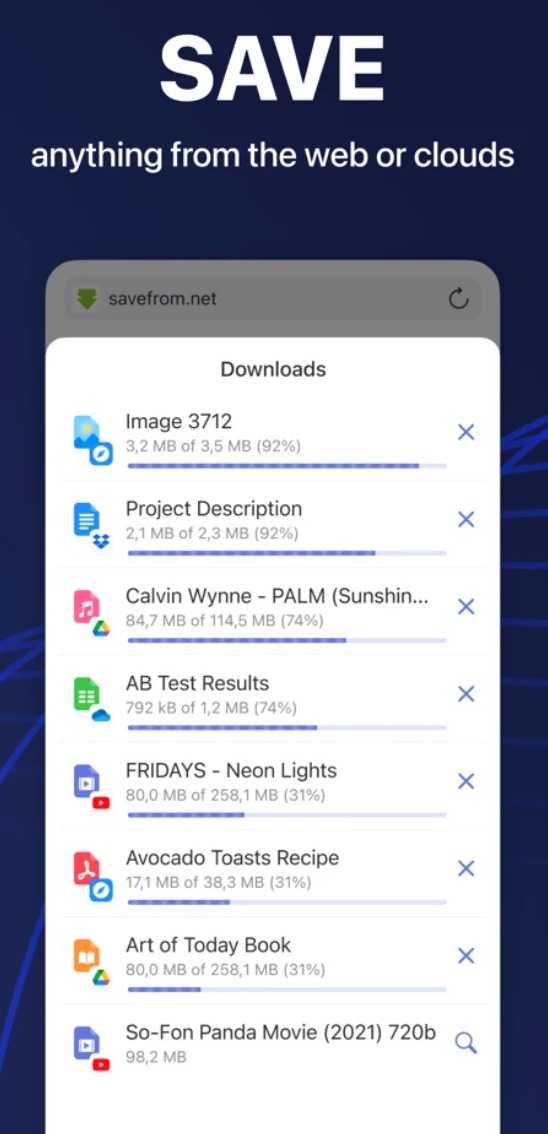
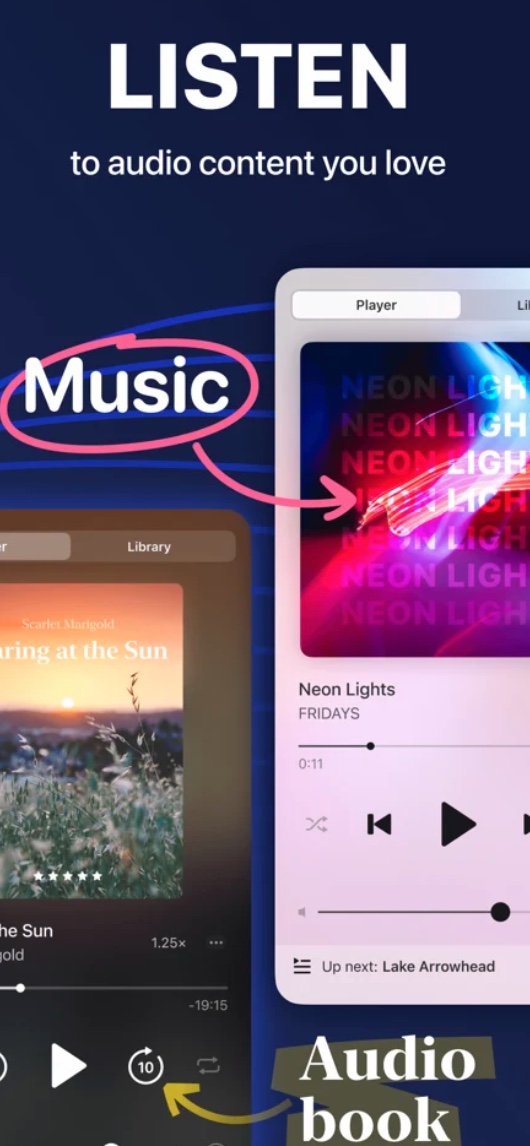



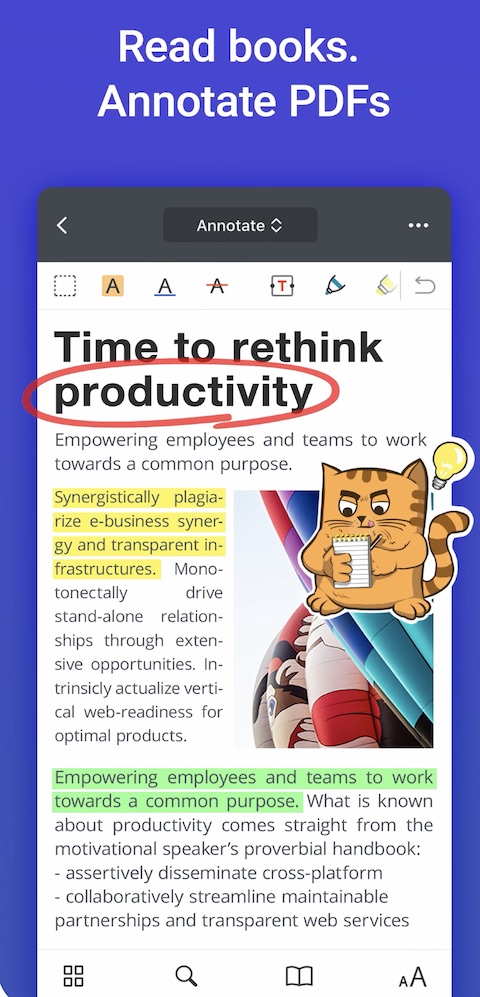
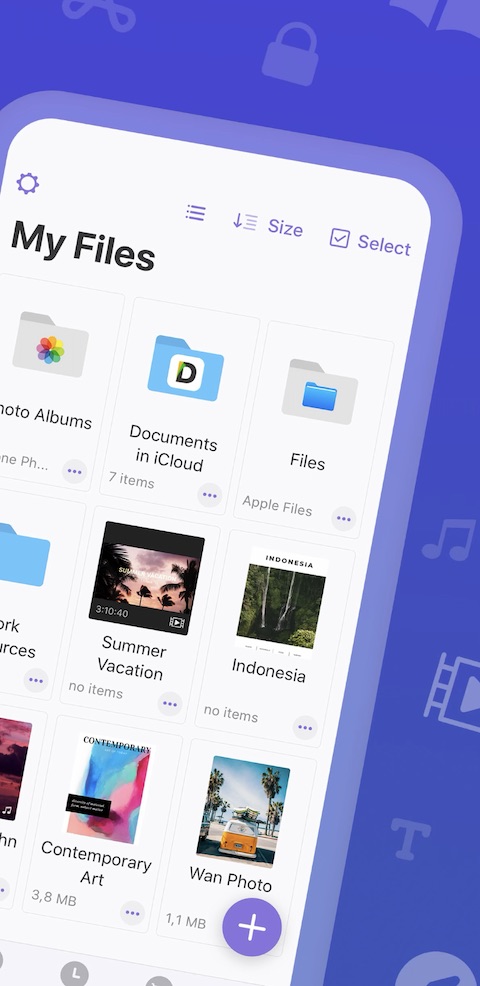
My FileManager
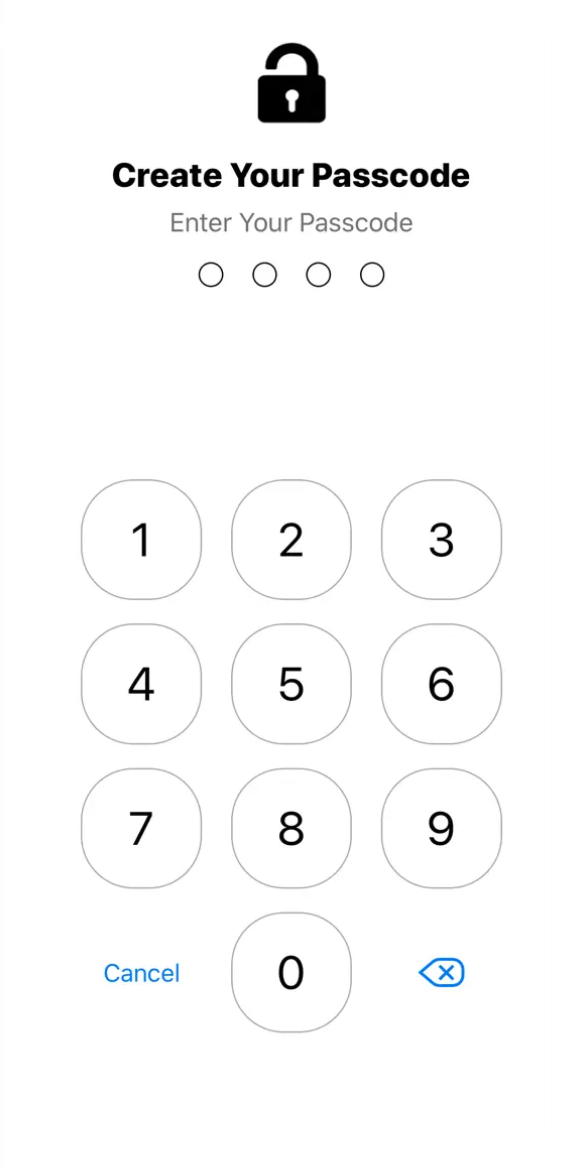
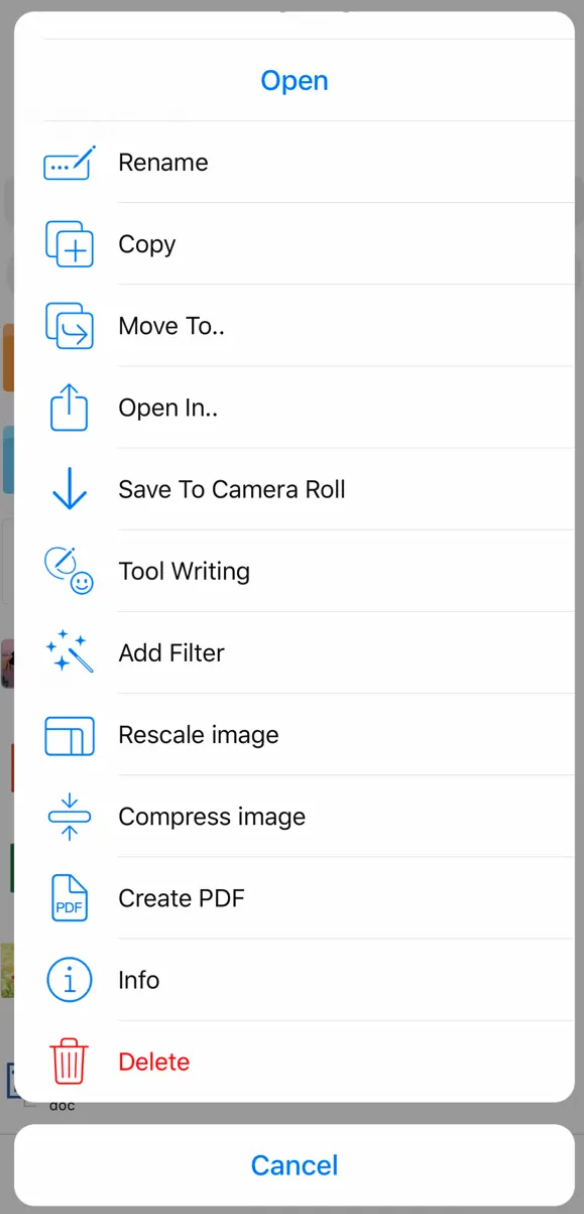
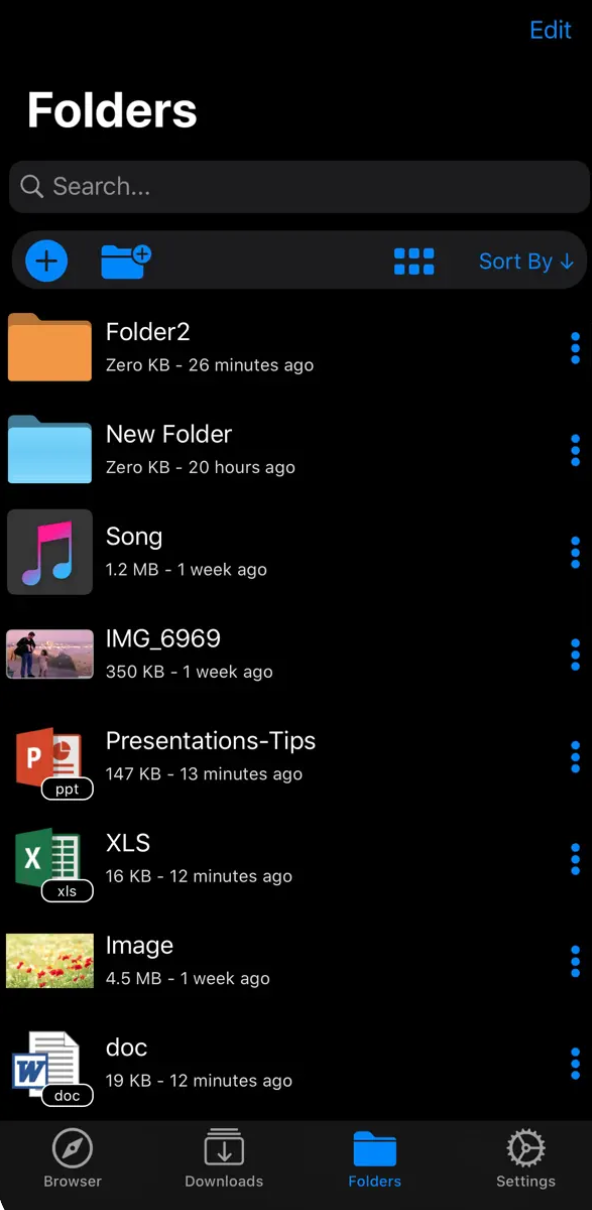
My FileManager is a powerful tool that helps you organize files on your iPhone, iPad, or iPod. It lets you preview hundreds of different file types and easily transfer them between apps. The built-in private browser offers a number of useful features, such as bookmarks, history, tab management, and multiple search engines. You can also add your favorite websites to your home screen and take advantage of the convenient dark mode. The file manager allows you to easily manipulate files and folders. You can move, copy, rename, delete, compress, and even edit images and videos. The app supports a wide range of file formats, including documents, presentations, spreadsheets, PDFs, text files, and ZIP archives. With the quick search function and filtering by date or file type, you'll always have everything neatly organized. My FileManager also cares about your privacy. You can set up password protection and use support Touch ID or Face ID for even more secure access to your data. Plus, the app is ad-free, so you can focus on managing your files efficiently.
Gallery








I wonder in vain what else these files managery offers in addition to native Files from iOSIn addition to adding external storage like OneDrive and I can't think of any others. Pro most people who use the ecosystem as a whole AppActually, nothing extra. OneDrive terribly slow - especially backup photo, Gdrive it's a little better, but the overall management of all external applications is terribly complex.
And when a person pays – because he is perhaps more or less forced to do soCloud, then it doesn't make sense to pay for additional storage, even if it is in the case OneDrive associated with the $ packageOfficeI stopped using that one since I got a Mac – nestI thought something would happen. Pages a Numbers they couldn't – that is, from what I normally use.