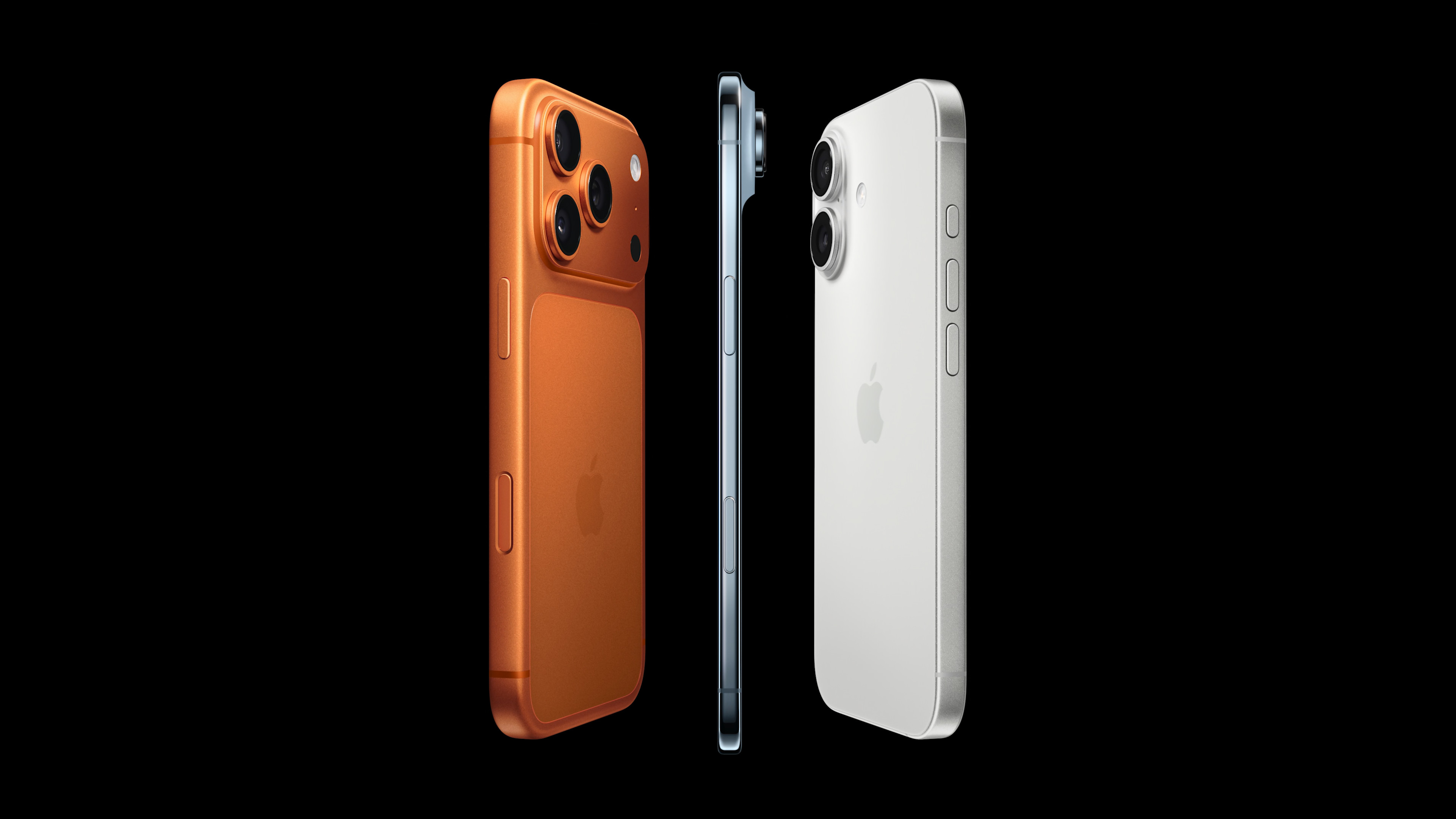
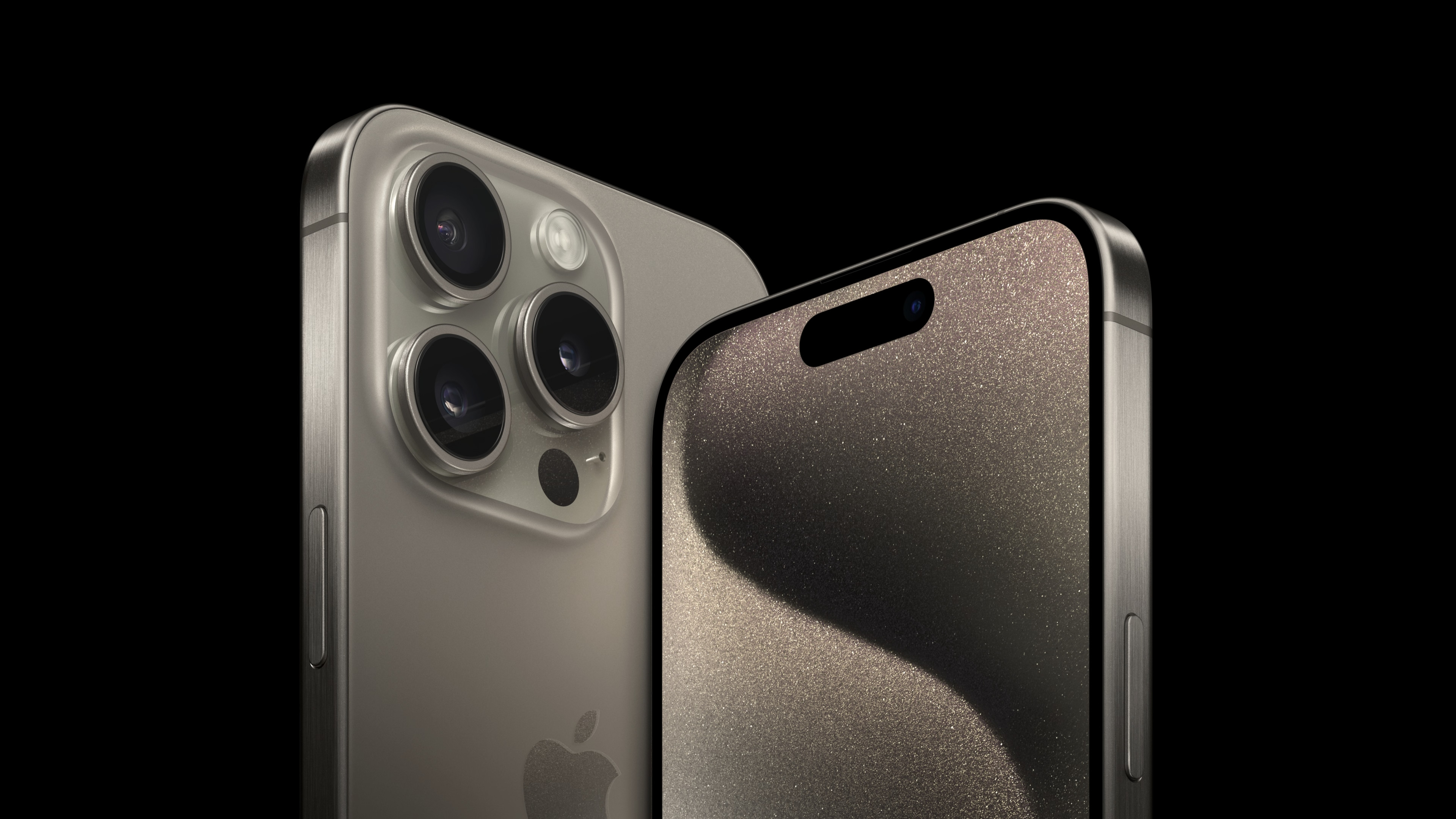
Not everyone is in a hurry to upgrade their phone to iPhone 16. If you already have iPhone 15 or iPhone 15 Pro, you probably won't miss out on many new features. And even devices released in 2018, like iPhone XR, will be able to use the new update iOS 18If you want your iPhone To keep it going as long as possible, one of the best ways (along with getting a good phone case) is to protect and maintain the health of your device's battery.
You might be interested in
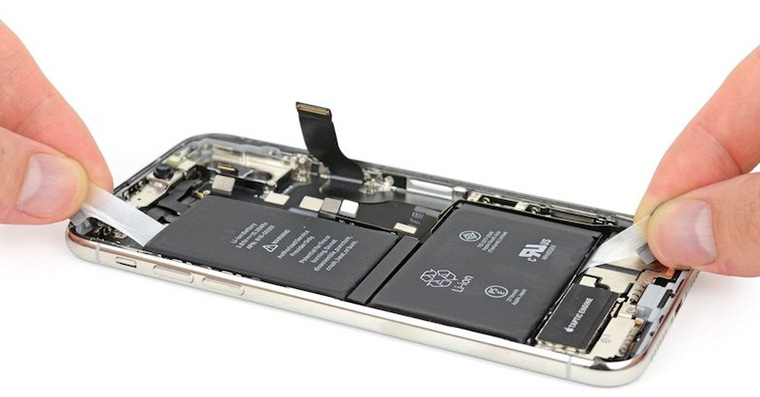
Battery life, which should be distinguished from battery life, is how long your battery will last before you need to replace it. The rechargeable battery in your iPhone should work at optimal capacity (ideally) for at least a few years, but this depends on a number of factors, such as the ambient temperature, the way the battery is charged, possible damage from a fall or a faulty battery. ("Battery life", on the other hand, is how long the battery can power your phone before it needs to be recharged.)
If you're not sure what to do to extend your iPhone's battery life, who better to advise you than Apple, below are some tips to help you avoid premature battery replacement.
How to extend iPhone battery life until the next upgrade
And now for the battery tips…
Optimized battery charging
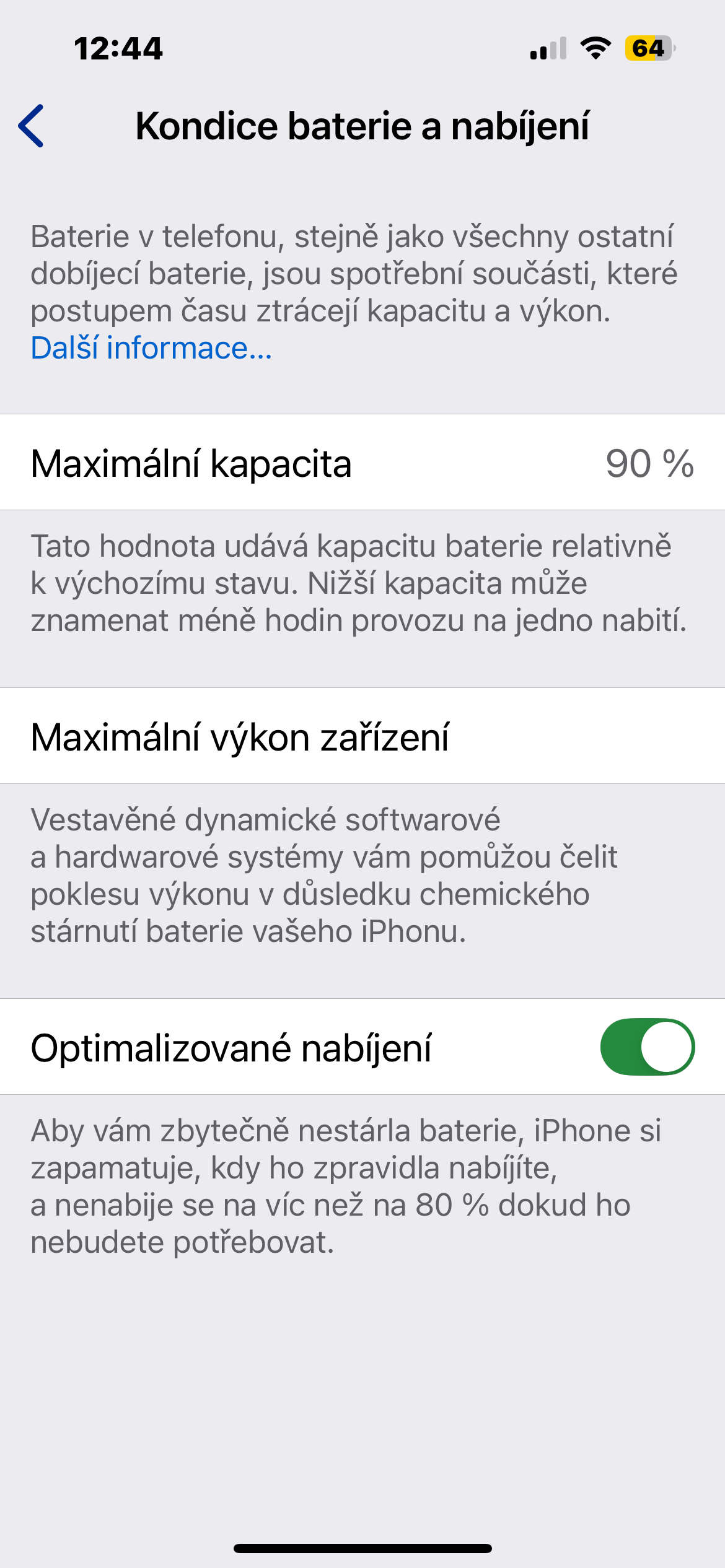
While you can't overcharge your battery, you can put some strain on it by always charging it to 100% under all circumstances. To reduce this strain, your iPhone has settings that learn from your daily charging pattern (let's say you always plug in to the charger your phone right before bed and then disconnect it in the morning). It will then wait to finish charging above 80% until just before you need it, instead of quickly charging the battery up to 100%.
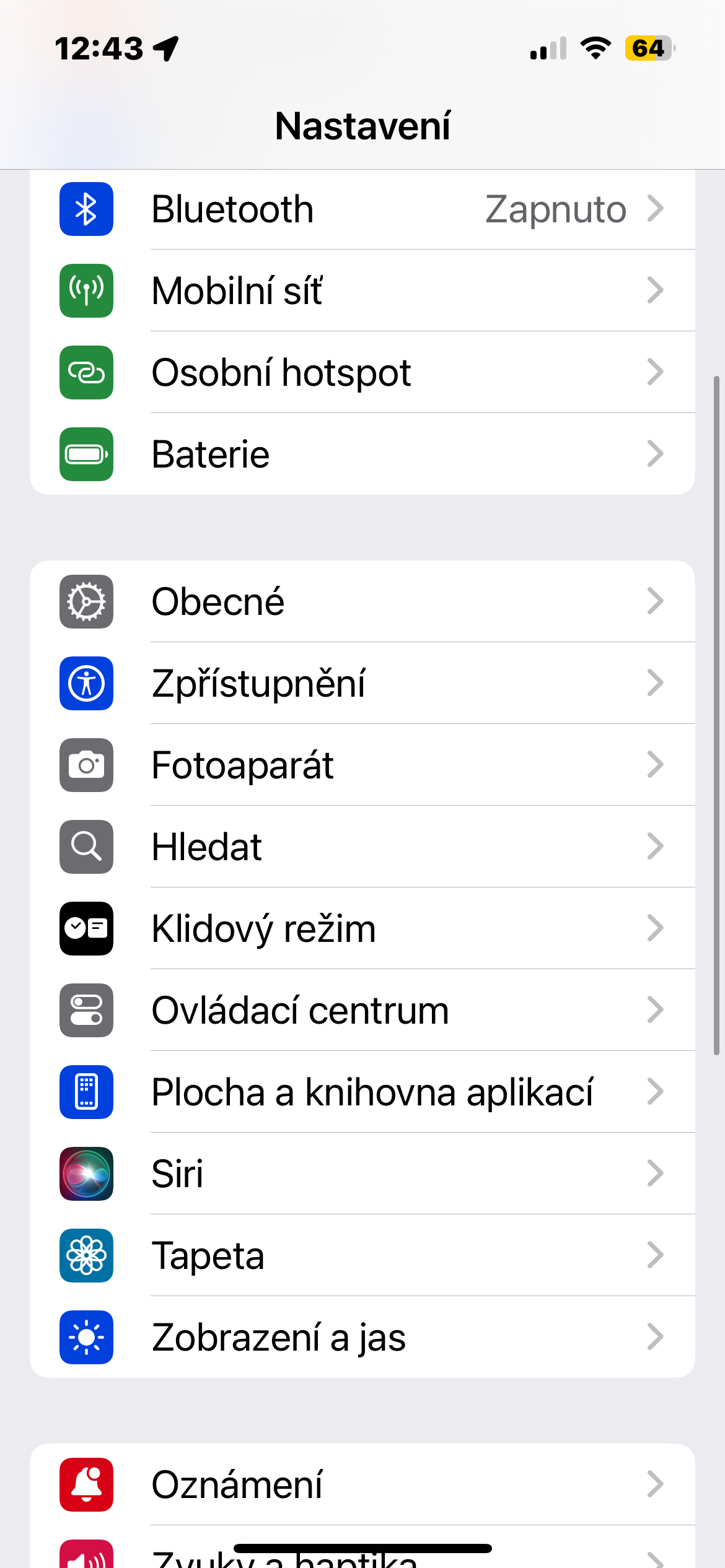
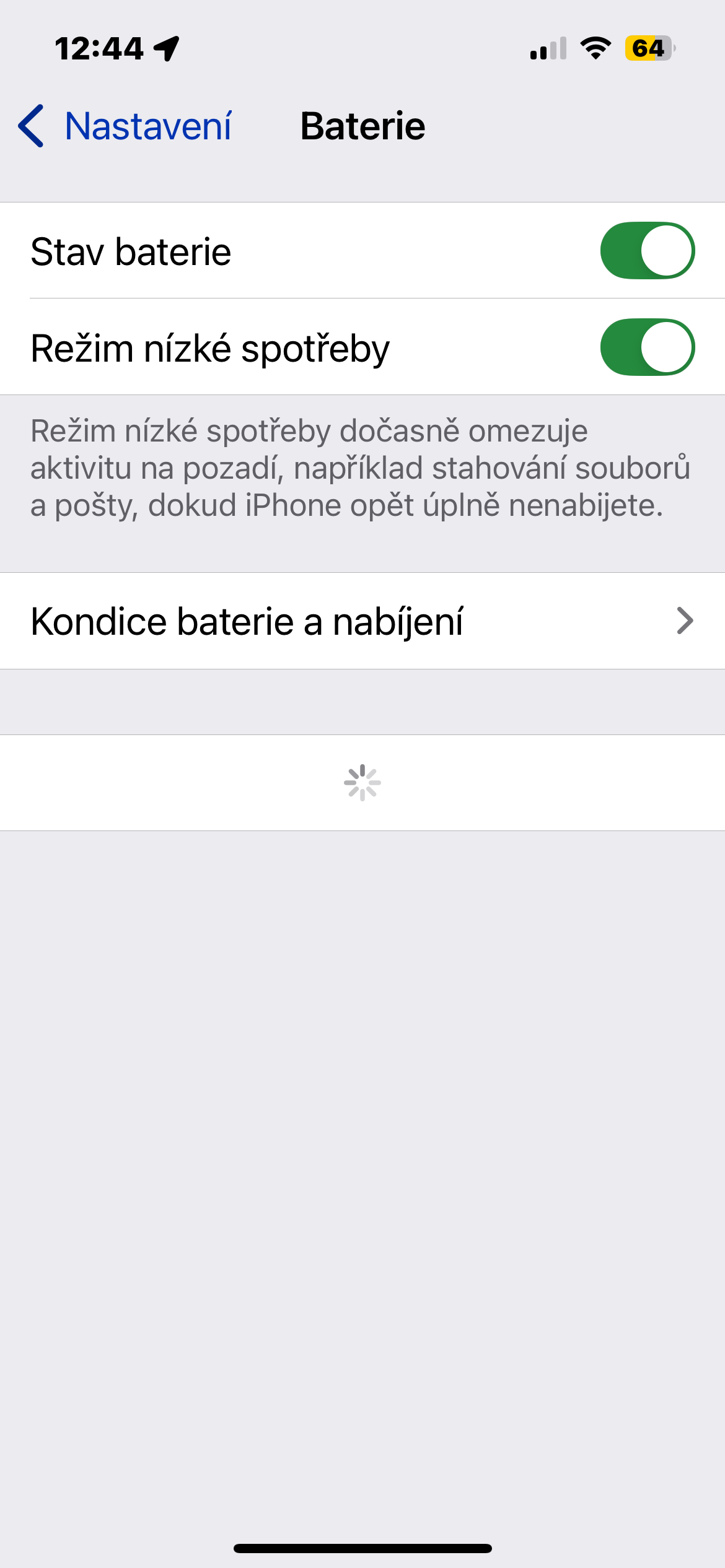
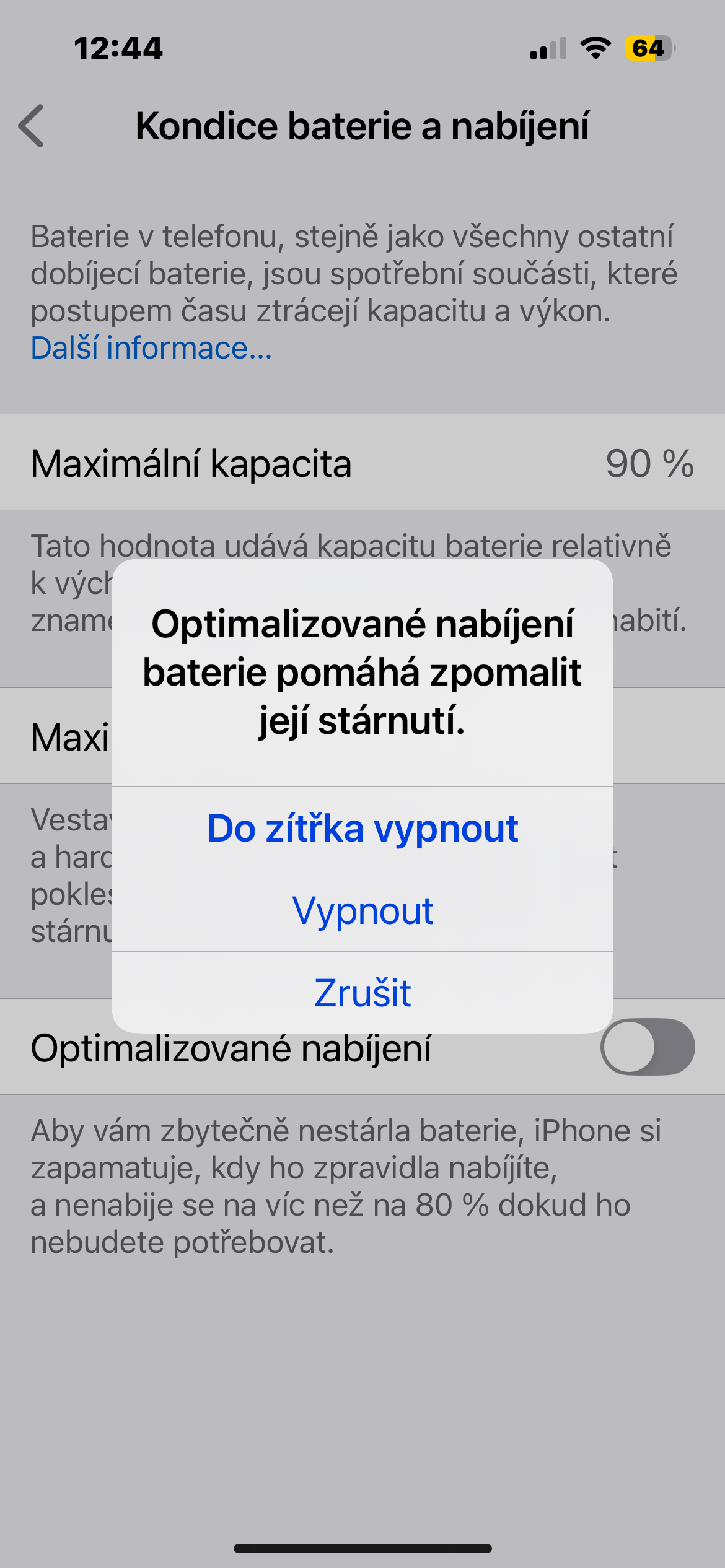
This can help reduce battery aging, and while the setting should be enabled by default, it's a good idea to check that it's turned on. In Settings, go to Battery > Battery Health & Fitness and make sure it's switched to Optimized Battery Charging.
The setting should be on by default, but it never hurts to take a look and confirm.
Gallery
Protect your phone from extreme temperatures
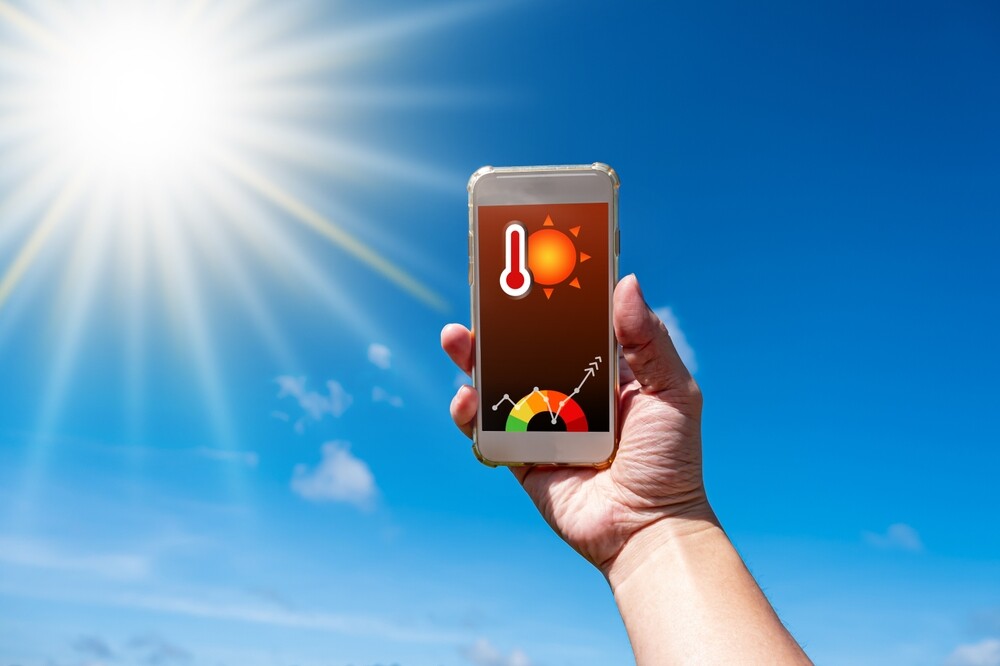
Your iPhone's battery life can also be affected by extreme temperatures. Higher temperature increases the rate of chemical reactions inside the battery, which forces the battery to work harder and faster, which also causes it to degrade faster. According to the company Apple It's important to avoid exposing your iPhone to temperatures above 35°C to prevent permanent damage. Fortunately, the fix is simple - don't expose your iPhone high temperatures. If you are at the beach, do not leave your iPhone on a towel in direct sunlight. Instead, throw it in a bag or put a t-shirt over it for protection. Also, don't leave your iPhone in the car for a long time, especially if it is a hot day.
You might be interested in

Apple It has several settings to prevent overheating and damage, such as turning off the phone or preventing further charging when the phone is too hot, but it is better to follow proper prevention than to rely on these automatic features. It is better to take the necessary precautions.eventsteps than waiting for your iPhone overheats.
Charging without a case
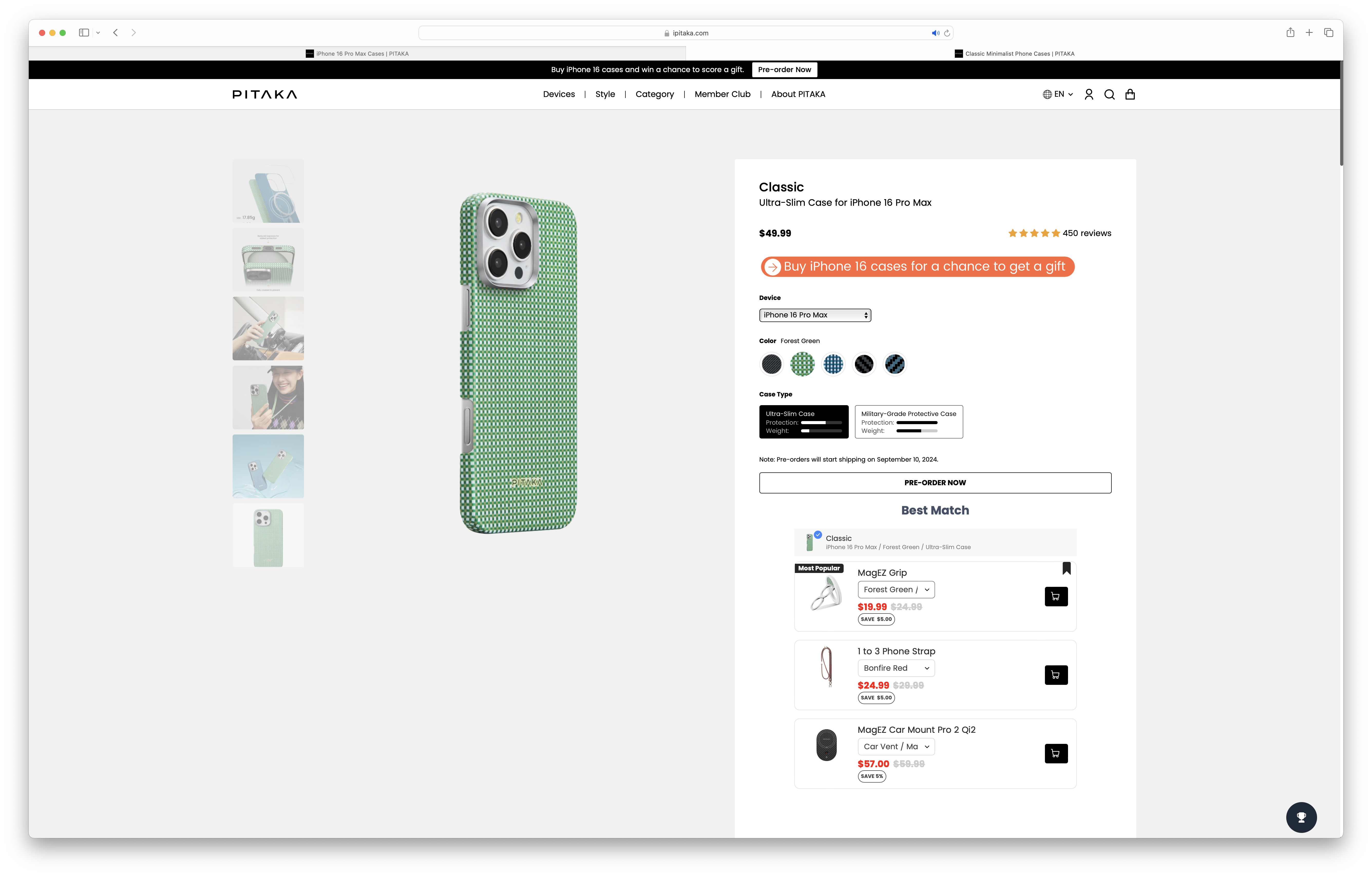
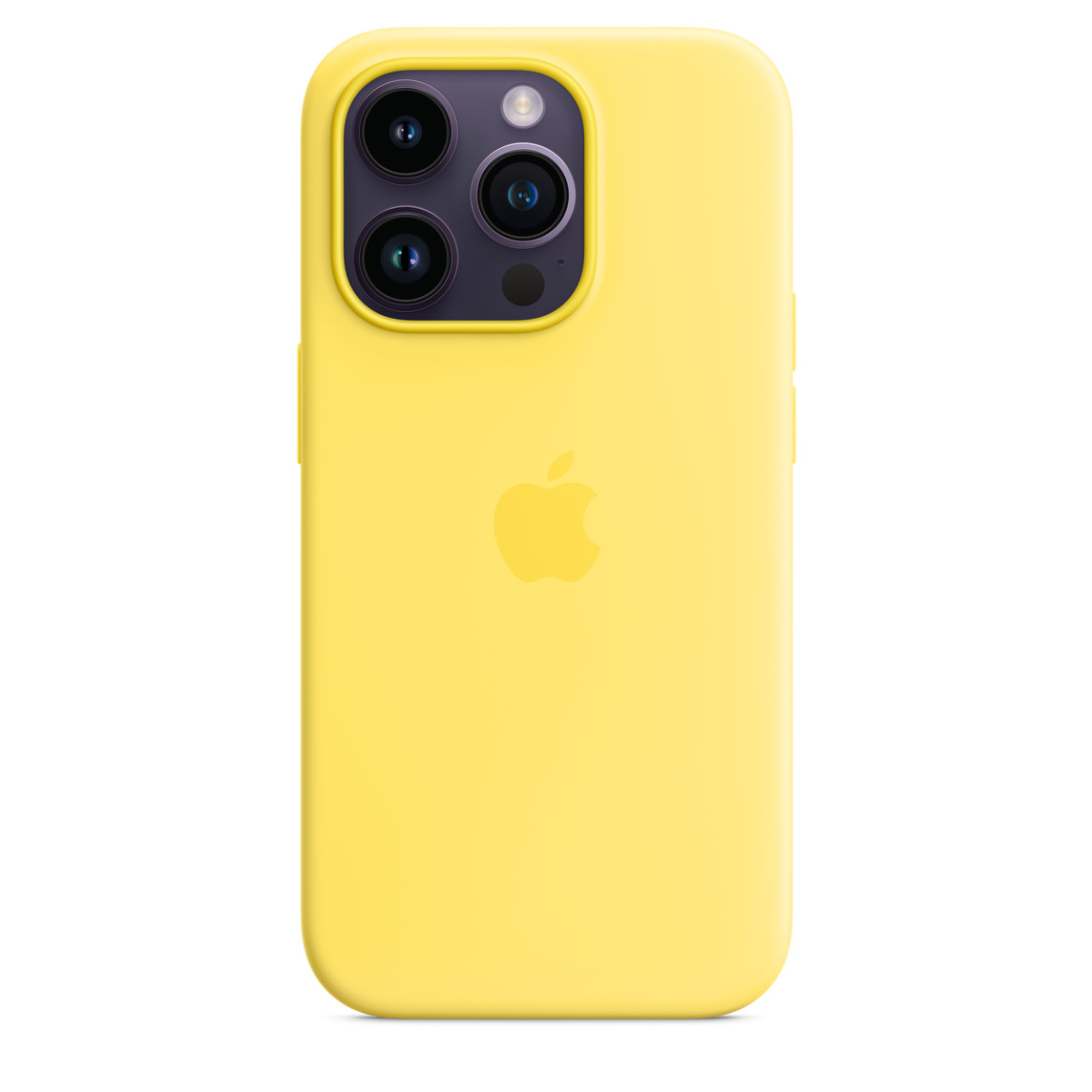
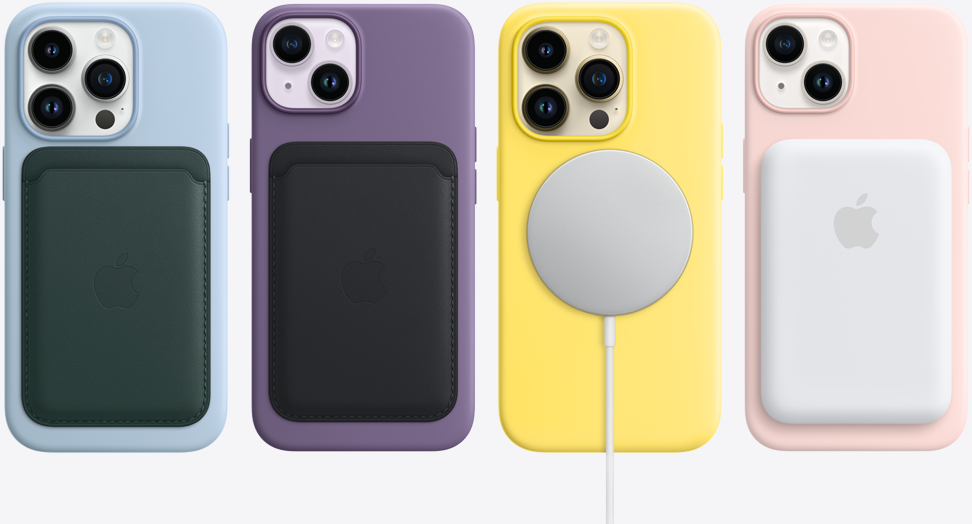
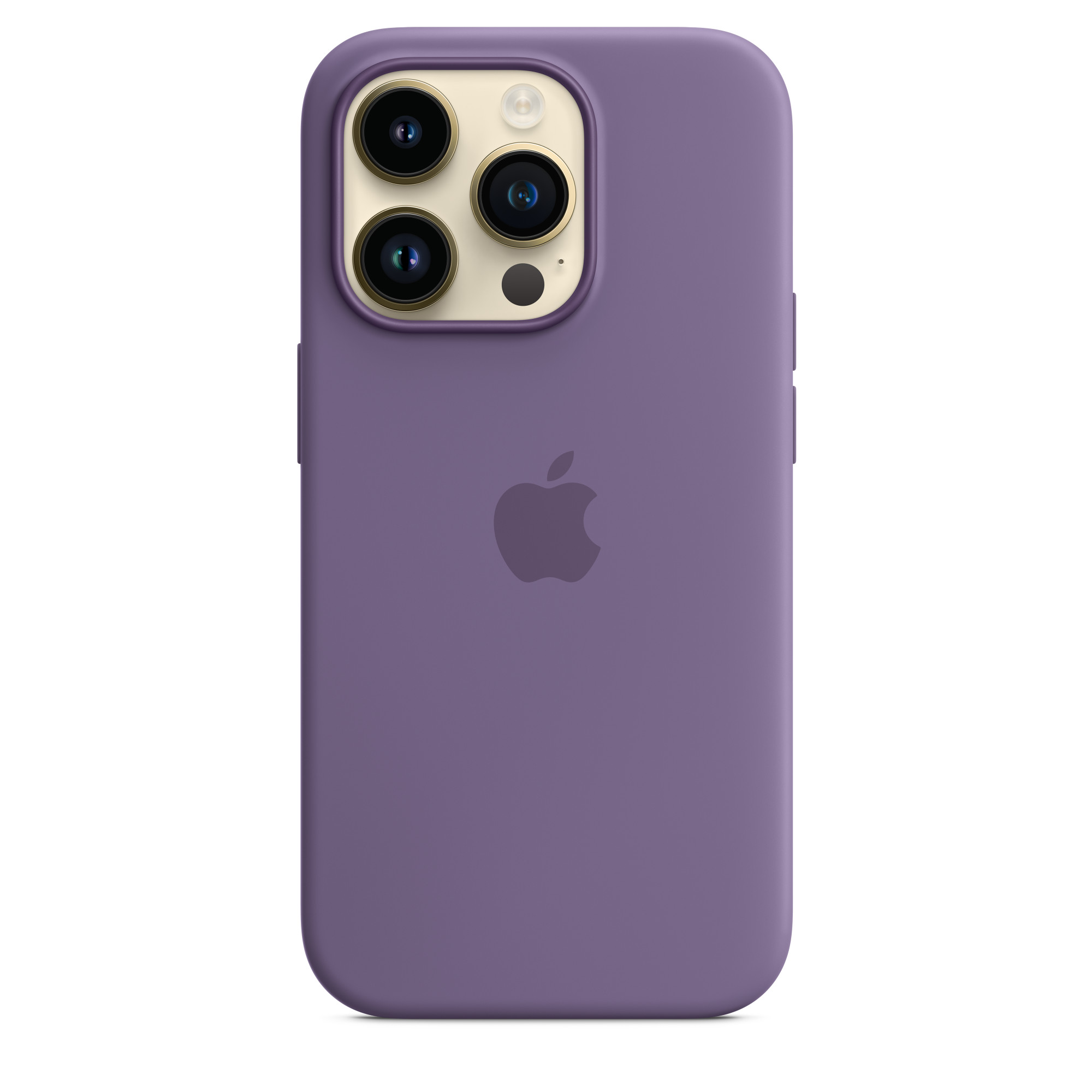
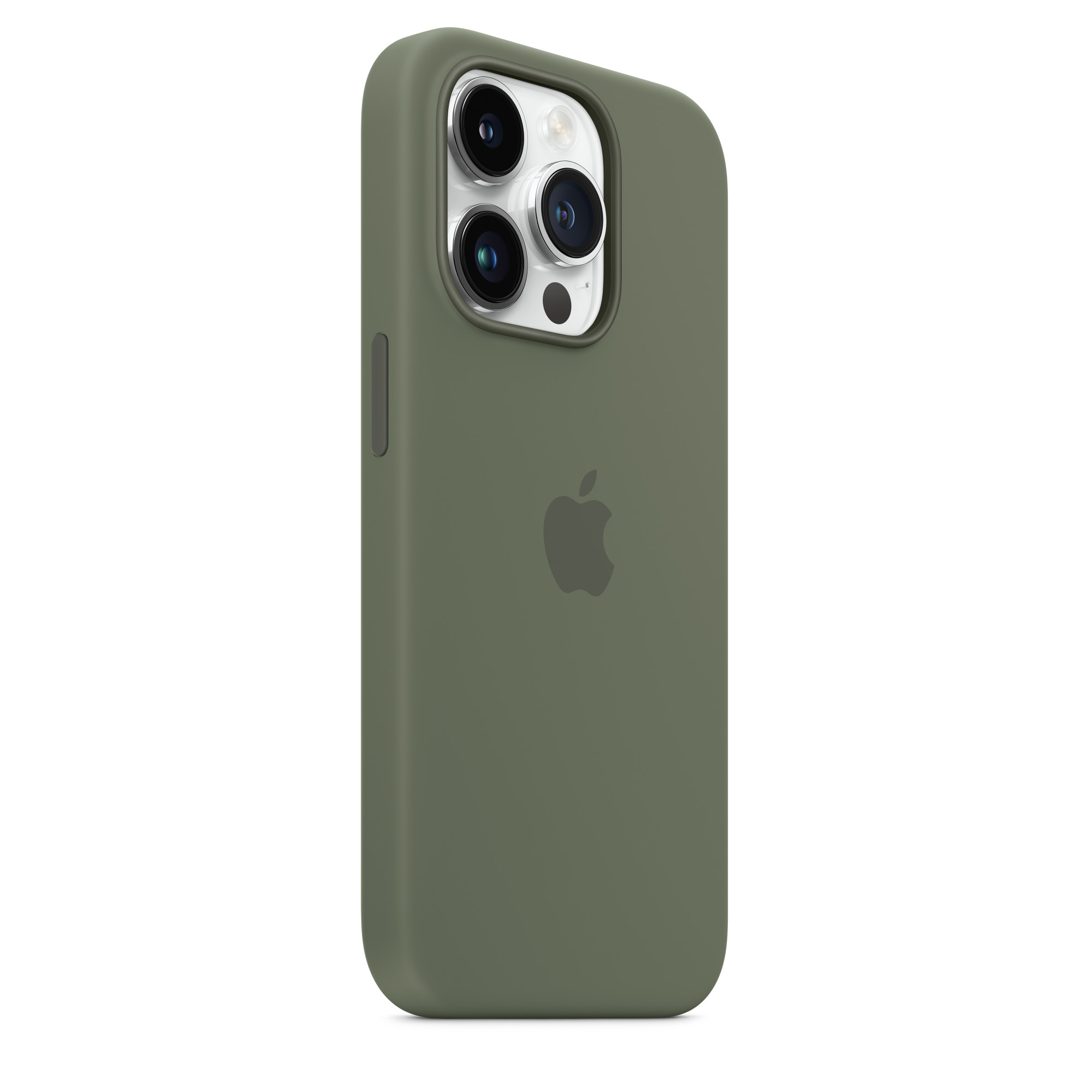
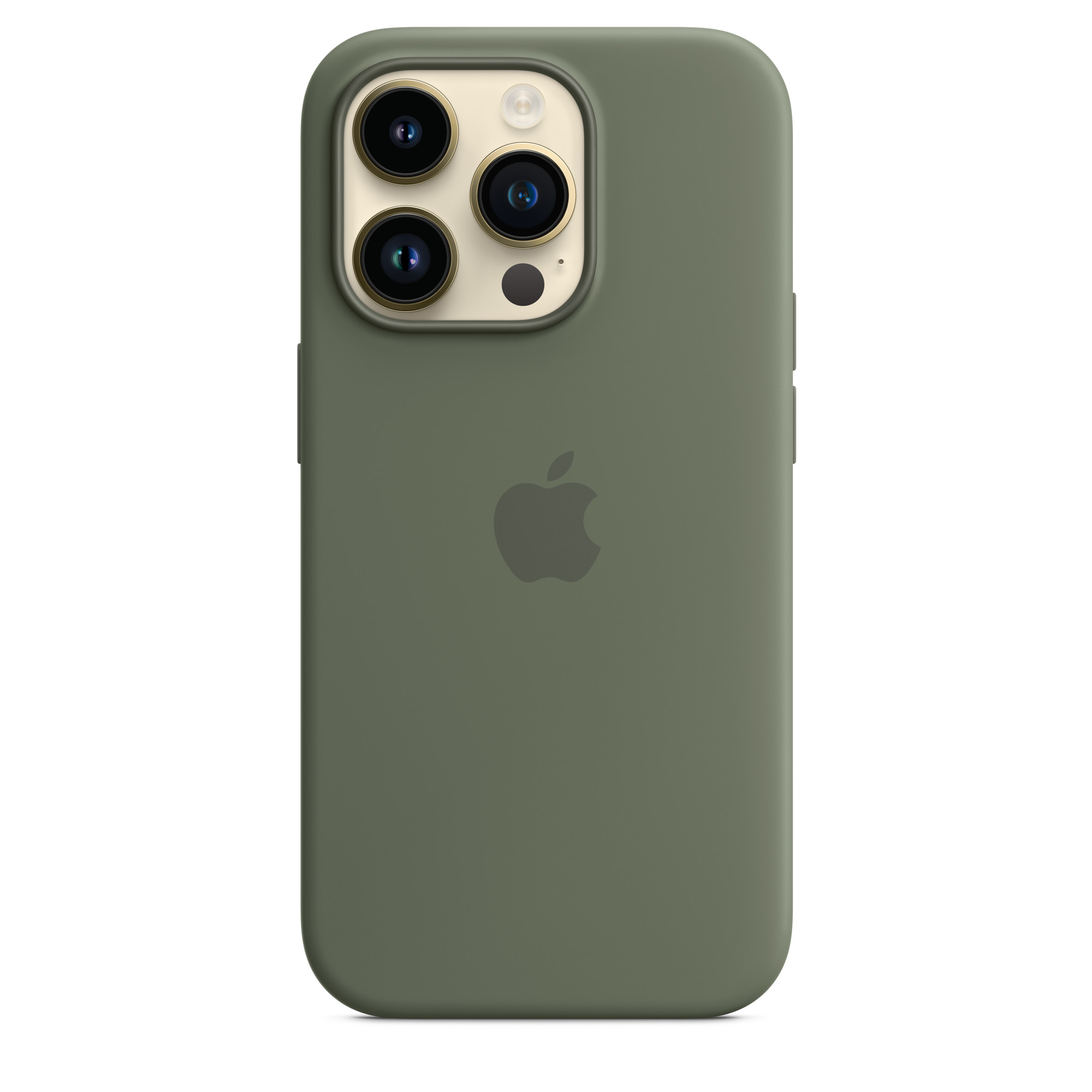
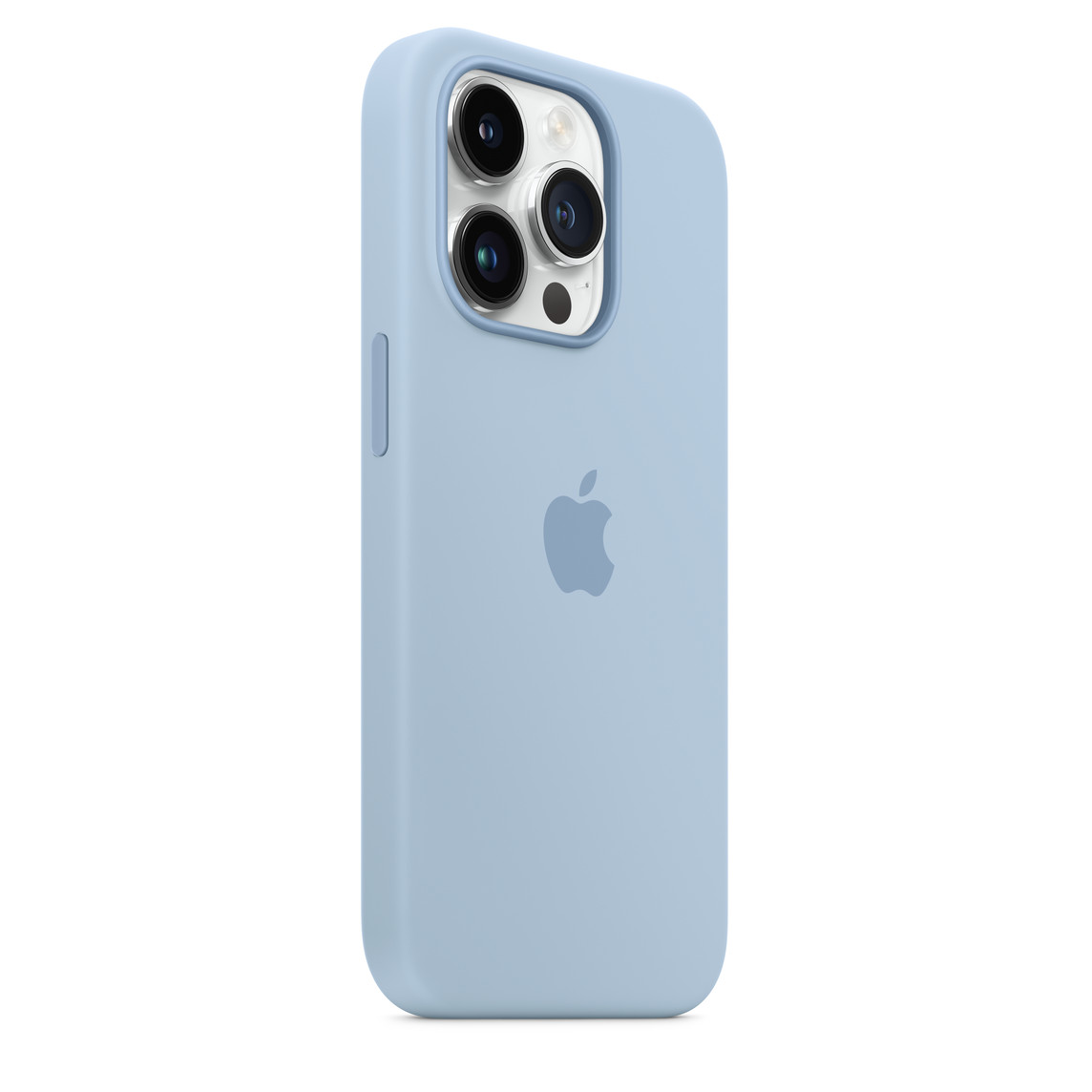
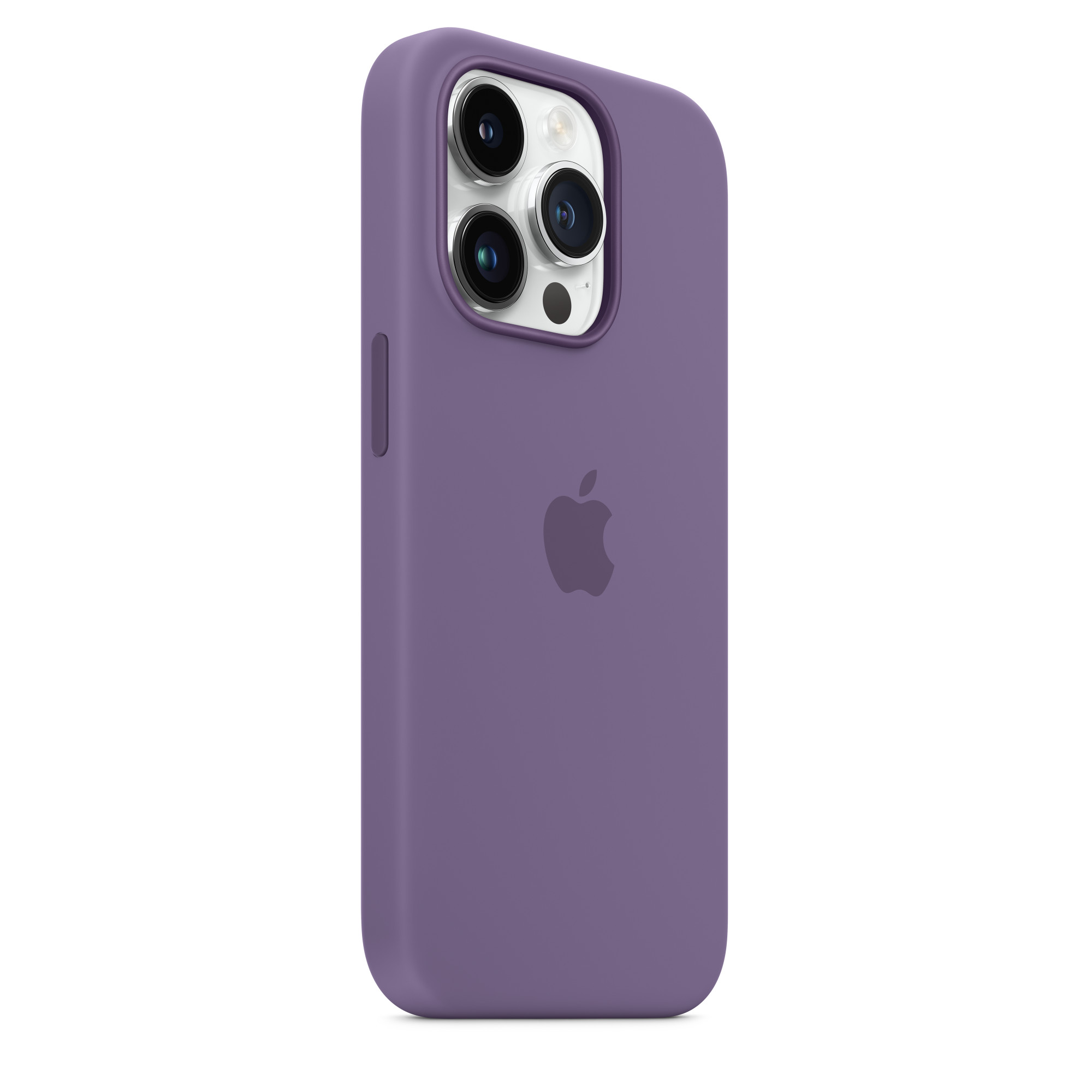
If your iPhone heats up every time you charge it, you may need to remove the case before each charge. Some cases, especially the bulkier and more protective ones, can trap heat and cause your iPhone to overheat, which will affect battery life. In addition to removing the case, also consider not leaving your iPhone – if it is on the charger – use it. Also try replacing the more robust case with a lighter one, such as silicone. Some cases can trap heat and cause your iPhone to overheat while charging.
Gallery
How to protect iPhone batteries during long-term storage
Maybe you bought a new phone and want to use your old one iPhone put it away for a while. If you want to preserve battery life, you should do the following before storing:
- Keep the charge at around 50%. You don't want your battery to be full or empty before shutting down or it could stop holding a charge (if full) or lose capacity and have a shorter life (if empty).
- Turn off your iPhoneThis will prevent your phone from consuming more battery.
- Store your phone in a dry place where the temperature does not exceed 30°C.
- If your iPhone If you are storing it for longer than six months, turn it on and charge it to 50% every six months.
If your iPhone If you store it for a long time, it may be in low battery mode, which means you may need to charge it for 20 minutes before it turns on.