In today's digital world, our online identity is closely tied to passwords. We use them to access emails, bank accounts, social media, and many other online platforms. Unfortunately, many people still use weak and easily cracked passwords, putting themselves at risk of hackers and identity theft.
You might be interested in
A strong password is an essential part of online security. It is a gateway that protects your personal data and sensitive information from unauthorized access. However, creating a strong password can be challenging, especially when you need to manage passwords for many different accounts.
Understanding the principles of strong passwords:
- Length: The longer the password, the more difficult it is for hackers to crack. Recommended miniThe minimum password length is 12 characters, but longer passwords are always more secure.
- Diversity: Avoid using only lowercase letters. Combine uppercase and lowercase letters, numbers, and special symbols (eg !, @, #, $). The more types of characters a password contains, the more difficult it is for hackers to break it.
- Randomness: Forget meaningful passwords! Don't use names, dates of birth, buzzwords, or other easy-to-guess phrases. The password should be a random combination of characters with no apparent meaning.
Password manager
Password managers are useful applications that help you store and manage strong and unique passwords for all your accounts. Many of them also offer the function of autofilling passwords, which will make your work easier. If you don't want to search for third-party applications, the native Keychain that you have directly on your devices can serve you in many ways Apple devices.
You might be interested in
Protecting existing passwords
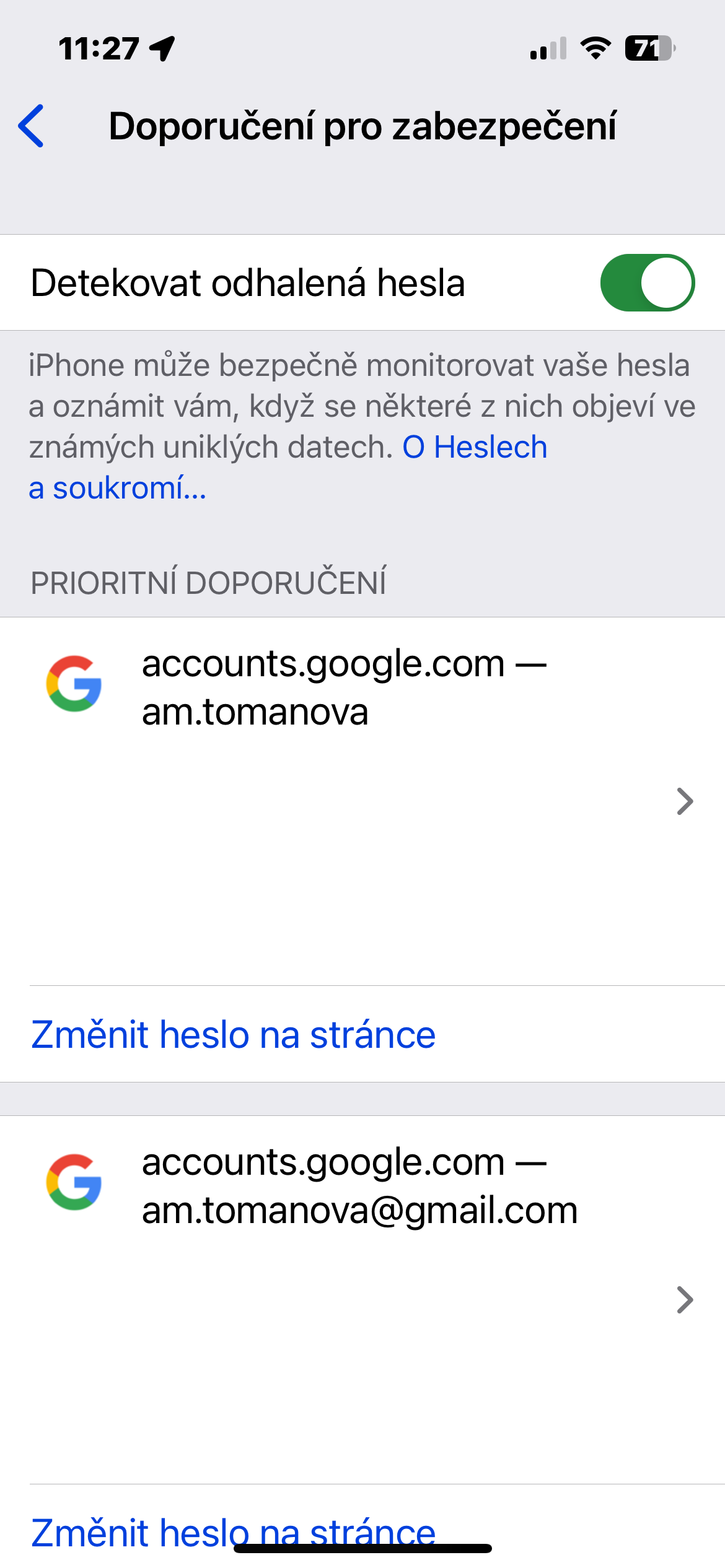
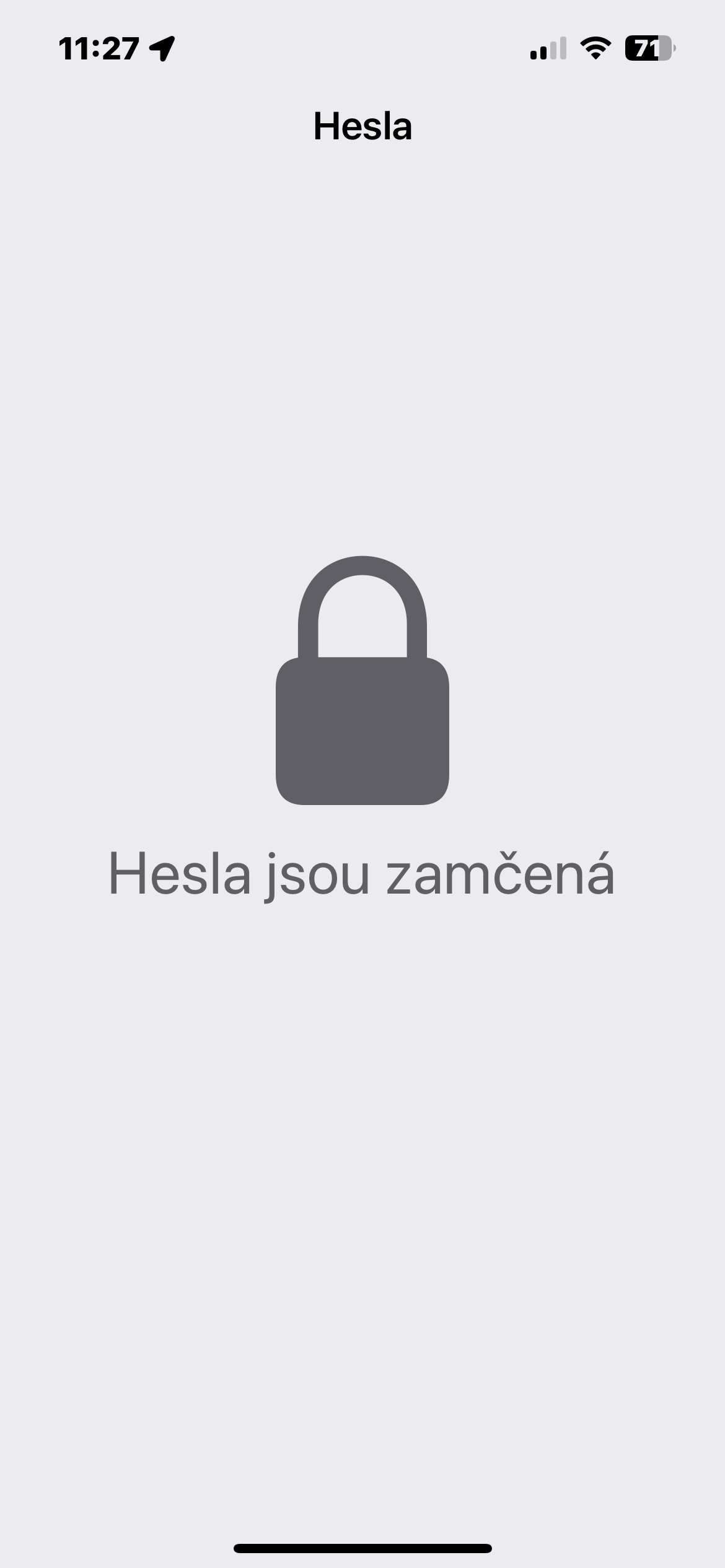
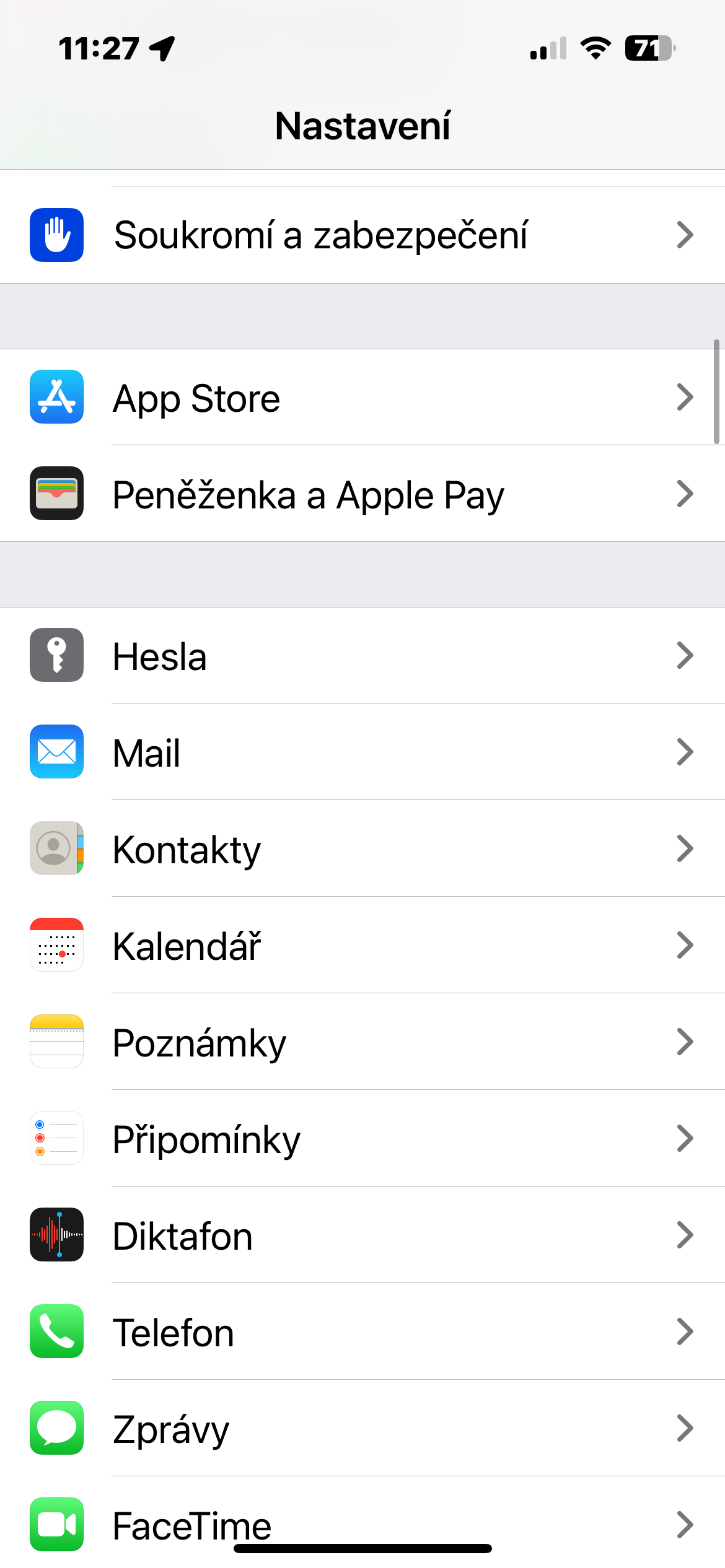
Check for password leaks – You can use sites like Have I Been Pwned to check if your email address or passwords were part of a data breach. If there was a breach, change the passwords for all affected accounts. You can also check the strength of your passwords in Settings -> Passwords -> Security recommendations, where you can enable the detection of leaked passwords.
Gallery
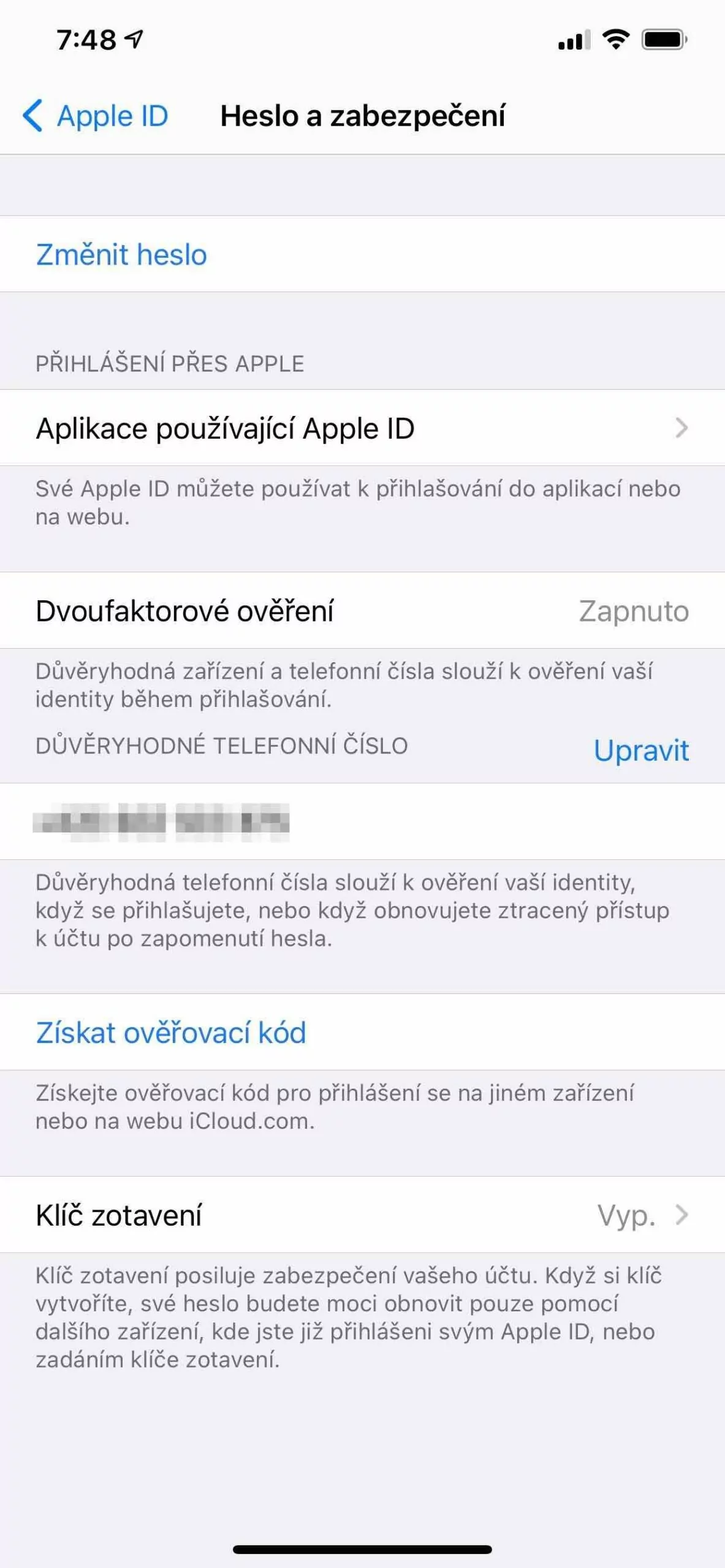
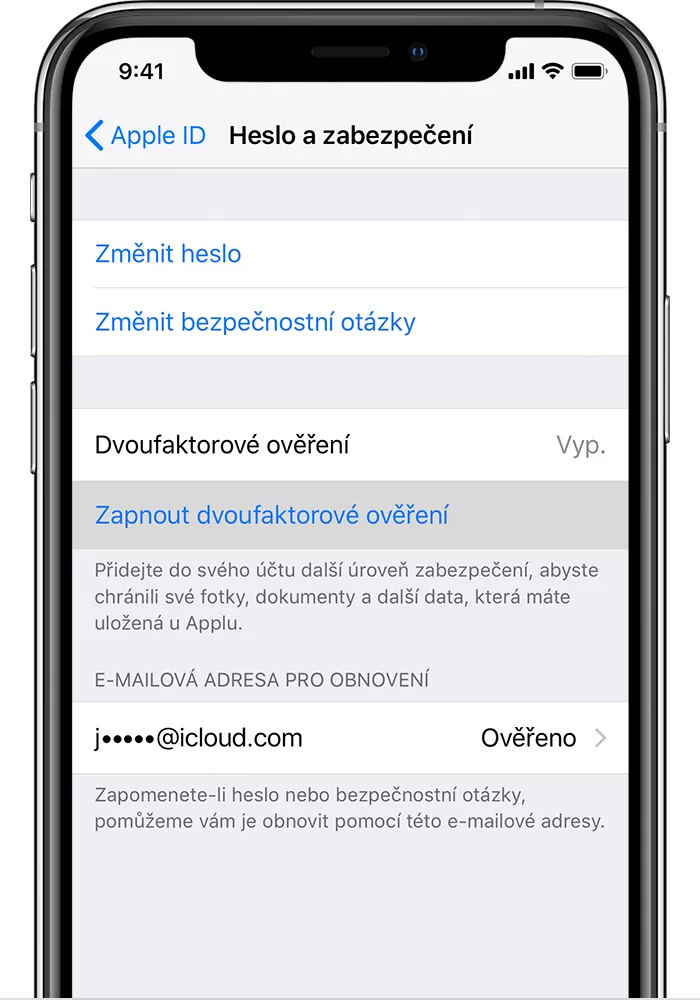
Activate two-step verification
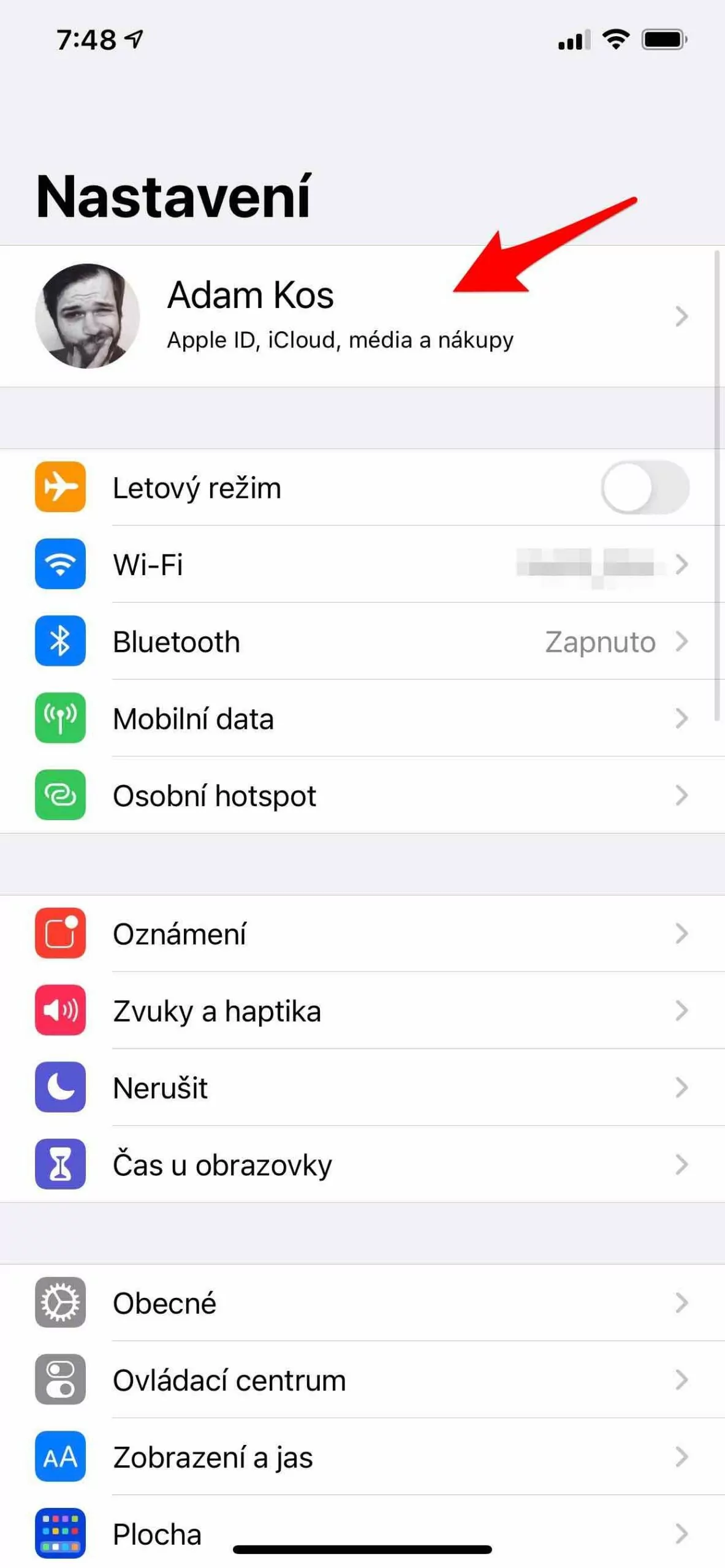
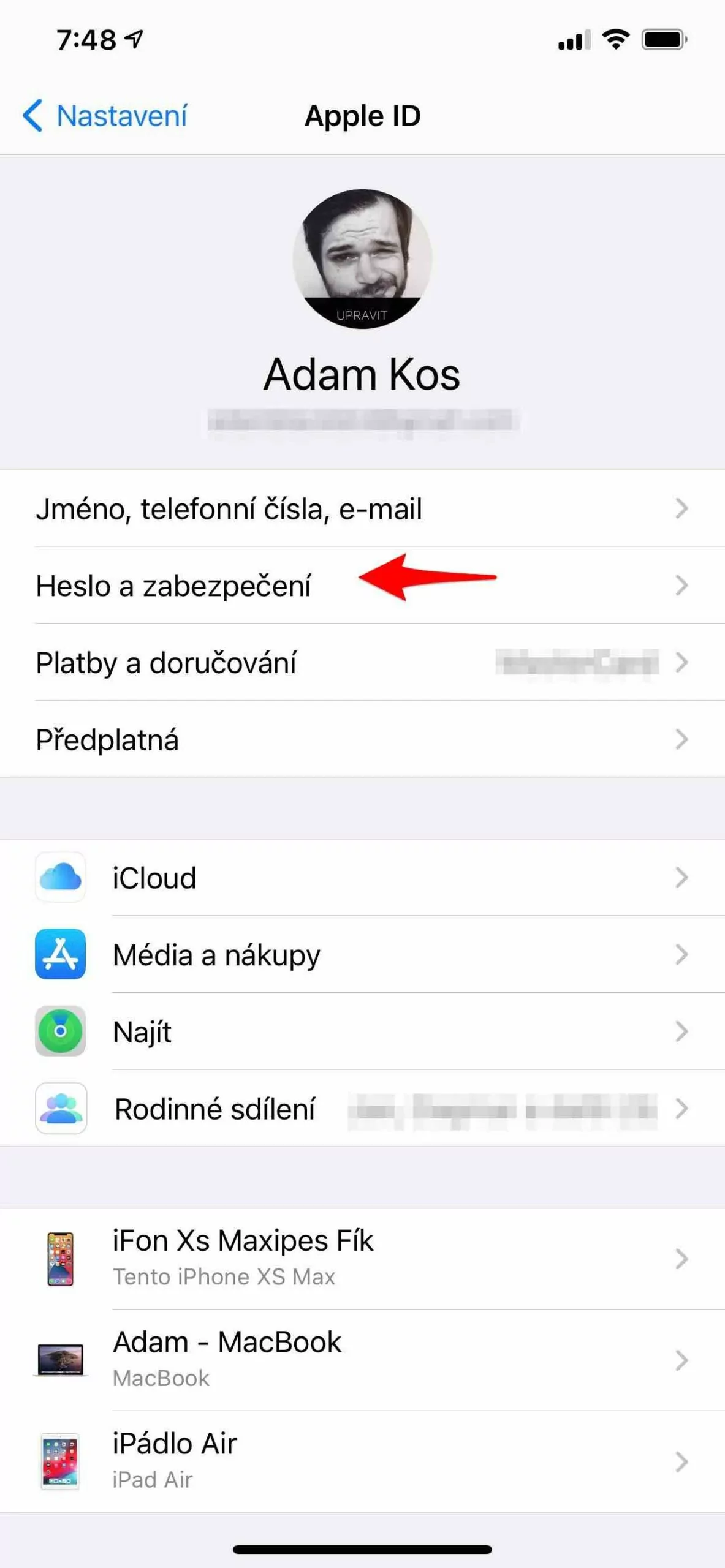
Even if you try to create the strongest password possible with a combination of different characters and sufficient length, there is still a risk that hackers will crack it. ProIt's important to use an extra layer of security called two-step verification. Two-step verification adds an extra layer of security to your online accounts. In addition to your password, you'll also need to enter an additional code, which you'll receive, for example, via SMS or an authentication app.
Gallery
Same passwords? No way
Many users make the mistake of using the same password for all their online accounts. Even if you create a strong and unique password with a variety of characters and sufficient length for one account, there is still a risk that hackers will crack it and gain access to your other profiles. ProIs it that dangerous? Imagine a data breach on one of the websites where you use this password. Hackers will then have access to your login details and can use them to log in to your other accounts, such as email, banking or social media. Even if you use different passwords for these sites, hackers can easily guess them if they are too similar to the leaked password. ProIt is crucial to use a unique and strong password for each online account.