
But this time, these aren't the classic tips on how to clean up your iPhone's storage. In the operating system iOS There has been a bug for several years that consumes a large percentage of the iPhone's available storage. This problem persists even in iOS 17.4 and 17.5, but fortunately there are solutions that don't require erasing part of your iPhone's content. Here's how to fix the iPhone system data storage error.
You might be interested in
On the company's community forums Apple, on Reddit and elsewhere, users have been complaining about the iPhone's system data storage error for years (some reports date back to the system iOS 13). For some, problems only started to occur after switching to operating systems iOS 17.3 - iOS 17.5, when users suddenly notice that system data iOS It eats up to 60 GB of storage. And it's not just a reporting error, the storage used by system data is unusable. Unlike cache in individual applications iOS or applications Apple, as Safari, there is no button to quickly clear System Data.
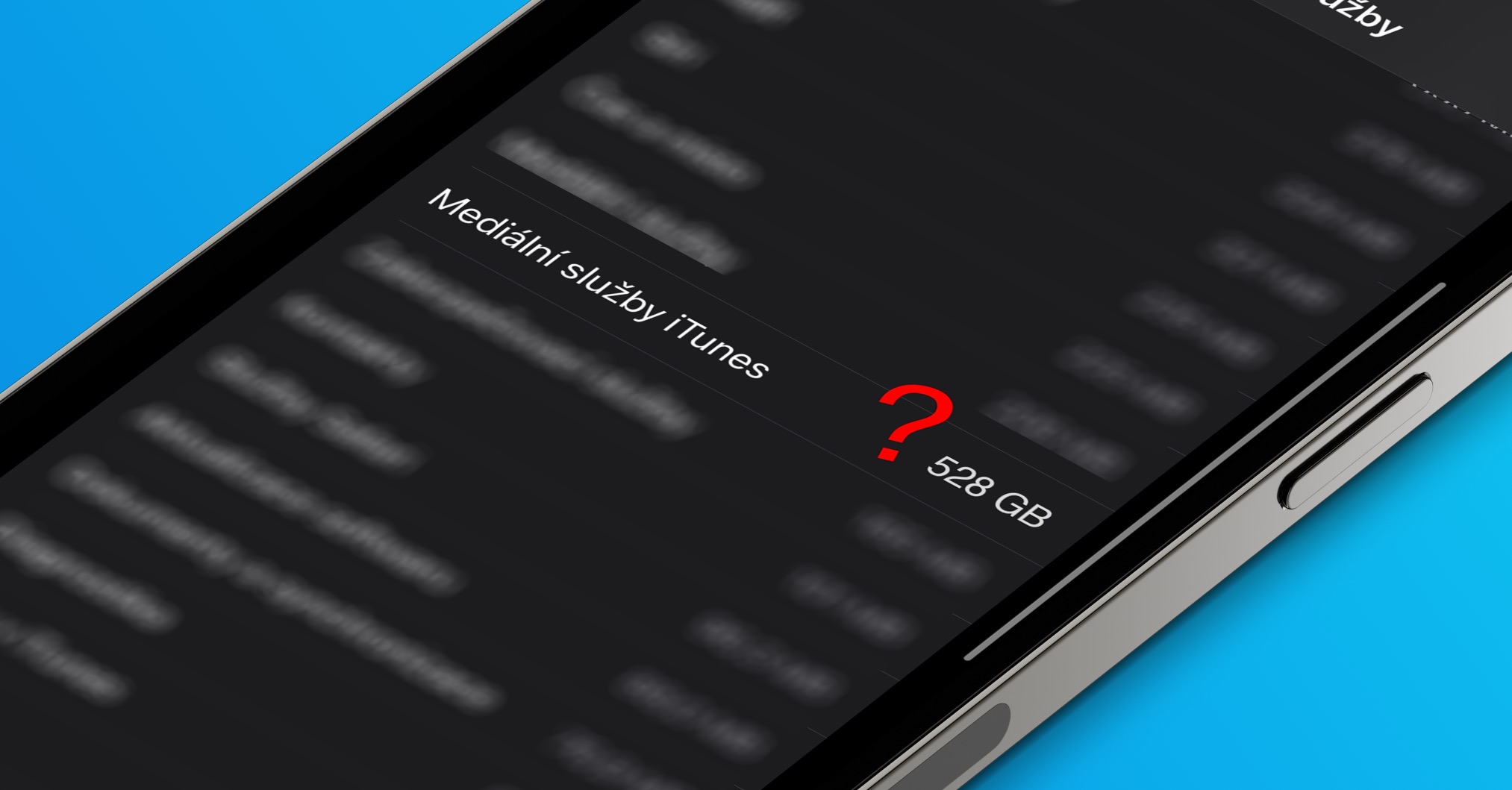
System data includes cache, logs, and other resources that the system is currently using. This value varies according to system needs. Company Apple does not offer an official solution to the problem, but there are several ways to solve the problem. You can find out how much of your iPhone's storage is taken up by system data by running Settings -> General -> iPhone Storage, point all the way down and tap System data.
Gallery

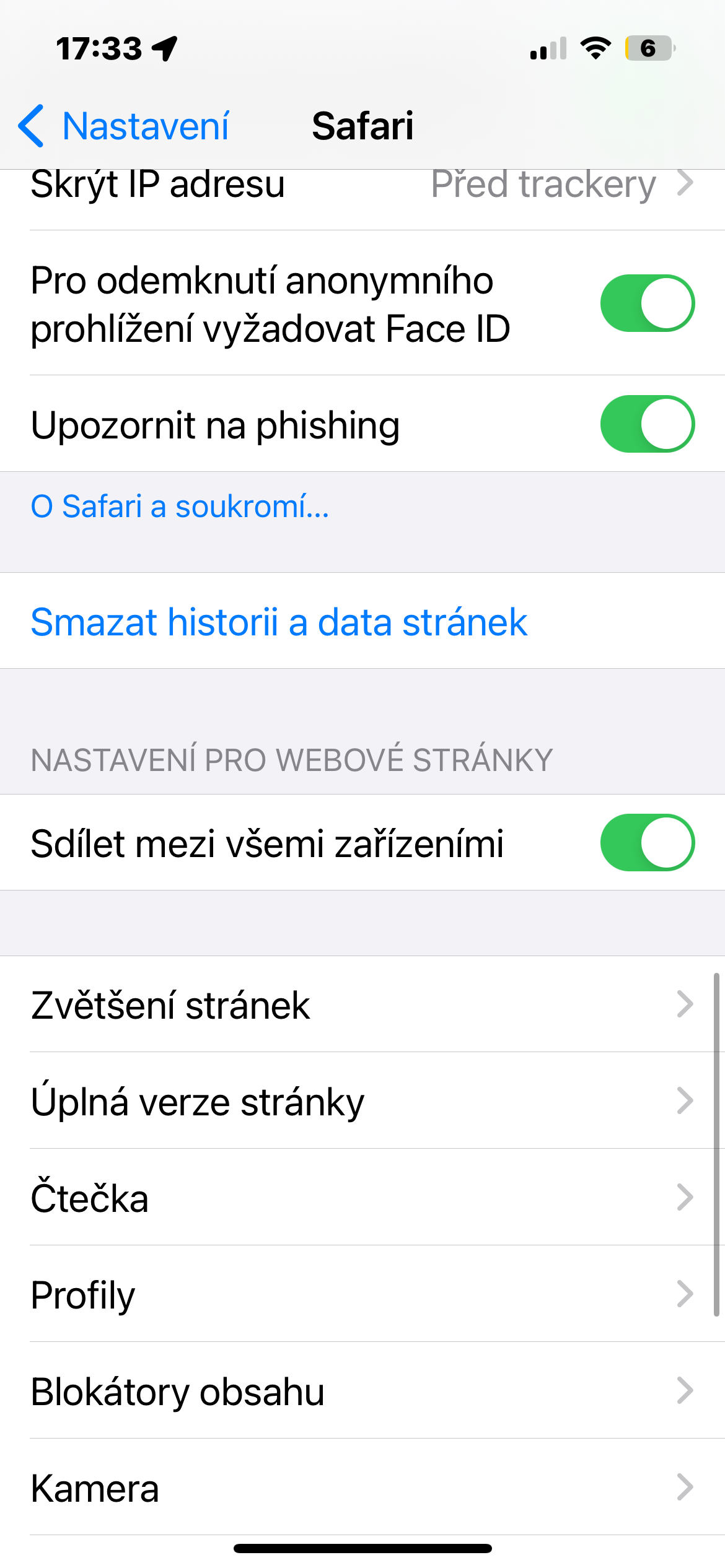
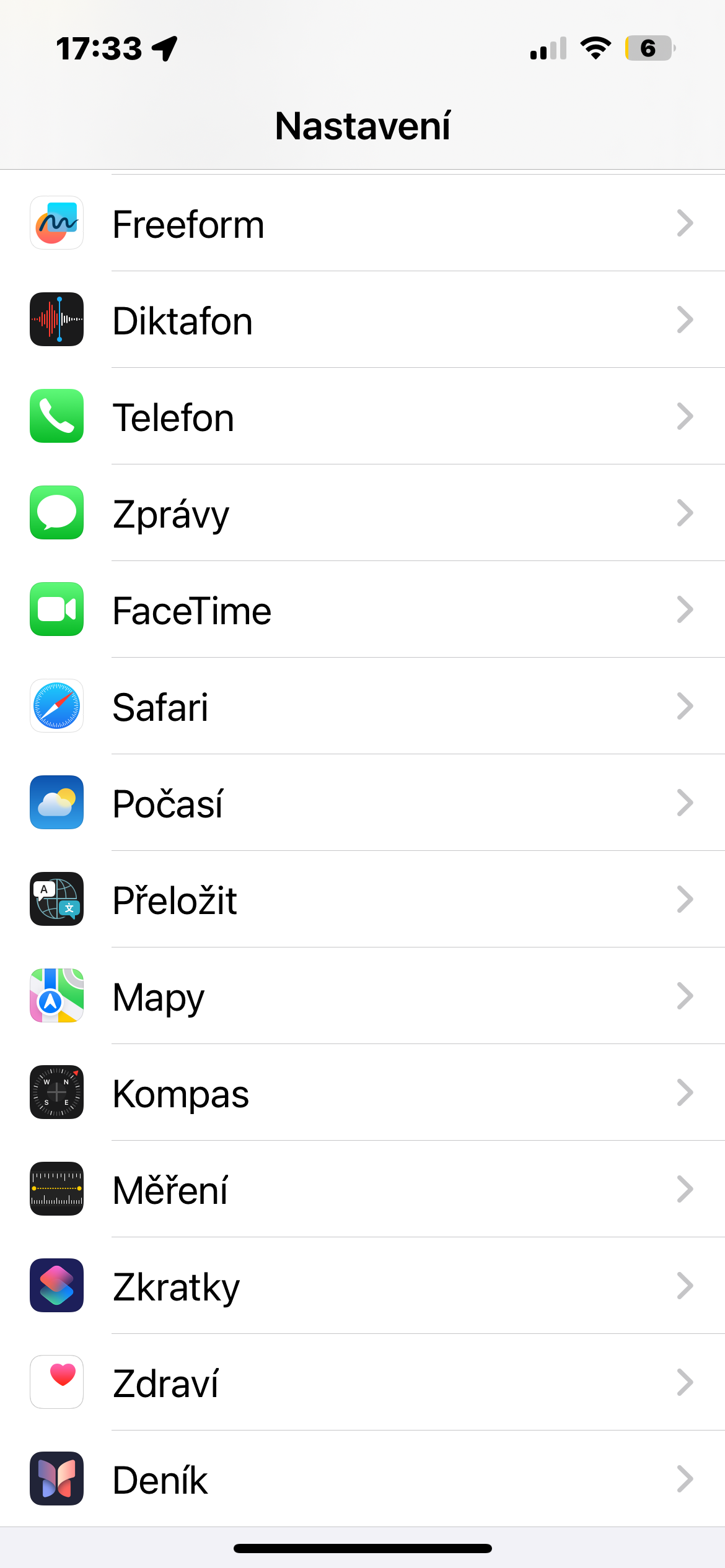
Try first iPhone turn it off and on again – according to some users, this step was more than enough to clear the System Data. In Settings -> Safari you can also wipe the cache by deleting the page history and data. A user with the nickname Vertsix posted on Reddit discussion forum another interesting procedure that could help solve the problem of too much System Data on iPhone.
- Check current system data usage in storage settings iPhone.
- Close all applications.
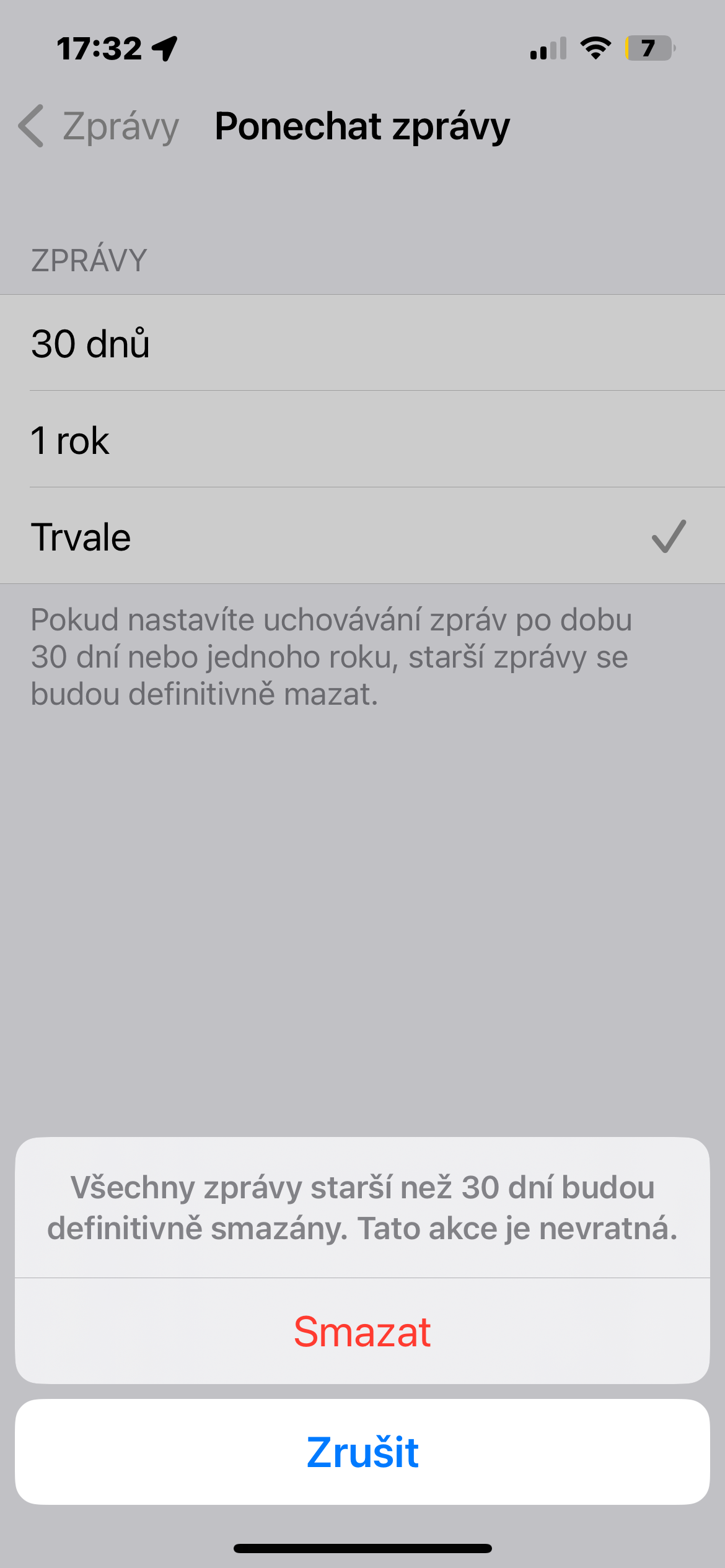
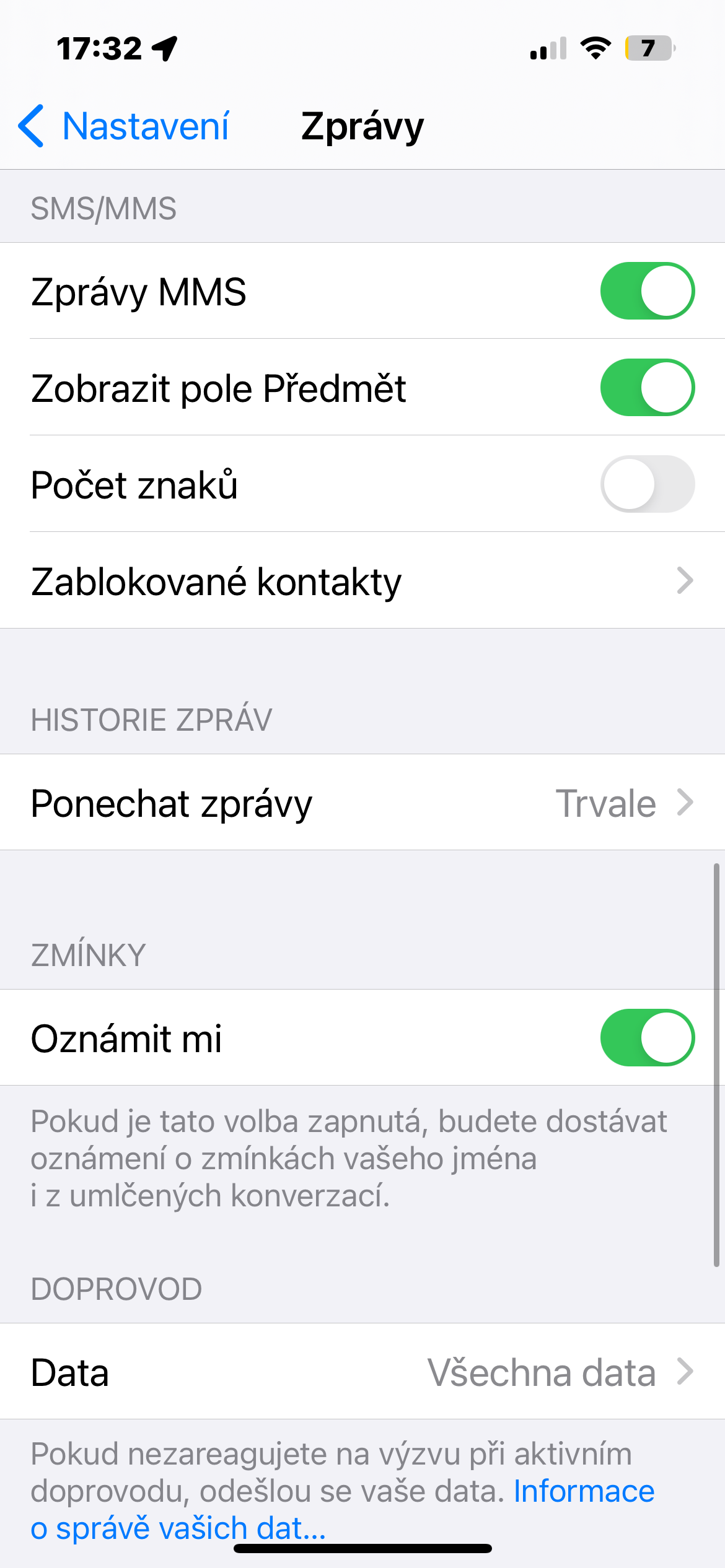
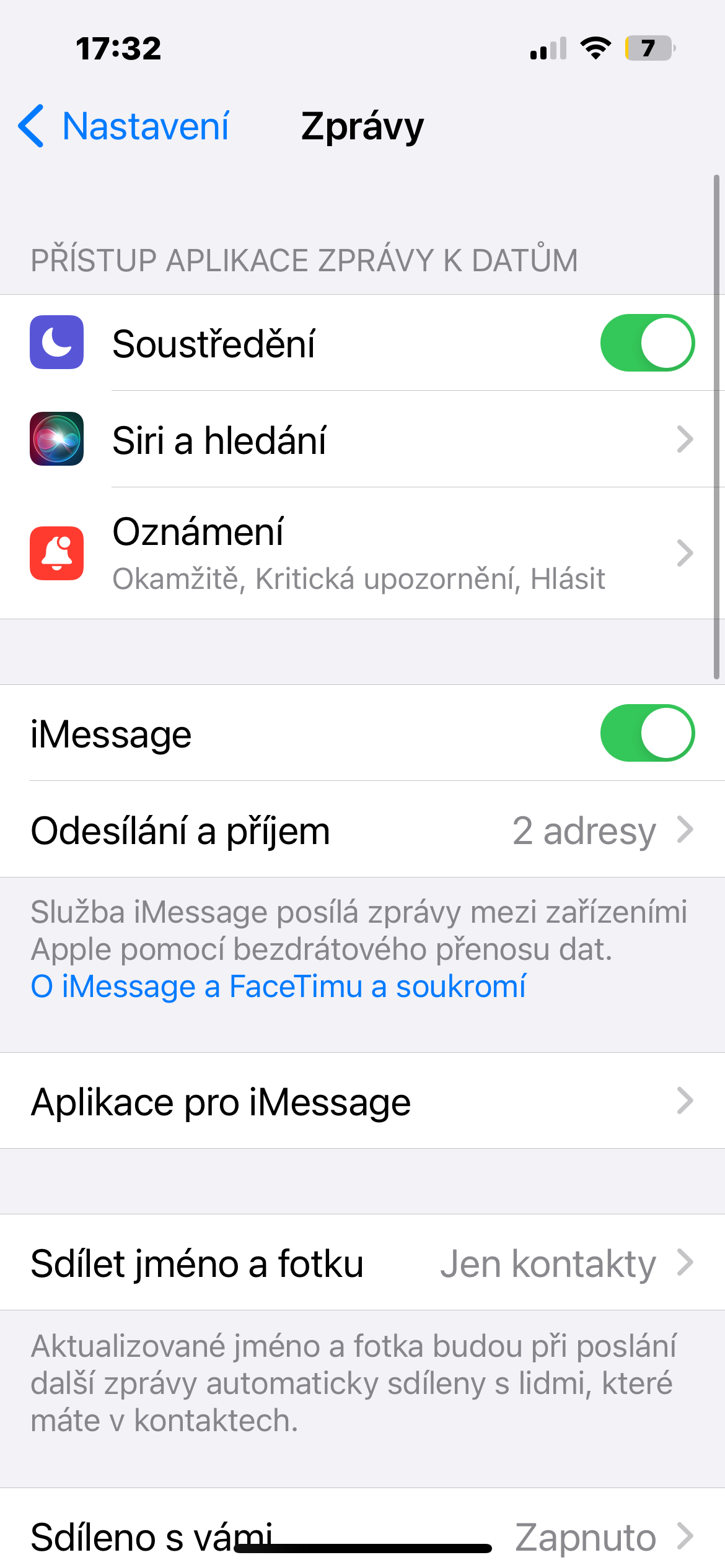
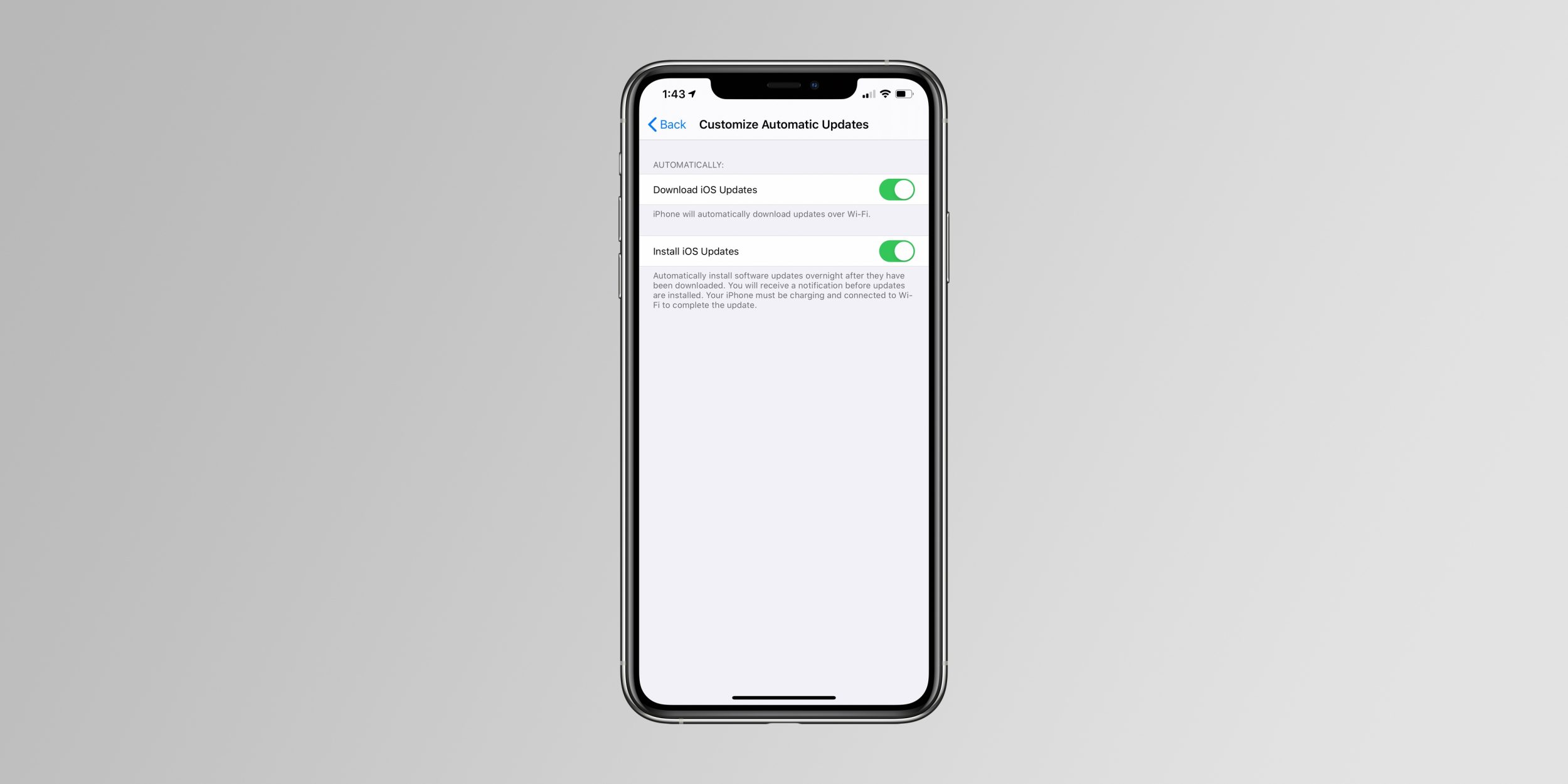
- Important: In the settings iMessage Set your iPhone to not automatically delete messages. In Settings -> Messages -> Message History -> Ponechat news activate the item Permanently.
- Set up iPhone to Airplane mode and turn off Bluetooth and Wi-Fi (this is to avoid anomalies with iCloudum Apple Watch and other applications).
- V Settings -> General -> Date & Time change the date to 1 year ahead of the actual date. Before this step, make sure you have completed step 3 (ponechan iMessage).
- Wait 60 seconds.
- Check your system data usage again. It should be much lower. If you don't notice the change, close Settings, restart and continue checking.
- Change the date to 3 months ahead of the actual date (that's basically 9 months into the past since the last setting).
- Wait 60 seconds.
- Check your system data usage again. It should be about the same or lower.
- Change the date back to Automatically.
- Turn off Airplane mode.






It took up to 3 months to move and about 3GB disappeared
took 4GB mine. on the second try the sim put the date 3 months ahead.
1GB - basically just closing all apps helped. The reduction is then logical and not dizzying.
No advice helped, Apple systems are pure evil in this! iOS, clean installation, no backup restorations, so I could download it again, I took the trouble to set everything up again and download some software from Appcentury, the result – to tears! Alone iOS is almost 12GB of crap! My other data is around 8GB! So almost 20GB of data in my ass, plus I've been using 256GB for years, on which I still have a drop of space for photos….. MacOS is the same, even a clean install won't help. The Apple system is immediately *sucked up with some kind of ballast in the order of a bunch of GB of data.
Not to shit, actually Windows they are similar to pasqueville, it also accumulated there somewhere…..
Golden Linux and pure Android custom ROMka…..
PS: Apple I have it on Flex so that people can see it and not be a sock, otherwise it's a terrible scumbag.
Zadziało dane systemowe zajmowały 143 GB ! Changing the data helped!
Great! It helped and almost 8GB disappeared. Thank you for the instructions :-)