
In last years alarmThe number of spam emails is increasing rapidly. In order for the company to Apple protected users from fraudulent phishing emails, introduced a new feature called Hide My Email. With an account iCloud+ Apple pushed the boundaries of this feature even further as it can now protect users across multiple applications Apple, inclusive Safari, Mail and others.
In today's article, we'll explain what Hide My Email is, how it works, and how users can take advantage of this fantastic privacy feature.
What is the Hide My Email From feature? Apphuh?
Maybe it has happened to you too. You sign up for a free website or service using your primary email address. A few days later, you find that you have an inbox full of junk mail from unknown senders and websites you didn't even sign up for. What's really behind all of this is that said service you signed up with is (probably) sharing your email address with marketing sites who then send you these spam emails. To that Apple prevented, introduced a function called Hide my e-mail some time ago.
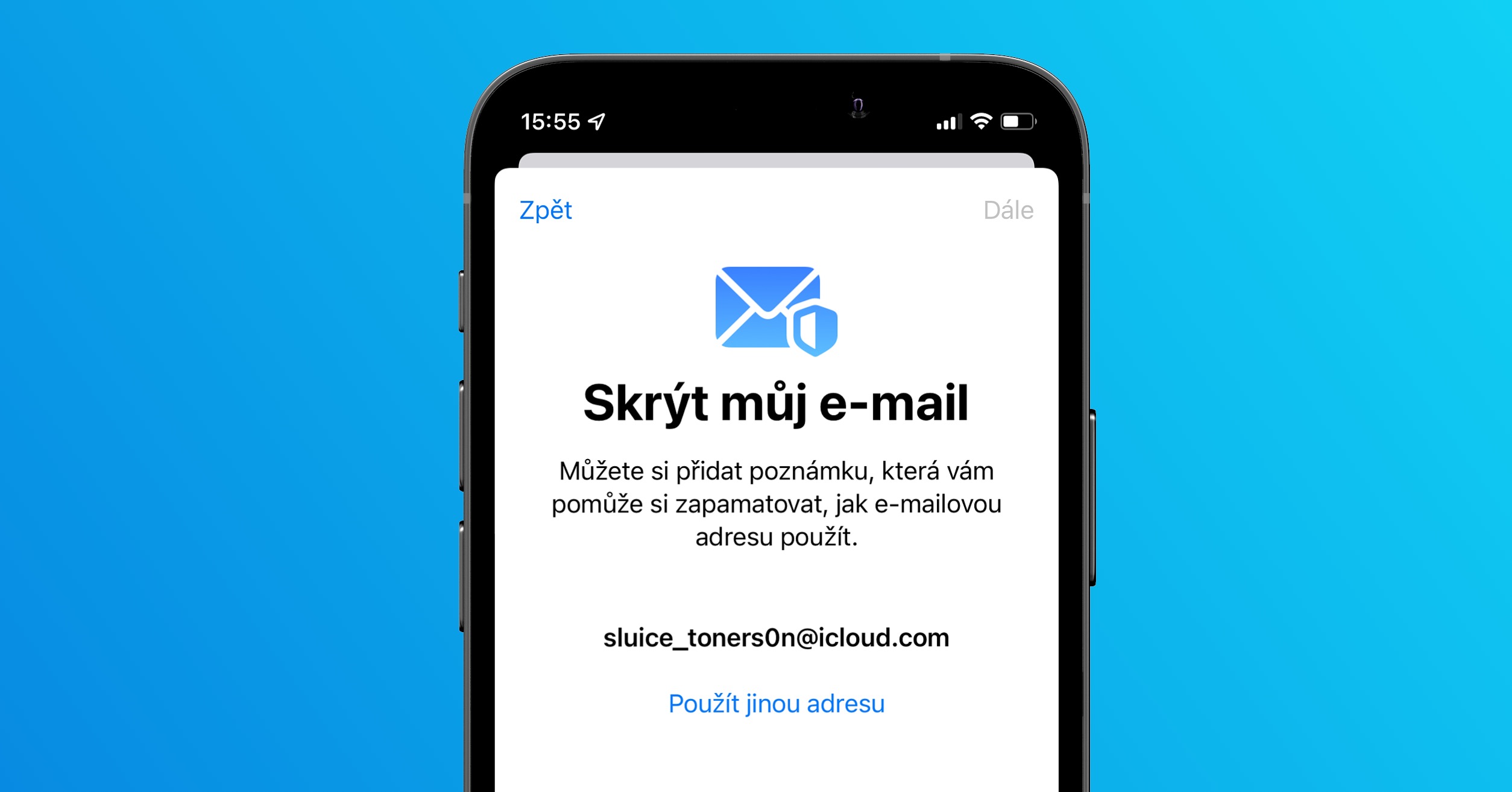
This feature creates a new, unique and random email address when you sign up on a website or app on your iPhone, Mac or iPad. This ensures that your private email address is not shared with websites. Let's say your primary email address is frantapepajednicka@nejlepsimail.cz. When you register on the website, you will be prompted to use the Hide Email feature. If you select yes, Apple will instantly generate a random, unique alphanumeric email address, for example kostkovanyUbrus69@privaterelay.appleid.com. You can immediately put the newly generated address out of your head - it will only reach the service provider, a Apple it will automatically forward messages from it to your real email address. Another benefit of Hide My Email is that it automatically filters out any spam messages. Apple also states that it does not read or process any content in email messages that pass through the link service.
You might be interested in
Hide my email within iCloud+
Until now, you could only use Hide My Email to hide your email address from apps and websites when you created an account or signed up for newsletters. With the iCloud+ company Apple added the option to protect your email address even when sending emails and paying with the service Apple Pay. Now, whenever you use the Mail app to send an email, the Hide My Email option will appear. This will generate a unique email address and the recipient will not see your primary email address. However, all replies and emails sent to this unique email address will be delivered to your inbox.
How to manage Hide My Email on iPhone
Follow the instructions below to manage Hide My Email on your iPhone.
- Run it Settings.
- Click on panel with your name.
- Tap iCloud.
- In section iCloud+ tap Hide my email.
Gallery
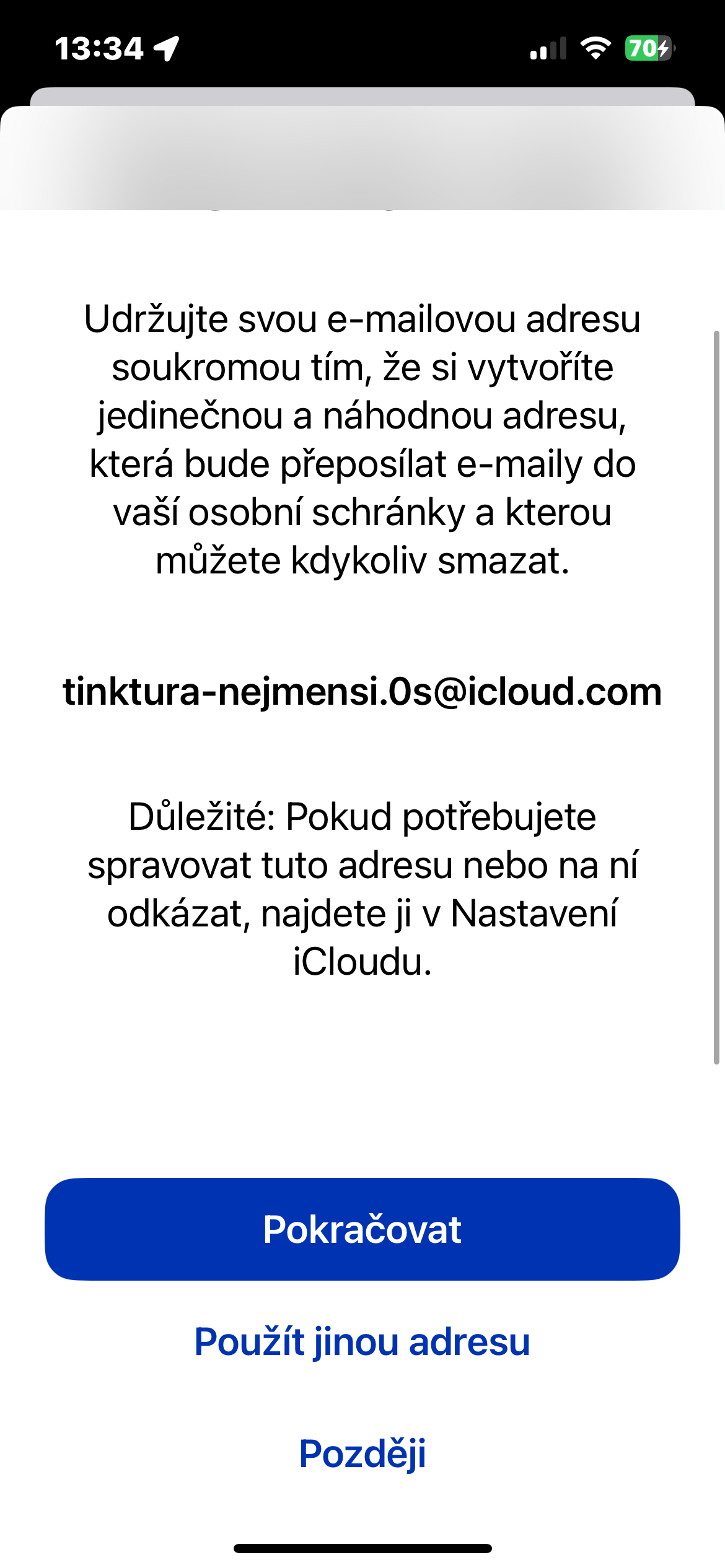
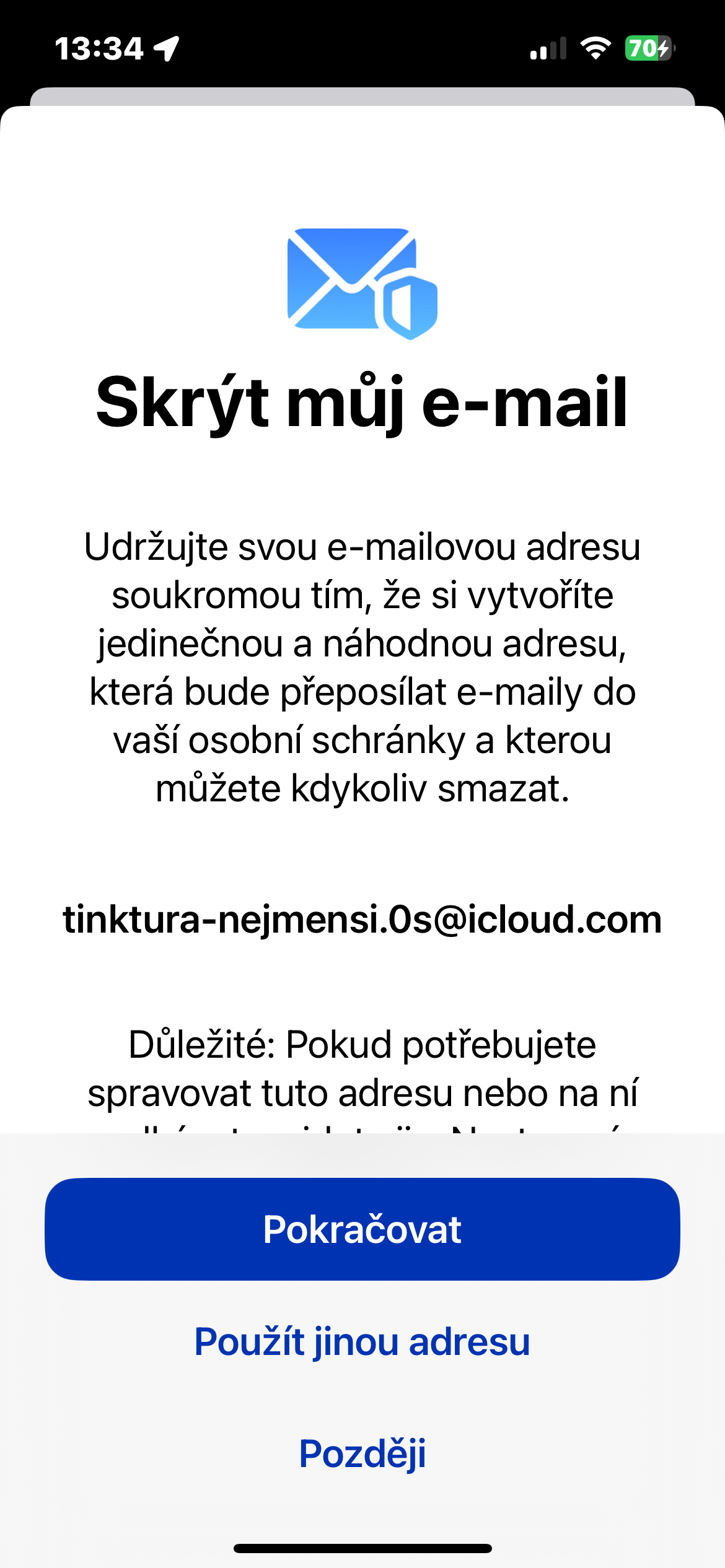
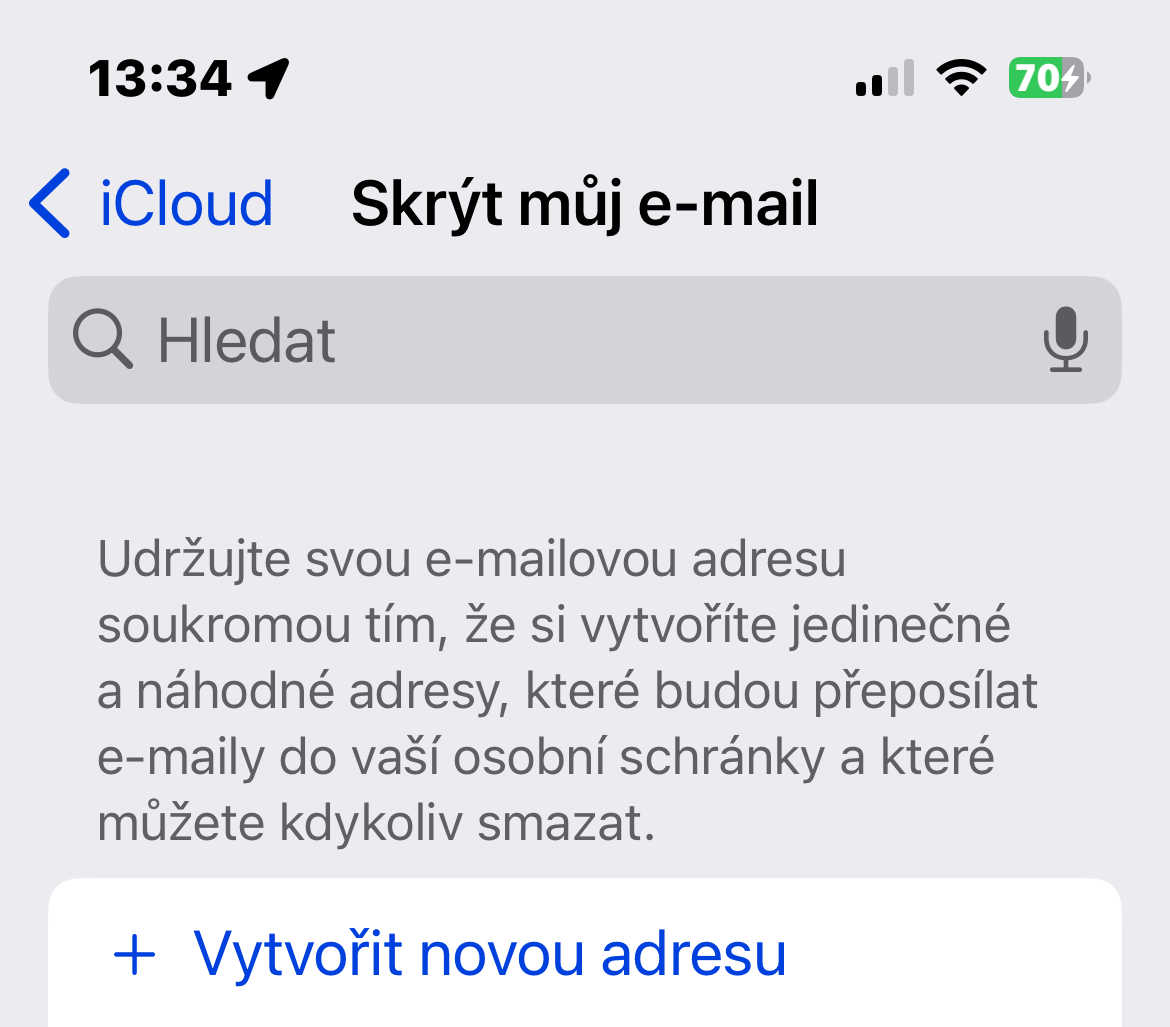
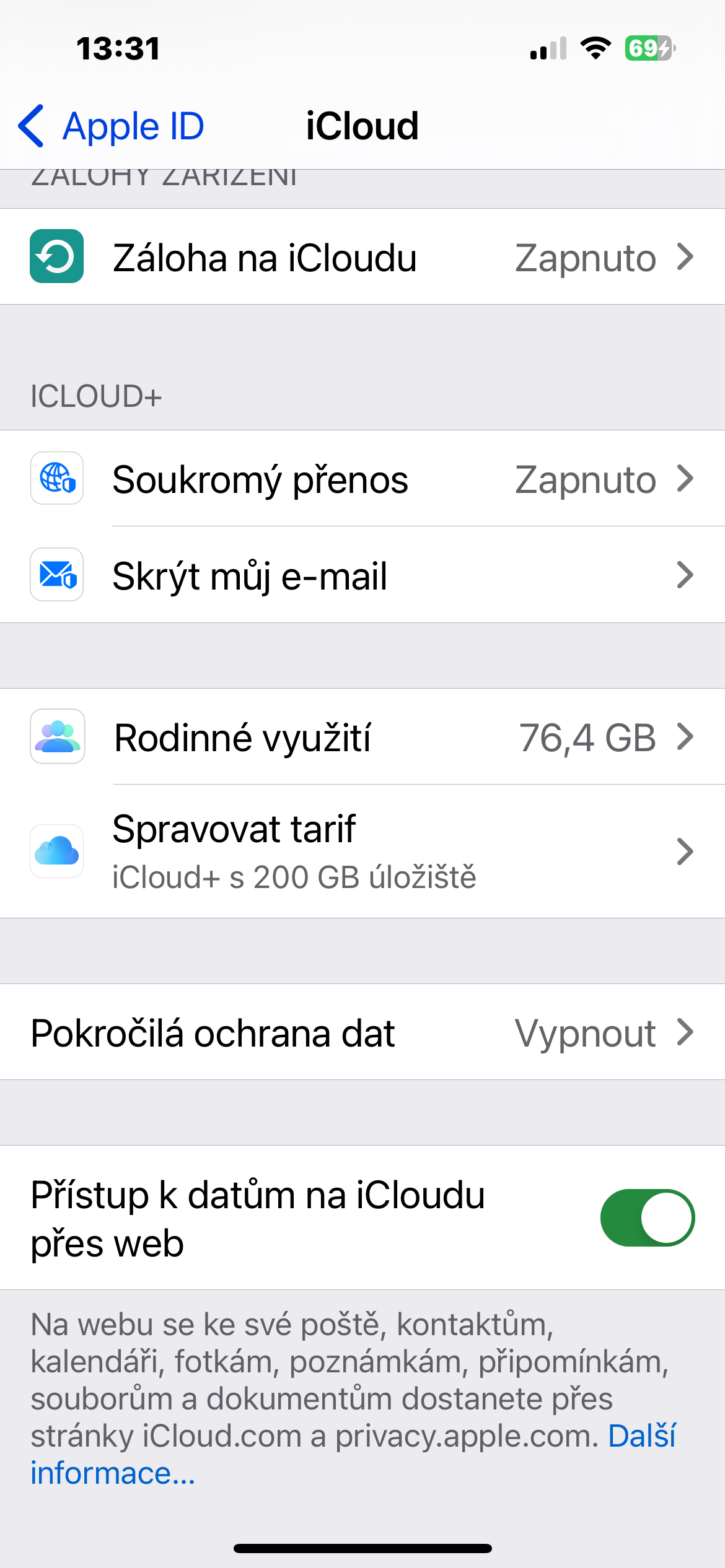
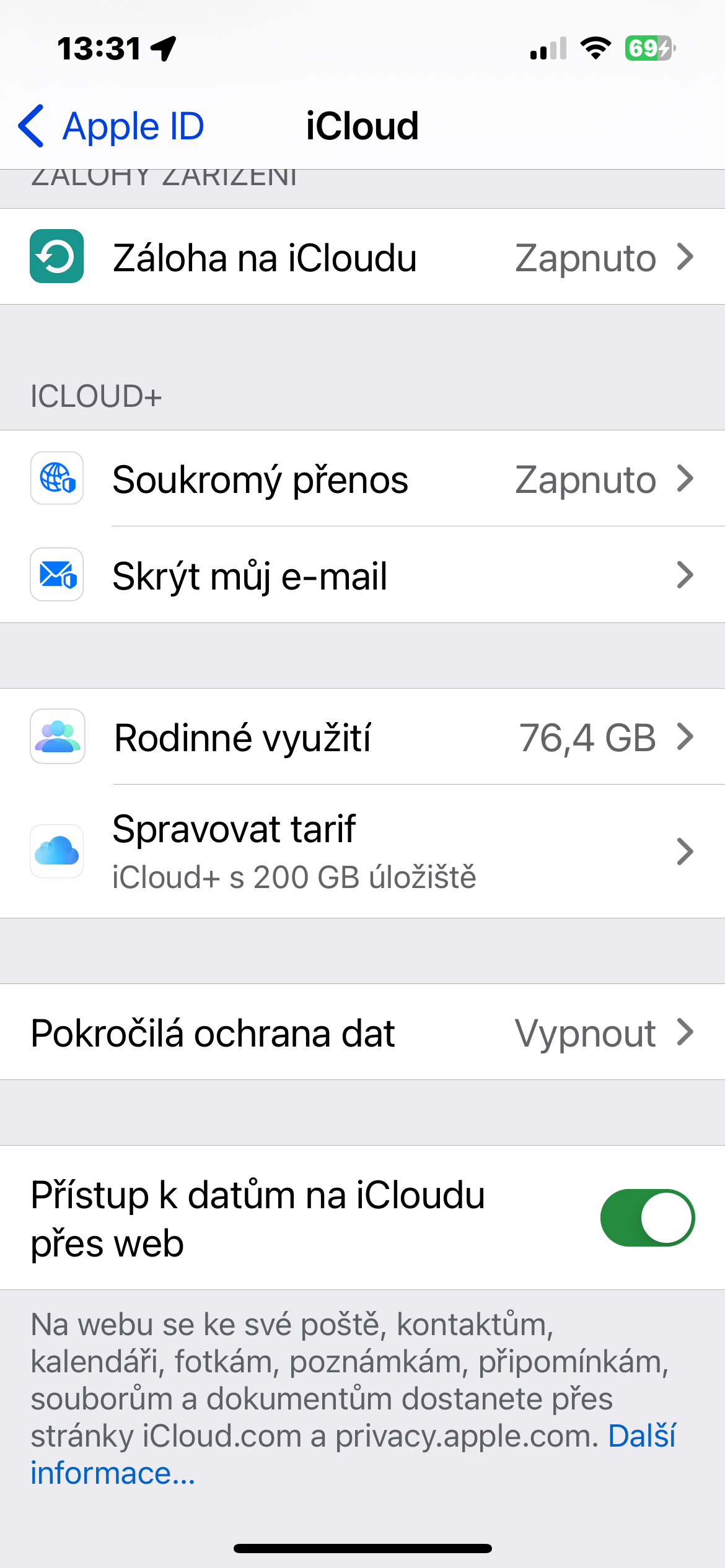
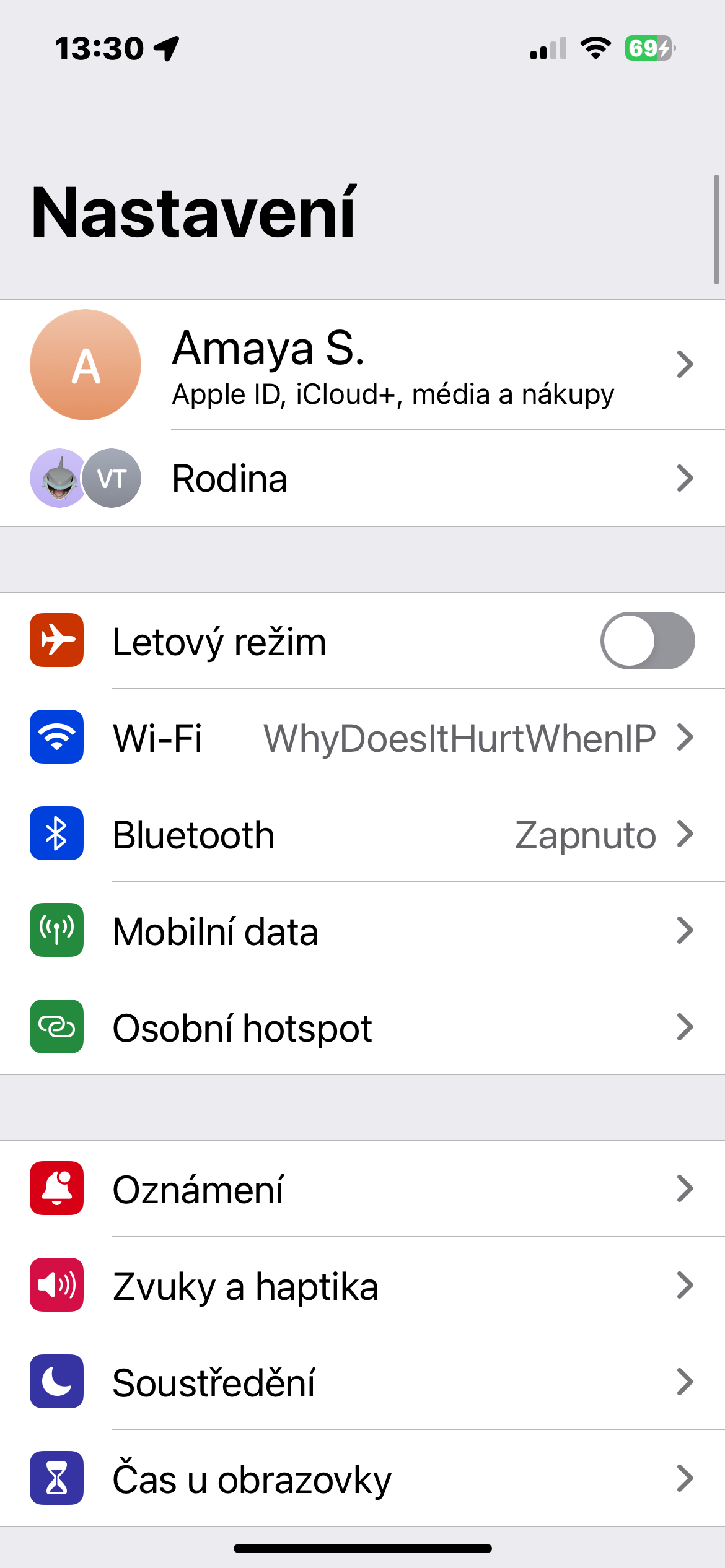
Here you will not only find a list of all the platforms on which you have already used the Hide My Email service, but also, for example, the option to instantly create a new "fake" email address. You can change the newly generated address at will or simply postpone its creation until later.


Inapplicable. All email clients immediately throw such an address into spam.
Jojo good thing, for insiders. Pro People who like to set their own alarm clocks are no longer happy. When registering on the website, they are in trouble when they want to solve something with support, because they report their primary email. On the contrary, I did not find where to turn off the option so that it does not offer me.
Apple bought both Tesla and Space-X.
It's a great thing and besides, if spam starts to come, you know who the wind is blowing from. I have a different email and satisfaction for each service
Ja detto, I have 4 different email addresses:
1, working
2, personal
3, for stupid ads
4, for total stupidity where it is necessary to register