Lightroom
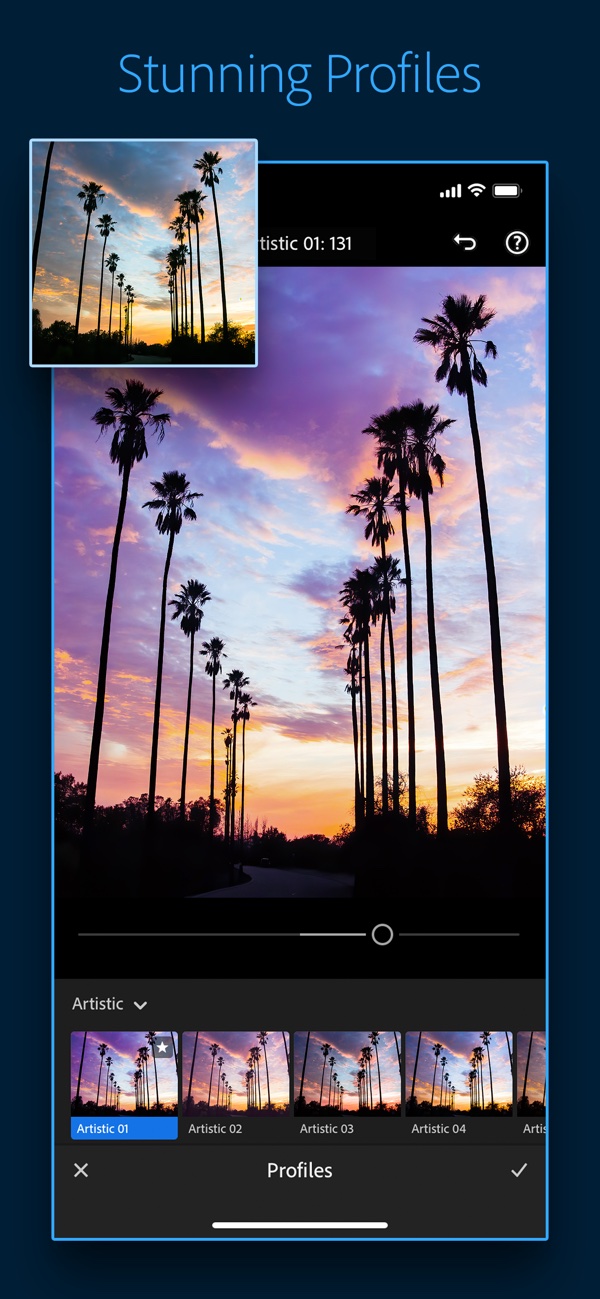
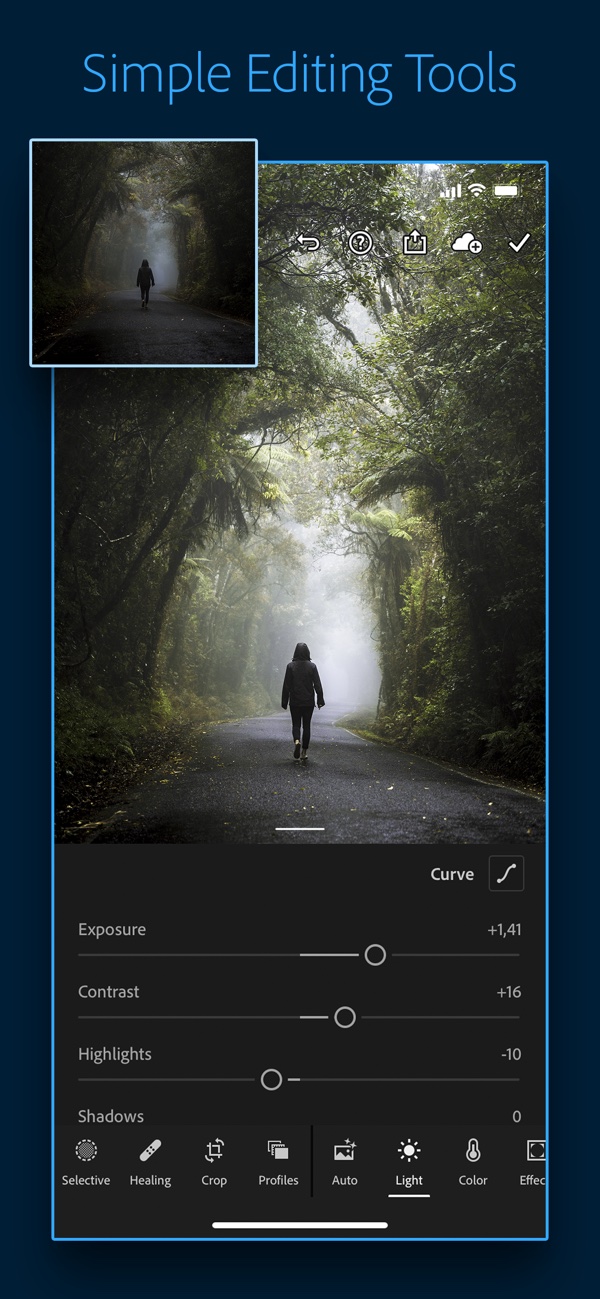
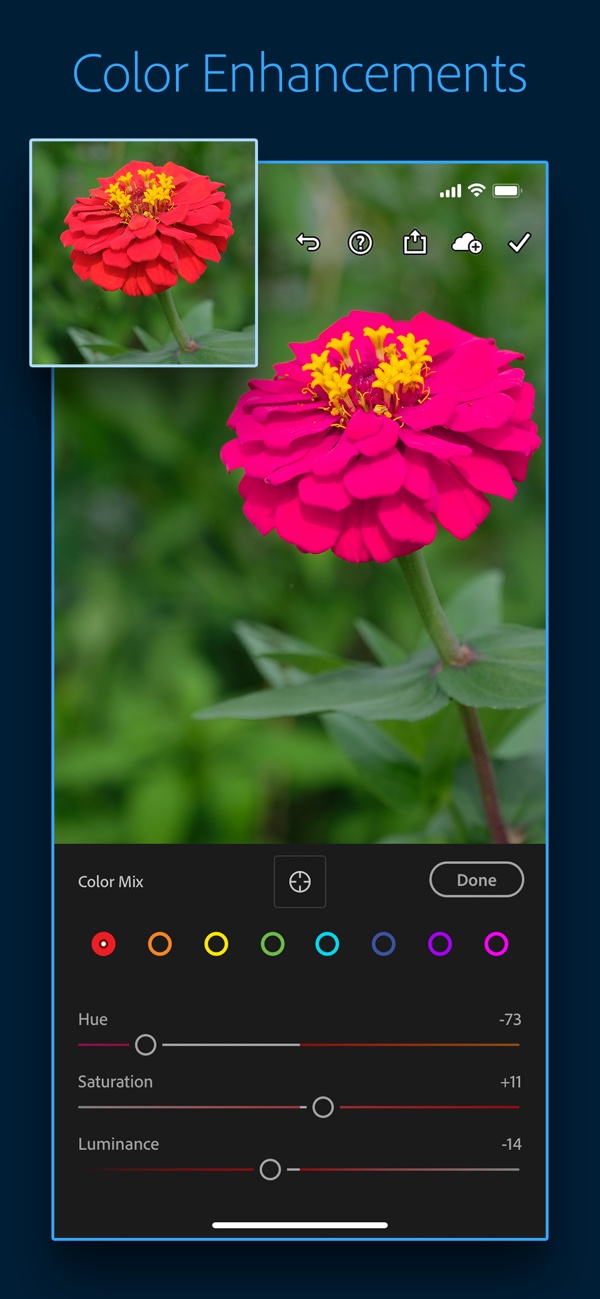
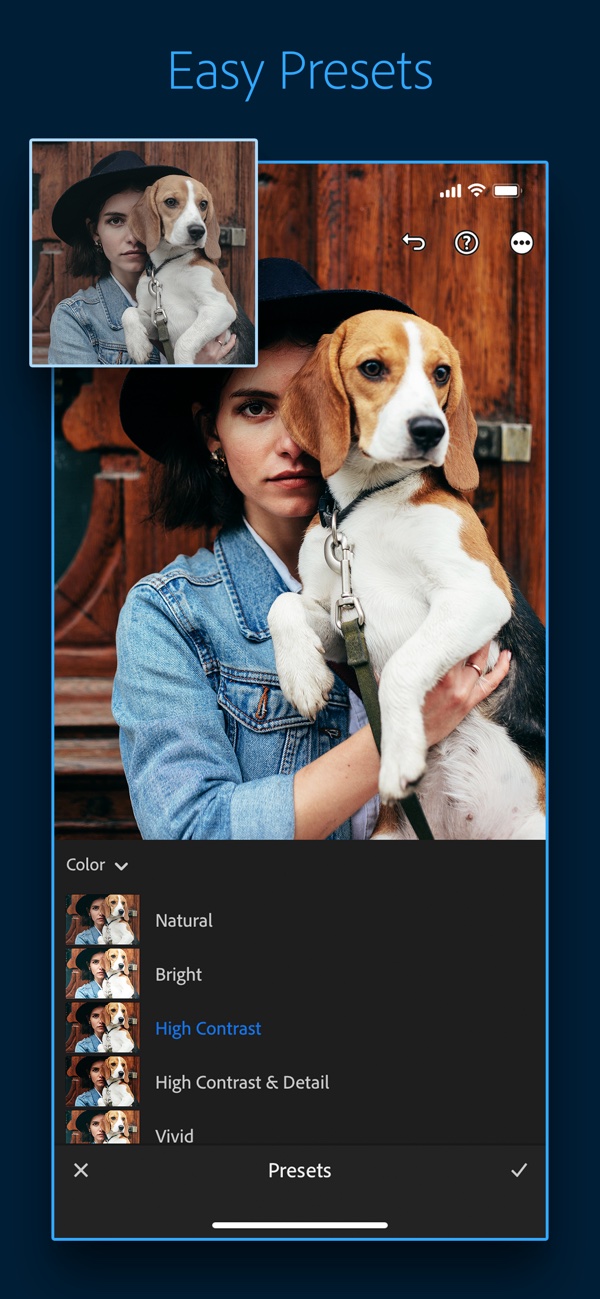
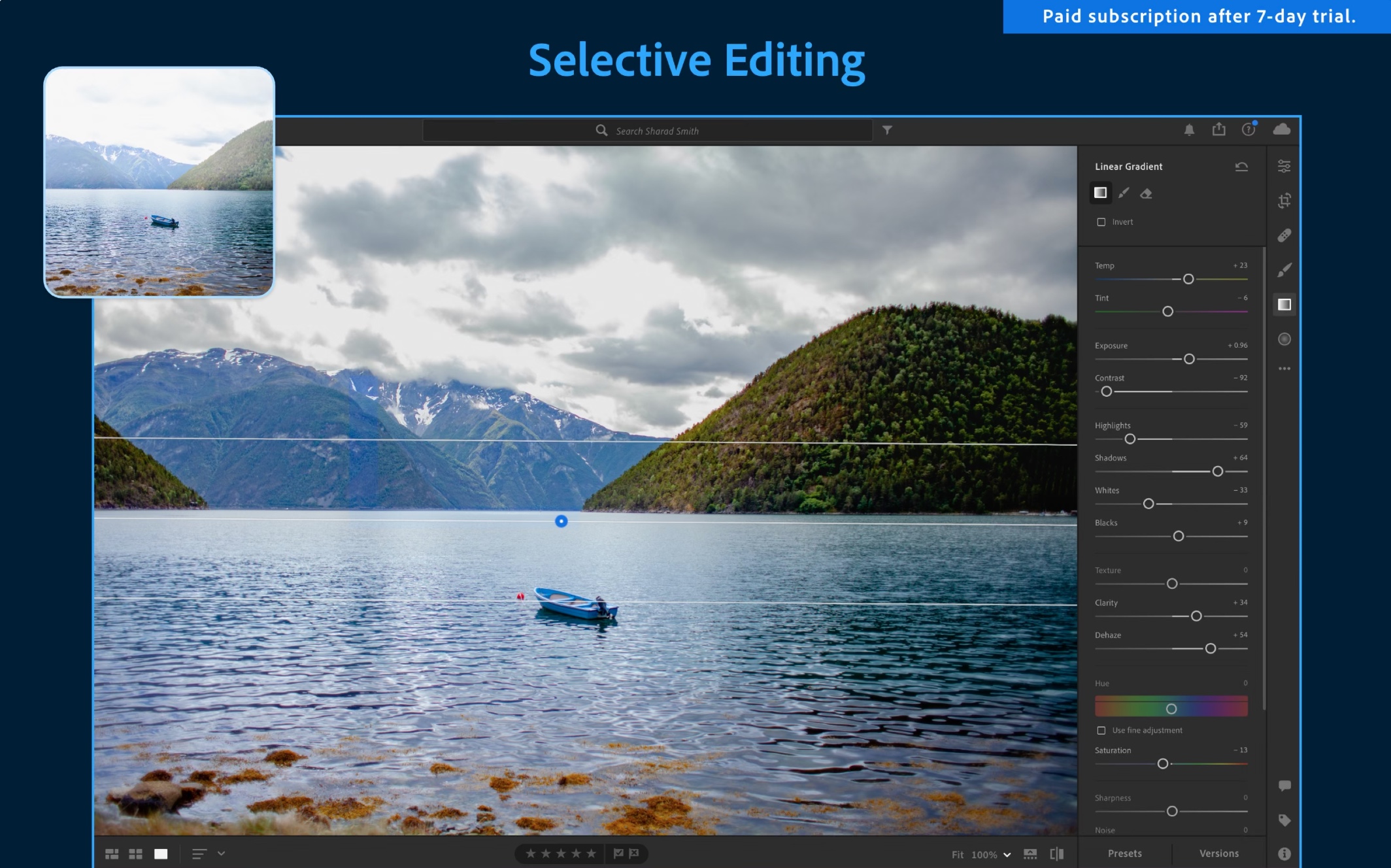
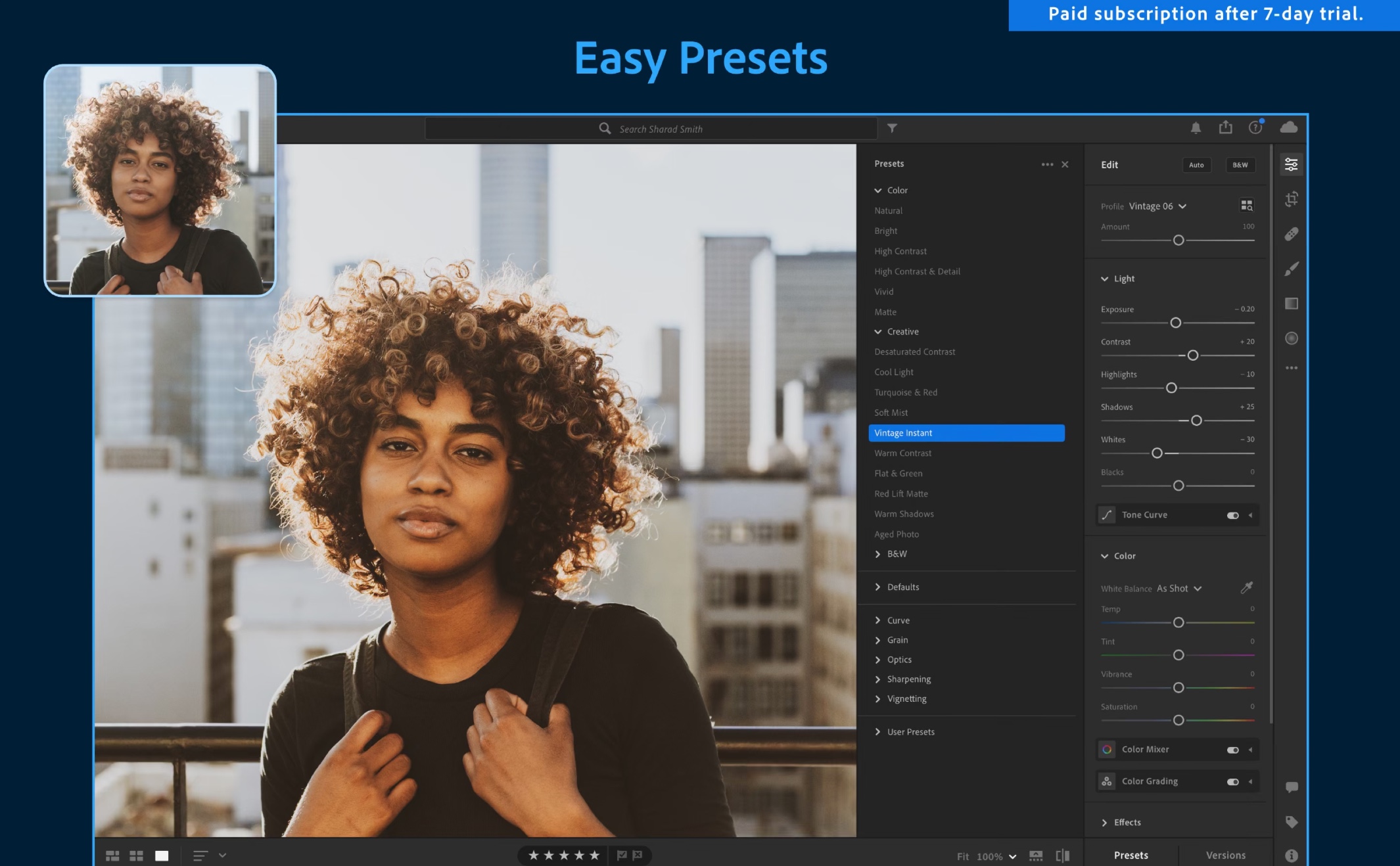
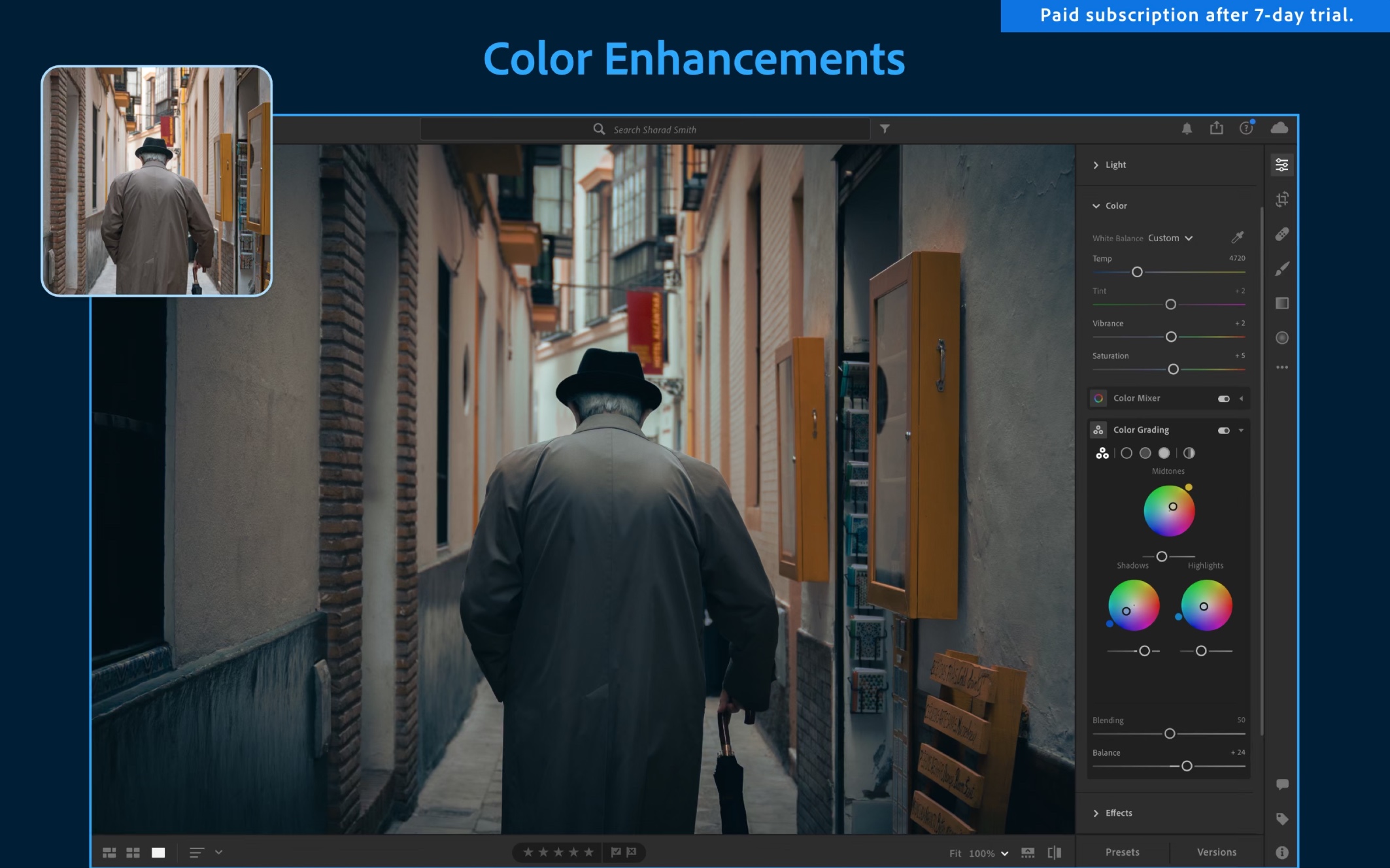
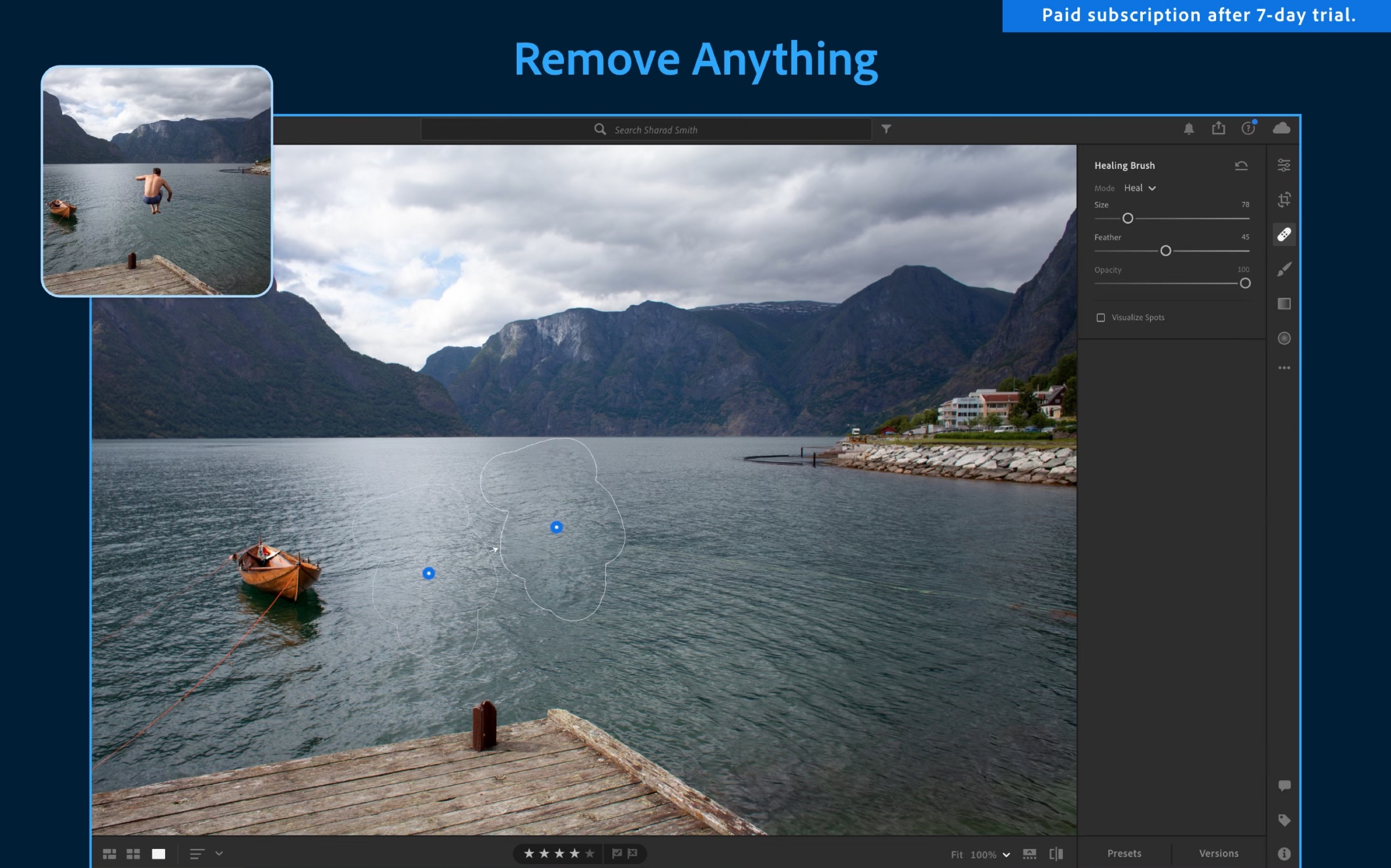
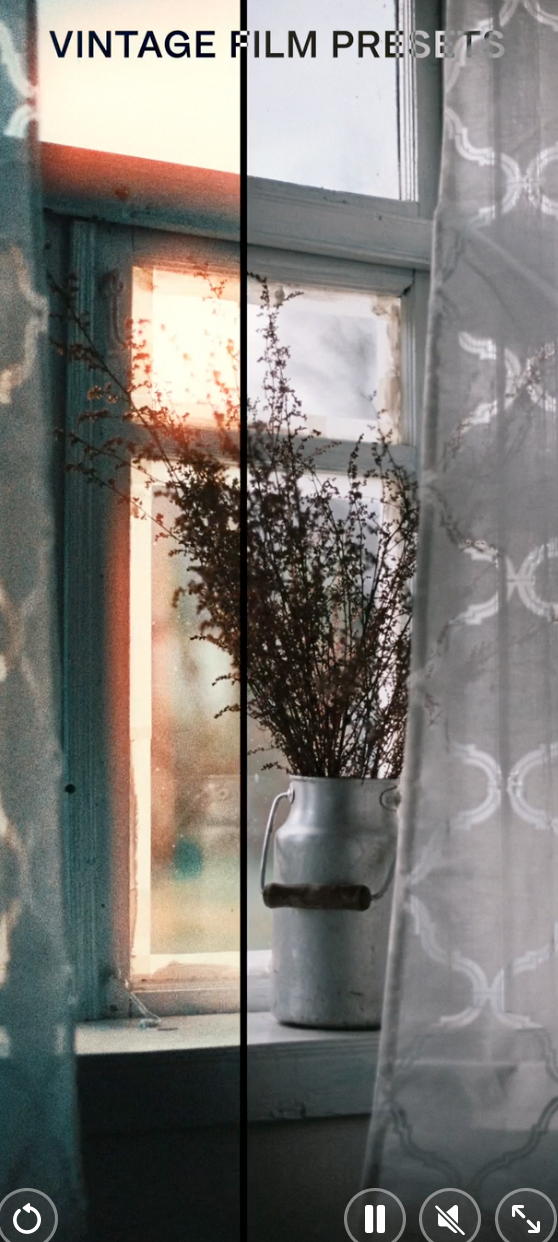
Lightroom is one of the many programs in the Adobe suite. In addition to the more comprehensive version for desktop computers, it also has a specially created mobile application that is great for traveling. This powerful app provides users with advanced photo editing features for more than just social media. Of course, Lightroom also offers more complex tools for editing photos, but at the same time it provides easy control and a clear user interface even for beginners. In addition, it is completely free in its base, and for normal use its free version will be more than enough for you. Lightroom presets also allow you to save, copy, and paste the same editing functions across a batch of content, which is a great way to achieve a clean, consistent look for all of your content.
Gallery
Canva
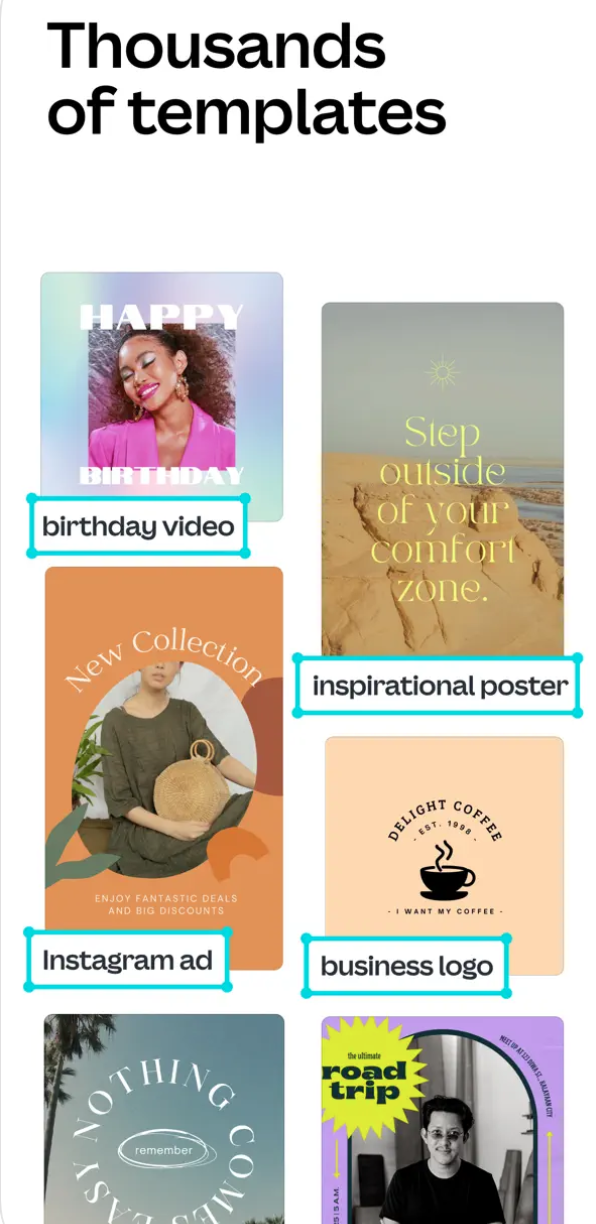
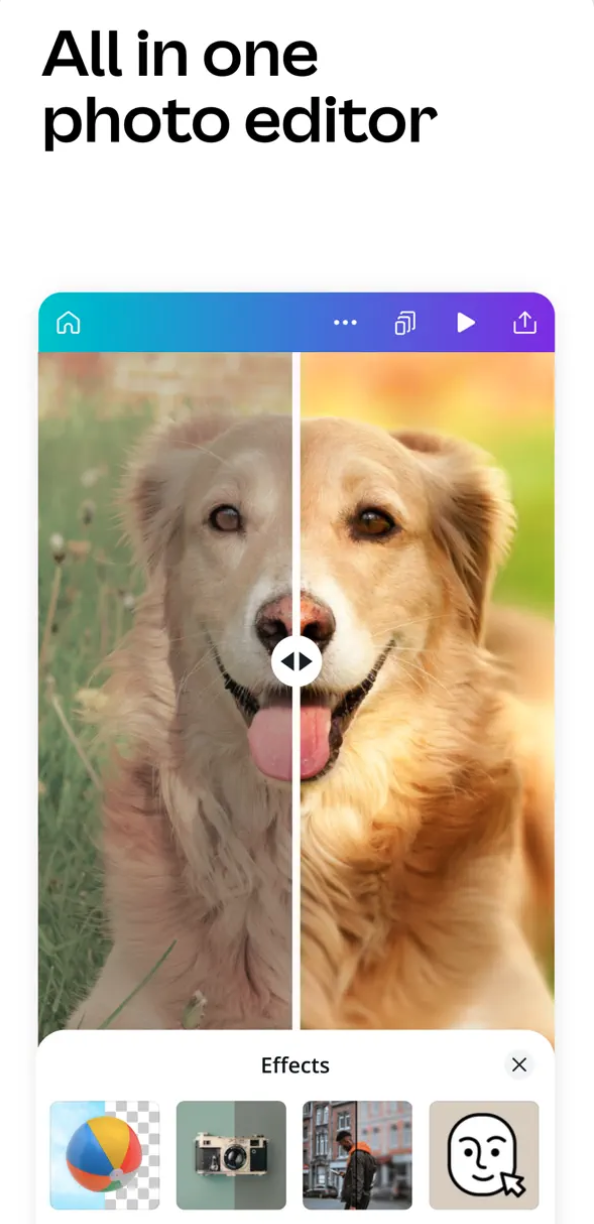
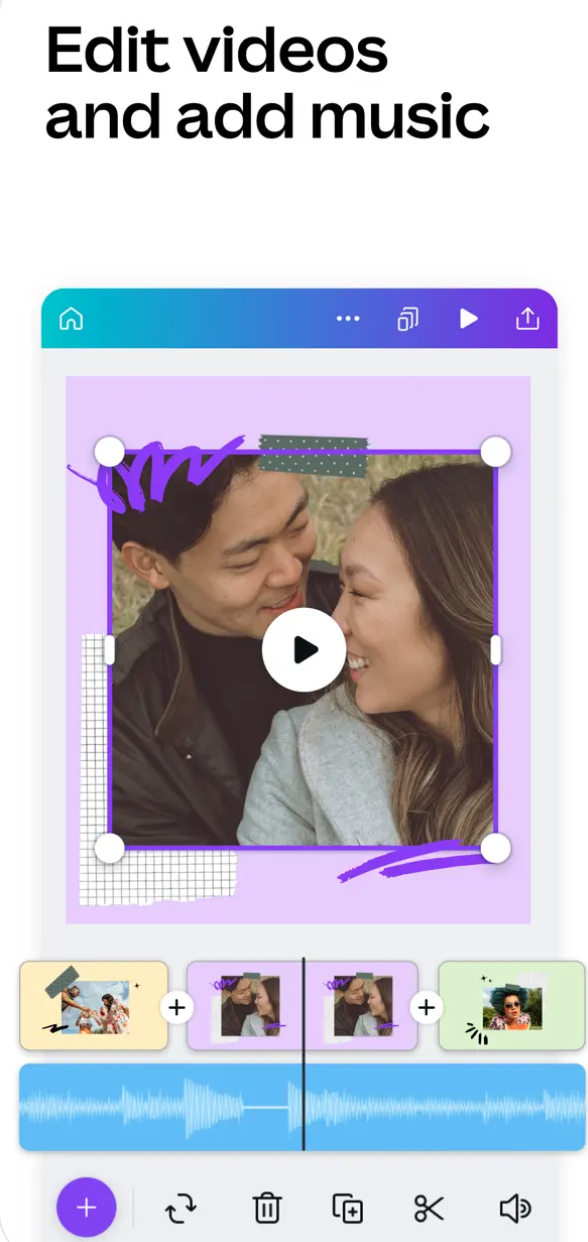
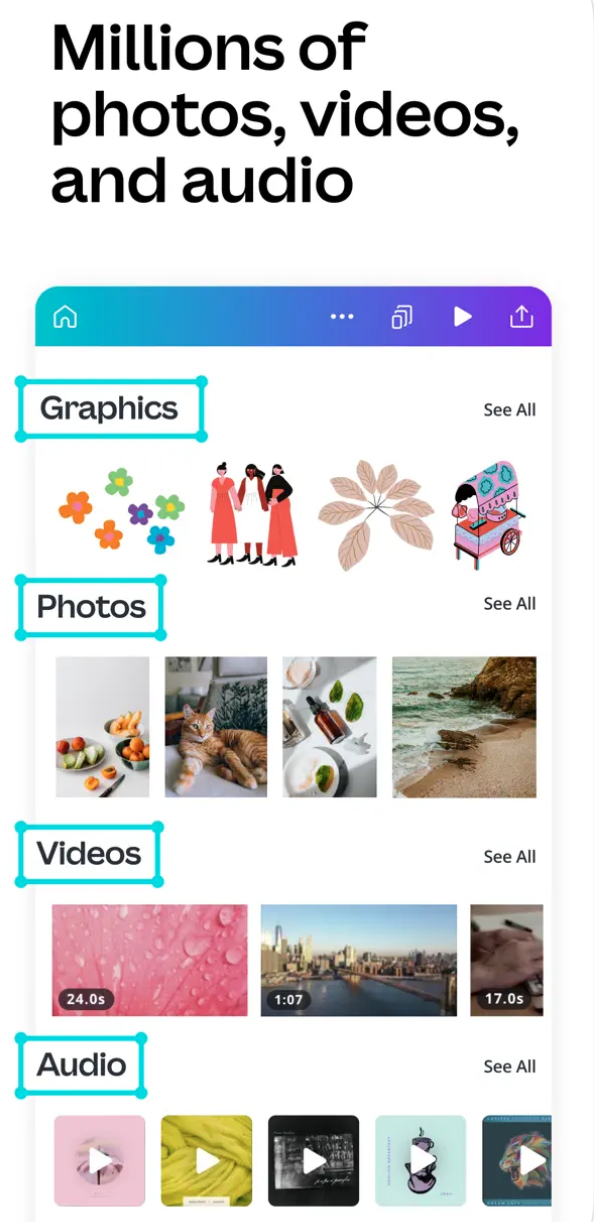
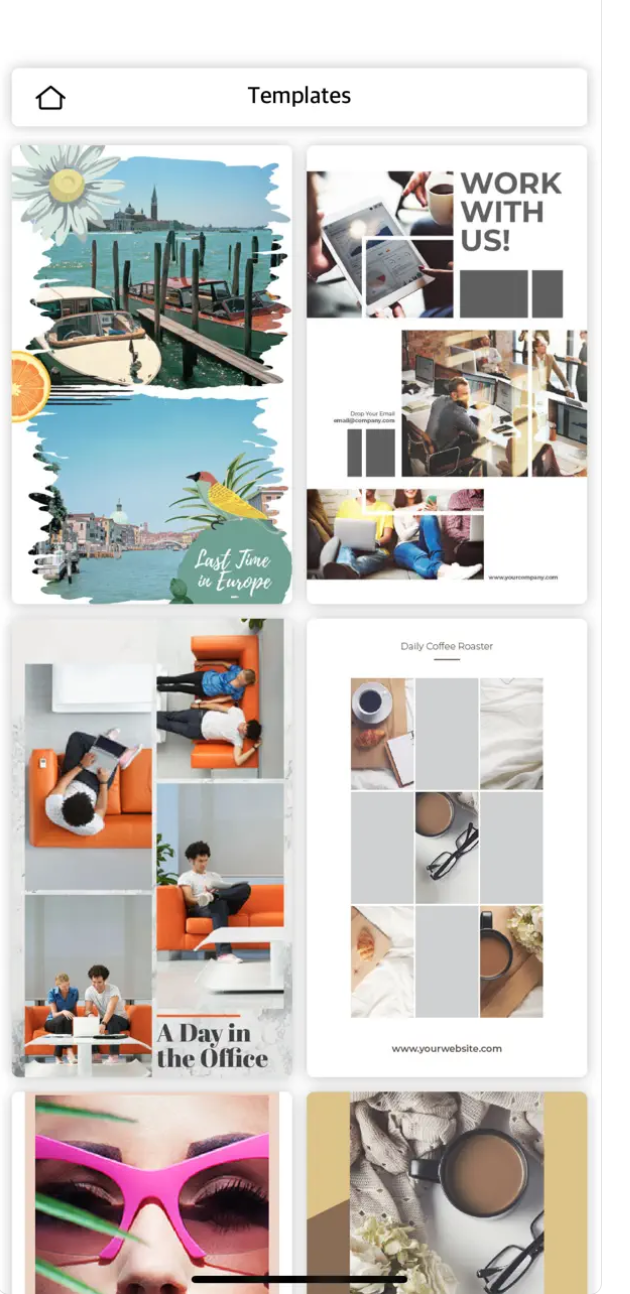
Canva is an online tool for basic graphic design and a partially free photo editing app that helps you create high-quality assets for social media, websites, e-books, presentations, invitations, and more. It is often – not in a bad way – described as a graphic design tool for people who know nothing about graphic design. The app boasts a clean user interface and ease of use, and for everyday, basic use, you can certainly get by with the free version. varianta.
Gallery



Pixlr
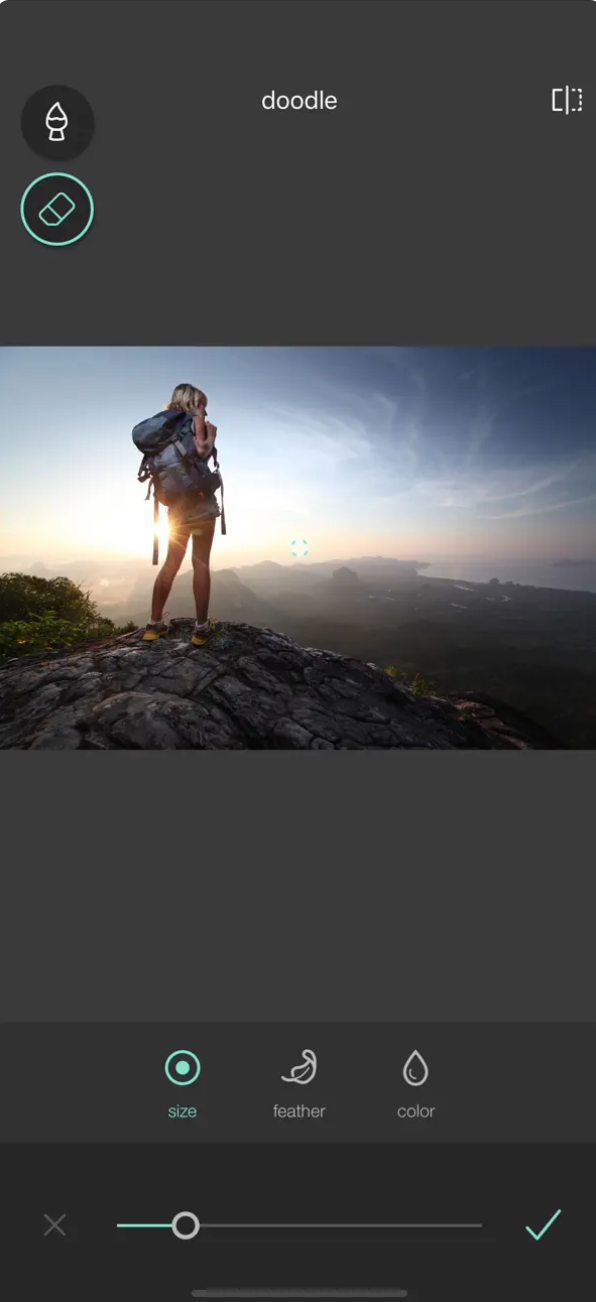
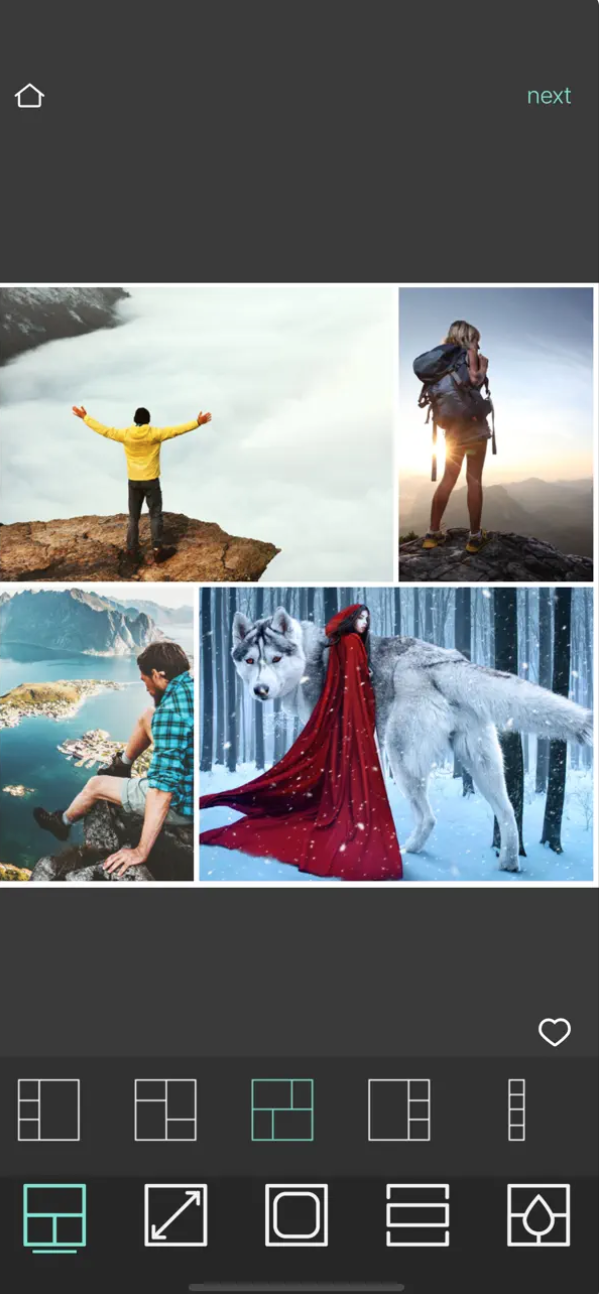
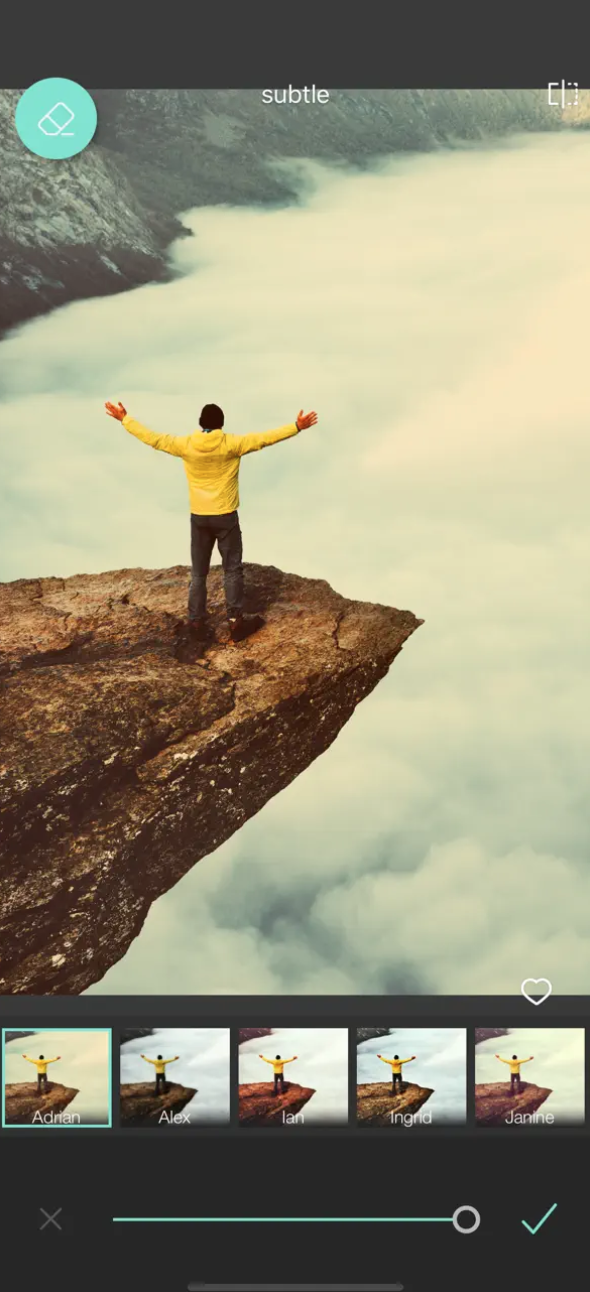
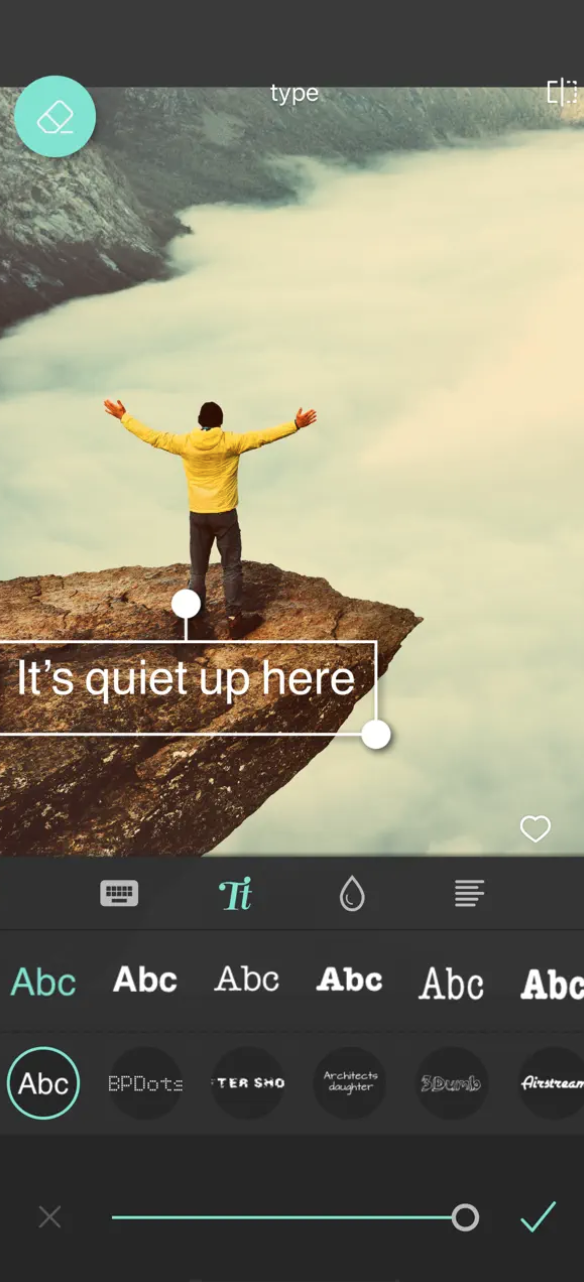
Pixlr is another photo editing app with lots of social networking features. It is a free photo editing app, but it also has a paid, subscription-based version with more features. It has a clean interface and is easy to use, making it ideal for making quick and easy photo edits. The app also has a wide selection of filters, gifs and stickers, allowing you to customize your images and create impressive visual content.
Afterlight
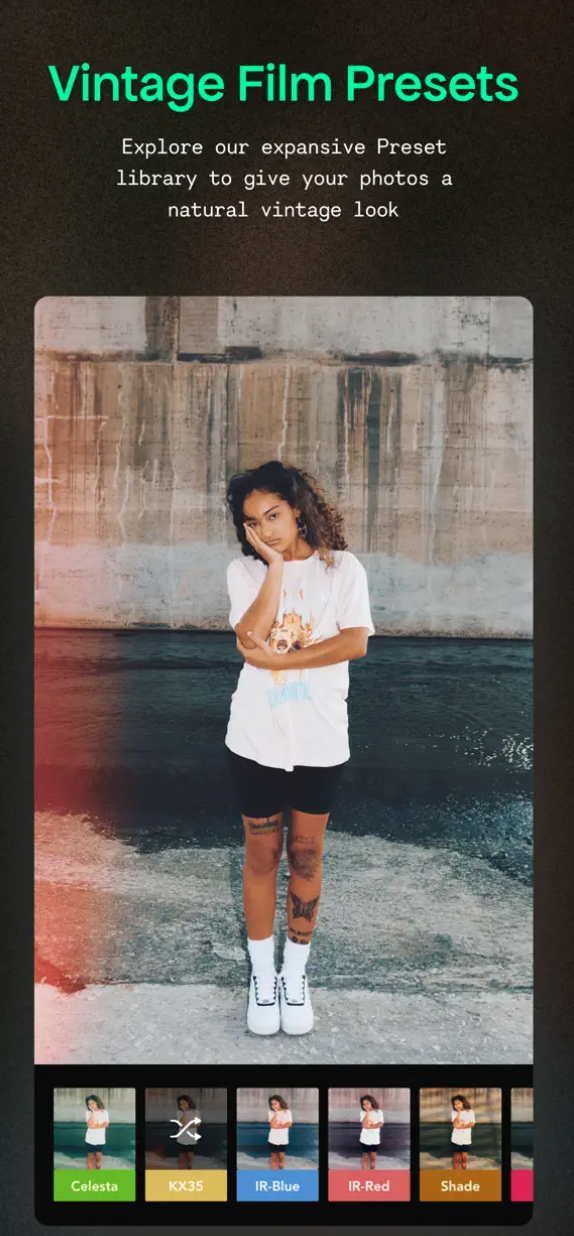
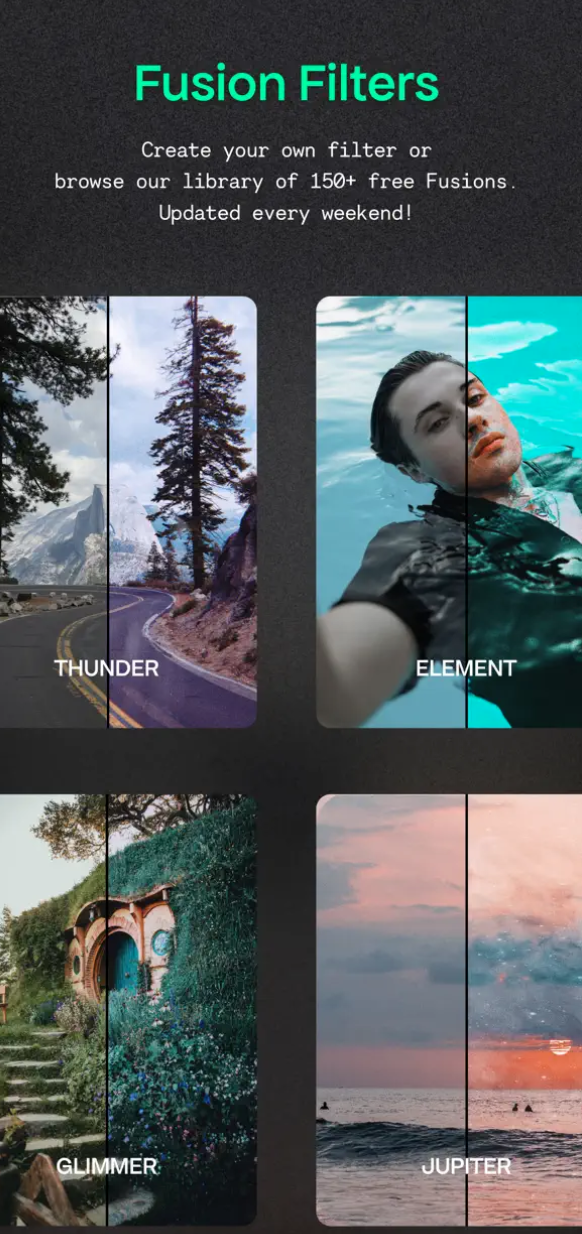
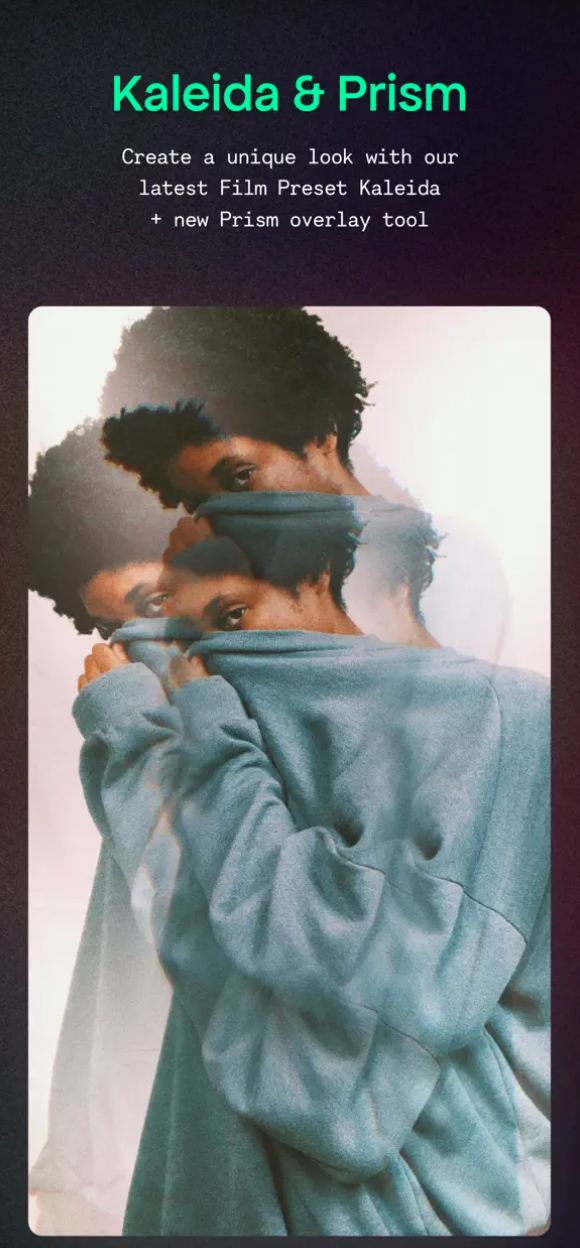
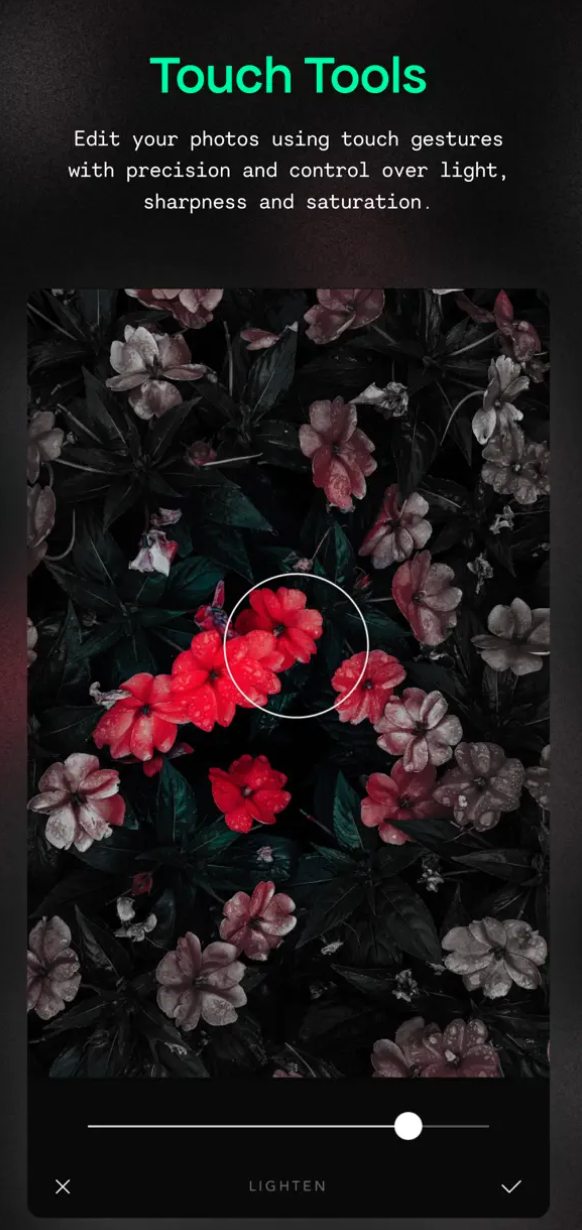
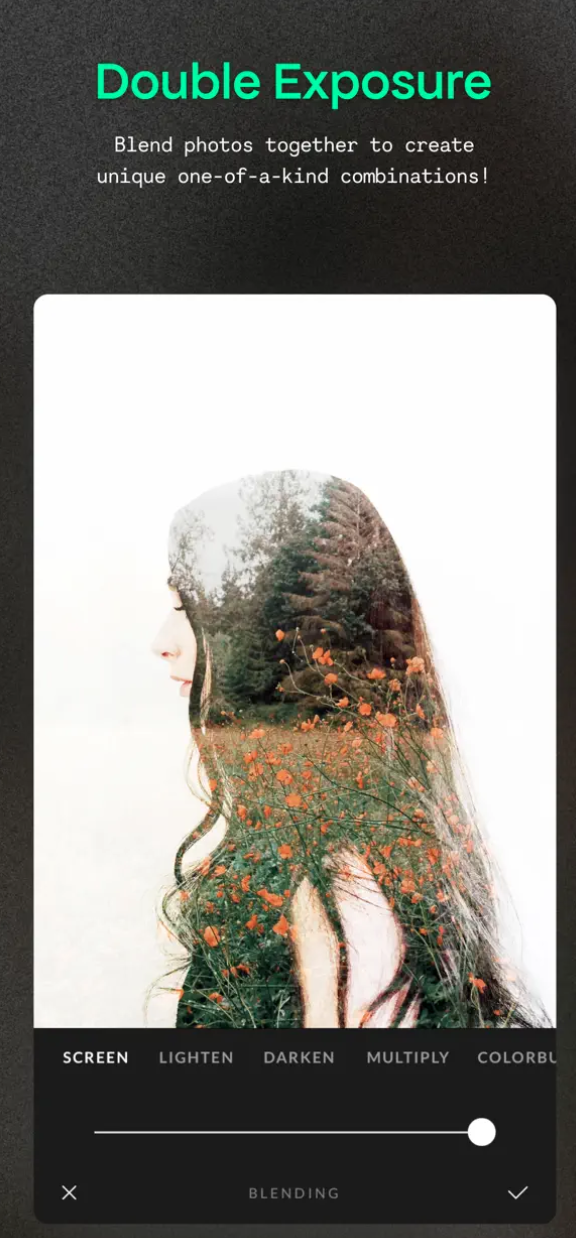
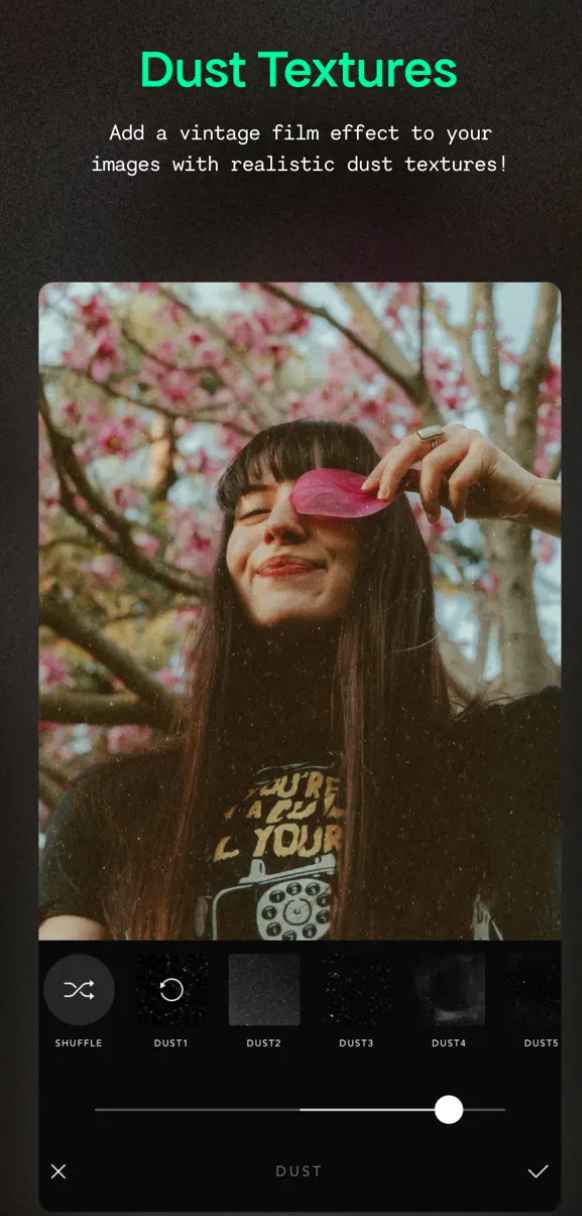
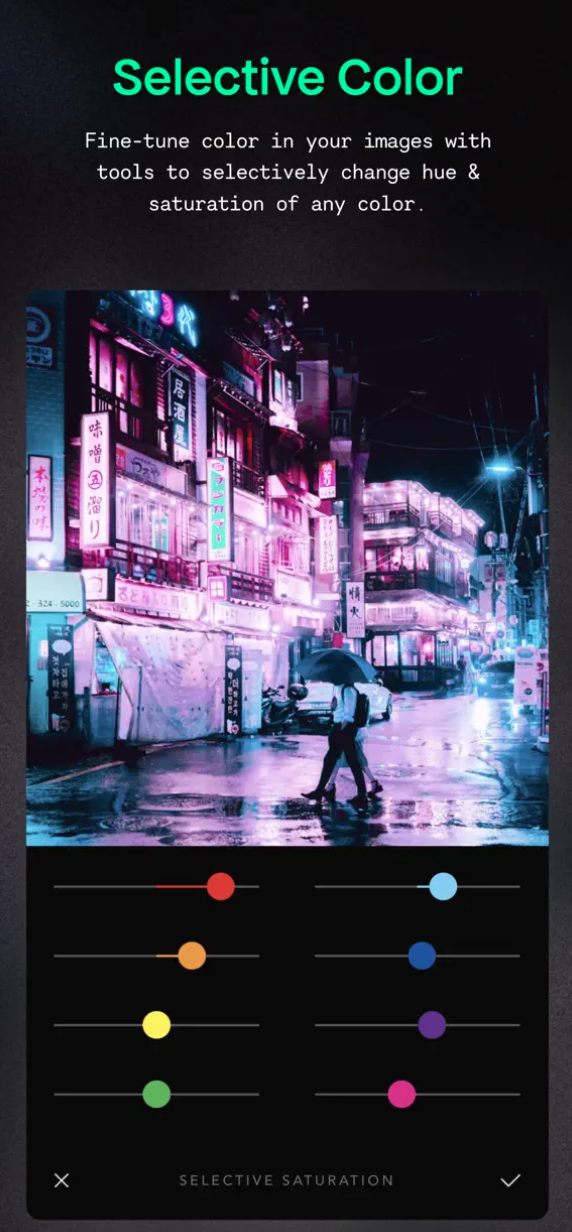
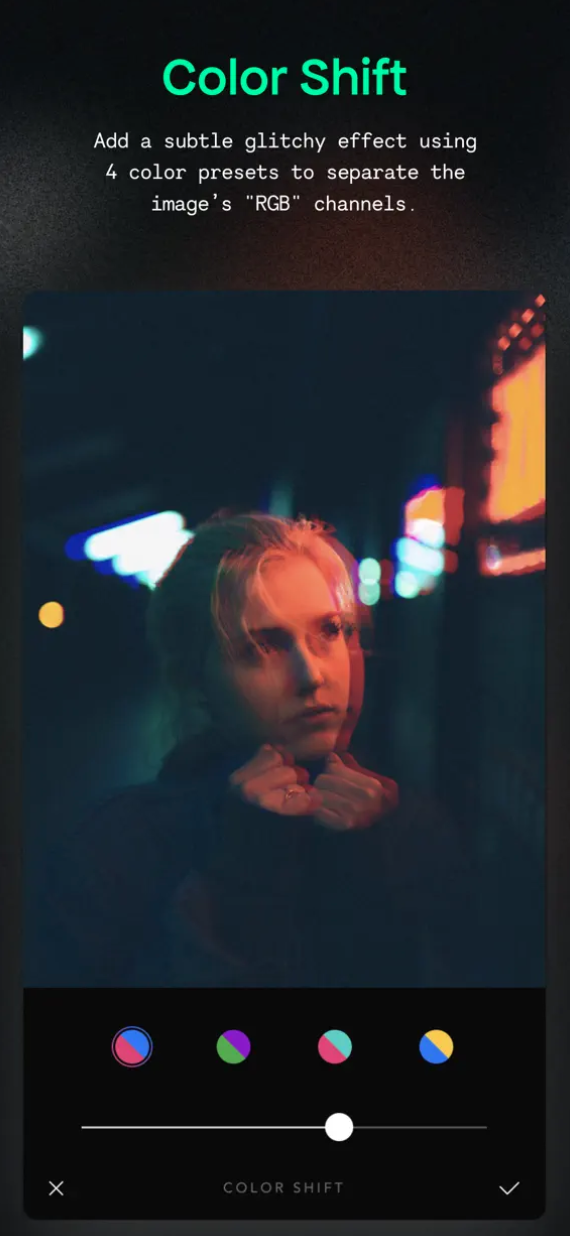
Afterlight is another application that offers both basic functions for less experienced users or quick edits, as well as comprehensive tools and procedures for more sophisticated editing and enhancement of photos not only for social networks. In addition to the basic functions, Afterlight also offers more complex editing functions, such as the ability to add layers, curves and selective shades. They can be more complicated to use, but they are worth understanding.
Gallery
Spotlights
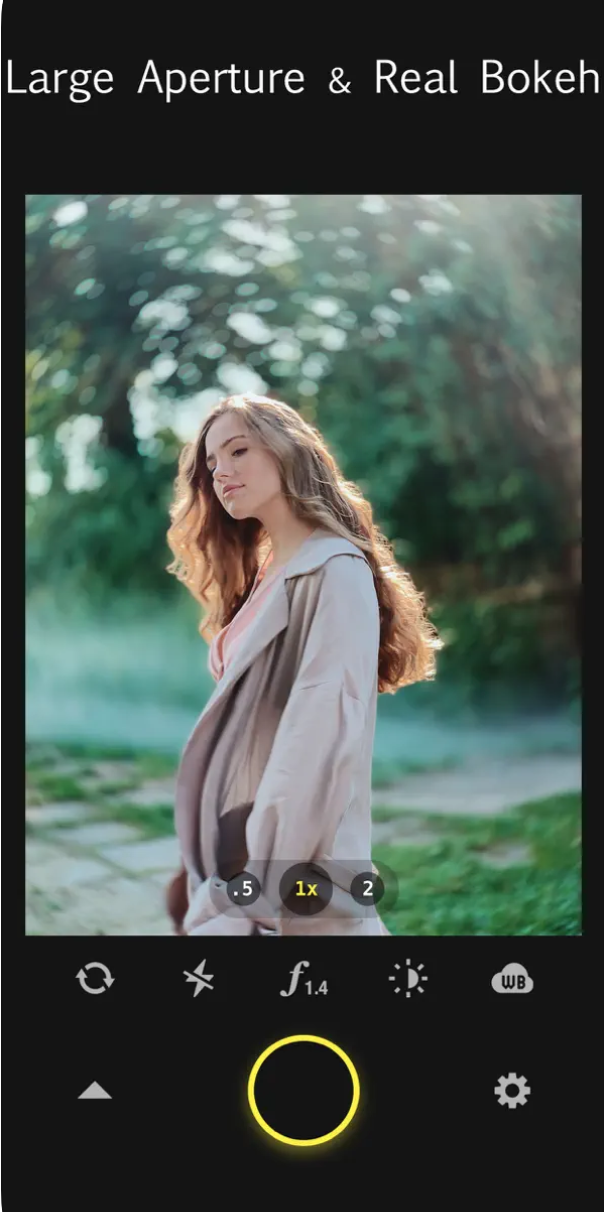
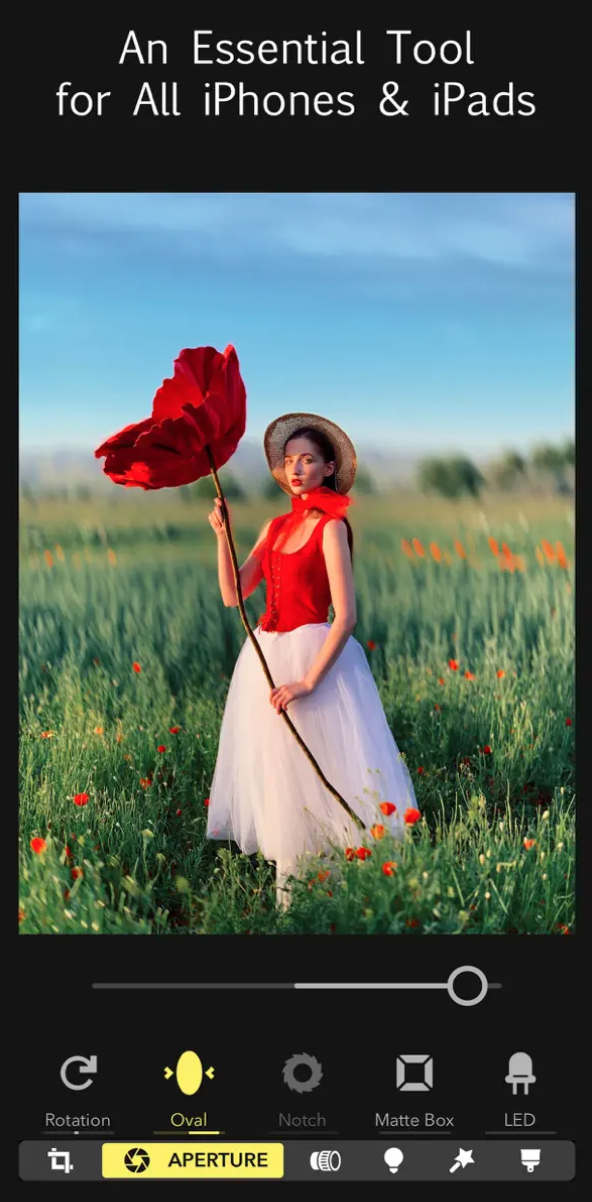
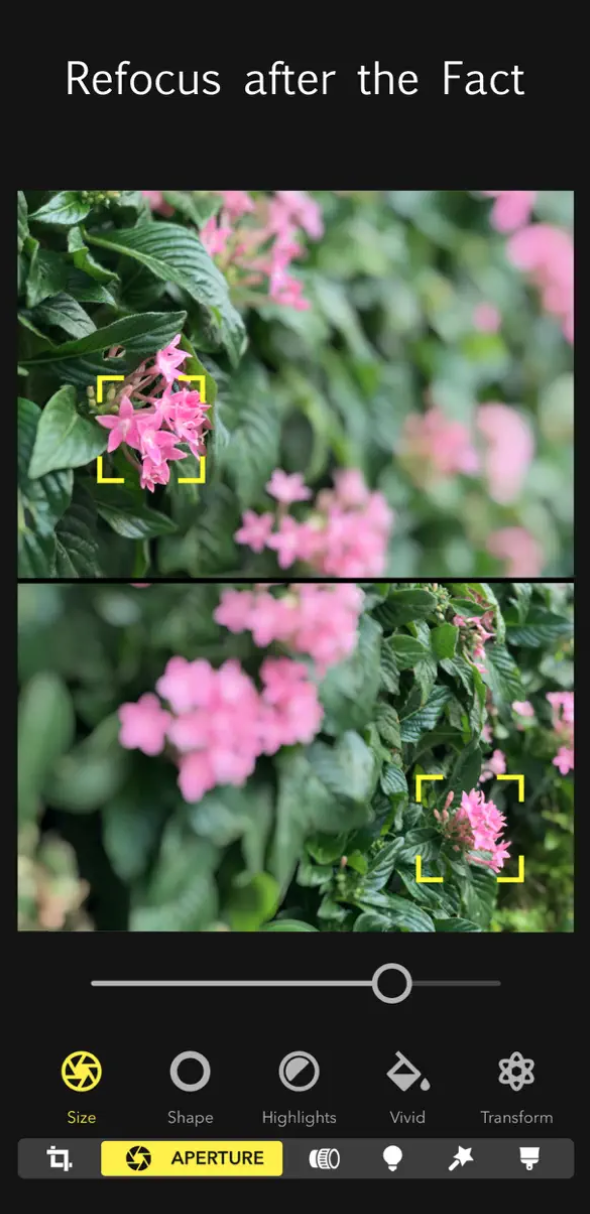
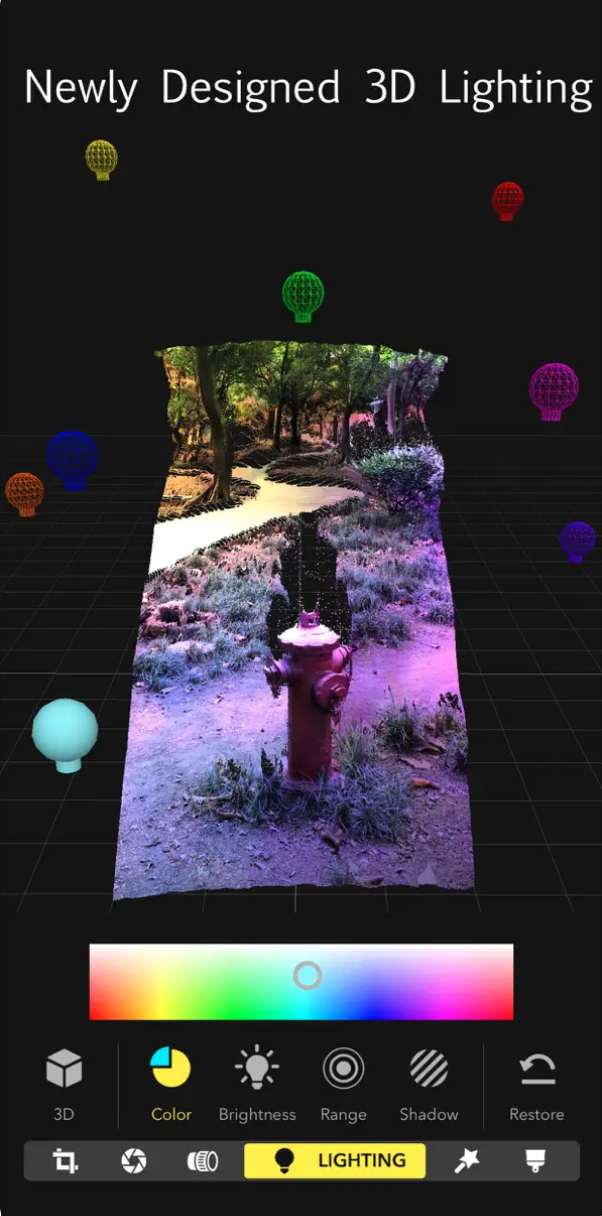
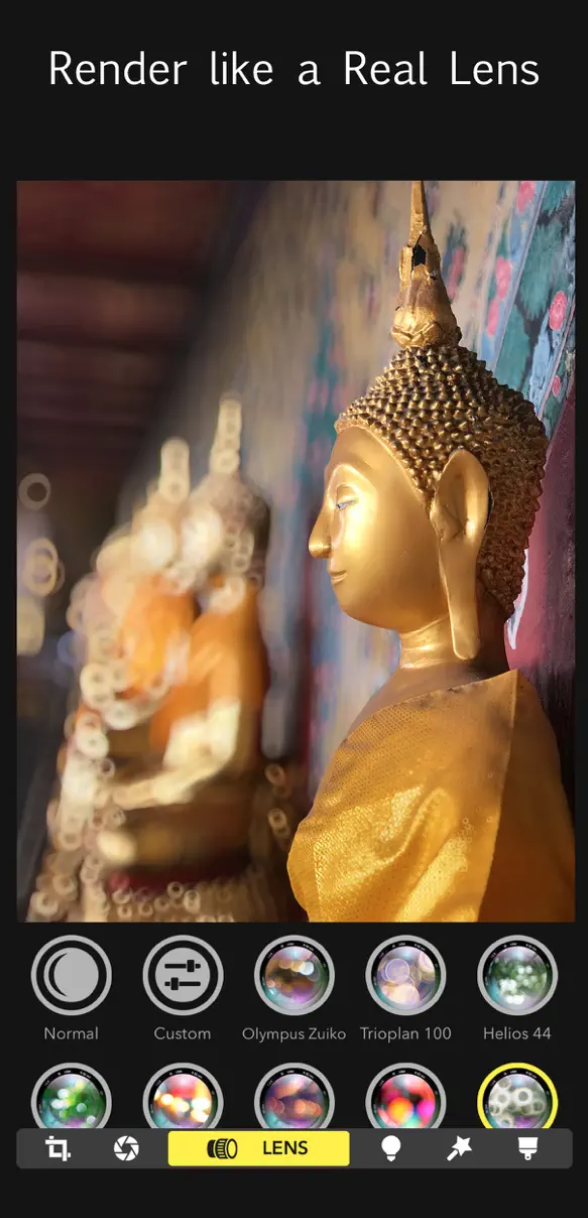
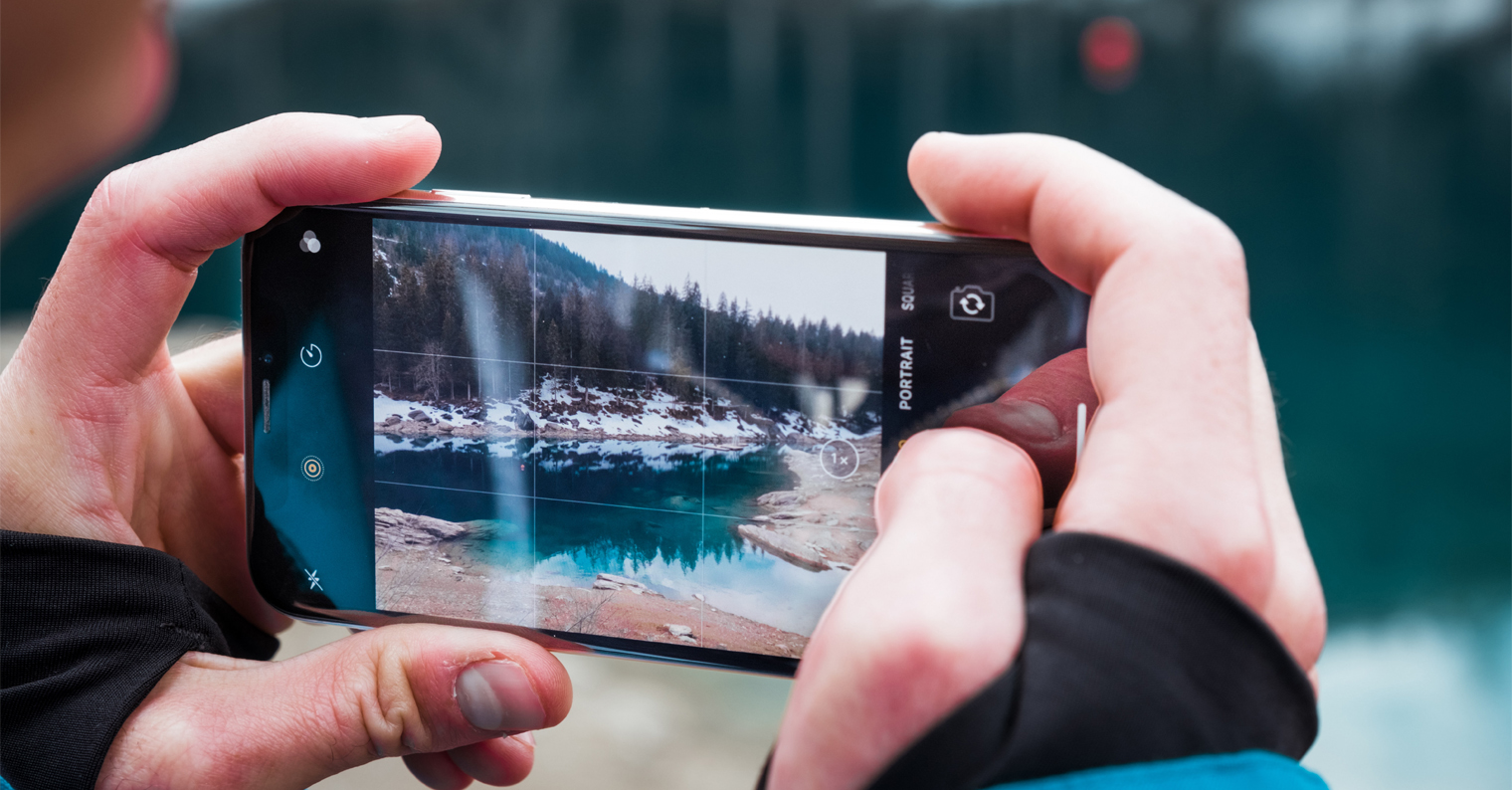
If you're looking for an app that helps you simulate traditional photography rather than fancy effects, GIFs and stickers, you can reach for Focos. Focos is a powerful application full of photo editing tools. Thanks to its functions at the level of digital SLR cameras, you can take your portraits to a higher level. With this application you can simulate the functions of a classic camera.