
How to remove card from Wallet on iPhone? Native Wallet on our iPhone can hold not only our payment cards, but also membership and loyalty cards, tickets and more. How to proceed if you want to remove a payment card, an invalid boarding pass or a loyalty card that you no longer use from the Wallet?
You might be interested in
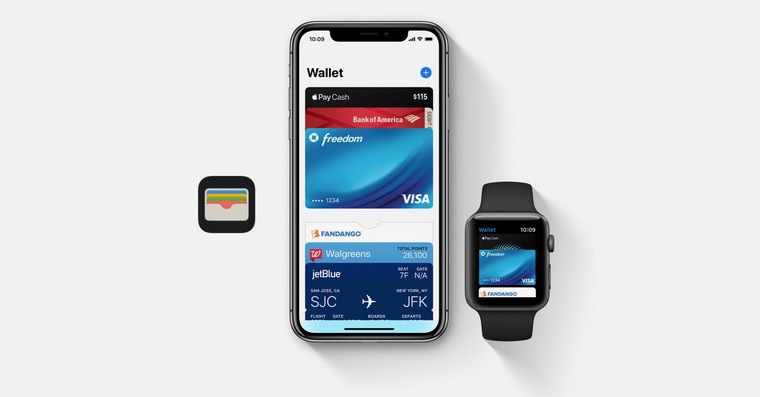
The Wallet application on the iPhone is a great tool for storing payment cards, loyalty cards, airline tickets and other documents. However, it may happen that you want to remove the card from the Wallet. The reasons can be different: the card is no longer valid, you lost it, or you simply don't need it anymore.
In this article, we'll show you how to easily and safely remove a card from Wallet on your iPhone.
How to remove a card from Wallet on iPhone
If you want to remove a card from Wallet on iPhone, follow the instructions below.
- On your iPhone, launch Wallet.
- Select a tab, which you want to delete.
- Click on three dots in the upper right corner.
- Choose Card details.
- Aim all the way down and tap Remove tab.
Gallery
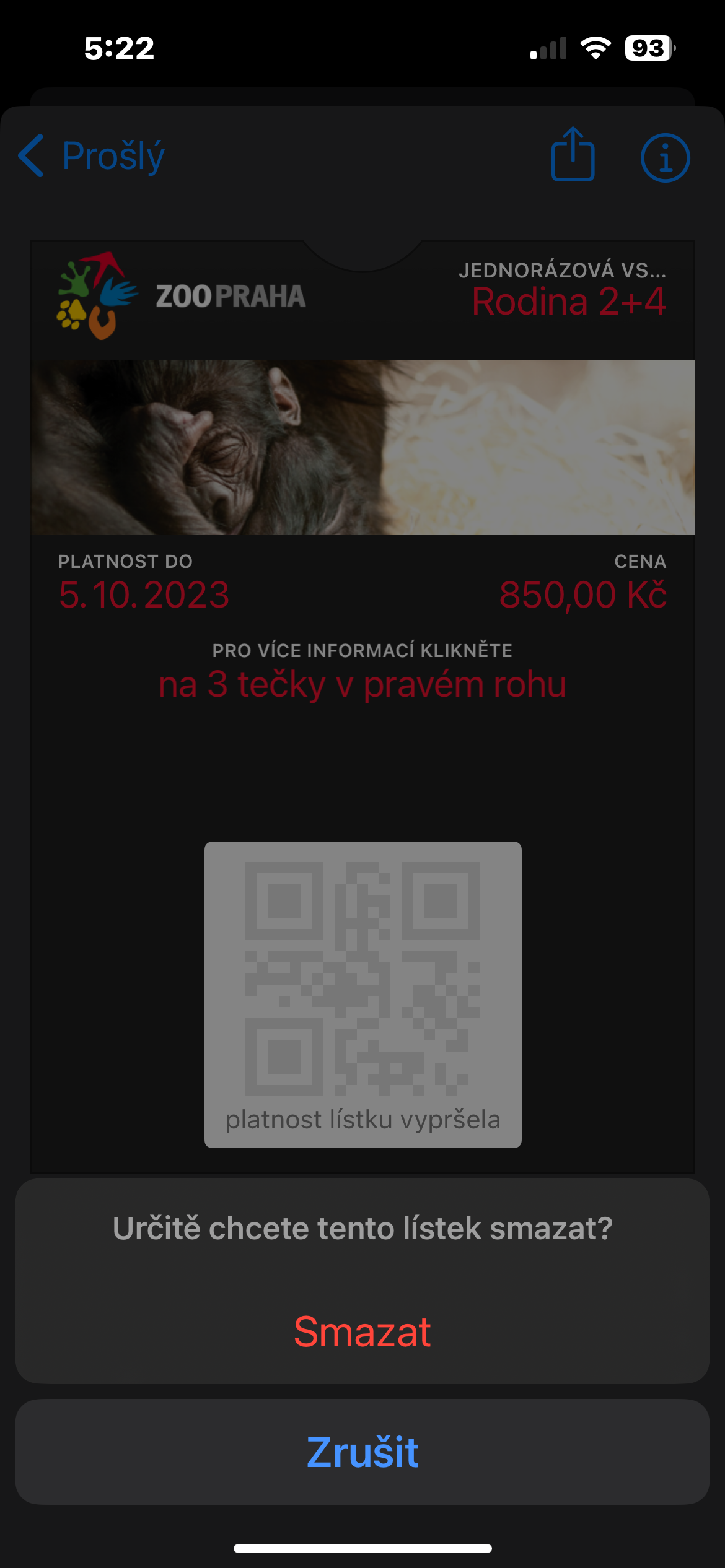
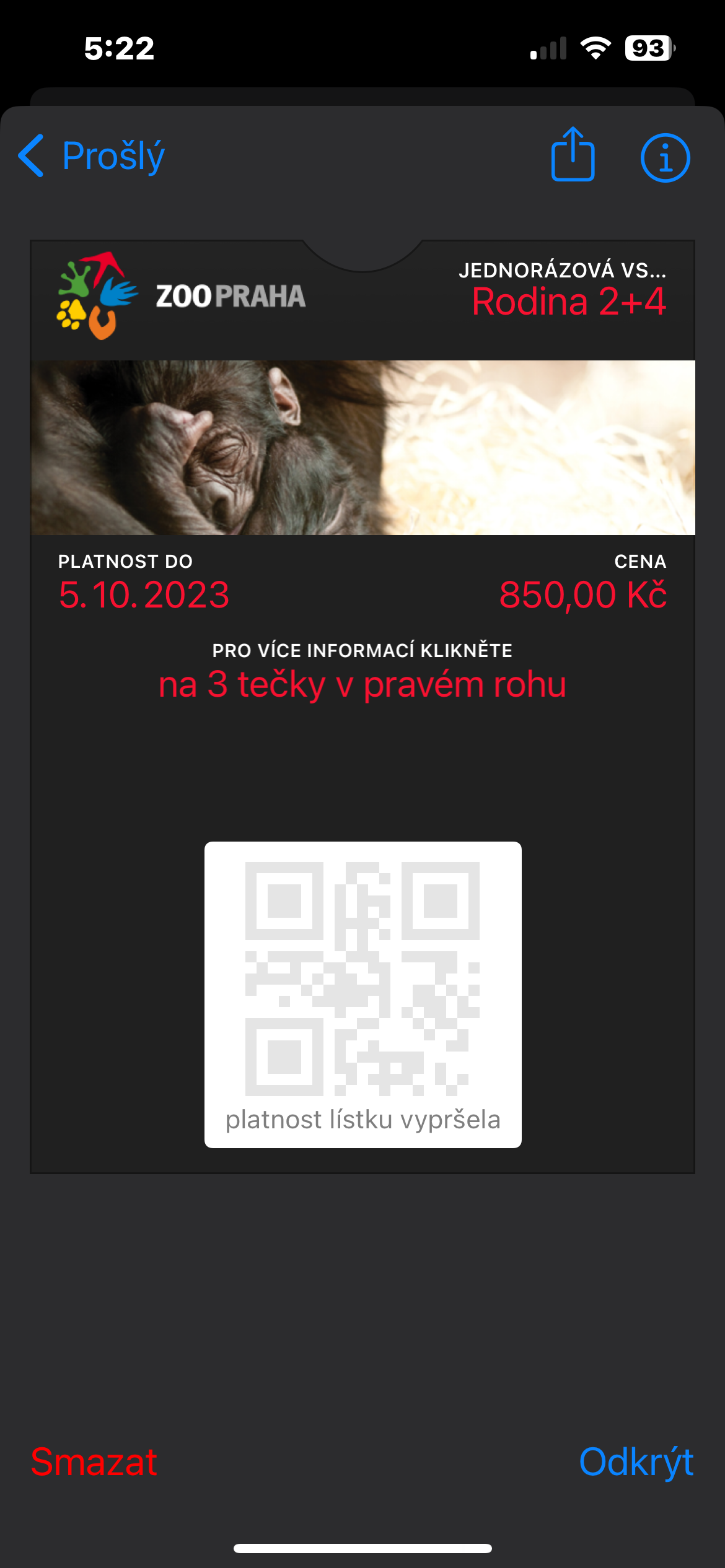
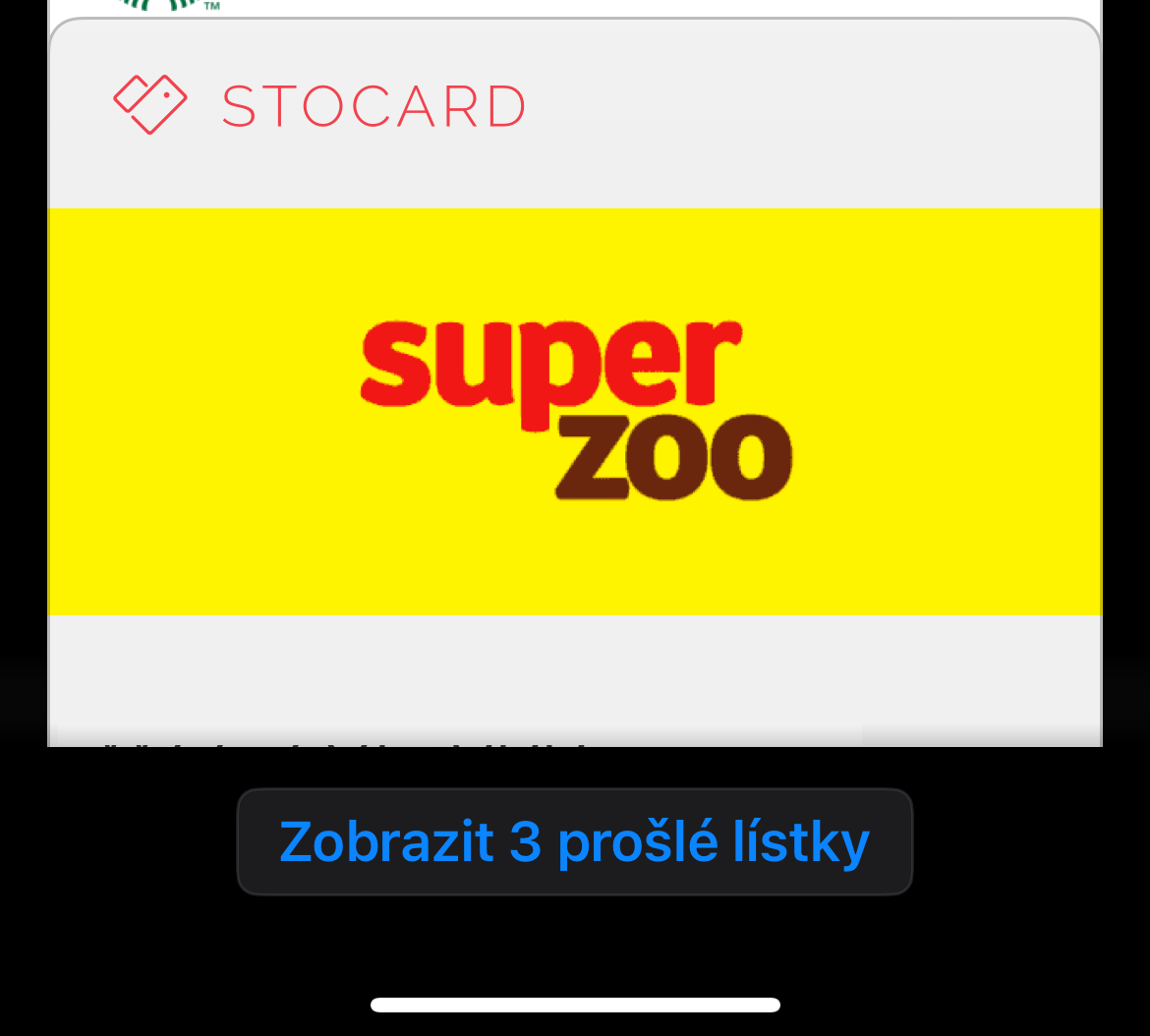
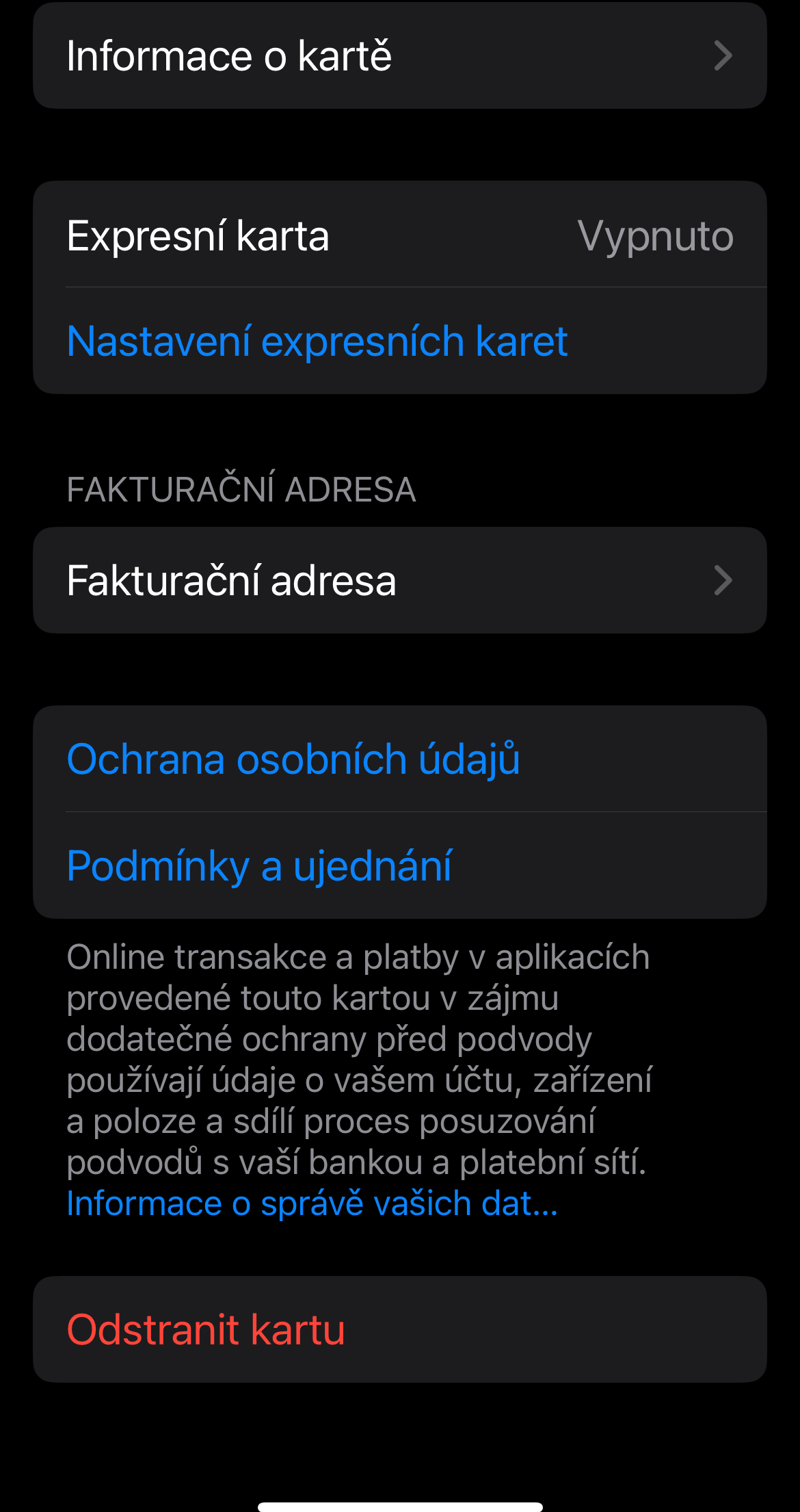
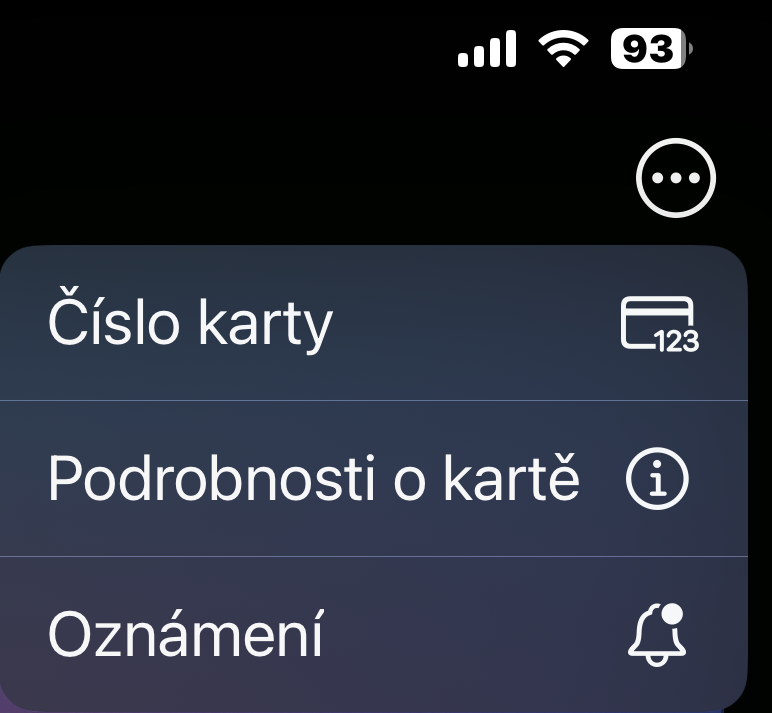
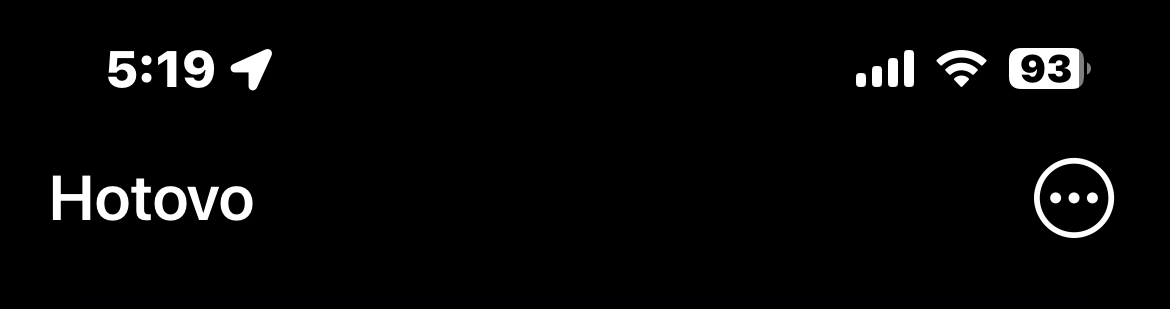
In this way, you can easily and quickly remove the selected payment card on your iPhone. If you would like to remove, for example, an invalid ticket, launch the Wallet and scroll all the way down on the main screen. Tap View Expired Tickets, tap the ticket you want to delete, then tap Delete in the lower left corner.




Hello, I have a question about how to put a card from Up Déjeuner in April. We should receive it in April. apple can anyone tell their experience or help for any advice Thanks
Meal cards are not supported. Well, they didn't have until recently.
Sodexo Gastropass meal voucher cards in the Czech Republic have support for the wallet, that's how I use it myself.
But Sodexo is not Up. 😉
Hello,
I have been dealing with this problem for a long time, I have countless travel insurances and some discount cards in my wallet, but I have no way to delete them.
as soon as I click on any card, I don't have the "three dots" icon in the upper right corner, and when I click on the "info" icon in the lower left corner, there is only a summary of the card and the option to disable updates.
Can you advise please?
That's exactly how I feel too. When you click on the card, there is no menu at all, just an "info" icon. But I guess no one here can advise us :(