
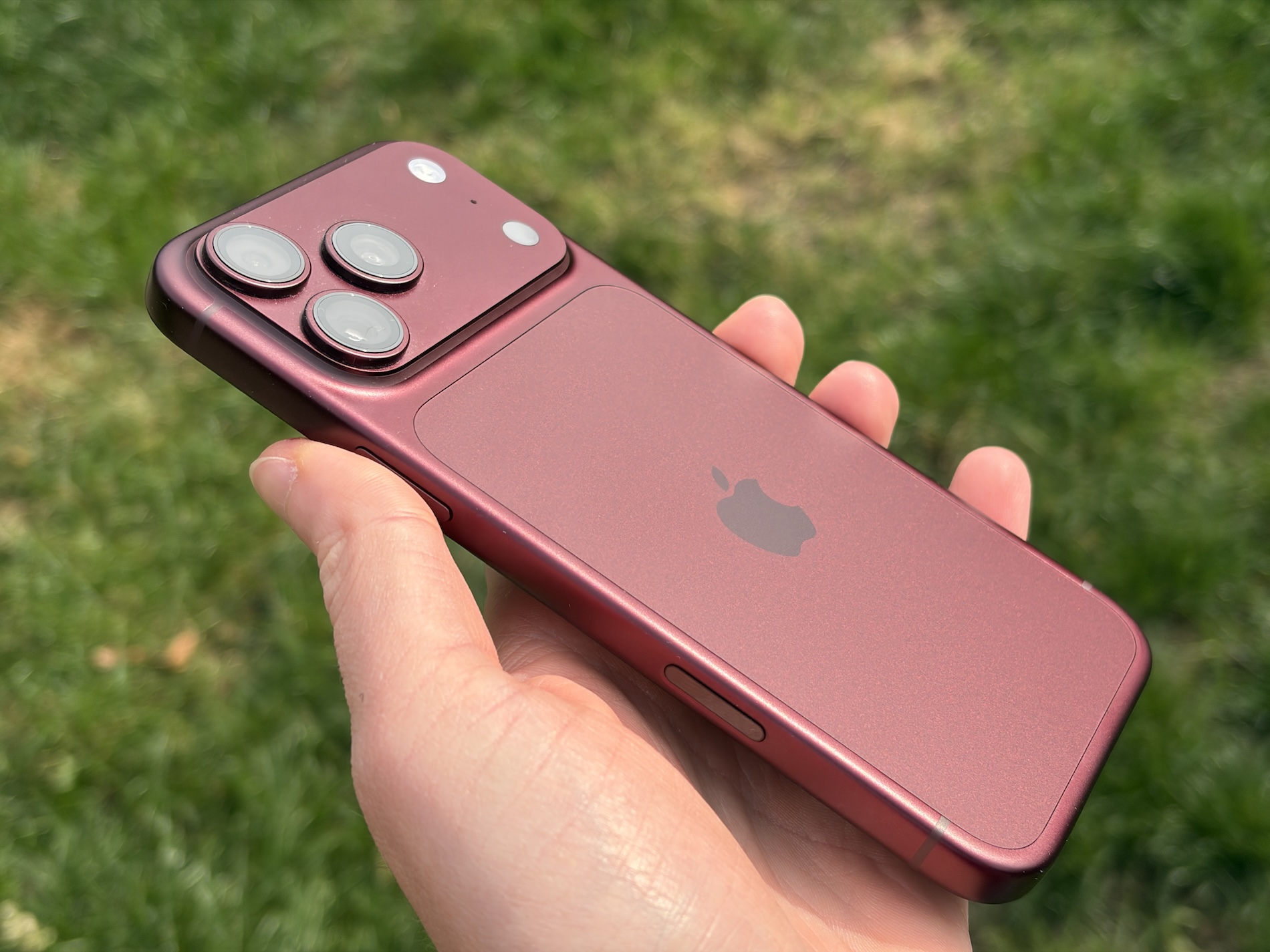
4th released yesterday. beta iOS 17.4 brings a number of interesting little things to iPhones that will make them easier to use. One of them is a slight redesign of the Battery section in Settings, where it is now faster to see how your iPhone's battery is doing (Pro).
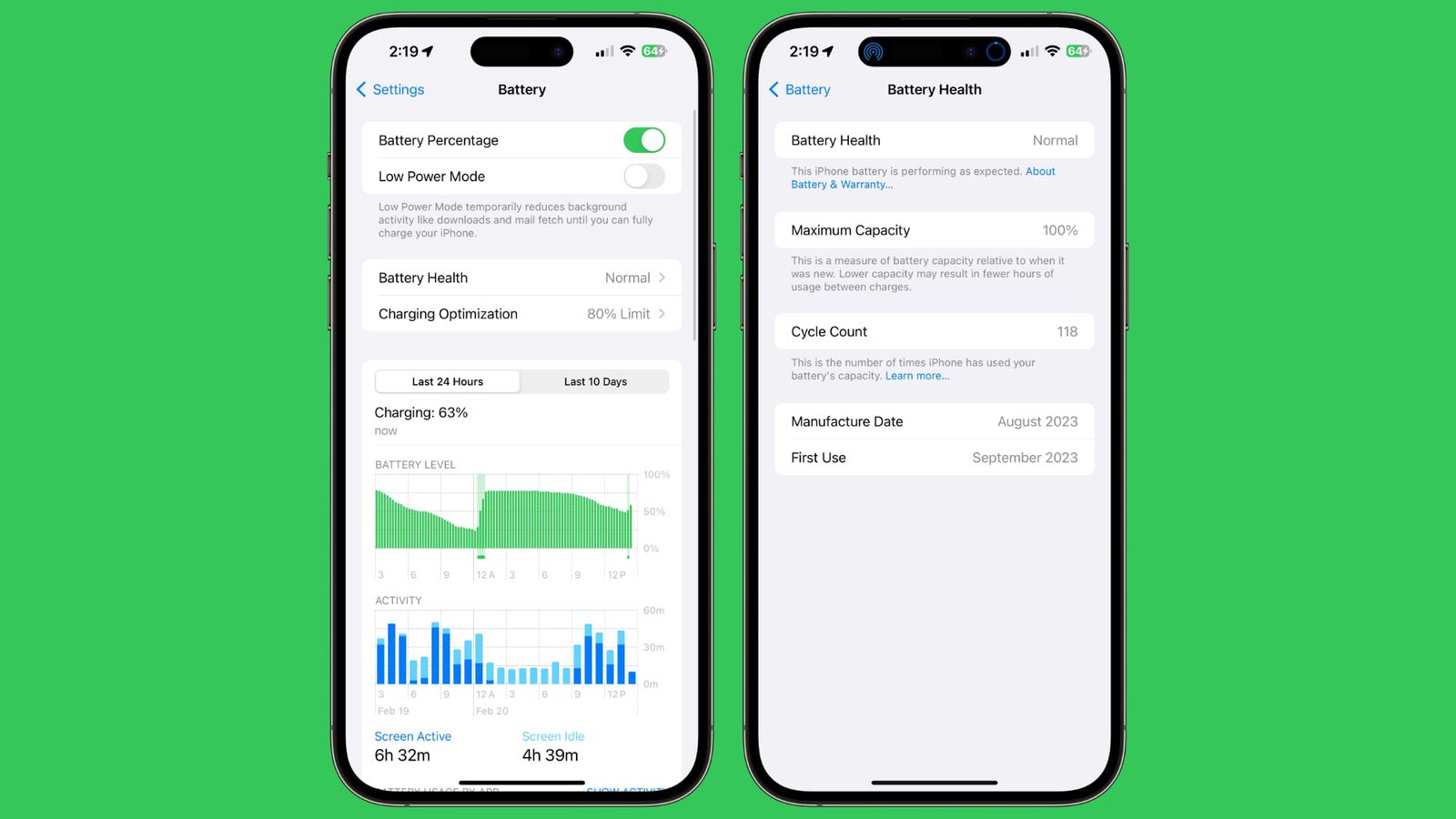
While currently, to find out, you need to go to Settings - Battery and continue to the Battery health and charging section, where you can find detailed information about the battery capacity, iOS 17.4 will tell you the battery status right after you open the Battery section. The Battery health and charging option will change to Battery status, with the Charging optimization option moving below it. Under Battery status, you can immediately see whether it is normal or needs service.
Pro For more detailed information about the battery, you can of course open this section, where you will find the exact battery capacity, the number of completed charging cycles, and now also information about when the battery was manufactured and when it was iPhone activated for the first time and the battery started working. This is undoubtedly an interesting innovation, thanks to which you will immediately have a much better overview of the battery.



I'm at 14. Pro Max I still have the same thing even though I have the beta and it's not there.
iP13 the same, it's probably only for 15s...
ProWe knocked as much as we could, and it's as you write - iPhone 15 (Pro) only. Perhaps it Apple it can also be installed on other iPhones, after all, it is a fairly simple feature.
All this information (number of cycles, date of manufacture) is already in the current iOS just in a different place (in Settings > General > About]
The battery is there, but the number of cycles and the date of manufacture are not.
I have 11Pro Max and of course there is "Coverage expired" but I can't find the production date
For iP15 Pro is everything. Both the date of manufacture, the number of cycles, and the first use.
WOW, thanks for the tip.
I would like them to add this to iPads and not slow it down in the background like drive iPhones..
Lately, it seems to me that somehow they are favoring the latest models - pushing to buy a new device. There were no such differences before. Whether it is the sw information mentioned above or perhaps the side button. Surely the sw would go and program the side switch on older models and instead of silence there could be anything else!!! All you have to do is want.