
Most iPhone users know what to do when they come across a QR code in nature, for example. They simply open the Camera app, point and tap the revealed link. But what about QR codes in images and PDFs that you already have on your iPhone?
It's a bit of a well-kept secret that more people should know about. In most cases, tapping and holding a QR code will bring up a menu with the URL. From there, you can open the link in Safari, copy it or share it with someone.
That QR codes in the system iOS This can be useful, for example, when adding vaccination records to the Health app or setting up two-factor authentication via passwords in Settings.
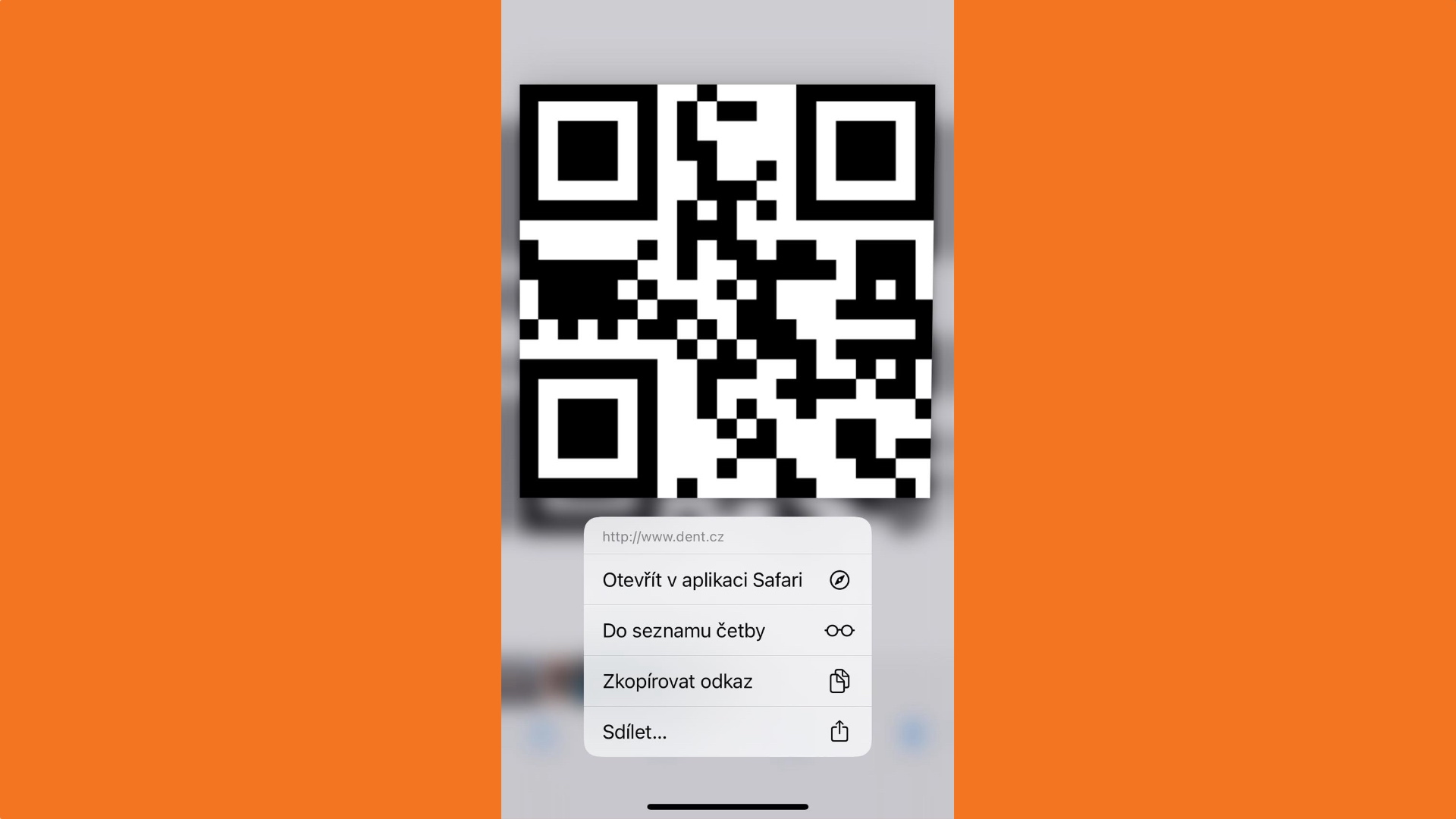
The perception of QR codes as an alternative to barcodes is so common that many people still find it natural to work with them as embedded links, and even the code itself iOS doesn't help much. Maybe a quick animation around the QR code would make sense. In any case, this not-so-well-known feature is certainly useful, so it's worth sharing. So in most situations, there's no need to scan the QR code on your phone with the camera on another device.
You might be interested in










So with the invoice from Vodafoneone this doesn't work