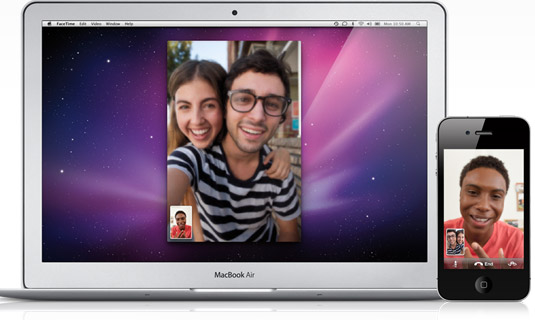
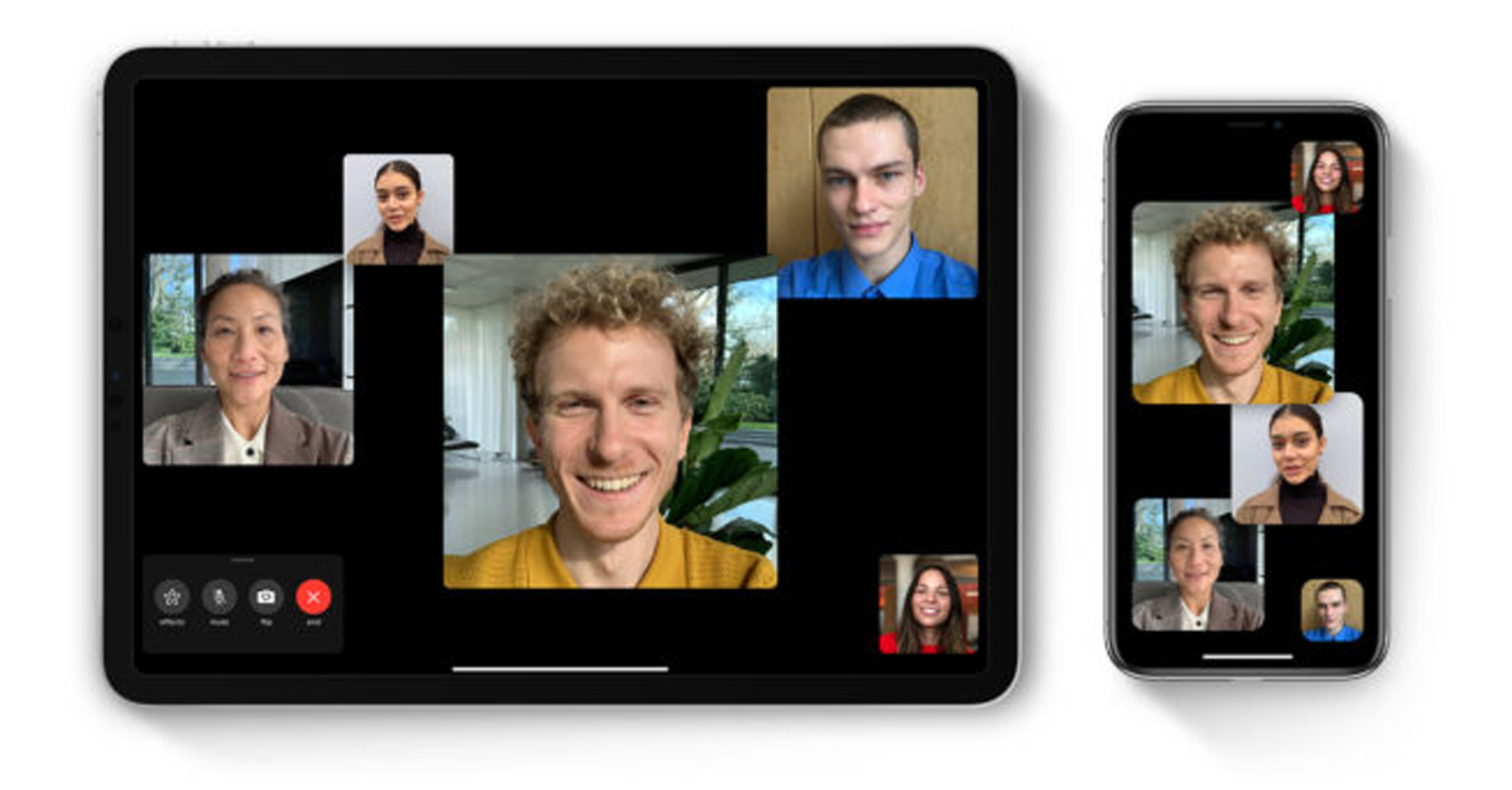
Operating system iOS 17 and macOS Sonoma are now available to the public and bring a number of new features to FaceTime, including 3D reactions that appear when users make certain hand gestures. However, these effects may not be as useful in some situations, such as online therapy sessions.
You might be interested in

Jak The Verge server pointed out, there are a number of users who have since updated their devices Apple on the latest versions of their respective operating systems are facing embarrassing situations. Specifically, these embarrassments were caused by new features in the FaceTime application. In operating systems iOS 17 and macOS Sonoma, users can perform gestures like thumbs up, thumbs down, or hearts during a video call to display 3D emojis on the screen. Other gestures can display balloons, confetti, and even fireworks behind the user. These effects are meant to be fun, of course, but they may not be entirely appropriate in some more serious situations.
Gallery


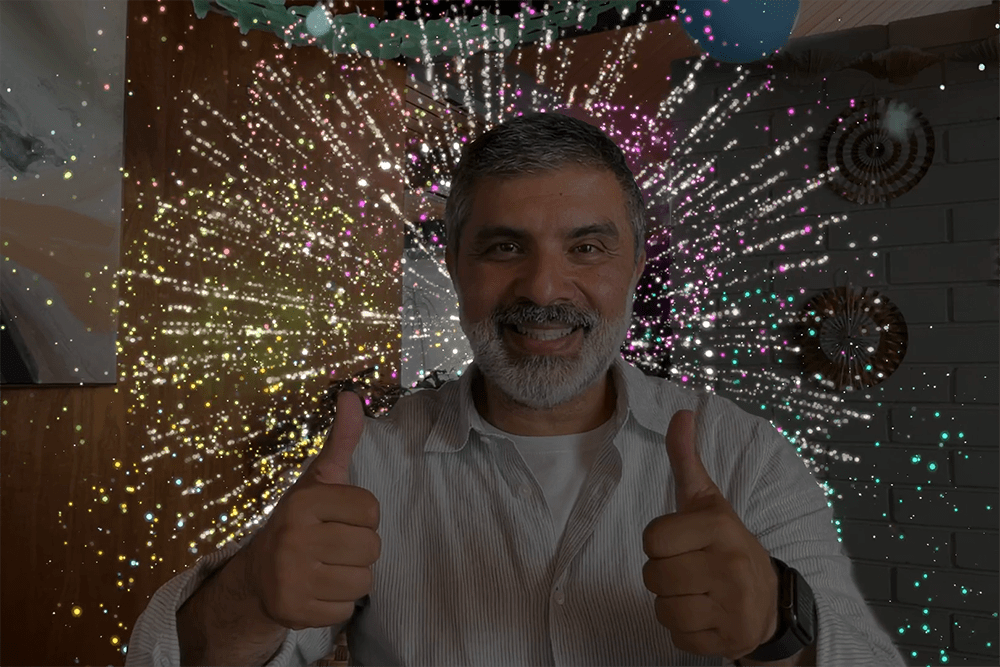

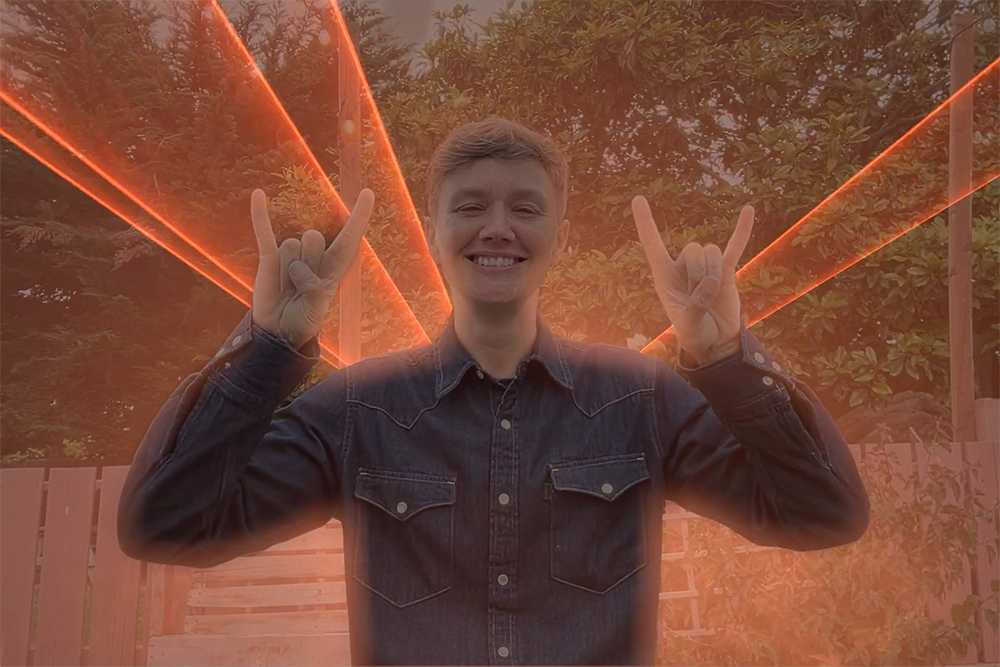

For example, there were mentions on social media of an online therapy session in which a client performed the two-thumbs-up test while describing his trauma, followed by brightly colored fireworks. Some telemedicine platforms have already started warning their clients that it would be a good idea to deactivate these effects – they are active by default.
How to disable 3D effects in FaceTime
- Start a video call.
- Activate the Control Center.
- Tap on video effects and disable the reactions option.
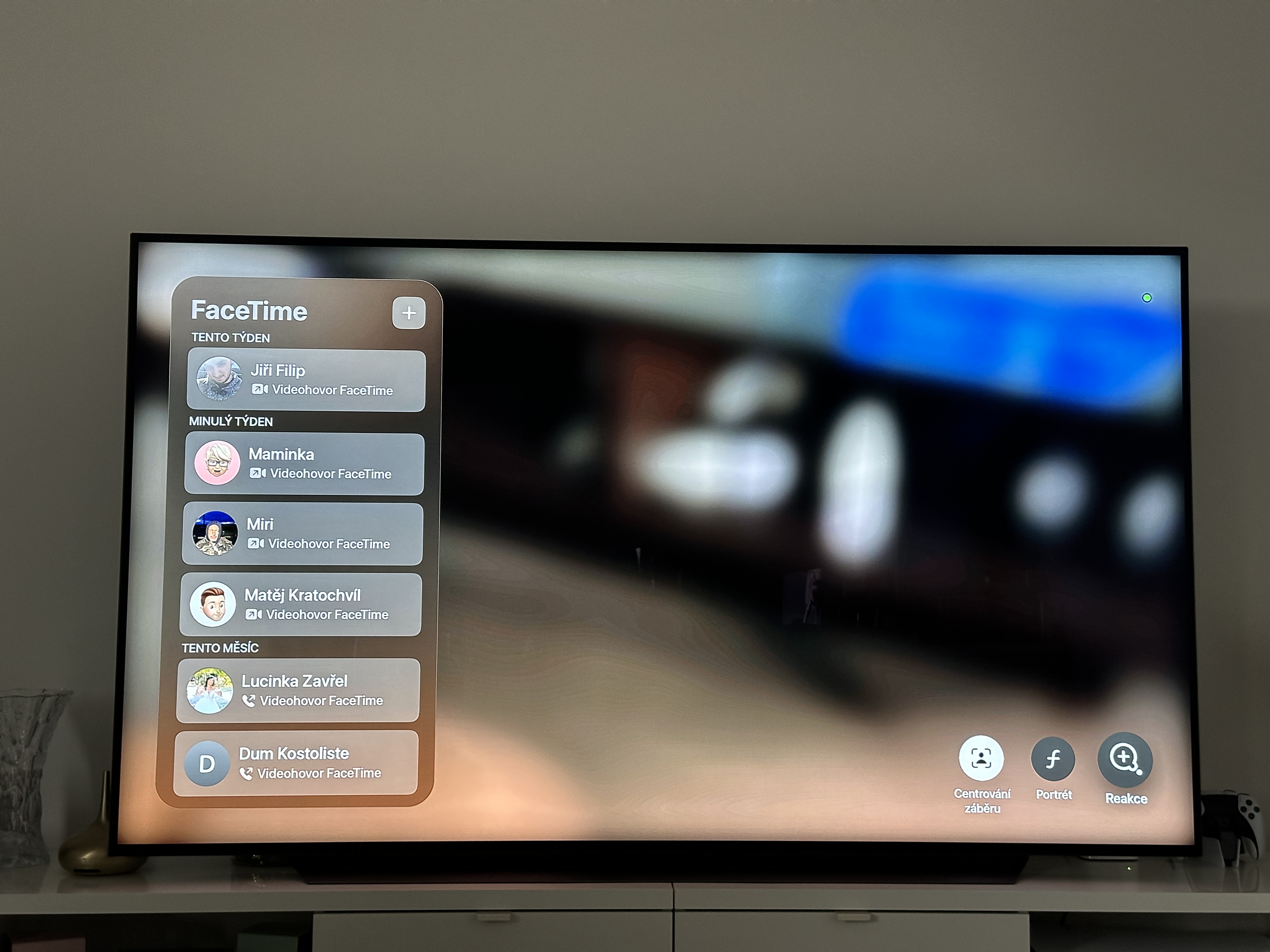
To disable 3D effects on your Mac, start a FaceTime video call, click the FaceTime icon in the bar at the top of your Mac's screen, and turn off Reactions. This will keep the reactions off until you turn them on again using the same procedure. It's worth noting that reactions are also available in FaceTime pro Apple TV with tvOS 17.