
iMessage does not work – a problem that many owners encounter from time to time Apple device. Reasons why iMessage do not work, there may be more, as well as possible solutions. In today's article, we will take a quick look at what to do if iMessage doesn't work
You might be interested in
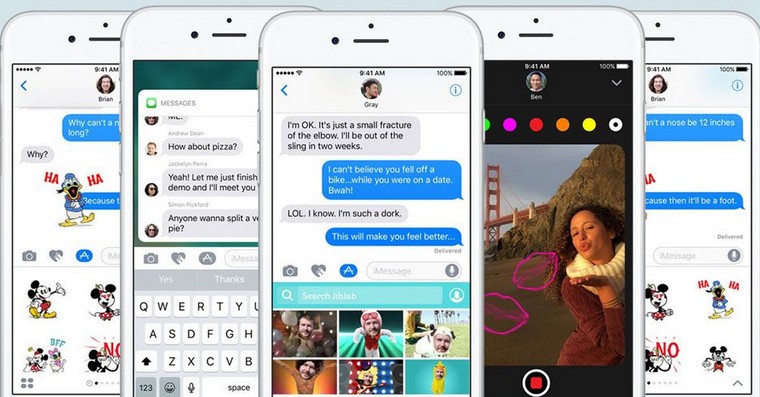
iMessage is one of the most secure messaging platforms you can use on your iPhone or iPad. The company Apple uses end-to-end encryption, which ensures complete anonymity of message content during electronic and wireless transmission. As part of the service iMessage you can send and receive text and multimedia messages and other content. Sometimes you may encounter problems with iMessage. Errors in iMessage can manifest itself in various ways, from message windows turning green to the inability to receive or send messages. In case of problems with iMessage you can try the following procedures.
Check status iMessage
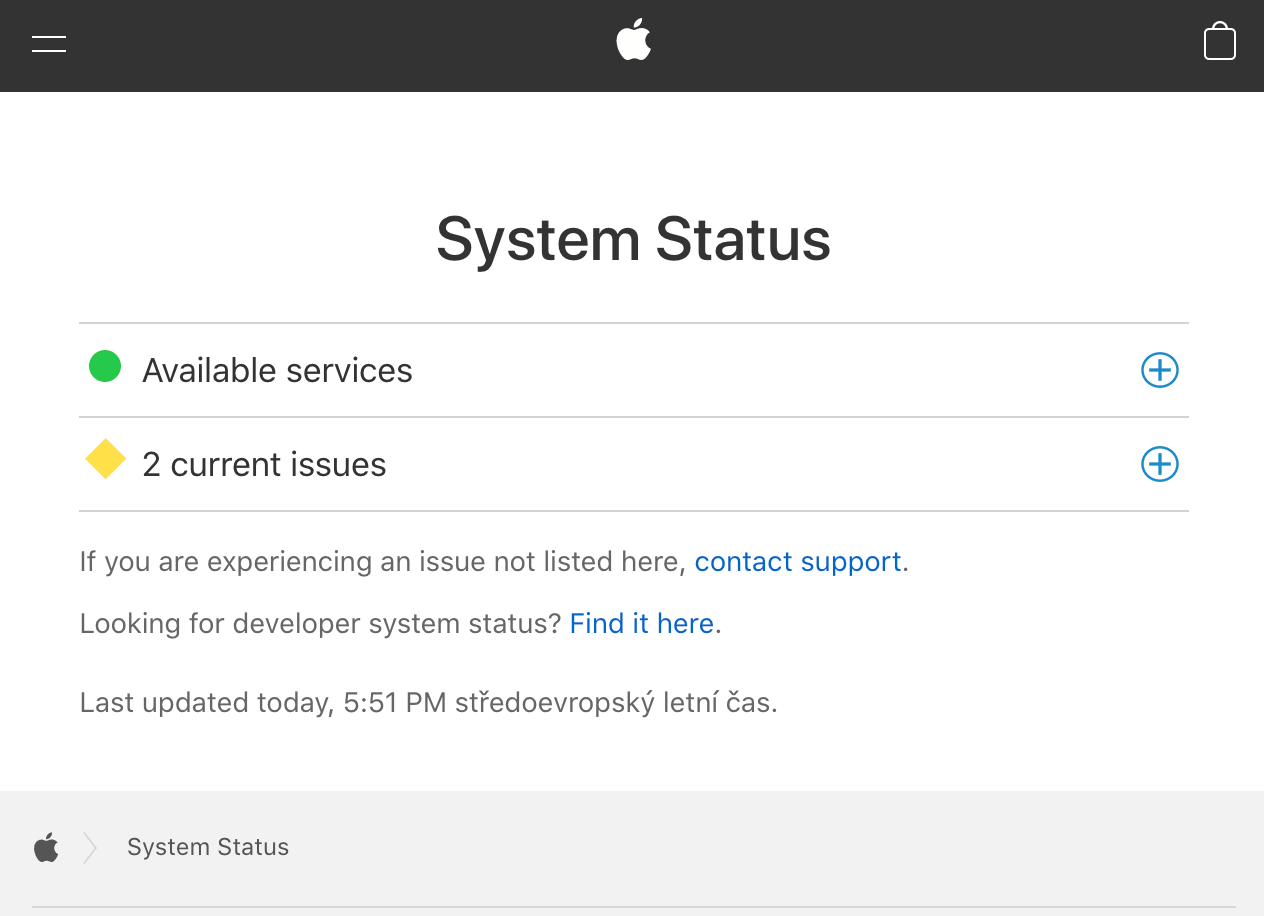
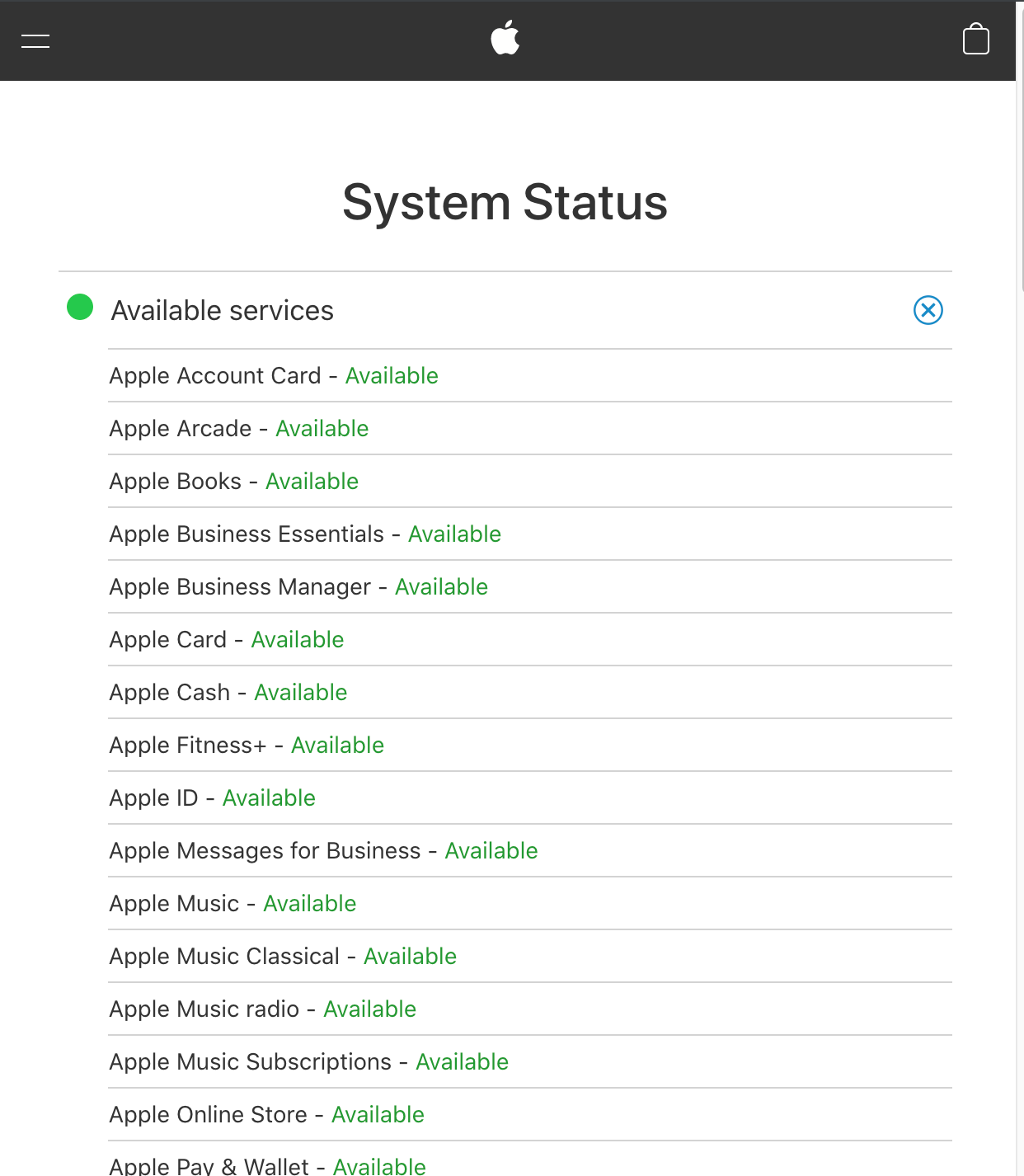
Sometimes the fault can be directly on the company's side Apple, whose services include iMessage could hit a blackout. Pro check visit website https://www.apple.com/support/systemstatus/Here you can quickly and easily check if any of the services Applu doesn't happen to have a blackout, and you can read more details.

Turn off and on again
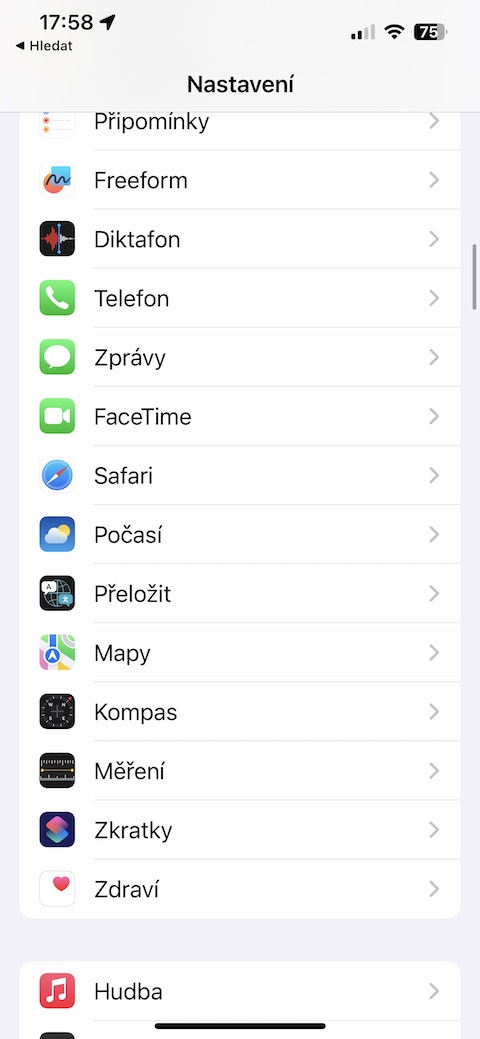
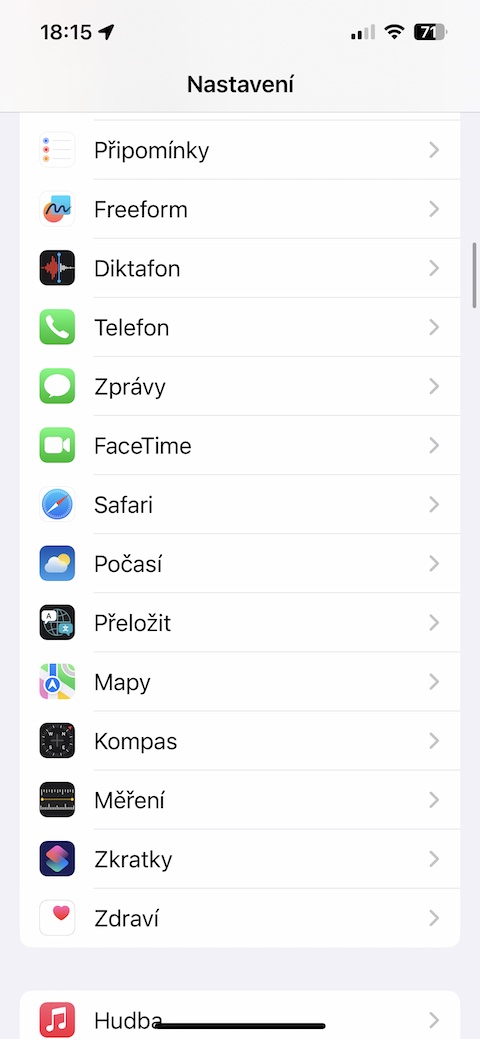
A number of problems with iMessage One of the most banal solutions may apply – the good old “turn off and on again”. Run on iPhone Settings and tap on News. Deactivate and reactivate the item after a while iMessage and then test whether everything works as it should.
Gallery
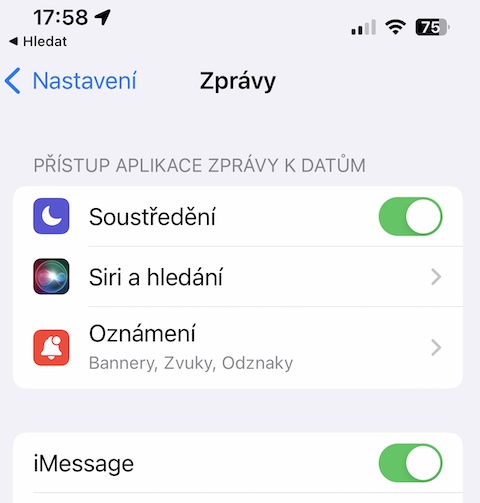
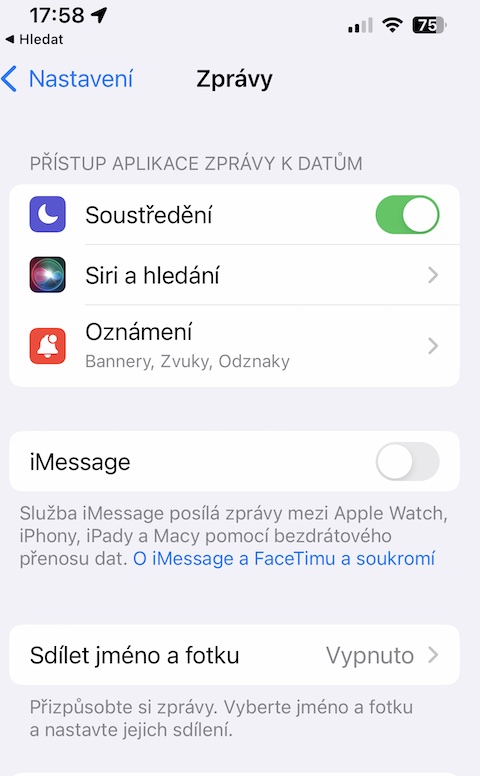
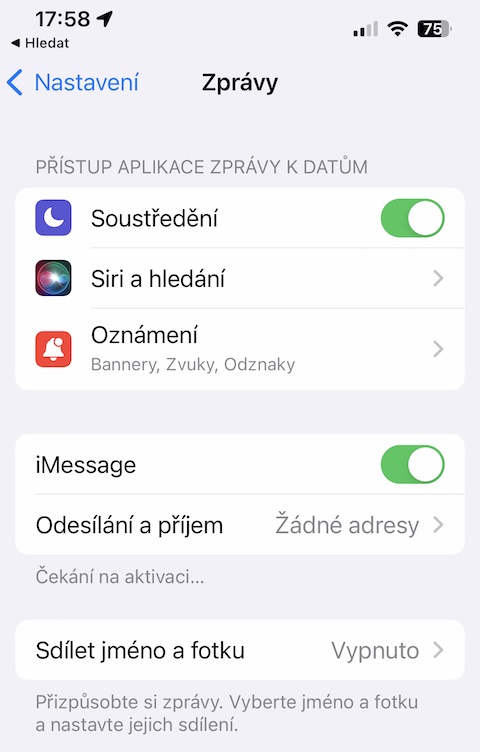
Automatic date and time
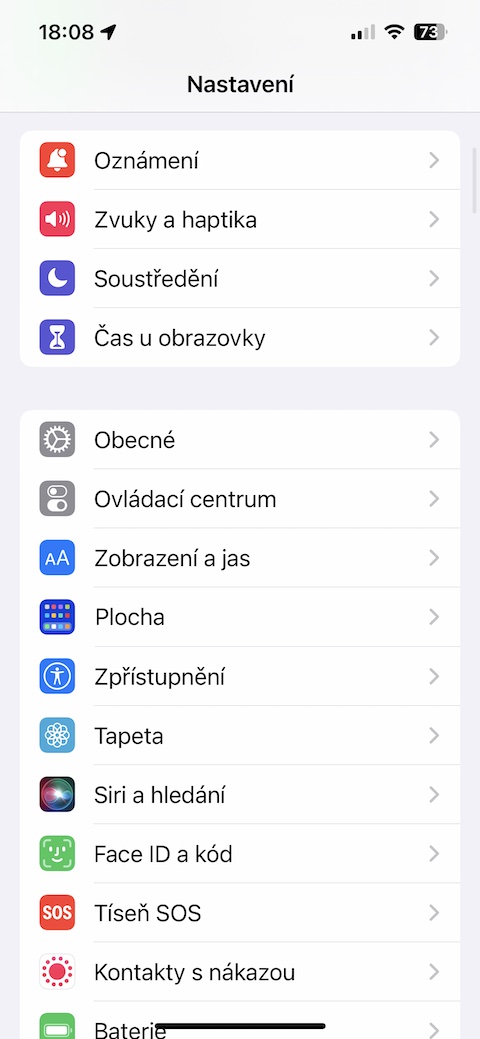
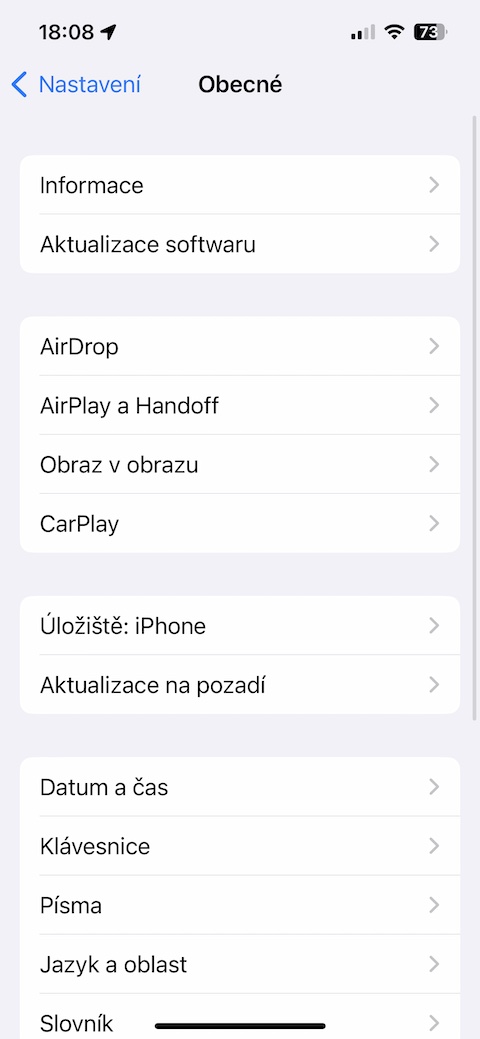
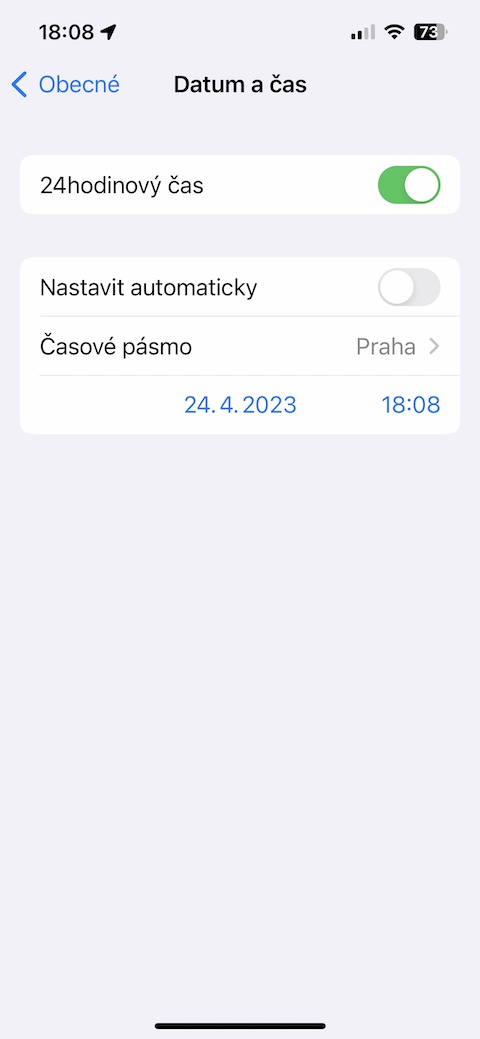
We assume that you don't tamper with the date and time settings on your iPhone. However, you may have done so by mistake, or your iPhone got into the hands of someone who accidentally messed with the relevant settings. It is the manually entered date and time that can sometimes cause the service to not work. iMessage. On iPhone, run Settings -> General -> Date & Time. Check if the item is activated Set automatically, and if not, activate it.
Gallery
Check the settings
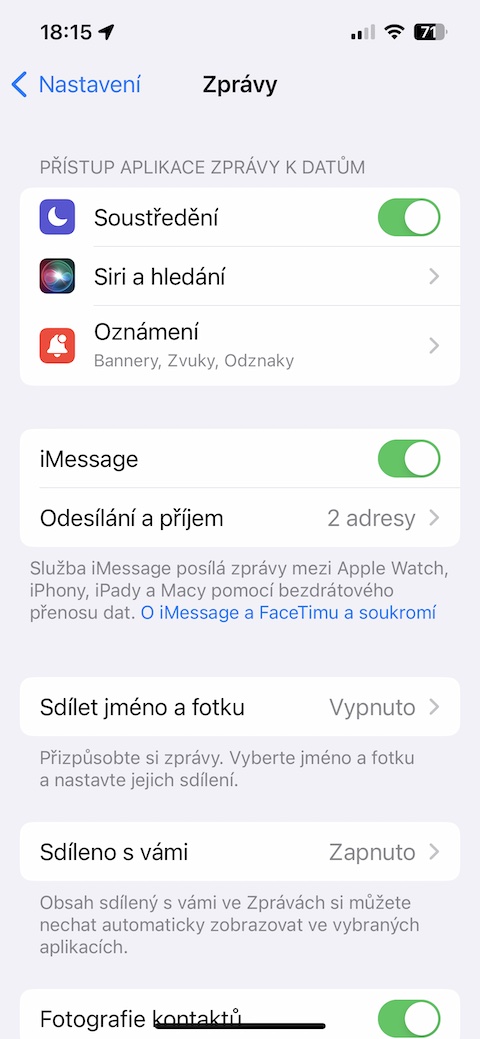
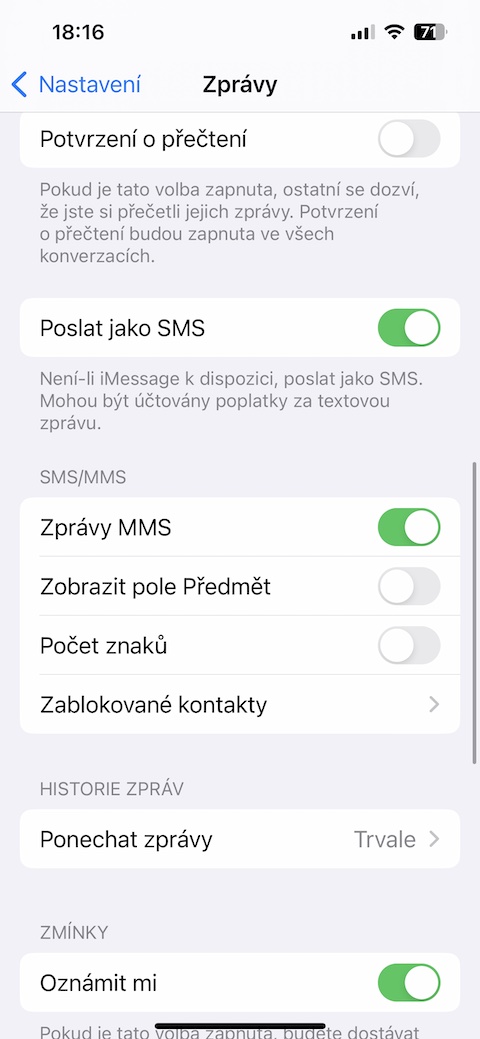
For problems with sending and receiving iMessage sometimes it can happen that the settings are wrong. Even if you are sure that you are on the right settings iMessage absolutely did not touch, you better make sure. On your iPhone, run Settings -> Messages, and in the section iMessage click on Sending and receiving. Make sure you have both your phone, number and address activated for Apple ID. Go back, head a little lower and check if you have the items activated Send as SMS a MMS messages.
Gallery
Restart iMessage na iCloudu
Další varia"restart" iMessage represents their deactivation and reactivation on iCloudu – of course, if you have synchronization set up. On your iPhone, run Settings -> Panel with your name -> iCloud. Tap See all and disable Sync this iPhone. Exit both Settings and Messages, go back to Settings, and turn sync back on.
You might be interested in




MW2 and MW1 from 2021 are simply a masterpiece, which hopefully has no mistake :-)
Hi, don't you know why the alarm doesn't ring on my iMac? The monitor just lights up but without ringingonenia, I have everything set up well and everything enabled...thanks