Take a break
Display burn-in iPhone se It happens whenever you leave some static content displayed on it for a long time. For example, it could be a menu that is always in the same place, for example in apps like TikTok, Instagram and Facebook, or perhaps static elements in games, etc. This means that if you do not expose your iPhone display to these static elements for a long time, burn-in simply will not occur. This means that you should not use the same applications with static elements for several long hours, or that you should not play the same game for such a long time. If you take a few minutes break every hour, you will help not only your iPhone display, but also your health.
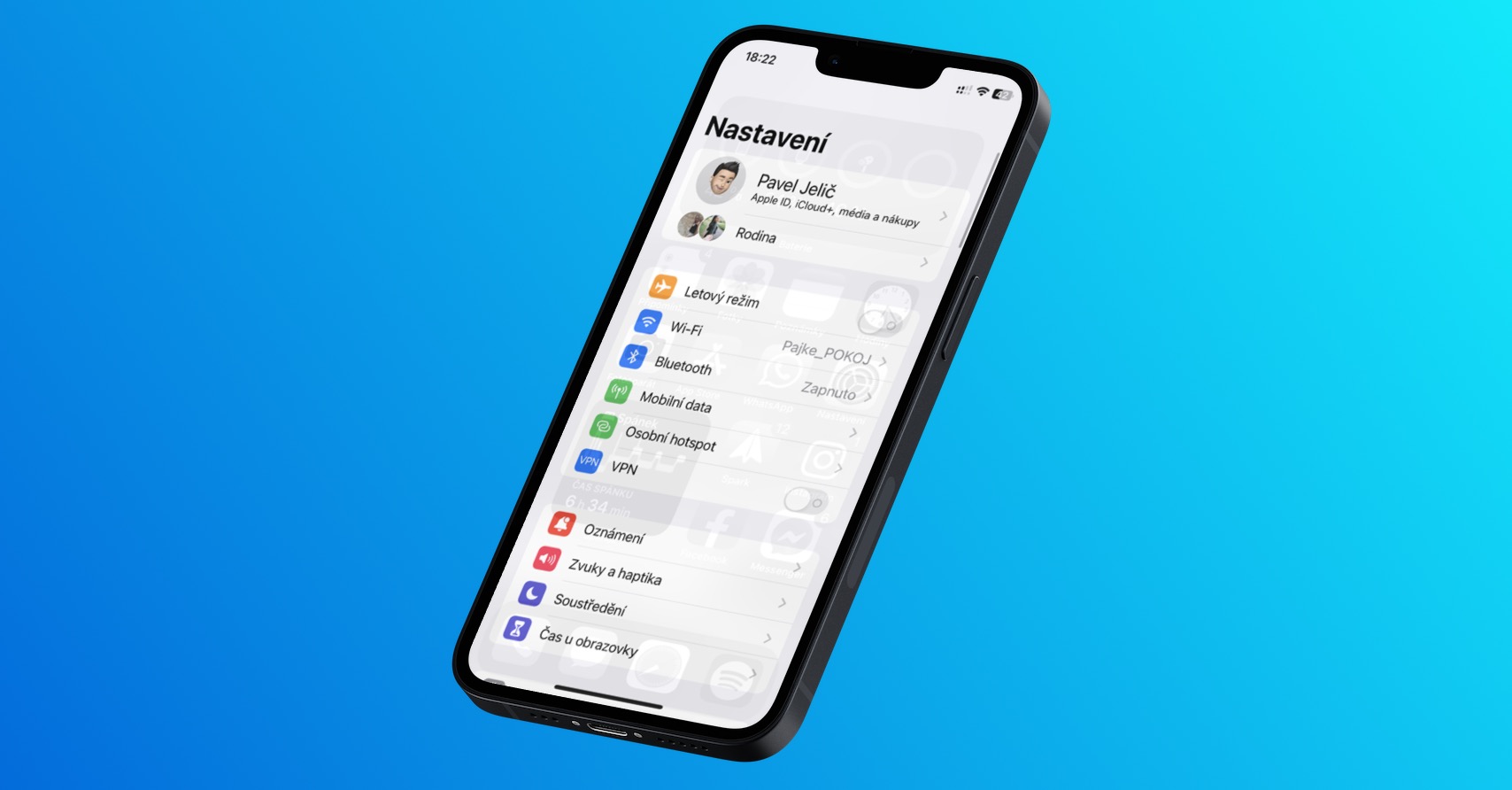
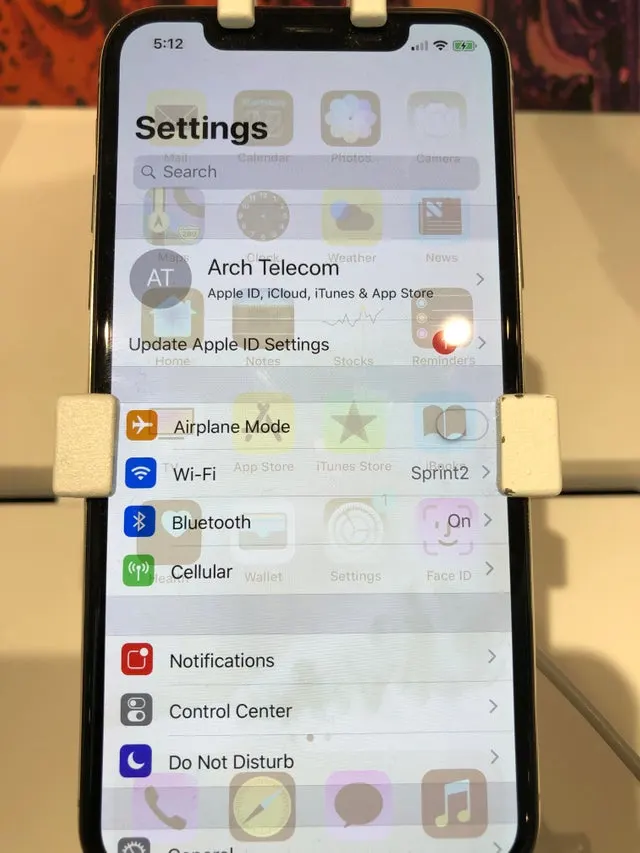
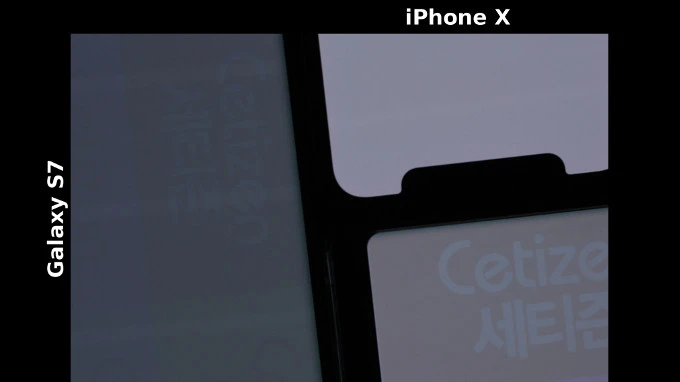
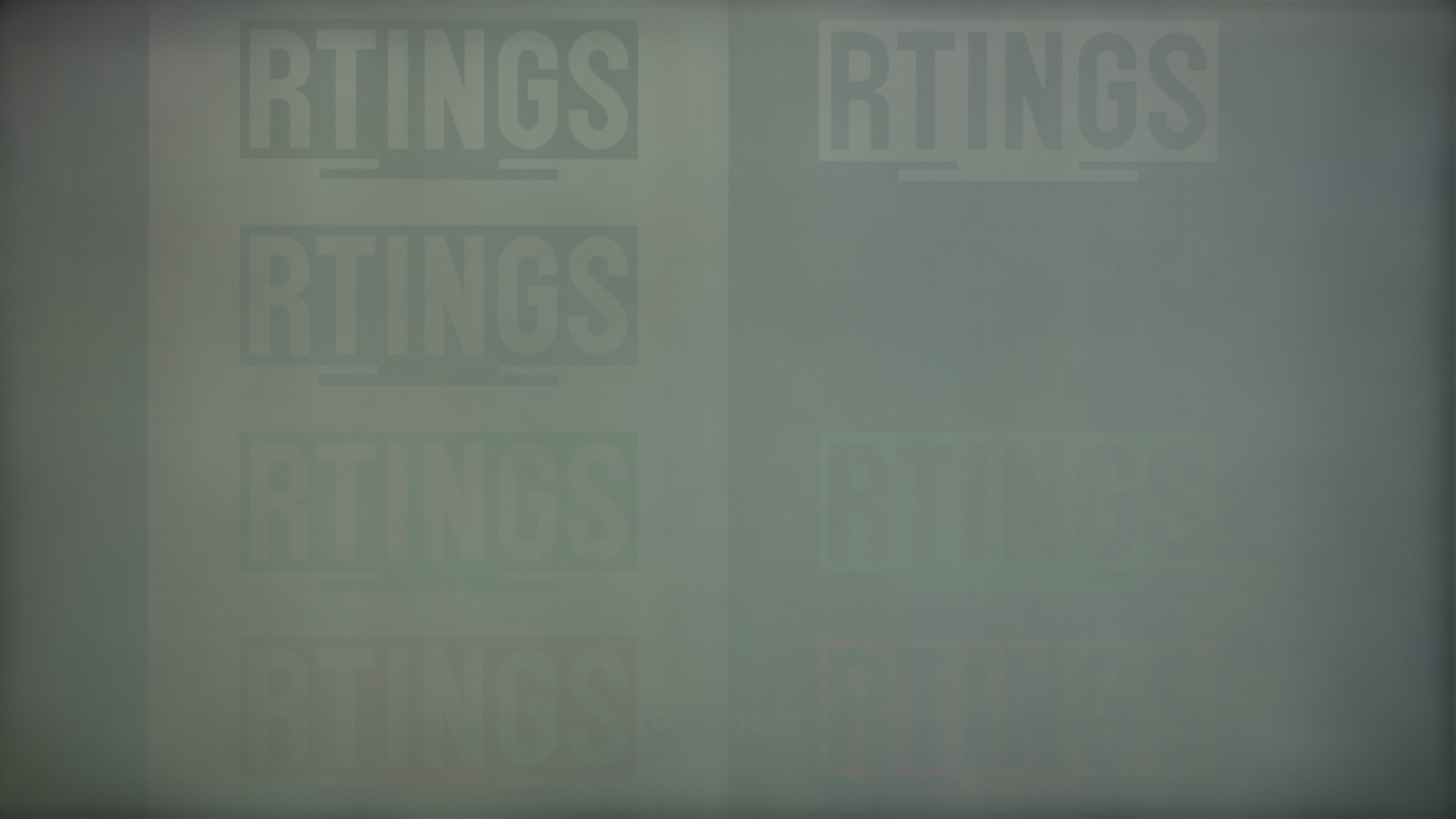
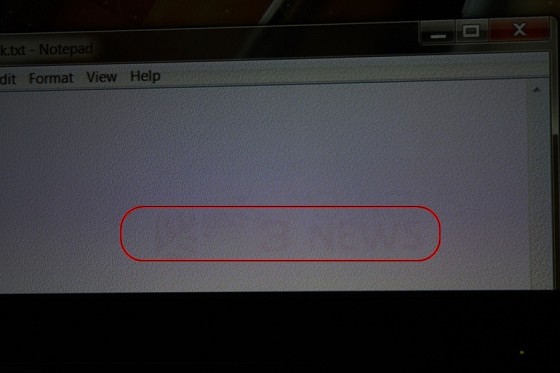
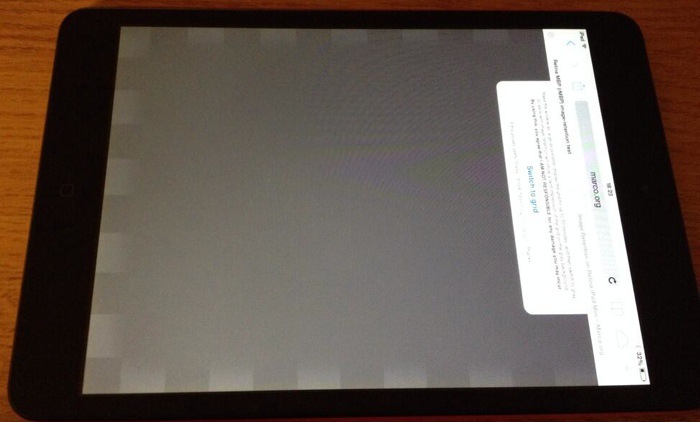
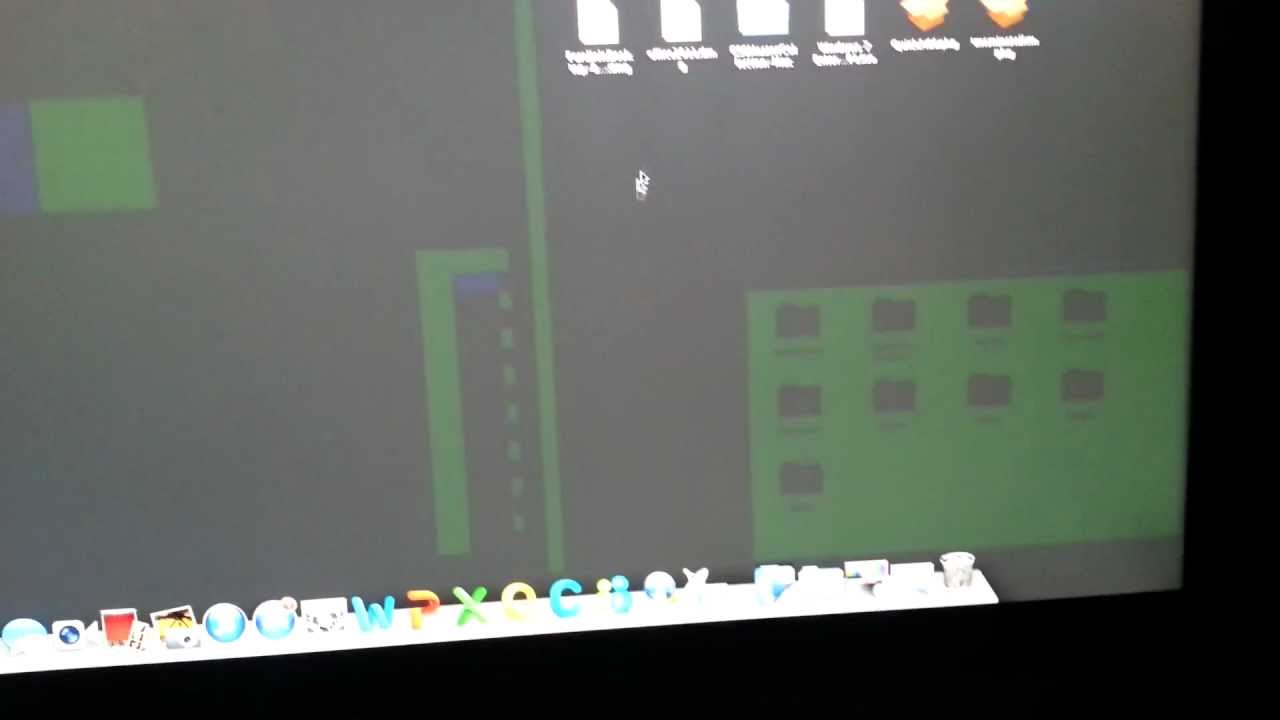
This is what a burned-in display looks like
Avoid maximal brightness
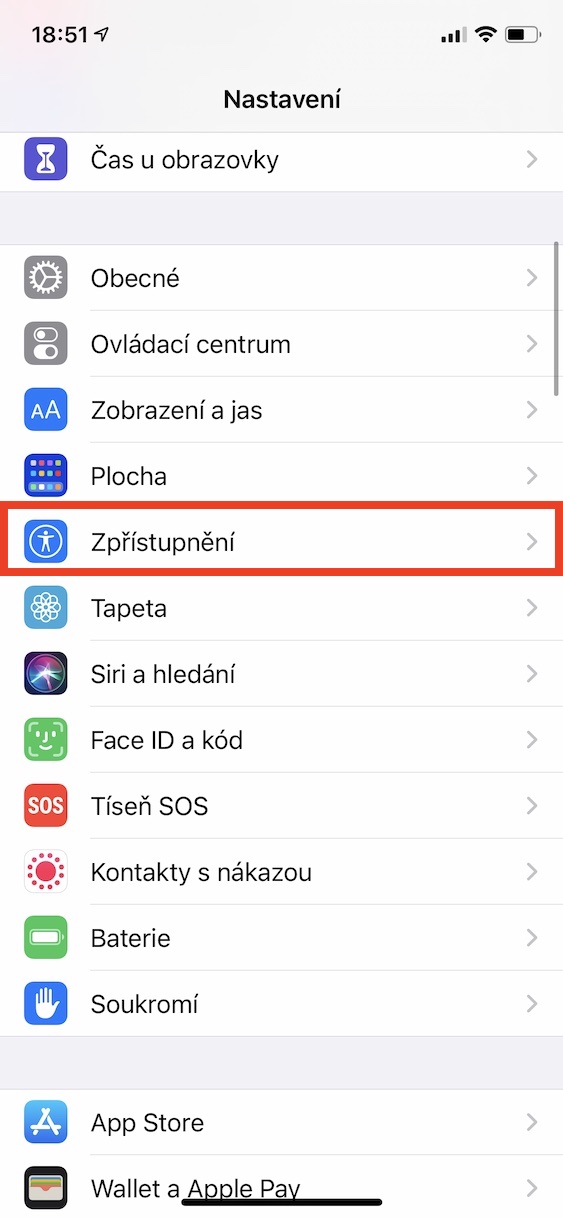
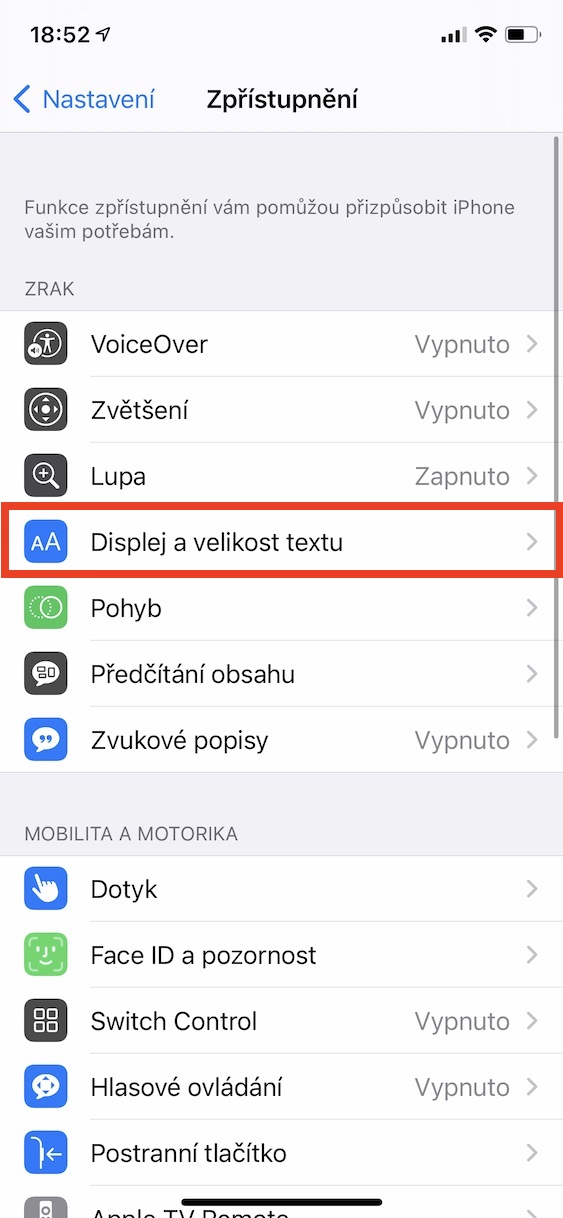
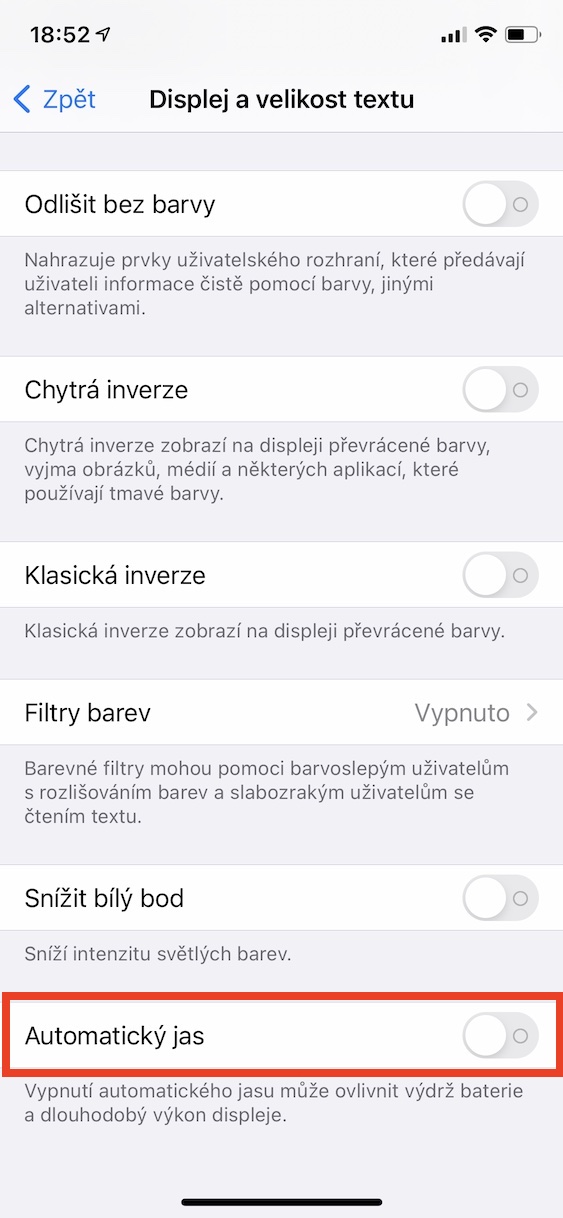
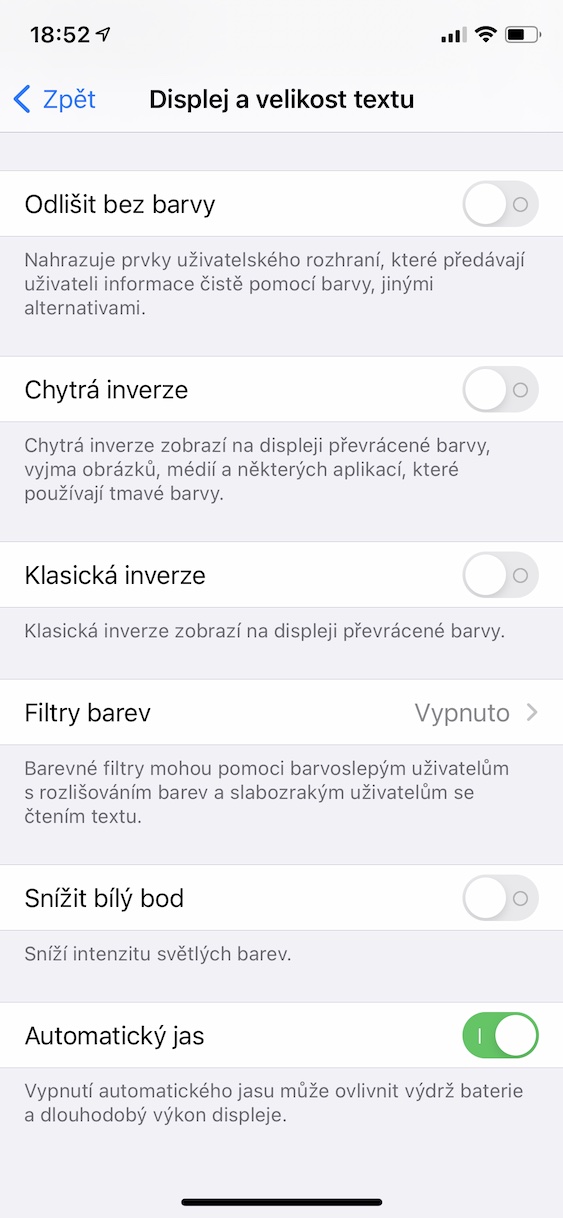
If you don't display the same static content on your display for a long time, burn-in won't occur. This means that all other tips are mainly about how to delay display burn-in. Pixel burn-in can occur much faster if your device is used for a long time. maximal brightness. For this reason, it is important to have automatic brightness change active, which you do in Settings → Accessibility → Display and text size, where down activate possibility Auto brightness. If you don't want to use the automatic brightness, just always make sure to always manually turn it down to a lower level.
Gallery
Shorter auto-lock time
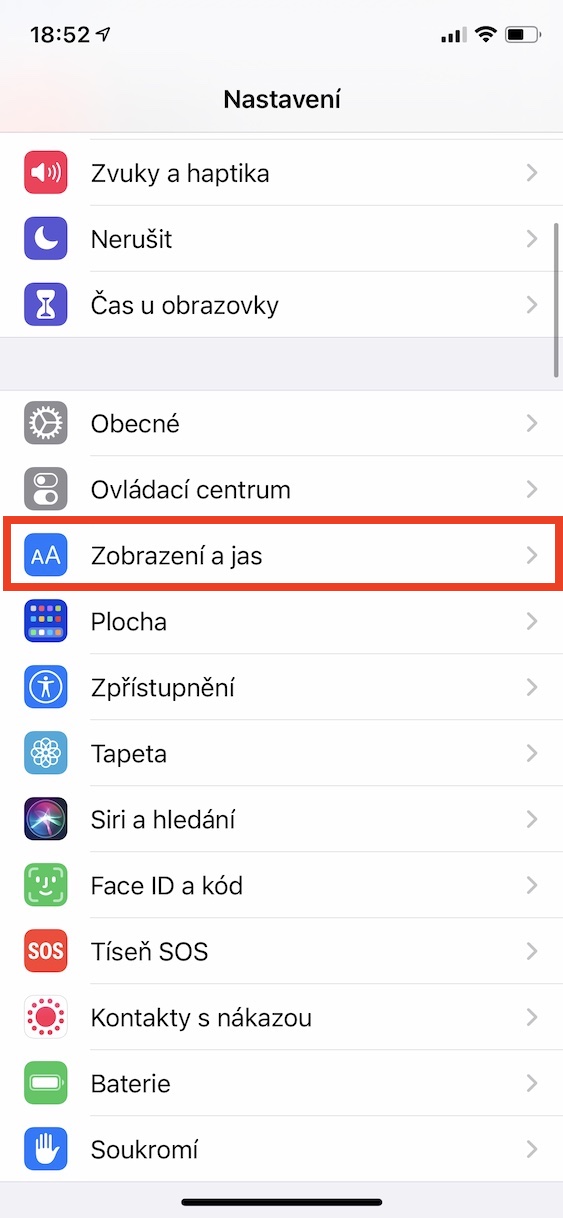
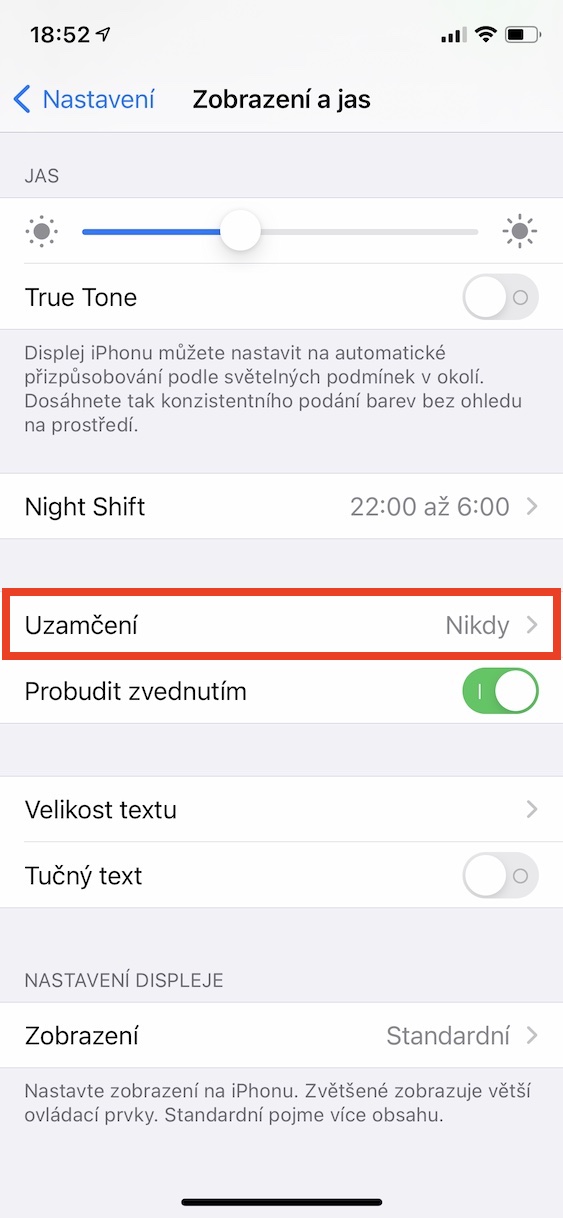
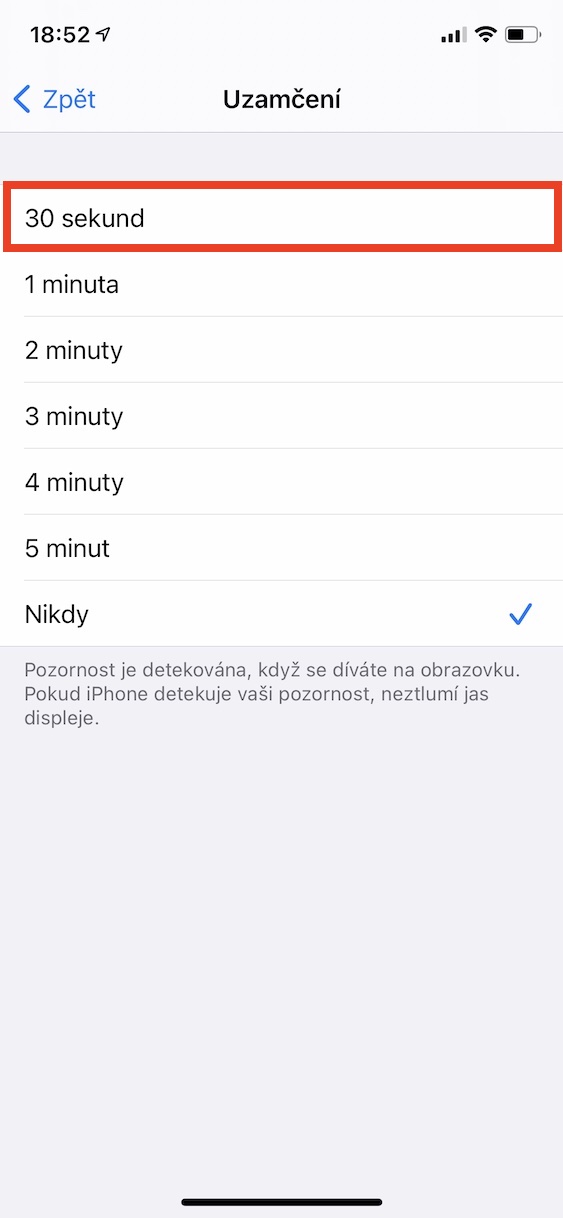
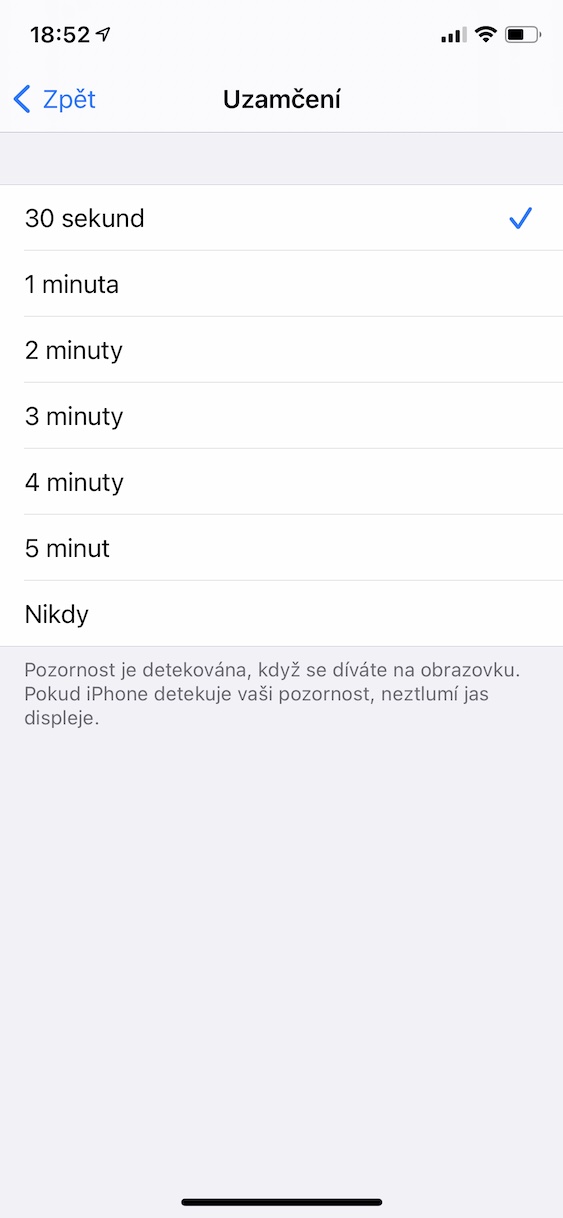
Another tip to delay screen burn-in is to set a shorter auto-lock time. This feature will help you make sure that your screen won't burn-in if you iPhone they accidentally left it unlocked. Of course, the sooner the display of an unused iPhone turns off, the lower the risk of burn-in, but in this regard, a few tens of seconds or minutes really don't matter. ProThe problem could occur if the user had this feature completely turned off and left the Apple phone unlocked with the screen on for several hours. Pro To set the auto-lock time, go to Settings → Display and brightness → Lock, where to choose ideally 30 seconds, also for battery saving reasons.
Gallery
Maintain the optimum temperature
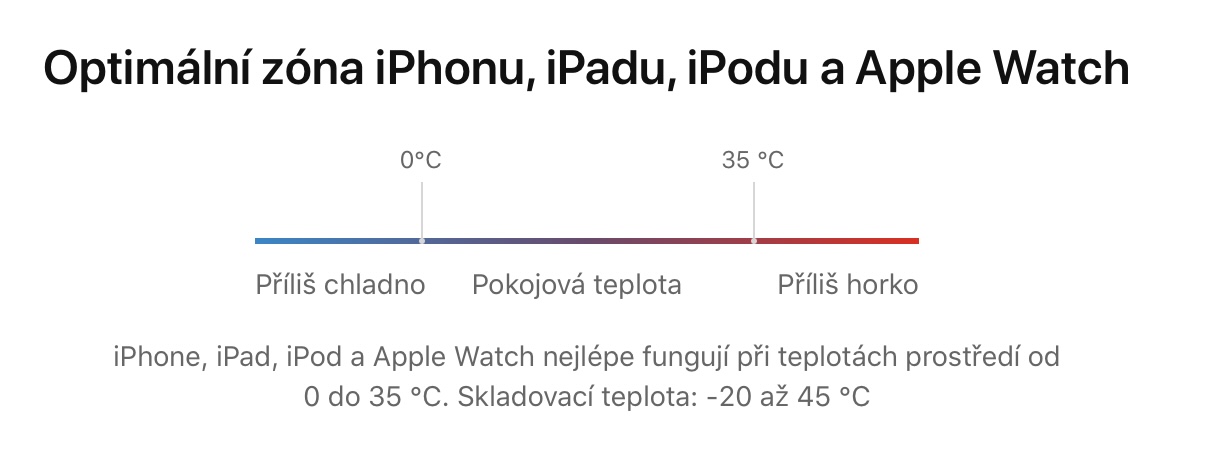
So that your iPhone worked properly, you must, among other things, use in the optimal temperature zone, and it from 0 to 35 °COutside this zone you iPhone it will certainly work as well, but you risk various problems. These include faster battery aging, which may eventually fail, and screen burn-in may also occur more quickly. In practice, this means that iPhone You can certainly use it outside the optimal temperature zone, but you should definitely not do so for a long time, as you can significantly damage it.
Please update iOS
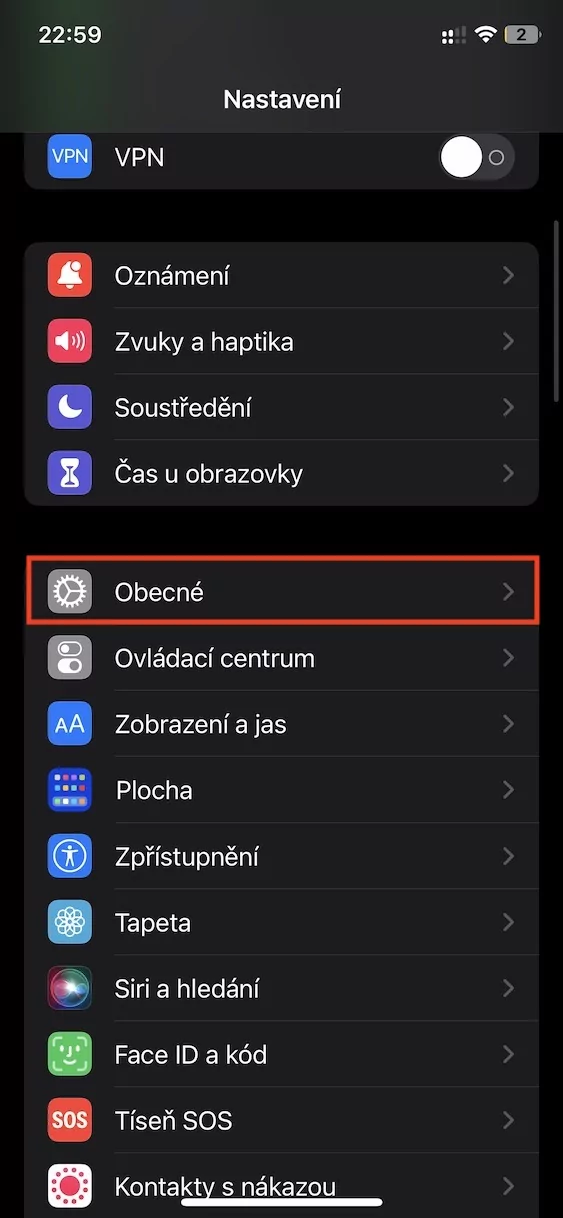
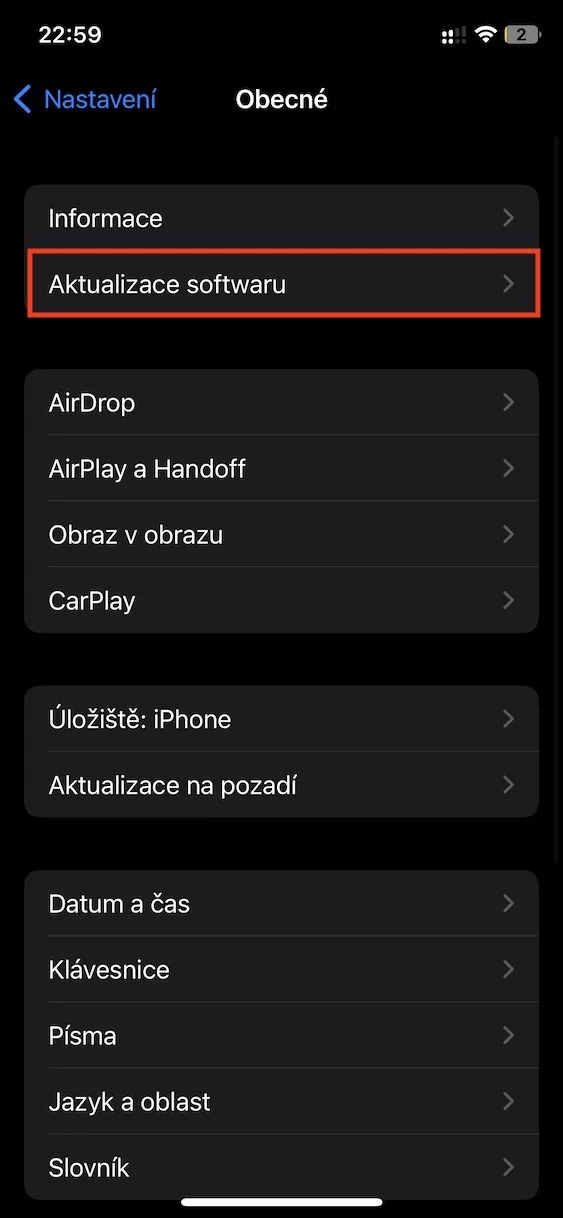
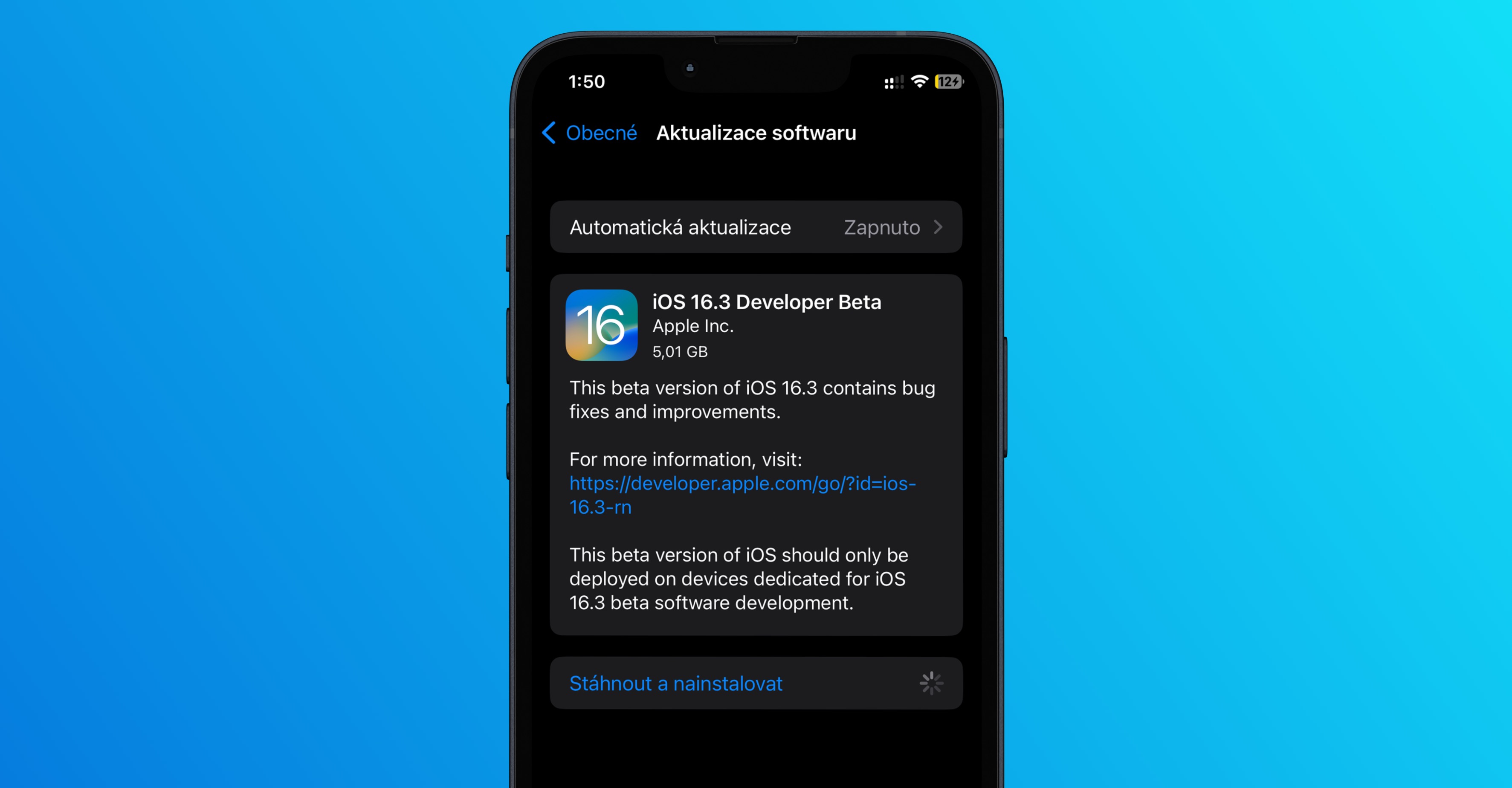
The last tip in this article that can prevent iPhone screen burn-in is to regularly update iOS. Apple of course, he knows very well that screen burn-in can occur, so iOS adds various special mechanisms that try to prevent it, for example, by practically invisible image scrolling, etc. This means that the newer version of the operating system you have, the lower the risk of burn-in for you - so always make sure you have the latest available version installed. iOS. You do so in Settings → General → Software Update.