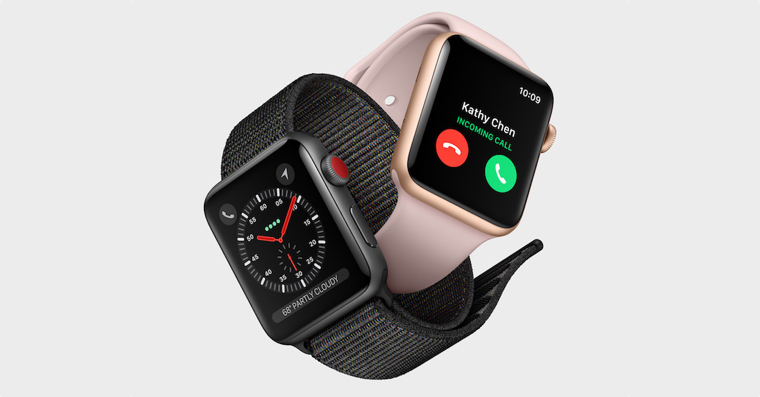
How to switch from beta watchOS 9 to the public version might be of interest to all users who couldn't wait a few months ago and installed it in advance. beta green watchOS 9. As we learned a few days ago at the autumn conference, the public will be able to watchOS 9 on Monday, September 12th. If you no longer wish to continue testing and using the beta watchOS 9, so in this article you will find everything you need to do to install the public version.
You might be interested in
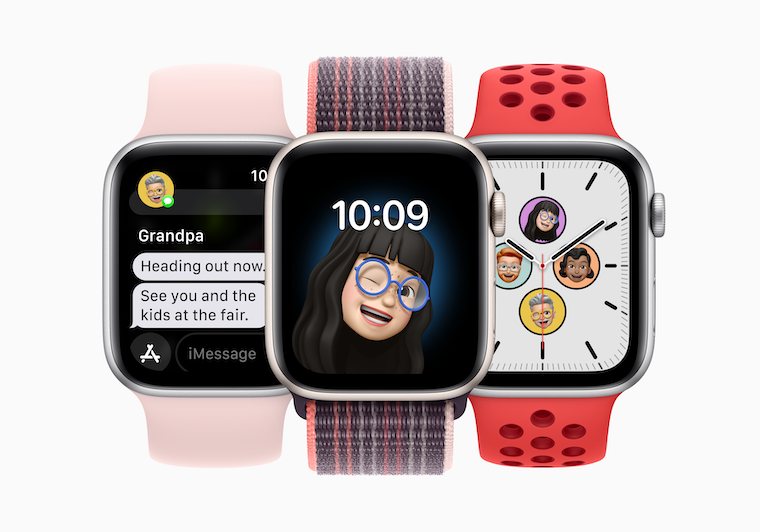
How to switch from beta watchOS 9 to public release
To be able to switch from beta version watchOS 9 to the public version, so specifically you must first remove the developer beta profile, through which it is possible to enter the testing beta versions watchOS The procedure for deleting this profile is as follows:
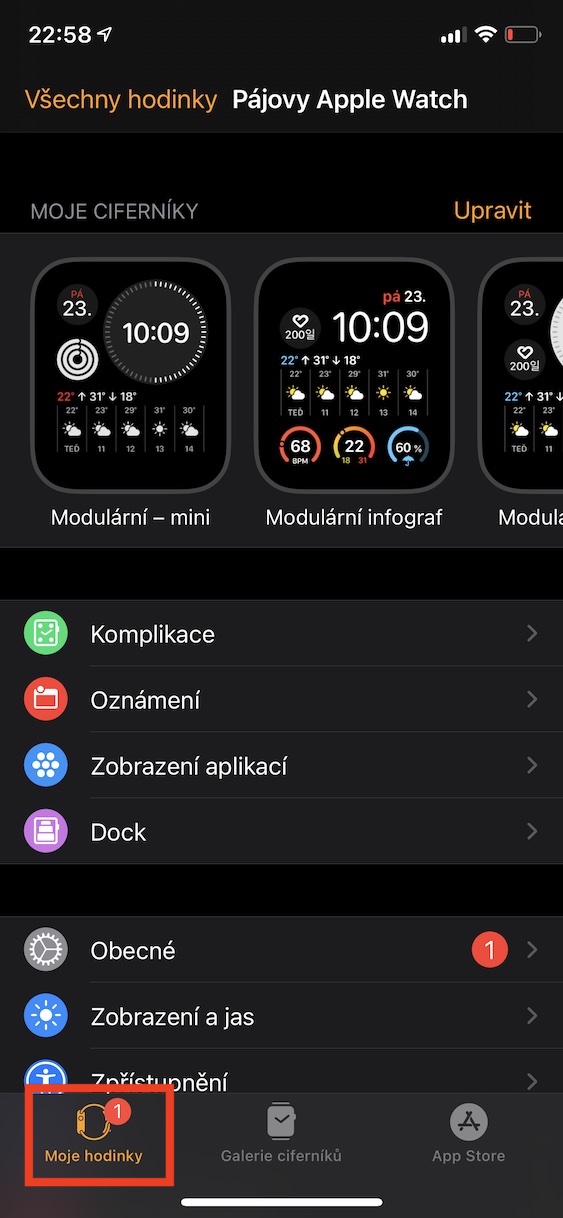
- First within iOS go to the native app Watch.
- Once you have done so, in the bottom menu, move to My watch.
- Now get off below and click the box with the name In general.
- Here, then scroll all the way down, where you click on the section Profile.
- Then click on the profile named here watchOS Beta Software Profile.
- Once clicked, click the button Remove profile.
- Now it is necessary that you authorized using your code lock.
- nakonec click again Remove, pal reboot Apple Watch and it is done.
Gallery
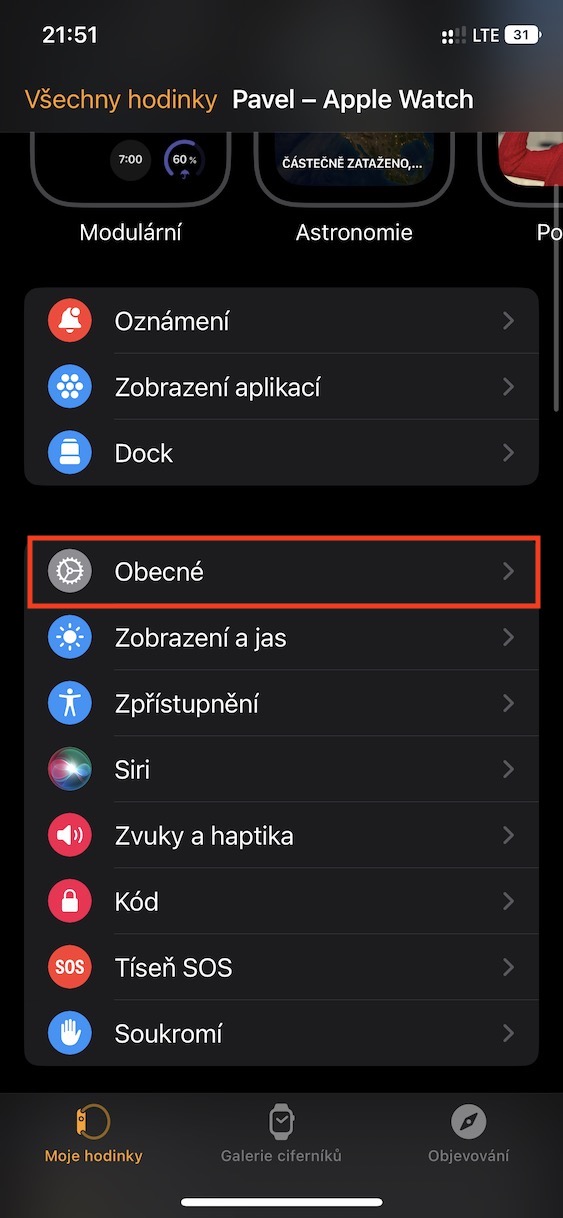
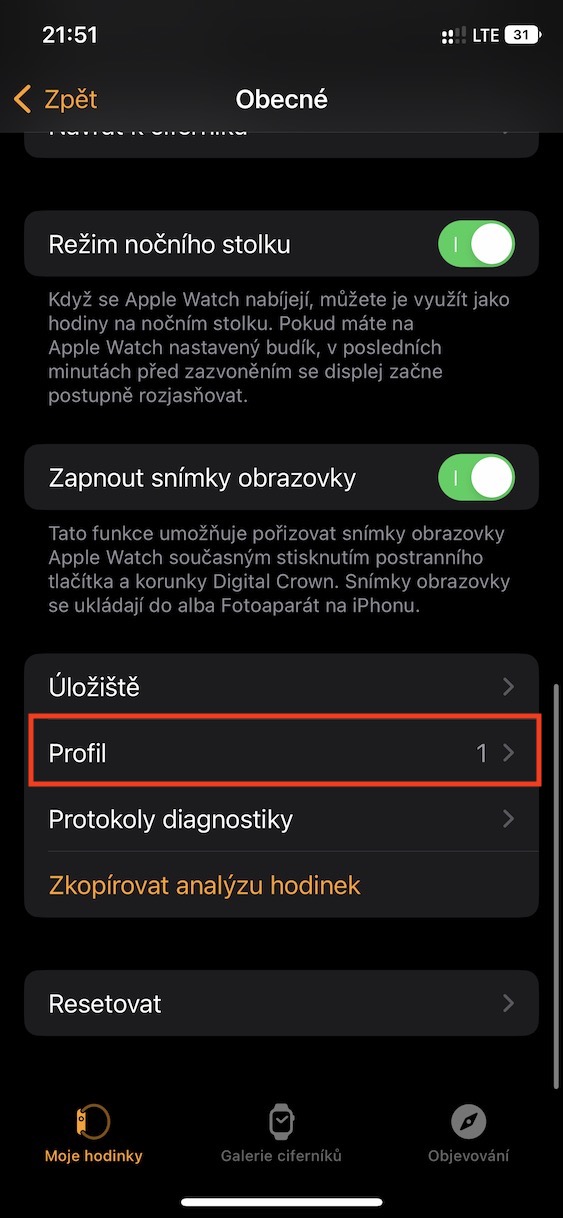
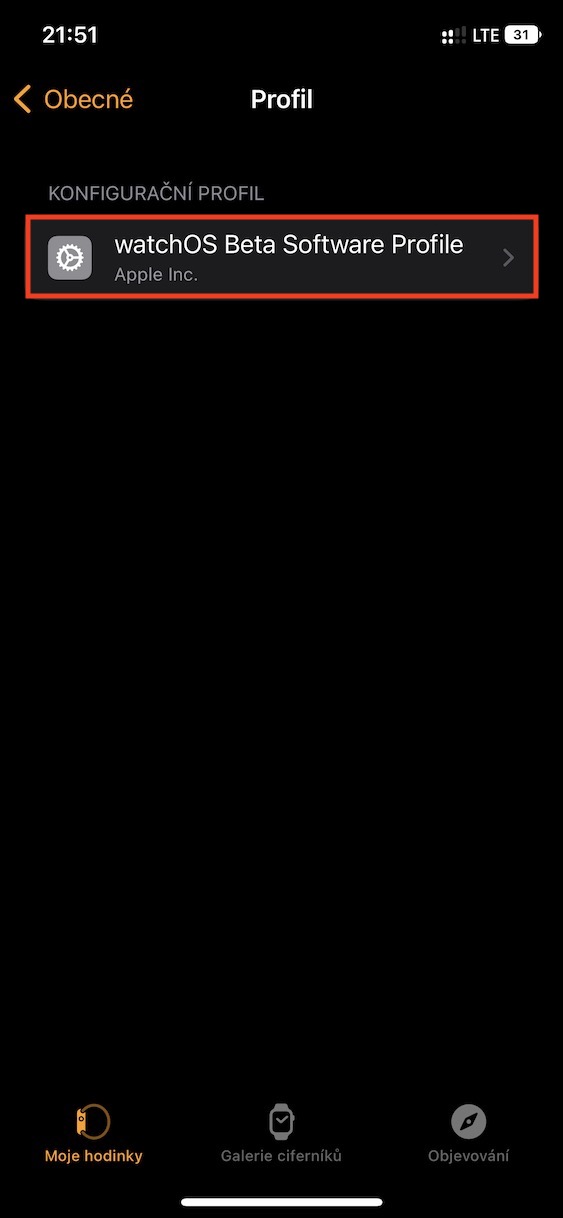
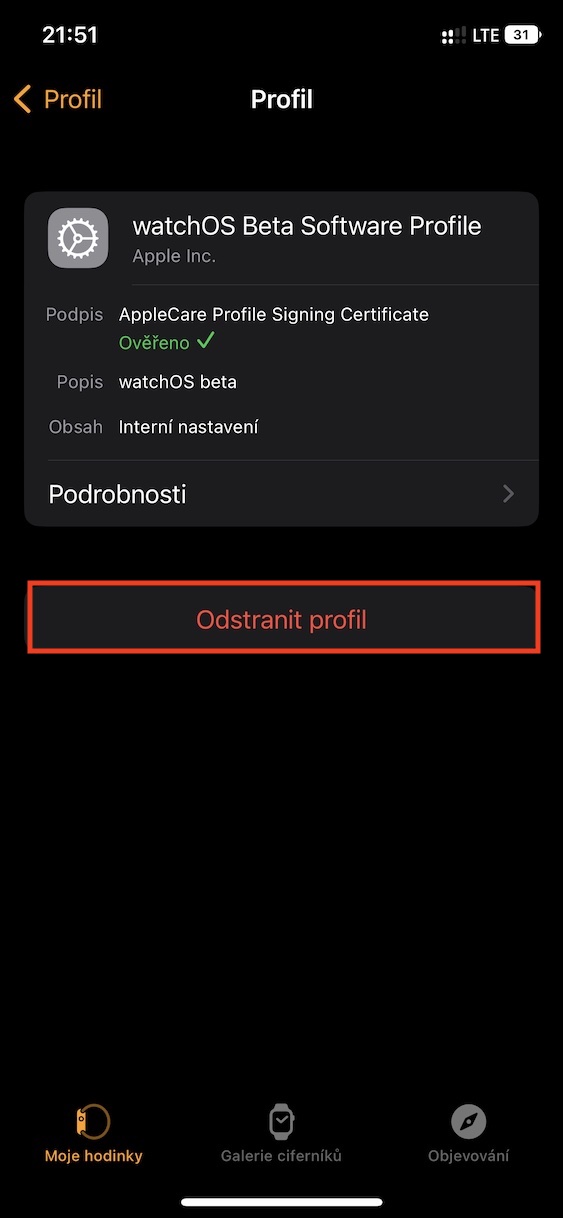
So, using the above procedure, it is possible to remove the developer profile for the installation option beta version watchOS 9. If you were to beta If you did not cancel your testing, you would still receive other developer and beta version watchOS 9. It is important to note that you must perform this procedure before installing the so-called Release Candidate (RC) version. If you do not do so and this final beta green watchOS you install, you will have to wait for the next public version to be released watchOS, i.e. for example watchOS 9.0.1 so that you can upgrade to the public version. It is not possible to upgrade from beta version watchOS to get to the same or older public version of the system.