
Yesterday evening, Apple fans were able to see the release of the fourth developer beta after several weeks of fasting. iOS 16. And since it can still be considered one of the early ones and therefore interesting in terms of news, it would be a shame to deprive you of everything that arrived in it. ScreenshotThe information below is taken from the portal MacRumors.
You might be interested in
New editing options iMessage
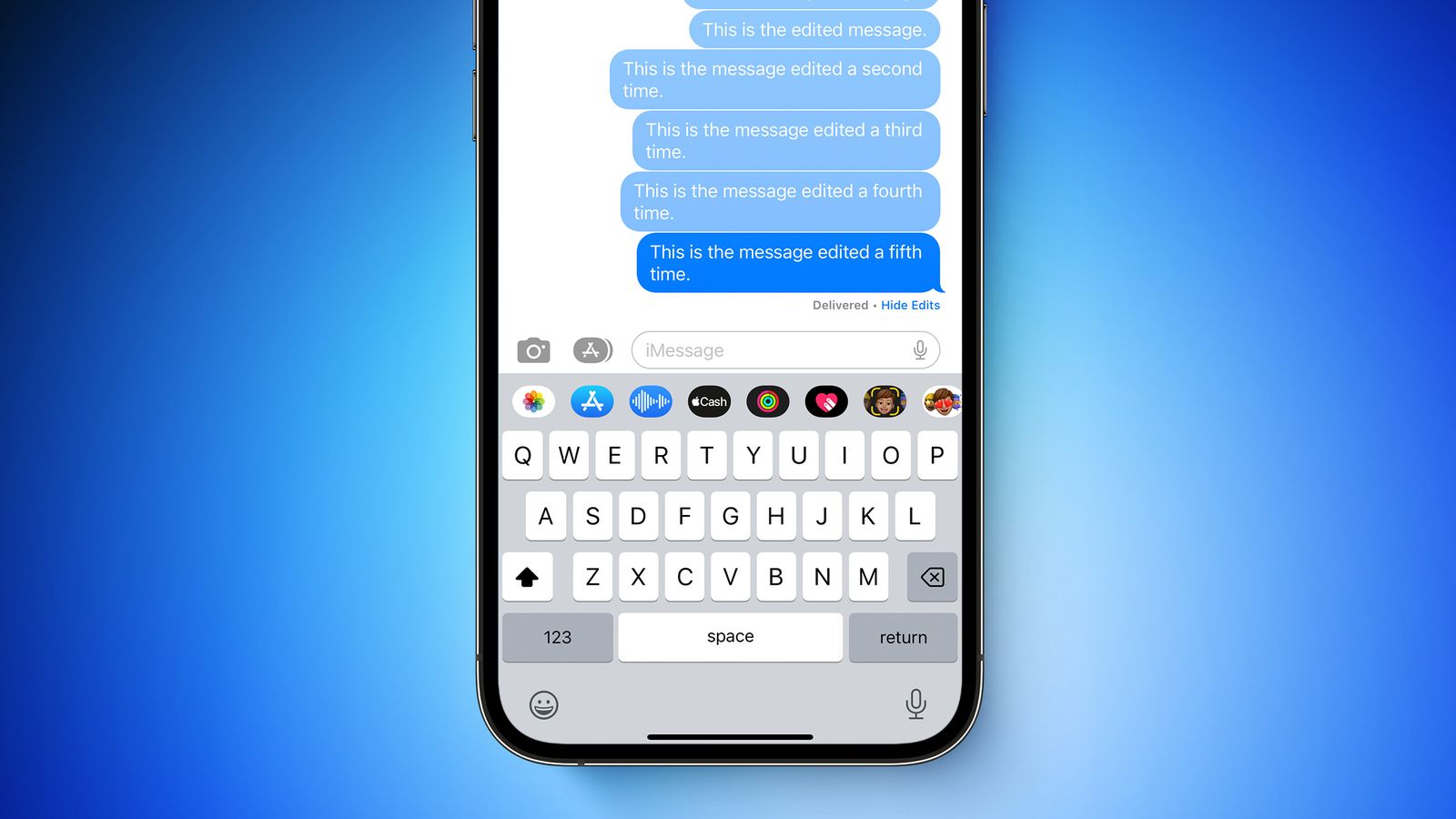
They received a fairly significant upgrade iMessage, specifically the ability to edit a message after it has been sent. A new label is available in message threads next to the edited bubble, which, when clicked, displays the history of editing the message. At the same time, an editing limit has been added - a sent message can now be edited maxat least five times, after which the Edit option will disappear.
Live Activity made available to developers
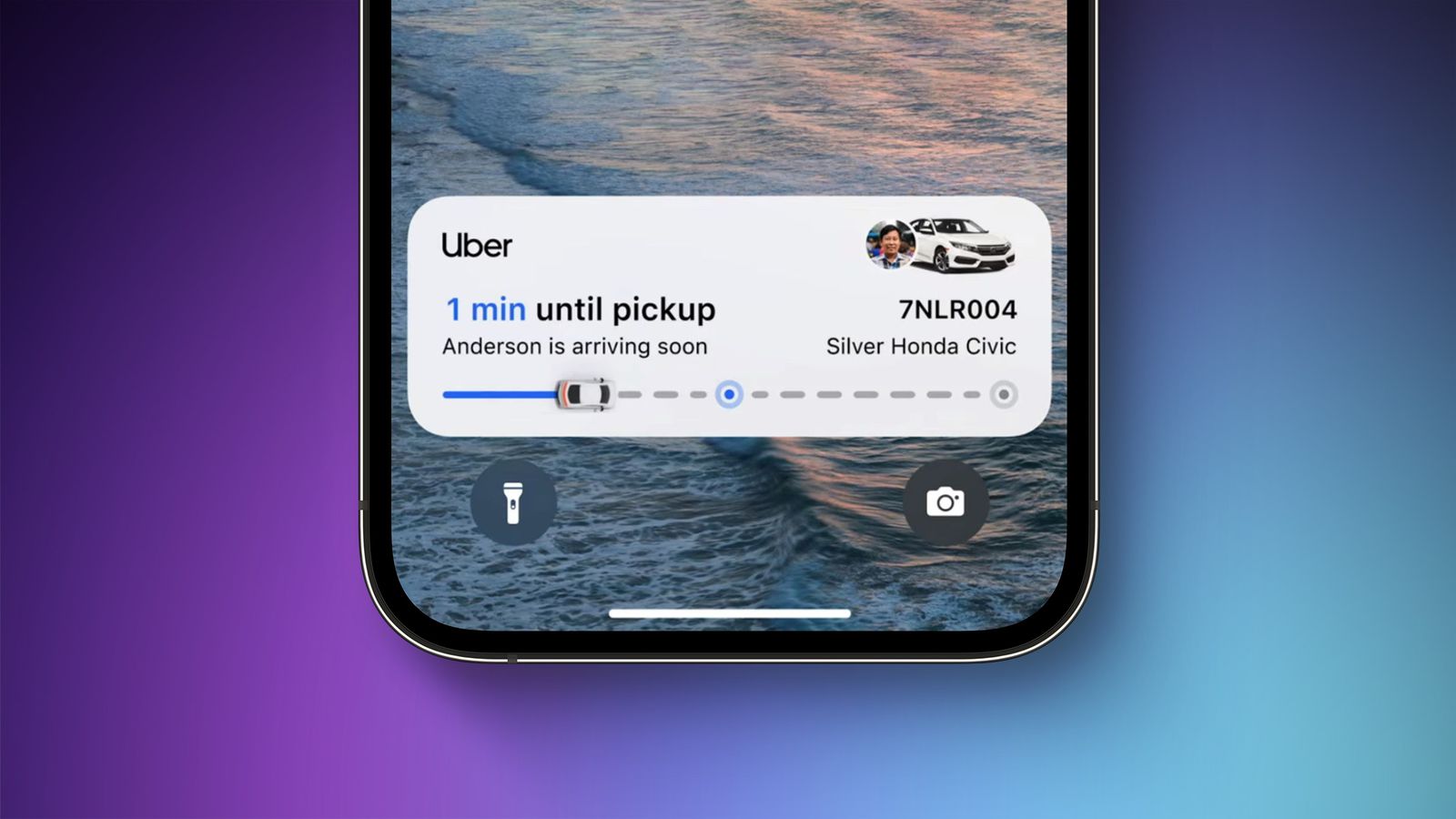
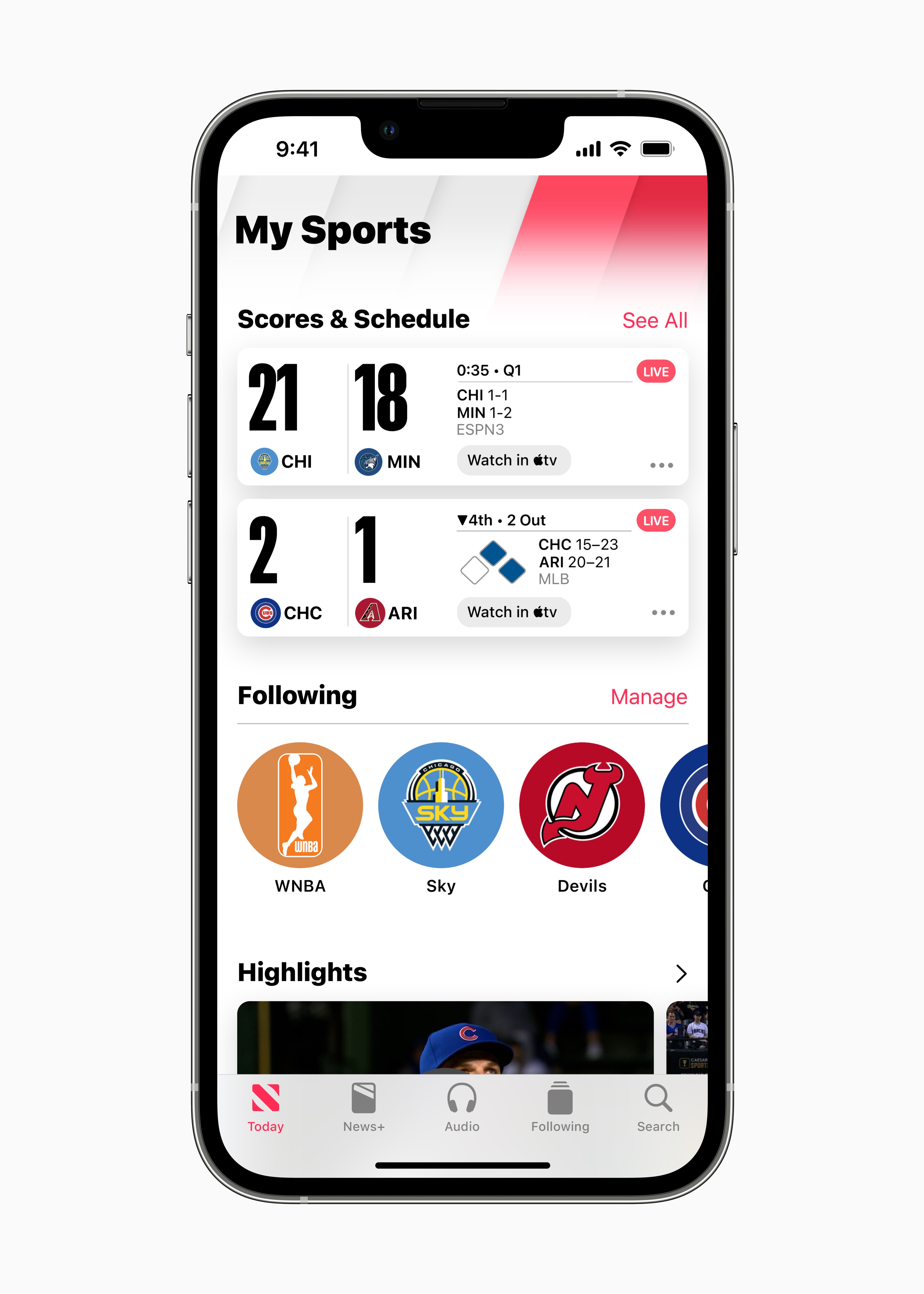
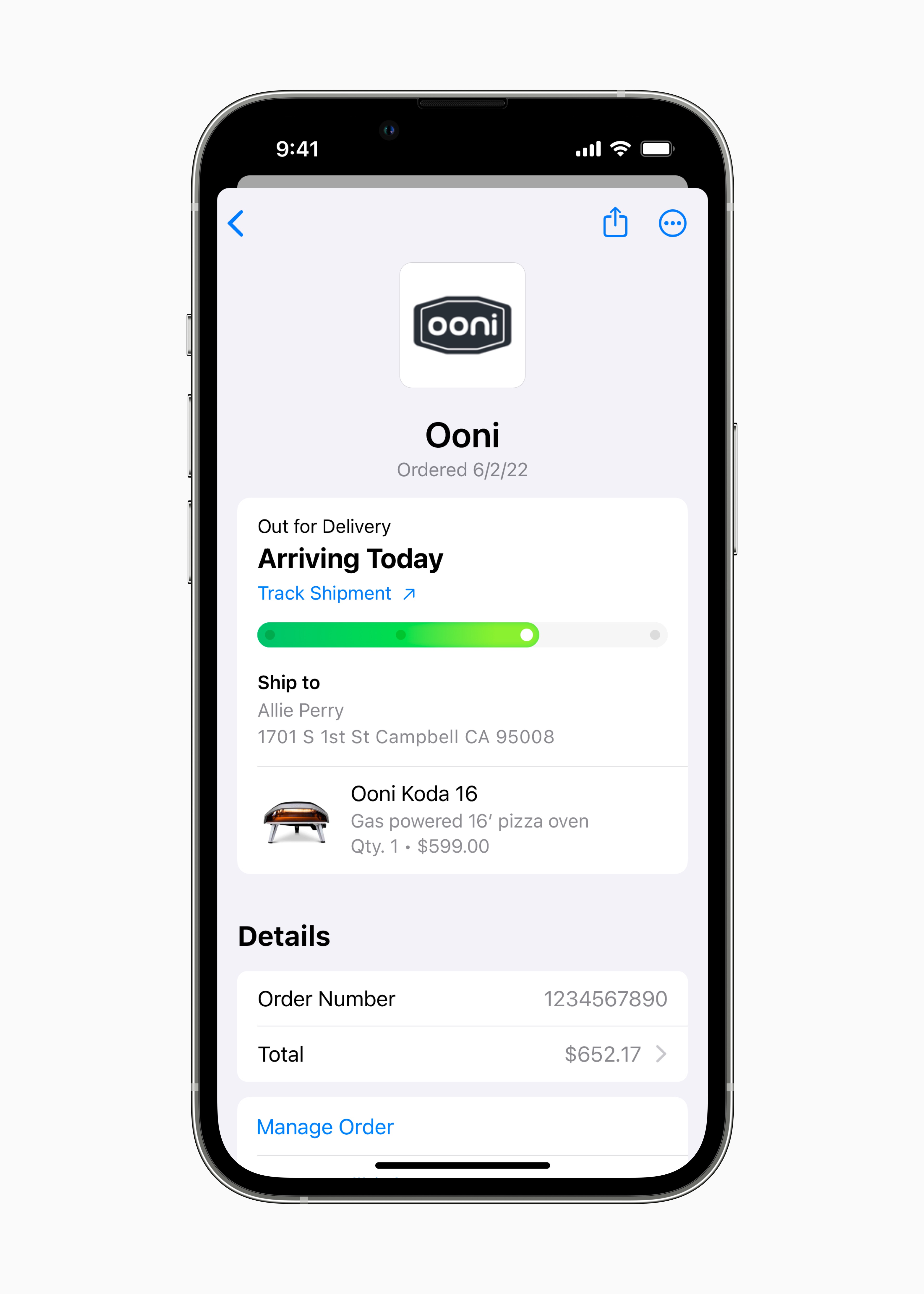
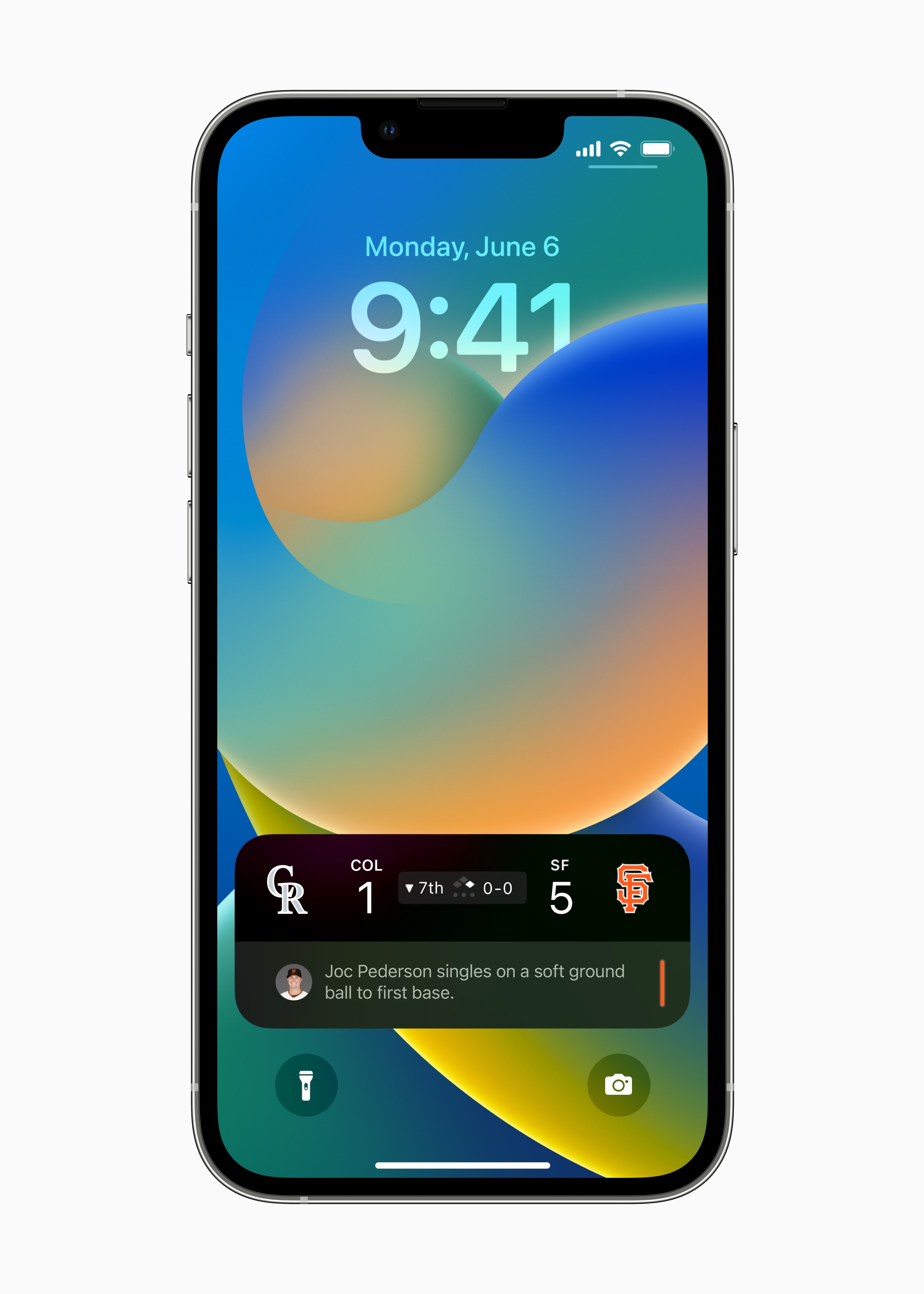
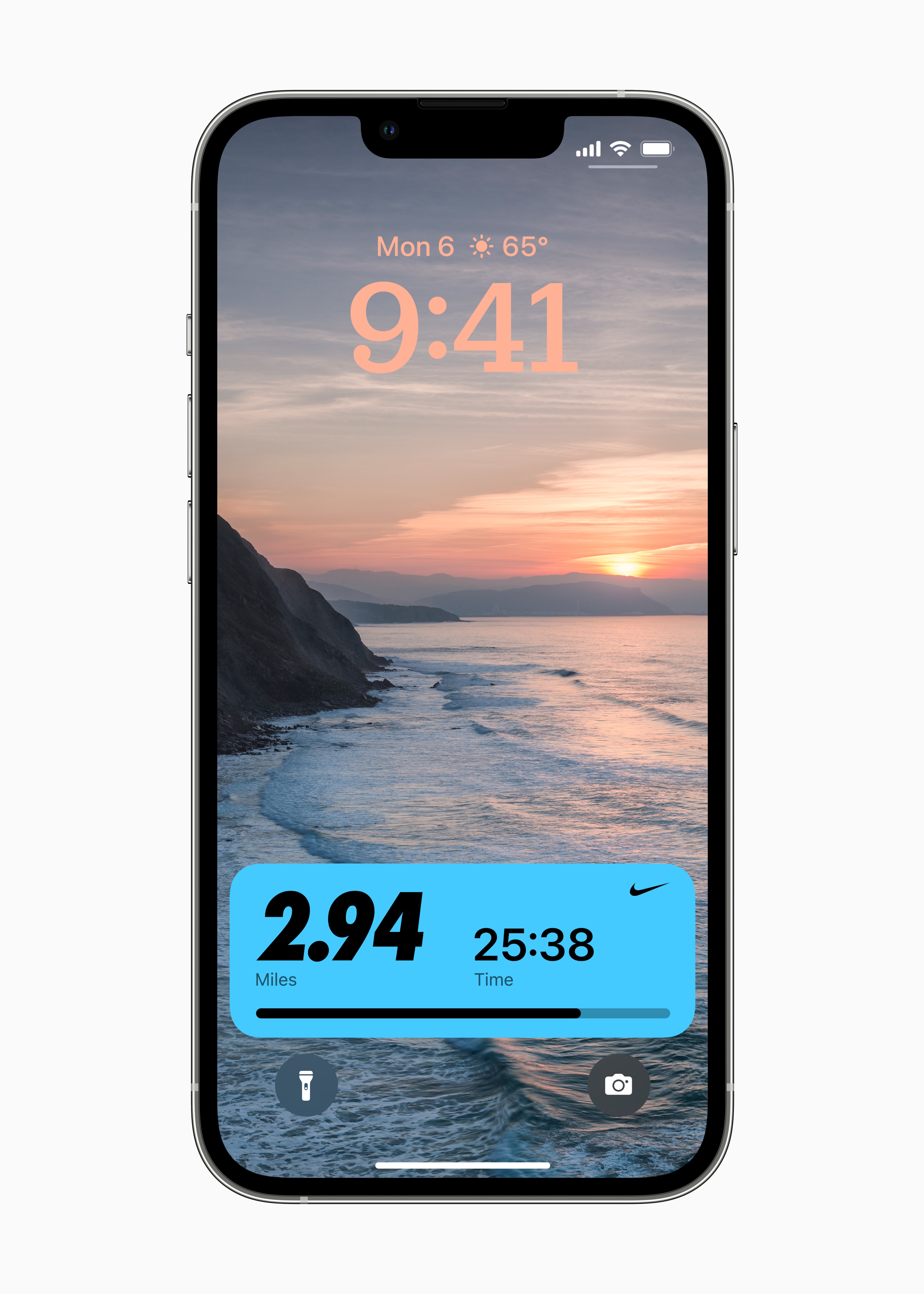
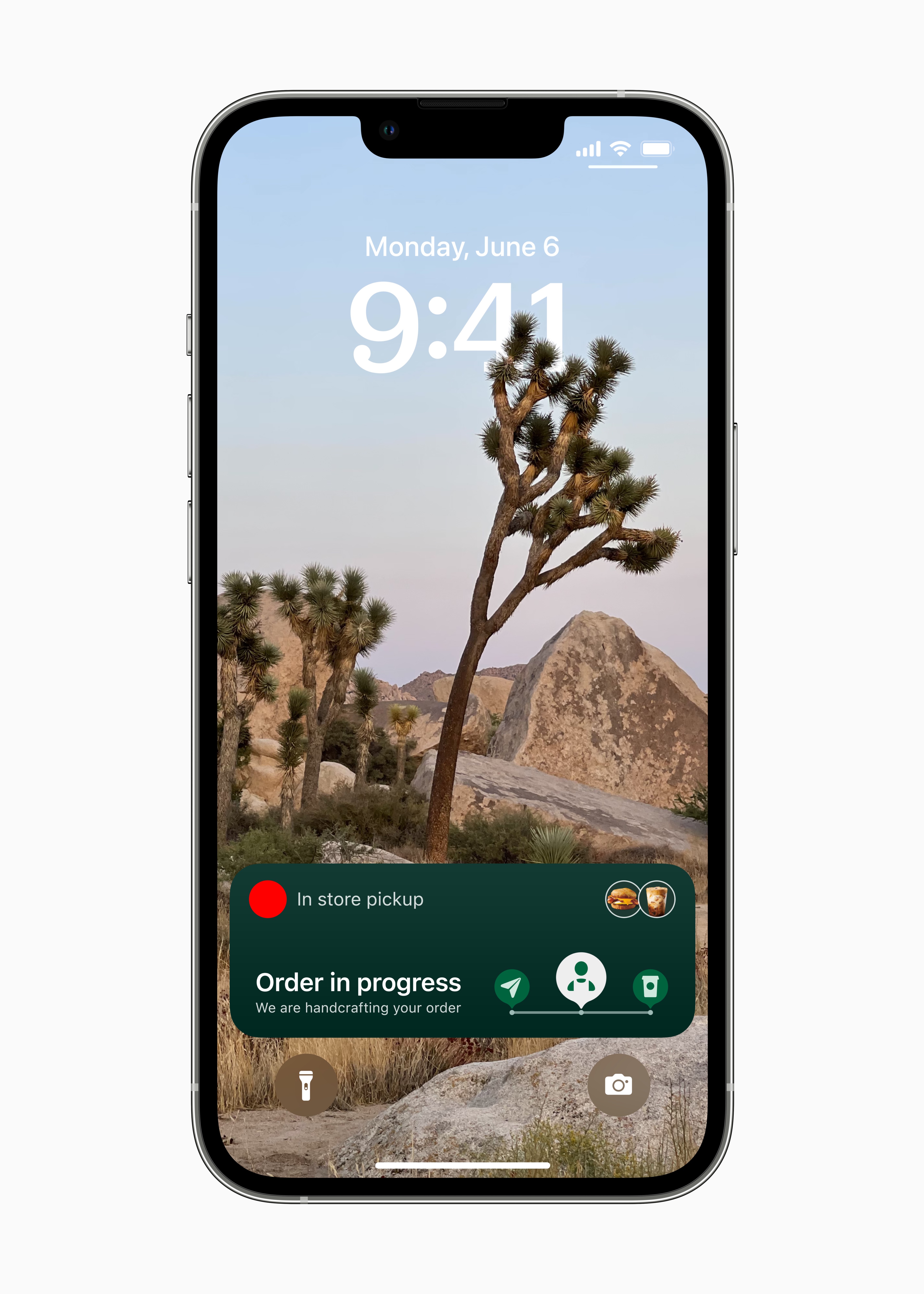
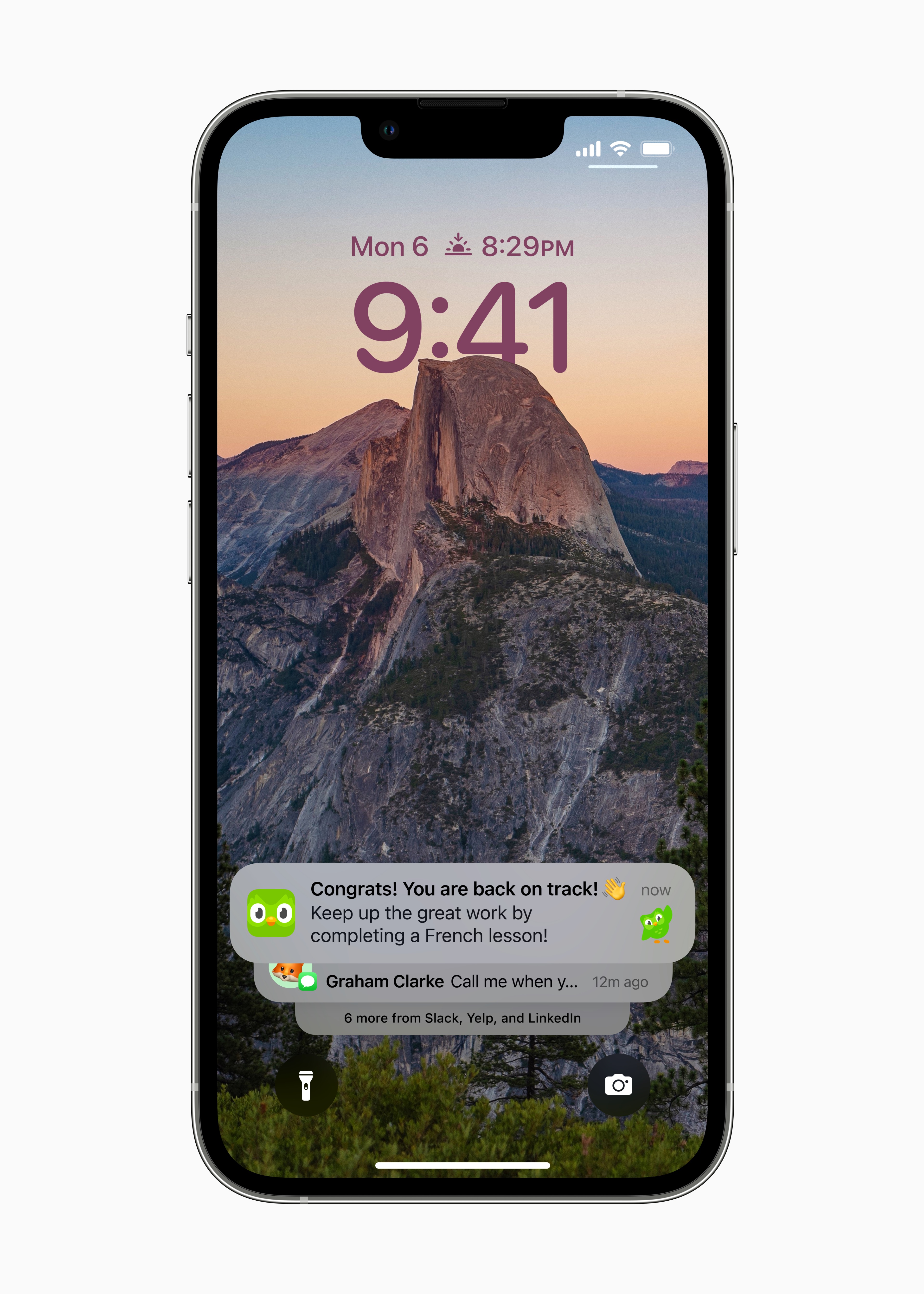
Developers now have an API for Live Activities widgety for Lock Screen. Specifically, this is an element that is able to display the progress of an event on the locked screen in real time – for example, an approaching Uber car, a sports match, a package delivery, and so on. In addition, this new feature will be displayed on the lock screen only for the duration of a certain event, so for example, after the football match ends or Uber arrives, it will logically disappear from the Lock Screen. And thanks to the availability of the API, practically all developers can now implement this element if it makes sense for their applications.
New wallpapers in Home
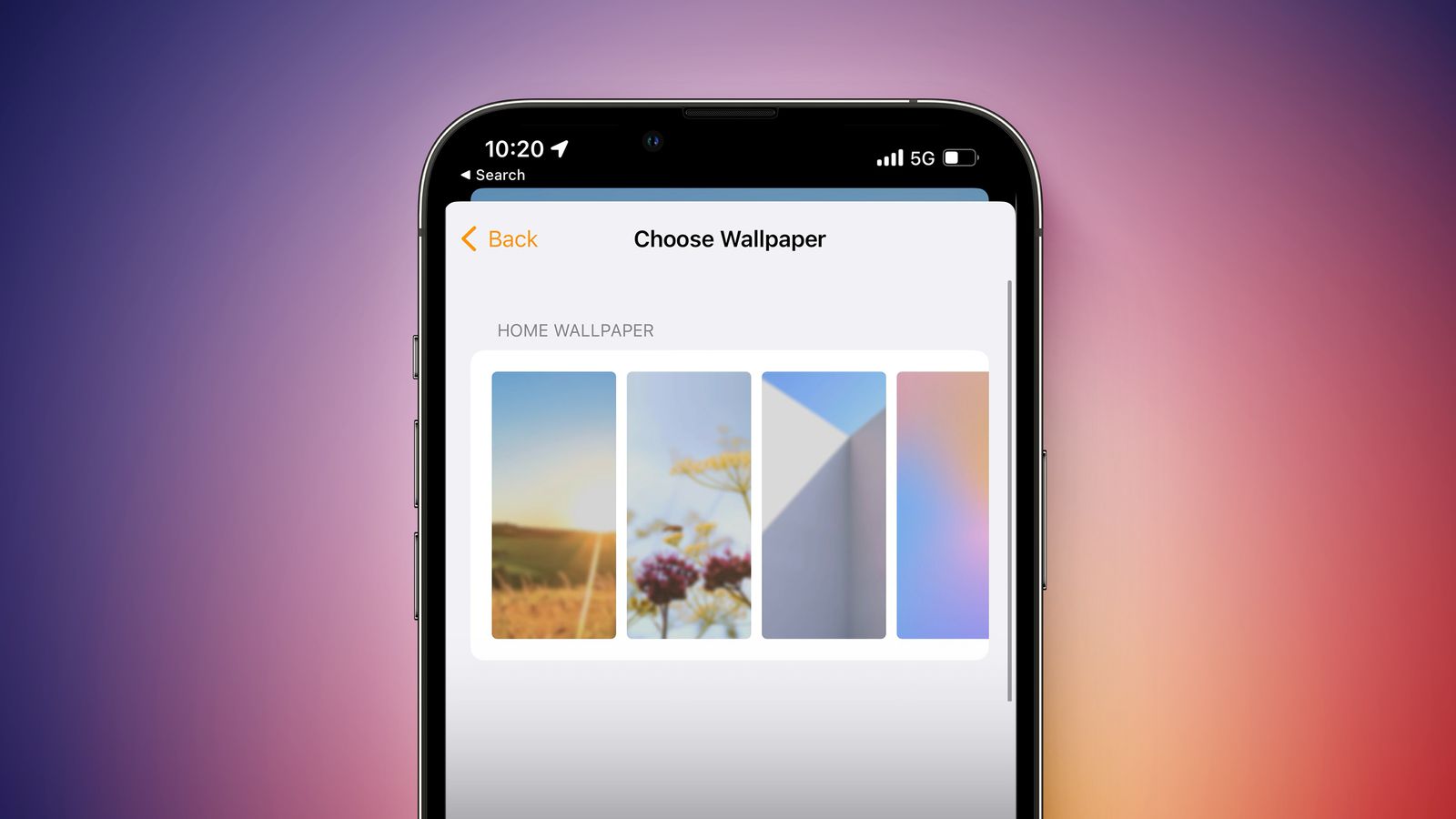
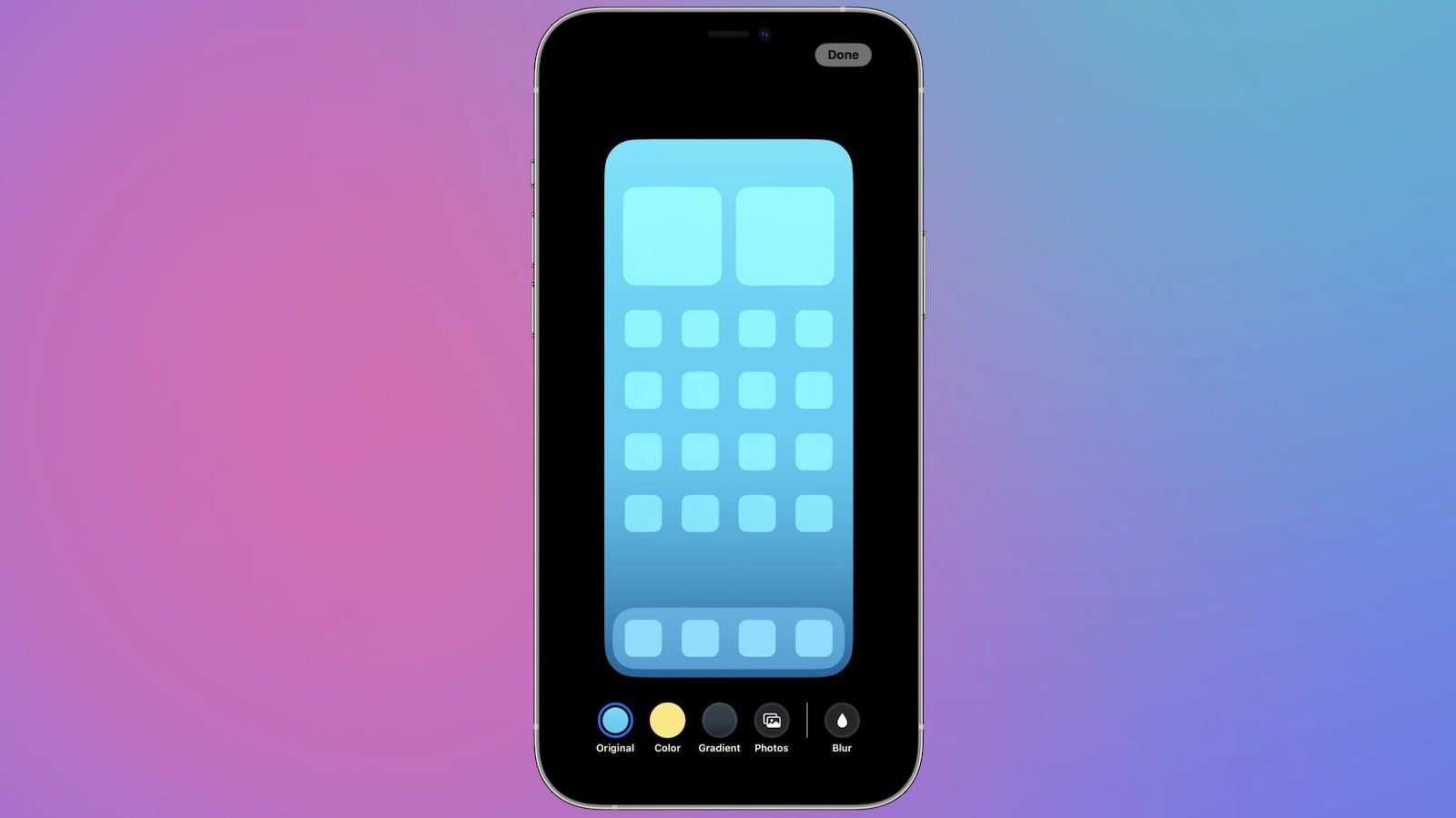
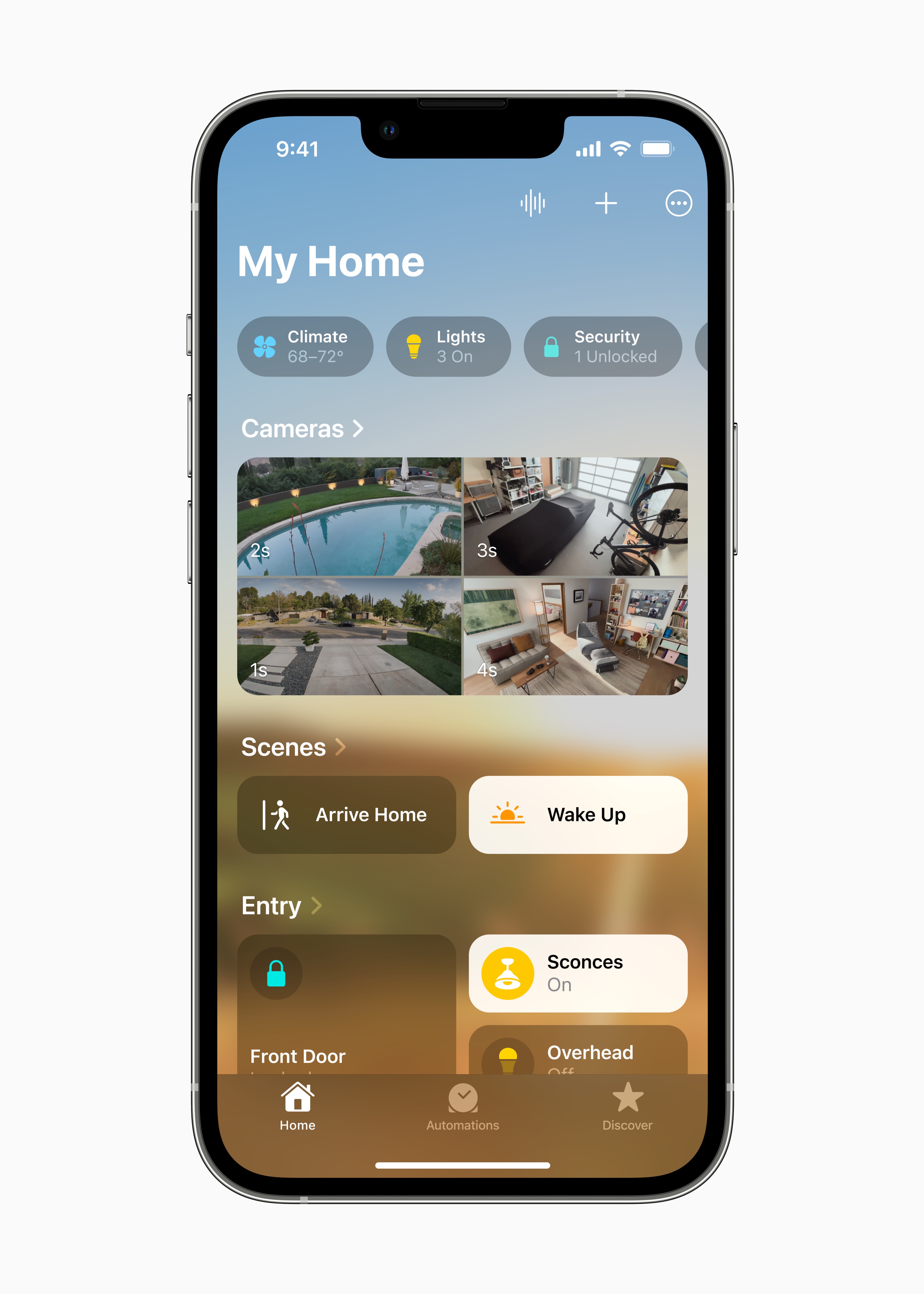
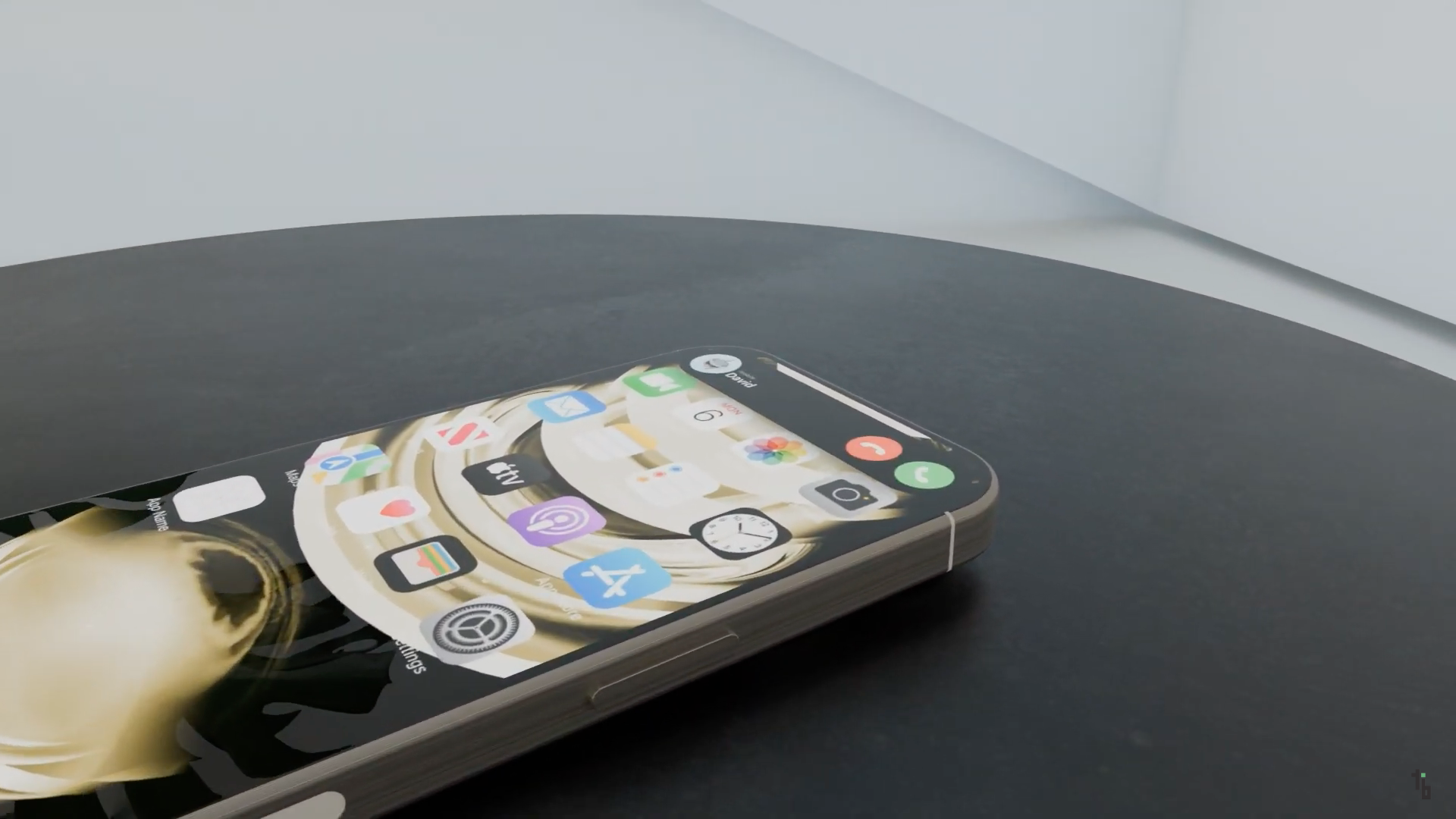
The Home app has received one of the biggest design overhauls in its history, which aims to make it more user-friendly for Apple users. To help them customize it even more to their needs, the fourth beta added iOS 16 (and of course iPadOS 16) Apple a couple of new wallpapers that can be viewed on the background of the app. These are specifically wallpapers inspired by nature and architecture.
New options for canceling a sent email
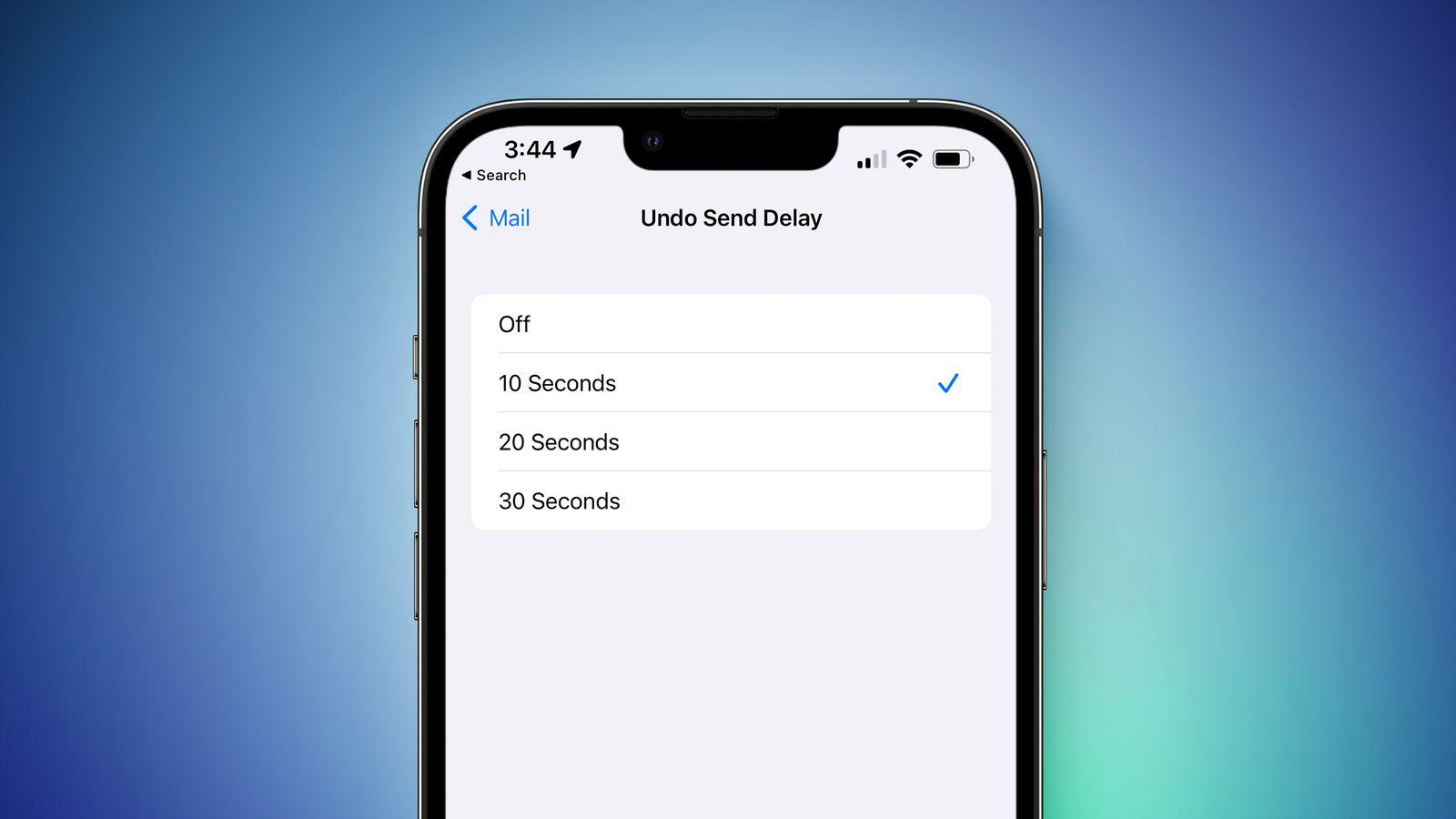
V iOS 16 will bring to the native Mail application the ability to cancel sent messages within a certain time horizon. This was previously preset to 10 seconds, which some Apple users criticized as being too short. Now there will be an option to set the time after which a sent email can be canceled. In addition to 10 seconds, there is also a new option of 20 or 30 seconds.
A more intuitive interface for customizing your lock screen
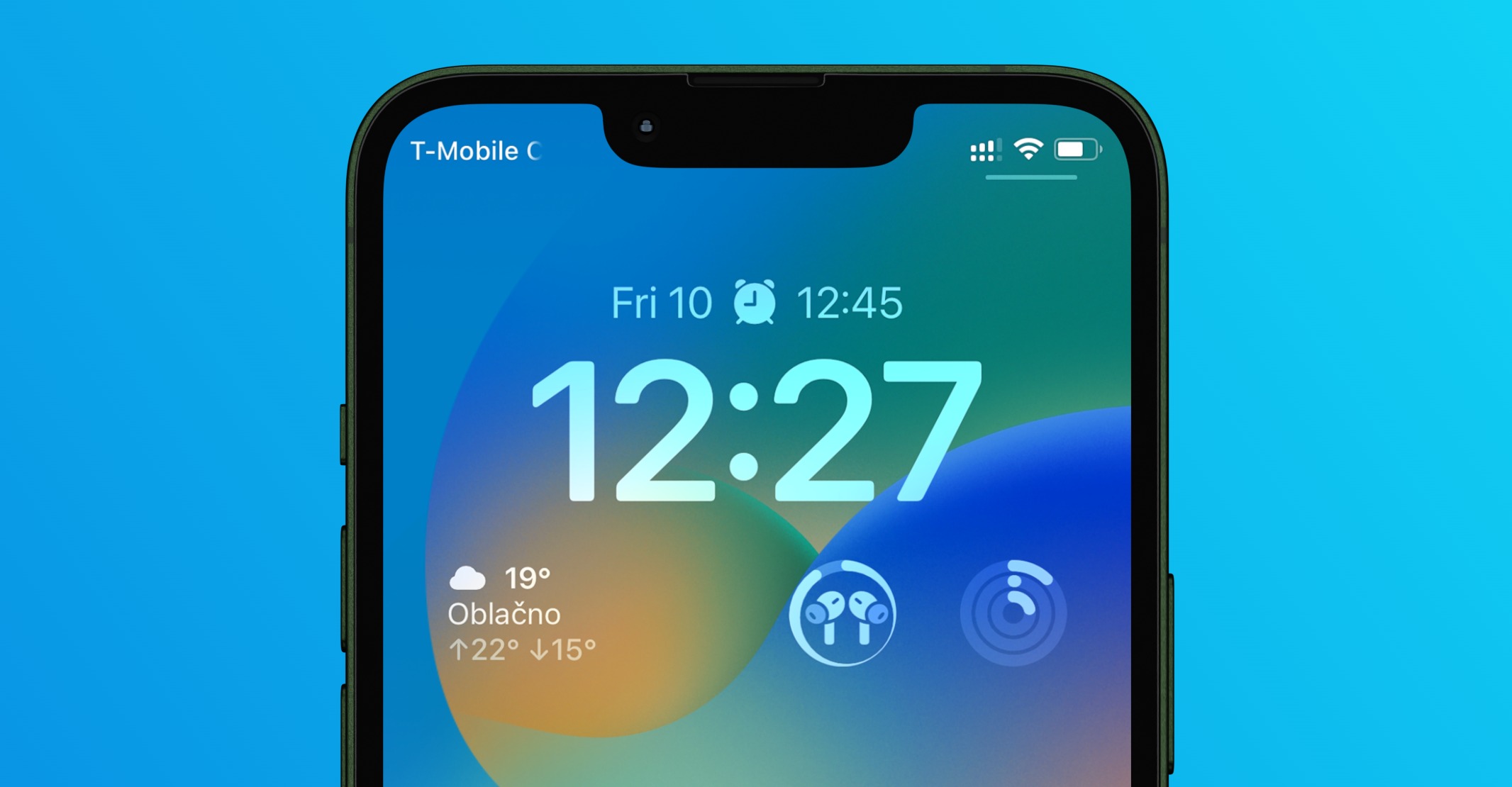
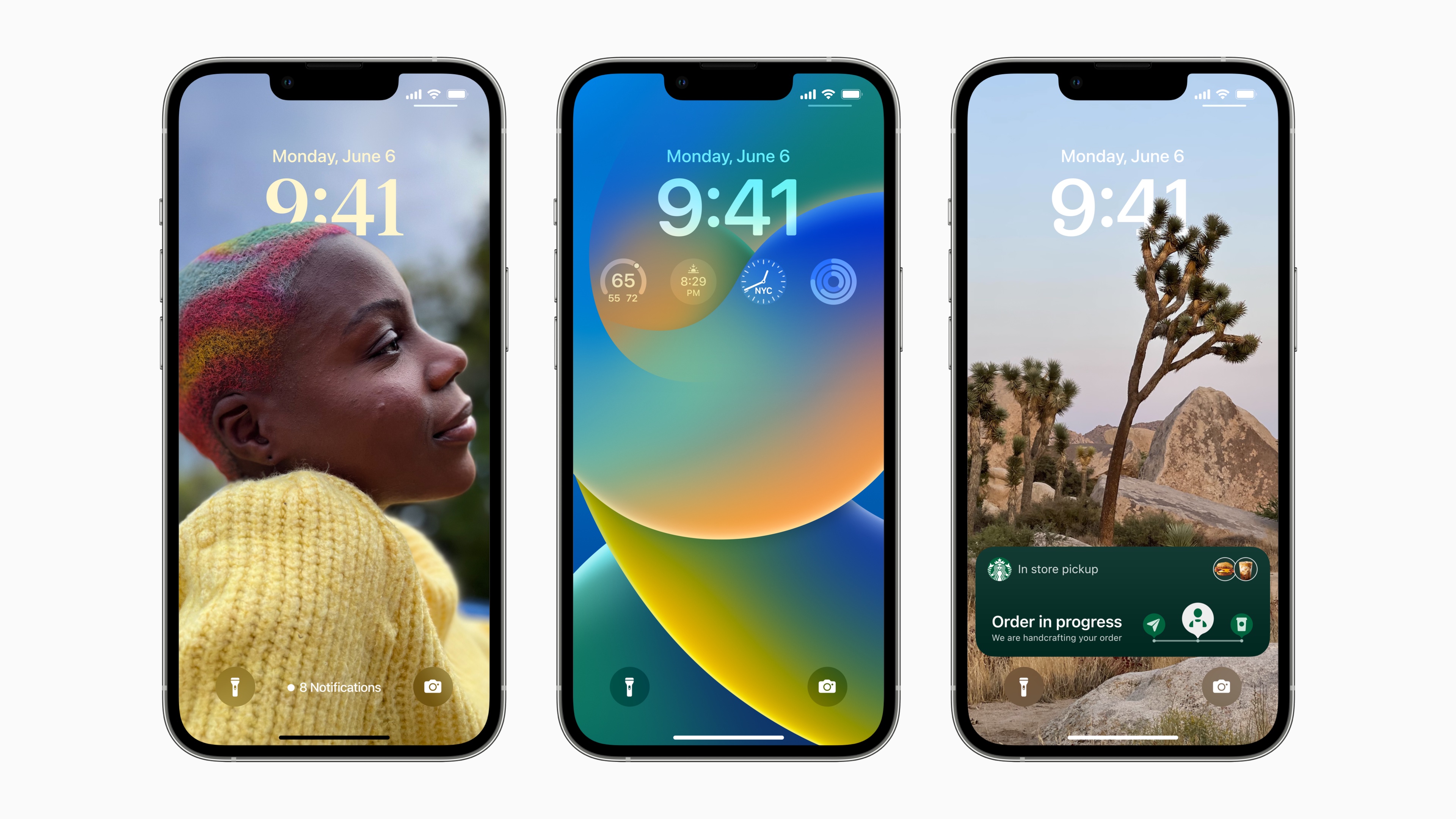
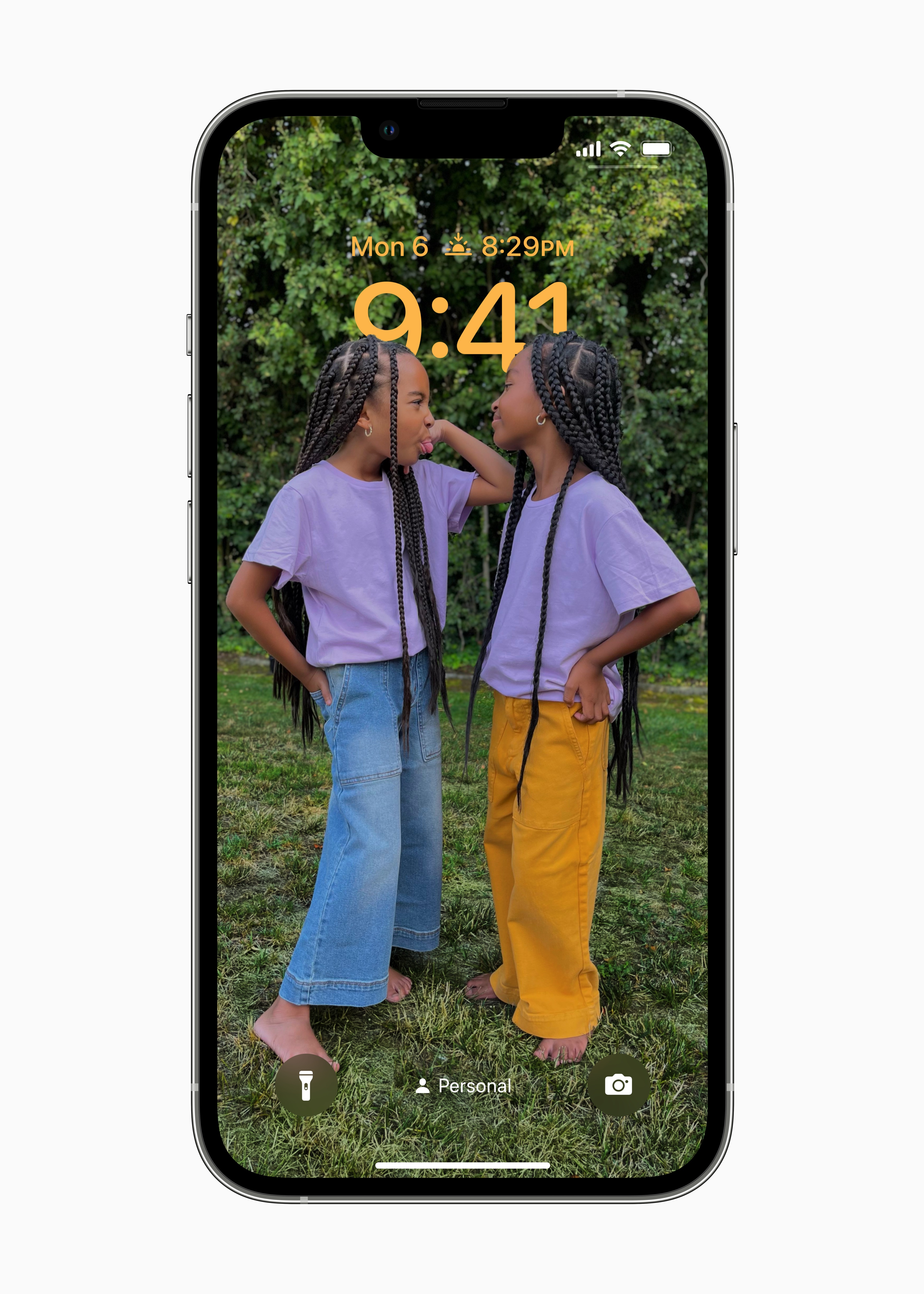
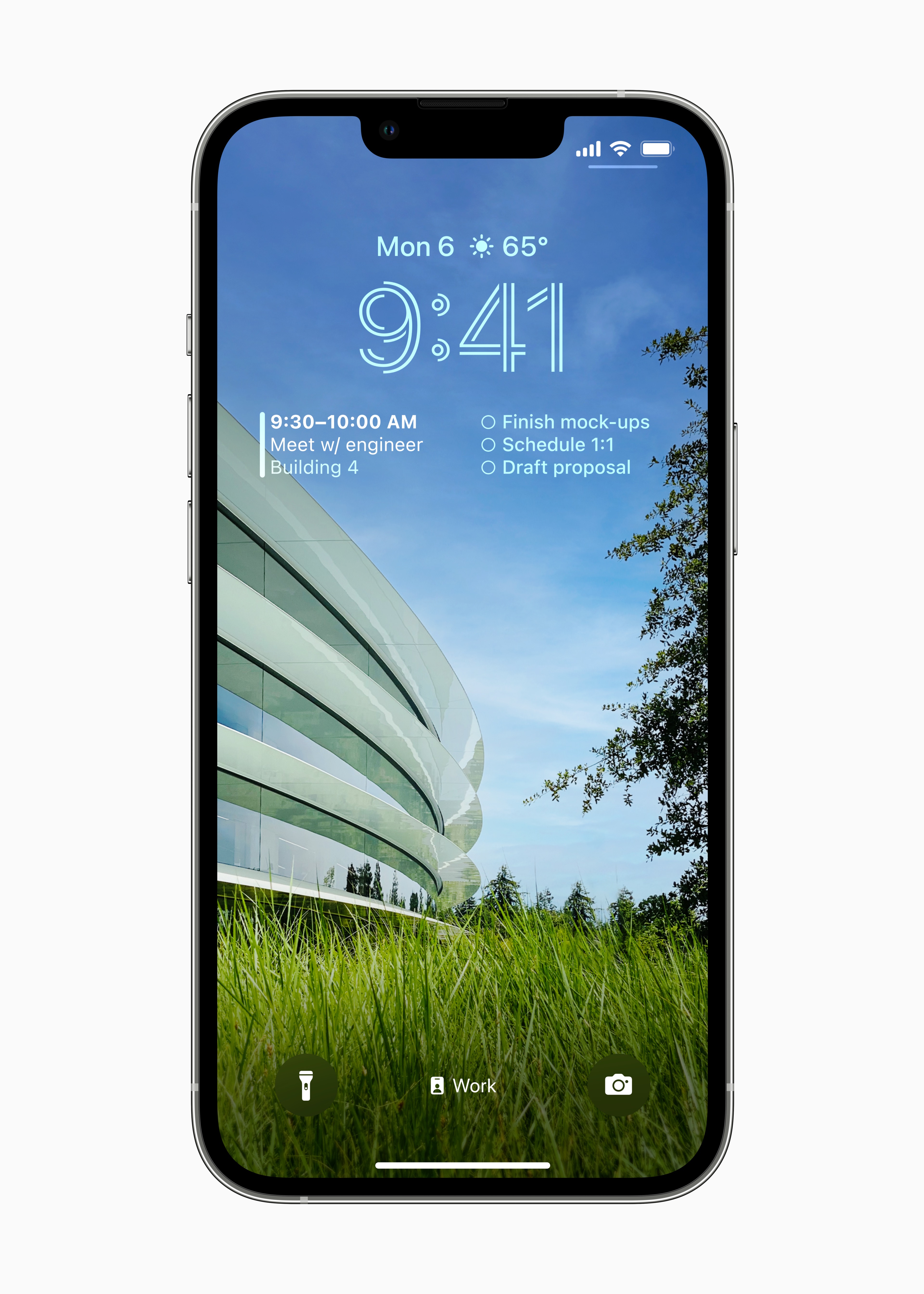
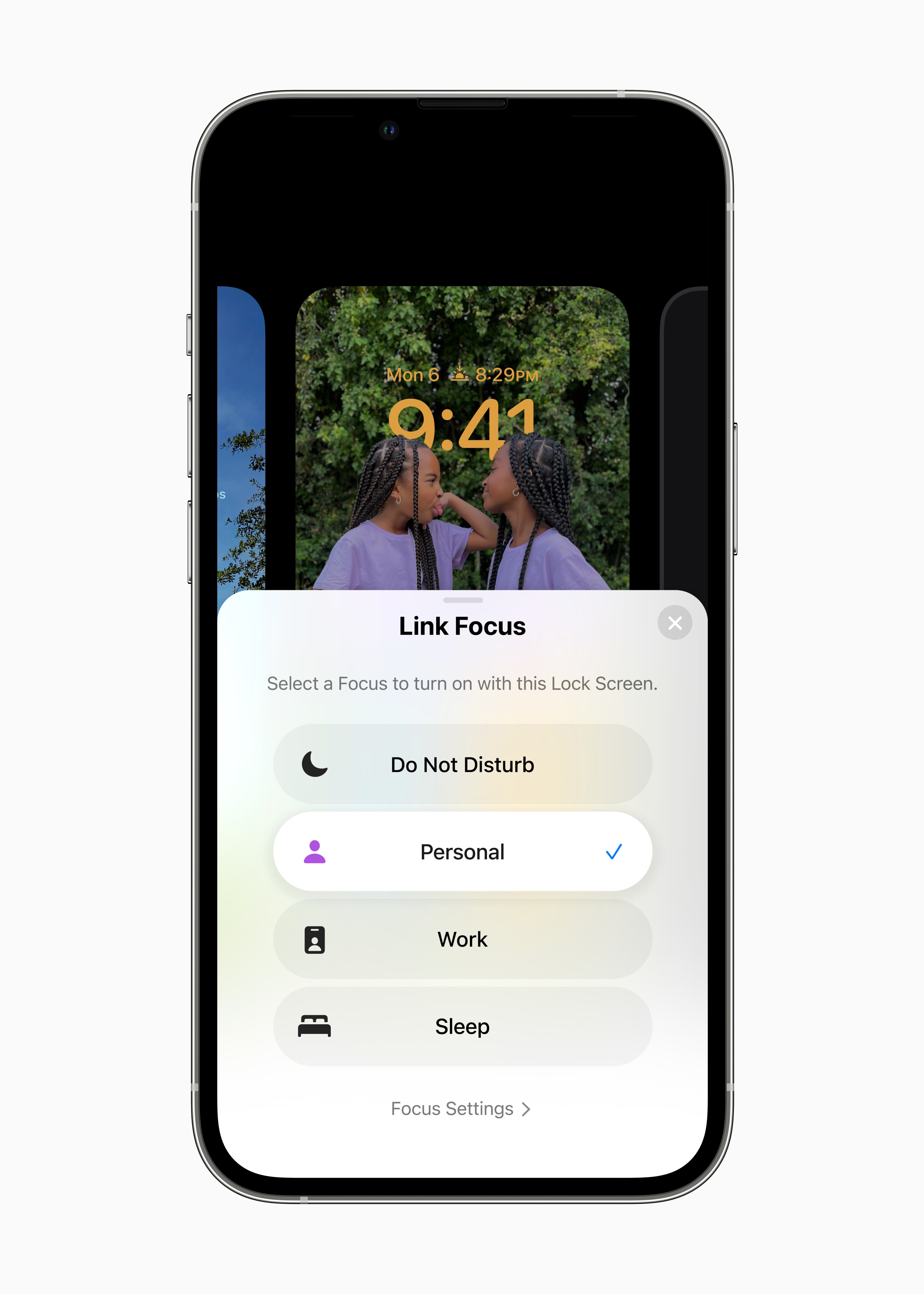
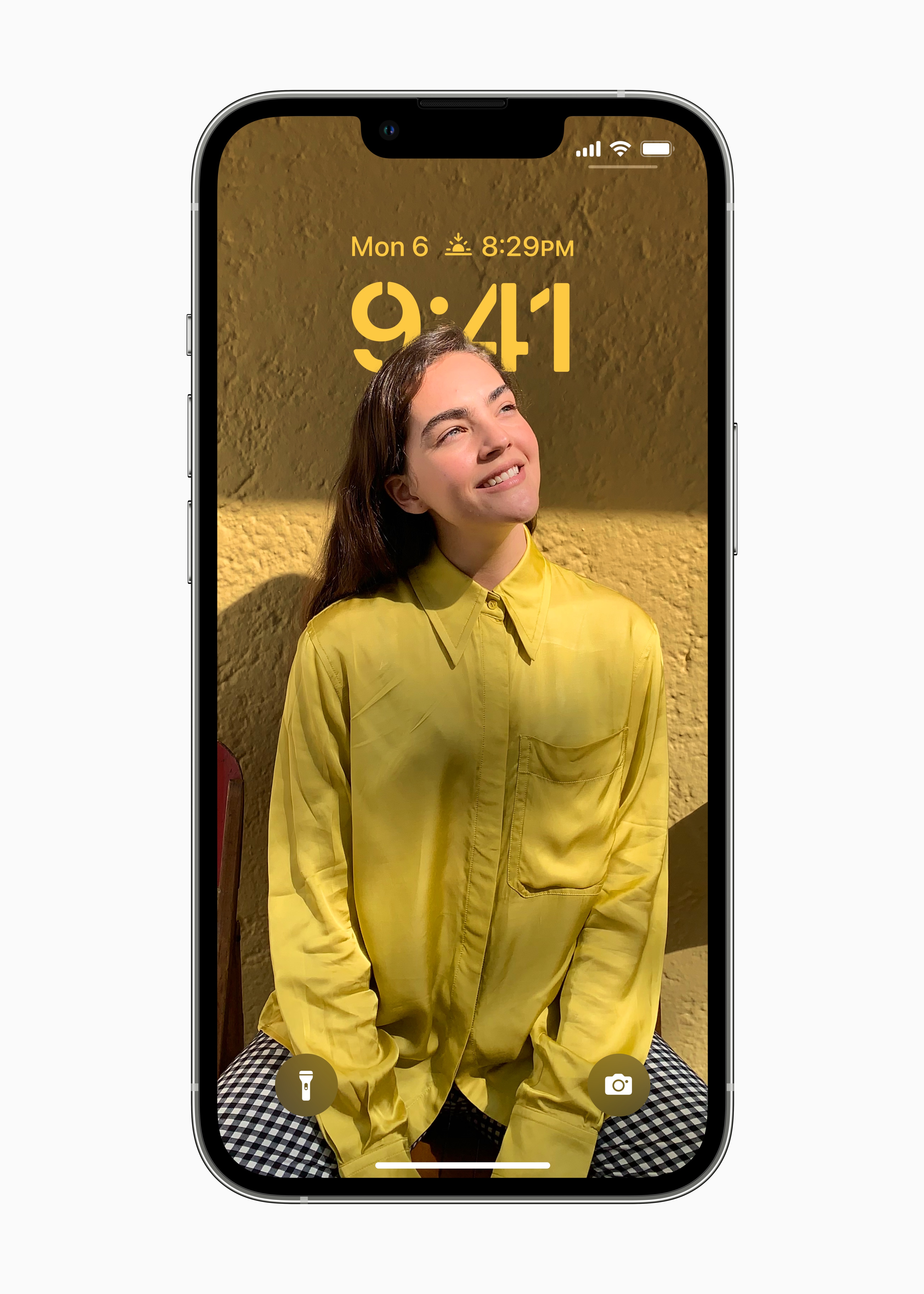
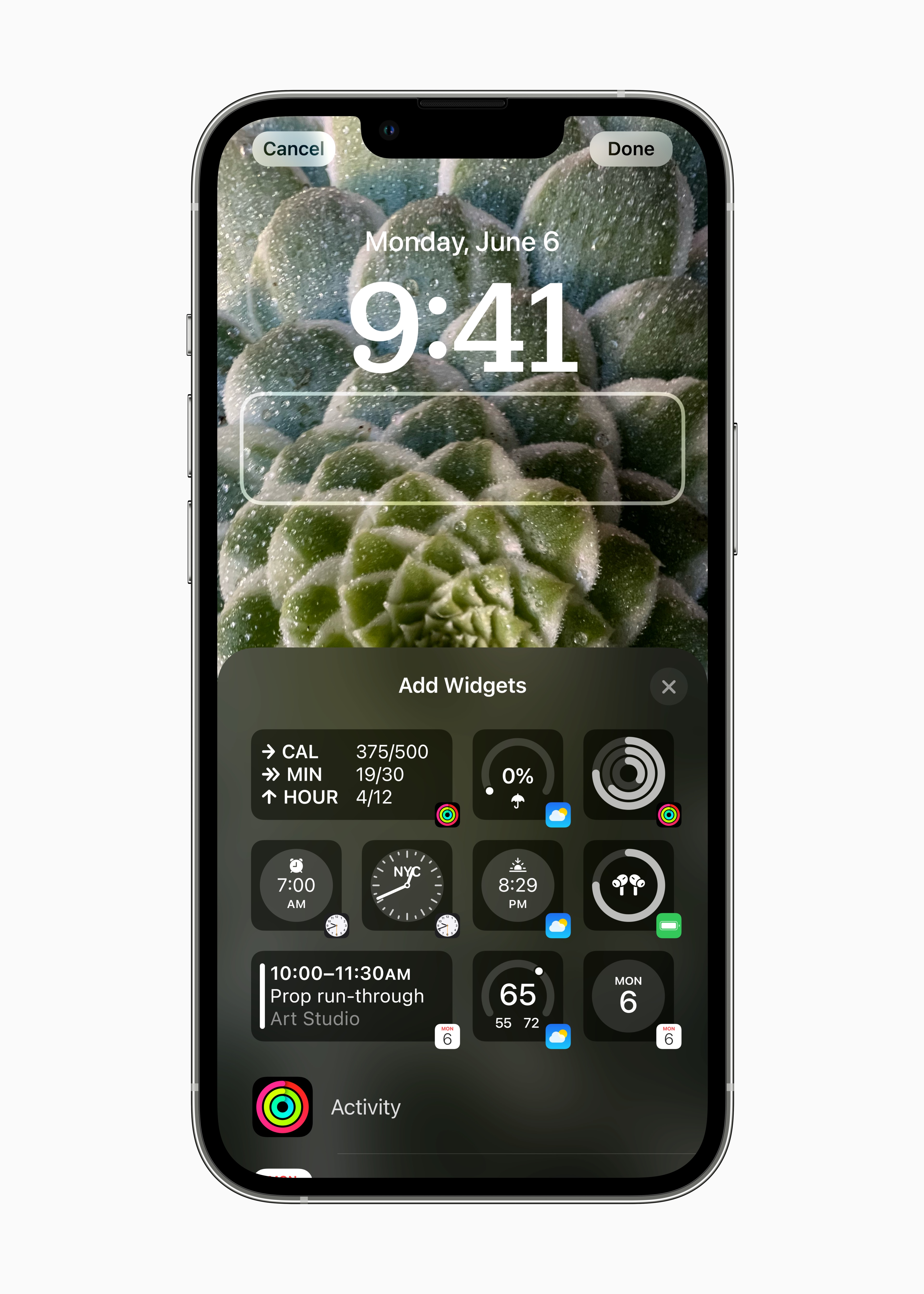
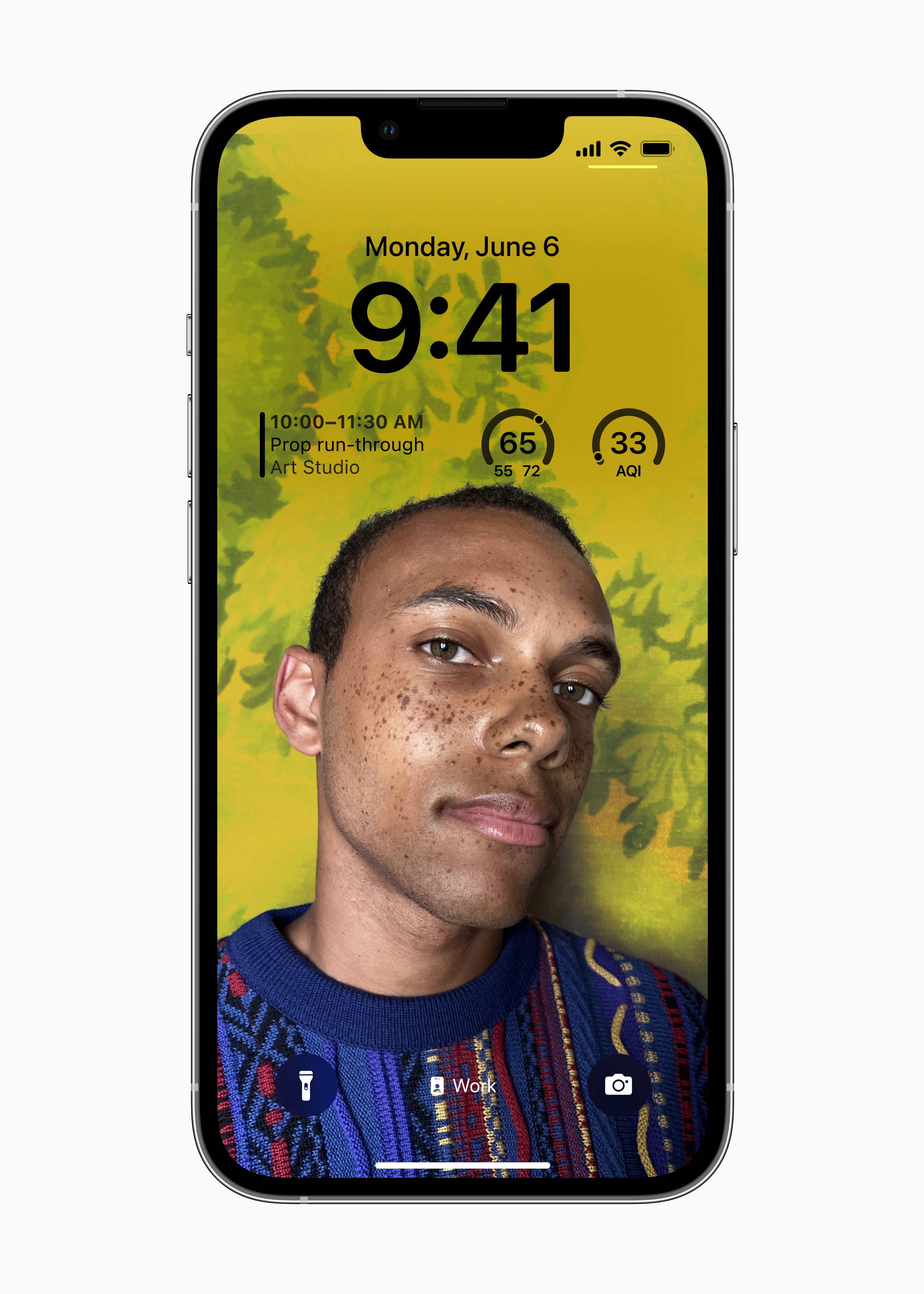
As part of the fourth beta iOS 16 is Apple also decided to slightly rework the interface for customizing the lock screen, which is now significantly more intuitive than it was before. So users will be able to customize the lock screen much better than in the first betas. Thanks to this, it can also be expected that users will really use the new product on a large scale, since it will be simply easy for them to work with it.
Another improvement
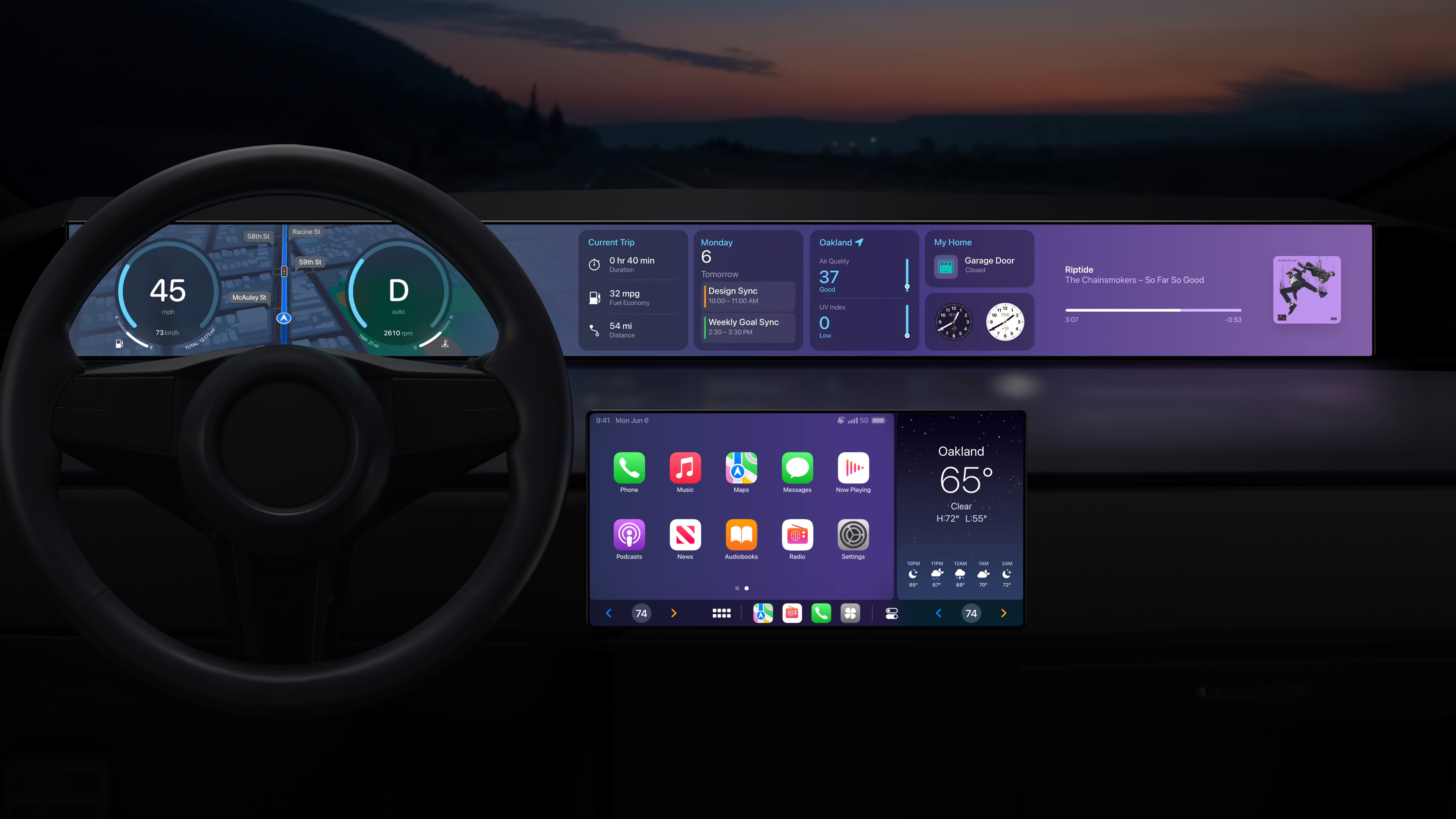
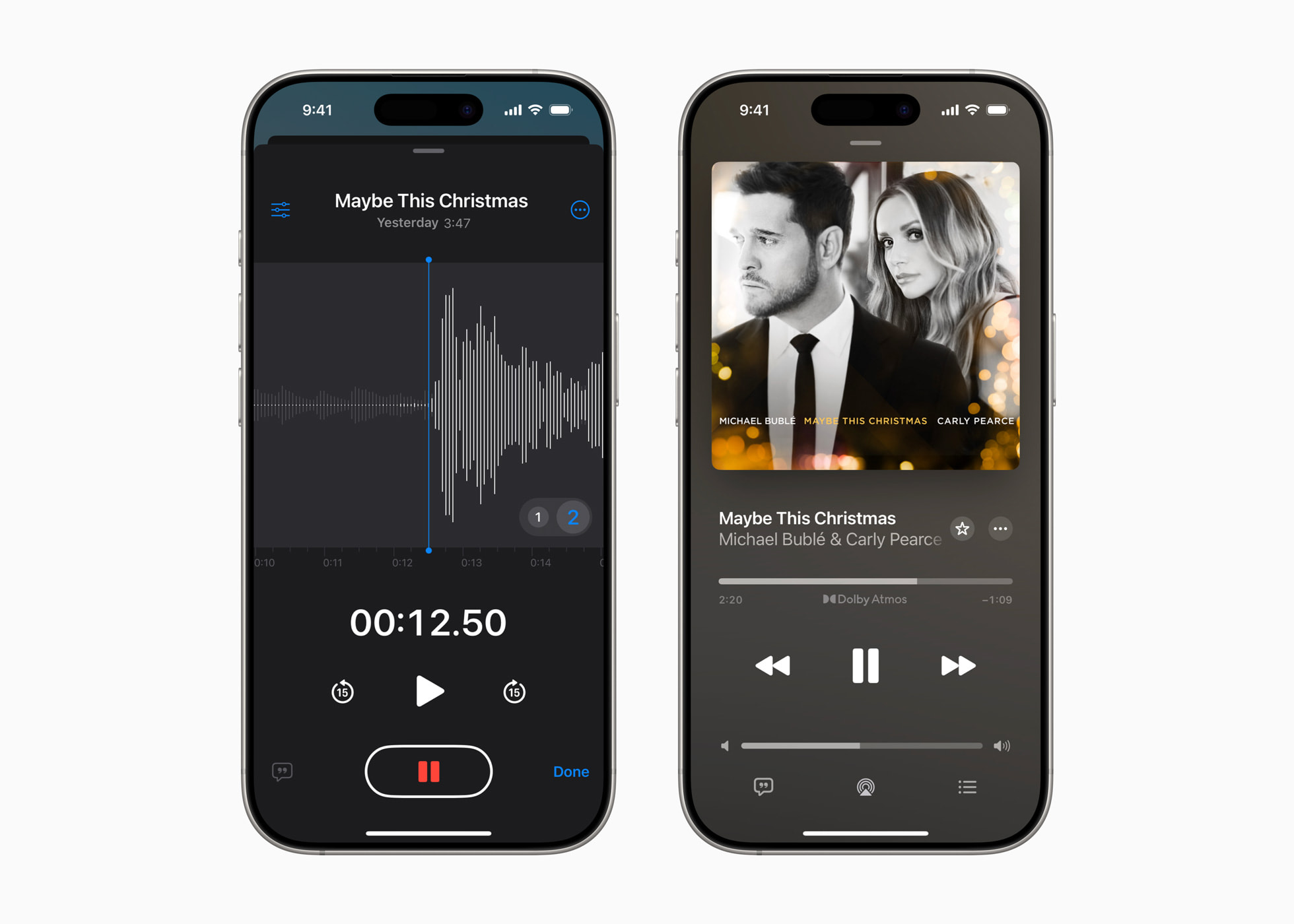
Five upgrades above Apple of course in the 4th beta iOS 16 is not over. For example, we also saw new wallpapers in CarPlay, which is based on iOS 16, then highlighting the controls Apple Music on the lock screen, fixing a number of bugs or highlighting places to add widgetin case users are adding them to the Lock Screen.
Gallery
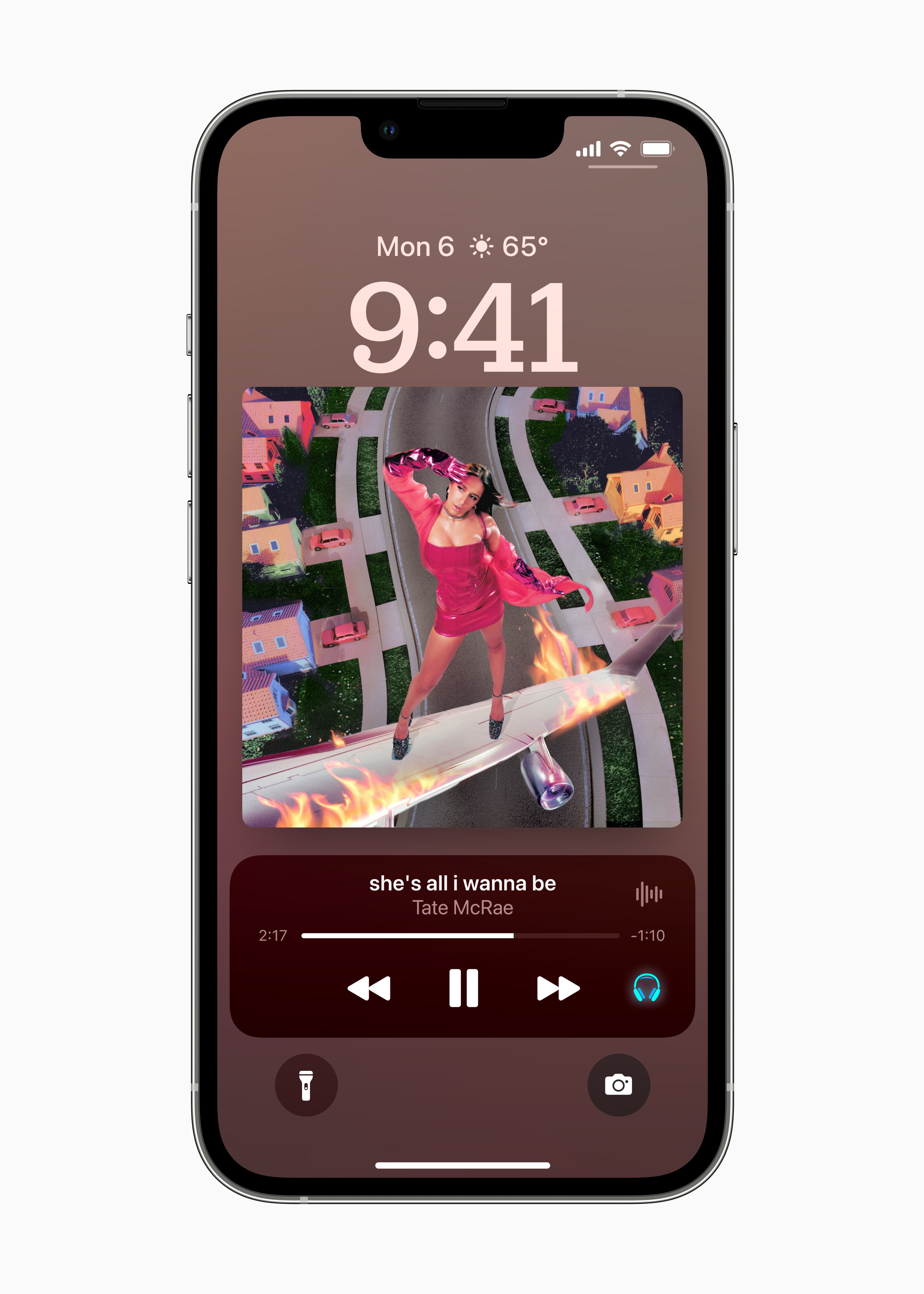





Predictive Czech keyboard, is it?
Hi, how do you like the battery life on the 16.6? beta 4? Thanks Lukas