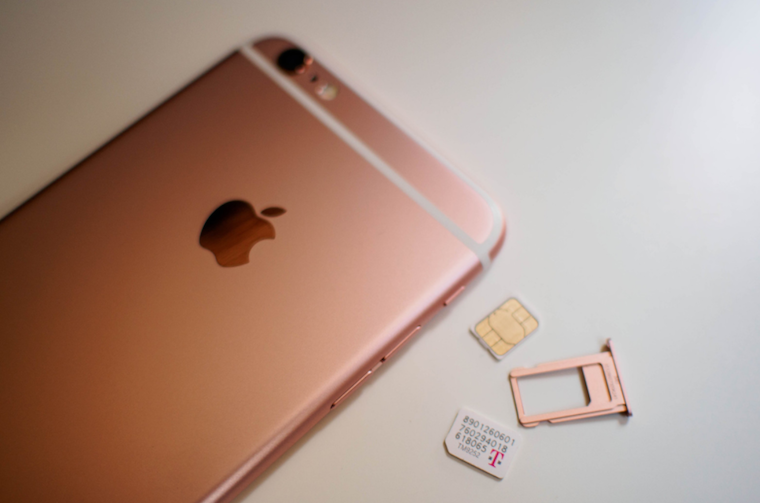
As most of you probably know, since the iPhone XS, which was introduced in 2018, you can use Apple phonesonech use Dual SIM. This means that you can have two SIM cards in your iPhone – one physical and the other eSIM, with the latest iPhones 13 you can even use two eSIMs and forget about the classic physical SIM card completely. As for the various Dual SIM options within iOS, so it's not exactly ideal and Android is unfortunately much better, as the mobile system from Applu is missing a few basic features, but the Californian giant is gradually trying to add them through updates.
You might be interested in
As iPhone change SIM card in Messages
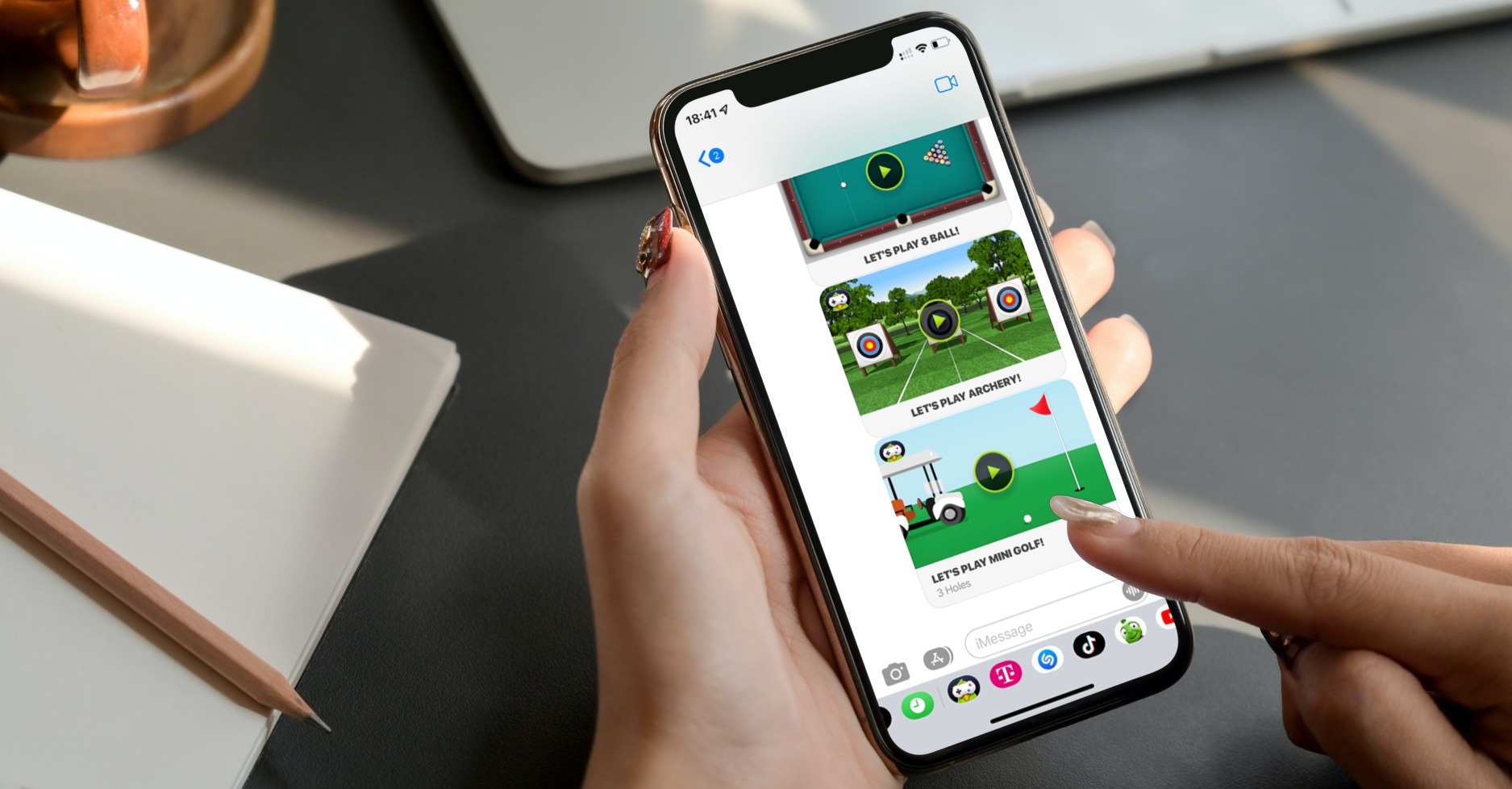
One of the new features in the field of Dual SIM usage is undoubtedly the ability to change the SIM card in Messages, in each conversation separately. This means that if you were to chatIf you need to simply replace the SIM card you are currently using, you can do so very easily. All you have to do is follow these steps:
- First, you need to go to the native app on your iPhone News.
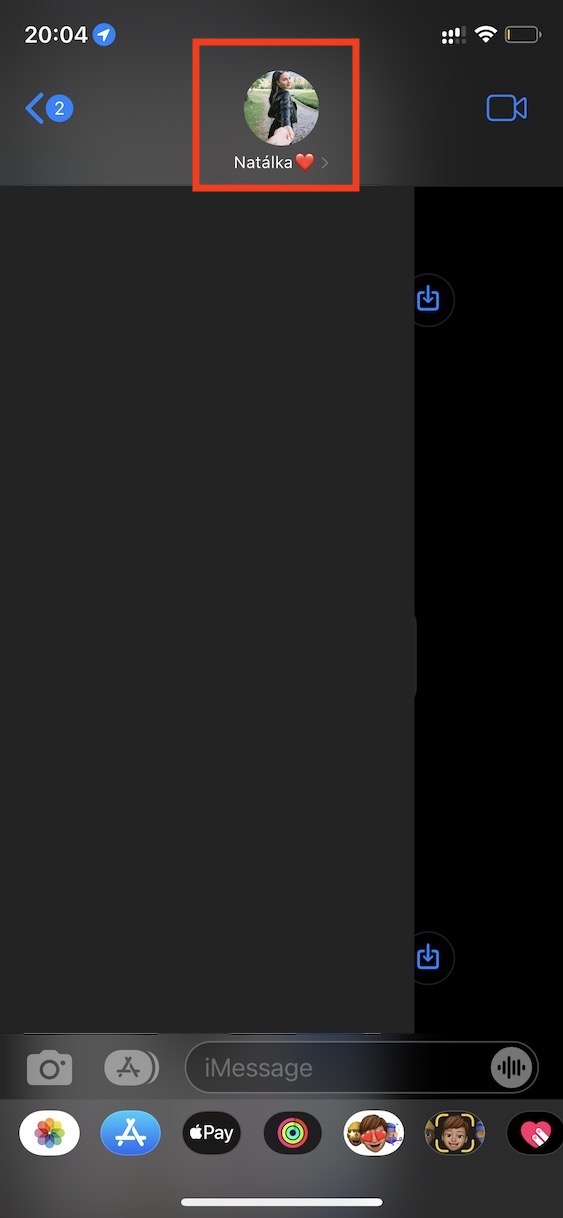
- Once you do, you are click on the conversation in which you want to change the SIM card.
- Then tap on at the top of the screen profile (photo and name) user.
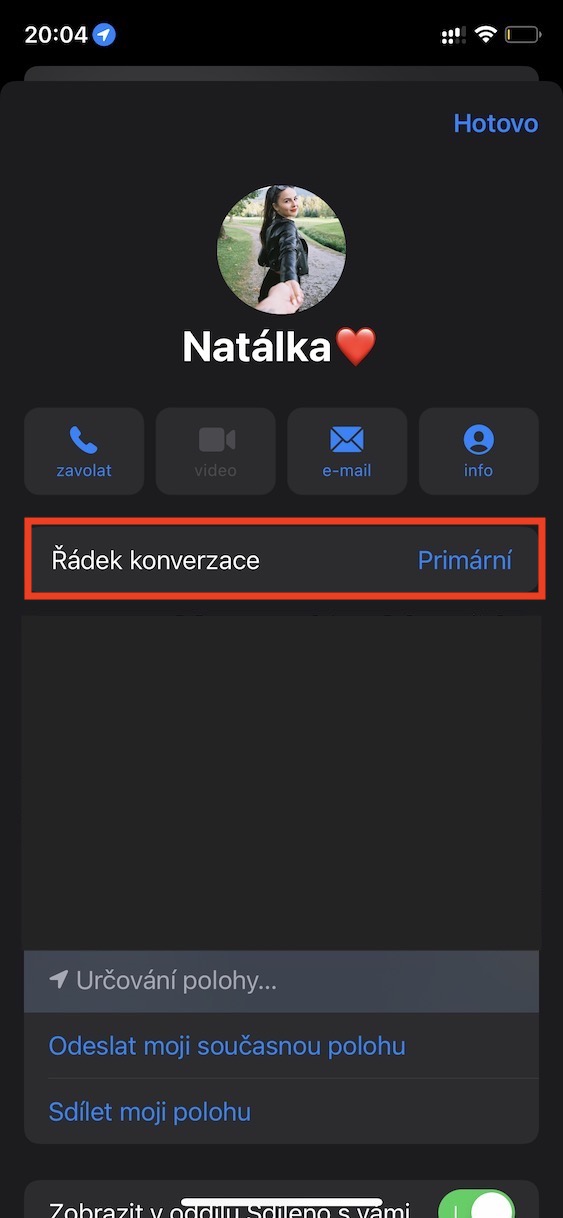
- In the menu that appears, click on the section called Conversation line.
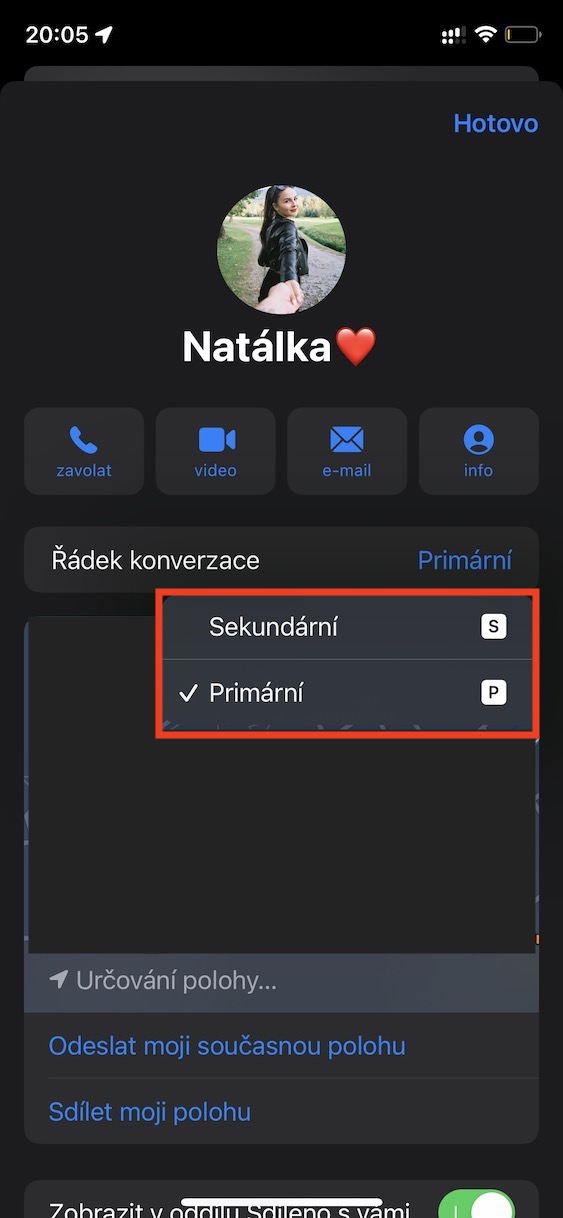
- Here, just a small menu is enough select a SIM card, which you want to use.
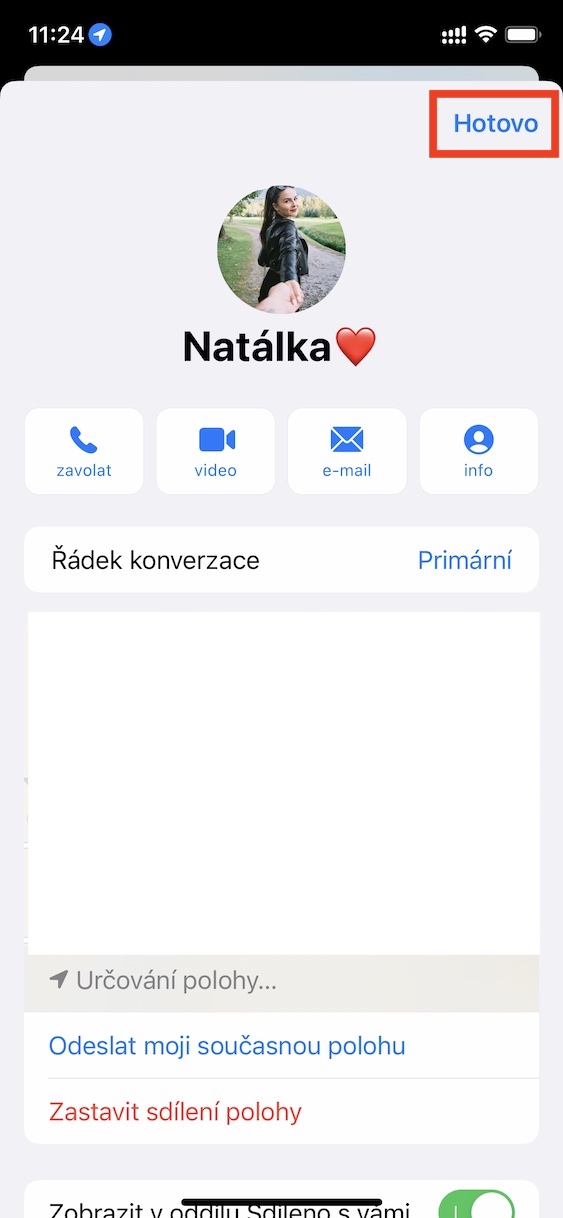
- nakonec don't forget to click the button at the top right All done.
Gallery
Using the above procedure, you can easily change the SIM cards in use on your iPhone in the Messages application. So if you ever need to change your SIM card in the future, for example due to the assignment of a work SIM, possibly because of a weak signal, etc., you now know how to do it. It's definitely nothing complicated and it's nice to see that it is Apple trying Dual SIM options in iOS expand. ProHowever, for example, we still lack the ability to set a separate ringtone for each SIM and much more, so we may see it later.